- Yaş sınırı4+
- KategoriEğitim
- GeliştiriciVentura Educational Systems
- Dillerİngilizce
- Boyut16,6 MB
Resmi App Store sayfasına bağlanır
Download.org, Interactive Geoboard için hiçbir dosya barındırmaz. Düğme, uygulamanın App Store üzerindeki sayfasını açar; uygulamayı orada Ventura Educational Systems yayınlar. Sayfanın son kontrolü: 20.11.2026.
Ekran görüntüleri

Hakkında
Geliştirici bu metni dilinizde sunmamış.
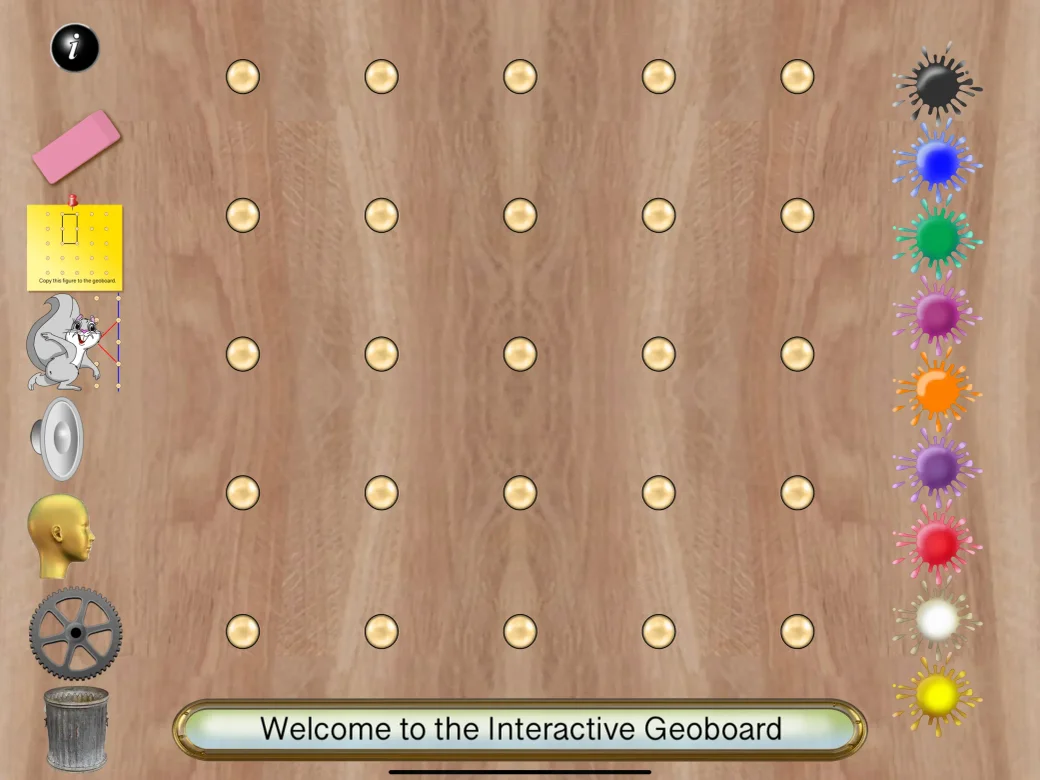
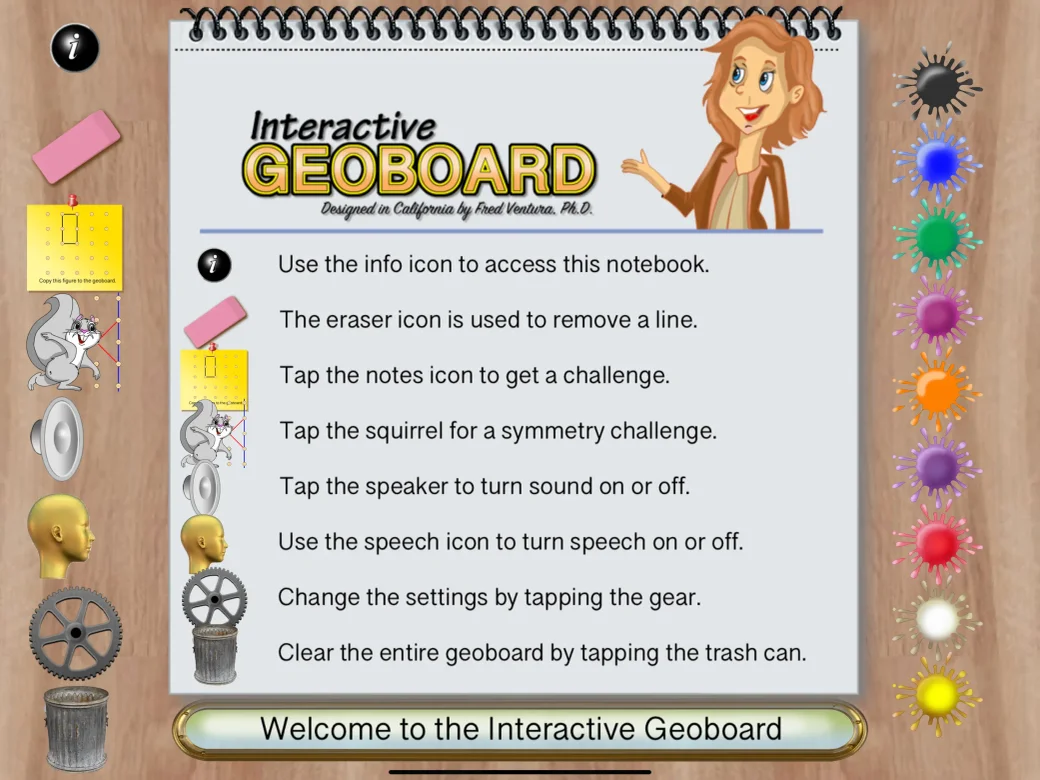
A geoboard is an important tool for teaching a variety of mathematical concepts related to geometry, measurement, symmetry, area and perimeter. Plastic geoboard are available from educational supply companies. Some kits include different color rubber bands. Most experienced teachers know the joys of handing out rubber bands to kids. Fortunately a digital geoboard is available. Our Interactive Geoboard provides a unique educational experience. The Interactive Geoboard app is different from other geoboards because it is artificially intelligent. When this geoboard app asks a student to find the perimeter or area of a figure, it knows the answer. In addition this geoboard knows how to draw symmetrical lines to create symmetrical figures.
A basic geoboard is a 5x5 array of pegs. Our interactive geoboard has three options for peg styles and also the array of pegs can be set to 5x5, 7x7 or 9x9. Nine different color options are available for the line segments to be draw on the geoboard. Using different color options is instructionally useful. It makes is possible to include color symmetry in activities that involve drawing mirror images of figures.
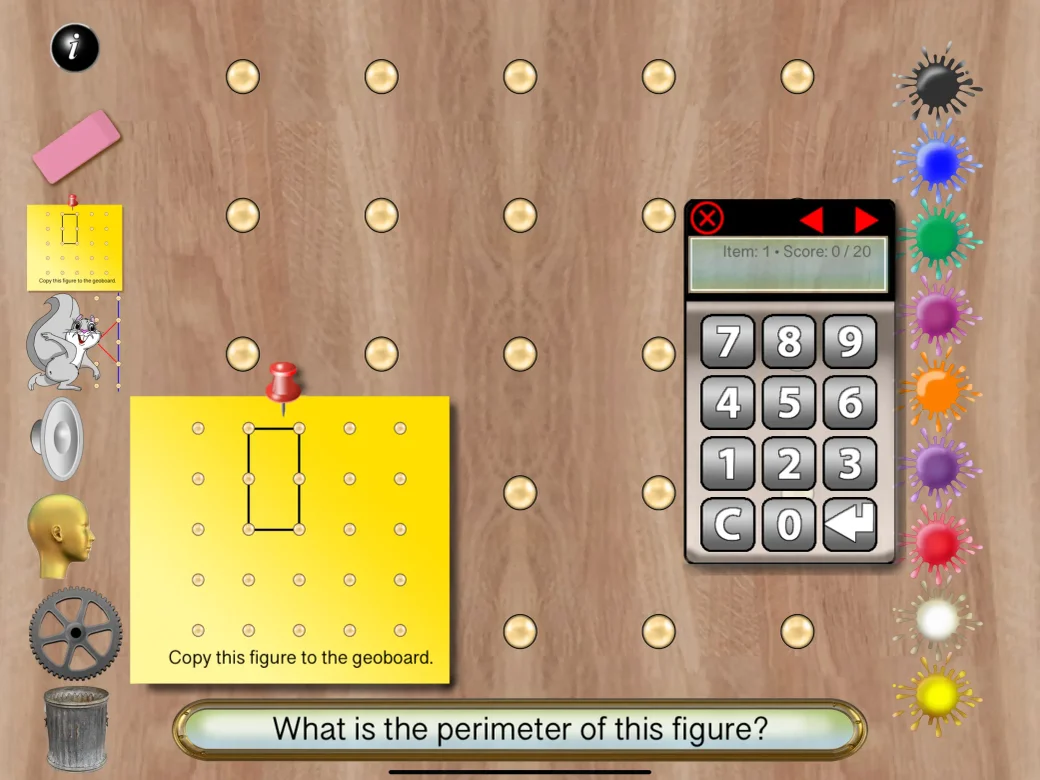
When studying perimeter and area students are asked to copy a given figure to the geoboard. Once the figure is drawn the student should use the keypad to enter the answer (either a perimeter or area).
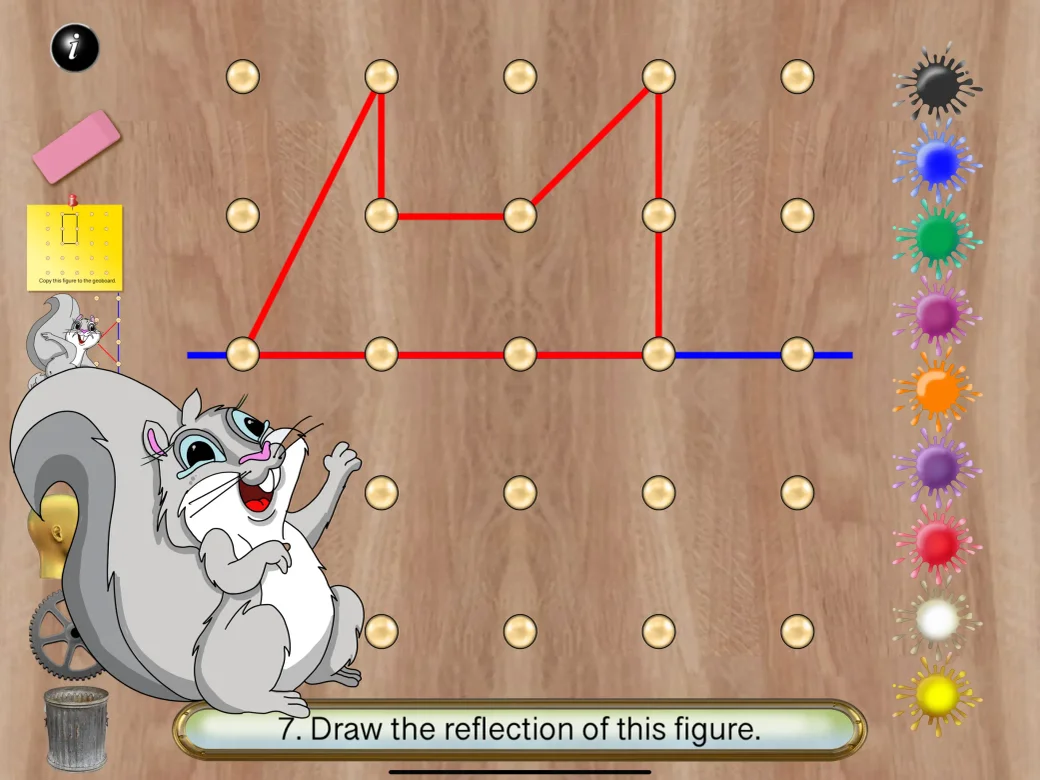
In the activities involving symmetry a blue horizontal or vertical line is presented. This line is the axis of symmetry. One side of the figure is drawn and the task for the student is to draw the reflection across the axis.
Yenilikler
Sürüm 2.0 · 12.04.2024
This version provides an update to recommended settings. It has new and improved graphic features.
Uygulama gizliliği
Bu uygulamanın verileri nasıl işlediği hakkında Ventura Educational Systems tarafından App Store üzerinde yapılan beyan.
-
Veri toplanmıyor
Geliştirici bu uygulamadan hiçbir veri toplamıyor.
Gizlilik uygulamaları, örneğin kullandığınız özelliklere veya yaşınıza göre değişiklik gösterebilir.
Bilgiler
- Satıcı
- Ventura Educational Systems
- Kategori
- Eğitim
- Sürüm
- 2.0
- Güncellendi
- 12.04.2024
- Yayın tarihi
- 04.12.2022
- Boyut
- 16,6 MB
- Gereksinim
- iOS 13.2 veya sonrası
- Yaş sınırı
- 4+
- Fiyat
- ₺99,99
- Diller
- İngilizce
- Telif hakkı
- ©2024 Ventura Educational Systems • All Rights Reserved