
- Batasan usia4+
- KategoriProduktivitas
- PengembangPLUS Corporation
- BahasaInggris+ 3 lainnya
- Ukuran14,9 MB
Tertaut ke halaman resmi App Store
Download.org tidak menyimpan file Kaite apa pun. Tombol ini membuka halaman aplikasi di App Store, tempat PLUS Corporation menerbitkannya. Halaman terakhir diperiksa pada 15/11/2026.
Tangkapan layar
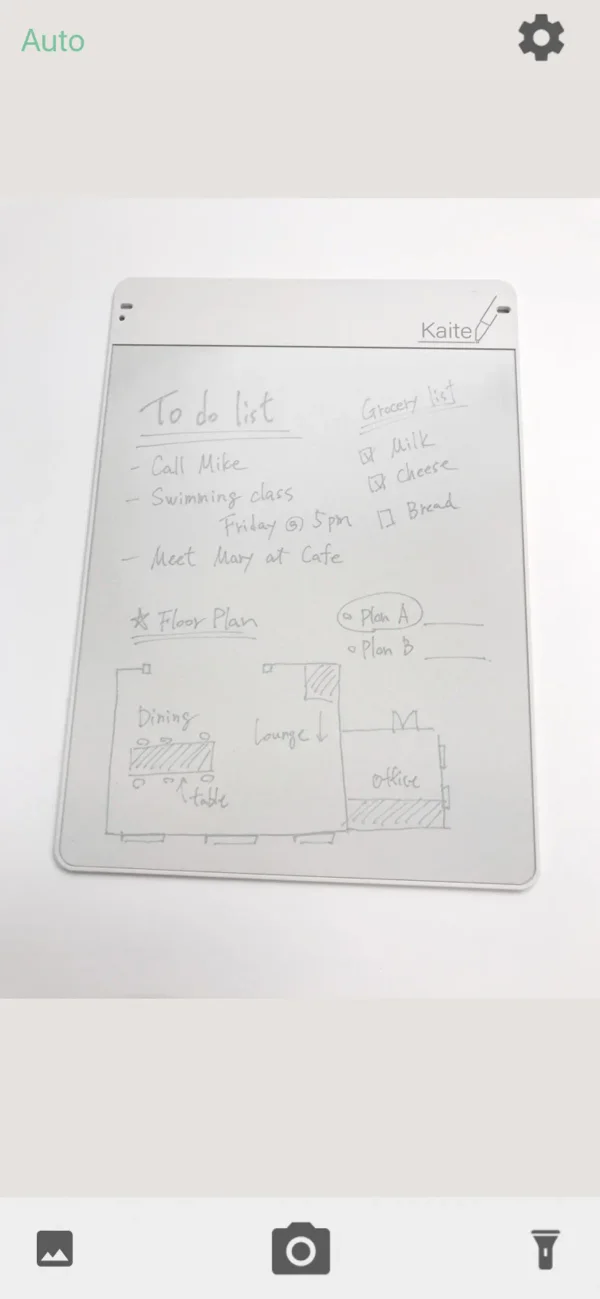
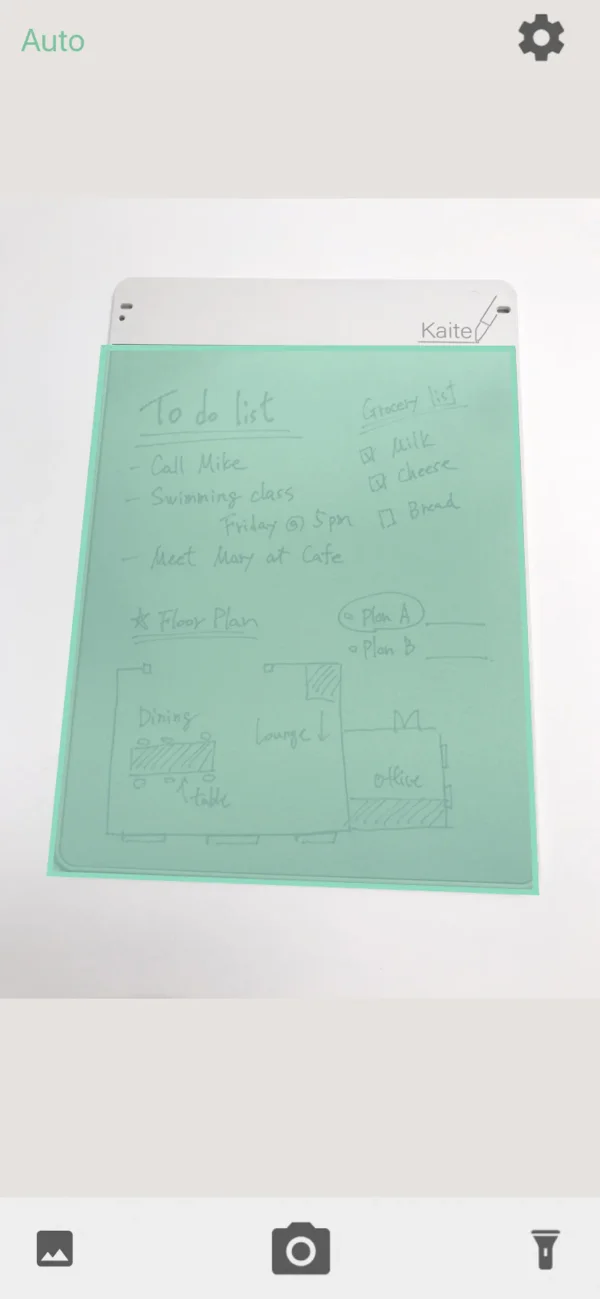
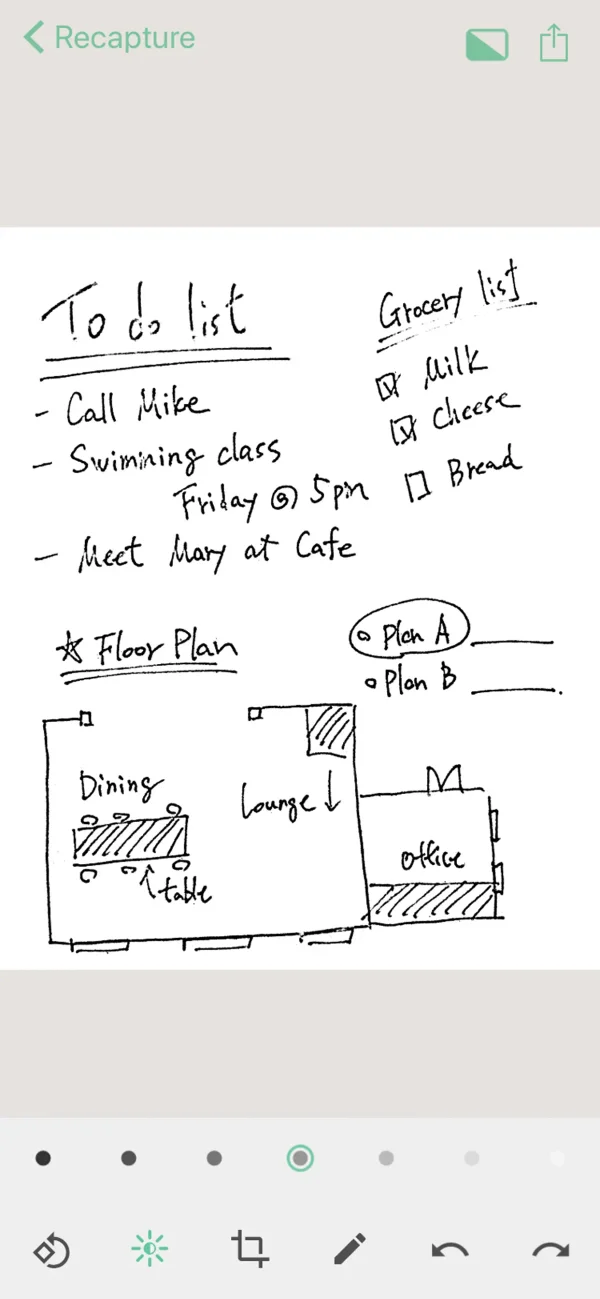
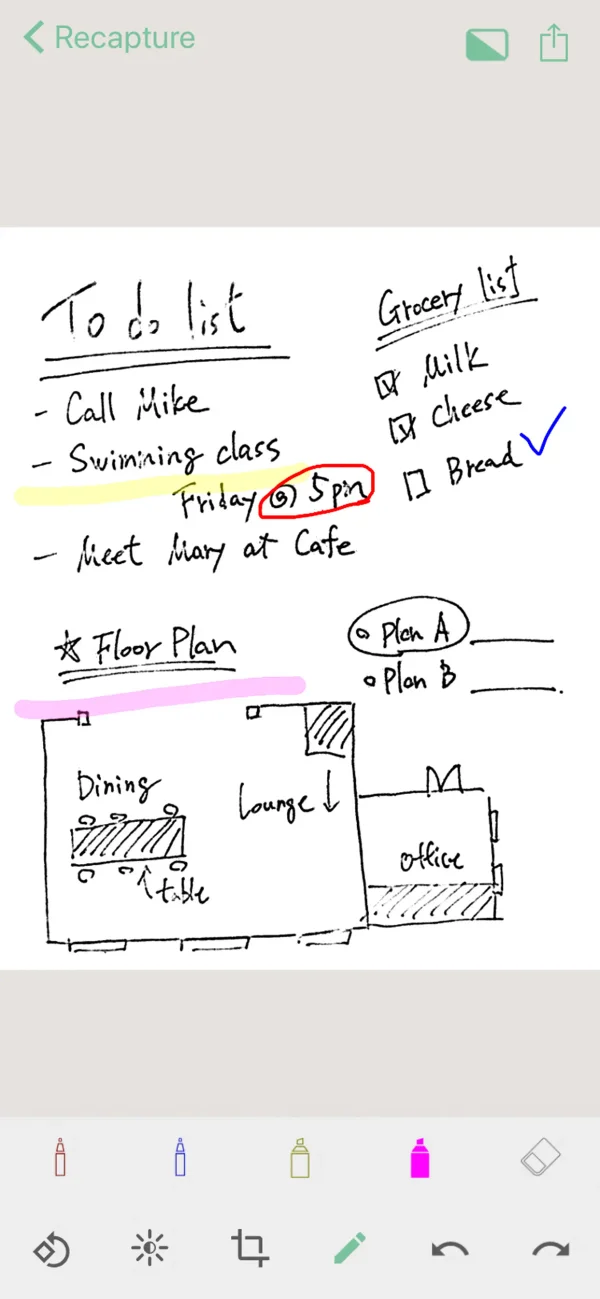
Tentang
Pengembang belum menyediakan teks ini dalam bahasa Anda.
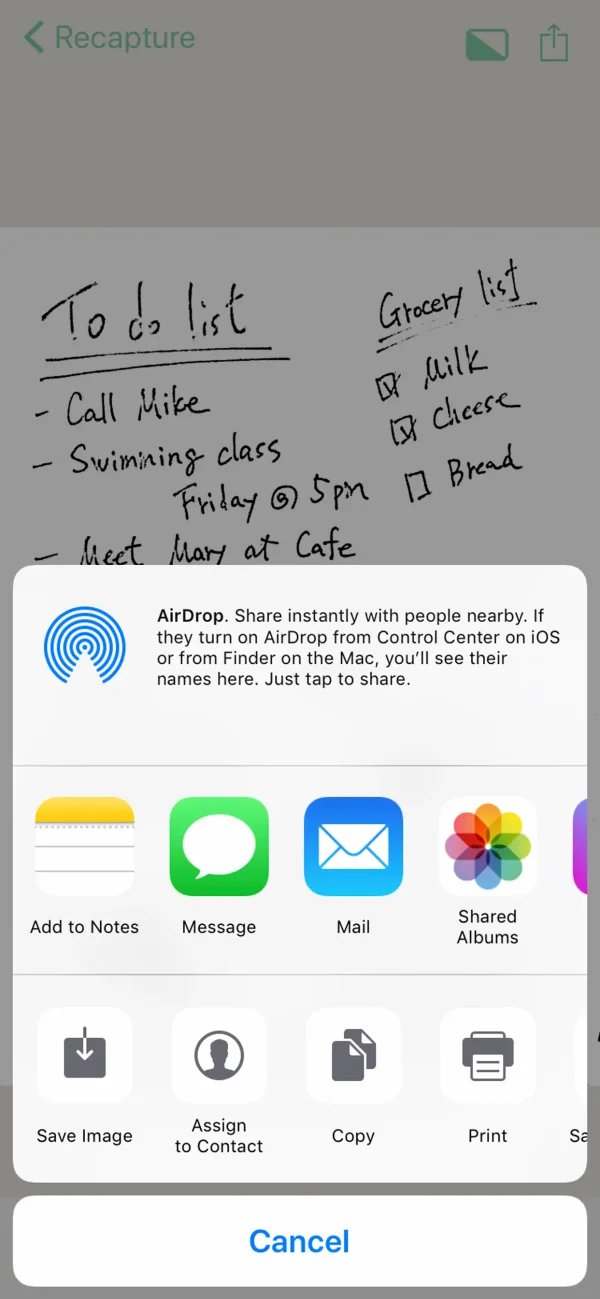
The beginning of a new memo-This app is a scan application that allows you to easily and easily digitize the content you write on the reusable magnetic memo pad Clean Note Kaite. Quickly write by hand, take a picture and digitize. Record and share memos more conveniently without wasting paper.
Easy to use. Just launch the app and shoot the Kaite itself, it automatically recognizes the writing surface, corrects the tilt, etc., and makes it easy to see and digitize cleanly. Digitized memos can be saved to the camera roll, sent to email or cloud, and easily recorded and shared.
* PLUS Clean Note Kaite is required to use the functions of this app. For details, please check our website.
https://www.plus-vision.com/jp/product/kaite/
[Main functions]
1. photograph
When the Kaite unit is placed on the shooting screen, the writing surface is automatically recognized and shot. Corrects tilt and trapezoidal distortion during shooting, and makes the data clear and easy to read.
2. Brightness / contrast adjustment
You can adjust the brightness and contrast of the correction screen to your liking.
3. trimming
You can cut out the necessary area of the corrected image.
4). Drawing tools
You can write the corrected image with a pen or marker.
5). Save format selection
You can select the image storage format as JPEG or PDF.
【Other features】
-Shooting mode setting (automatic / manual switching)
・ Rotation function
・ Help
[How to use the app]
1. Launch the app.
2. Make sure that the entire Kaite body fits on the shooting screen. The writing surface is automatically detected and shot.
3. When the correction screen is displayed, you can edit and save the brightness and contrast.
* Writing content may not be stored cleanly if the light from the lighting is reflected on the plate. Please shoot without lighting.
Yang baru
Versi 1.0.9 · 26/9/2025
Some features have been optimized and improved.
Privasi aplikasi
Yang dinyatakan PLUS Corporation di App Store tentang cara aplikasi ini menangani data.
-
Data tidak dikumpulkan
Pengembang tidak mengumpulkan data apa pun dari aplikasi ini.
Praktik privasi dapat bervariasi, misalnya berdasarkan fitur yang Anda gunakan atau usia Anda.
Informasi
- Penjual
- PLUS Corporation
- Kategori
- Produktivitas
- Versi
- 1.0.9
- Diperbarui
- 26/9/2025
- Dirilis
- 2/10/2019
- Ukuran
- 14,9 MB
- Memerlukan
- iOS 15.6 atau yang lebih baru
- Batasan usia
- 4+
- Harga
- Gratis
- Bahasa
- Inggris, Jepang, Tionghoa Sederhana, Tionghoa Tradisional
- Hak cipta
- © 2019 PLUS Corporation
Mungkin Anda juga suka
-
 FirstSeed PlannerKalender, catatan & to-do
-
 チョイリマProduktivitas
-
 SlideMemo 左右のスワイプ操作でメモを管理・簡単整理Produktivitas
-
 Simple Memo - Obsidian VoiceProduktivitas
-
 PottLoood - NotebookProduktivitas
-
 Shin JorteProduktivitas
-
 months - Vertical CalendarProduktivitas
-
 MandalaManager: Grid 3x3 9x9Aplikasi resmi Mandalachart
-
 SHOT DOCSProduktivitas
-
 FirstSeed NotesProduktivitas