
Long Image Maker
Make Pinterest tower collage
Dirancang untuk iPhone, iPad, Mac, iPod touch
Gratis · Pembelian dalam aplikasi
- Batasan usia4+
- KategoriFoto & Video
- Pengembang奇志 熊
- BahasaInggris+ 18 lainnya
- Ukuran13,5 MB
Tertaut ke halaman resmi App Store
Download.org tidak menyimpan file Long Image Maker apa pun. Tombol ini membuka halaman aplikasi di App Store, tempat 奇志 熊 menerbitkannya. Halaman terakhir diperiksa pada 12/11/2026.
Tangkapan layar
Tentang
Pengembang belum menyediakan teks ini dalam bahasa Anda.
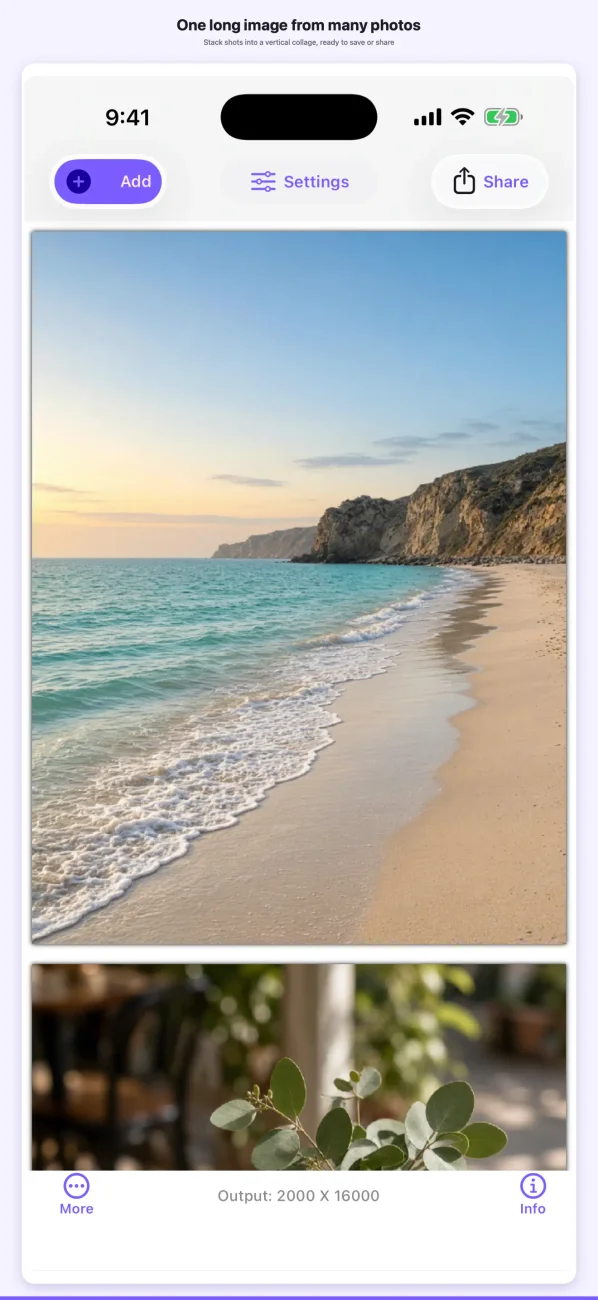
Long Image Maker turns a stack of photos or short clips into one long image, a grid, or a video collage.
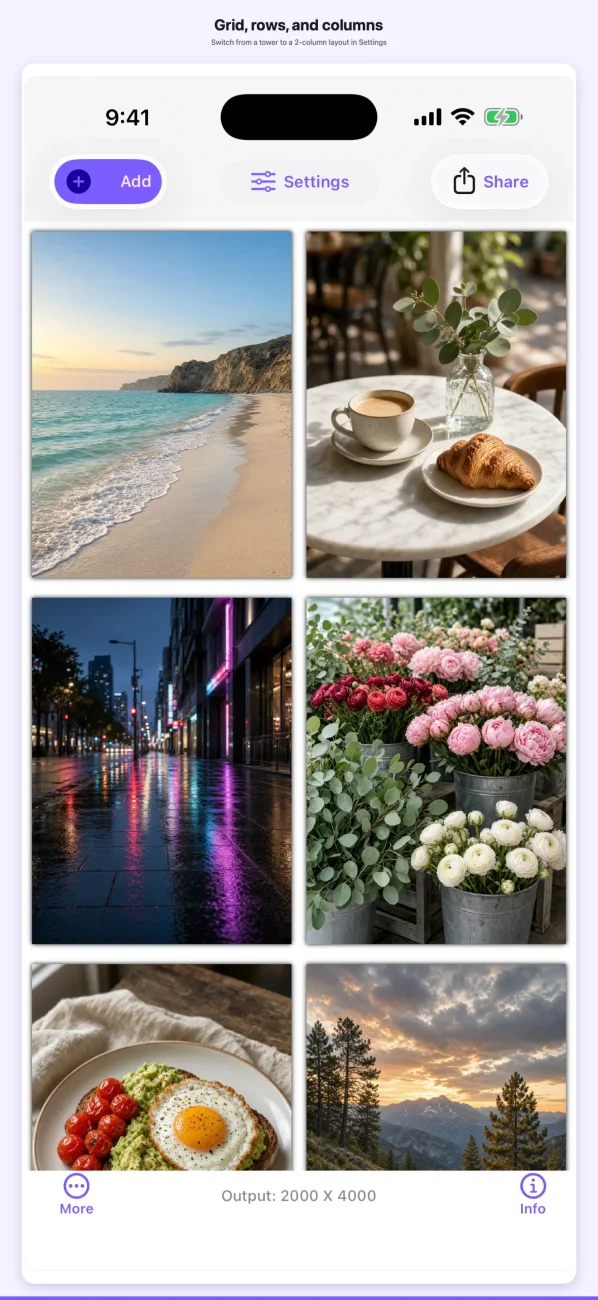
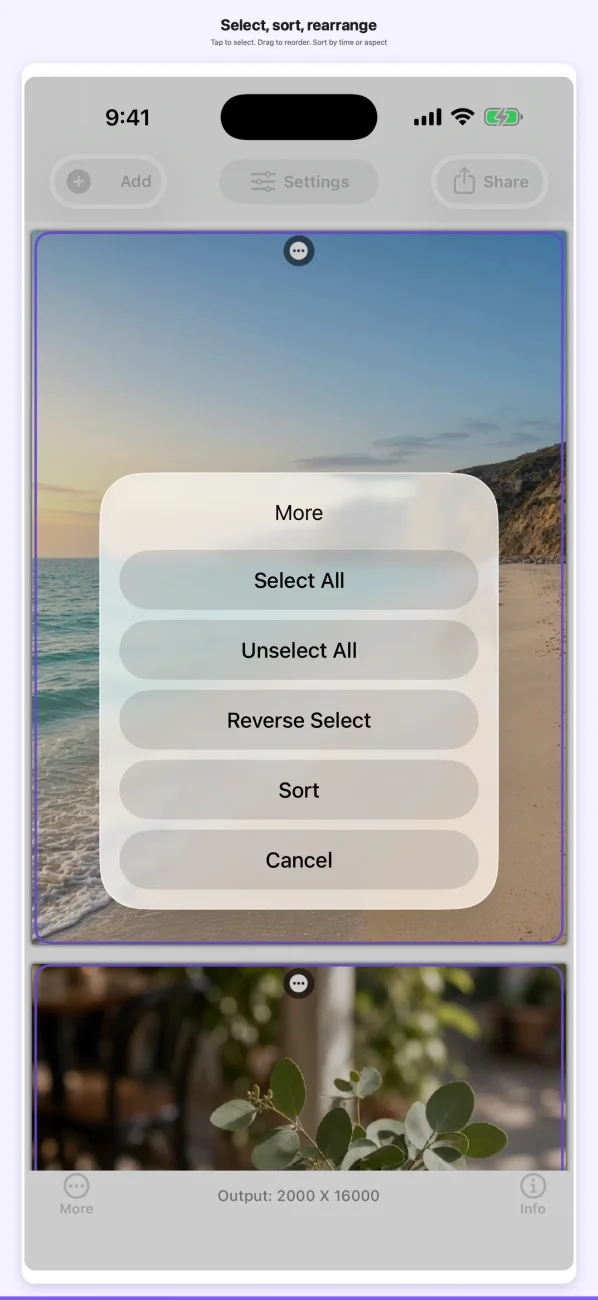
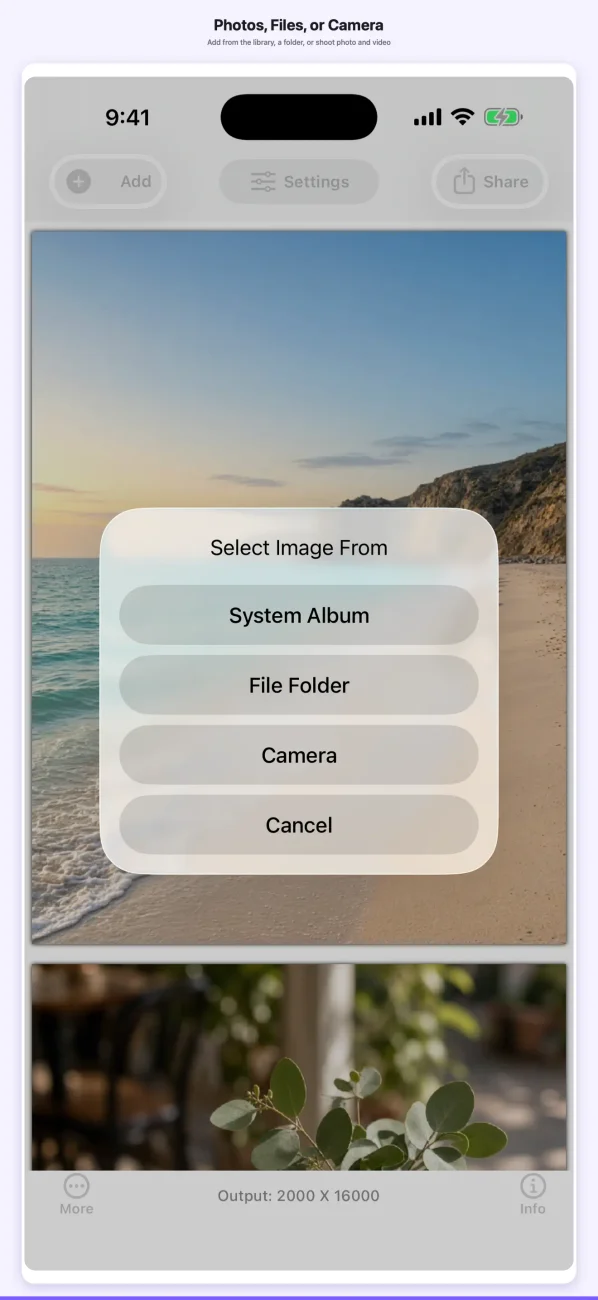
Add from Photos, Files, or the camera. The camera can take photo and video and saves the original to Photos. Arrange tiles into a vertical tower or a multi-column grid. Tap to select. Drag to reorder. Sort by time or aspect ratio.
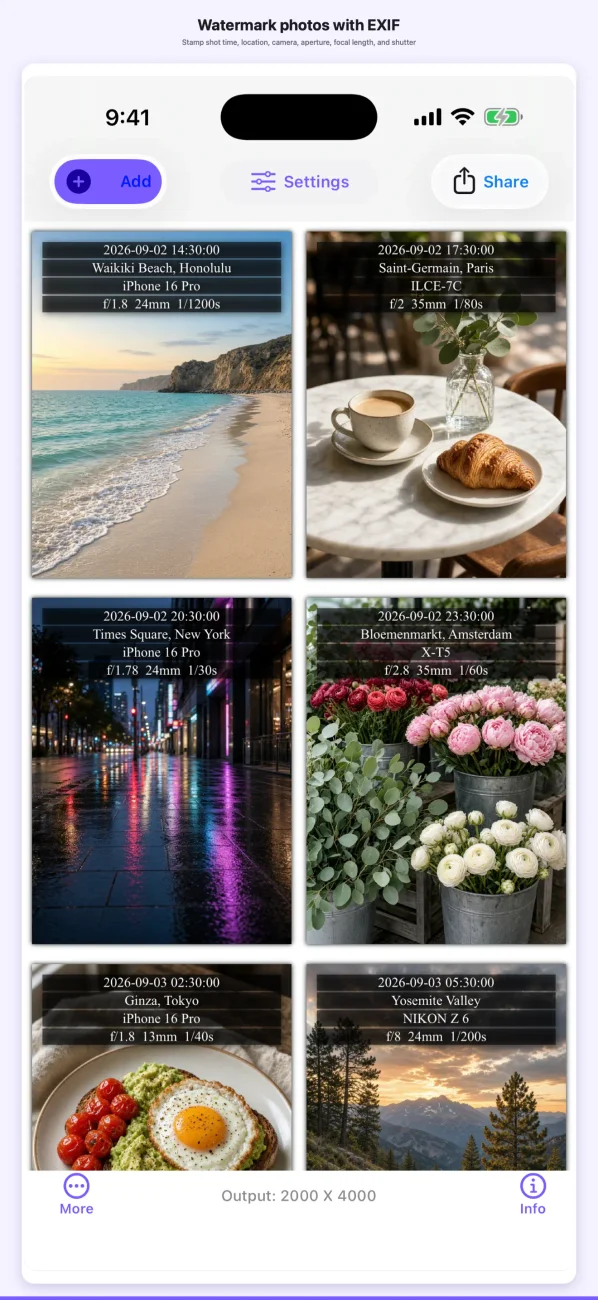
Stamp shot time, location, file name, or your own text. Crop a tile. Save the collage, share it, export selected photos, or create a PDF. Scanner mode lightens page backgrounds so printouts use less ink.
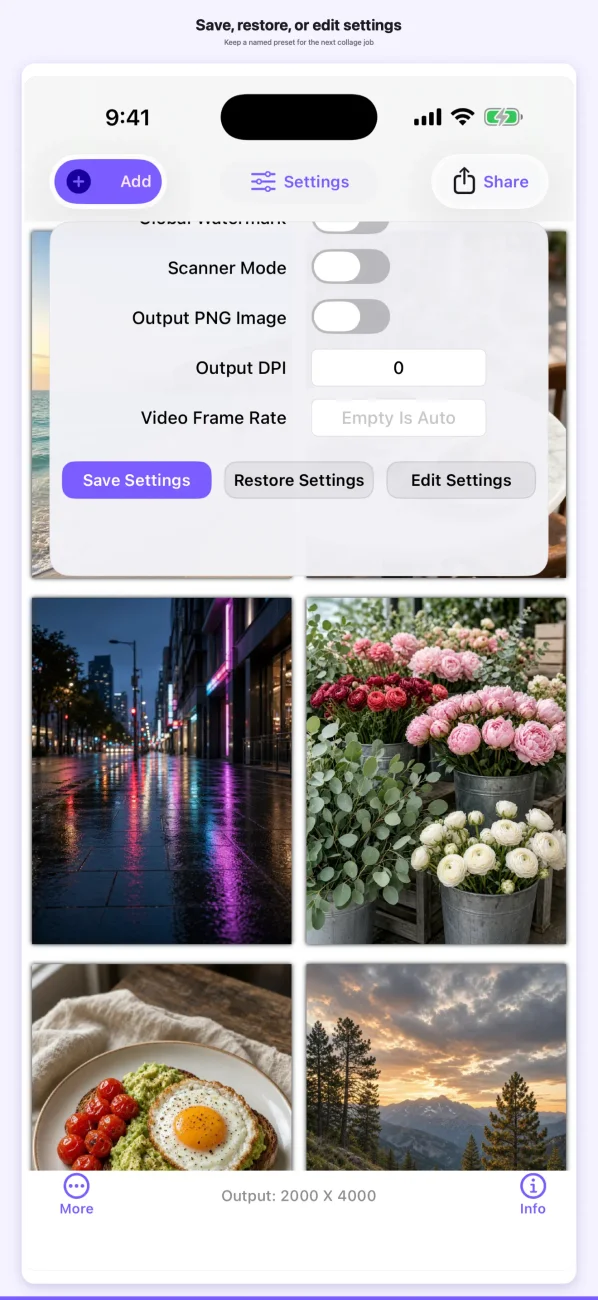
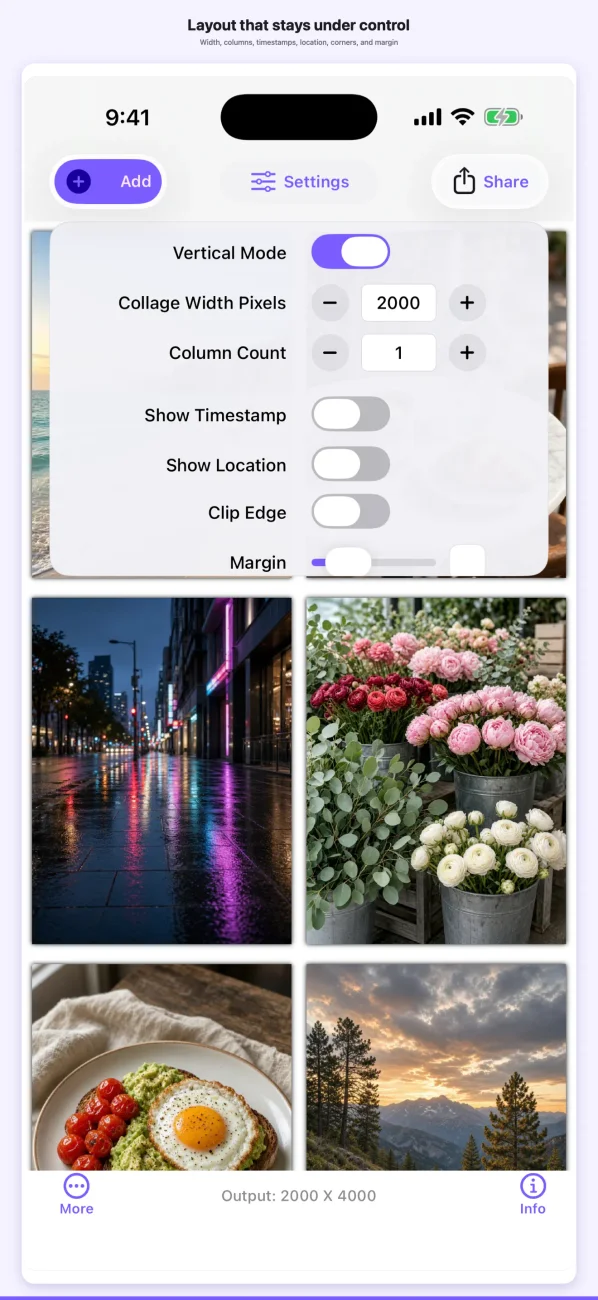
Settings for width, columns, corners, margin, shadow, background pattern, and watermarks can be saved as named presets and restored later.
HOW IT WORKS
1. Tap Add. Choose System Album, Camera, or File Folder.
2. Stack photos into a long image, or set columns in Settings.
3. Optional: turn on timestamps, add a watermark, or crop a tile.
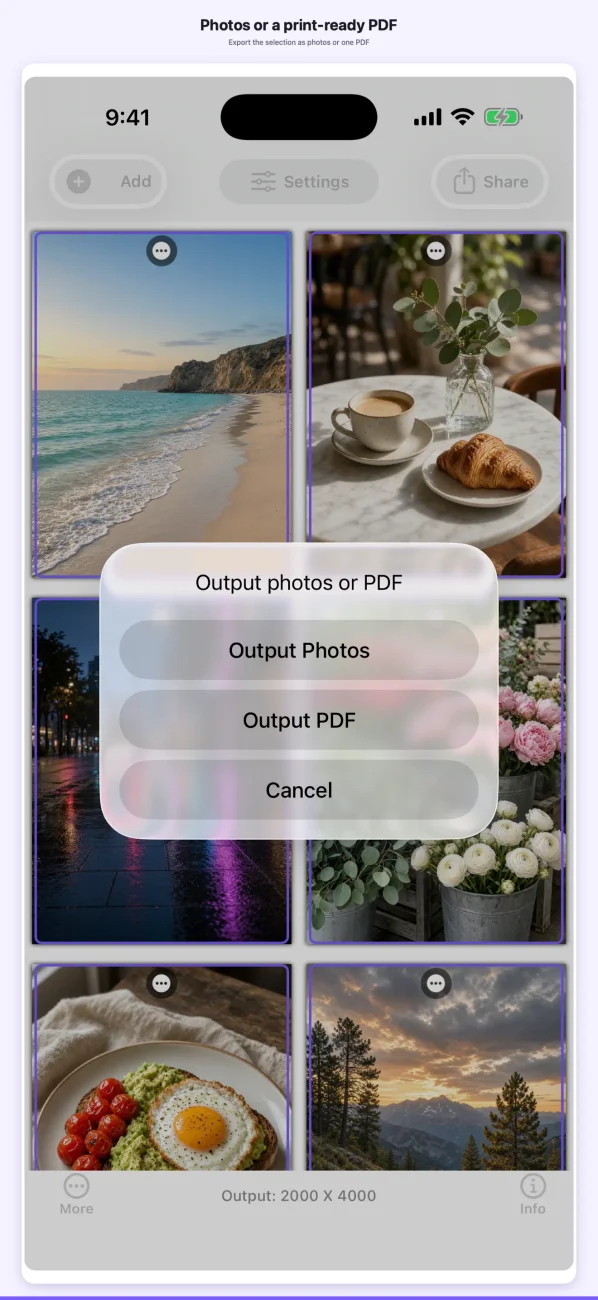
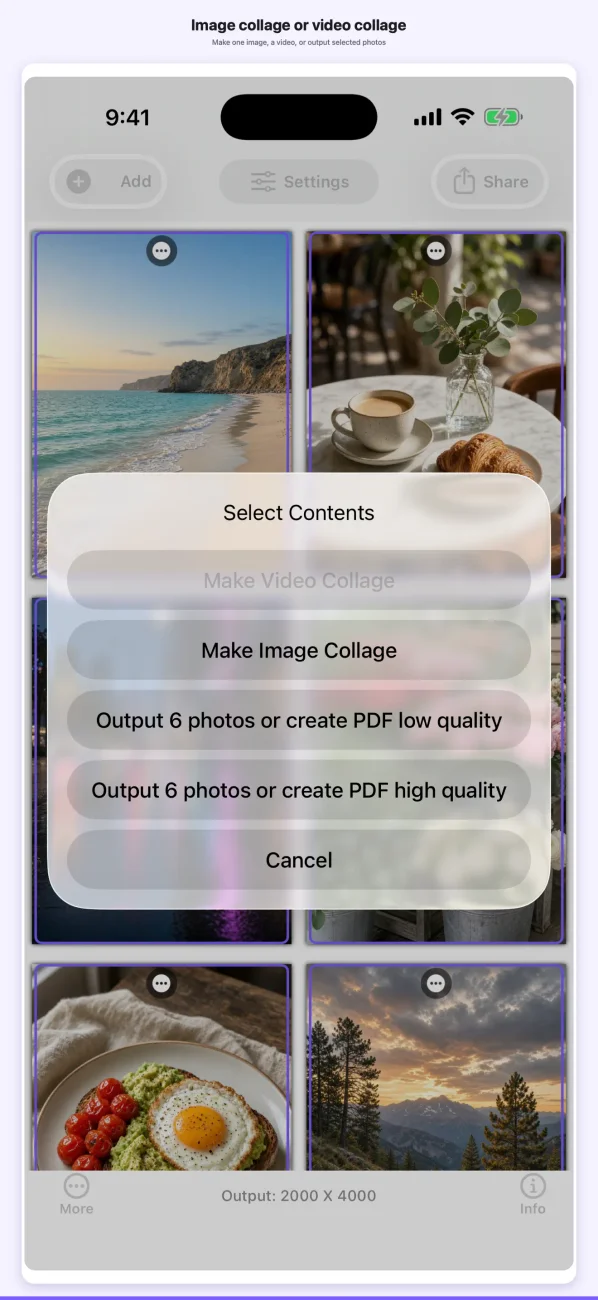
4. Tap Share. Make an image collage, a video collage, or output photos / PDF.
WHAT YOU CAN MAKE
• A vertical long image for Messages, Mail, or social posts
• A multi-column photo grid
• A video collage from clips you add
• Individual photos with new text, or a multi-page PDF
• Origin color or scanner-style pages
GESTURES
• Tap to select or deselect
• Drag selected tiles onto another tile to insert them
• Long-press a tile to crop (one image or the current selection)
SETTINGS PRESETS
Save the current collage style. The default name is collage width, column count, and the time you tapped Save. Restore or edit that list later.
LITE AND FULL
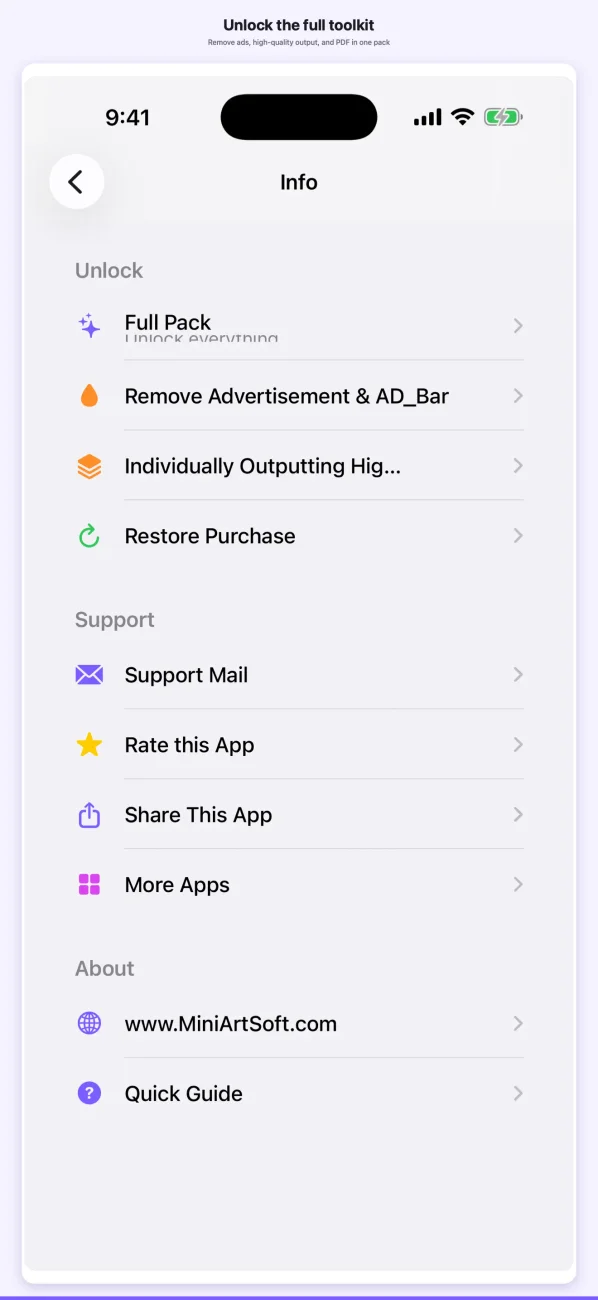
The app is free to start. Ads may appear. Full Pack (In-App Purchase) removes ads and the output watermark, and unlocks high-quality photo and PDF output. Remove Advertisement and Individually Outputting High Quality Pack are also sold separately.
Yang baru
Versi 8.0.0 · 14/9/2026
new features:
-add photo and video to collage by Camera in real time
-available to save/restore/edit settings
-new UI
bug fixes:
-video frame drop on outputting video-collage
improvements:
-speed up video-collage encoding
Privasi aplikasi
Yang dinyatakan 奇志 熊 di App Store tentang cara aplikasi ini menangani data.
-
Data yang digunakan untuk melacak Anda
Dapat digunakan untuk melacak Anda di aplikasi dan situs web milik perusahaan lain.
- Pengenal
-
Data yang tidak ditautkan dengan Anda
Dapat dikumpulkan, tetapi tidak ditautkan dengan identitas Anda.
- Pengenal
Praktik privasi dapat bervariasi, misalnya berdasarkan fitur yang Anda gunakan atau usia Anda.
Informasi
- Penjual
- 奇志 熊
- Kategori
- Foto & Video
- Versi
- 8.0.0
- Diperbarui
- 14/9/2026
- Dirilis
- 7/12/2016
- Ukuran
- 13,5 MB
- Memerlukan
- iOS 15.6 atau yang lebih baru
- Batasan usia
- 4+
- Harga
- Gratis
- Pembelian dalam aplikasi
- Ya
- Bahasa
- Inggris, Arab, Belanda, Prancis, Jerman, Hindi, Bahasa Indonesia, Italia, Jepang, Korea, Polski (Polandia), Portugis + 7 lainnya
- Hak cipta
- © MiniArtSoft
Mungkin Anda juga suka
-
 Collage Maker - Photo stitcherFoto & Video
-
 GOODTV+ 好消息電視台Foto & Video
-
 Kolase fotoSimpan atau cetak kolase
-
 Photo Splash photo editor appFoto & Video
-
 Kolase Foto & Perfect ImageTeks di Foto & Editor Foto
-
 Kolase Foto Pembuat KolaseKolase & Foto Editor
-
 Pic Collage Editor: EasyPicFoto & Video
-
 Mixgram - Foto Grid & kolaseCrop foto, Pembuat, Gambar
-
 Kolase Foto - Foto GridPhoto Editor,Tata Letak,Layout
-
 Pic Stitch - Collage Editor# 1 Foto dan Video Collage App