Long Image Maker
Make Pinterest tower collage
Được thiết kế cho iPhone, iPad, Mac, iPod touch
Miễn phí · Mua hàng trong ứng dụng
- Độ tuổi4+
- Danh mụcẢnh & Video
- Nhà phát triển奇志 熊
- Ngôn ngữTiếng Anh+ 18 ngôn ngữ khác
- Kích thước13,5 MB
Liên kết đến trang App Store chính thức
Download.org không lưu trữ tệp nào của Long Image Maker. Nút này mở trang ứng dụng trên App Store, nơi 奇志 熊 phát hành ứng dụng. Trang được kiểm tra lần cuối: 12/11/2026.
Ảnh chụp màn hình
Giới thiệu
Nhà phát triển chưa cung cấp nội dung này bằng ngôn ngữ của bạn.
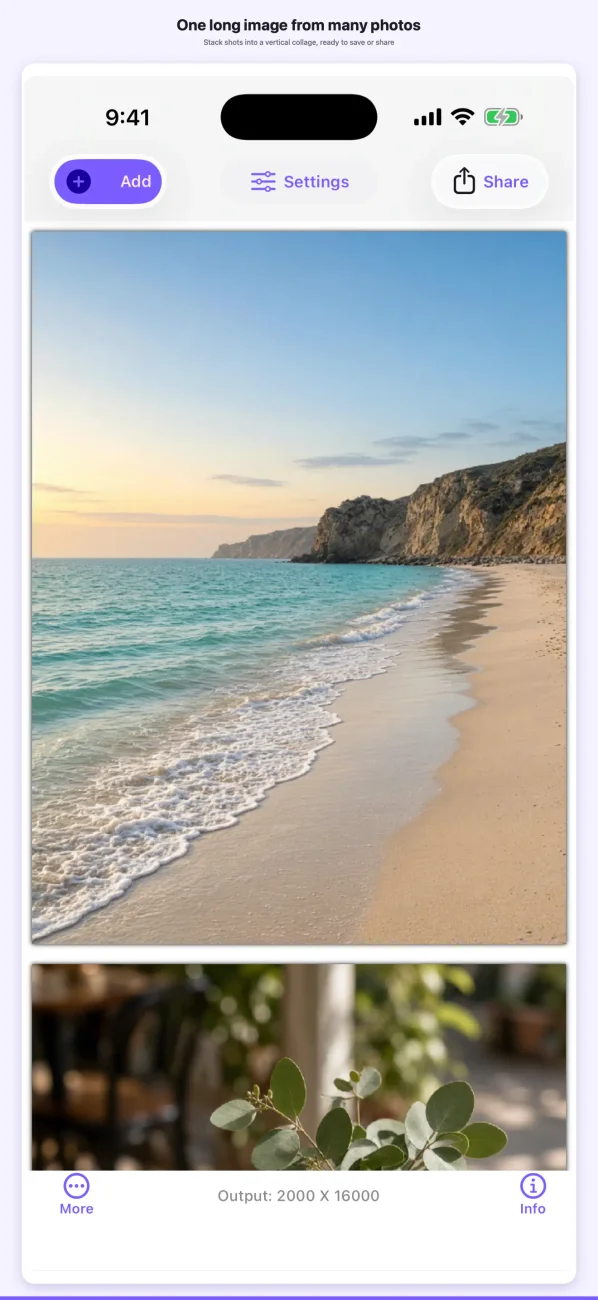
Long Image Maker turns a stack of photos or short clips into one long image, a grid, or a video collage.
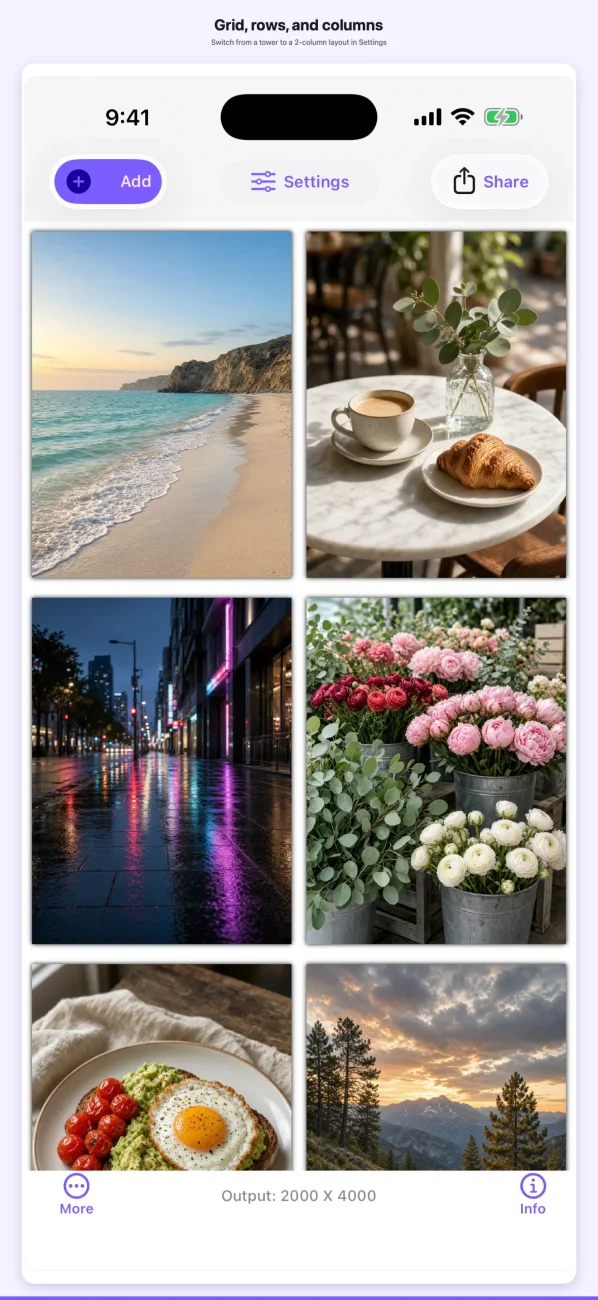
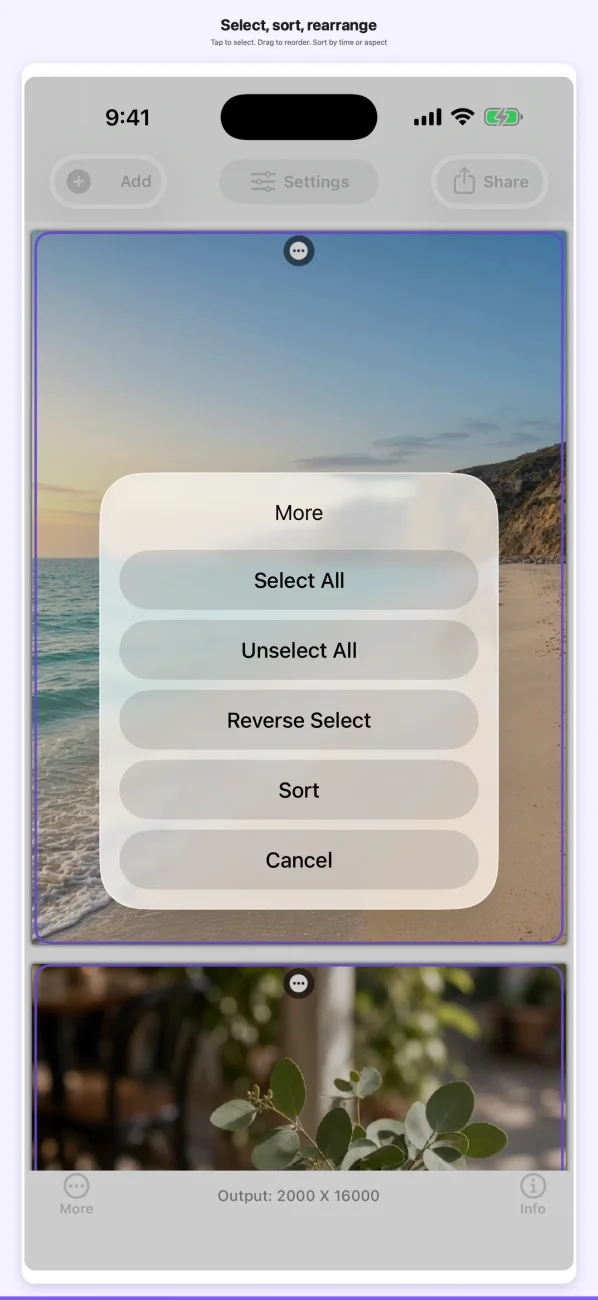
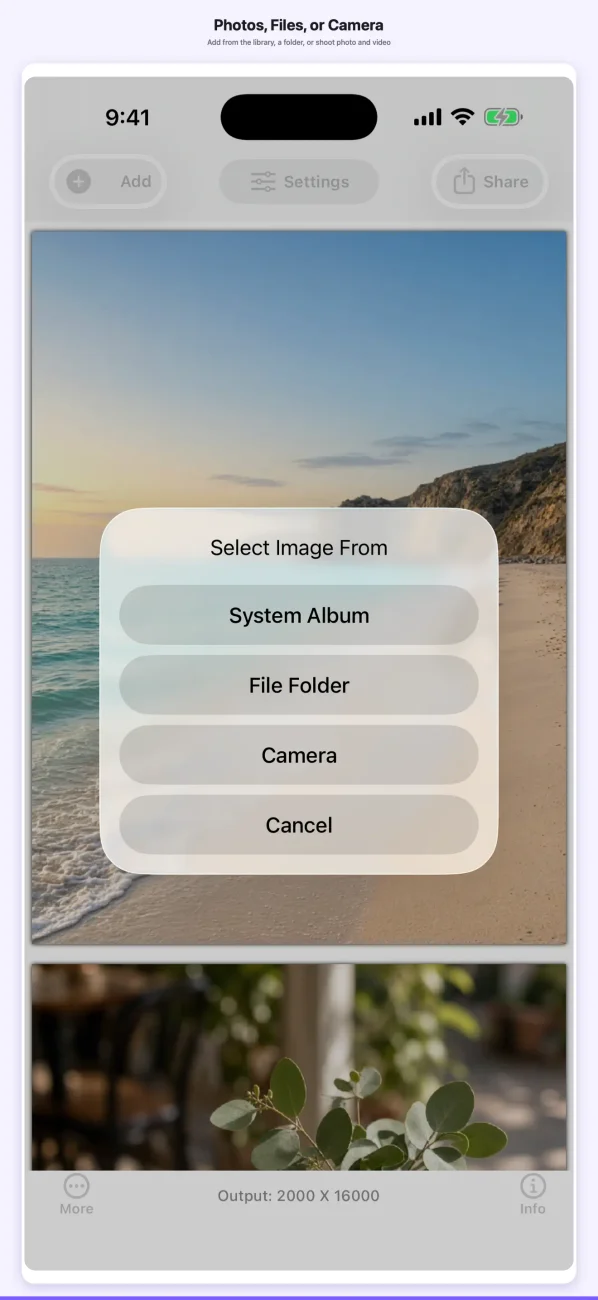
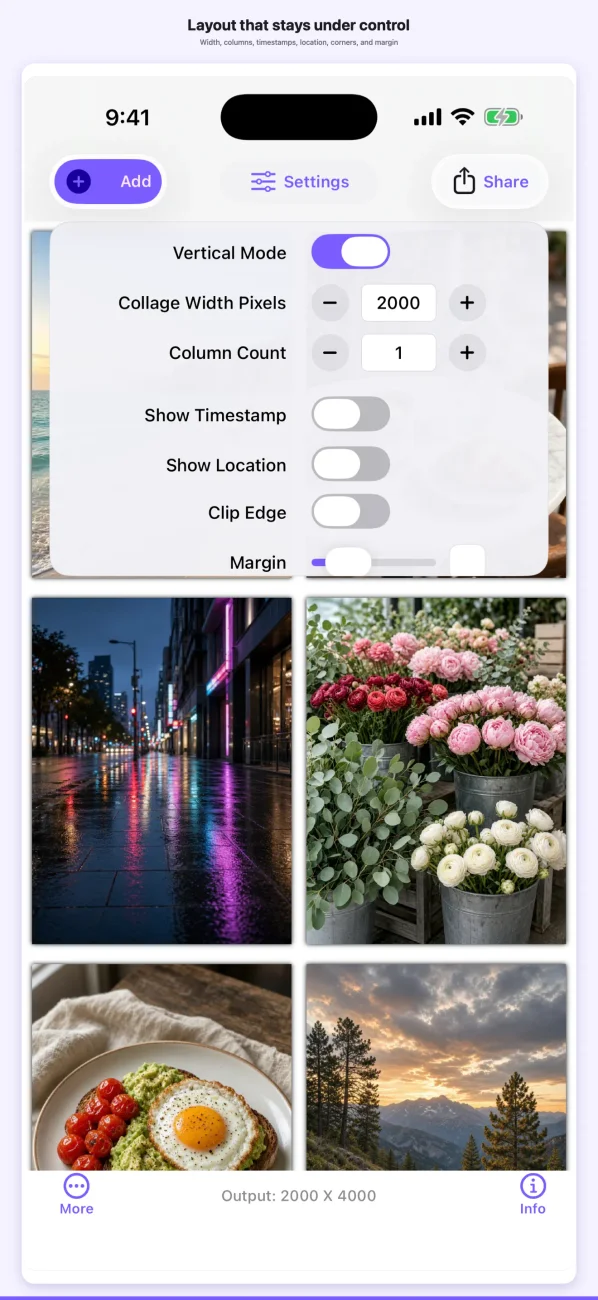
Add from Photos, Files, or the camera. The camera can take photo and video and saves the original to Photos. Arrange tiles into a vertical tower or a multi-column grid. Tap to select. Drag to reorder. Sort by time or aspect ratio.
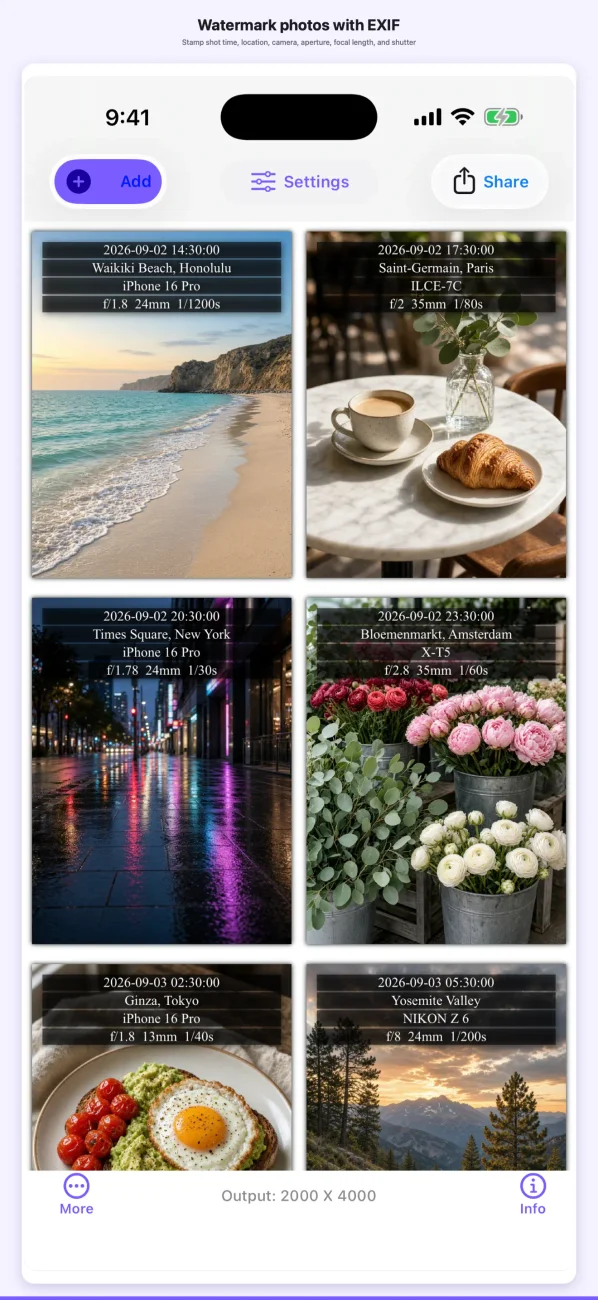
Stamp shot time, location, file name, or your own text. Crop a tile. Save the collage, share it, export selected photos, or create a PDF. Scanner mode lightens page backgrounds so printouts use less ink.
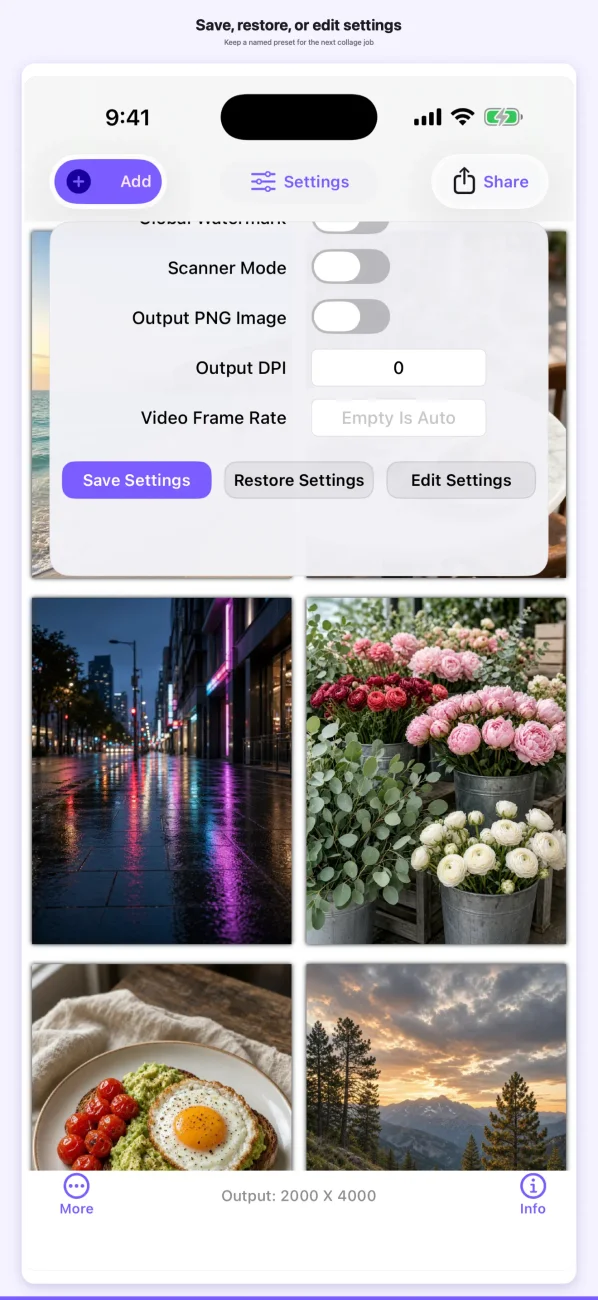
Settings for width, columns, corners, margin, shadow, background pattern, and watermarks can be saved as named presets and restored later.
HOW IT WORKS
1. Tap Add. Choose System Album, Camera, or File Folder.
2. Stack photos into a long image, or set columns in Settings.
3. Optional: turn on timestamps, add a watermark, or crop a tile.
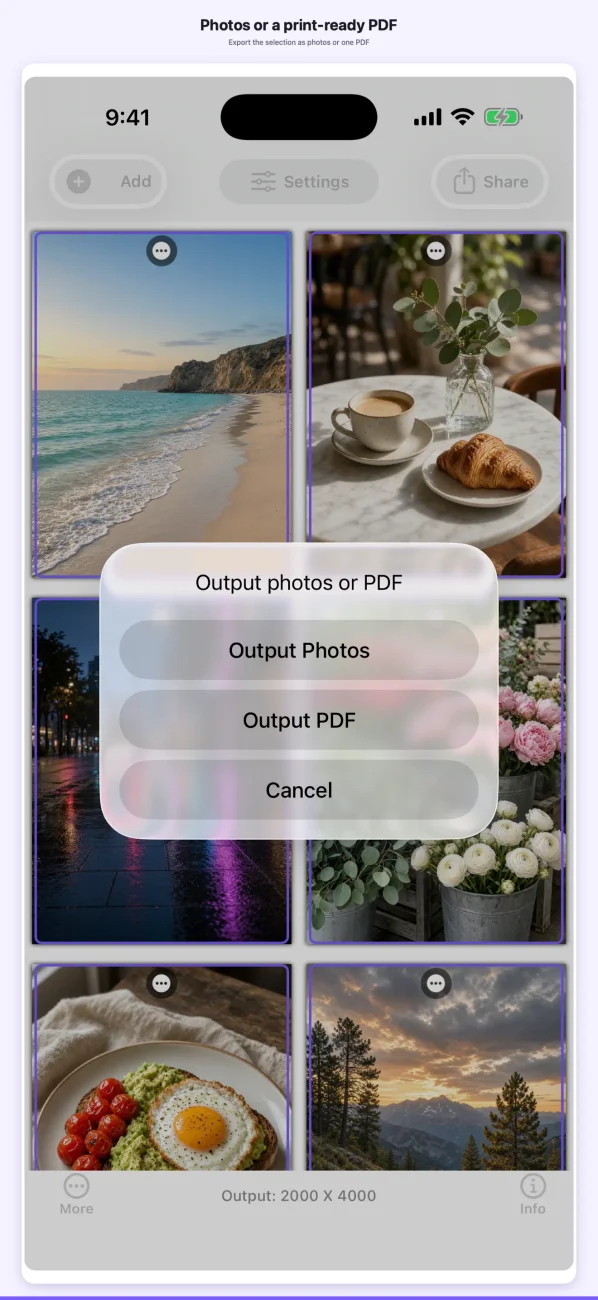
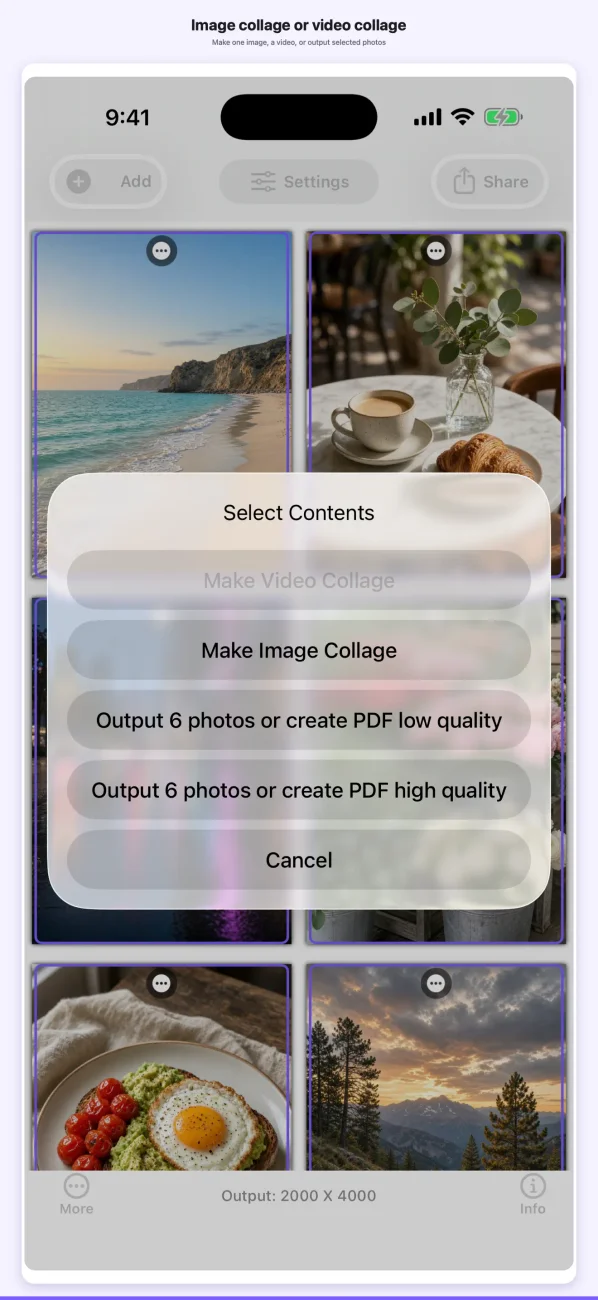
4. Tap Share. Make an image collage, a video collage, or output photos / PDF.
WHAT YOU CAN MAKE
• A vertical long image for Messages, Mail, or social posts
• A multi-column photo grid
• A video collage from clips you add
• Individual photos with new text, or a multi-page PDF
• Origin color or scanner-style pages
GESTURES
• Tap to select or deselect
• Drag selected tiles onto another tile to insert them
• Long-press a tile to crop (one image or the current selection)
SETTINGS PRESETS
Save the current collage style. The default name is collage width, column count, and the time you tapped Save. Restore or edit that list later.
LITE AND FULL
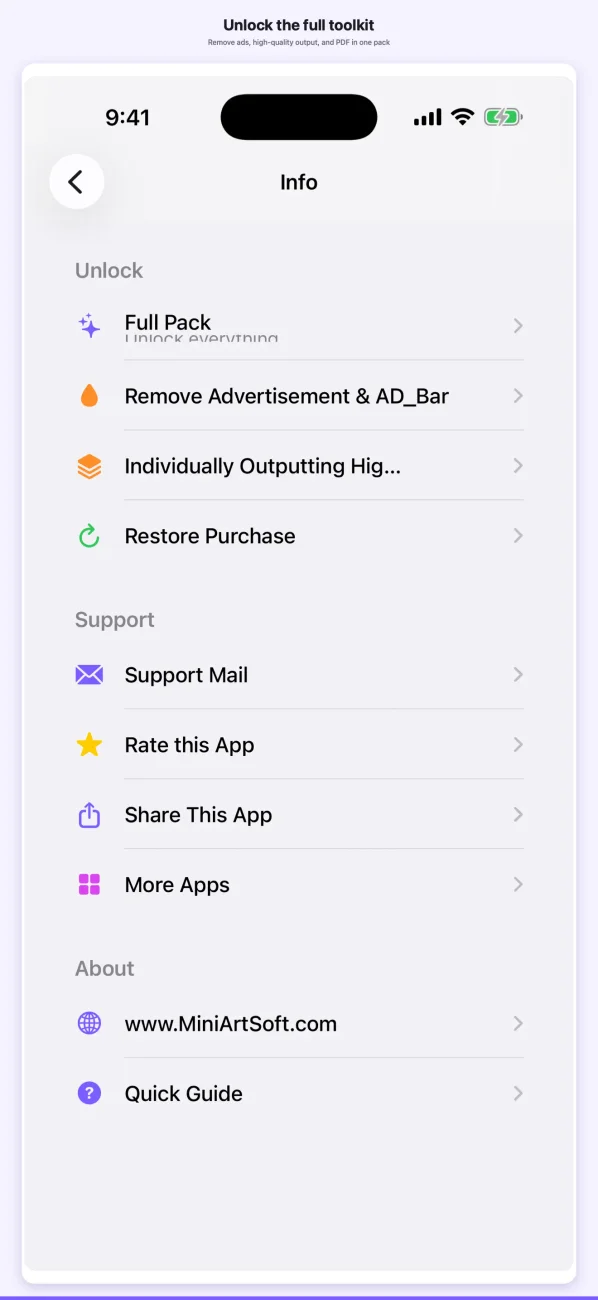
The app is free to start. Ads may appear. Full Pack (In-App Purchase) removes ads and the output watermark, and unlocks high-quality photo and PDF output. Remove Advertisement and Individually Outputting High Quality Pack are also sold separately.
Có gì mới
Phiên bản 8.0.0 · 14/09/2026
new features:
-add photo and video to collage by Camera in real time
-available to save/restore/edit settings
-new UI
bug fixes:
-video frame drop on outputting video-collage
improvements:
-speed up video-collage encoding
Quyền riêng tư của ứng dụng
Những gì 奇志 熊 khai báo trên App Store về cách ứng dụng này xử lý dữ liệu.
-
Dữ liệu được sử dụng để theo dõi bạn
Có thể được sử dụng để theo dõi bạn trên các ứng dụng và trang web do công ty khác sở hữu.
- Mã định danh
-
Dữ liệu không liên kết với bạn
Có thể được thu thập nhưng không liên kết với danh tính của bạn.
- Mã định danh
Phương thức đảm bảo quyền riêng tư có thể khác nhau, chẳng hạn như tuỳ theo các tính năng bạn sử dụng hoặc độ tuổi của bạn.
Thông tin
- Người bán
- 奇志 熊
- Danh mục
- Ảnh & Video
- Phiên bản
- 8.0.0
- Cập nhật
- 14/09/2026
- Phát hành
- 07/12/2016
- Kích thước
- 13,5 MB
- Yêu cầu
- iOS 15.6 trở lên
- Độ tuổi
- 4+
- Giá
- Miễn phí
- Mua hàng trong ứng dụng
- Có
- Ngôn ngữ
- Tiếng Anh, Tiếng Ả Rập, Tiếng Hà Lan, Tiếng Pháp, Tiếng Đức, Hindi, Tiếng Indonesia, Tiếng Ý, Tiếng Nhật, Tiếng Hàn, Tiếng Ba Lan, Tiếng Bồ Đào Nha + 7 ngôn ngữ khác
- Bản quyền
- © MiniArtSoft
Có thể bạn cũng thích
-
 Collage Maker - Photo stitcherẢnh & Video
-
 GOODTV+ 好消息電視台Ảnh & Video
-
 Ảnh GhépChia sẻ, lưu hoặc in ảnh ghép
-
 Photo Splash photo editor appẢnh & Video
-
 Perfect Image - Chỉnh sửa ảnhGhép ảnh Nghệ Thuật
-
 Ghép ảnh và chỉnh sửa ảnhDán văn bản và hình nền
-
 Pic Collage Editor: EasyPicẢnh & Video
-
 Layout Photo Collage - MixgramJoin Pictures, Group & Gallery
-
 Ghép ảnh - Chèn ảnh vào ảnhKhung ảnh & Chỉnh sửa ảnh đẹp
-
 Pic Stitch - Collage Editor#1 Photo and Video Collage App