Long Image Maker
Make Pinterest tower collage
iPhone, iPad, Mac, iPod touch için tasarlandı
Ücretsiz · Uygulama içi satın alma
- Yaş sınırı4+
- KategoriFotoğraf ve Video
- Geliştirici奇志 熊
- Dillerİngilizce+ 18 dil daha
- Boyut13,5 MB
Resmi App Store sayfasına bağlanır
Download.org, Long Image Maker için hiçbir dosya barındırmaz. Düğme, uygulamanın App Store üzerindeki sayfasını açar; uygulamayı orada 奇志 熊 yayınlar. Sayfanın son kontrolü: 12.11.2026.
Ekran görüntüleri
Hakkında
Geliştirici bu metni dilinizde sunmamış.
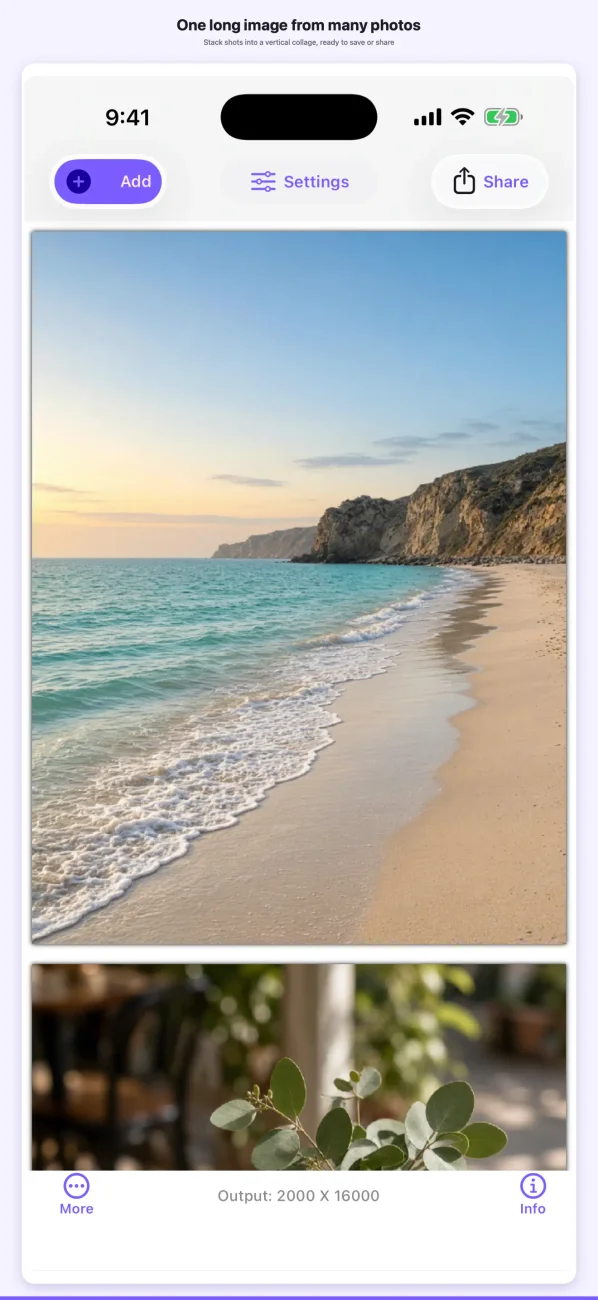
Long Image Maker turns a stack of photos or short clips into one long image, a grid, or a video collage.
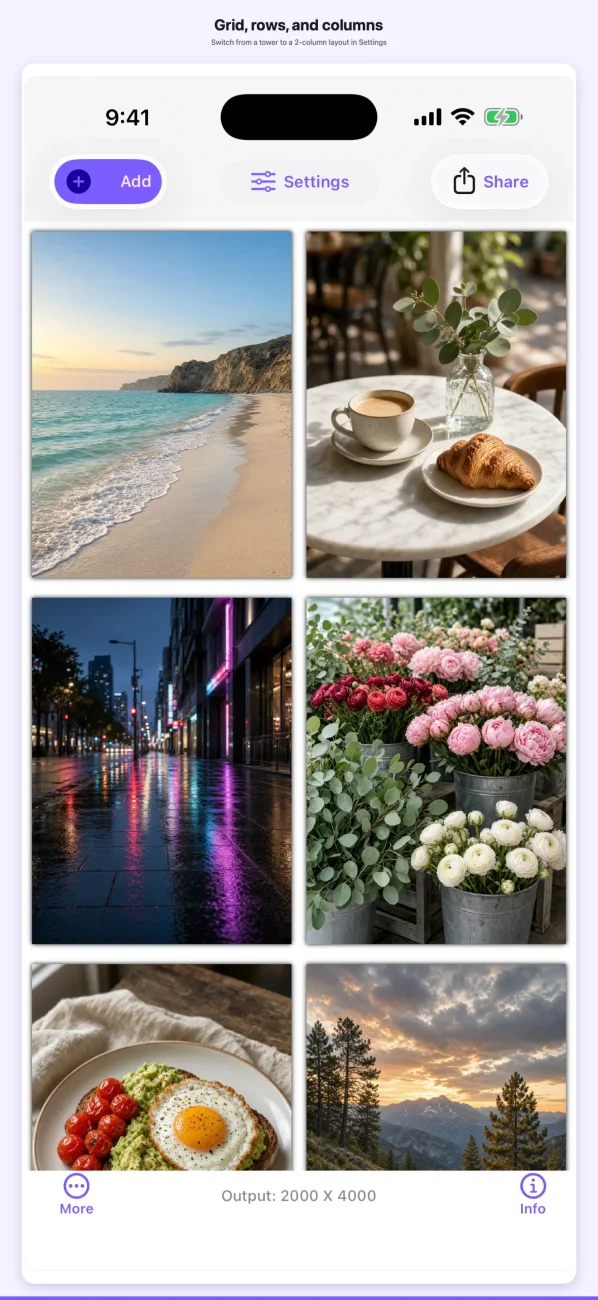
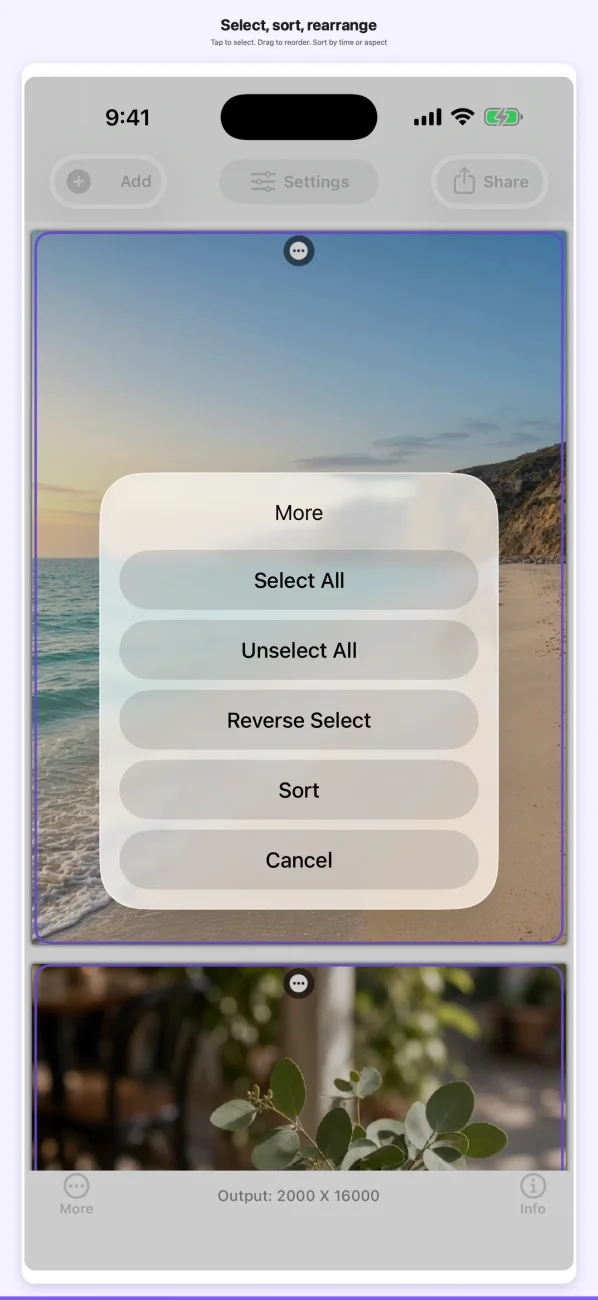
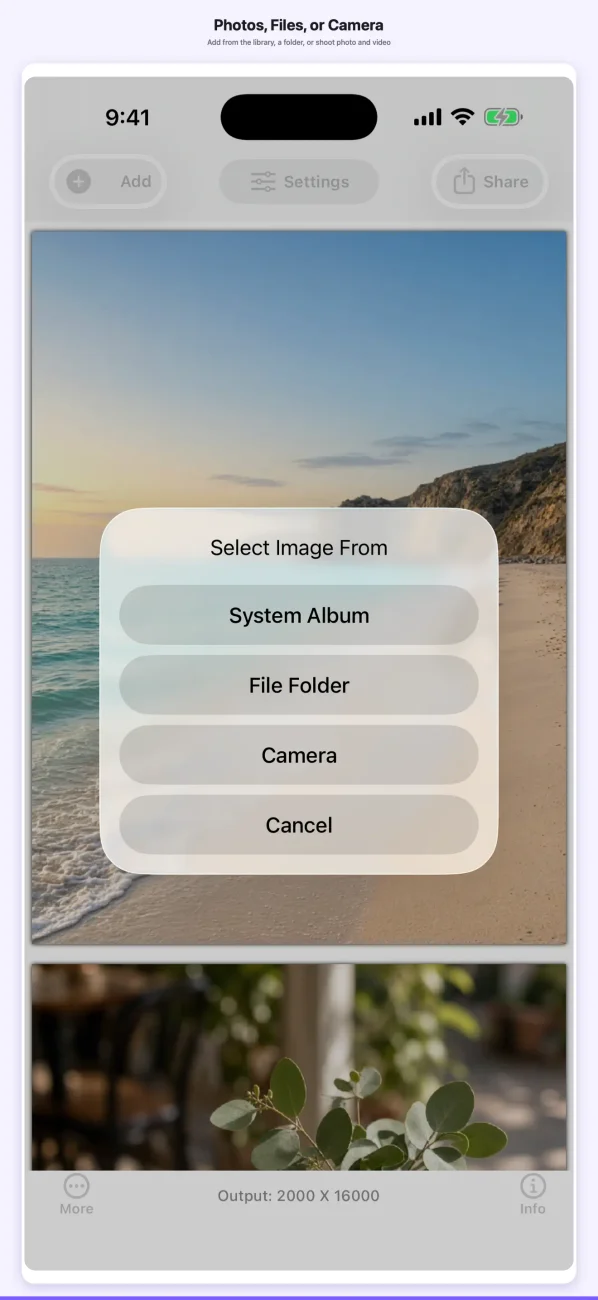
Add from Photos, Files, or the camera. The camera can take photo and video and saves the original to Photos. Arrange tiles into a vertical tower or a multi-column grid. Tap to select. Drag to reorder. Sort by time or aspect ratio.
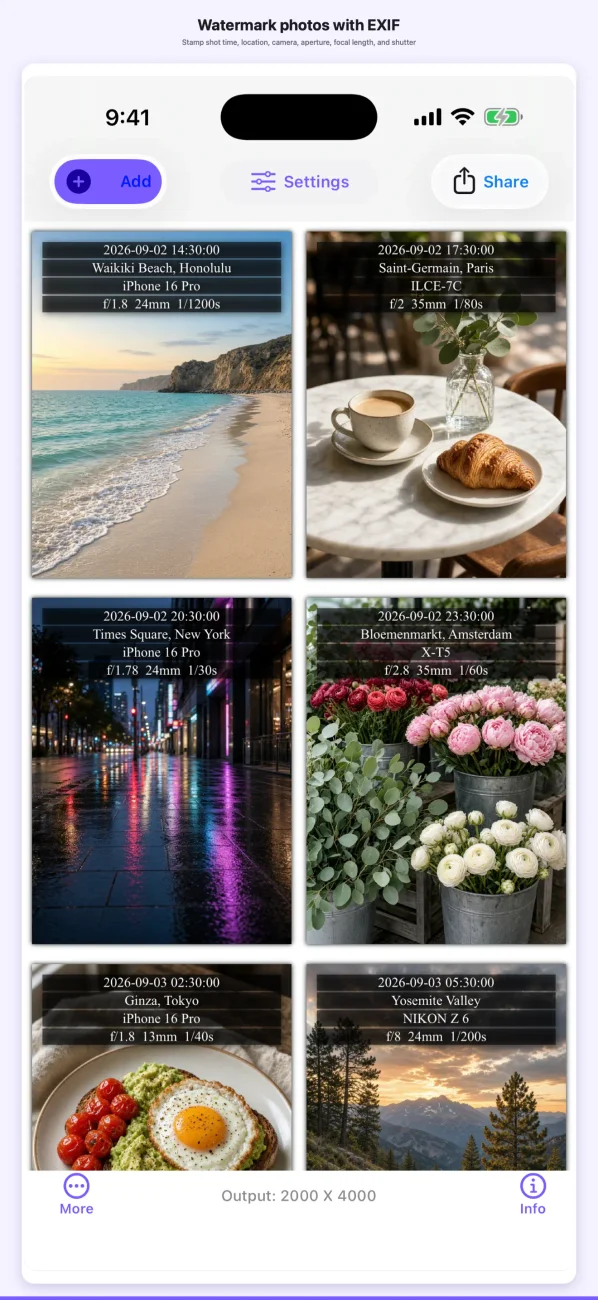
Stamp shot time, location, file name, or your own text. Crop a tile. Save the collage, share it, export selected photos, or create a PDF. Scanner mode lightens page backgrounds so printouts use less ink.
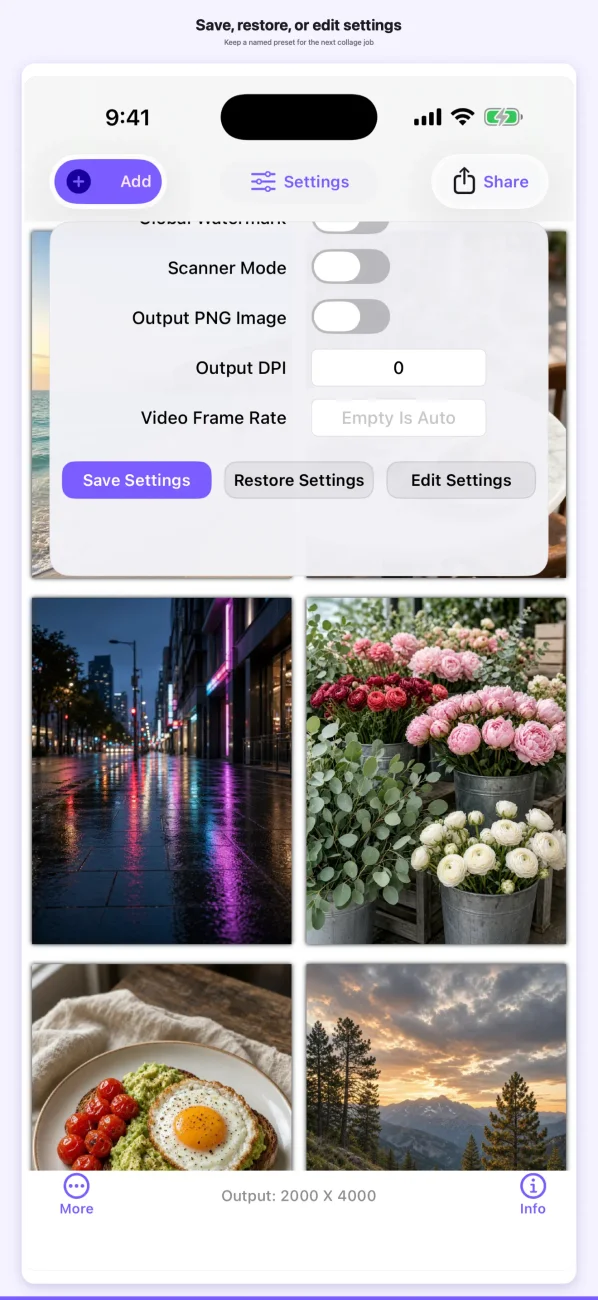
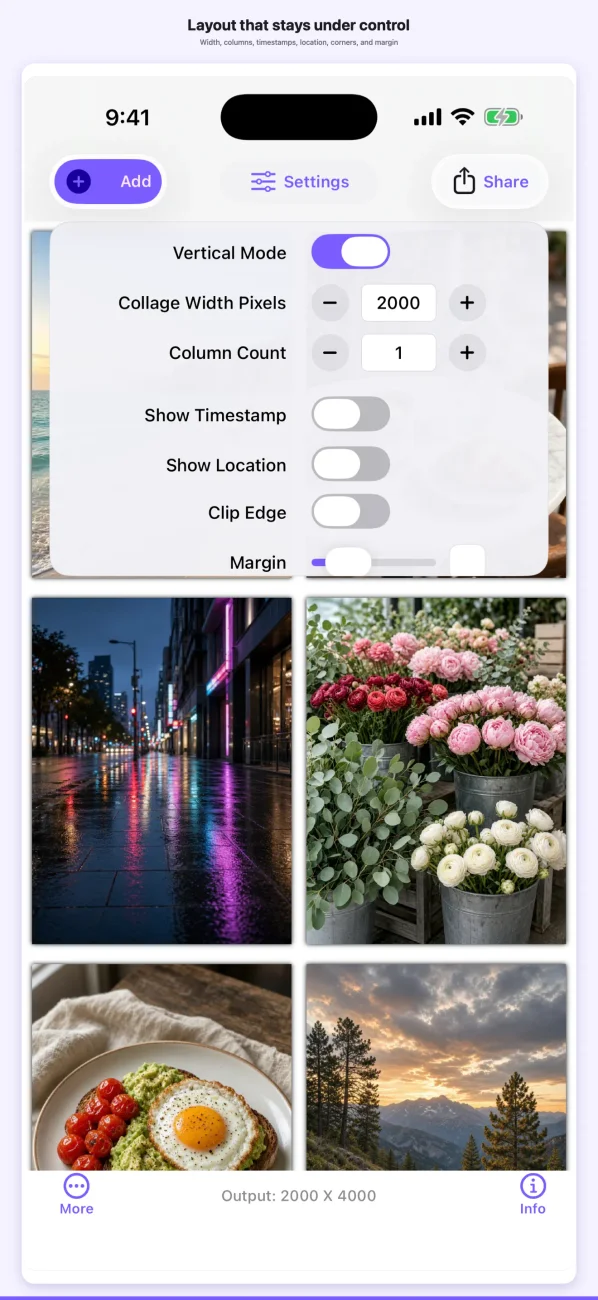
Settings for width, columns, corners, margin, shadow, background pattern, and watermarks can be saved as named presets and restored later.
HOW IT WORKS
1. Tap Add. Choose System Album, Camera, or File Folder.
2. Stack photos into a long image, or set columns in Settings.
3. Optional: turn on timestamps, add a watermark, or crop a tile.
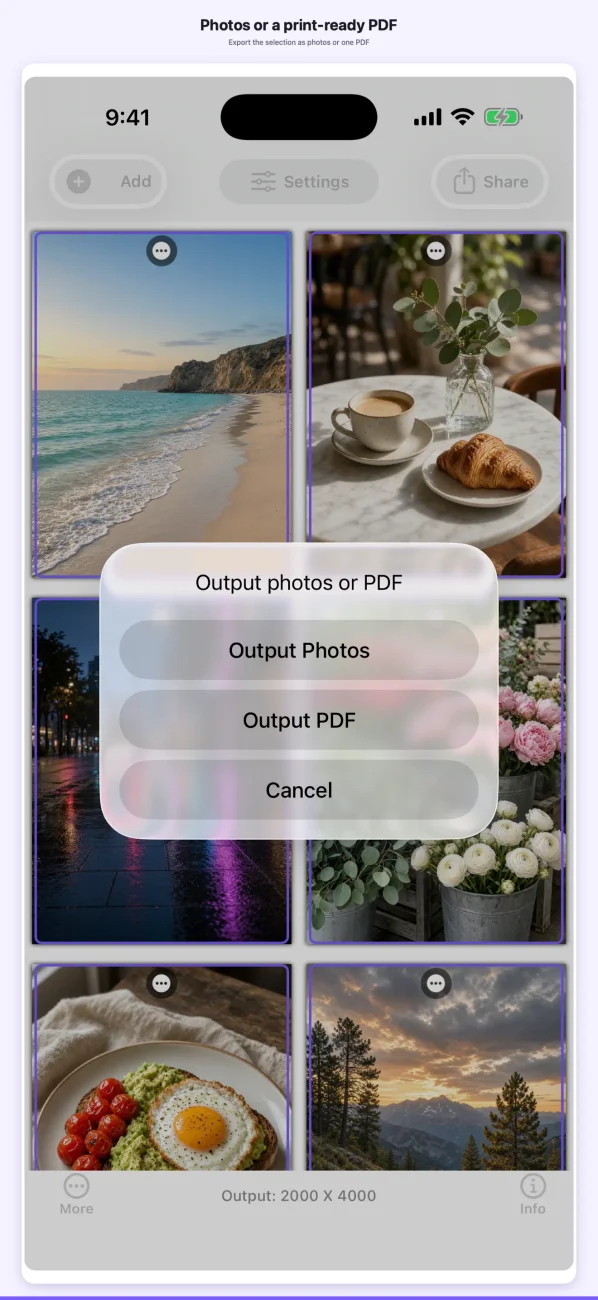
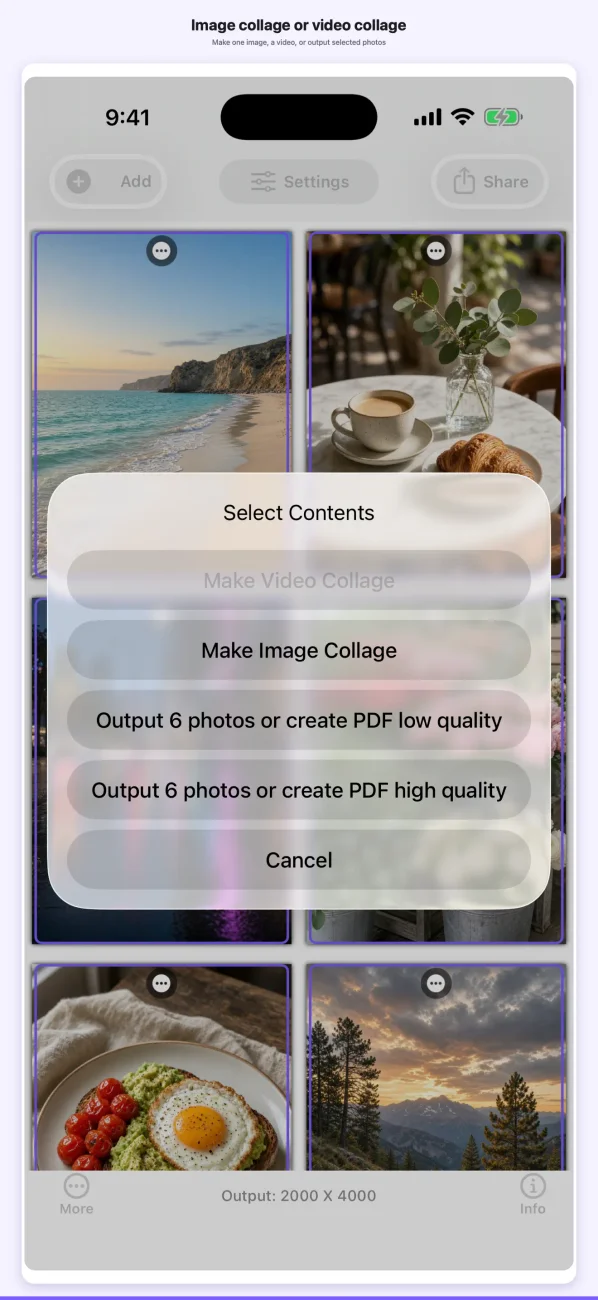
4. Tap Share. Make an image collage, a video collage, or output photos / PDF.
WHAT YOU CAN MAKE
• A vertical long image for Messages, Mail, or social posts
• A multi-column photo grid
• A video collage from clips you add
• Individual photos with new text, or a multi-page PDF
• Origin color or scanner-style pages
GESTURES
• Tap to select or deselect
• Drag selected tiles onto another tile to insert them
• Long-press a tile to crop (one image or the current selection)
SETTINGS PRESETS
Save the current collage style. The default name is collage width, column count, and the time you tapped Save. Restore or edit that list later.
LITE AND FULL
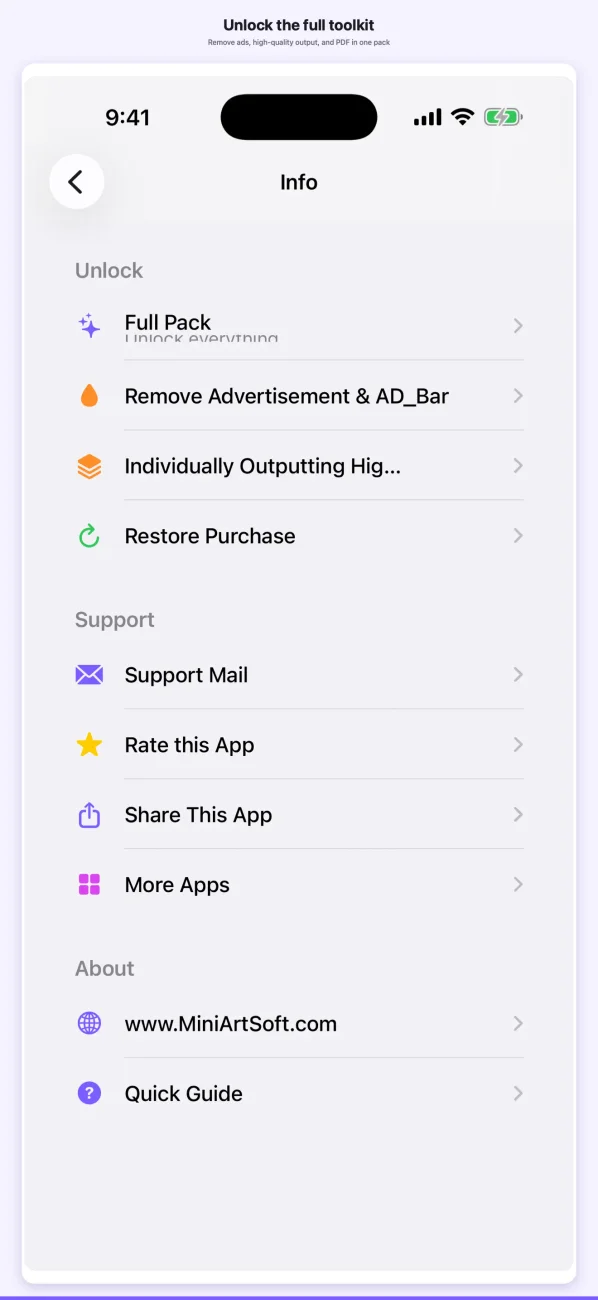
The app is free to start. Ads may appear. Full Pack (In-App Purchase) removes ads and the output watermark, and unlocks high-quality photo and PDF output. Remove Advertisement and Individually Outputting High Quality Pack are also sold separately.
Yenilikler
Sürüm 8.0.0 · 14.09.2026
new features:
-add photo and video to collage by Camera in real time
-available to save/restore/edit settings
-new UI
bug fixes:
-video frame drop on outputting video-collage
improvements:
-speed up video-collage encoding
Uygulama gizliliği
Bu uygulamanın verileri nasıl işlediği hakkında 奇志 熊 tarafından App Store üzerinde yapılan beyan.
-
Sizi izlemek için kullanılan veriler
Başka şirketlere ait uygulamalarda ve web sitelerinde sizi izlemek için kullanılabilir.
- Tanımlayıcılar
-
Sizinle ilişkilendirilmeyen veriler
Toplanabilir ancak kimliğinizle ilişkilendirilmez.
- Tanımlayıcılar
Gizlilik uygulamaları, örneğin kullandığınız özelliklere veya yaşınıza göre değişiklik gösterebilir.
Bilgiler
- Satıcı
- 奇志 熊
- Kategori
- Fotoğraf ve Video
- Sürüm
- 8.0.0
- Güncellendi
- 14.09.2026
- Yayın tarihi
- 07.12.2016
- Boyut
- 13,5 MB
- Gereksinim
- iOS 15.6 veya sonrası
- Yaş sınırı
- 4+
- Fiyat
- Ücretsiz
- Uygulama içi satın alma
- Evet
- Diller
- İngilizce, Arapça, Hollandaca, Fransızca, Almanca, Hindi, Endonezce, İtalyanca, Japonca, Korece, Lehçe, Portekizce + 7 dil daha
- Telif hakkı
- © MiniArtSoft
Bunları da beğenebilirsiniz
-
 Collage Maker - Photo stitcherFotoğraf ve Video
-
 GOODTV+ 好消息電視台Fotoğraf ve Video
-
 Fotoğraf KolajıKolajları kaydedin ve yazdırın
-
 Photo Splash photo editor appFotoğraf ve Video
-
 Perfect Image - fotoğraf kolajresim düzenleme & birleştirme
-
 Kolajı Fotoğraf EditörüÇıkartma ve metin oluştur
-
 Pic Collage Editor: EasyPicFotoğraf ve Video
-
 Kolaj programı - Collage makerfotoğraf düzenleme birleştirme
-
 Fotoğraf Kolaj ProgramıResim Birleştirme ve Çerçeve
-
 Pic Stitch - Collage Editor#1 Photo and Video Collage App