
Long Image Maker
Make Pinterest tower collage
Designed for iPhone, iPad, Mac, iPod touch
Free · In-app purchases
- Age rating4+
- CategoryPhoto & Video
- Developer奇志 熊
- LanguagesEnglish+ 18 more
- Size13.5 MB
Links to the official App Store page
Download.org hosts no file of Long Image Maker. The button opens its official App Store page, published by 奇志 熊. Listing last checked on Nov 12, 2026.
Screenshots
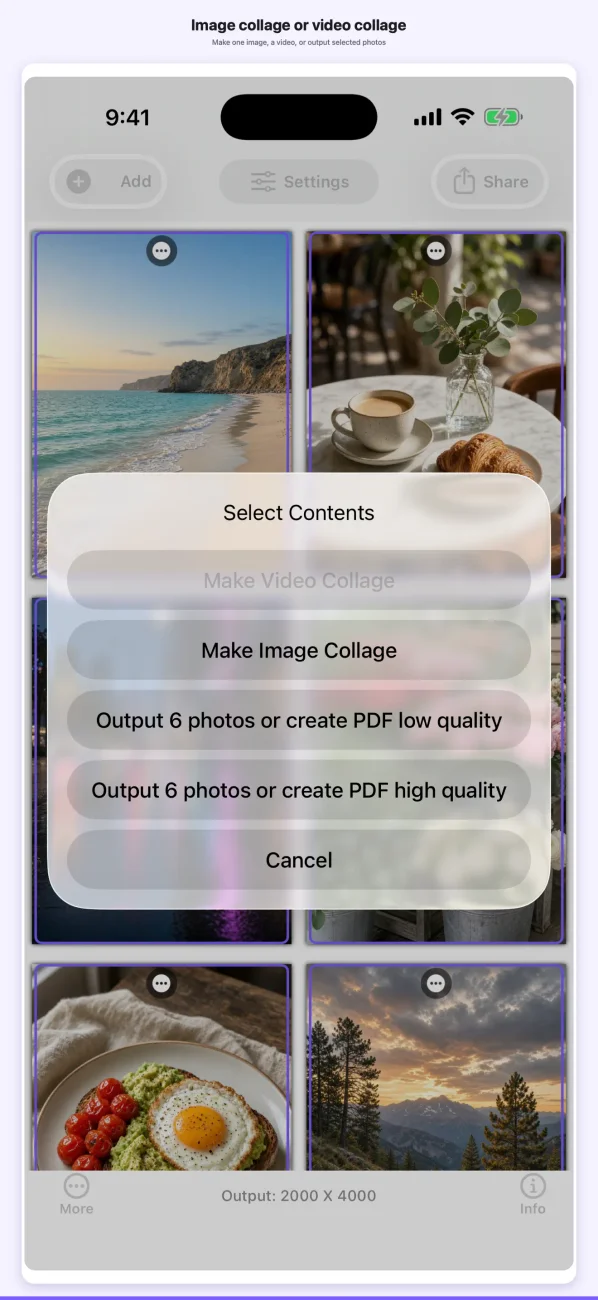
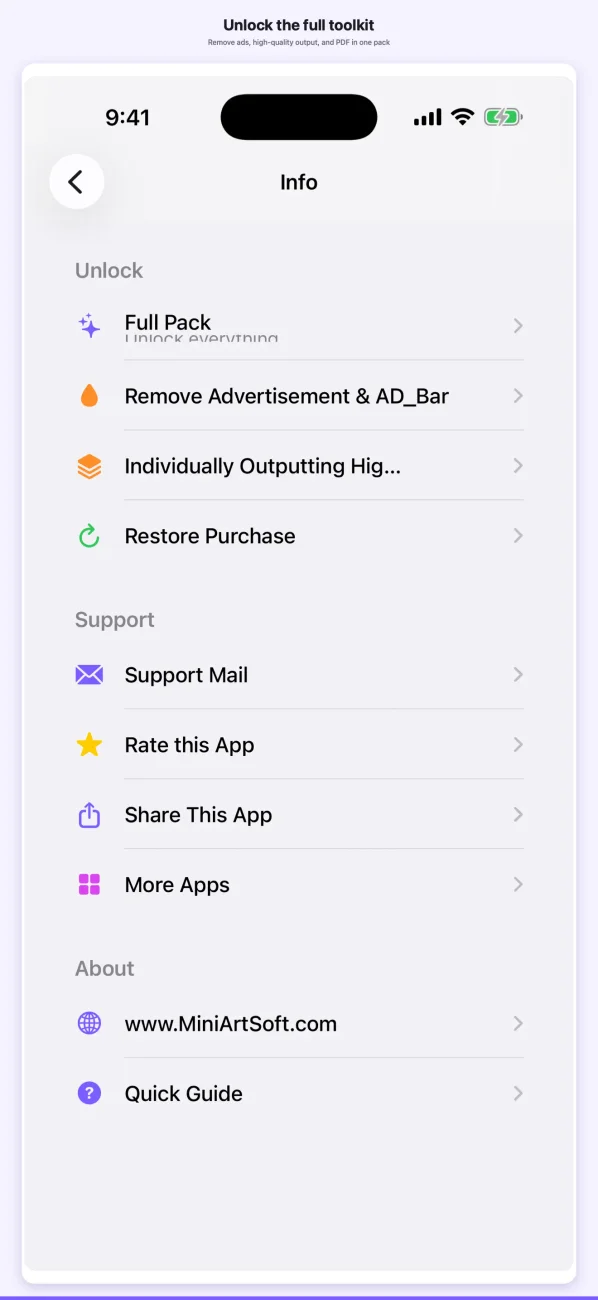
About
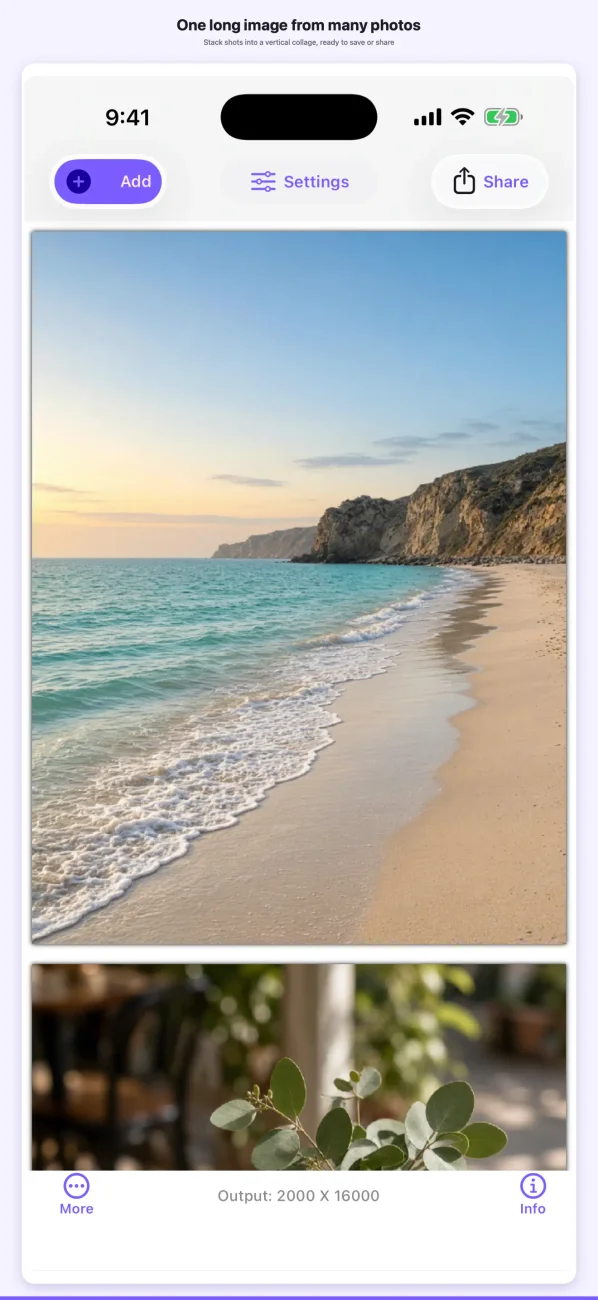
Long Image Maker turns a stack of photos or short clips into one long image, a grid, or a video collage.
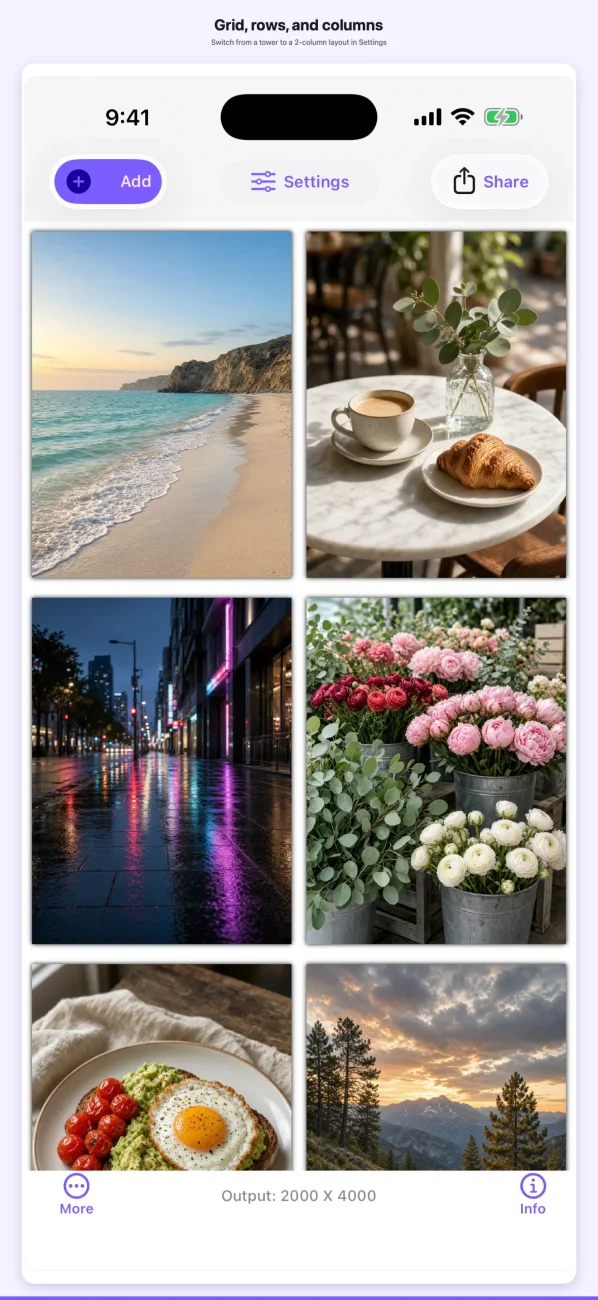
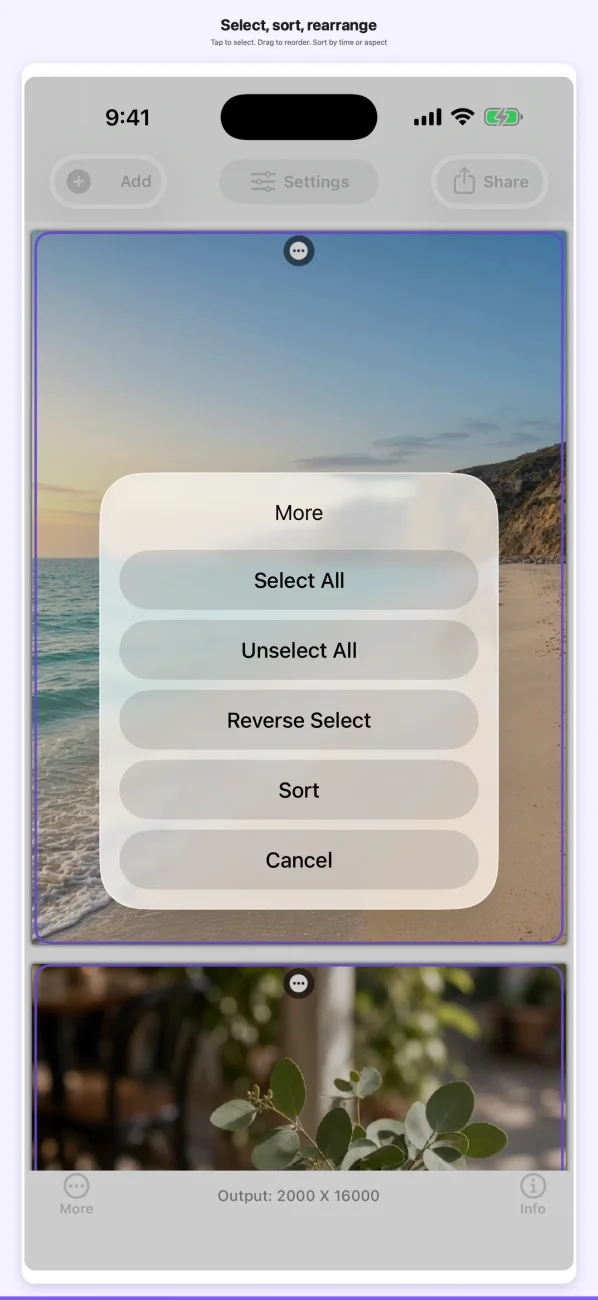
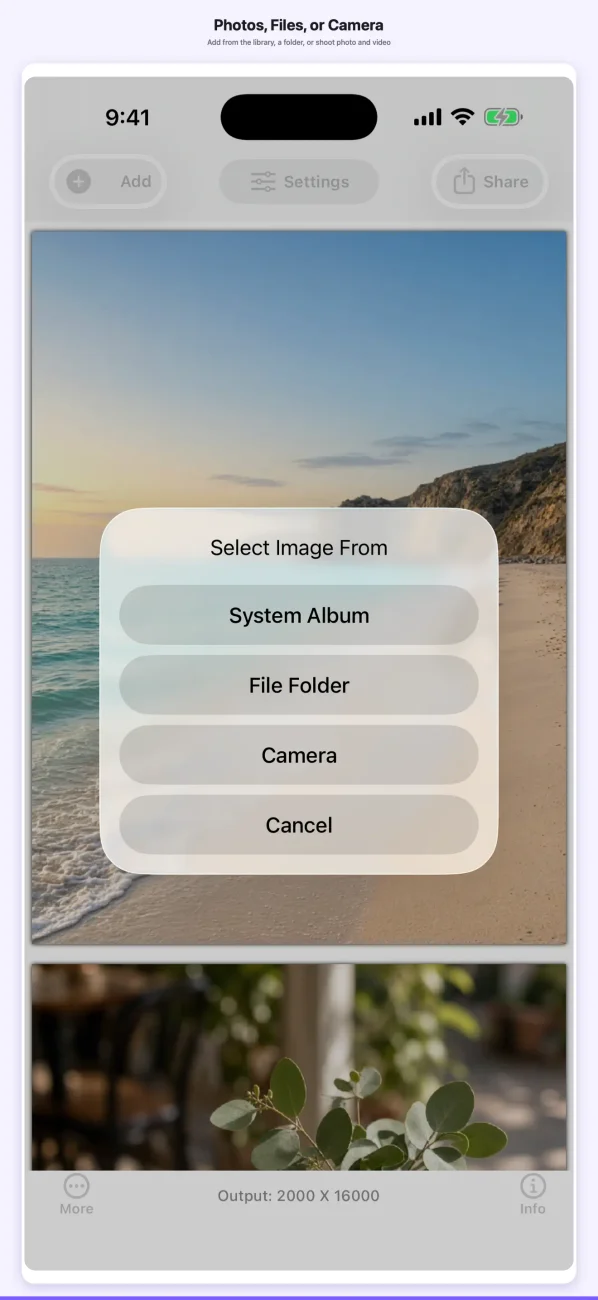
Add from Photos, Files, or the camera. The camera can take photo and video and saves the original to Photos. Arrange tiles into a vertical tower or a multi-column grid. Tap to select. Drag to reorder. Sort by time or aspect ratio.
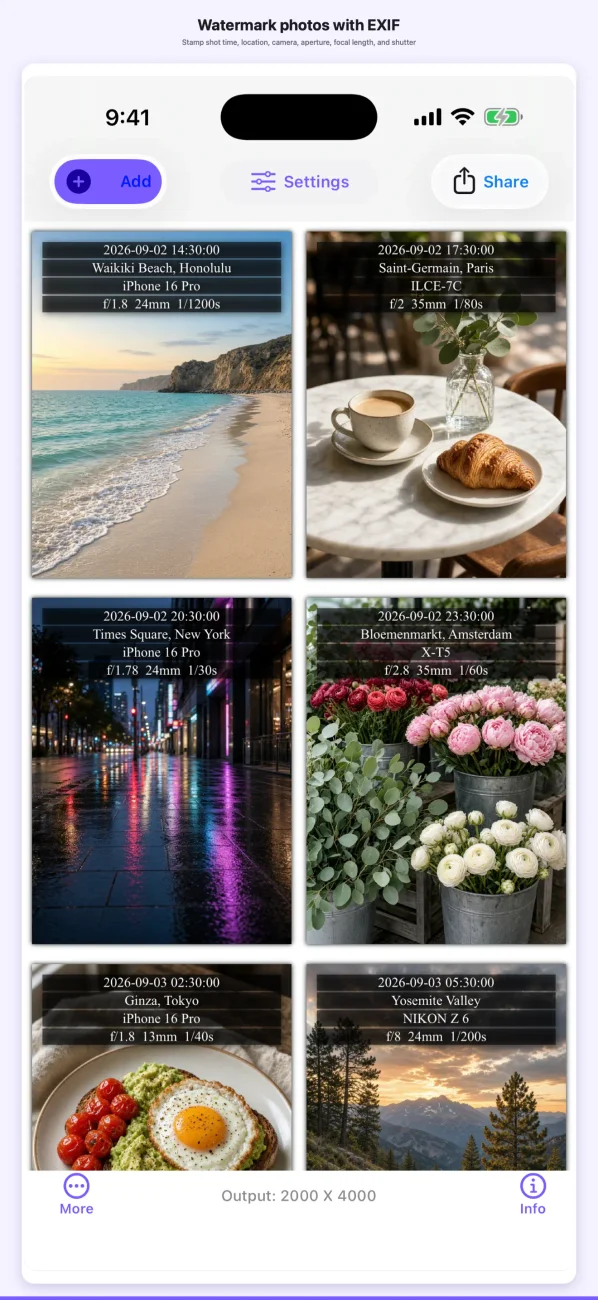
Stamp shot time, location, file name, or your own text. Crop a tile. Save the collage, share it, export selected photos, or create a PDF. Scanner mode lightens page backgrounds so printouts use less ink.
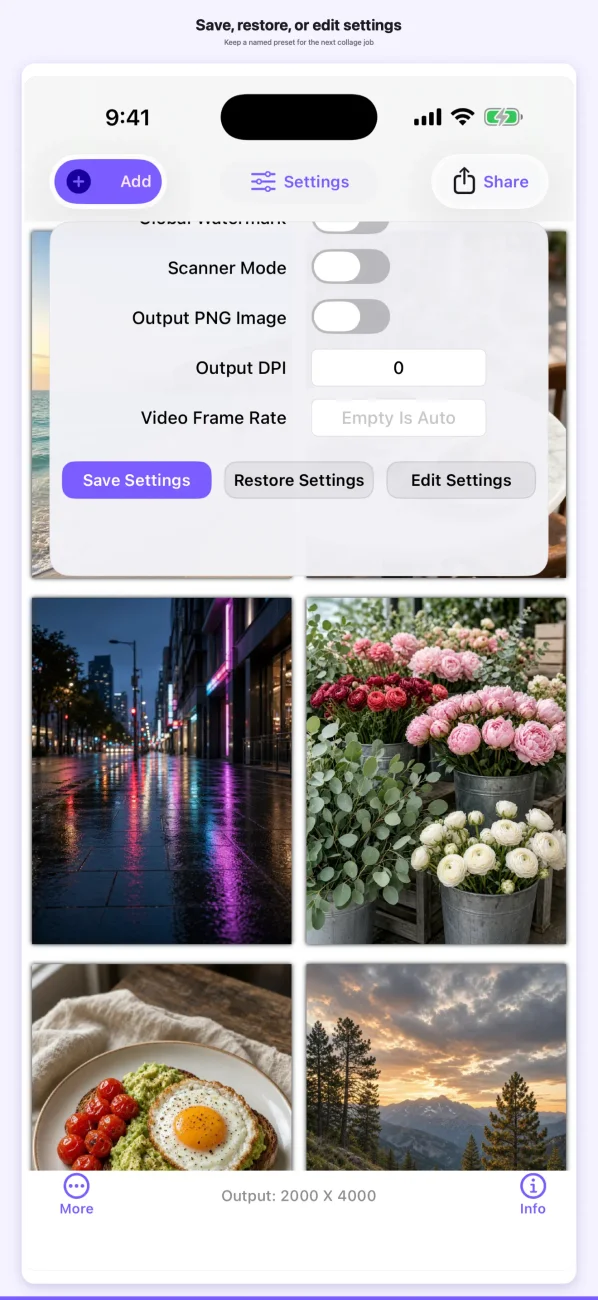
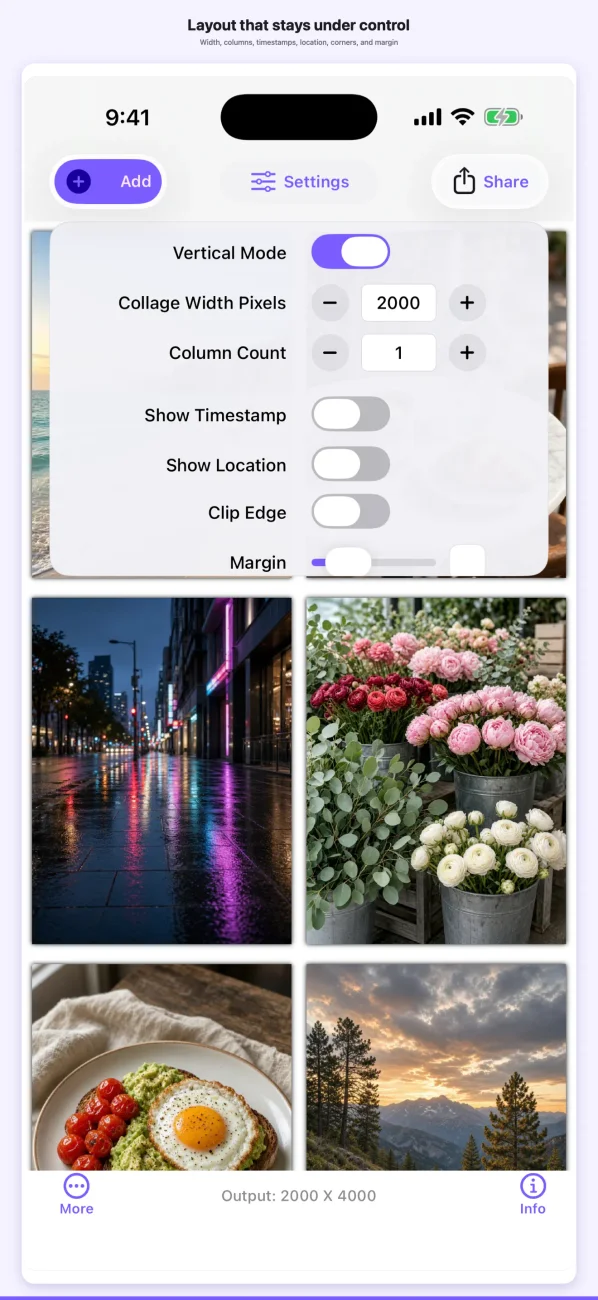
Settings for width, columns, corners, margin, shadow, background pattern, and watermarks can be saved as named presets and restored later.
HOW IT WORKS
1. Tap Add. Choose System Album, Camera, or File Folder.
2. Stack photos into a long image, or set columns in Settings.
3. Optional: turn on timestamps, add a watermark, or crop a tile.
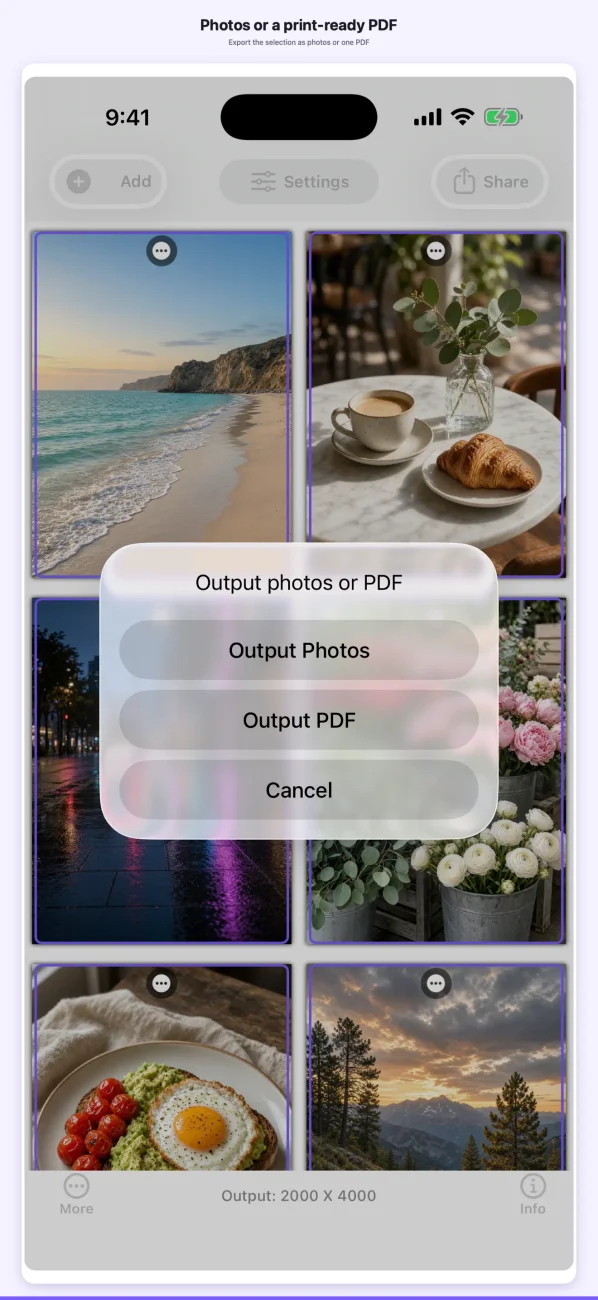
4. Tap Share. Make an image collage, a video collage, or output photos / PDF.
WHAT YOU CAN MAKE
• A vertical long image for Messages, Mail, or social posts
• A multi-column photo grid
• A video collage from clips you add
• Individual photos with new text, or a multi-page PDF
• Origin color or scanner-style pages
GESTURES
• Tap to select or deselect
• Drag selected tiles onto another tile to insert them
• Long-press a tile to crop (one image or the current selection)
SETTINGS PRESETS
Save the current collage style. The default name is collage width, column count, and the time you tapped Save. Restore or edit that list later.
LITE AND FULL
The app is free to start. Ads may appear. Full Pack (In-App Purchase) removes ads and the output watermark, and unlocks high-quality photo and PDF output. Remove Advertisement and Individually Outputting High Quality Pack are also sold separately.
What’s new
Version 8.0.0 · Sep 14, 2026
new features:
-add photo and video to collage by Camera in real time
-available to save/restore/edit settings
-new UI
bug fixes:
-video frame drop on outputting video-collage
improvements:
-speed up video-collage encoding
App privacy
What 奇志 熊 declares on the App Store about how this app handles data.
-
Data used to track you
May be used to track you across apps and websites owned by other companies.
- Identifiers
-
Data not linked to you
May be collected but is not linked to your identity.
- Identifiers
Privacy practices may vary, for example with the features you use or your age.
Information
- Seller
- 奇志 熊
- Category
- Photo & Video
- Version
- 8.0.0
- Updated
- Sep 14, 2026
- Released
- Dec 7, 2016
- Size
- 13.5 MB
- Requires
- iOS 15.6 or later
- Age rating
- 4+
- Price
- Free
- In-app purchases
- Yes
- Languages
- English, Arabic, Dutch, French, German, Hindi, Indonesian, Italian, Japanese, Korean, Polish, Portuguese + 7 more
- Copyright
- © MiniArtSoft
You might also like
-
 Collage Maker - Photo stitcherLong Screenshot & Photo Grid
-
 GOODTV+ 好消息電視台Photo & Video
-
 Photo Collage Maker & PrinterShare, save or print collages
-
 Photo Splash photo editor appBlack and White Color effects
-
 Pic Collage Maker PerfectImageText on Photo & Picture Layout
-
 Photo Collage Montage MakerPicture editor layout creator
-
 Pic Collage Editor: EasyPicPhoto Grid & Picture Layout
-
 Layout Photo Collage - MixgramPicture Grid & Post Maker
-
 Collage Maker: CollagePlusPhoto Collage, Grids & Layouts
-
 Pic Stitch - Collage Editor#1 Photo and Video Collage App