Luna Controller
Amazon Luna Controller
Dirancang untuk iPhone, iPad, iPod touch
- Batasan usia4+
- KategoriGame
- PengembangAMZN Mobile LLC
- BahasaInggris+ 8 lainnya
- Ukuran60,9 MB
Luna Controller mungkin sedang tidak tersedia di App Store
Halaman di toko tidak dapat dijangkau saat terakhir kami periksa. Tautan tetap mengarah ke halaman resmi App Store.
Tangkapan layar

Tentang
Pengembang belum menyediakan teks ini dalam bahasa Anda.
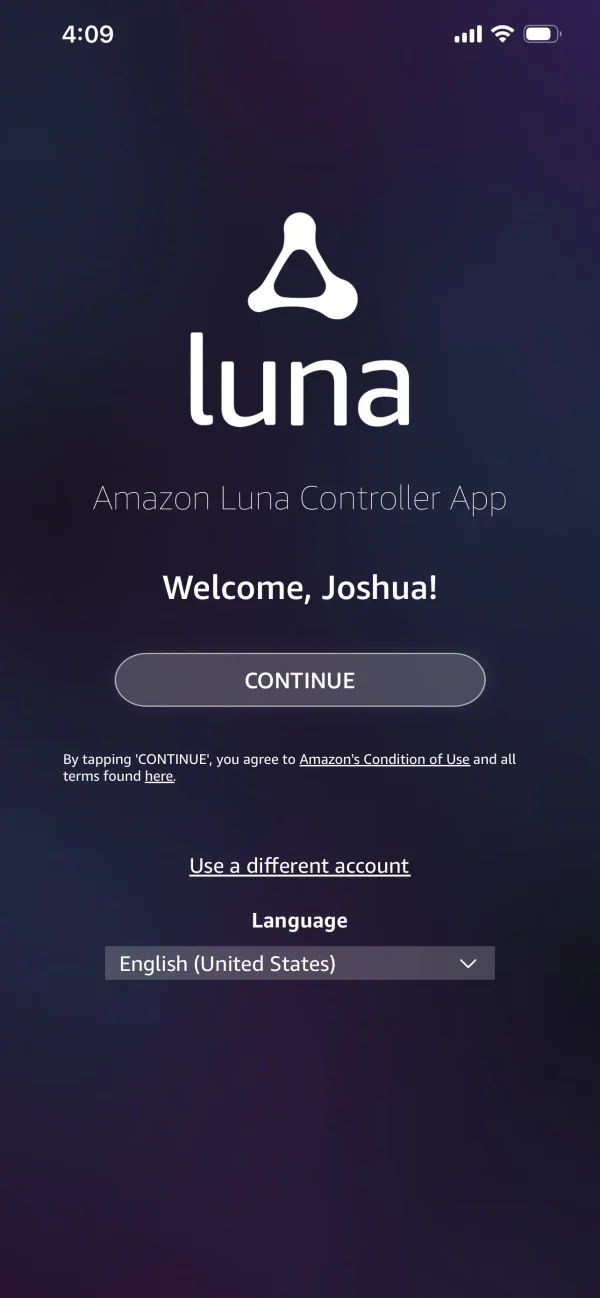
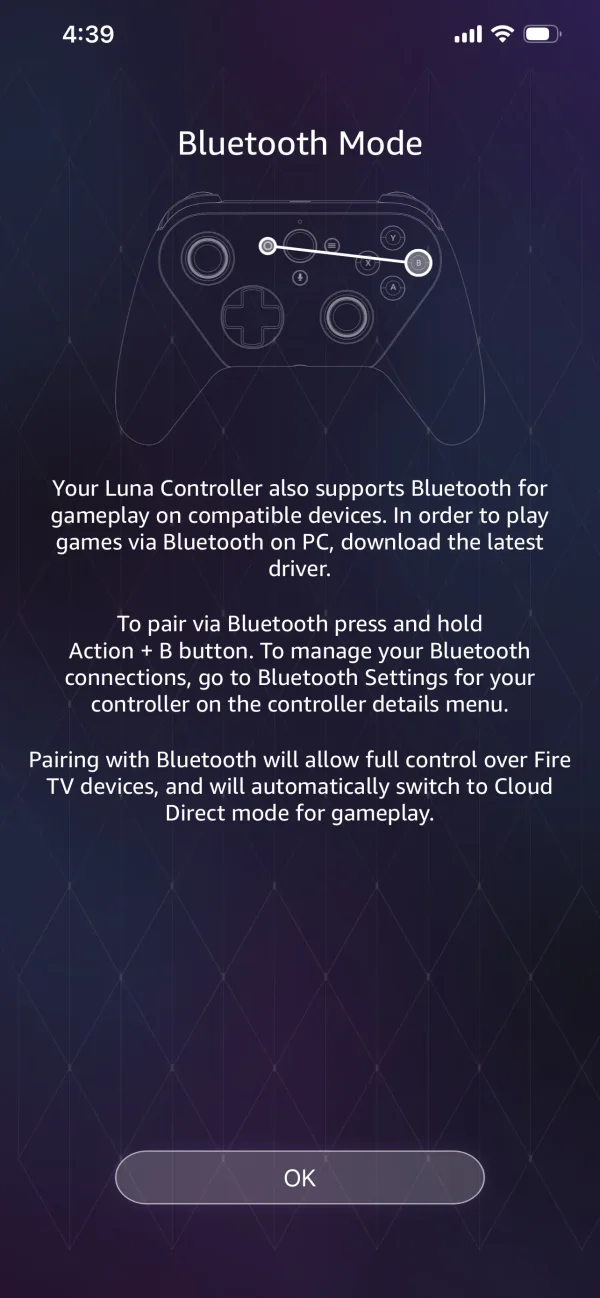
The Luna Controller app allows you to set up and manage your Luna Controllers and play Luna games using your phone via the Phone Controller.
With the Luna Controller app you can:
- Register Luna Controllers to your Amazon account
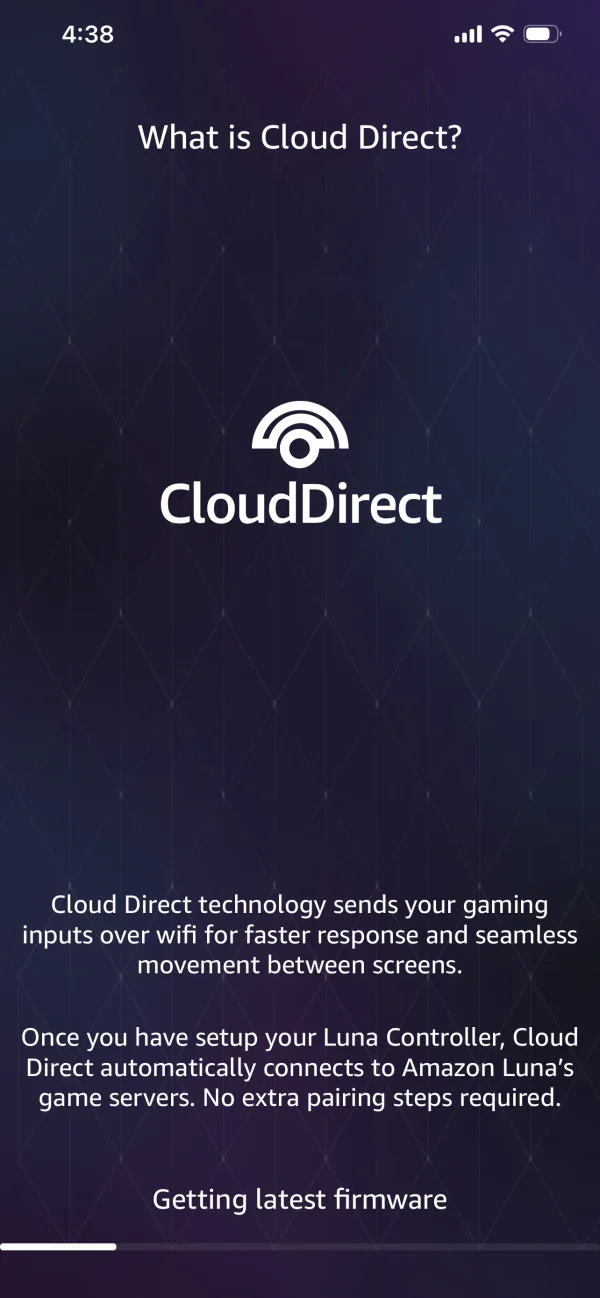
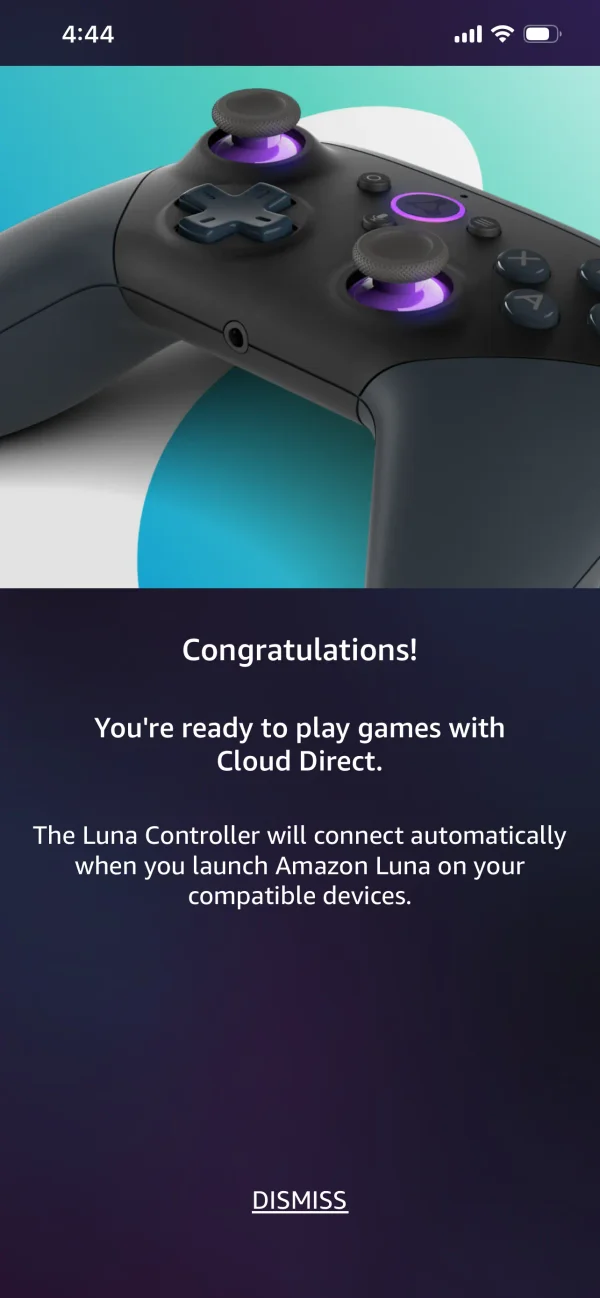
- Set up your Luna Controller to connect to wifi and enable Cloud Direct
- Play games on Luna using touch inputs on your mobile device using the Phone Controller
- Add friends to your local Luna gaming session using Guest Mode
- Manage the Cloud Direct wifi connection
- Manage your Luna Controller Bluetooth connection
- Update the software on your Luna Controllers
- Check battery status
- Switch between Cloud Direct and Bluetooth
- Get help for common troubleshooting problems
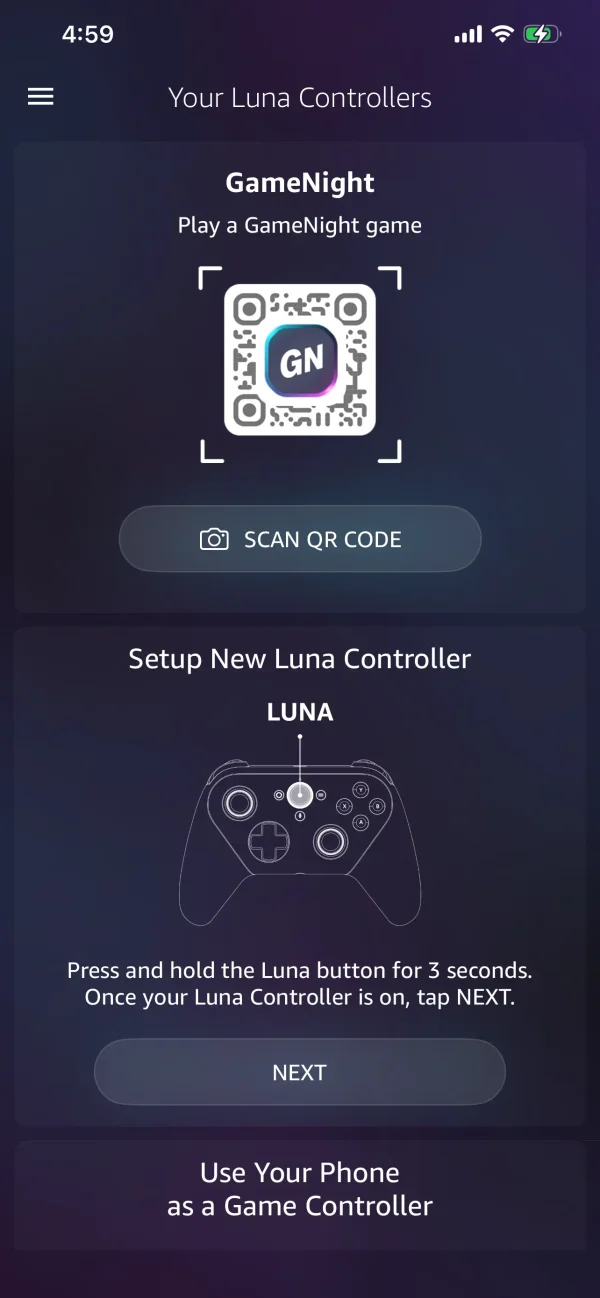
To set up the Luna Controller:
1. Download and install the Luna Controller app on your mobile device.
2. Power up your Luna Controller with 2 AA batteries. Press and hold the Luna button for 3 seconds, and an orange light will start spinning
3. Open the Luna Controller app and follow the on-screen instructions
To set up a Luna Phone Controller:
No controller? No problem. You can use your phone to play Luna games.
1. Go to the appstore on your mobile device and install the Luna Controller app.
2. Sign into your Amazon account.
3. Select Play With Phone Controller.
The next time you're ready to play, just follow these steps:
1. Open the Luna app on a compatible device, such as a compatible Fire TV, PC or Mac
2. Open the Luna Controller app on your mobile device.
3. Select Launch under your virtual controller and wait for your controller to connect to Luna.
4. Use the virtual controller to select the game you want to play and launch it.
Guests can also download the Luna Controller app and join in on the gameplay.
By using this app, you agree to Amazon’s Conditions of Use (www.amazon.com/conditionsofuse) and Privacy Notice (www.amazon.com/privacy).
Yang baru
Versi 1.0.2359 · 3/9/2026
Bug fixes and performance improvements
Privasi aplikasi
Yang dinyatakan AMZN Mobile LLC di App Store tentang cara aplikasi ini menangani data.
-
Data yang ditautkan dengan Anda
Dapat dikumpulkan dan ditautkan dengan identitas Anda.
- Info kontak
- Konten pengguna
- Data penggunaan
- Diagnostik
- Data lainnya
Praktik privasi dapat bervariasi, misalnya berdasarkan fitur yang Anda gunakan atau usia Anda.
Informasi
- Penjual
- AMZN Mobile LLC
- Kategori
- Game
- Versi
- 1.0.2359
- Diperbarui
- 3/9/2026
- Dirilis
- 19/10/2020
- Ukuran
- 60,9 MB
- Memerlukan
- iOS 15.0 atau yang lebih baru
- Batasan usia
- 4+
- Bahasa
- Inggris, Belanda, Prancis, Jerman, Italia, Polski (Polandia), Portugis, Spanyol, Swensk (Swedia)
- Hak cipta
- © 2025 Amazon.com or its affiliates
Mungkin Anda juga suka
-
 OneCastGame
-
 Gamma - Emulator Game PS 1Emulator PS1 yang terkenal!
-
 Steam LinkStream Your Steam Library
-
 Dilly for FortniteAksi
-
 Netflix PuzzledÉles elme a napi rejtvényekkel
-
 Moonlight Game StreamingGame
-
 Outsmarted - Companion AppPapan
-
 Heads Up! Edisi NetflixGame tebak kata cepat
-
 RetroArchGame
-
 The 1% Club TV Show Quiz GameTrivia