Luna Controller
Amazon Luna Controller
iPhone, iPad, iPod touch için tasarlandı
- Yaş sınırı4+
- KategoriOyunlar
- GeliştiriciAMZN Mobile LLC
- Dillerİngilizce+ 8 dil daha
- Boyut60,9 MB
Luna Controller şu anda App Store üzerinde mevcut olmayabilir
Son kontrolümüzde mağaza sayfasına ulaşılamadı. Bağlantı yine de resmi App Store sayfasına gider.
Ekran görüntüleri

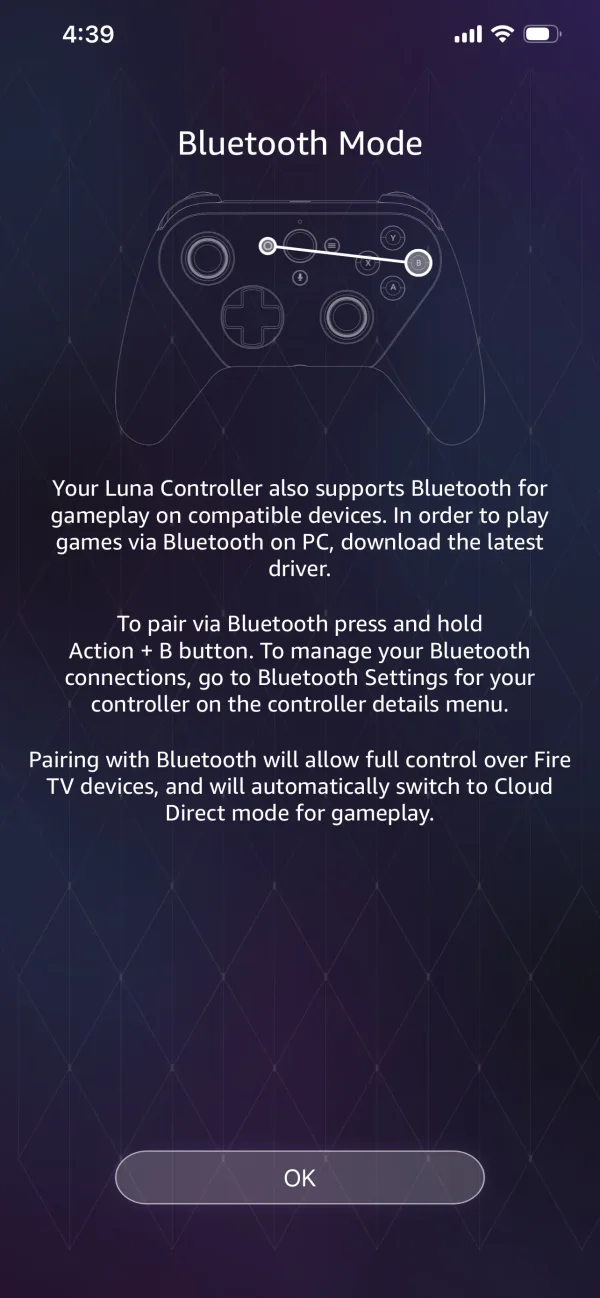
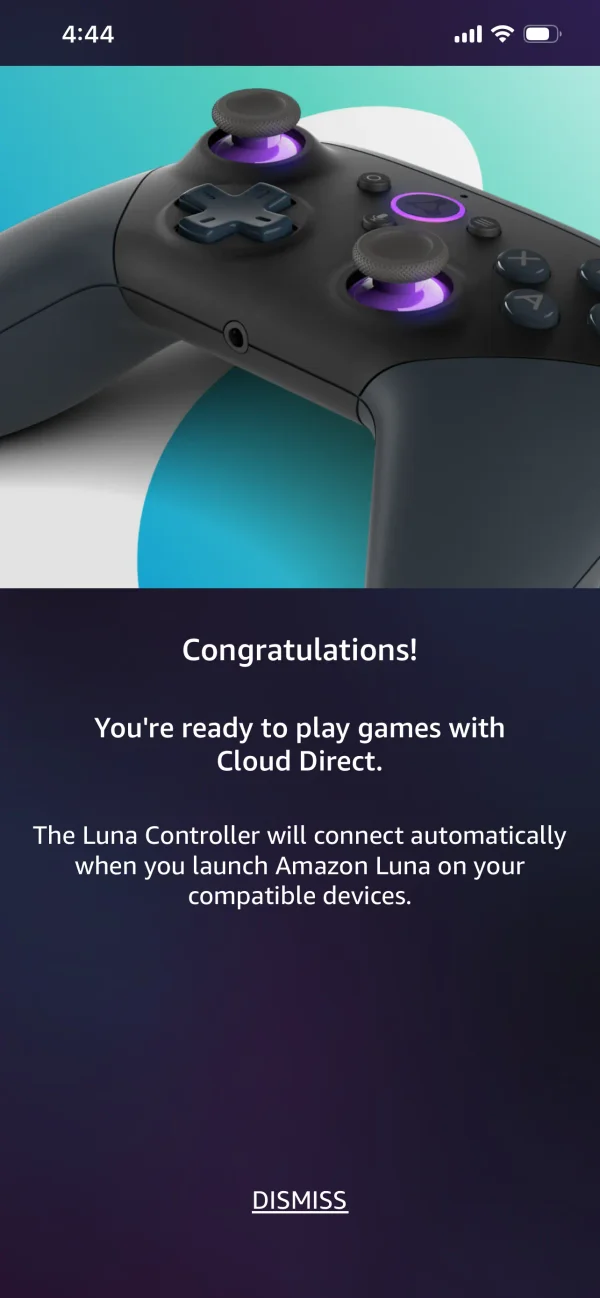
Hakkında
Geliştirici bu metni dilinizde sunmamış.
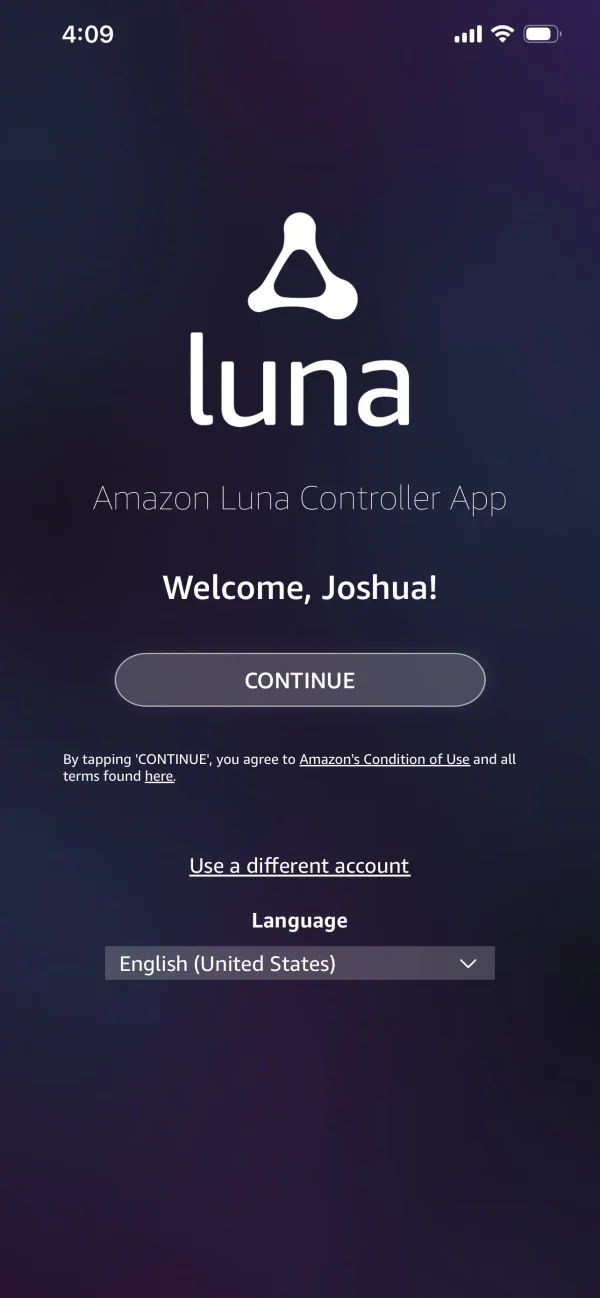
The Luna Controller app allows you to set up and manage your Luna Controllers and play Luna games using your phone via the Phone Controller.
With the Luna Controller app you can:
- Register Luna Controllers to your Amazon account
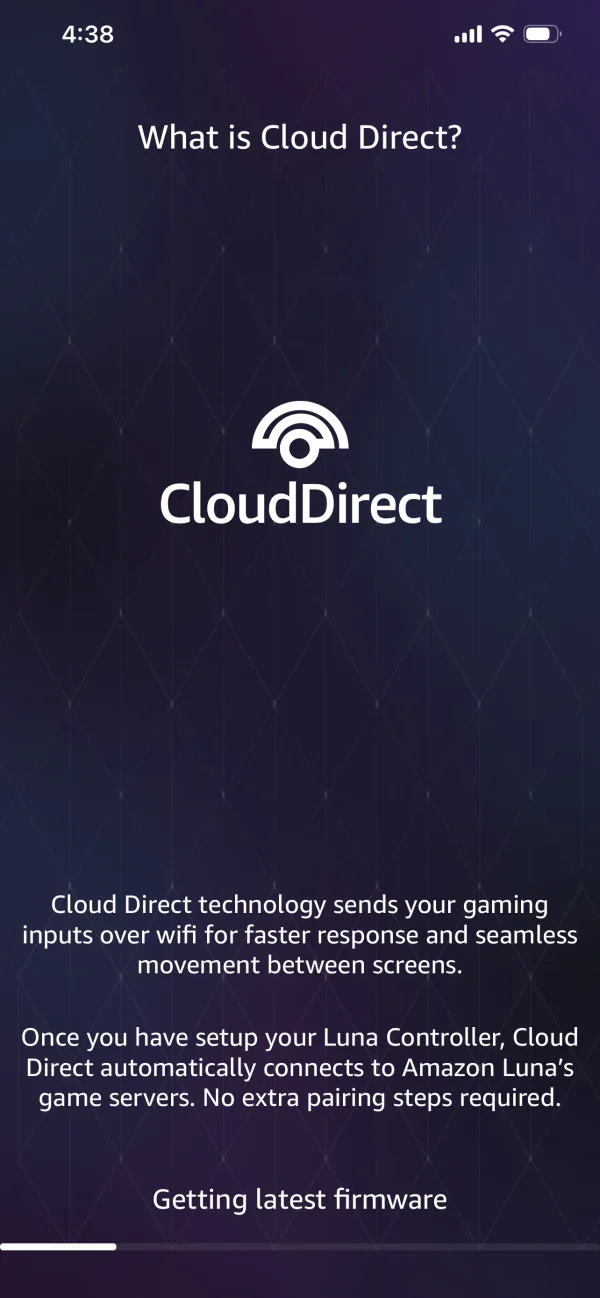
- Set up your Luna Controller to connect to wifi and enable Cloud Direct
- Play games on Luna using touch inputs on your mobile device using the Phone Controller
- Add friends to your local Luna gaming session using Guest Mode
- Manage the Cloud Direct wifi connection
- Manage your Luna Controller Bluetooth connection
- Update the software on your Luna Controllers
- Check battery status
- Switch between Cloud Direct and Bluetooth
- Get help for common troubleshooting problems
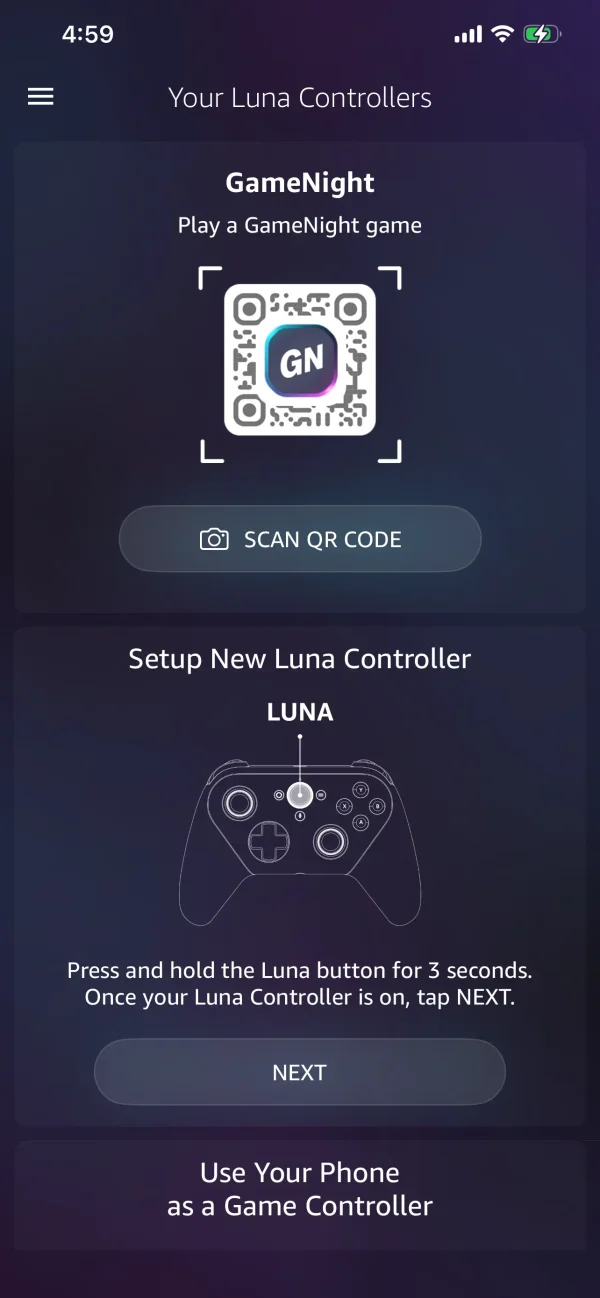
To set up the Luna Controller:
1. Download and install the Luna Controller app on your mobile device.
2. Power up your Luna Controller with 2 AA batteries. Press and hold the Luna button for 3 seconds, and an orange light will start spinning
3. Open the Luna Controller app and follow the on-screen instructions
To set up a Luna Phone Controller:
No controller? No problem. You can use your phone to play Luna games.
1. Go to the appstore on your mobile device and install the Luna Controller app.
2. Sign into your Amazon account.
3. Select Play With Phone Controller.
The next time you're ready to play, just follow these steps:
1. Open the Luna app on a compatible device, such as a compatible Fire TV, PC or Mac
2. Open the Luna Controller app on your mobile device.
3. Select Launch under your virtual controller and wait for your controller to connect to Luna.
4. Use the virtual controller to select the game you want to play and launch it.
Guests can also download the Luna Controller app and join in on the gameplay.
By using this app, you agree to Amazon’s Conditions of Use (www.amazon.com/conditionsofuse) and Privacy Notice (www.amazon.com/privacy).
Yenilikler
Sürüm 1.0.2359 · 03.09.2026
Bug fixes and performance improvements
Uygulama gizliliği
Bu uygulamanın verileri nasıl işlediği hakkında AMZN Mobile LLC tarafından App Store üzerinde yapılan beyan.
-
Sizinle ilişkilendirilen veriler
Toplanabilir ve kimliğinizle ilişkilendirilebilir.
- İletişim bilgileri
- Kullanıcı içeriği
- Kullanım verileri
- Tanılama
- Diğer veriler
Gizlilik uygulamaları, örneğin kullandığınız özelliklere veya yaşınıza göre değişiklik gösterebilir.
Bilgiler
- Satıcı
- AMZN Mobile LLC
- Kategori
- Oyunlar
- Sürüm
- 1.0.2359
- Güncellendi
- 03.09.2026
- Yayın tarihi
- 19.10.2020
- Boyut
- 60,9 MB
- Gereksinim
- iOS 15.0 veya sonrası
- Yaş sınırı
- 4+
- Diller
- İngilizce, Hollandaca, Fransızca, Almanca, İtalyanca, Lehçe, Portekizce, İspanyolca, İsveççe
- Telif hakkı
- © 2025 Amazon.com or its affiliates
Bunları da beğenebilirsiniz
-
 OneCastOyunlar
-
 Gamma - PS 1 Oyun EmülatörüÜnlü PS1 emülatörü!
-
 Steam LinkOyunlar
-
 Dilly for FortniteAksiyon
-
 Netflix Puzzledİşleyen zihin ışıldar!
-
 Moonlight Game StreamingOyunlar
-
 Outsmarted - Companion AppMasa
-
 Heads Up! Netflix EditionYüksek tempolu tahmin oyunu
-
 RetroArchOyunlar
-
 The 1% Club TV Show Quiz GameSoru Cevap