Luna Controller
Amazon Luna Controller
Được thiết kế cho iPhone, iPad, iPod touch
- Độ tuổi4+
- Danh mụcTrò chơi
- Nhà phát triểnAMZN Mobile LLC
- Ngôn ngữTiếng Anh+ 8 ngôn ngữ khác
- Kích thước60,9 MB
Luna Controller hiện có thể không có trên App Store
Ở lần kiểm tra gần nhất, chúng tôi không truy cập được trang trên cửa hàng. Liên kết vẫn dẫn đến trang App Store chính thức.
Ảnh chụp màn hình

Giới thiệu
Nhà phát triển chưa cung cấp nội dung này bằng ngôn ngữ của bạn.
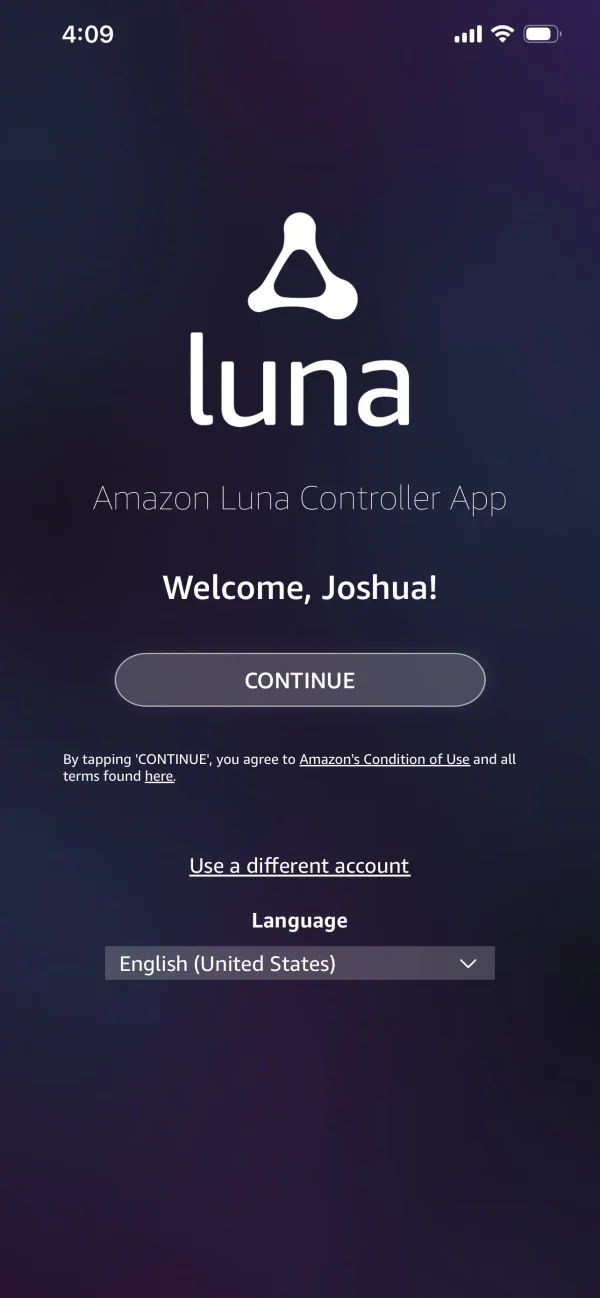
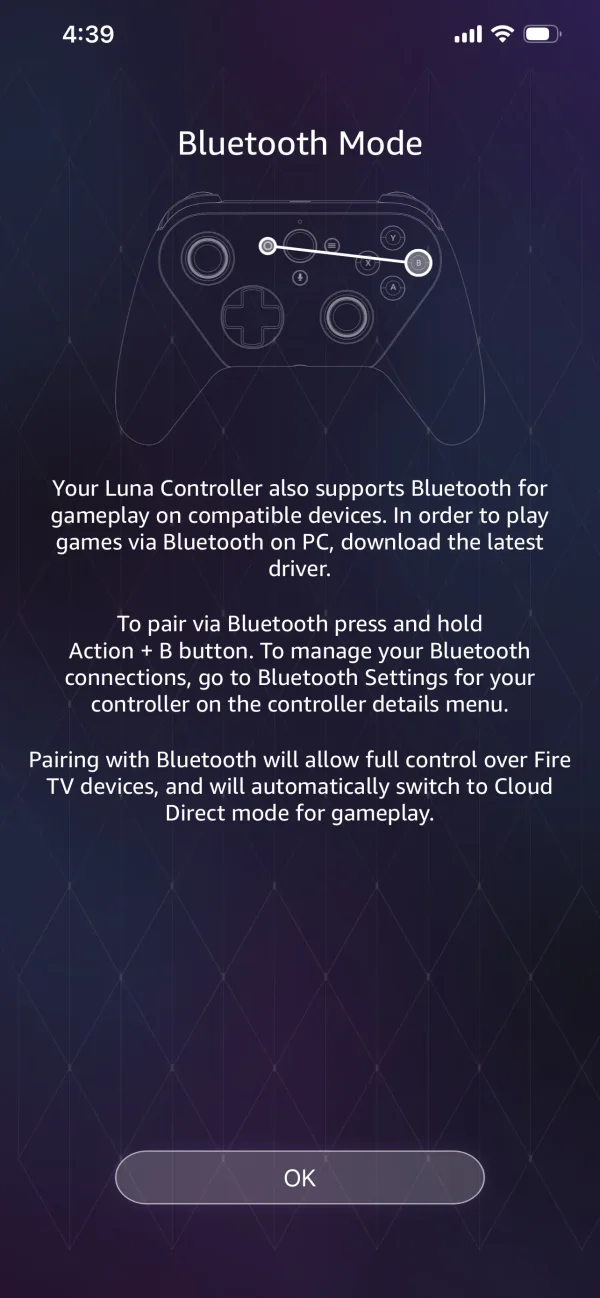
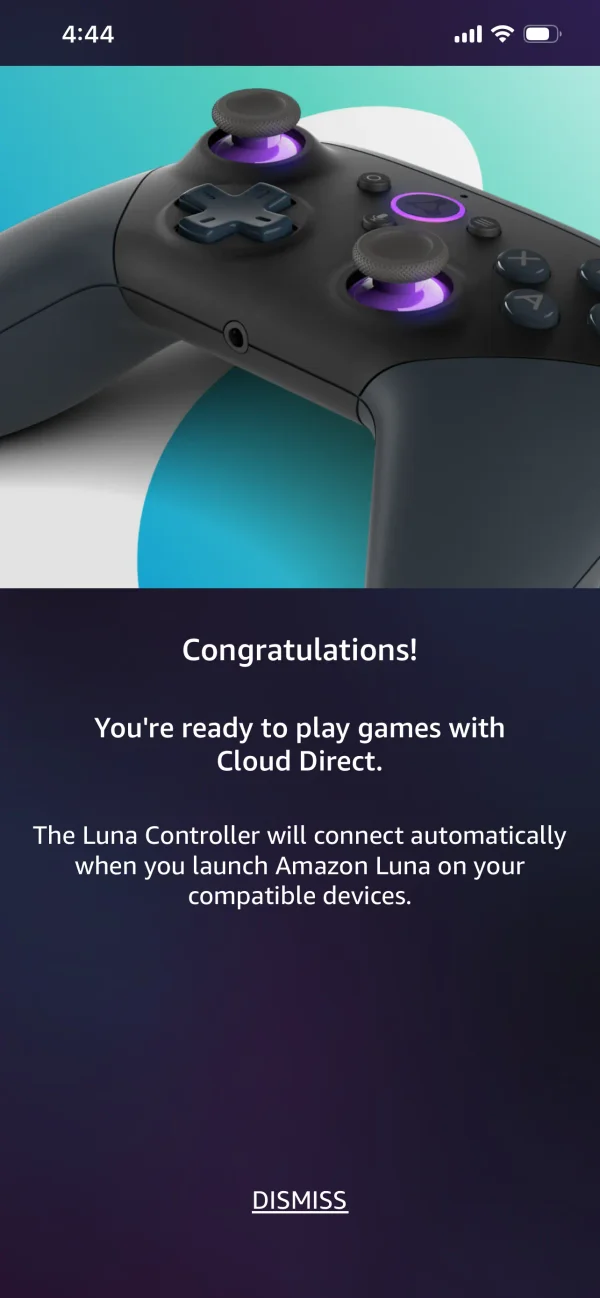
The Luna Controller app allows you to set up and manage your Luna Controllers and play Luna games using your phone via the Phone Controller.
With the Luna Controller app you can:
- Register Luna Controllers to your Amazon account
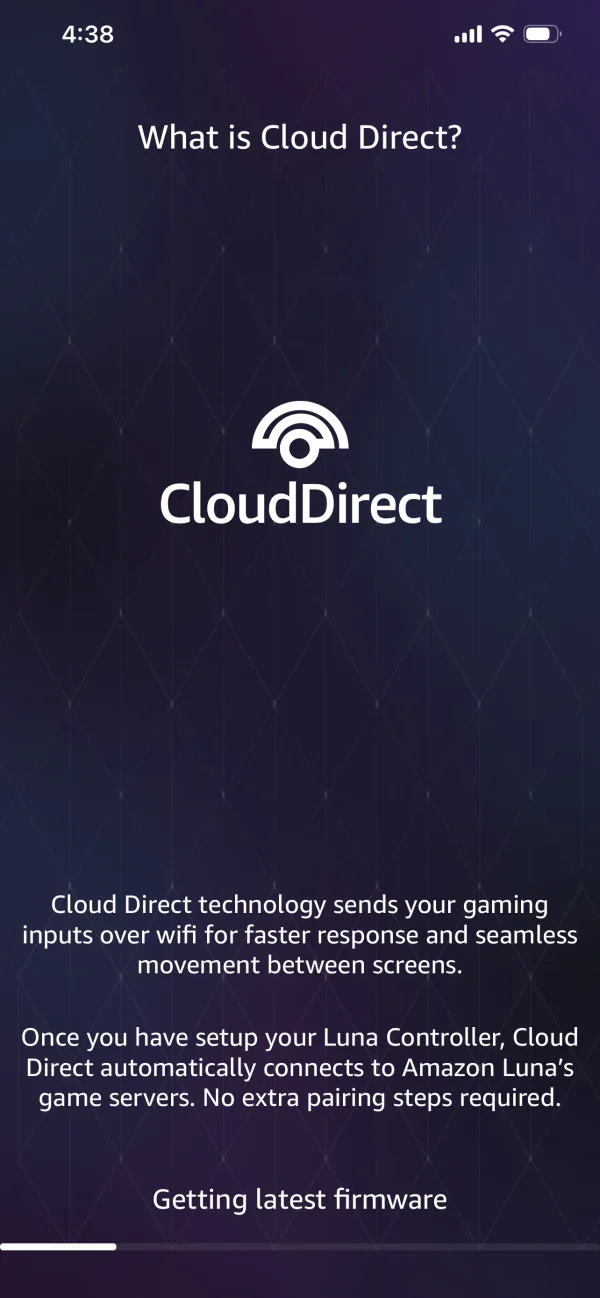
- Set up your Luna Controller to connect to wifi and enable Cloud Direct
- Play games on Luna using touch inputs on your mobile device using the Phone Controller
- Add friends to your local Luna gaming session using Guest Mode
- Manage the Cloud Direct wifi connection
- Manage your Luna Controller Bluetooth connection
- Update the software on your Luna Controllers
- Check battery status
- Switch between Cloud Direct and Bluetooth
- Get help for common troubleshooting problems
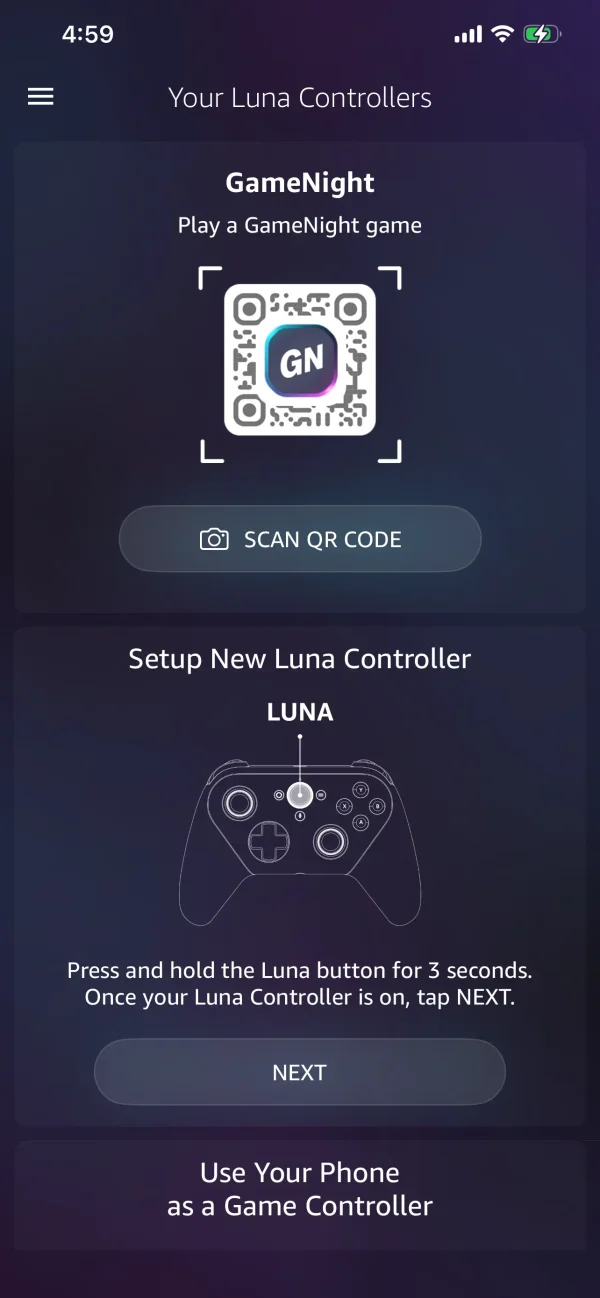
To set up the Luna Controller:
1. Download and install the Luna Controller app on your mobile device.
2. Power up your Luna Controller with 2 AA batteries. Press and hold the Luna button for 3 seconds, and an orange light will start spinning
3. Open the Luna Controller app and follow the on-screen instructions
To set up a Luna Phone Controller:
No controller? No problem. You can use your phone to play Luna games.
1. Go to the appstore on your mobile device and install the Luna Controller app.
2. Sign into your Amazon account.
3. Select Play With Phone Controller.
The next time you're ready to play, just follow these steps:
1. Open the Luna app on a compatible device, such as a compatible Fire TV, PC or Mac
2. Open the Luna Controller app on your mobile device.
3. Select Launch under your virtual controller and wait for your controller to connect to Luna.
4. Use the virtual controller to select the game you want to play and launch it.
Guests can also download the Luna Controller app and join in on the gameplay.
By using this app, you agree to Amazon’s Conditions of Use (www.amazon.com/conditionsofuse) and Privacy Notice (www.amazon.com/privacy).
Có gì mới
Phiên bản 1.0.2359 · 03/09/2026
Bug fixes and performance improvements
Quyền riêng tư của ứng dụng
Những gì AMZN Mobile LLC khai báo trên App Store về cách ứng dụng này xử lý dữ liệu.
-
Dữ liệu liên kết với bạn
Có thể được thu thập và liên kết với danh tính của bạn.
- Thông tin liên hệ
- Nội dung của người dùng
- Dữ liệu sử dụng
- Chẩn đoán
- Dữ liệu khác
Phương thức đảm bảo quyền riêng tư có thể khác nhau, chẳng hạn như tuỳ theo các tính năng bạn sử dụng hoặc độ tuổi của bạn.
Thông tin
- Người bán
- AMZN Mobile LLC
- Danh mục
- Trò chơi
- Phiên bản
- 1.0.2359
- Cập nhật
- 03/09/2026
- Phát hành
- 19/10/2020
- Kích thước
- 60,9 MB
- Yêu cầu
- iOS 15.0 trở lên
- Độ tuổi
- 4+
- Ngôn ngữ
- Tiếng Anh, Tiếng Hà Lan, Tiếng Pháp, Tiếng Đức, Tiếng Ý, Tiếng Ba Lan, Tiếng Bồ Đào Nha, Tiếng Tây Ban Nha, Tiếng Thụy Điển
- Bản quyền
- © 2025 Amazon.com or its affiliates
Có thể bạn cũng thích
-
 OneCastTrò chơi
-
 Gamma - PS 1 Game EmulatorTrình giả lập PS1 nổi tiếng!
-
 Steam LinkStream Your Steam Library
-
 Dilly for FortniteHành Động
-
 Netflix PuzzledGiải đố hàng ngày để sắc bén
-
 Moonlight Game StreamingTrò chơi
-
 Outsmarted - Companion AppBoard Game
-
 Heads Up! Bản NetflixTrò chơi đoán từ tốc độ
-
 RetroArchTrò chơi
-
 The 1% Club TV Show Quiz GameĐố Vui