- Age rating4+
- CategoryGames
- DeveloperAMZN Mobile LLC
- LanguagesEnglish+ 8 more
- Size60.9 MB
Links to the official App Store page
Download.org hosts no file of Luna Controller. The button opens its official App Store page, published by AMZN Mobile LLC. Listing last checked on Nov 24, 2026.
Screenshots

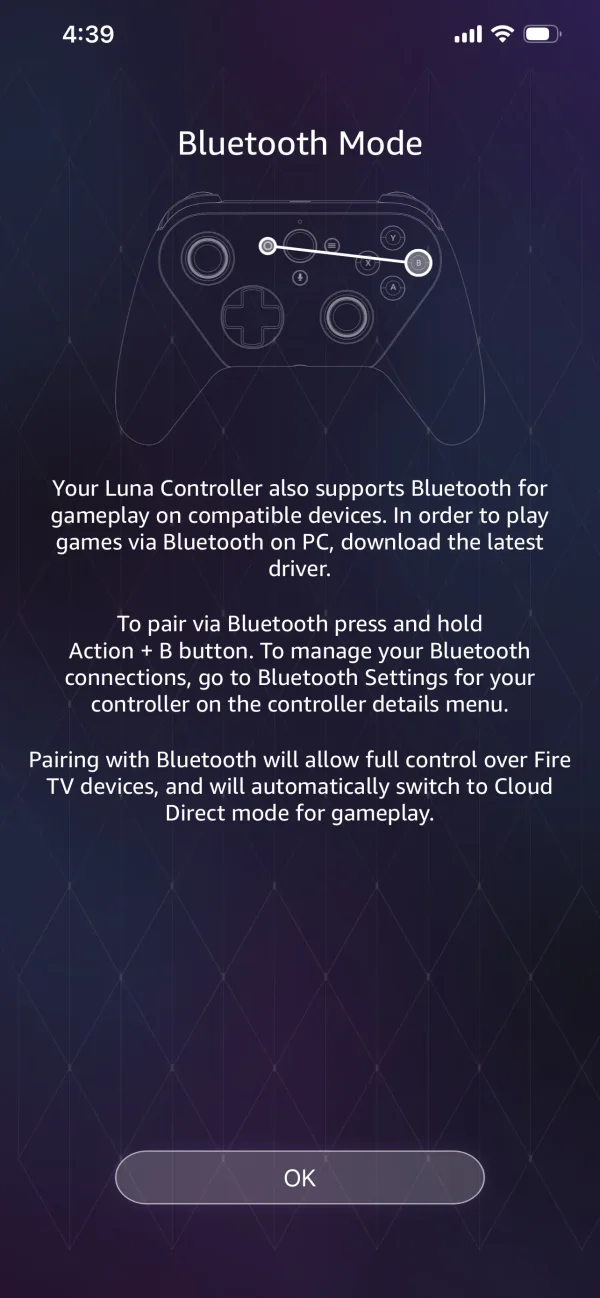
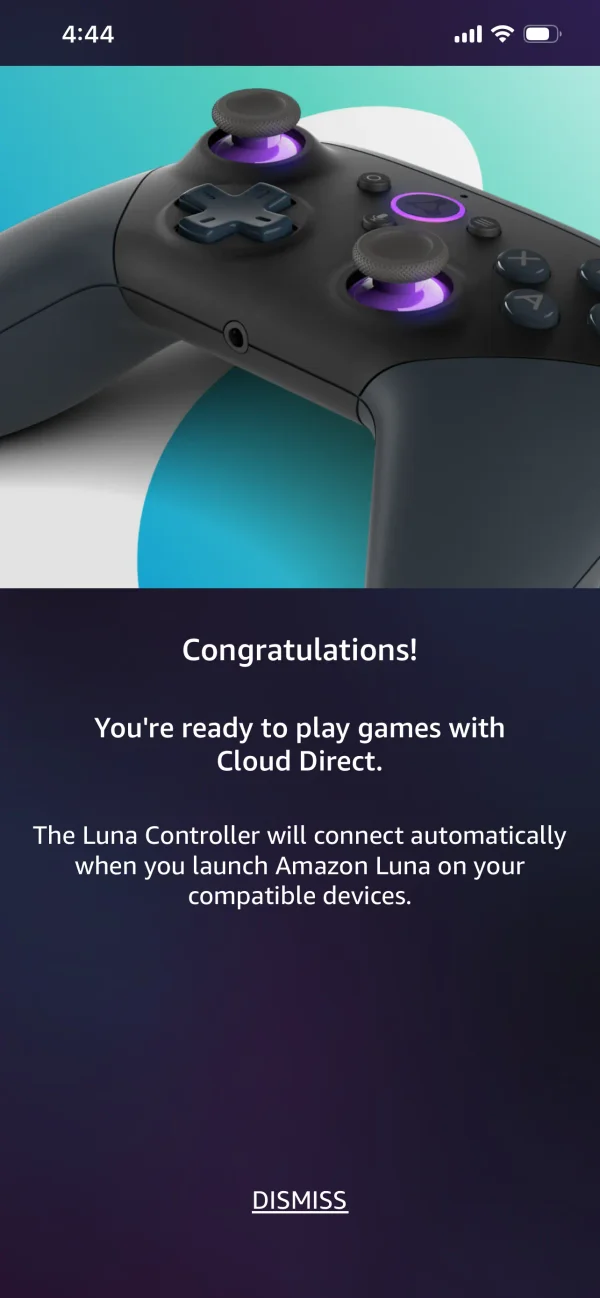
About
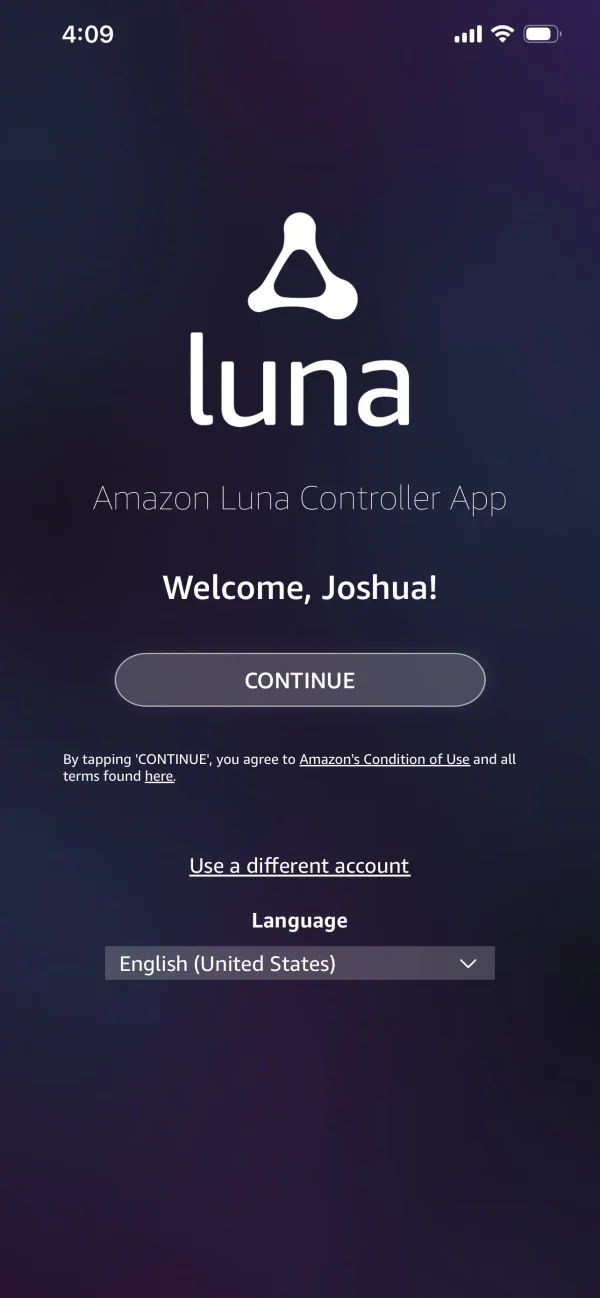
The Luna Controller app allows you to set up and manage your Luna Controllers and play Luna games using your phone via the Phone Controller.
With the Luna Controller app you can:
- Register Luna Controllers to your Amazon account
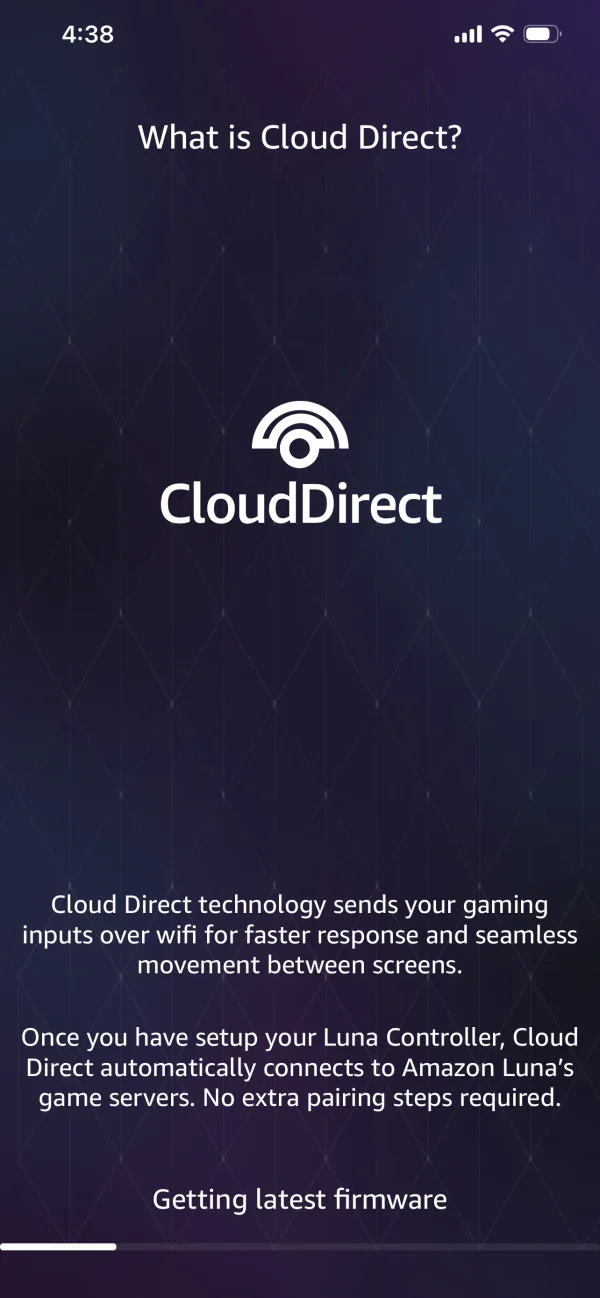
- Set up your Luna Controller to connect to wifi and enable Cloud Direct
- Play games on Luna using touch inputs on your mobile device using the Phone Controller
- Add friends to your local Luna gaming session using Guest Mode
- Manage the Cloud Direct wifi connection
- Manage your Luna Controller Bluetooth connection
- Update the software on your Luna Controllers
- Check battery status
- Switch between Cloud Direct and Bluetooth
- Get help for common troubleshooting problems
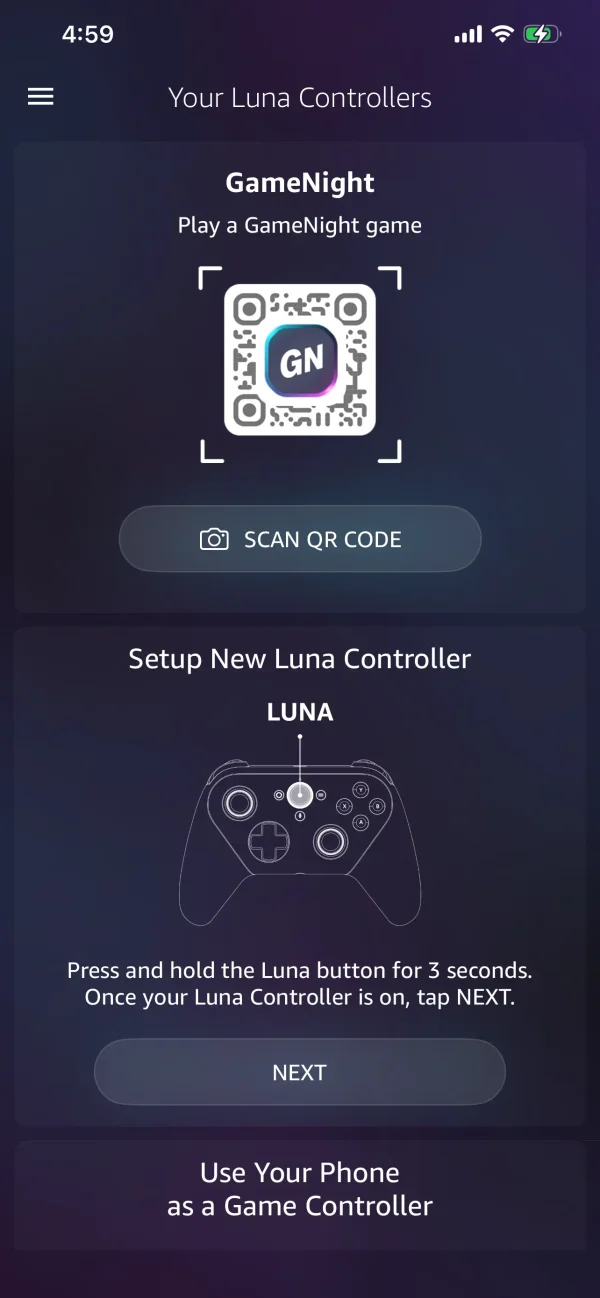
To set up the Luna Controller:
1. Download and install the Luna Controller app on your mobile device.
2. Power up your Luna Controller with 2 AA batteries. Press and hold the Luna button for 3 seconds, and an orange light will start spinning
3. Open the Luna Controller app and follow the on-screen instructions
To set up a Luna Phone Controller:
No controller? No problem. You can use your phone to play Luna games.
1. Go to the appstore on your mobile device and install the Luna Controller app.
2. Sign into your Amazon account.
3. Select Play With Phone Controller.
The next time you're ready to play, just follow these steps:
1. Open the Luna app on a compatible device, such as a compatible Fire TV, PC or Mac
2. Open the Luna Controller app on your mobile device.
3. Select Launch under your virtual controller and wait for your controller to connect to Luna.
4. Use the virtual controller to select the game you want to play and launch it.
Guests can also download the Luna Controller app and join in on the gameplay.
By using this app, you agree to Amazon’s Conditions of Use (www.amazon.com/conditionsofuse) and Privacy Notice (www.amazon.com/privacy).
What’s new
Version 1.0.2359 · Sep 3, 2026
Bug fixes and performance improvements
App privacy
What AMZN Mobile LLC declares on the App Store about how this app handles data.
-
Data linked to you
May be collected and linked to your identity.
- Contact info
- User content
- Usage data
- Diagnostics
- Other data
Privacy practices may vary, for example with the features you use or your age.
Information
- Seller
- AMZN Mobile LLC
- Category
- Games
- Version
- 1.0.2359
- Updated
- Sep 3, 2026
- Released
- Oct 19, 2020
- Size
- 60.9 MB
- Requires
- iOS 15.0 or later
- Age rating
- 4+
- Price
- Free
- Languages
- English, Dutch, French, German, Italian, Polish, Portuguese, Spanish, Swedish
- Copyright
- © 2025 Amazon.com or its affiliates
You might also like
-
 OneCastStream your Xbox Games
-
 Gamma - PS 1 Game EmulatorThe famous PS1 emulator!
-
 Steam LinkStream Your Steam Library
-
 Dilly for FortniteItem Shop & Sprite Tracker
-
 Netflix Puzzled: Logic GamesDaily word & brain puzzles
-
 Moonlight Game StreamingPlay Your PC Games Remotely
-
 Outsmarted - Companion AppFor The Outsmarted Board Game
-
 Heads Up! Netflix EditionFast-paced guessing game
-
 RetroArchA frontend for emulators
-
 The 1% Club TV Show Quiz GameOfficial TV Quiz Game