OLED Clock
Full featured animated Clock
Dirancang untuk iPhone, iPad, iPod touch
Gratis
- Batasan usia4+
- KategoriKegunaan
- PengembangChristian Moeller
- BahasaInggris+ 4 lainnya
- Ukuran10,1 MB
Tertaut ke halaman resmi App Store
Download.org tidak menyimpan file OLED Clock apa pun. Tombol ini membuka halaman aplikasi di App Store, tempat Christian Moeller menerbitkannya. Halaman terakhir diperiksa pada 18/11/2026.
Tangkapan layar

Tentang
Pengembang belum menyediakan teks ini dalam bahasa Anda.
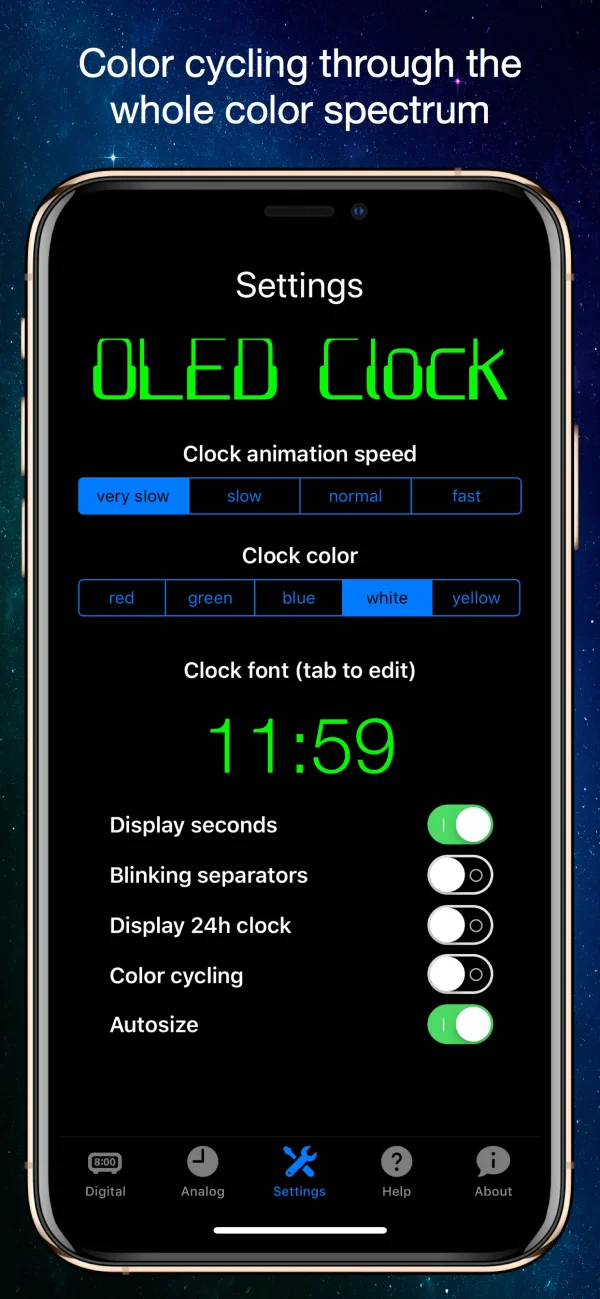
No burn-In! This clock is perfectly suited for the OLED display in iPhone X, because the clock won't stand still on the screen but moves around constantly using any available pixel of the screen over time. Also it smoothly changes color over the complete color spectrum, so that every sub pixel (red, green, blue) will be used evenly. This prevents the so called "burn-in effect" any OLED display shows, if certain pixels are switched on for a very long time. The clock not just works on iPhone X but on all iOS devices like iPhone, iPod Touch and iPad (iOS 9.3 and above). But there's more:
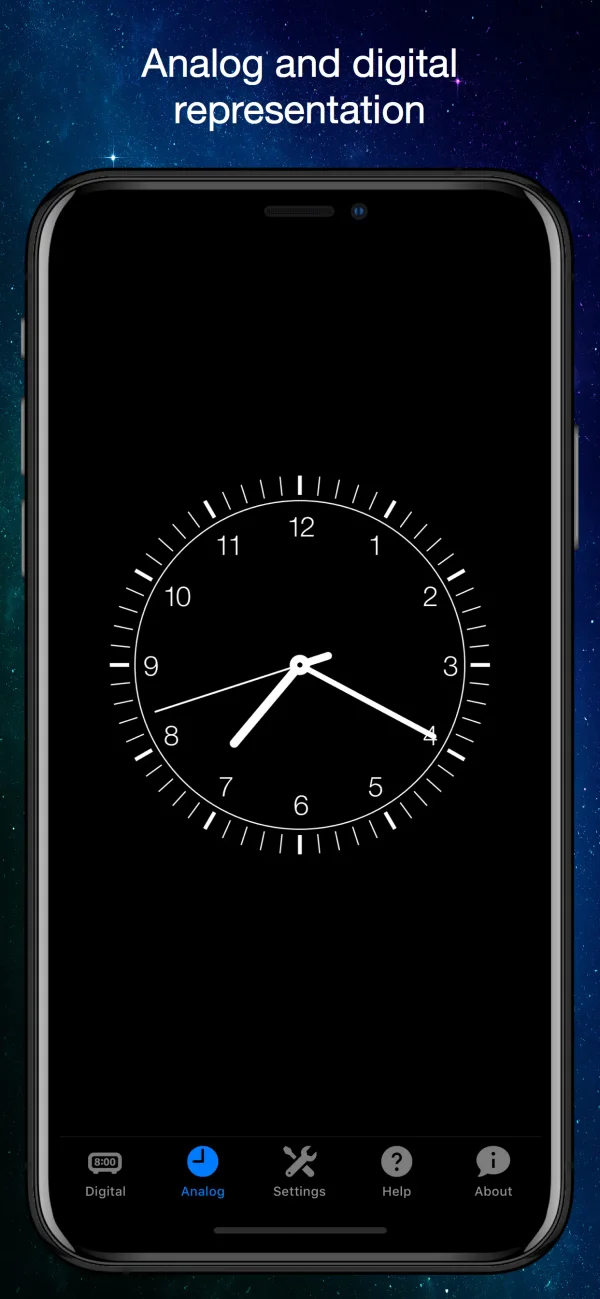
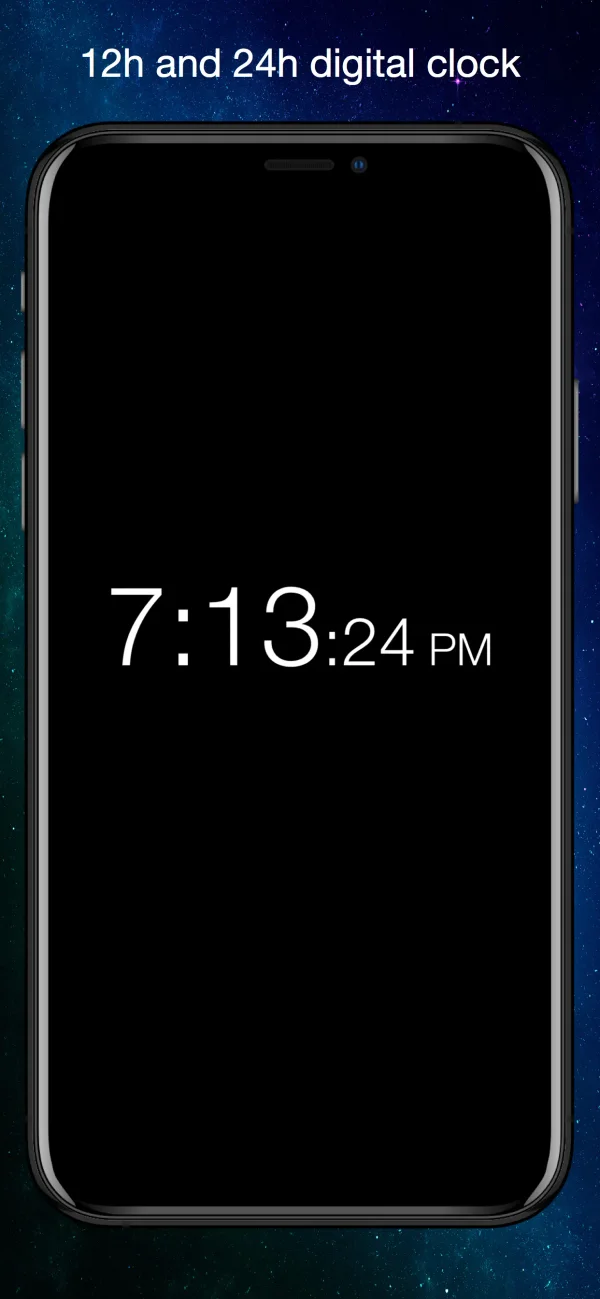
- NEW: digital and analog representation of the clock. You choose!
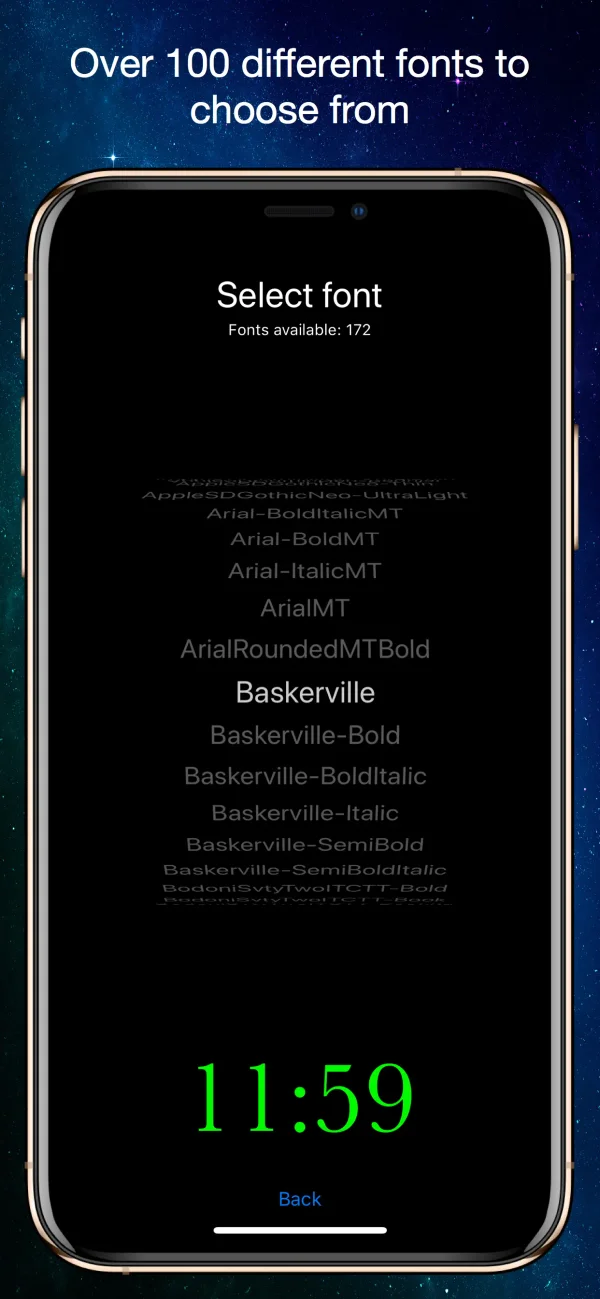
- choose between a huge number of nice looking fonts to display the actual time
- adjust clocks size just by using the pinch gesture on main screen
- use automatic color changes "color cycling" (recommended on iPhone x, can be switched off in settings)
- adjust the clocks brightness by using scroll up and down gesture on the main screen
- tap on the main screen to show tab bar at the bottom of the screen, here you will be able to switch between analog and digital view, call settings, help and about page
- on settings page you can change font, color and animation speed as well as switch on/off seconds, blinking separators, 24h display, autosize and color cycling
- all adjustments are permanent! OLED clock remembers them on the next time you use it!
- use OLED clock in portrait or landscape mode. On digital mode, OLED clock remembers your preferred font size depending on device orientation
- help page provides necessary information about usage
- fully localized in english, german, hebrew, french and japanese (new!)
Yang baru
Versi 2.1.7 · 27/12/2025
Another bug fixed: Tab bar now correctly appears on tap in iOS 16 and earlier versions
Privasi aplikasi
Yang dinyatakan Christian Moeller di App Store tentang cara aplikasi ini menangani data.
-
Data tidak dikumpulkan
Pengembang tidak mengumpulkan data apa pun dari aplikasi ini.
Praktik privasi dapat bervariasi, misalnya berdasarkan fitur yang Anda gunakan atau usia Anda.
Informasi
- Penjual
- Christian Moeller
- Kategori
- Kegunaan
- Versi
- 2.1.7
- Diperbarui
- 27/12/2025
- Dirilis
- 7/5/2018
- Ukuran
- 10,1 MB
- Memerlukan
- iOS 12.0 atau yang lebih baru
- Batasan usia
- 4+
- Harga
- Gratis
- Bahasa
- Inggris, Prancis, Jerman, Ibrani, Jepang
- Hak cipta
- © 2025 cmg software
Mungkin Anda juga suka
-
 Big Red ClockKegunaan
-
 besar nakas jam : MengambangUkuran kustom selalu aktif
-
 Desktop Flip ClockKegunaan
-
 NiceClock DigitalKegunaan
-
 Clock mini: World ClocksKegunaan
-
 Flip Clock - Digital ClockKegunaan
-
 Digital Clock: Night Stand-byKegunaan
-
 Super Clock: Desk & FocusKegunaan
-
 Digital Clock - NeoKegunaan
-
 FaceClock AnalogueKegunaan