OLED Clock
Full featured animated Clock
iPhone, iPad, iPod touch için tasarlandı
Ücretsiz
- Yaş sınırı4+
- KategoriYardımcılar
- GeliştiriciChristian Moeller
- Dillerİngilizce+ 4 dil daha
- Boyut10,1 MB
Resmi App Store sayfasına bağlanır
Download.org, OLED Clock için hiçbir dosya barındırmaz. Düğme, uygulamanın App Store üzerindeki sayfasını açar; uygulamayı orada Christian Moeller yayınlar. Sayfanın son kontrolü: 18.11.2026.
Ekran görüntüleri

Hakkında
Geliştirici bu metni dilinizde sunmamış.
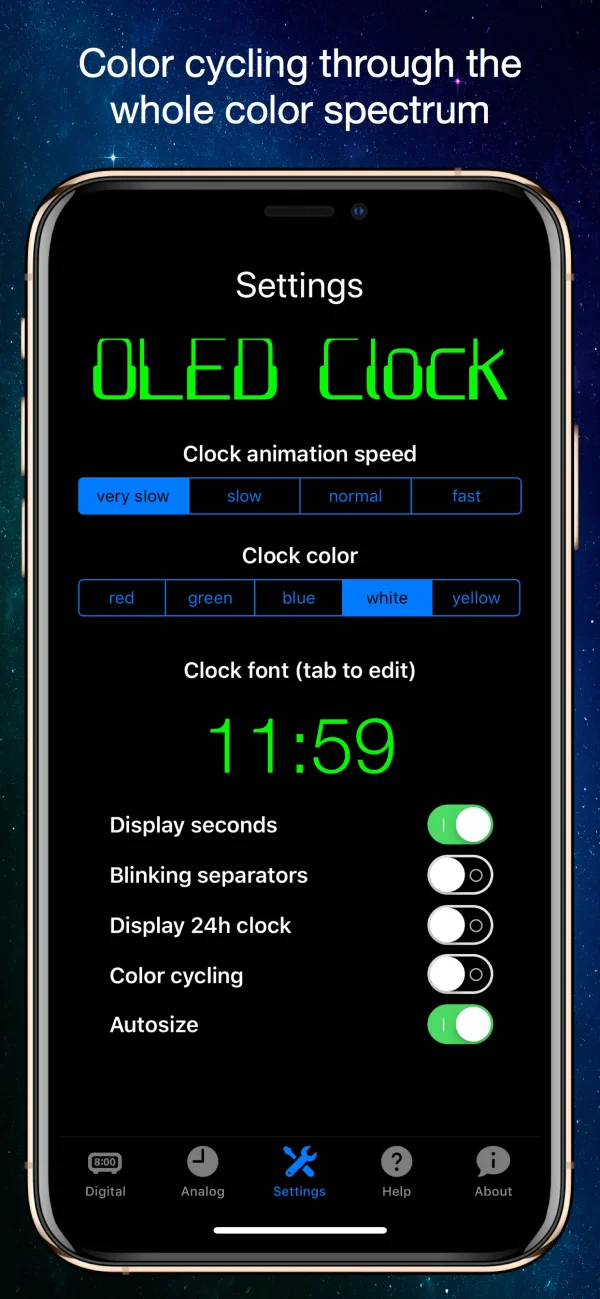
No burn-In! This clock is perfectly suited for the OLED display in iPhone X, because the clock won't stand still on the screen but moves around constantly using any available pixel of the screen over time. Also it smoothly changes color over the complete color spectrum, so that every sub pixel (red, green, blue) will be used evenly. This prevents the so called "burn-in effect" any OLED display shows, if certain pixels are switched on for a very long time. The clock not just works on iPhone X but on all iOS devices like iPhone, iPod Touch and iPad (iOS 9.3 and above). But there's more:
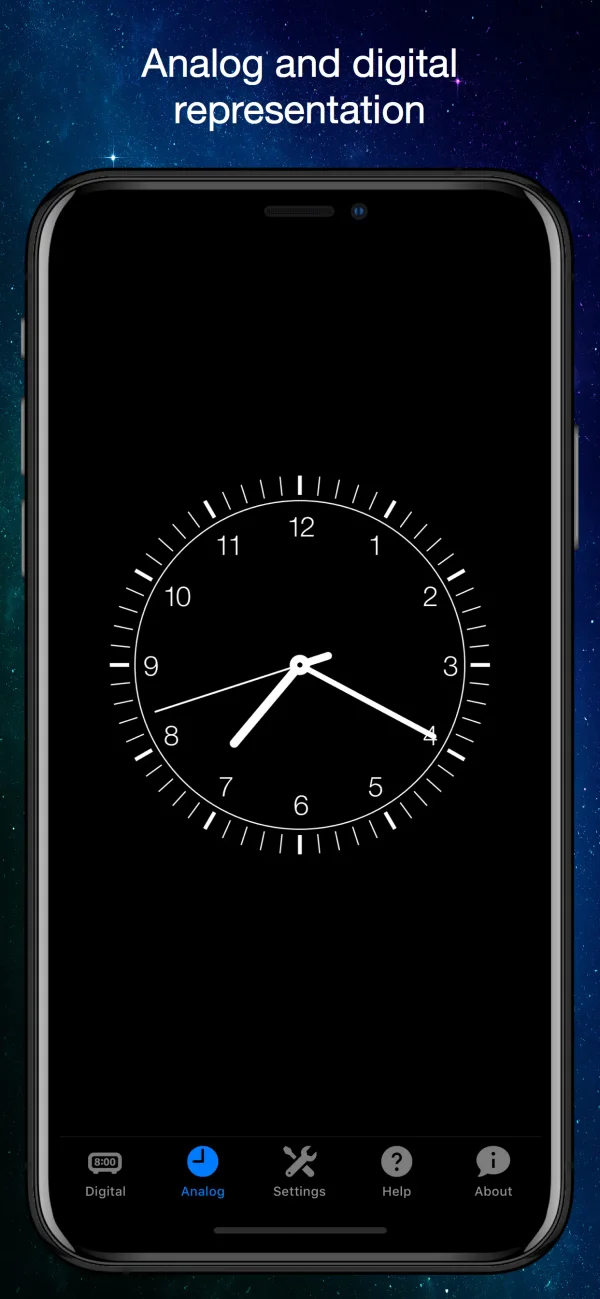
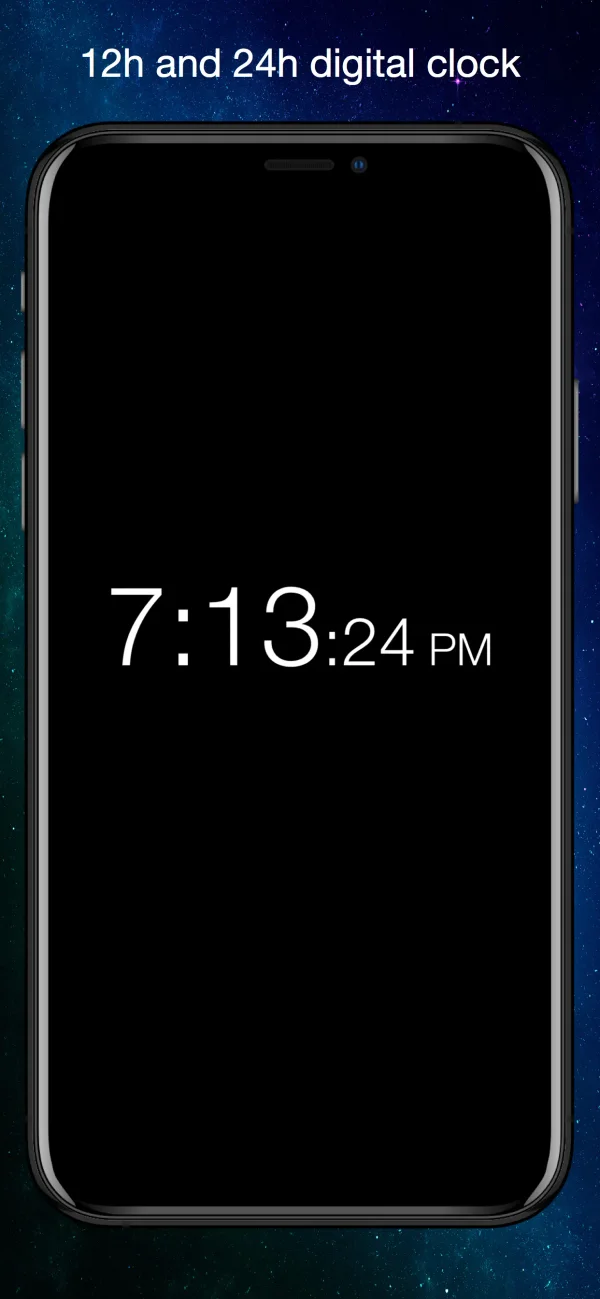
- NEW: digital and analog representation of the clock. You choose!
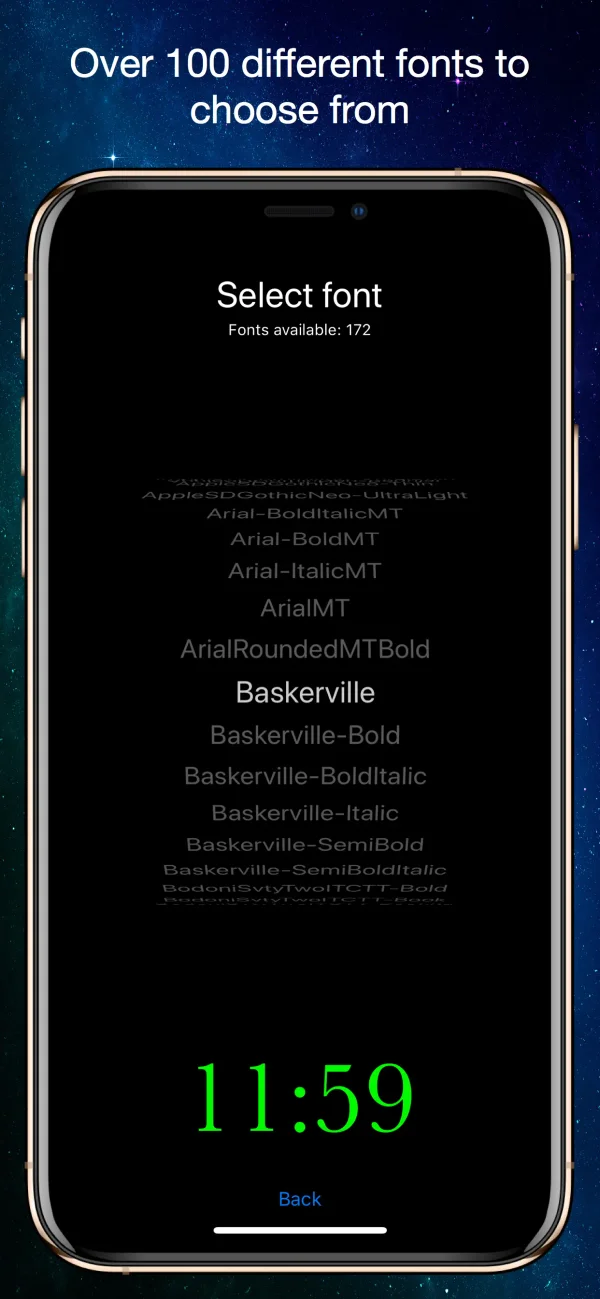
- choose between a huge number of nice looking fonts to display the actual time
- adjust clocks size just by using the pinch gesture on main screen
- use automatic color changes "color cycling" (recommended on iPhone x, can be switched off in settings)
- adjust the clocks brightness by using scroll up and down gesture on the main screen
- tap on the main screen to show tab bar at the bottom of the screen, here you will be able to switch between analog and digital view, call settings, help and about page
- on settings page you can change font, color and animation speed as well as switch on/off seconds, blinking separators, 24h display, autosize and color cycling
- all adjustments are permanent! OLED clock remembers them on the next time you use it!
- use OLED clock in portrait or landscape mode. On digital mode, OLED clock remembers your preferred font size depending on device orientation
- help page provides necessary information about usage
- fully localized in english, german, hebrew, french and japanese (new!)
Yenilikler
Sürüm 2.1.7 · 27.12.2025
Another bug fixed: Tab bar now correctly appears on tap in iOS 16 and earlier versions
Uygulama gizliliği
Bu uygulamanın verileri nasıl işlediği hakkında Christian Moeller tarafından App Store üzerinde yapılan beyan.
-
Veri toplanmıyor
Geliştirici bu uygulamadan hiçbir veri toplamıyor.
Gizlilik uygulamaları, örneğin kullandığınız özelliklere veya yaşınıza göre değişiklik gösterebilir.
Bilgiler
- Satıcı
- Christian Moeller
- Kategori
- Yardımcılar
- Sürüm
- 2.1.7
- Güncellendi
- 27.12.2025
- Yayın tarihi
- 07.05.2018
- Boyut
- 10,1 MB
- Gereksinim
- iOS 12.0 veya sonrası
- Yaş sınırı
- 4+
- Fiyat
- Ücretsiz
- Diller
- İngilizce, Fransızca, Almanca, İbranice, Japonca
- Telif hakkı
- © 2025 cmg software
Bunları da beğenebilirsiniz
-
 Big Red ClockYardımcılar
-
 Huge Digital Clock - Bed SideYardımcılar
-
 Desktop Flip ClockYardımcılar
-
 NiceClock DigitalYardımcılar
-
 Clock mini: World ClocksYardımcılar
-
 Flip Clock - Digital ClockYardımcılar
-
 Digital Clock: Night Stand-byYardımcılar
-
 Super Clock: Desk & FocusYardımcılar
-
 Digital Clock - NeoYardımcılar
-
 FaceClock AnalogueYardımcılar