OLED Clock
Full featured animated Clock
Được thiết kế cho iPhone, iPad, iPod touch
Miễn phí
- Độ tuổi4+
- Danh mụcTiện Ích
- Nhà phát triểnChristian Moeller
- Ngôn ngữTiếng Anh+ 4 ngôn ngữ khác
- Kích thước10,1 MB
Liên kết đến trang App Store chính thức
Download.org không lưu trữ tệp nào của OLED Clock. Nút này mở trang ứng dụng trên App Store, nơi Christian Moeller phát hành ứng dụng. Trang được kiểm tra lần cuối: 18/11/2026.
Ảnh chụp màn hình

Giới thiệu
Nhà phát triển chưa cung cấp nội dung này bằng ngôn ngữ của bạn.
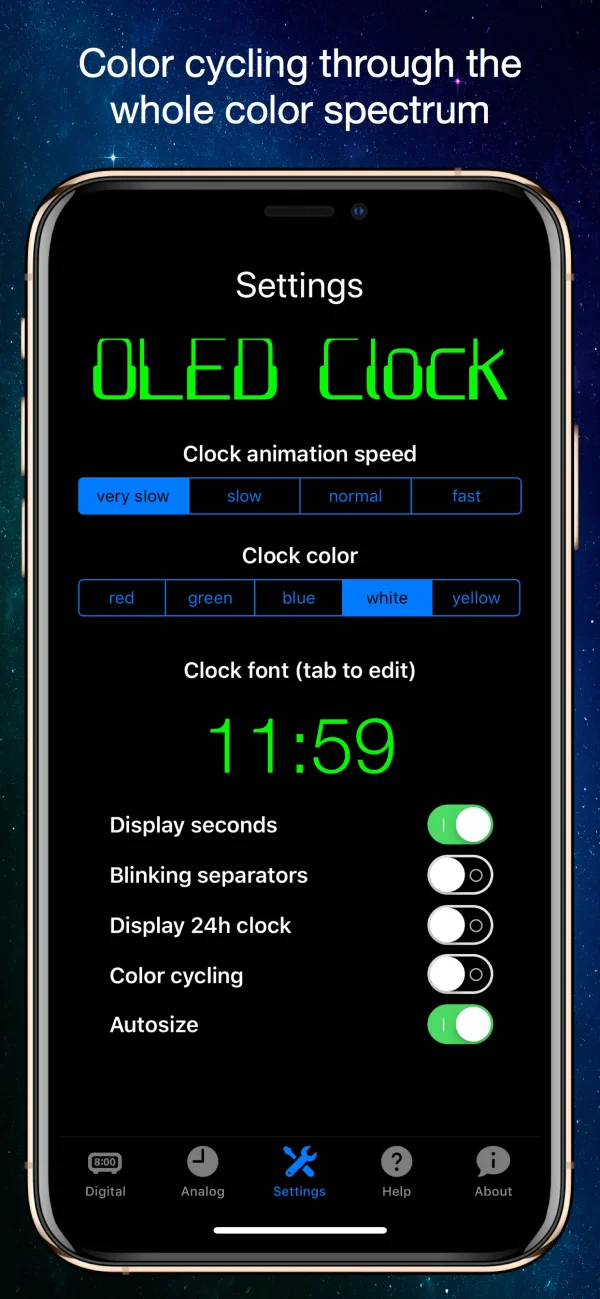
No burn-In! This clock is perfectly suited for the OLED display in iPhone X, because the clock won't stand still on the screen but moves around constantly using any available pixel of the screen over time. Also it smoothly changes color over the complete color spectrum, so that every sub pixel (red, green, blue) will be used evenly. This prevents the so called "burn-in effect" any OLED display shows, if certain pixels are switched on for a very long time. The clock not just works on iPhone X but on all iOS devices like iPhone, iPod Touch and iPad (iOS 9.3 and above). But there's more:
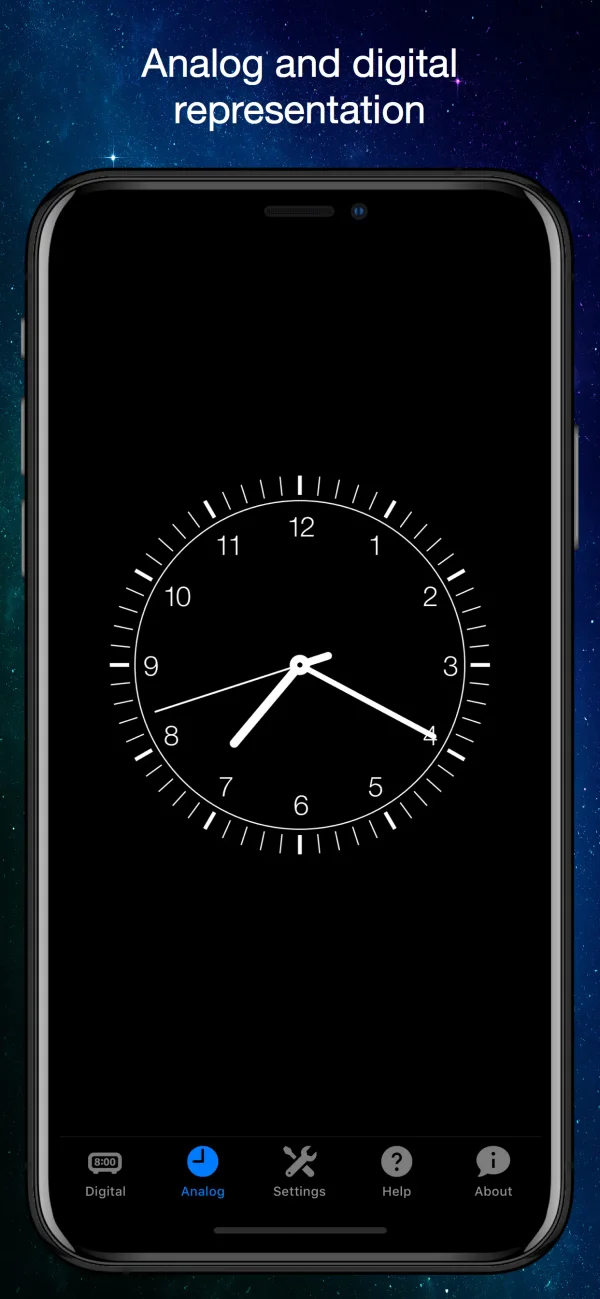
- NEW: digital and analog representation of the clock. You choose!
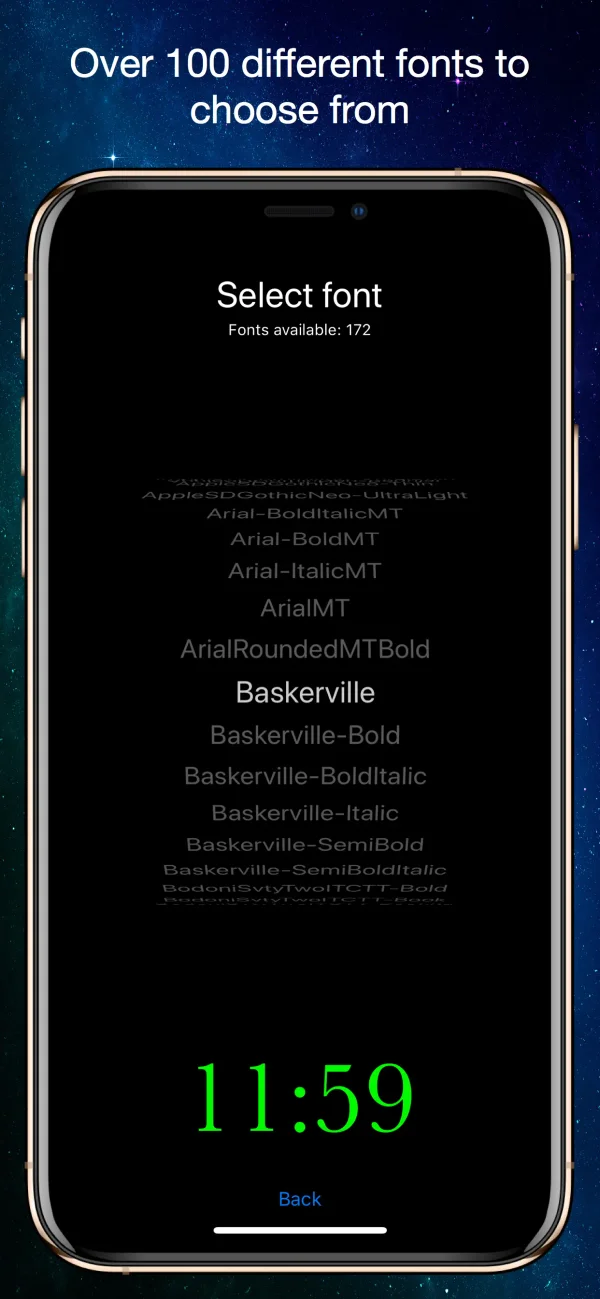
- choose between a huge number of nice looking fonts to display the actual time
- adjust clocks size just by using the pinch gesture on main screen
- use automatic color changes "color cycling" (recommended on iPhone x, can be switched off in settings)
- adjust the clocks brightness by using scroll up and down gesture on the main screen
- tap on the main screen to show tab bar at the bottom of the screen, here you will be able to switch between analog and digital view, call settings, help and about page
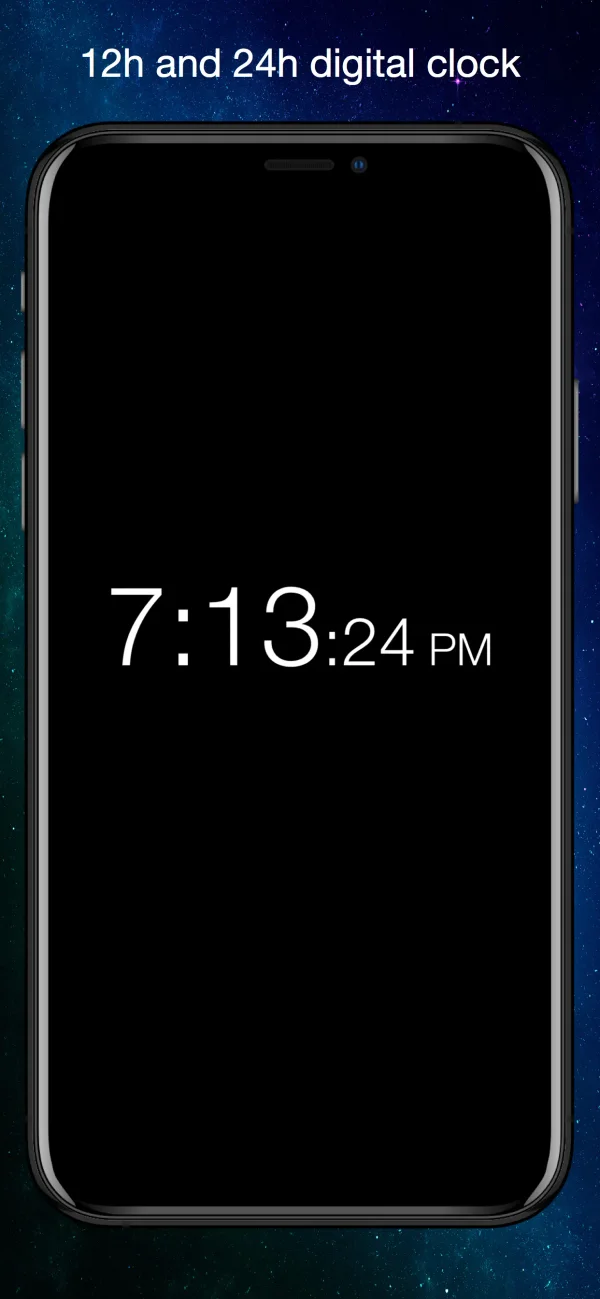
- on settings page you can change font, color and animation speed as well as switch on/off seconds, blinking separators, 24h display, autosize and color cycling
- all adjustments are permanent! OLED clock remembers them on the next time you use it!
- use OLED clock in portrait or landscape mode. On digital mode, OLED clock remembers your preferred font size depending on device orientation
- help page provides necessary information about usage
- fully localized in english, german, hebrew, french and japanese (new!)
Có gì mới
Phiên bản 2.1.7 · 27/12/2025
Another bug fixed: Tab bar now correctly appears on tap in iOS 16 and earlier versions
Quyền riêng tư của ứng dụng
Những gì Christian Moeller khai báo trên App Store về cách ứng dụng này xử lý dữ liệu.
-
Dữ liệu không được thu thập
Nhà phát triển không thu thập bất kỳ dữ liệu nào từ ứng dụng này.
Phương thức đảm bảo quyền riêng tư có thể khác nhau, chẳng hạn như tuỳ theo các tính năng bạn sử dụng hoặc độ tuổi của bạn.
Thông tin
- Người bán
- Christian Moeller
- Danh mục
- Tiện Ích
- Phiên bản
- 2.1.7
- Cập nhật
- 27/12/2025
- Phát hành
- 07/05/2018
- Kích thước
- 10,1 MB
- Yêu cầu
- iOS 12.0 trở lên
- Độ tuổi
- 4+
- Giá
- Miễn phí
- Ngôn ngữ
- Tiếng Anh, Tiếng Pháp, Tiếng Đức, Tiếng Do Thái, Tiếng Nhật
- Bản quyền
- © 2025 cmg software
Có thể bạn cũng thích
-
 Big Red ClockTiện Ích
-
 khổng lồ đồnghồ: cá nhânTủ đầu giường luôn sáng
-
 Desktop Flip ClockTiện Ích
-
 NiceClock DigitalTiện Ích
-
 Clock mini: World ClocksTiện Ích
-
 Flip Clock - Digital ClockTiện Ích
-
 Digital Clock: Night Stand-byTiện Ích
-
 Super Clock: Desk & FocusTiện Ích
-
 Digital Clock - NeoTiện Ích
-
 FaceClock AnalogueTiện Ích