
Overwrite - Markdown & LaTeX
Offline LaTeX, Code & Markdown
Dirancang untuk iPhone, iPad, iPod touch
Gratis
- Batasan usia4+
- KategoriPendidikan
- PengembangStefan Muke
- BahasaInggris
- Ukuran58,2 MB
Tertaut ke halaman resmi App Store
Download.org tidak menyimpan file Overwrite - Markdown & LaTeX apa pun. Tombol ini membuka halaman aplikasi di App Store, tempat Stefan Muke menerbitkannya. Halaman terakhir diperiksa pada 16/11/2026.
Tangkapan layar
Tentang
Pengembang belum menyediakan teks ini dalam bahasa Anda.
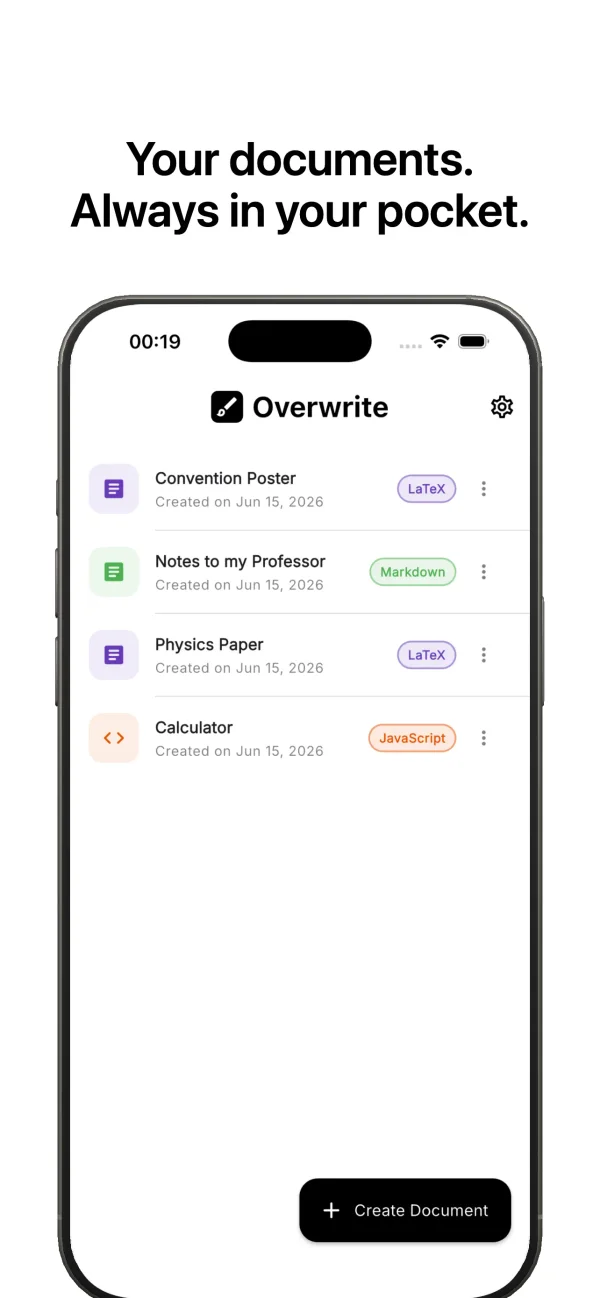
Overwrite is the ultimate minimalist workspace for developers, writers, and students with offline-first LaTeX and Markdown document editing.
Ditch the bloat. Overwrite combines a distraction-free environment with high-performance editing tools. Whether you’re drafting notes in Markdown, writing mathematical equations in LaTeX, or testing JavaScript and Dart scripts, Overwrite handles it all natively and 100% offline.
Designed to look stunning on both iPhone and iPad, the app features a responsive layout, a customizable monospaced interface, and a custom keyboard accessory bar to make editing on the go effortless.
KEY FEATURES:
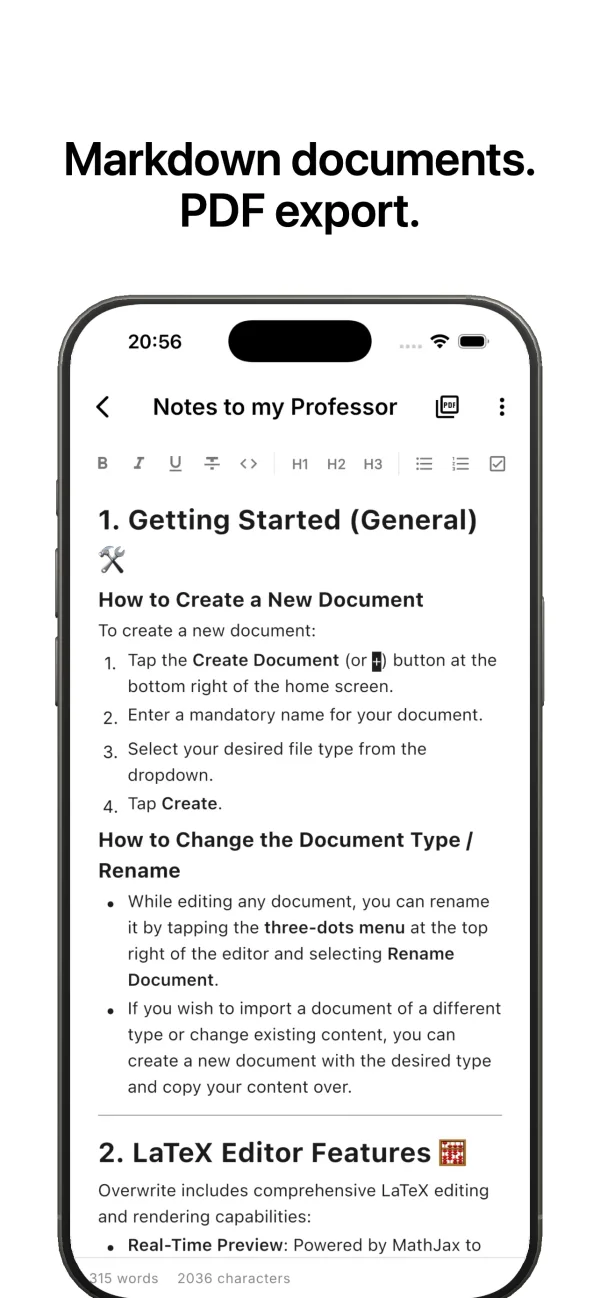
1. Rich Markdown Workspace (WYSIWYG)
Draft beautiful documentation, prose, or journals.
Live rendering hides formatting syntax markers unless you are editing the line (Notion-style).
Format quickly with an interactive slash command (/) menu and floating selection toolbars.
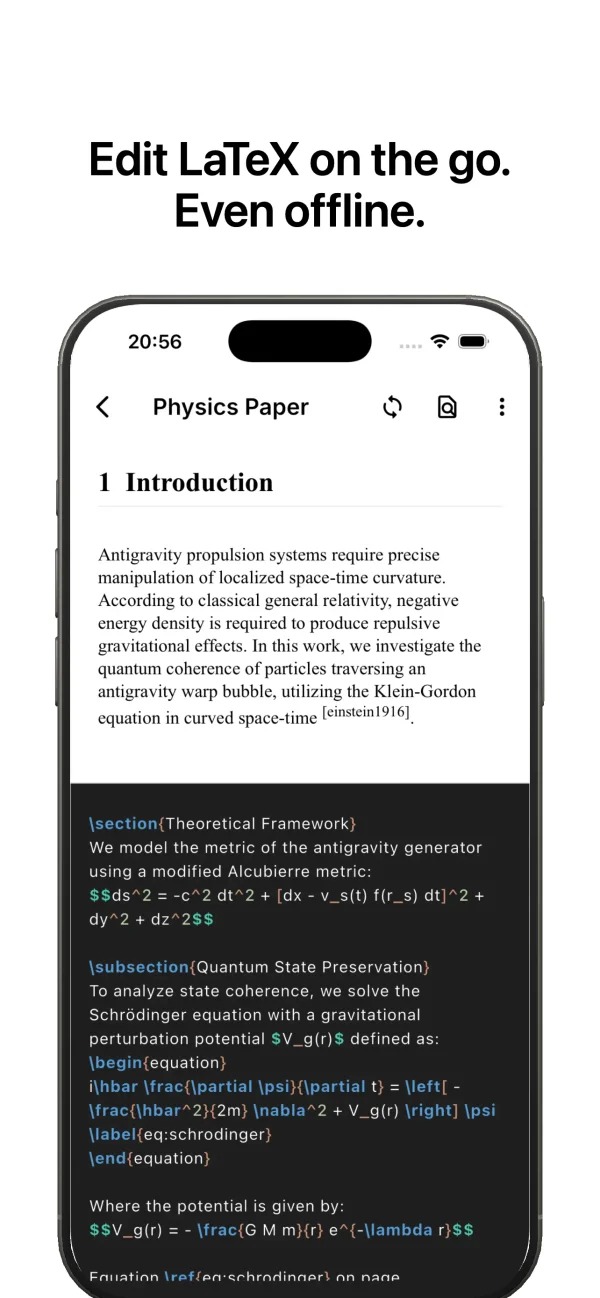
2. Advanced LaTeX & Math Workspace
Render complex math formulas, matrices, and equations instantly (powered offline by MathJax).
Tablet Optimization: Work efficiently on iPad with a dual-pane side-by-side view (edit on the left, live preview on the right).
Accessory Bar: Type faster using a dedicated keyboard accessory bar for commonly used special symbols (\, { }, \frac, \sqrt, \pi, etc.).
Seamlessly wrap selected text inside equations or bracket formats with a single tap.
3. PDF Export & Offline Sync
Export your Markdown and LaTeX files directly to PDF with clean, premium typography.
Uses high-quality fonts (Inter and Source Code Pro) offline, with online fallback for emoji support (Noto Color Emoji).
Auto-save debouncing keeps your drafts synchronized and secure on local storage.
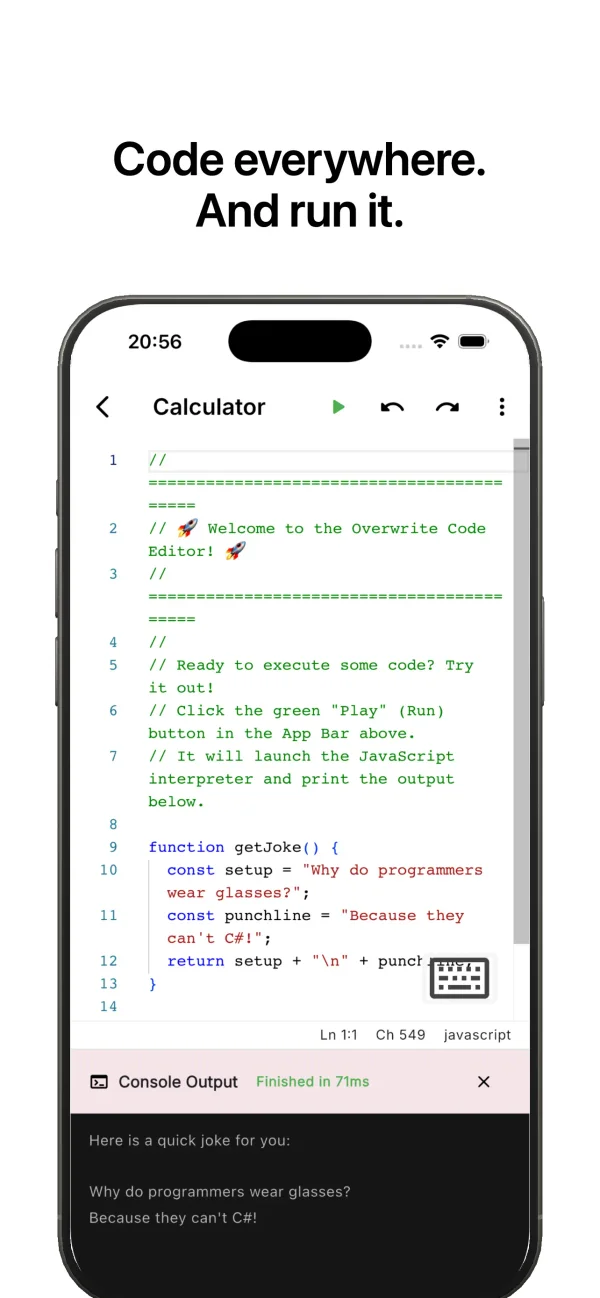
4. Offline Code Editor
Edit Java, Javascript, Python or Dart Code complete with full syntax highlighting and auto completion in a VS Code style editor.
Unlock your productivity. Simplify your writing and coding workflow with Overwrite.
Yang baru
Versi 1.1 · 17/10/2026
Fixed several bugs and improved both the Markdown and LaTeX Editor experience. Thank you for using Overwrite!
Privasi aplikasi
Yang dinyatakan Stefan Muke di App Store tentang cara aplikasi ini menangani data.
-
Data tidak dikumpulkan
Pengembang tidak mengumpulkan data apa pun dari aplikasi ini.
Praktik privasi dapat bervariasi, misalnya berdasarkan fitur yang Anda gunakan atau usia Anda.
Informasi
- Penjual
- Stefan Muke
- Kategori
- Pendidikan
- Versi
- 1.1
- Diperbarui
- 17/10/2026
- Dirilis
- 8/7/2026
- Ukuran
- 58,2 MB
- Memerlukan
- iOS 15.0 atau yang lebih baru
- Batasan usia
- 4+
- Harga
- Gratis
- Bahasa
- Inggris
- Hak cipta
- © 2026, Stefan Muke
Mungkin Anda juga suka
-
 StudyTrail - AI FlashcardsPendidikan
-
 Diachronica: Word OriginsReferensi
-
 Vektoris3DPendidikan
-
 AdaptiveHikingReferensi
-
 Archimedes EditorPendidikan
-
 Mathketeers: Math GamesPendidikan
-
 RecallNoteUlangi, Tinjau, Ingat
-
 Periodic Table: Chemistry 3DPendidikan
-
 Photo RecipesPendidikan
-
 Catatan Kuliah-Catatan belajarCatatan baru untuk mahasiswa