
Overwrite - Markdown & LaTeX
Offline LaTeX, Code & Markdown
Được thiết kế cho iPhone, iPad, iPod touch
Miễn phí
- Độ tuổi4+
- Danh mụcGiáo Dục
- Nhà phát triểnStefan Muke
- Ngôn ngữTiếng Anh
- Kích thước58,2 MB
Liên kết đến trang App Store chính thức
Download.org không lưu trữ tệp nào của Overwrite - Markdown & LaTeX. Nút này mở trang ứng dụng trên App Store, nơi Stefan Muke phát hành ứng dụng. Trang được kiểm tra lần cuối: 16/11/2026.
Ảnh chụp màn hình
Giới thiệu
Nhà phát triển chưa cung cấp nội dung này bằng ngôn ngữ của bạn.
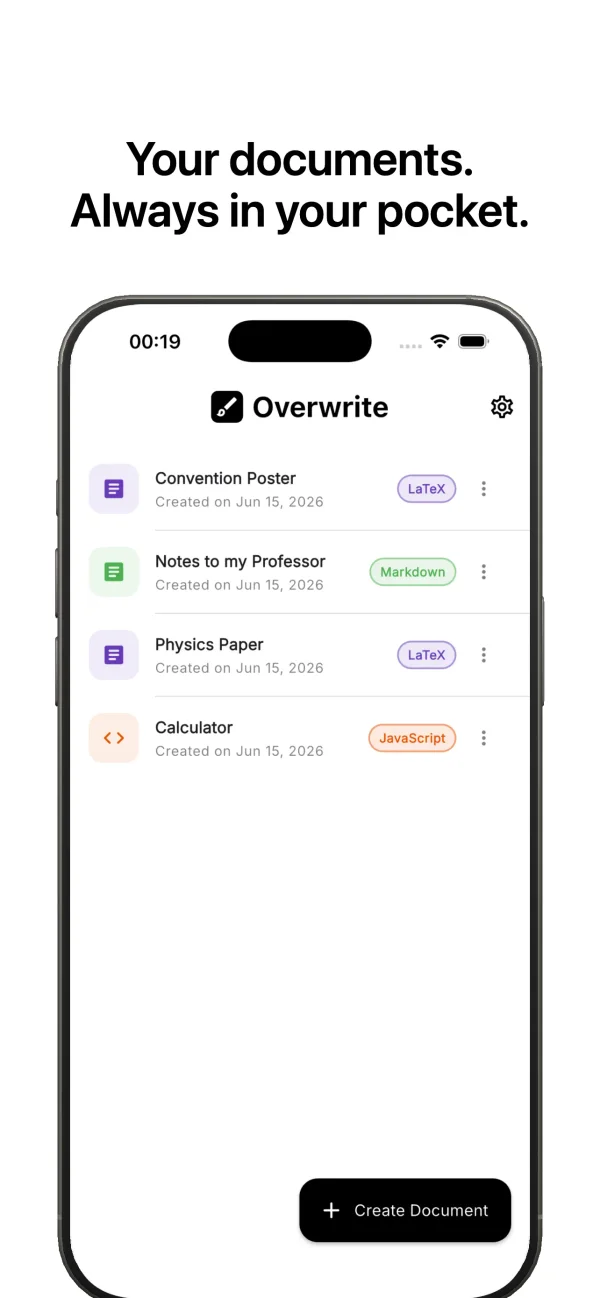
Overwrite is the ultimate minimalist workspace for developers, writers, and students with offline-first LaTeX and Markdown document editing.
Ditch the bloat. Overwrite combines a distraction-free environment with high-performance editing tools. Whether you’re drafting notes in Markdown, writing mathematical equations in LaTeX, or testing JavaScript and Dart scripts, Overwrite handles it all natively and 100% offline.
Designed to look stunning on both iPhone and iPad, the app features a responsive layout, a customizable monospaced interface, and a custom keyboard accessory bar to make editing on the go effortless.
KEY FEATURES:
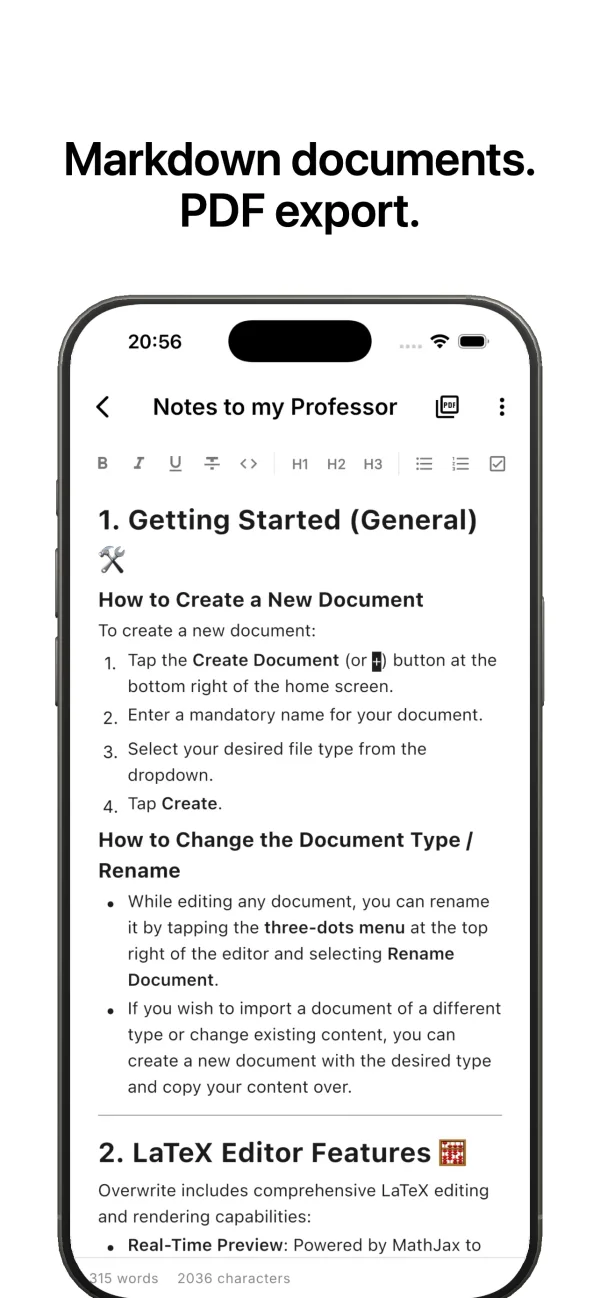
1. Rich Markdown Workspace (WYSIWYG)
Draft beautiful documentation, prose, or journals.
Live rendering hides formatting syntax markers unless you are editing the line (Notion-style).
Format quickly with an interactive slash command (/) menu and floating selection toolbars.
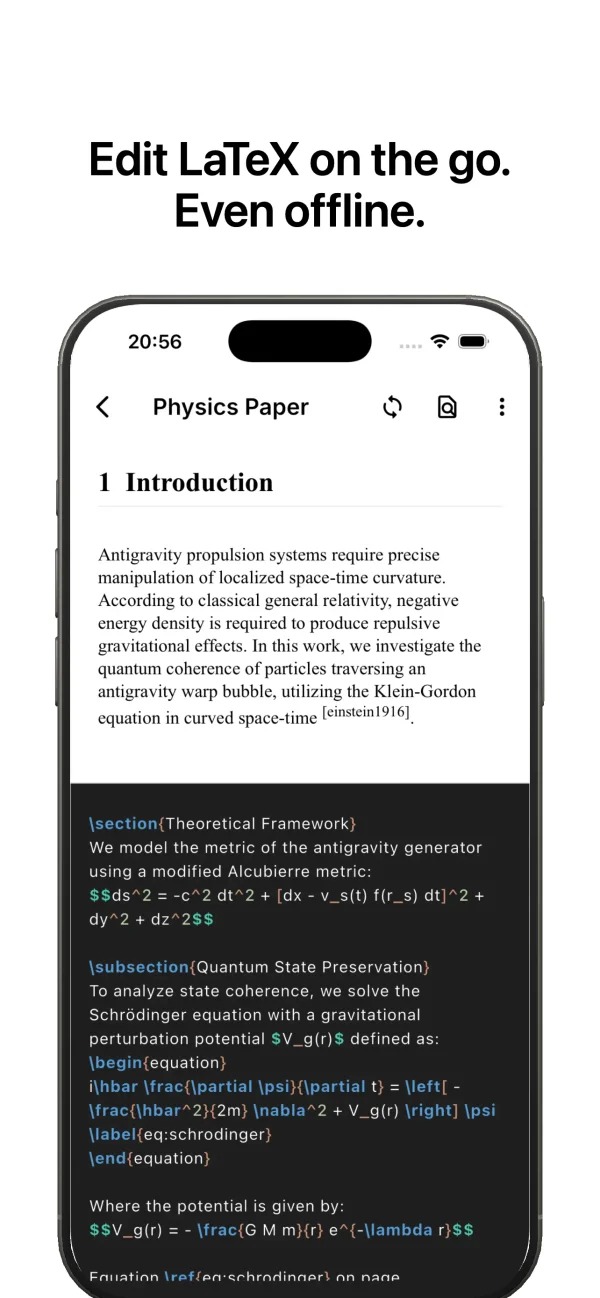
2. Advanced LaTeX & Math Workspace
Render complex math formulas, matrices, and equations instantly (powered offline by MathJax).
Tablet Optimization: Work efficiently on iPad with a dual-pane side-by-side view (edit on the left, live preview on the right).
Accessory Bar: Type faster using a dedicated keyboard accessory bar for commonly used special symbols (\, { }, \frac, \sqrt, \pi, etc.).
Seamlessly wrap selected text inside equations or bracket formats with a single tap.
3. PDF Export & Offline Sync
Export your Markdown and LaTeX files directly to PDF with clean, premium typography.
Uses high-quality fonts (Inter and Source Code Pro) offline, with online fallback for emoji support (Noto Color Emoji).
Auto-save debouncing keeps your drafts synchronized and secure on local storage.
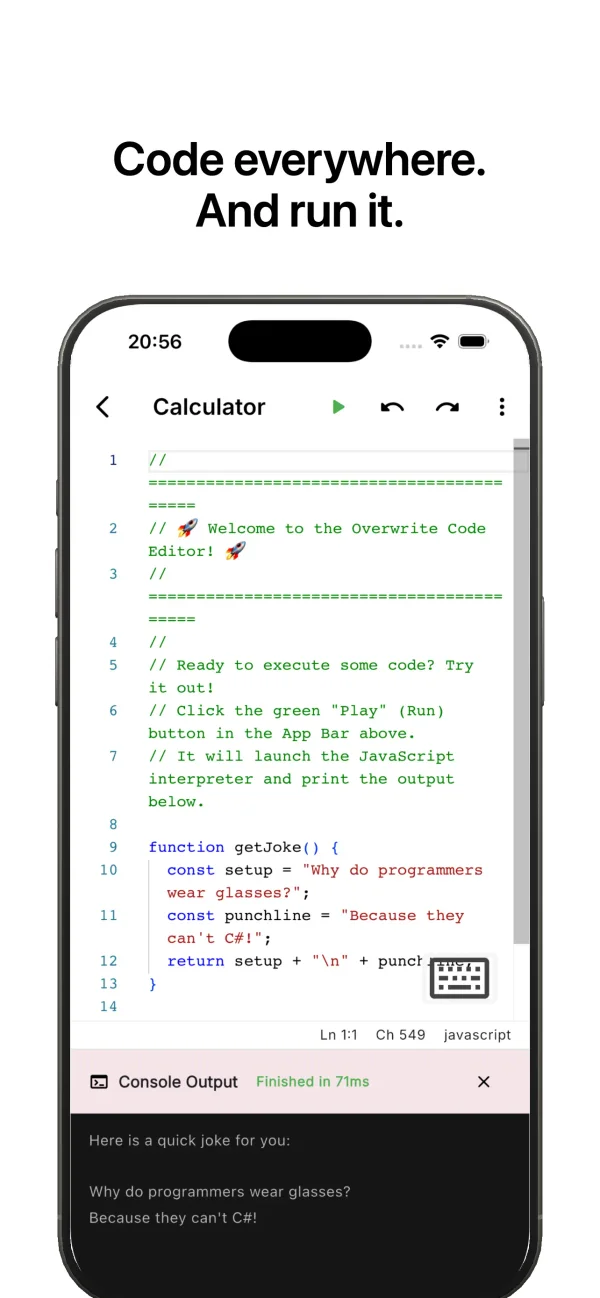
4. Offline Code Editor
Edit Java, Javascript, Python or Dart Code complete with full syntax highlighting and auto completion in a VS Code style editor.
Unlock your productivity. Simplify your writing and coding workflow with Overwrite.
Có gì mới
Phiên bản 1.1 · 17/10/2026
Fixed several bugs and improved both the Markdown and LaTeX Editor experience. Thank you for using Overwrite!
Quyền riêng tư của ứng dụng
Những gì Stefan Muke khai báo trên App Store về cách ứng dụng này xử lý dữ liệu.
-
Dữ liệu không được thu thập
Nhà phát triển không thu thập bất kỳ dữ liệu nào từ ứng dụng này.
Phương thức đảm bảo quyền riêng tư có thể khác nhau, chẳng hạn như tuỳ theo các tính năng bạn sử dụng hoặc độ tuổi của bạn.
Thông tin
- Người bán
- Stefan Muke
- Danh mục
- Giáo Dục
- Phiên bản
- 1.1
- Cập nhật
- 17/10/2026
- Phát hành
- 08/07/2026
- Kích thước
- 58,2 MB
- Yêu cầu
- iOS 15.0 trở lên
- Độ tuổi
- 4+
- Giá
- Miễn phí
- Ngôn ngữ
- Tiếng Anh
- Bản quyền
- © 2026, Stefan Muke
Có thể bạn cũng thích
-
 StudyTrail - AI FlashcardsGiáo Dục
-
 Diachronica: Word OriginsTham Khảo
-
 Vektoris3DGiáo Dục
-
 AdaptiveHikingLối đi dành cho người khuyết t
-
 Archimedes EditorGiáo Dục
-
 Mathketeers: Math GamesGiáo Dục
-
 RecallNoteLặp lại, Ôn tập, Ghi nhớ
-
 Bảng tuần hoàn: Hóa học 3DPhương trình, phân tử, công cụ
-
 Photo RecipesGiáo Dục
-
 Ghi chú sinh viên: Ôn thi, PDFGhi chú mới cho sinh viên