PDF Reader - PDF Viewer,Edit
PDF Viewer
Dirancang untuk iPhone, iPad, iPod touch
Rp 19ribu
- Batasan usia4+
- KategoriProduktivitas
- PengembangGrzegorz Rakoca
- BahasaInggris
- Ukuran42,4 MB
Tertaut ke halaman resmi App Store
Download.org tidak menyimpan file PDF Reader - PDF Viewer,Edit apa pun. Tombol ini membuka halaman aplikasi di App Store, tempat Grzegorz Rakoca menerbitkannya. Halaman terakhir diperiksa pada 9/11/2026.
Tangkapan layar

Tentang
Pengembang belum menyediakan teks ini dalam bahasa Anda.
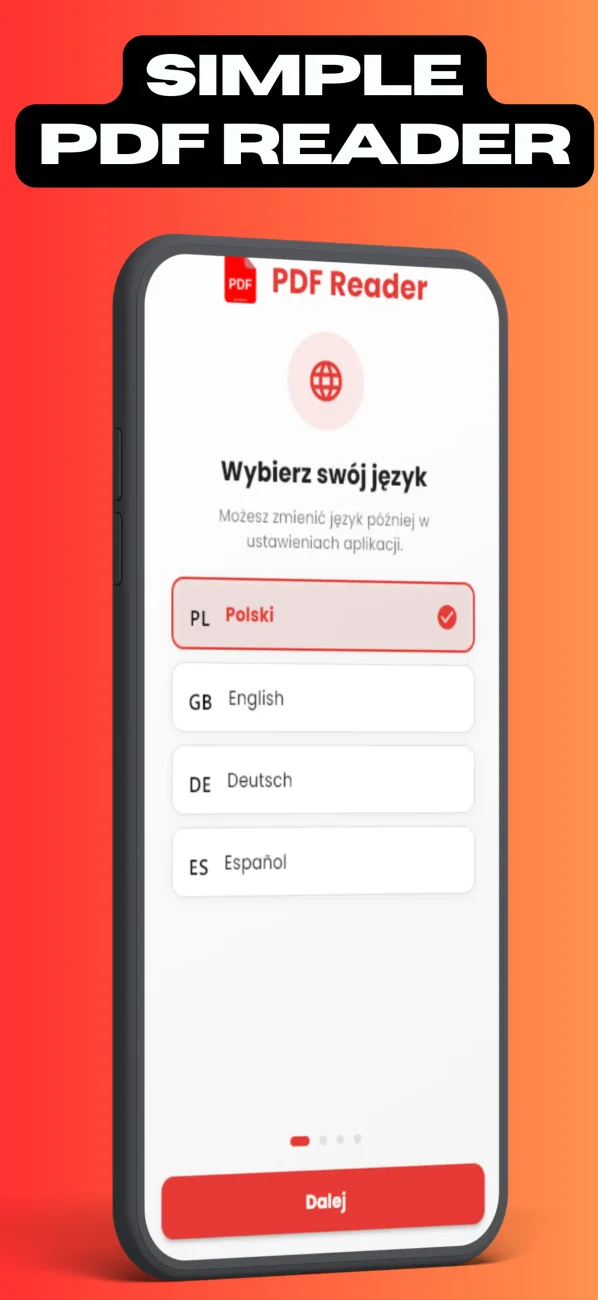
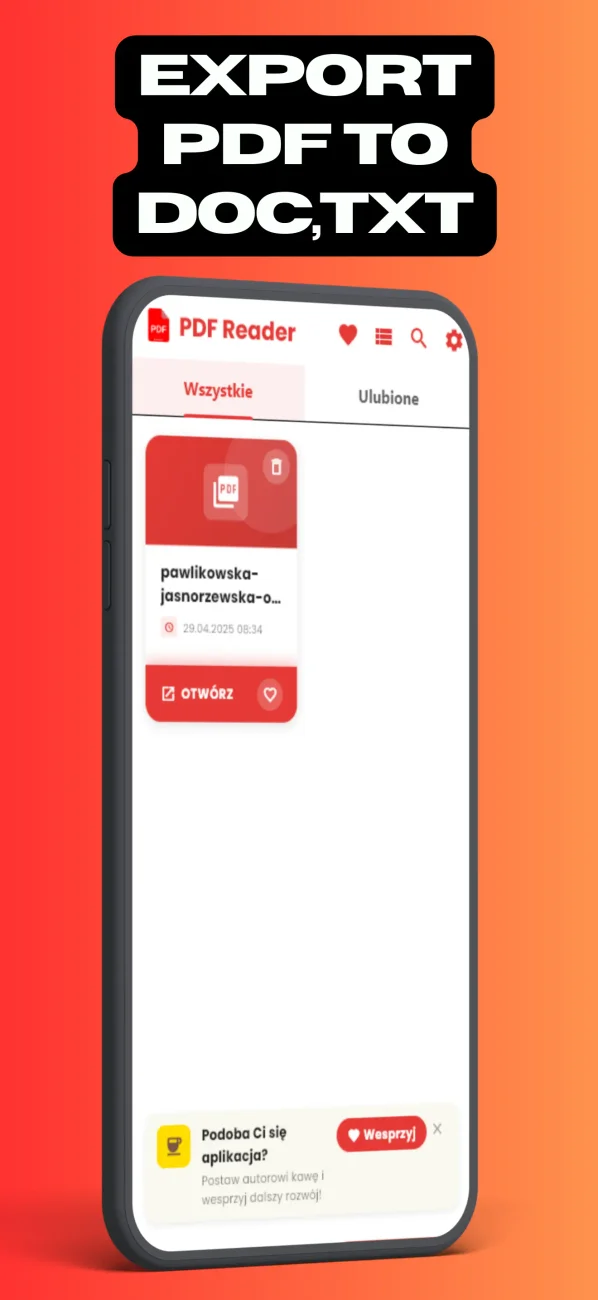
PDF Reader is the perfect solution for you! It automatically scans your device, finds all PDF files and presents them in a convenient list. It allows you to open, browse and manage documents in one place in no time.
Versatile PDF reader
The app allows you to quickly read files in various formats - documents, receipts, photos, business cards and notes. In addition to reading, you can highlight text, take notes, add electronic signatures, bookmarks and share PDF files with other users.
Download now and increase your efficiency!
PDF Reader is a combination of a PDF viewer, e-book reader and PDF editor - lightweight, free and extremely user-friendly. Perfect for work and study!
Download PDF Reader and use all the features for free!
PDF Reader Key Features
- Convenient document browsing
- Browsing page by page or in continuous scrolling mode
- Support for portrait and landscape orientation
- Reflow mode for smooth reading
- Quickly jump to the selected page
- Search and copy text from a document
- Intuitive zooming in and out of pages
Fast and free PDF support
- Automatic scanning and detection of PDF files in the phone's memory
- Quickly search for documents and content by keywords
- Clear lists of PDF files for easy access
- Instantly open and browse documents
- Add bookmarks to PDF pages
- Light and dark mode switched with a single click
PDF editing features
- Highlighting text fragments with different colors
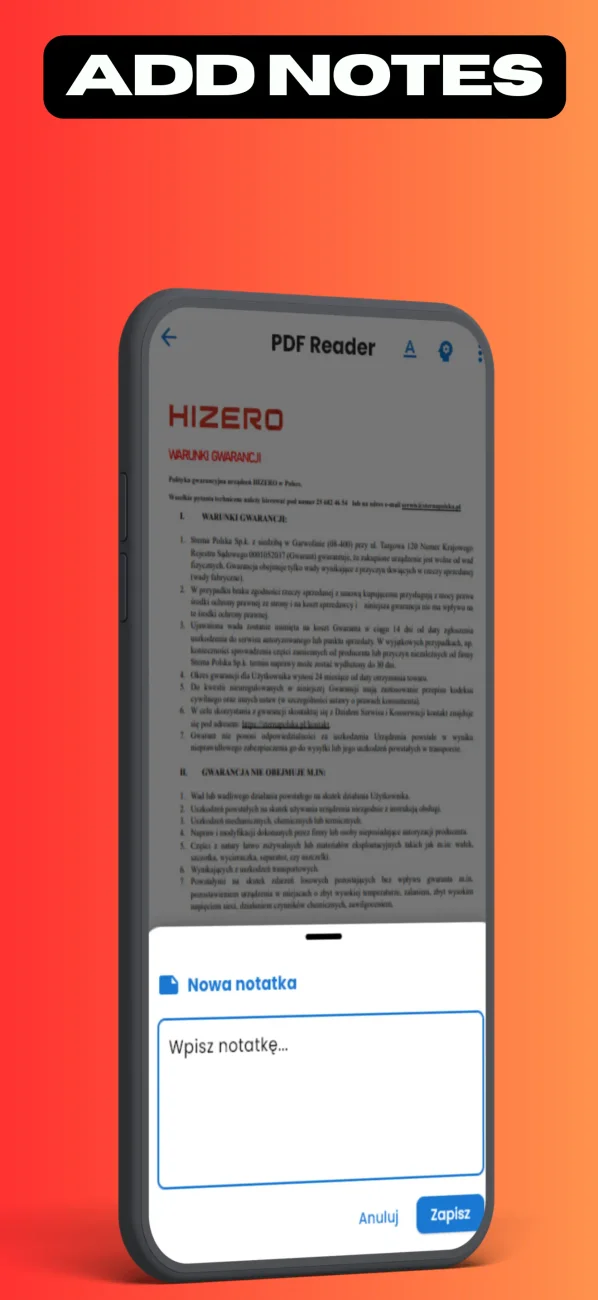
- Creating notes and highlights (e.g. underline, strikethrough)
- Adding electronic signatures and filling out PDF forms (coming soon)
- Drawing directly on PDF documents
- Creating annotations and comments
- Copying any text fragments from documents
Advanced PDF tools
- Convert photos to PDFs
- Split and combine PDFs
- Add your own texts to PDFs
- Compress PDFs to reduce size (feature in the works)
Professional document management
- Quick access to recently opened files
- Password protection of documents against unauthorized access
- Options to rename, delete and mark files as favorites
- Easily share documents with other users
- Support for printing PDFs directly from your phone
Yang baru
Versi 1.0.12 · 26/2/2026
Improved application performance
Privasi aplikasi
Yang dinyatakan Grzegorz Rakoca di App Store tentang cara aplikasi ini menangani data.
-
Data tidak dikumpulkan
Pengembang tidak mengumpulkan data apa pun dari aplikasi ini.
Praktik privasi dapat bervariasi, misalnya berdasarkan fitur yang Anda gunakan atau usia Anda.
Informasi
- Penjual
- Grzegorz Rakoca
- Kategori
- Produktivitas
- Versi
- 1.0.12
- Diperbarui
- 26/2/2026
- Dirilis
- 30/4/2025
- Ukuran
- 42,4 MB
- Memerlukan
- iOS 12.0 atau yang lebih baru
- Batasan usia
- 4+
- Harga
- Rp 19ribu
- Bahasa
- Inggris
- Hak cipta
- © Grzegorz Rakoca
Mungkin Anda juga suka
-
 SnapScanner+ PDF, Docs & CardsProduktivitas
-
 PDF Print - TemplatesProduktivitas
-
 PDFix: Edit & Tanda Tangan PDFPindai, Gabung & Konversi File
-
 1Contact Pro: Clean & BackupProduktivitas
-
 Smart Scan XScanner PDF & OCR
-
 Memio AI Voice Notes & JournalNote Taking Agent Audio & Text
-
 Video Transcriber - TranscriptProduktivitas
-
 BoltPDF-Pemindai & Editor PDFTanda Tangan, Scan & Kompres
-
 SparkPDF: Pindai & Isi PDFScan, Tanda Tangan & Isi PDF
-
 QRat - QR Code GeneratorProduktivitas