PDF Reader - PDF Viewer,Edit
PDF Viewer
Được thiết kế cho iPhone, iPad, iPod touch
29.000đ
- Độ tuổi4+
- Danh mụcHiệu Suất
- Nhà phát triểnGrzegorz Rakoca
- Ngôn ngữTiếng Anh
- Kích thước42,4 MB
Liên kết đến trang App Store chính thức
Download.org không lưu trữ tệp nào của PDF Reader - PDF Viewer,Edit. Nút này mở trang ứng dụng trên App Store, nơi Grzegorz Rakoca phát hành ứng dụng. Trang được kiểm tra lần cuối: 09/11/2026.
Ảnh chụp màn hình

Giới thiệu
Nhà phát triển chưa cung cấp nội dung này bằng ngôn ngữ của bạn.
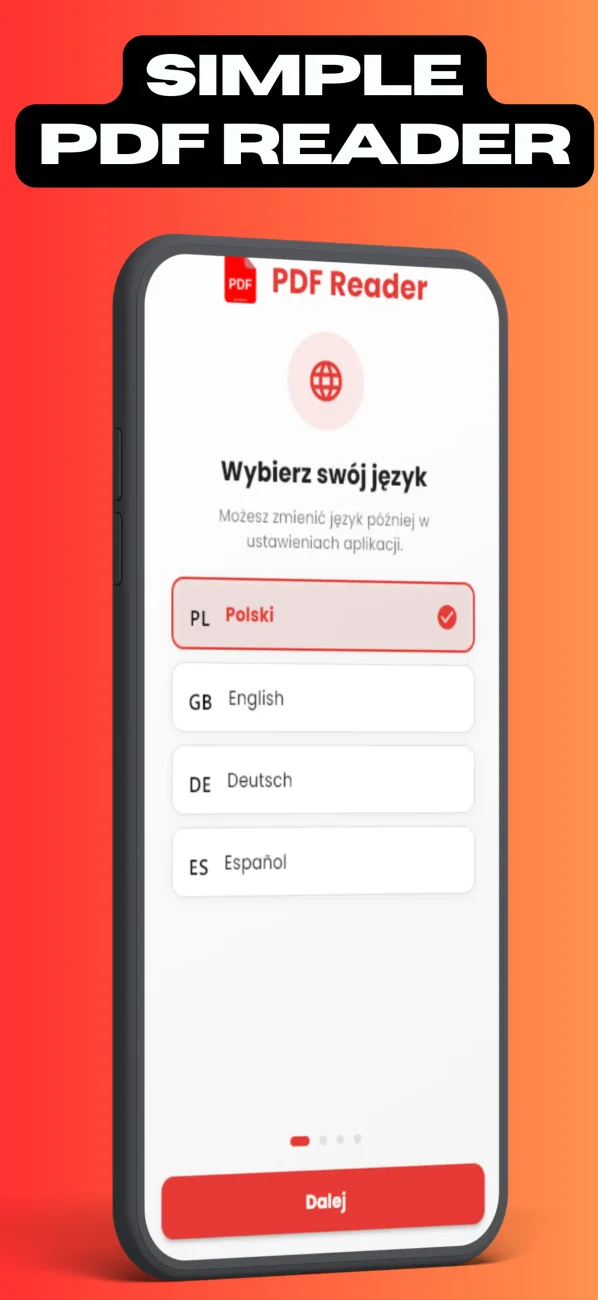
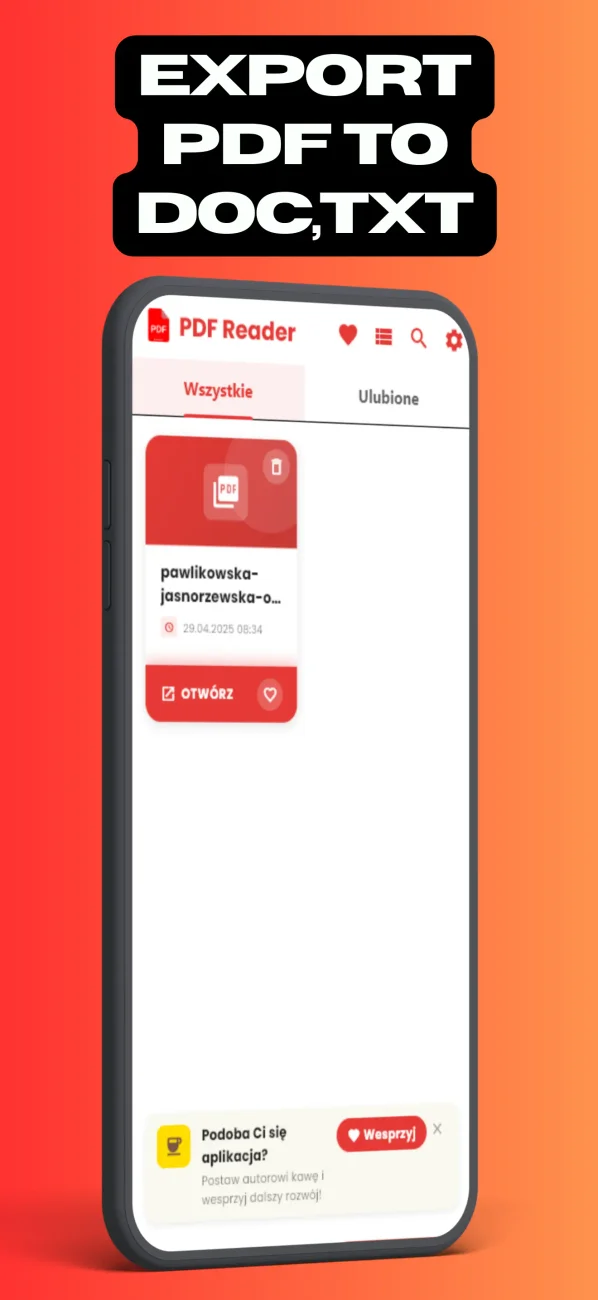
PDF Reader is the perfect solution for you! It automatically scans your device, finds all PDF files and presents them in a convenient list. It allows you to open, browse and manage documents in one place in no time.
Versatile PDF reader
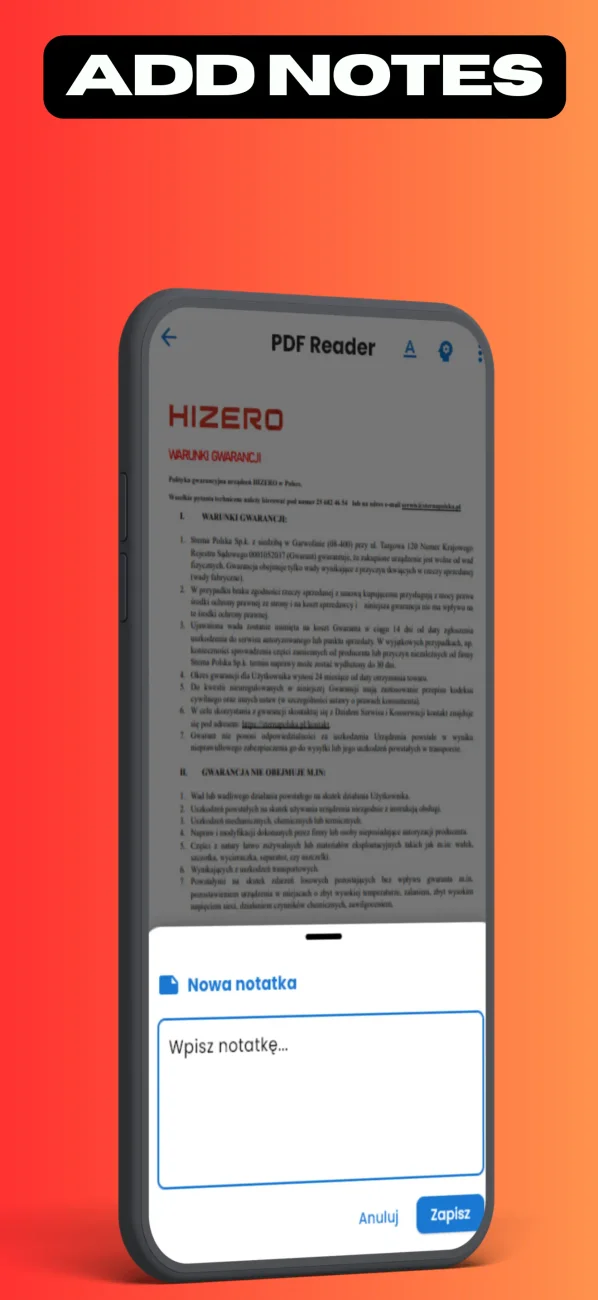
The app allows you to quickly read files in various formats - documents, receipts, photos, business cards and notes. In addition to reading, you can highlight text, take notes, add electronic signatures, bookmarks and share PDF files with other users.
Download now and increase your efficiency!
PDF Reader is a combination of a PDF viewer, e-book reader and PDF editor - lightweight, free and extremely user-friendly. Perfect for work and study!
Download PDF Reader and use all the features for free!
PDF Reader Key Features
- Convenient document browsing
- Browsing page by page or in continuous scrolling mode
- Support for portrait and landscape orientation
- Reflow mode for smooth reading
- Quickly jump to the selected page
- Search and copy text from a document
- Intuitive zooming in and out of pages
Fast and free PDF support
- Automatic scanning and detection of PDF files in the phone's memory
- Quickly search for documents and content by keywords
- Clear lists of PDF files for easy access
- Instantly open and browse documents
- Add bookmarks to PDF pages
- Light and dark mode switched with a single click
PDF editing features
- Highlighting text fragments with different colors
- Creating notes and highlights (e.g. underline, strikethrough)
- Adding electronic signatures and filling out PDF forms (coming soon)
- Drawing directly on PDF documents
- Creating annotations and comments
- Copying any text fragments from documents
Advanced PDF tools
- Convert photos to PDFs
- Split and combine PDFs
- Add your own texts to PDFs
- Compress PDFs to reduce size (feature in the works)
Professional document management
- Quick access to recently opened files
- Password protection of documents against unauthorized access
- Options to rename, delete and mark files as favorites
- Easily share documents with other users
- Support for printing PDFs directly from your phone
Có gì mới
Phiên bản 1.0.12 · 26/02/2026
Improved application performance
Quyền riêng tư của ứng dụng
Những gì Grzegorz Rakoca khai báo trên App Store về cách ứng dụng này xử lý dữ liệu.
-
Dữ liệu không được thu thập
Nhà phát triển không thu thập bất kỳ dữ liệu nào từ ứng dụng này.
Phương thức đảm bảo quyền riêng tư có thể khác nhau, chẳng hạn như tuỳ theo các tính năng bạn sử dụng hoặc độ tuổi của bạn.
Thông tin
- Người bán
- Grzegorz Rakoca
- Danh mục
- Hiệu Suất
- Phiên bản
- 1.0.12
- Cập nhật
- 26/02/2026
- Phát hành
- 30/04/2025
- Kích thước
- 42,4 MB
- Yêu cầu
- iOS 12.0 trở lên
- Độ tuổi
- 4+
- Giá
- 29.000đ
- Ngôn ngữ
- Tiếng Anh
- Bản quyền
- © Grzegorz Rakoca
Có thể bạn cũng thích
-
 SnapScanner+ PDF, Docs & CardsHiệu Suất
-
 PDF Print - TemplatesHiệu Suất
-
 PDFix: Sửa, Ký & Chuyển PDFQuét tài liệu, ghép và nén tệp
-
 1Contact Pro: Clean & BackupBackup, Clean & Merge Contacts
-
 Smart Scan XMáy quét PDF & OCR
-
 Memio AI Voice Notes & JournalHiệu Suất
-
 Video Transcriber - TranscriptHiệu Suất
-
 BoltPDF: Sửa & Quét Tài LiệuKý, Nén, Chuyển Đổi & Bảo Vệ
-
 SparkPDF: Quét, Ký & ĐiềnQuét tài liệu, ký & điền PDF
-
 QRat - QR Code GeneratorHiệu Suất