- 対象年齢4+
- カテゴリ仕事効率化
- 開発元Grzegorz Rakoca
- 言語英語
- サイズ42.4 MB
App Storeの公式ページにリンクしています
Download.orgはPDF Reader - PDF Viewer,Editのファイルを一切ホストしていません。ボタンを押すと、Grzegorz Rakocaが公開しているApp Storeのアプリページが開きます。ページの最終確認:2026/11/9。
スクリーンショット

概要
開発元はこのテキストをお使いの言語で提供していません。
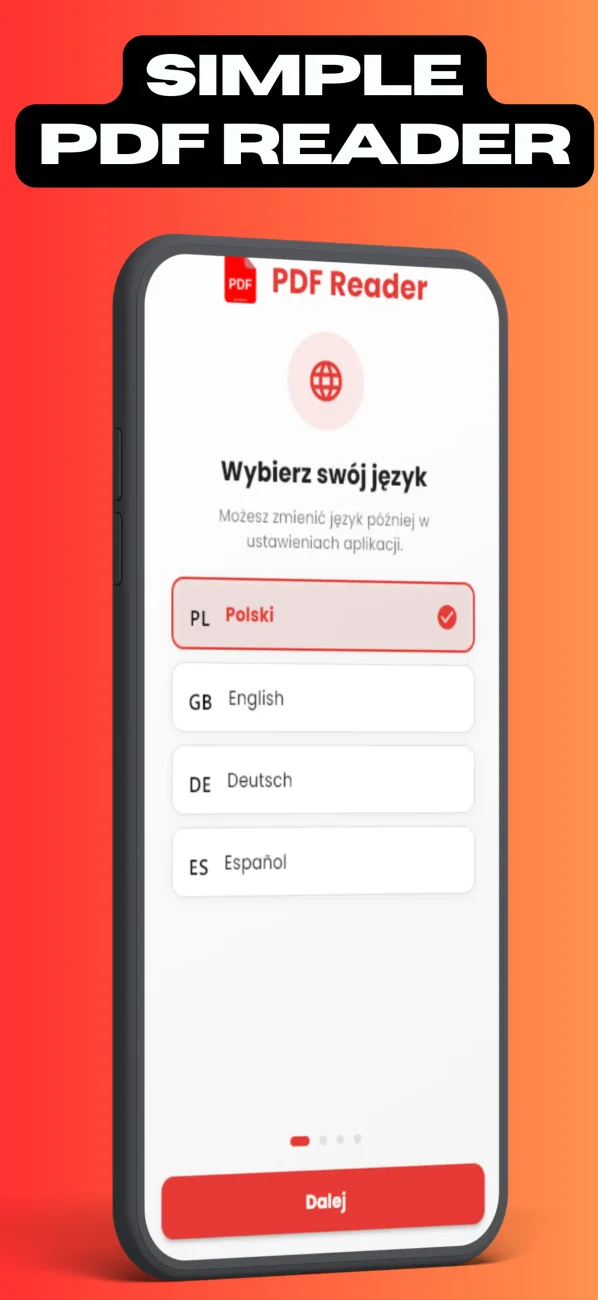
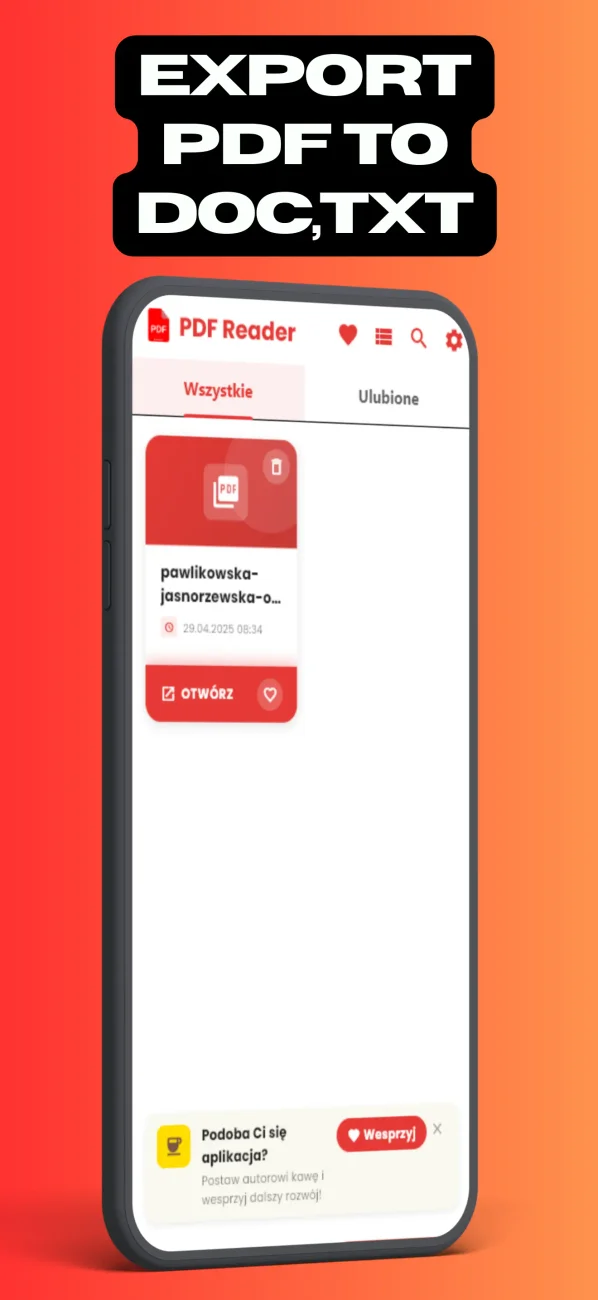
PDF Reader is the perfect solution for you! It automatically scans your device, finds all PDF files and presents them in a convenient list. It allows you to open, browse and manage documents in one place in no time.
Versatile PDF reader
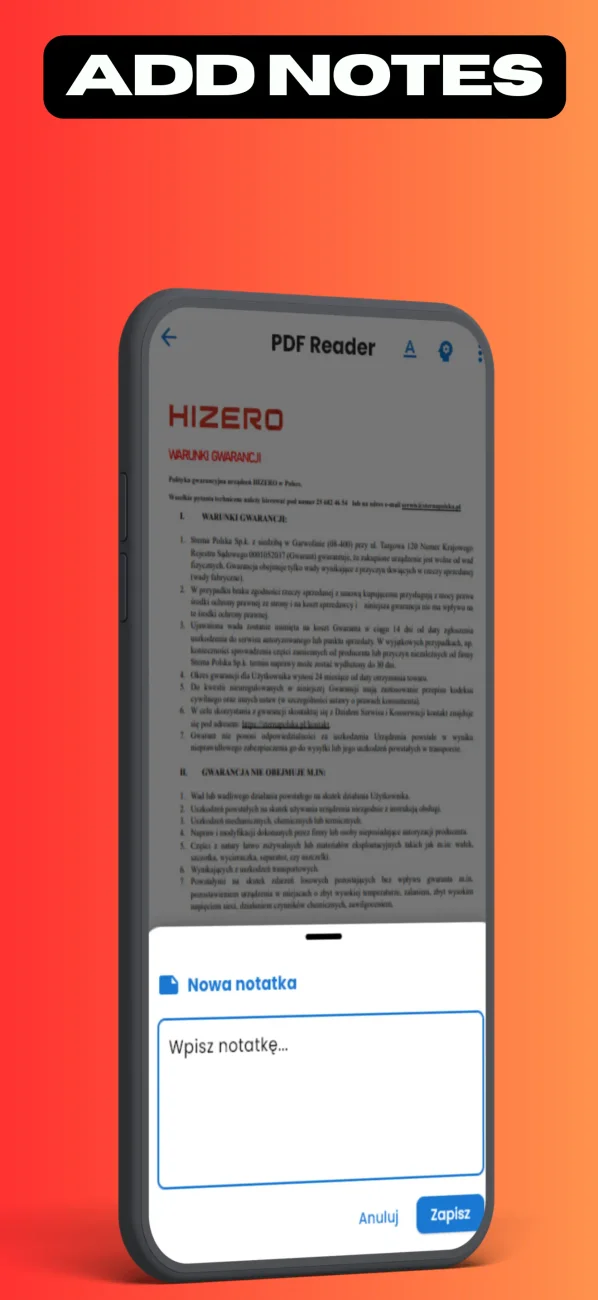
The app allows you to quickly read files in various formats - documents, receipts, photos, business cards and notes. In addition to reading, you can highlight text, take notes, add electronic signatures, bookmarks and share PDF files with other users.
Download now and increase your efficiency!
PDF Reader is a combination of a PDF viewer, e-book reader and PDF editor - lightweight, free and extremely user-friendly. Perfect for work and study!
Download PDF Reader and use all the features for free!
PDF Reader Key Features
- Convenient document browsing
- Browsing page by page or in continuous scrolling mode
- Support for portrait and landscape orientation
- Reflow mode for smooth reading
- Quickly jump to the selected page
- Search and copy text from a document
- Intuitive zooming in and out of pages
Fast and free PDF support
- Automatic scanning and detection of PDF files in the phone's memory
- Quickly search for documents and content by keywords
- Clear lists of PDF files for easy access
- Instantly open and browse documents
- Add bookmarks to PDF pages
- Light and dark mode switched with a single click
PDF editing features
- Highlighting text fragments with different colors
- Creating notes and highlights (e.g. underline, strikethrough)
- Adding electronic signatures and filling out PDF forms (coming soon)
- Drawing directly on PDF documents
- Creating annotations and comments
- Copying any text fragments from documents
Advanced PDF tools
- Convert photos to PDFs
- Split and combine PDFs
- Add your own texts to PDFs
- Compress PDFs to reduce size (feature in the works)
Professional document management
- Quick access to recently opened files
- Password protection of documents against unauthorized access
- Options to rename, delete and mark files as favorites
- Easily share documents with other users
- Support for printing PDFs directly from your phone
新機能
バージョン 1.0.12 · 2026/2/26
Improved application performance
アプリのプライバシー
このアプリのデータの取り扱いについて、Grzegorz RakocaがApp Storeで申告している内容です。
-
データの収集なし
開発元はこのアプリからデータを収集しません。
プライバシーの取り扱いは、ご利用の機能やお客様の年齢などに応じて異なる場合があります。
情報
- 販売元
- Grzegorz Rakoca
- カテゴリ
- 仕事効率化
- バージョン
- 1.0.12
- 更新日
- 2026/2/26
- リリース
- 2025/4/30
- サイズ
- 42.4 MB
- 必要条件
- iOS 12.0以降
- 対象年齢
- 4+
- 価格
- ¥150
- 言語
- 英語
- 著作権
- © Grzegorz Rakoca
こちらもおすすめ
-
 SnapScanner+ PDF, Docs & CardsAI-Powered Scanner
-
 PDF Print - Templates仕事効率化
-
 PDFix: PDF編集、署名と変換書類スキャン・画像PDF化・結合と圧縮
-
 1Contact Pro: Clean & BackupBackup, Clean & Merge Contacts
-
 Smart Scan XPDFスキャナー&OCR
-
 Memio – 自動メモ AI音声起こしノートエージェント録音アプリ・ボイスメモ・AI Note Taker
-
 Video Transcriber - 文字起こし録音文字起こし,会議文字起こし,動画文字起こし
-
 BoltPDF - 編集&スキャナー署名、圧縮、変換、結合
-
 SparkPDF: スキャン・署名・記入書類スキャン&PDF記入・署名
-
 QRat - QRコード作成Safari用のQRコードを作成する