
PlanForm
Manage Construction Plans
Dirancang untuk iPhone, iPad, iPod touch
Gratis · Pembelian dalam aplikasi
- Batasan usia4+
- KategoriProduktivitas
- PengembangBeijing Honghu Yuntu Technology Co., Ltd.
- BahasaInggris+ 5 lainnya
- Ukuran22,1 MB
Tertaut ke halaman resmi App Store
Download.org tidak menyimpan file PlanForm apa pun. Tombol ini membuka halaman aplikasi di App Store, tempat Beijing Honghu Yuntu Technology Co., Ltd. menerbitkannya. Halaman terakhir diperiksa pada 23/11/2026.
Tangkapan layar

Tentang
Pengembang belum menyediakan teks ini dalam bahasa Anda.
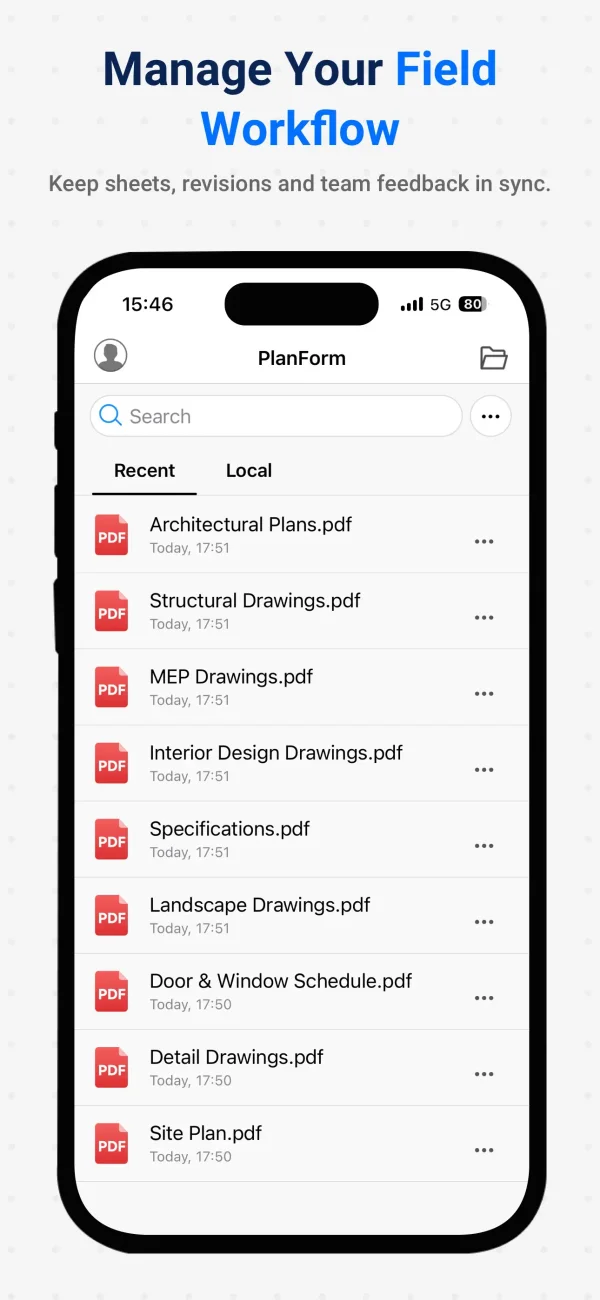
PlanForm is a professional-grade PDF reader specifically designed for Architectural, Engineering, and Construction (AEC) professionals. Delivering exceptional performance across all mobile devices and tablets, it ensures seamless viewing and measuring of PDFs and technical drawings with pixel-perfect precision.
PlanForm Highlights for iOS/iPad:
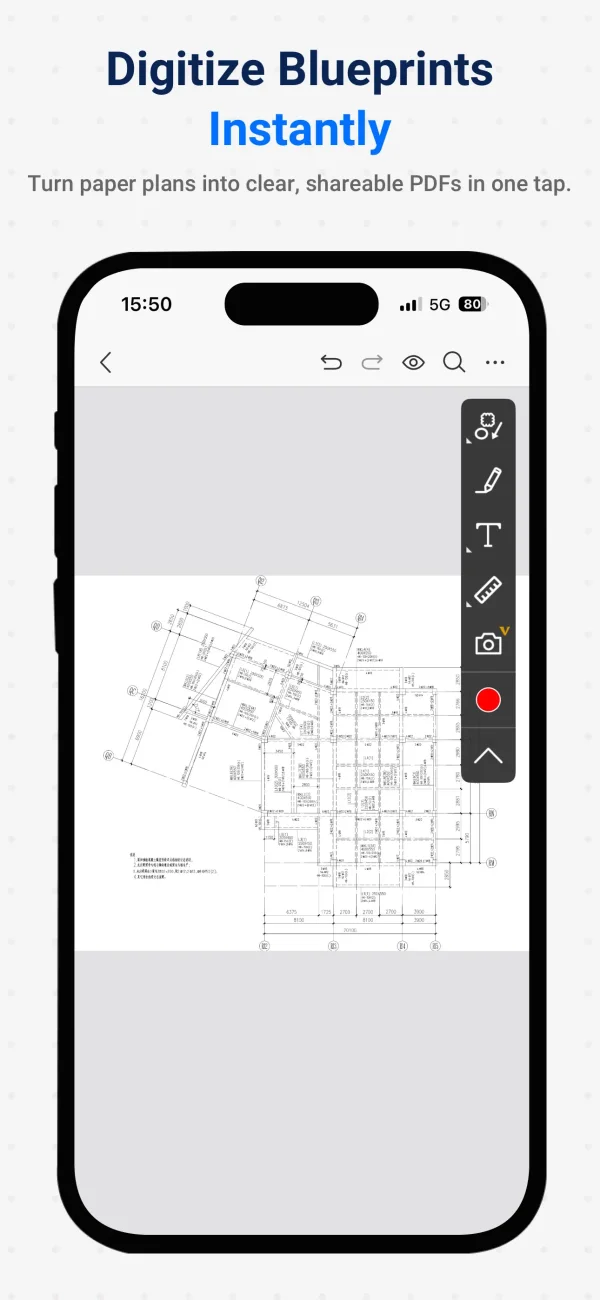
1.Unzip&Browse PDF Drawings
• Seamless browsing for drawings of any size
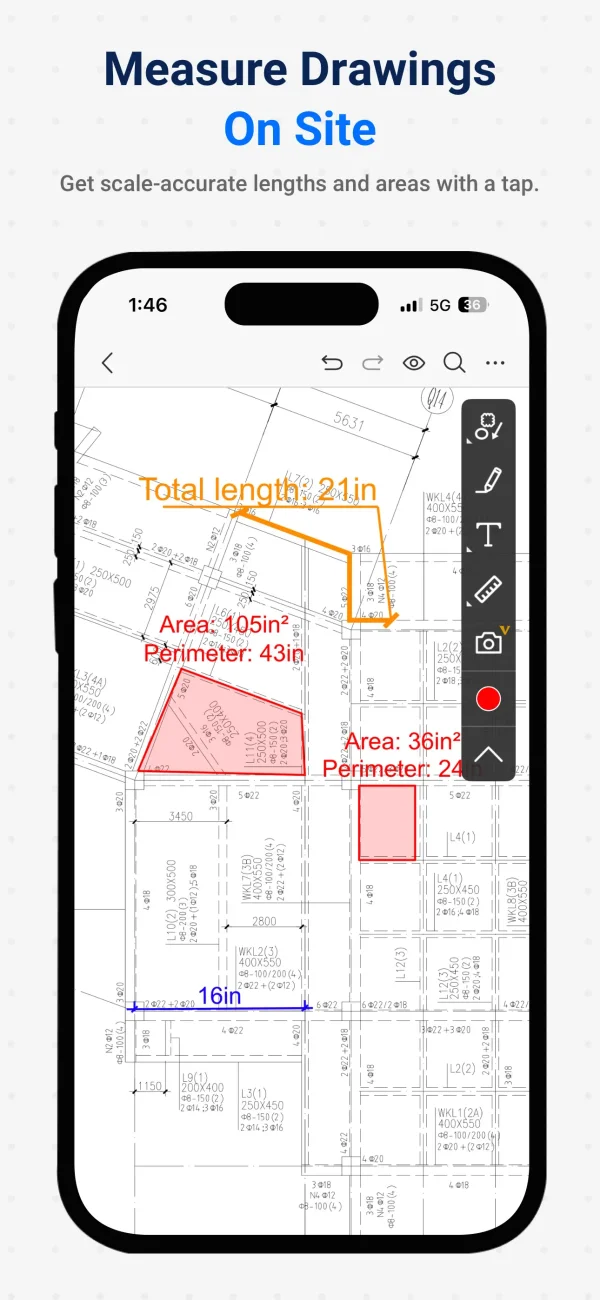
2.Measure PDF Drawings
• Set the scale easily
• Measure length and area quickly
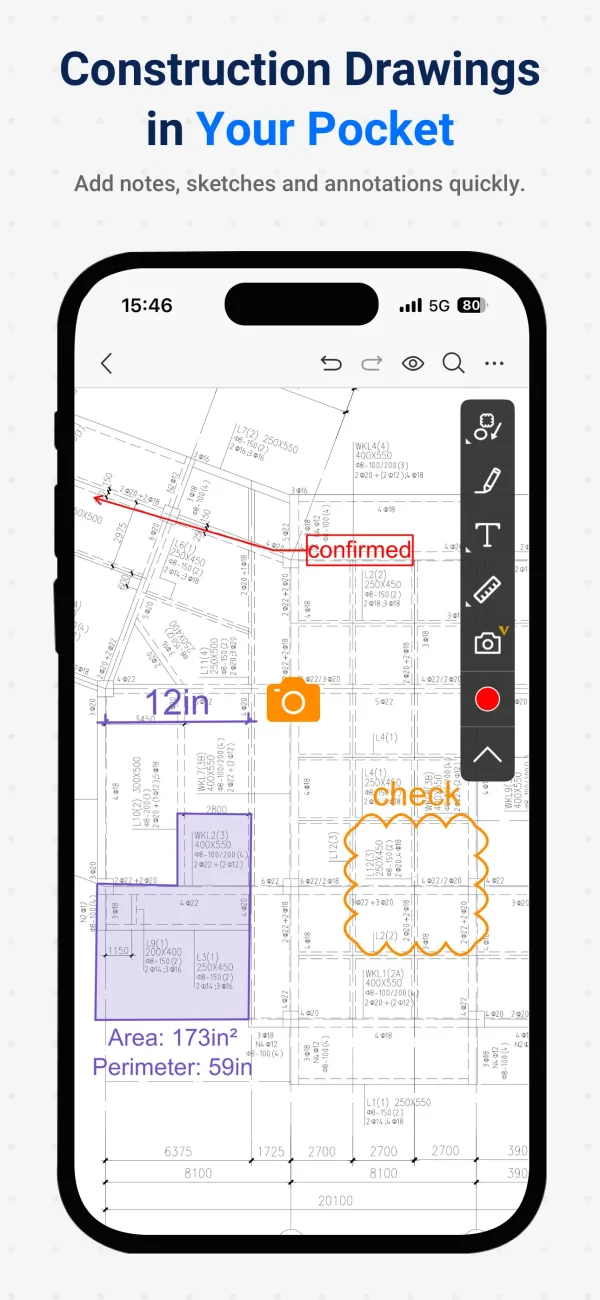
3.Annotate PDF Drawings
• Cloud/Pen/Text
• Multiple annotation options to meet diverse needs
4.Search PDF Bookmarks
• Too many pages?Find any instantly with bookmark search
PlanForm Highlights for Windows/Mac:
1. Intelligent Measurement Tools
• Set scale by length or select preset scale, supports metric and imperial systems
• Length measurements, such as Linear and Aligned
• Continuous length measurement
• Measure square and polygon area
• Auto Fill irregular area
• Count Tool
• Measure radius, angles, arc length etc.
• Data tabulation of all measurements and markups
• Automatic snapping points for better accuracy
2. Quick Markup Tools
• Drawing tools such as Line, Rectangle, Ellipse, Arrow, Revision Cloud
• Compare Revision Drawings
• Highlighter tool
• Add and modify texts
• Sequence labelling
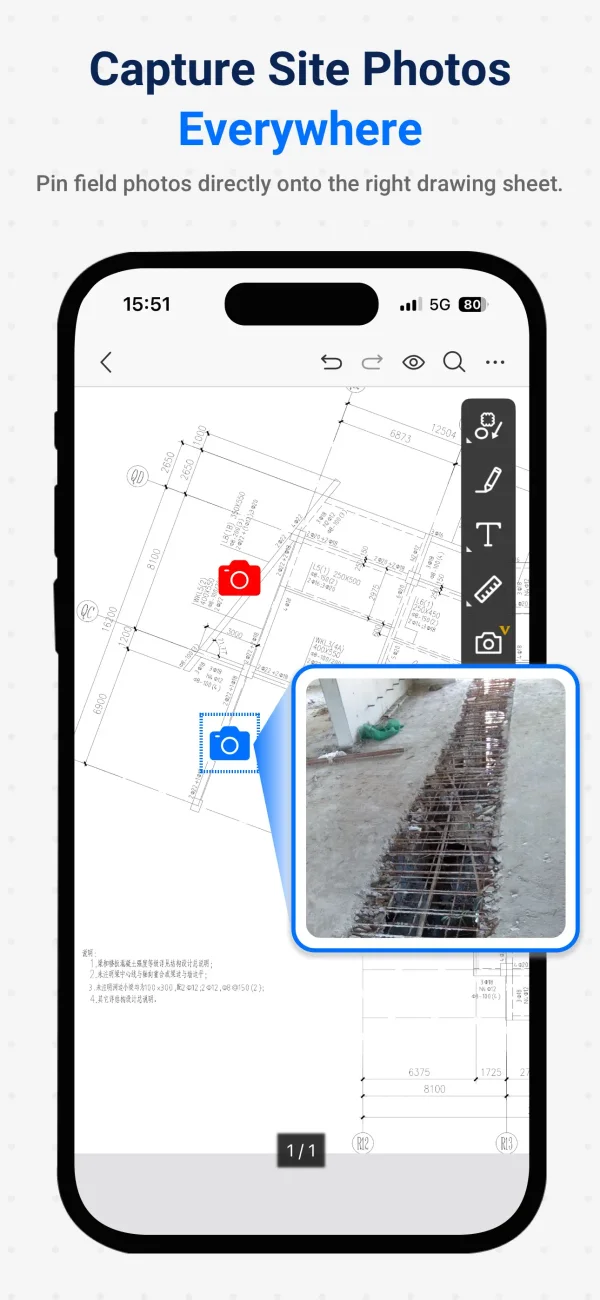
• Insert and paste image
• Erase content
3. OCR Functions
• Identify & Extract Texts/Tables (OCR)
• Find texts In Scanned PDF
• Auto generate bookmarks for PDF
4. Document Management & Convert
• Convert image files to PDF
• Combine documents
• Split document
• Extract Pages
• Delete Pages
• Insert Pages
Still have questions? Feel free to contact our technical support via email, we provide 1-to-1 services for free!
Email: planformservice@gmail.com
Don't forget to follow our social media pages to learn more tips and tutorials!
YouTube: https://www.youtube.com/@PlanFormPDF
TikTok: www.tiktok.com/@PlanFormPDF
Facebook: https://www.facebook.com/PlanFormPDF
Instagram: https://www.instagram.com/planformpdf/
LinkedIn: https://www.linkedin.com/company/cadreader/
Website: https://pdf.fastcadreader.com/
Yang baru
Versi 1.1.1 · 20/11/2026
This update fixes several bugs.
Privasi aplikasi
Yang dinyatakan Beijing Honghu Yuntu Technology Co., Ltd. di App Store tentang cara aplikasi ini menangani data.
-
Data yang tidak ditautkan dengan Anda
Dapat dikumpulkan, tetapi tidak ditautkan dengan identitas Anda.
- Pengenal
Praktik privasi dapat bervariasi, misalnya berdasarkan fitur yang Anda gunakan atau usia Anda.
Informasi
- Penjual
- Beijing Honghu Yuntu Technology Co., Ltd.
- Kategori
- Produktivitas
- Versi
- 1.1.1
- Diperbarui
- 20/11/2026
- Dirilis
- 17/7/2025
- Ukuran
- 22,1 MB
- Memerlukan
- iOS 15.0 atau yang lebih baru
- Batasan usia
- 4+
- Harga
- Gratis
- Pembelian dalam aplikasi
- Ya
- Bahasa
- Inggris, Jerman, Italia, Korea, Tionghoa Sederhana, Spanyol
- Hak cipta
- © HongHu YunTu Inc. All Rights Reserved
Mungkin Anda juga suka
-
 ScaleTap: PDF Plan MeasureProduktivitas
-
 Planformer – Smart TakeoffsProduktivitas
-
 PlanMeasure TakeoffProduktivitas
-
 DraftPlanar: PDF Plan ViewerProduktivitas
-
 Drawboard ProjectsProduktivitas
-
 PlanInspect CAD DWG PDF ViewerProduktivitas
-
 PlanBridge: Measure PDF PlansProduktivitas
-
 Drawboard PDF Annotate, MarkupProduktivitas
-
 Convert PDF to AutoCadProduktivitas
-
 CADrawProduktivitas