
PlanForm
Manage Construction Plans
iPhone, iPad, iPod touch için tasarlandı
Ücretsiz · Uygulama içi satın alma
- Yaş sınırı4+
- KategoriÜretkenlik
- GeliştiriciBeijing Honghu Yuntu Technology Co., Ltd.
- Dillerİngilizce+ 5 dil daha
- Boyut22,1 MB
Resmi App Store sayfasına bağlanır
Download.org, PlanForm için hiçbir dosya barındırmaz. Düğme, uygulamanın App Store üzerindeki sayfasını açar; uygulamayı orada Beijing Honghu Yuntu Technology Co., Ltd. yayınlar. Sayfanın son kontrolü: 23.11.2026.
Ekran görüntüleri

Hakkında
Geliştirici bu metni dilinizde sunmamış.
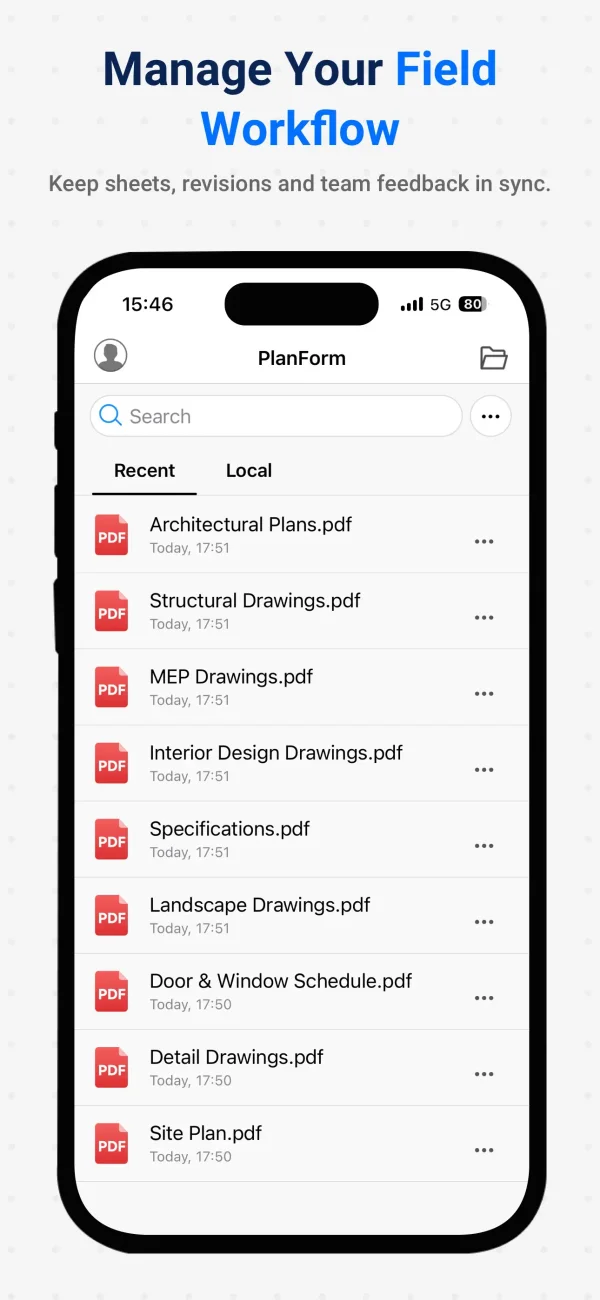
PlanForm is a professional-grade PDF reader specifically designed for Architectural, Engineering, and Construction (AEC) professionals. Delivering exceptional performance across all mobile devices and tablets, it ensures seamless viewing and measuring of PDFs and technical drawings with pixel-perfect precision.
PlanForm Highlights for iOS/iPad:
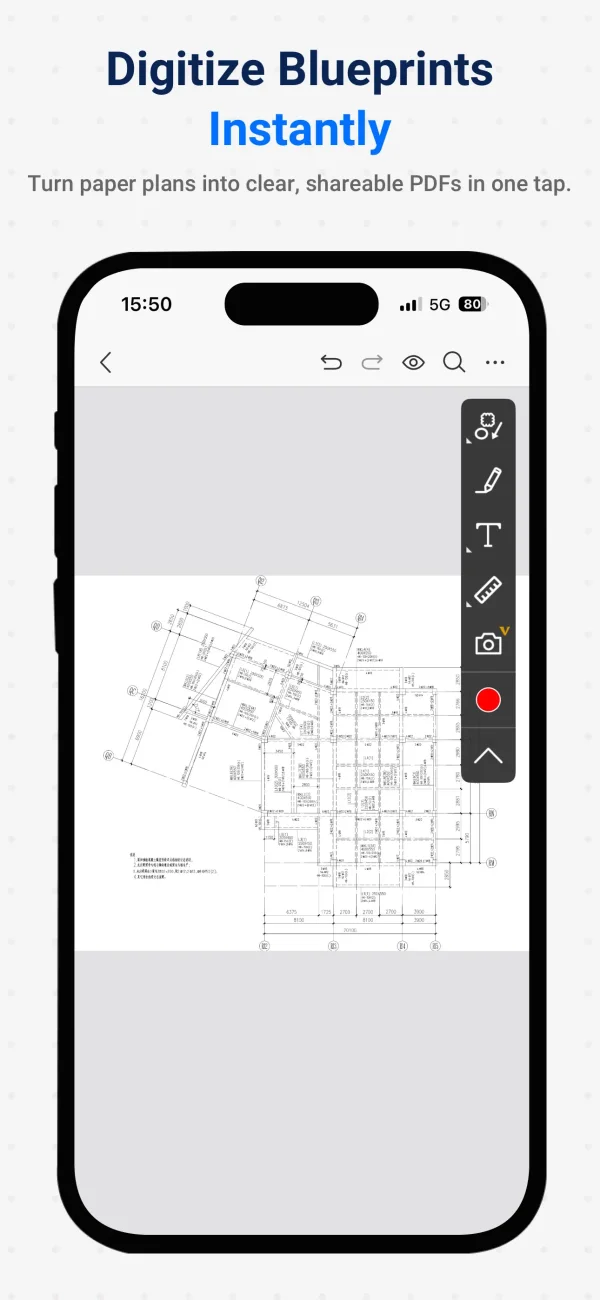
1.Unzip&Browse PDF Drawings
• Seamless browsing for drawings of any size
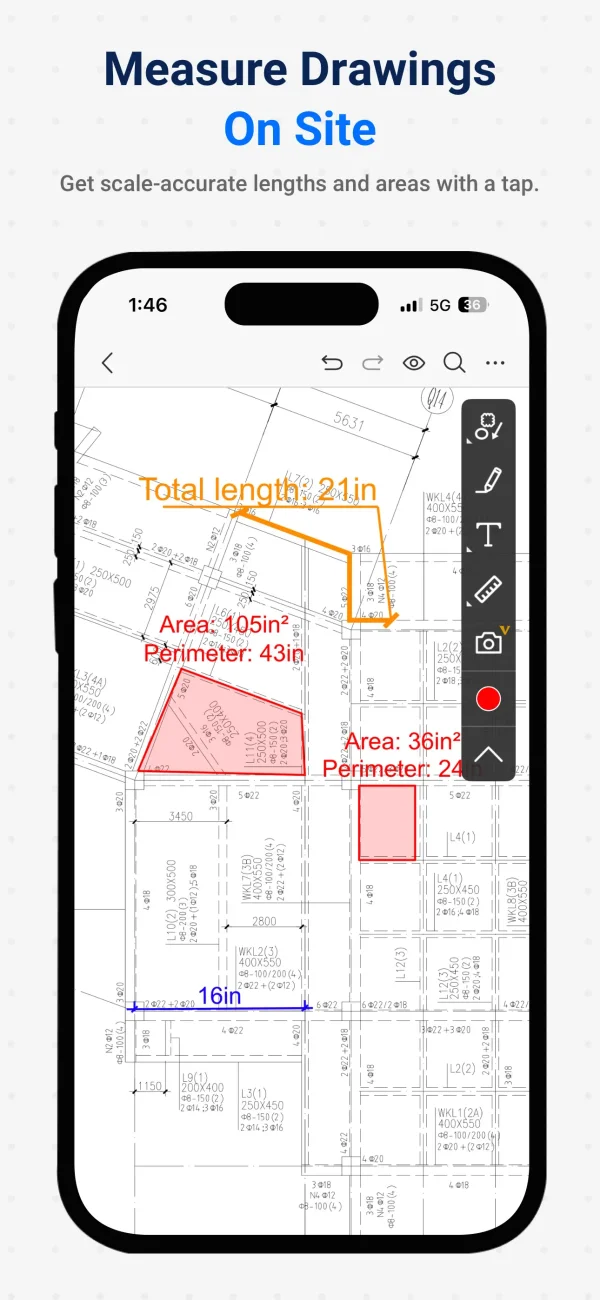
2.Measure PDF Drawings
• Set the scale easily
• Measure length and area quickly
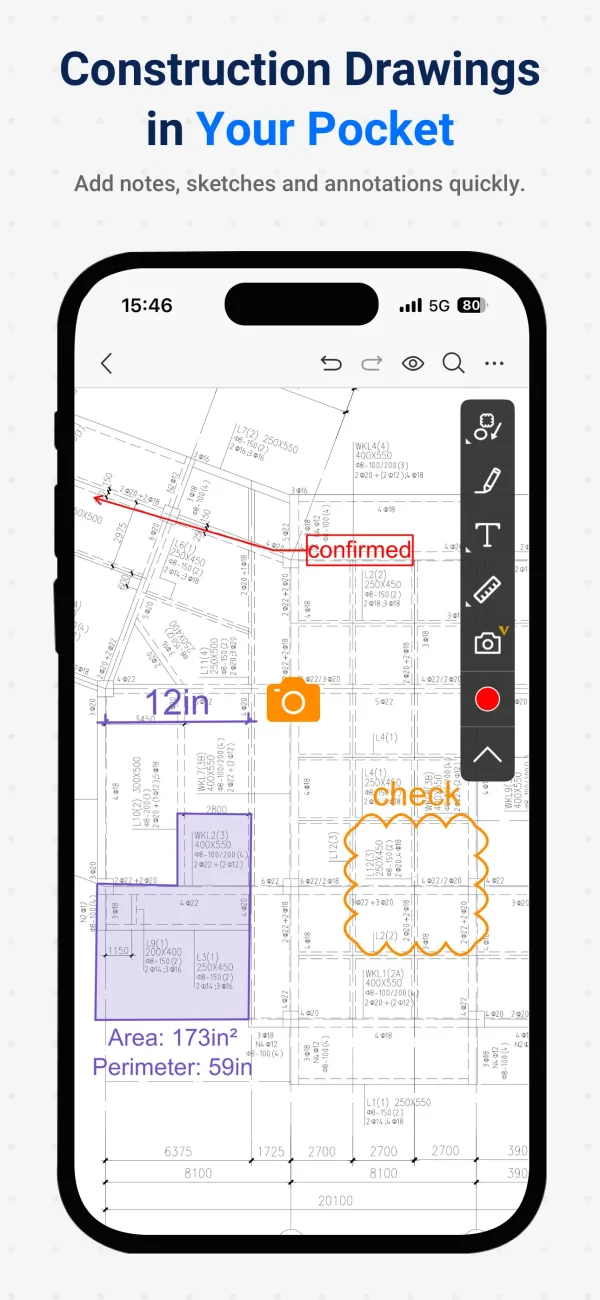
3.Annotate PDF Drawings
• Cloud/Pen/Text
• Multiple annotation options to meet diverse needs
4.Search PDF Bookmarks
• Too many pages?Find any instantly with bookmark search
PlanForm Highlights for Windows/Mac:
1. Intelligent Measurement Tools
• Set scale by length or select preset scale, supports metric and imperial systems
• Length measurements, such as Linear and Aligned
• Continuous length measurement
• Measure square and polygon area
• Auto Fill irregular area
• Count Tool
• Measure radius, angles, arc length etc.
• Data tabulation of all measurements and markups
• Automatic snapping points for better accuracy
2. Quick Markup Tools
• Drawing tools such as Line, Rectangle, Ellipse, Arrow, Revision Cloud
• Compare Revision Drawings
• Highlighter tool
• Add and modify texts
• Sequence labelling
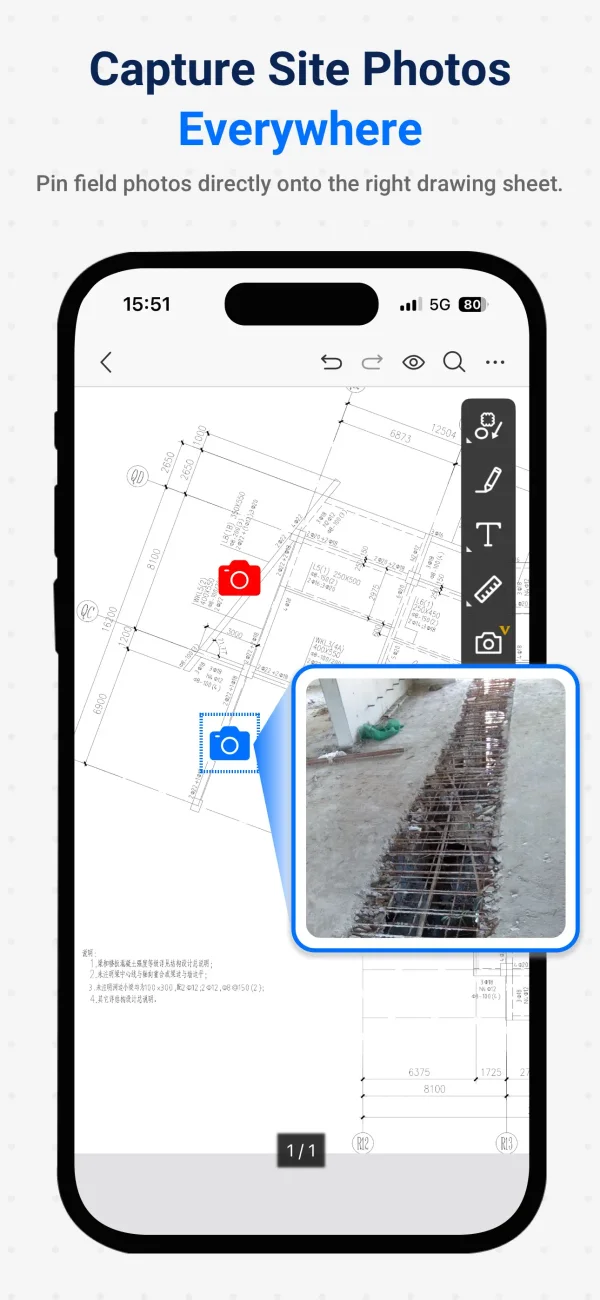
• Insert and paste image
• Erase content
3. OCR Functions
• Identify & Extract Texts/Tables (OCR)
• Find texts In Scanned PDF
• Auto generate bookmarks for PDF
4. Document Management & Convert
• Convert image files to PDF
• Combine documents
• Split document
• Extract Pages
• Delete Pages
• Insert Pages
Still have questions? Feel free to contact our technical support via email, we provide 1-to-1 services for free!
Email: planformservice@gmail.com
Don't forget to follow our social media pages to learn more tips and tutorials!
YouTube: https://www.youtube.com/@PlanFormPDF
TikTok: www.tiktok.com/@PlanFormPDF
Facebook: https://www.facebook.com/PlanFormPDF
Instagram: https://www.instagram.com/planformpdf/
LinkedIn: https://www.linkedin.com/company/cadreader/
Website: https://pdf.fastcadreader.com/
Yenilikler
Sürüm 1.1.1 · 20.11.2026
This update fixes several bugs.
Uygulama gizliliği
Bu uygulamanın verileri nasıl işlediği hakkında Beijing Honghu Yuntu Technology Co., Ltd. tarafından App Store üzerinde yapılan beyan.
-
Sizinle ilişkilendirilmeyen veriler
Toplanabilir ancak kimliğinizle ilişkilendirilmez.
- Tanımlayıcılar
Gizlilik uygulamaları, örneğin kullandığınız özelliklere veya yaşınıza göre değişiklik gösterebilir.
Bilgiler
- Satıcı
- Beijing Honghu Yuntu Technology Co., Ltd.
- Kategori
- Üretkenlik
- Sürüm
- 1.1.1
- Güncellendi
- 20.11.2026
- Yayın tarihi
- 17.07.2025
- Boyut
- 22,1 MB
- Gereksinim
- iOS 15.0 veya sonrası
- Yaş sınırı
- 4+
- Fiyat
- Ücretsiz
- Uygulama içi satın alma
- Evet
- Diller
- İngilizce, Almanca, İtalyanca, Korece, Basitleştirilmiş Çince, İspanyolca
- Telif hakkı
- © HongHu YunTu Inc. All Rights Reserved
Bunları da beğenebilirsiniz
-
 ScaleTap: PDF Plan MeasureÜretkenlik
-
 Planformer – Smart TakeoffsÜretkenlik
-
 PlanMeasure TakeoffÜretkenlik
-
 DraftPlanar: PDF Plan OkuyucuMetraj, ölçüm ve keşif
-
 Drawboard ProjectsÜretkenlik
-
 PlanInspect CAD DWG PDF ViewerPlanları ölç ve işaretle
-
 PlanBridge: Measure PDF PlansÜretkenlik
-
 Drawboard PDF Annotate, MarkupÜretkenlik
-
 Convert PDF to AutoCadÜretkenlik
-
 CADrawÜretkenlik