
PlanForm
Manage Construction Plans
Được thiết kế cho iPhone, iPad, iPod touch
Miễn phí · Mua hàng trong ứng dụng
- Độ tuổi4+
- Danh mụcHiệu Suất
- Nhà phát triểnBeijing Honghu Yuntu Technology Co., Ltd.
- Ngôn ngữTiếng Anh+ 5 ngôn ngữ khác
- Kích thước22,1 MB
Liên kết đến trang App Store chính thức
Download.org không lưu trữ tệp nào của PlanForm. Nút này mở trang ứng dụng trên App Store, nơi Beijing Honghu Yuntu Technology Co., Ltd. phát hành ứng dụng. Trang được kiểm tra lần cuối: 23/11/2026.
Ảnh chụp màn hình

Giới thiệu
Nhà phát triển chưa cung cấp nội dung này bằng ngôn ngữ của bạn.
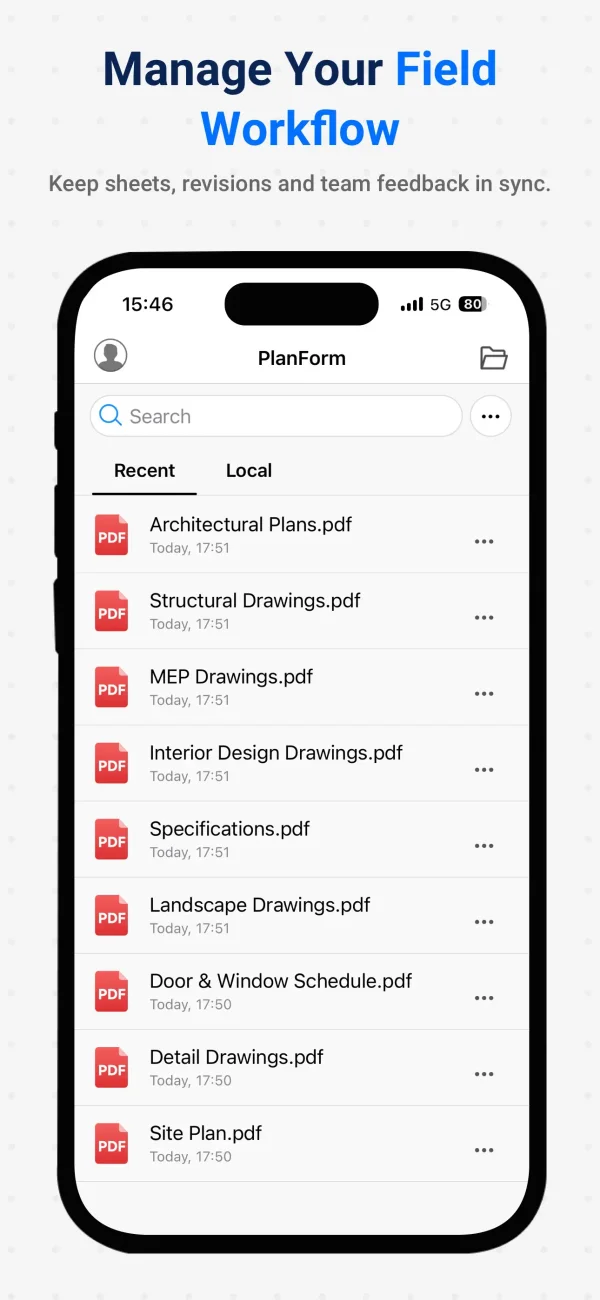
PlanForm is a professional-grade PDF reader specifically designed for Architectural, Engineering, and Construction (AEC) professionals. Delivering exceptional performance across all mobile devices and tablets, it ensures seamless viewing and measuring of PDFs and technical drawings with pixel-perfect precision.
PlanForm Highlights for iOS/iPad:
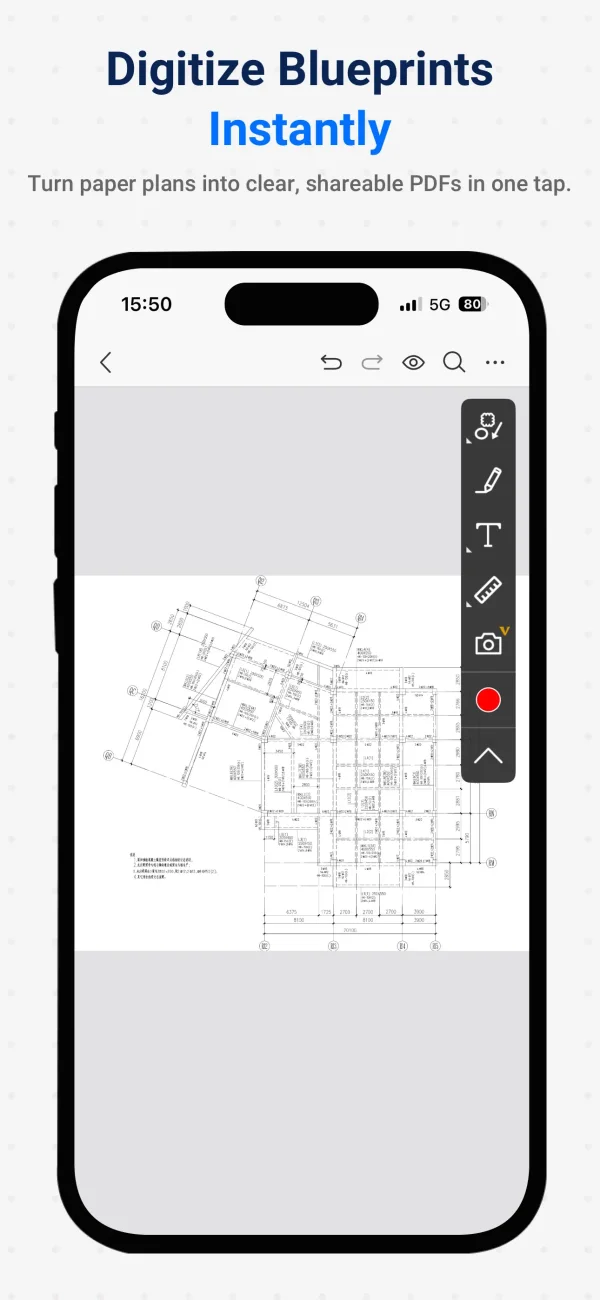
1.Unzip&Browse PDF Drawings
• Seamless browsing for drawings of any size
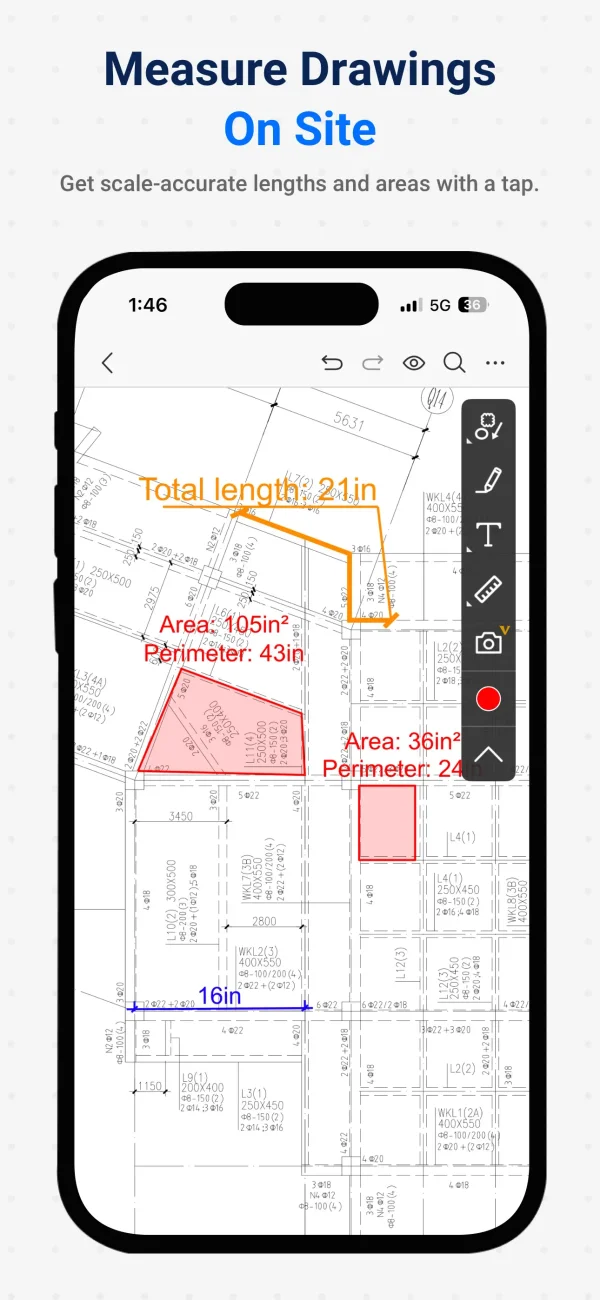
2.Measure PDF Drawings
• Set the scale easily
• Measure length and area quickly
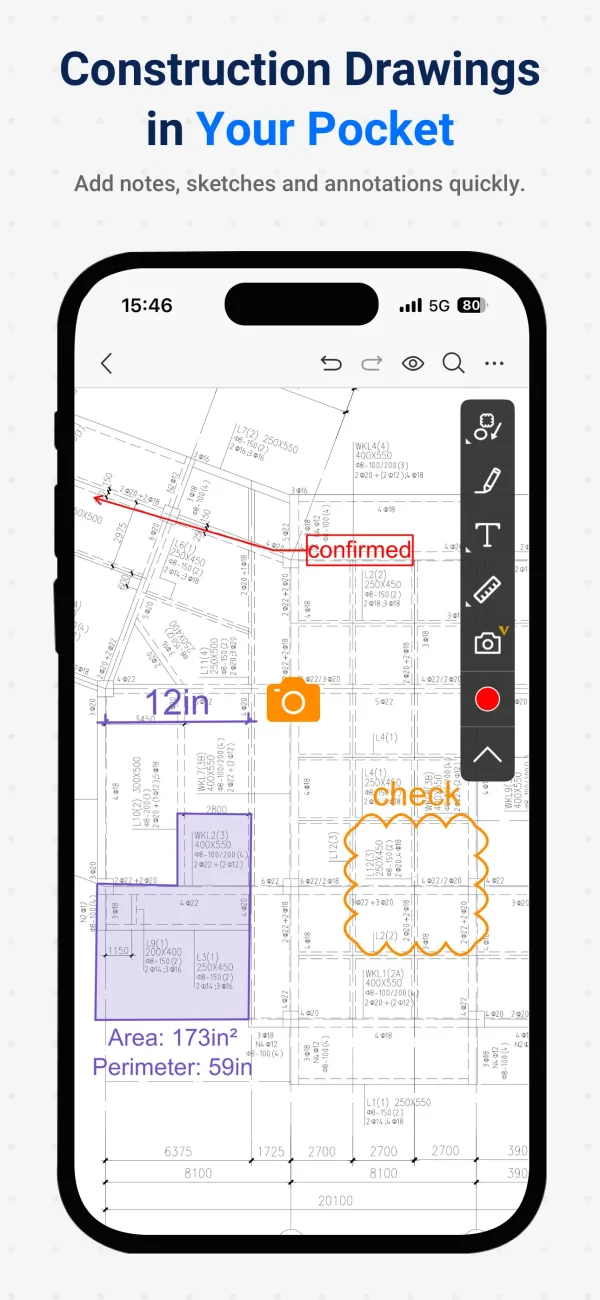
3.Annotate PDF Drawings
• Cloud/Pen/Text
• Multiple annotation options to meet diverse needs
4.Search PDF Bookmarks
• Too many pages?Find any instantly with bookmark search
PlanForm Highlights for Windows/Mac:
1. Intelligent Measurement Tools
• Set scale by length or select preset scale, supports metric and imperial systems
• Length measurements, such as Linear and Aligned
• Continuous length measurement
• Measure square and polygon area
• Auto Fill irregular area
• Count Tool
• Measure radius, angles, arc length etc.
• Data tabulation of all measurements and markups
• Automatic snapping points for better accuracy
2. Quick Markup Tools
• Drawing tools such as Line, Rectangle, Ellipse, Arrow, Revision Cloud
• Compare Revision Drawings
• Highlighter tool
• Add and modify texts
• Sequence labelling
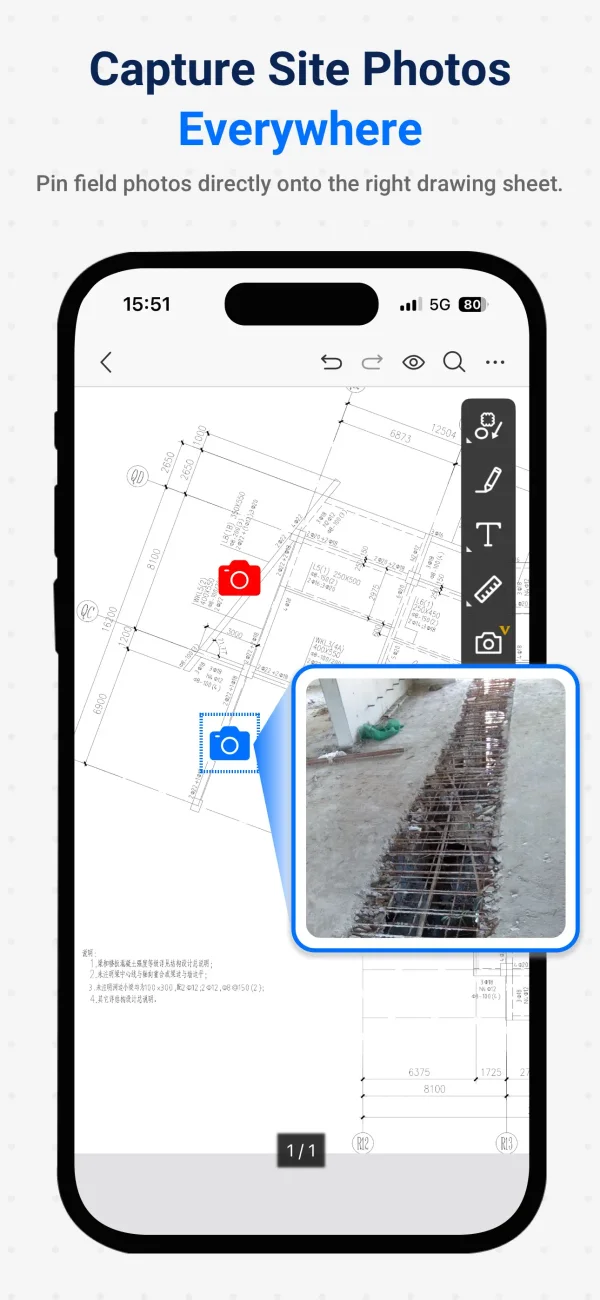
• Insert and paste image
• Erase content
3. OCR Functions
• Identify & Extract Texts/Tables (OCR)
• Find texts In Scanned PDF
• Auto generate bookmarks for PDF
4. Document Management & Convert
• Convert image files to PDF
• Combine documents
• Split document
• Extract Pages
• Delete Pages
• Insert Pages
Still have questions? Feel free to contact our technical support via email, we provide 1-to-1 services for free!
Email: planformservice@gmail.com
Don't forget to follow our social media pages to learn more tips and tutorials!
YouTube: https://www.youtube.com/@PlanFormPDF
TikTok: www.tiktok.com/@PlanFormPDF
Facebook: https://www.facebook.com/PlanFormPDF
Instagram: https://www.instagram.com/planformpdf/
LinkedIn: https://www.linkedin.com/company/cadreader/
Website: https://pdf.fastcadreader.com/
Có gì mới
Phiên bản 1.1.1 · 20/11/2026
This update fixes several bugs.
Quyền riêng tư của ứng dụng
Những gì Beijing Honghu Yuntu Technology Co., Ltd. khai báo trên App Store về cách ứng dụng này xử lý dữ liệu.
-
Dữ liệu không liên kết với bạn
Có thể được thu thập nhưng không liên kết với danh tính của bạn.
- Mã định danh
Phương thức đảm bảo quyền riêng tư có thể khác nhau, chẳng hạn như tuỳ theo các tính năng bạn sử dụng hoặc độ tuổi của bạn.
Thông tin
- Người bán
- Beijing Honghu Yuntu Technology Co., Ltd.
- Danh mục
- Hiệu Suất
- Phiên bản
- 1.1.1
- Cập nhật
- 20/11/2026
- Phát hành
- 17/07/2025
- Kích thước
- 22,1 MB
- Yêu cầu
- iOS 15.0 trở lên
- Độ tuổi
- 4+
- Giá
- Miễn phí
- Mua hàng trong ứng dụng
- Có
- Ngôn ngữ
- Tiếng Anh, Tiếng Đức, Tiếng Ý, Tiếng Hàn, Tiếng Trung Giản thể, Tiếng Tây Ban Nha
- Bản quyền
- © HongHu YunTu Inc. All Rights Reserved
Có thể bạn cũng thích
-
 ScaleTap: PDF Plan MeasureHiệu Suất
-
 Planformer – Smart TakeoffsHiệu Suất
-
 PlanMeasure TakeoffHiệu Suất
-
 DraftPlanar: PDF Plan ViewerHiệu Suất
-
 Drawboard ProjectsHiệu Suất
-
 PlanInspect CAD DWG PDF ViewerĐo và đánh dấu bản vẽ
-
 PlanBridge: Measure PDF PlansHiệu Suất
-
 Drawboard PDF Annotate, MarkupHiệu Suất
-
 Convert PDF to AutoCadHiệu Suất
-
 CADrawHiệu Suất