
- 対象年齢4+
- カテゴリ仕事効率化
- 開発元Beijing Honghu Yuntu Technology Co., Ltd.
- 言語英語ほか5言語
- サイズ22.1 MB
App Storeの公式ページにリンクしています
Download.orgはPlanFormのファイルを一切ホストしていません。ボタンを押すと、Beijing Honghu Yuntu Technology Co., Ltd.が公開しているApp Storeのアプリページが開きます。ページの最終確認:2026/11/23。
スクリーンショット

概要
開発元はこのテキストをお使いの言語で提供していません。
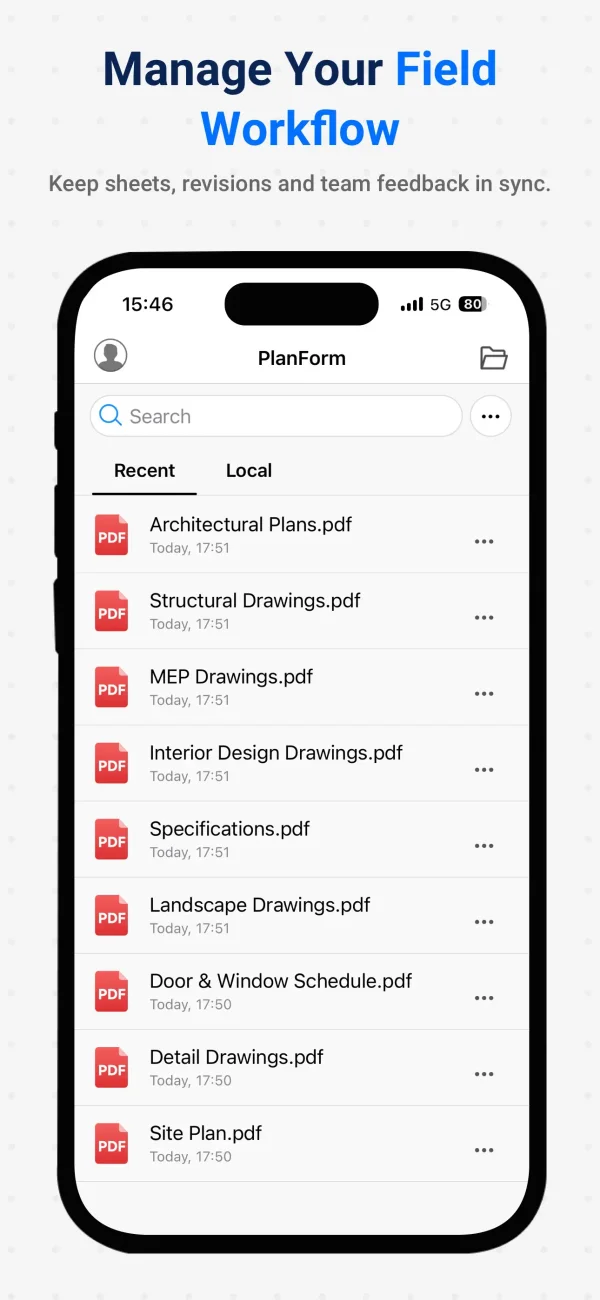
PlanForm is a professional-grade PDF reader specifically designed for Architectural, Engineering, and Construction (AEC) professionals. Delivering exceptional performance across all mobile devices and tablets, it ensures seamless viewing and measuring of PDFs and technical drawings with pixel-perfect precision.
PlanForm Highlights for iOS/iPad:
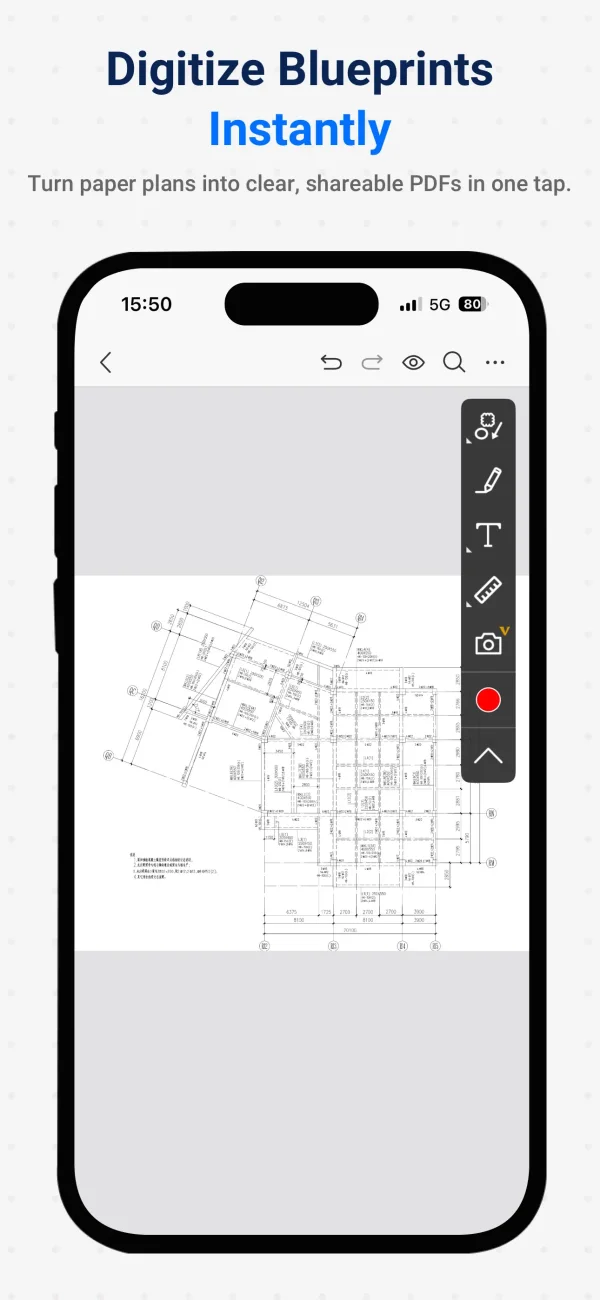
1.Unzip&Browse PDF Drawings
• Seamless browsing for drawings of any size
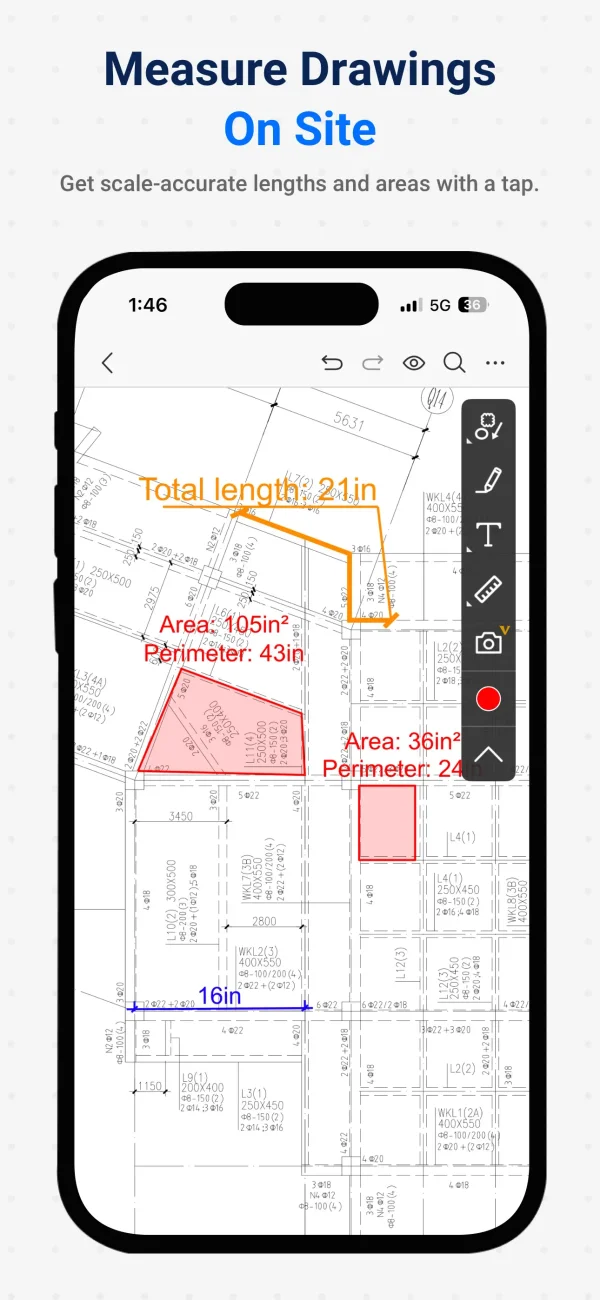
2.Measure PDF Drawings
• Set the scale easily
• Measure length and area quickly
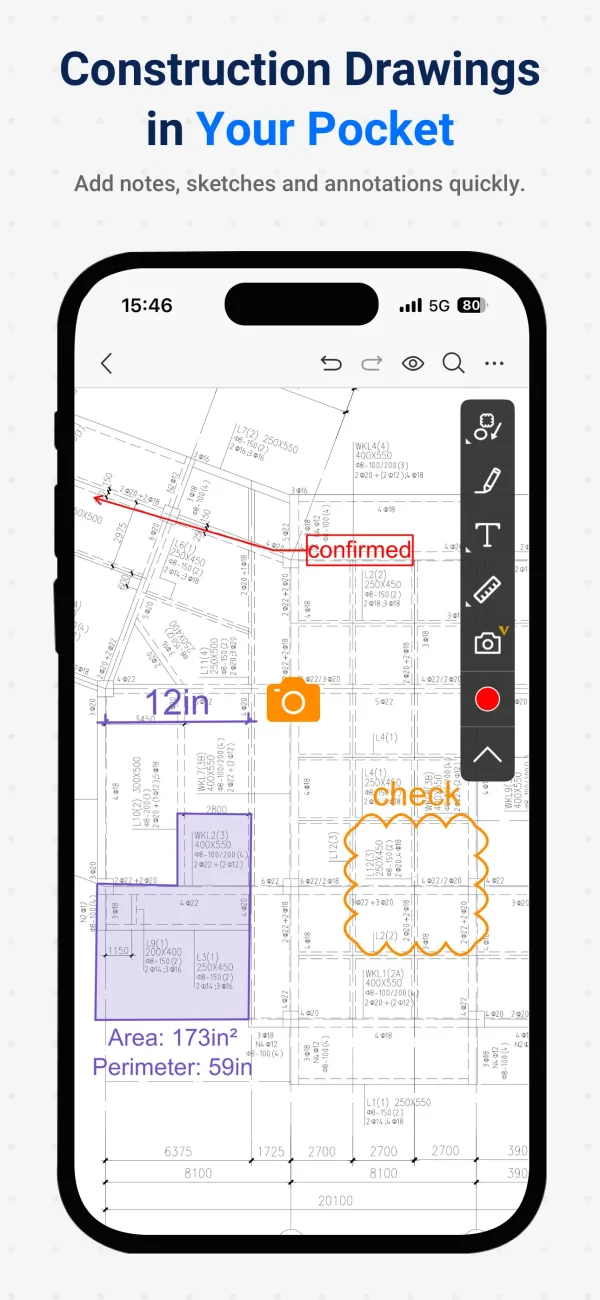
3.Annotate PDF Drawings
• Cloud/Pen/Text
• Multiple annotation options to meet diverse needs
4.Search PDF Bookmarks
• Too many pages?Find any instantly with bookmark search
PlanForm Highlights for Windows/Mac:
1. Intelligent Measurement Tools
• Set scale by length or select preset scale, supports metric and imperial systems
• Length measurements, such as Linear and Aligned
• Continuous length measurement
• Measure square and polygon area
• Auto Fill irregular area
• Count Tool
• Measure radius, angles, arc length etc.
• Data tabulation of all measurements and markups
• Automatic snapping points for better accuracy
2. Quick Markup Tools
• Drawing tools such as Line, Rectangle, Ellipse, Arrow, Revision Cloud
• Compare Revision Drawings
• Highlighter tool
• Add and modify texts
• Sequence labelling
• Insert and paste image
• Erase content
3. OCR Functions
• Identify & Extract Texts/Tables (OCR)
• Find texts In Scanned PDF
• Auto generate bookmarks for PDF
4. Document Management & Convert
• Convert image files to PDF
• Combine documents
• Split document
• Extract Pages
• Delete Pages
• Insert Pages
Still have questions? Feel free to contact our technical support via email, we provide 1-to-1 services for free!
Email: planformservice@gmail.com
Don't forget to follow our social media pages to learn more tips and tutorials!
YouTube: https://www.youtube.com/@PlanFormPDF
TikTok: www.tiktok.com/@PlanFormPDF
Facebook: https://www.facebook.com/PlanFormPDF
Instagram: https://www.instagram.com/planformpdf/
LinkedIn: https://www.linkedin.com/company/cadreader/
Website: https://pdf.fastcadreader.com/
新機能
バージョン 1.1.1 · 2026/11/20
This update fixes several bugs.
アプリのプライバシー
このアプリのデータの取り扱いについて、Beijing Honghu Yuntu Technology Co., Ltd.がApp Storeで申告している内容です。
-
ユーザーに関連付けられないデータ
収集される場合がありますが、ユーザーの識別情報には関連付けられません。
- ID
プライバシーの取り扱いは、ご利用の機能やお客様の年齢などに応じて異なる場合があります。
情報
- 販売元
- Beijing Honghu Yuntu Technology Co., Ltd.
- カテゴリ
- 仕事効率化
- バージョン
- 1.1.1
- 更新日
- 2026/11/20
- リリース
- 2025/7/17
- サイズ
- 22.1 MB
- 必要条件
- iOS 15.0以降
- 対象年齢
- 4+
- 価格
- 無料
- アプリ内課金
- あり
- 言語
- 英語, ドイツ語, イタリア語, 韓国語, 簡体字中国語, スペイン語
- 著作権
- © HongHu YunTu Inc. All Rights Reserved
こちらもおすすめ
-
 ScaleTap: PDF図面計測現場で使える縮尺計測
-
 Planformer – Smart Takeoffs仕事効率化
-
 PlanMeasure Takeoff仕事効率化
-
 DraftPlanar: PDF図面ビューア積算と測定、現場の施工管理
-
 Drawboard Projects仕事効率化
-
 PlanInspect CAD DWG PDF図面を計測・マークアップ
-
 PlanBridge: Measure PDF Plans仕事効率化
-
 Drawboard - PDF書き込みと編集、マークアップドキュメント&ホワイトボード、サイン、写真、書類作成アプリ
-
 Convert PDF to AutoCad仕事効率化
-
 CADraw仕事効率化