PowerTimer - Multi-step timers
Multiple timers and more
Dirancang untuk iPhone, iPad
Gratis · Pembelian dalam aplikasi
- Batasan usia4+
- KategoriKegunaan
- PengembangSasquatch Studio Inc.
- BahasaInggris+ 9 lainnya
- Ukuran65,7 MB
Tertaut ke halaman resmi App Store
Download.org tidak menyimpan file PowerTimer - Multi-step timers apa pun. Tombol ini membuka halaman aplikasi di App Store, tempat Sasquatch Studio Inc. menerbitkannya. Halaman terakhir diperiksa pada 22/11/2026.
Tangkapan layar

Tentang
Pengembang belum menyediakan teks ini dalam bahasa Anda.
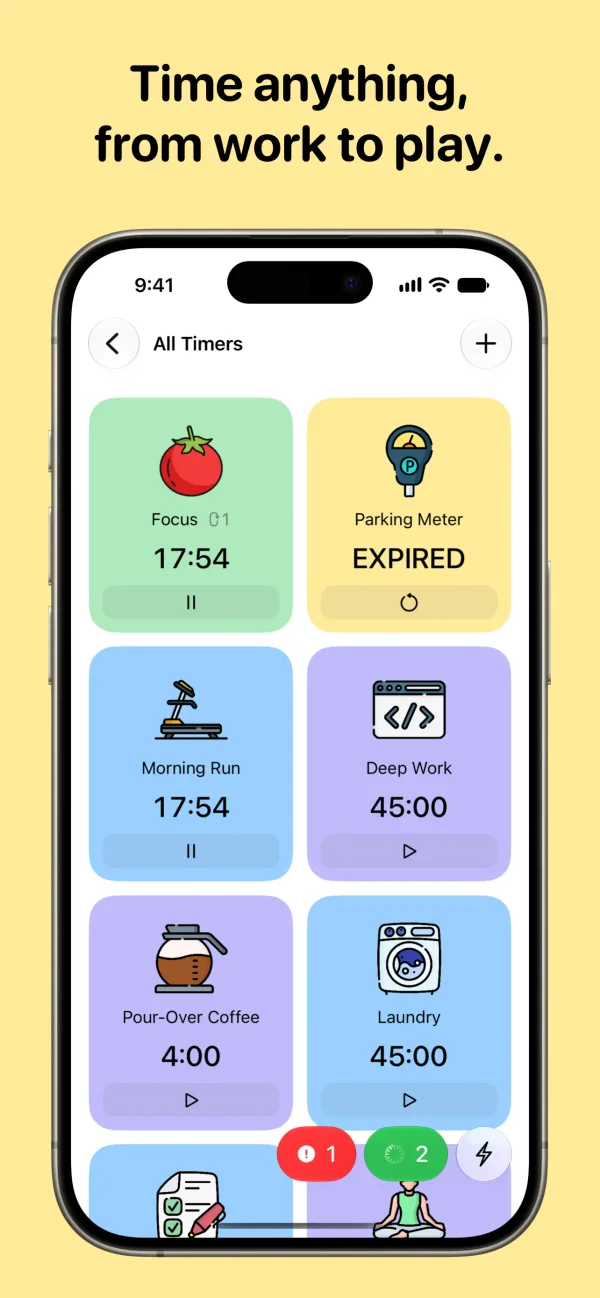
PowerTimer is a beautifully designed timer app to handle EVERY timing need you have. Cooking, working out, study, work, or play — you can create timer routines that suits your needs.
◎ Beautifully full screen
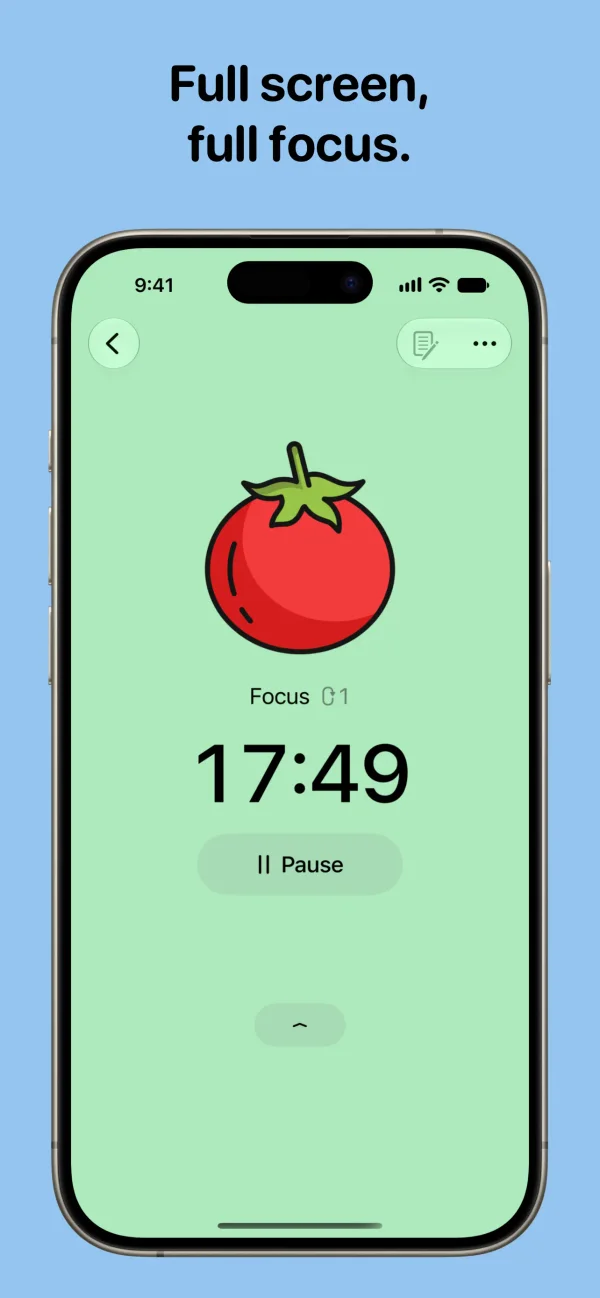
You can open a timer full screen (or in a dedicated window on iPad). Large countdown text is visible from across the room, especially helpful when you are working out or cooking — or when you need a quiet living companion on your desk for work or study.
◎ As complex as you need
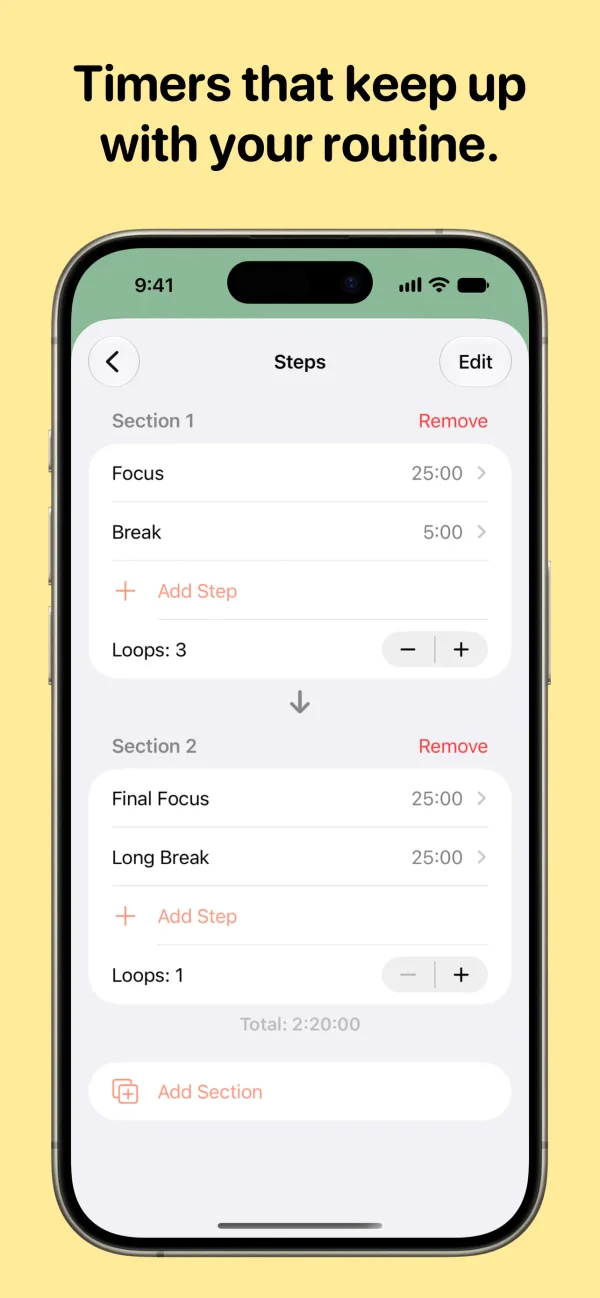
Each timer can have multiple sections. You can loop sections, and add multiple steps.
Each step can have its own ringtone, duration.
Upon expiry, configure the timer to allow snoozing, or have it send you multiple notifications for your attention.
◎ Customization
You can colour your timers as sticky notes, available in six colours.
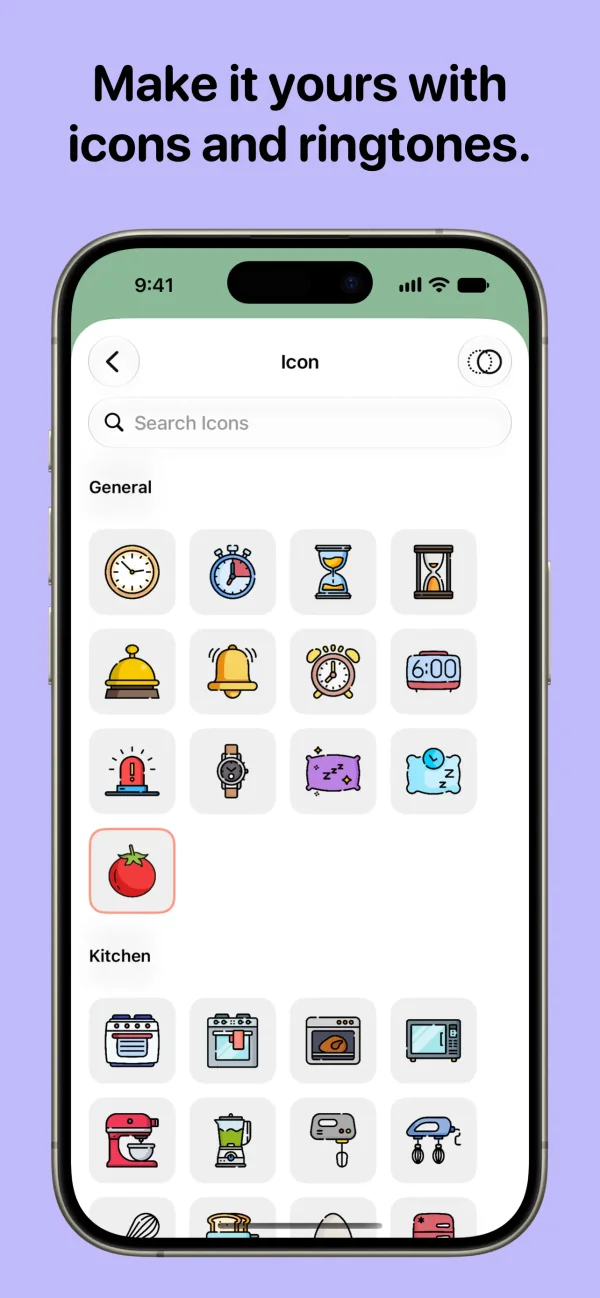
Pick an icon that fits, and a rocking animation that loops as it counts down.
You can also create groups to further organize your timers.
◎ Home Screen widgets
Pin a timer to the Home Screen with widgets, or see it on iPhone in StandBy. Tap the timer, and you are taken directly to the app, opening the timer in full screen.
◎ Siri and Shortcuts
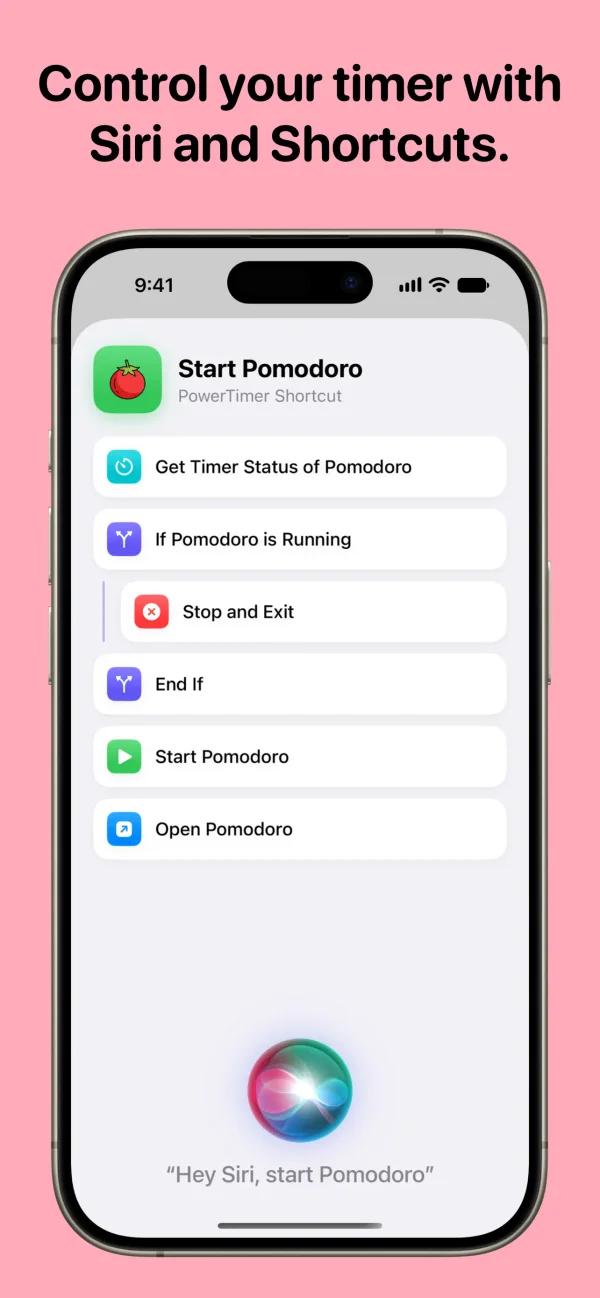
Control your timers via voice commands with Siri. Create complex workflows in Shortcuts that controls or checks the timer status. The possibility is endless.
◎ iCloud sync
Your timer configuration is automatically saved to iCloud — no sign-up required. You will still have local timer runs: they don’t sync by design.
—
Download PowerTimer today to try it out! You can use timers from our gallery with no limits, or unlock all features with a single, one-time purchase.
Yang baru
Versi 2026.9 · 21/11/2026
This update addressed a few issues with the app.
Privasi aplikasi
Yang dinyatakan Sasquatch Studio Inc. di App Store tentang cara aplikasi ini menangani data.
-
Data yang tidak ditautkan dengan Anda
Dapat dikumpulkan, tetapi tidak ditautkan dengan identitas Anda.
- Data penggunaan
- Diagnostik
Praktik privasi dapat bervariasi, misalnya berdasarkan fitur yang Anda gunakan atau usia Anda.
Informasi
- Penjual
- Sasquatch Studio Inc.
- Kategori
- Kegunaan
- Versi
- 2026.9
- Diperbarui
- 21/11/2026
- Dirilis
- 28/6/2019
- Ukuran
- 65,7 MB
- Memerlukan
- iOS 18.2 atau yang lebih baru
- Batasan usia
- 4+
- Harga
- Gratis
- Pembelian dalam aplikasi
- Ya
- Bahasa
- Inggris, Prancis, Jerman, Italia, Jepang, Korea, Portugis, Tionghoa Sederhana, Spanyol, Tionghoa Tradisional
- Hak cipta
- © 2019–2026 Sasquatch Studio Inc.
Mungkin Anda juga suka
-
 Tidur: Multi TimerHitung Mundur: Dapur dan Teh
-
 Timer HolicKegunaan
-
 Timers EverywhereKegunaan
-
 Usual Timer for WidgetKegunaan
-
 StartWatch - Instant TimersKegunaan
-
 Just TimersKegunaan
-
 About Timers - Kitchen TimerKegunaan
-
 Multiple Timer Widgets: RADKegunaan
-
 Sticky Timers and CountdownsKegunaan
-
 timer. - Multi Countdown TimerKegunaan