PowerTimer - Multi-step timers
Multiple timers and more
iPhone, iPad için tasarlandı
Ücretsiz · Uygulama içi satın alma
- Yaş sınırı4+
- KategoriYardımcılar
- GeliştiriciSasquatch Studio Inc.
- Dillerİngilizce+ 9 dil daha
- Boyut65,7 MB
Resmi App Store sayfasına bağlanır
Download.org, PowerTimer - Multi-step timers için hiçbir dosya barındırmaz. Düğme, uygulamanın App Store üzerindeki sayfasını açar; uygulamayı orada Sasquatch Studio Inc. yayınlar. Sayfanın son kontrolü: 22.11.2026.
Ekran görüntüleri



Hakkında
Geliştirici bu metni dilinizde sunmamış.
PowerTimer is a beautifully designed timer app to handle EVERY timing need you have. Cooking, working out, study, work, or play — you can create timer routines that suits your needs.
◎ Beautifully full screen
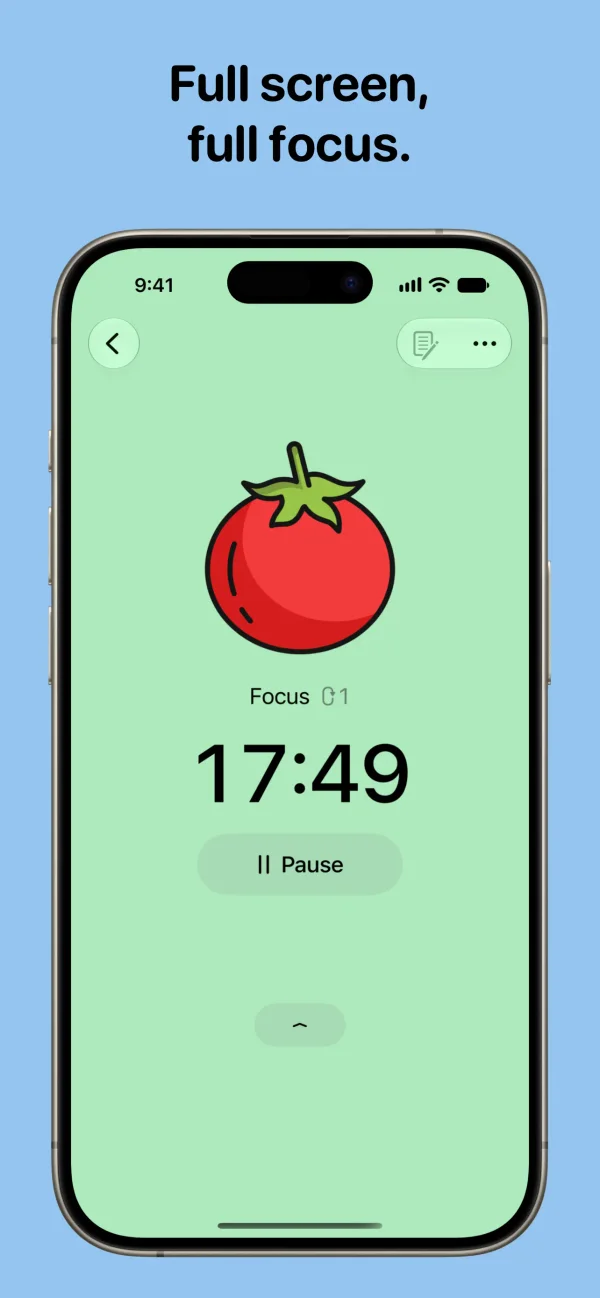
You can open a timer full screen (or in a dedicated window on iPad). Large countdown text is visible from across the room, especially helpful when you are working out or cooking — or when you need a quiet living companion on your desk for work or study.
◎ As complex as you need
Each timer can have multiple sections. You can loop sections, and add multiple steps.
Each step can have its own ringtone, duration.
Upon expiry, configure the timer to allow snoozing, or have it send you multiple notifications for your attention.
◎ Customization
You can colour your timers as sticky notes, available in six colours.
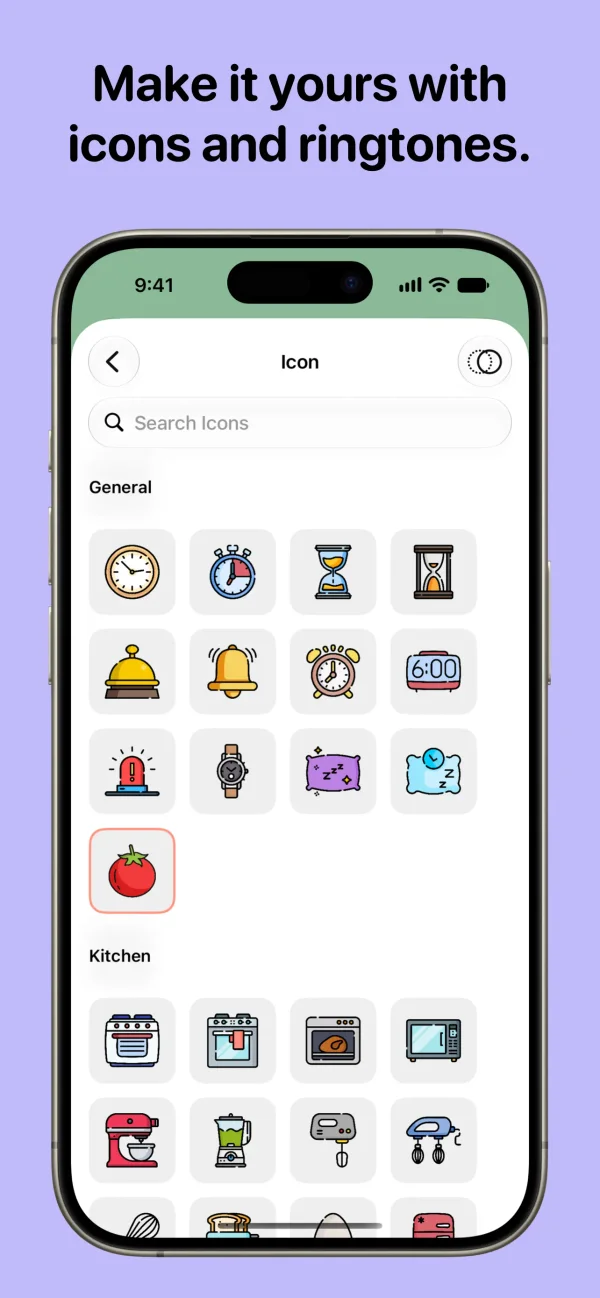
Pick an icon that fits, and a rocking animation that loops as it counts down.
You can also create groups to further organize your timers.
◎ Home Screen widgets
Pin a timer to the Home Screen with widgets, or see it on iPhone in StandBy. Tap the timer, and you are taken directly to the app, opening the timer in full screen.
◎ Siri and Shortcuts
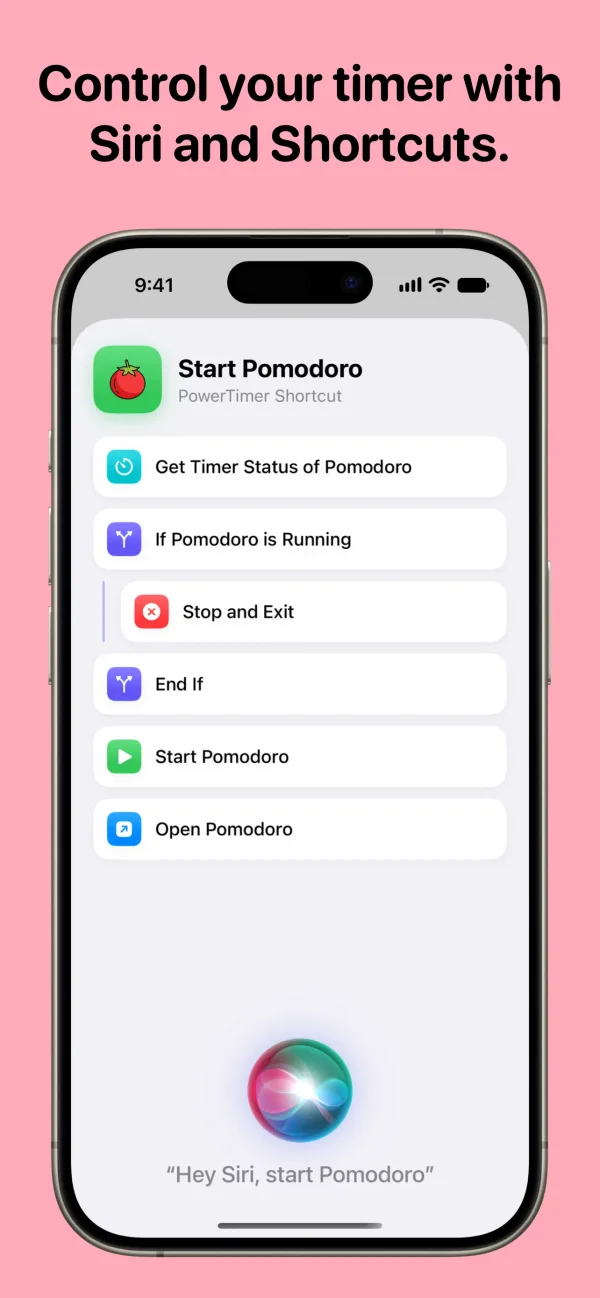
Control your timers via voice commands with Siri. Create complex workflows in Shortcuts that controls or checks the timer status. The possibility is endless.
◎ iCloud sync
Your timer configuration is automatically saved to iCloud — no sign-up required. You will still have local timer runs: they don’t sync by design.
—
Download PowerTimer today to try it out! You can use timers from our gallery with no limits, or unlock all features with a single, one-time purchase.
Yenilikler
Sürüm 2026.9 · 21.11.2026
This update addressed a few issues with the app.
Uygulama gizliliği
Bu uygulamanın verileri nasıl işlediği hakkında Sasquatch Studio Inc. tarafından App Store üzerinde yapılan beyan.
-
Sizinle ilişkilendirilmeyen veriler
Toplanabilir ancak kimliğinizle ilişkilendirilmez.
- Kullanım verileri
- Tanılama
Gizlilik uygulamaları, örneğin kullandığınız özelliklere veya yaşınıza göre değişiklik gösterebilir.
Bilgiler
- Satıcı
- Sasquatch Studio Inc.
- Kategori
- Yardımcılar
- Sürüm
- 2026.9
- Güncellendi
- 21.11.2026
- Yayın tarihi
- 28.06.2019
- Boyut
- 65,7 MB
- Gereksinim
- iOS 18.2 veya sonrası
- Yaş sınırı
- 4+
- Fiyat
- Ücretsiz
- Uygulama içi satın alma
- Evet
- Diller
- İngilizce, Fransızca, Almanca, İtalyanca, Japonca, Korece, Portekizce, Basitleştirilmiş Çince, İspanyolca, Geleneksel Çince
- Telif hakkı
- © 2019–2026 Sasquatch Studio Inc.
Bunları da beğenebilirsiniz
-
 Tidur: Çoklu ZamanlayıcıMutfak ve çay için geri sayım
-
 Timer HolicYardımcılar
-
 Timers EverywhereYardımcılar
-
 Usual Timer for WidgetYardımcılar
-
 StartWatch - Instant TimersYardımcılar
-
 Just TimersYardımcılar
-
 About Timers - Kitchen TimerYardımcılar
-
 Multiple Timer Widgets: RADYardımcılar
-
 Sticky Timers and CountdownsYardımcılar
-
 timer. - Multi Countdown TimerYardımcılar