PowerTimer - Multi-step timers
Multiple timers and more
Được thiết kế cho iPhone, iPad
Miễn phí · Mua hàng trong ứng dụng
- Độ tuổi4+
- Danh mụcTiện Ích
- Nhà phát triểnSasquatch Studio Inc.
- Ngôn ngữTiếng Anh+ 9 ngôn ngữ khác
- Kích thước65,7 MB
Liên kết đến trang App Store chính thức
Download.org không lưu trữ tệp nào của PowerTimer - Multi-step timers. Nút này mở trang ứng dụng trên App Store, nơi Sasquatch Studio Inc. phát hành ứng dụng. Trang được kiểm tra lần cuối: 22/11/2026.
Ảnh chụp màn hình

Giới thiệu
Nhà phát triển chưa cung cấp nội dung này bằng ngôn ngữ của bạn.
PowerTimer is a beautifully designed timer app to handle EVERY timing need you have. Cooking, working out, study, work, or play — you can create timer routines that suits your needs.
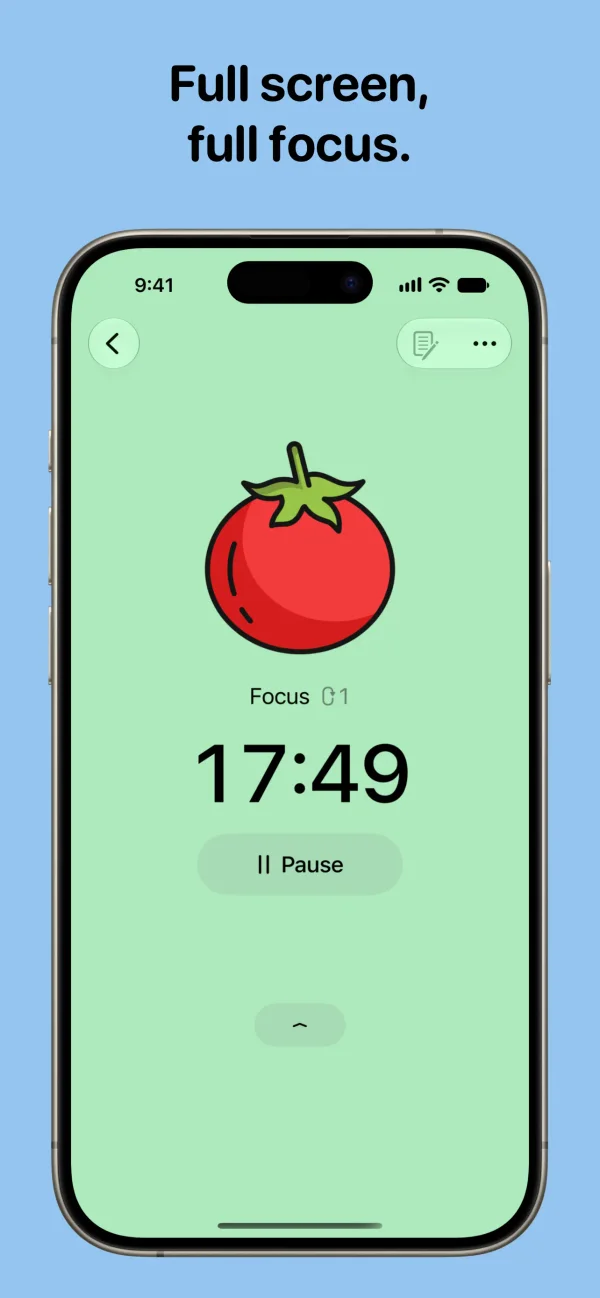
◎ Beautifully full screen
You can open a timer full screen (or in a dedicated window on iPad). Large countdown text is visible from across the room, especially helpful when you are working out or cooking — or when you need a quiet living companion on your desk for work or study.
◎ As complex as you need
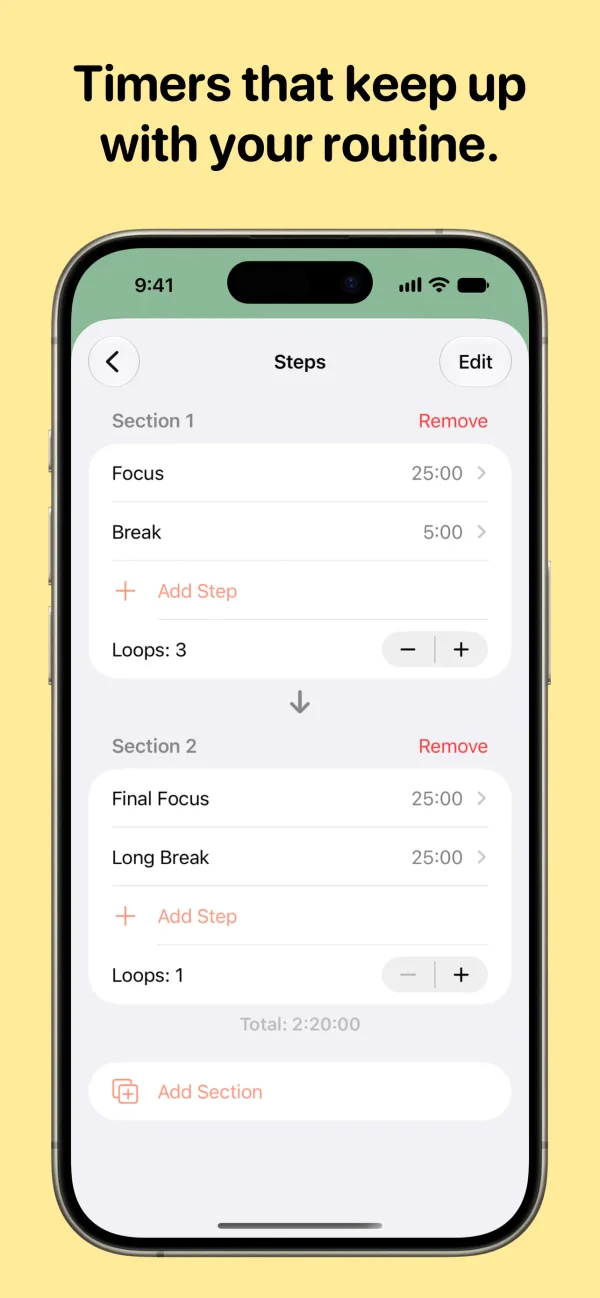
Each timer can have multiple sections. You can loop sections, and add multiple steps.
Each step can have its own ringtone, duration.
Upon expiry, configure the timer to allow snoozing, or have it send you multiple notifications for your attention.
◎ Customization
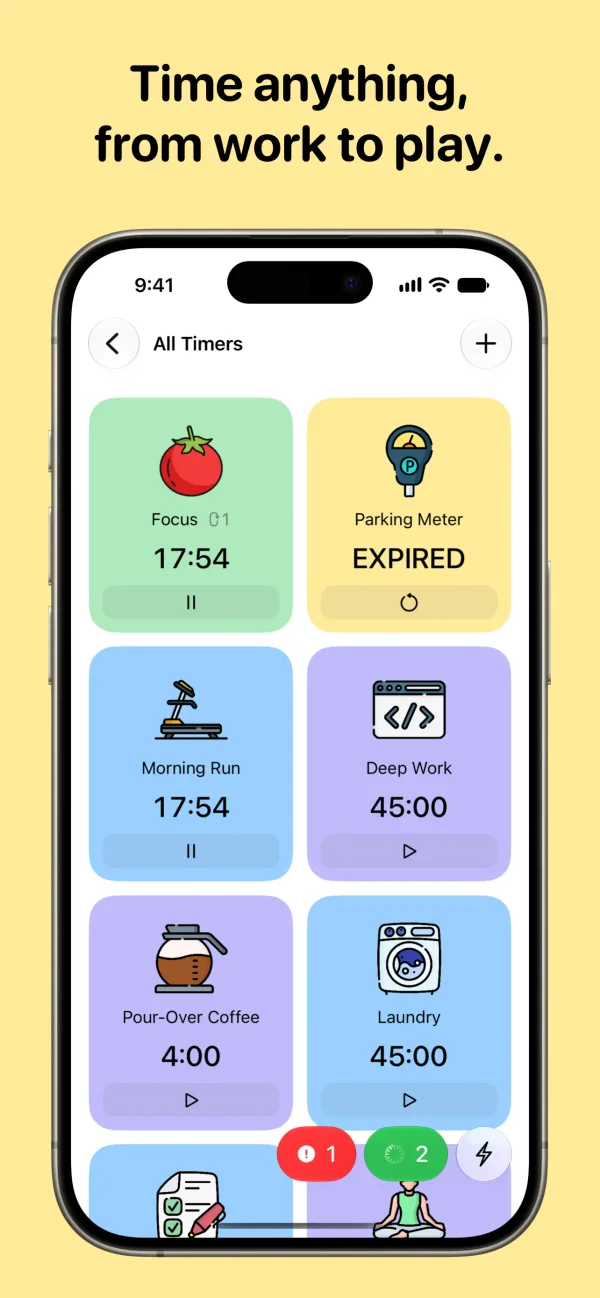
You can colour your timers as sticky notes, available in six colours.
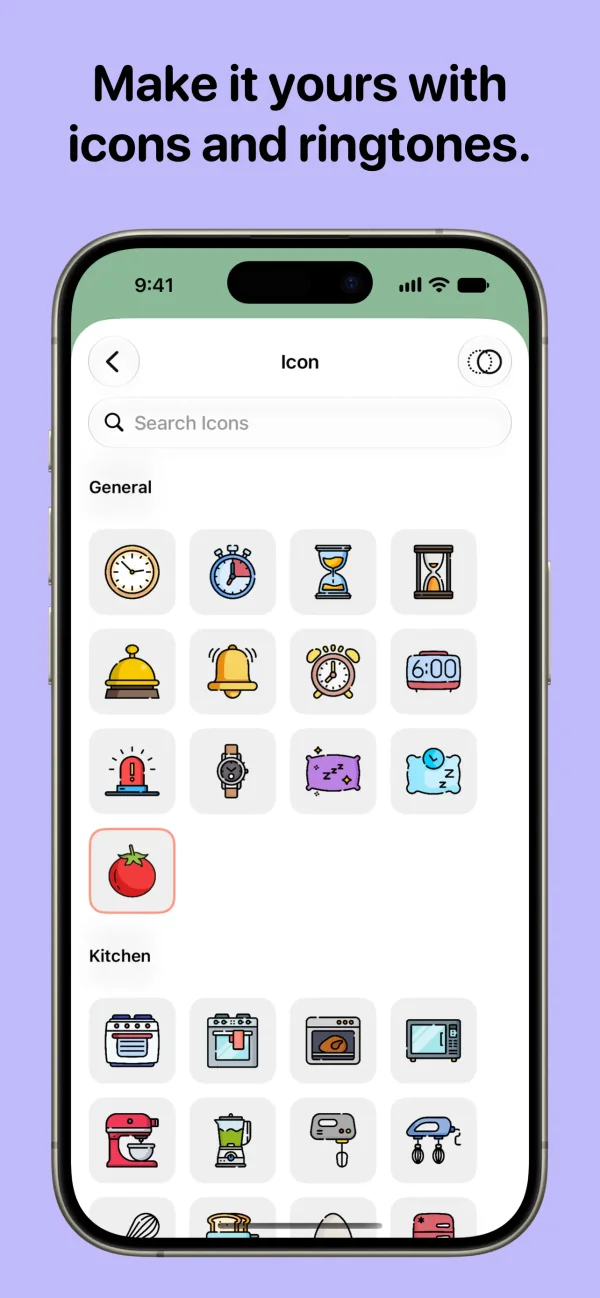
Pick an icon that fits, and a rocking animation that loops as it counts down.
You can also create groups to further organize your timers.
◎ Home Screen widgets
Pin a timer to the Home Screen with widgets, or see it on iPhone in StandBy. Tap the timer, and you are taken directly to the app, opening the timer in full screen.
◎ Siri and Shortcuts
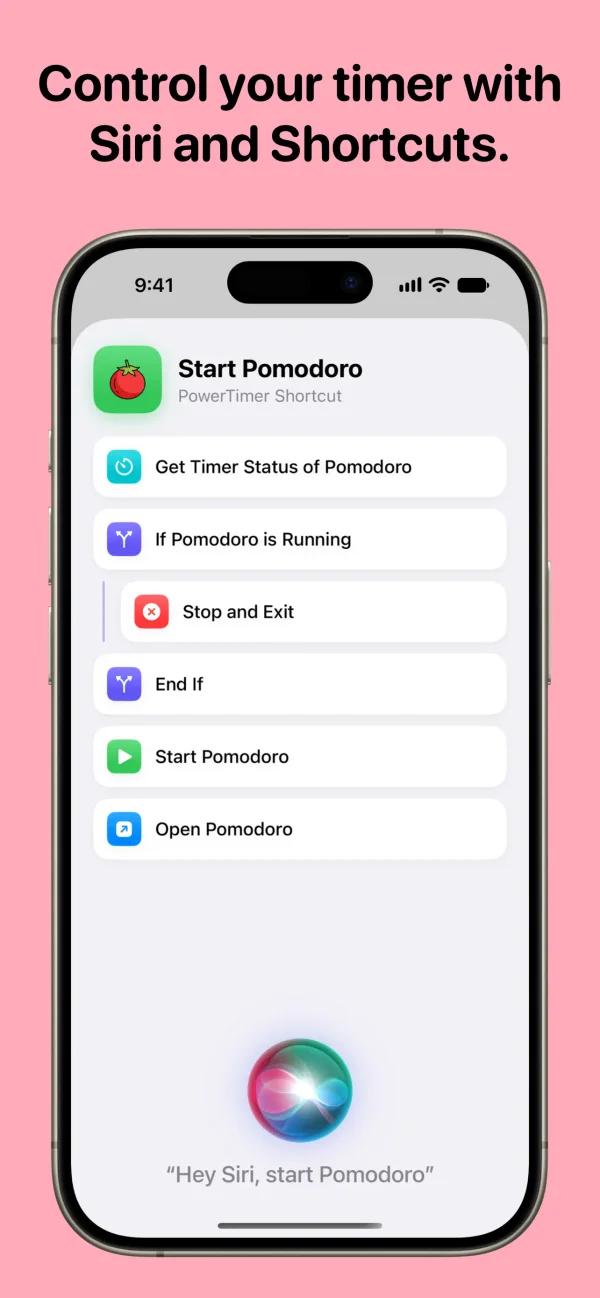
Control your timers via voice commands with Siri. Create complex workflows in Shortcuts that controls or checks the timer status. The possibility is endless.
◎ iCloud sync
Your timer configuration is automatically saved to iCloud — no sign-up required. You will still have local timer runs: they don’t sync by design.
—
Download PowerTimer today to try it out! You can use timers from our gallery with no limits, or unlock all features with a single, one-time purchase.
Có gì mới
Phiên bản 2026.9 · 21/11/2026
This update addressed a few issues with the app.
Quyền riêng tư của ứng dụng
Những gì Sasquatch Studio Inc. khai báo trên App Store về cách ứng dụng này xử lý dữ liệu.
-
Dữ liệu không liên kết với bạn
Có thể được thu thập nhưng không liên kết với danh tính của bạn.
- Dữ liệu sử dụng
- Chẩn đoán
Phương thức đảm bảo quyền riêng tư có thể khác nhau, chẳng hạn như tuỳ theo các tính năng bạn sử dụng hoặc độ tuổi của bạn.
Thông tin
- Người bán
- Sasquatch Studio Inc.
- Danh mục
- Tiện Ích
- Phiên bản
- 2026.9
- Cập nhật
- 21/11/2026
- Phát hành
- 28/06/2019
- Kích thước
- 65,7 MB
- Yêu cầu
- iOS 18.2 trở lên
- Độ tuổi
- 4+
- Giá
- Miễn phí
- Mua hàng trong ứng dụng
- Có
- Ngôn ngữ
- Tiếng Anh, Tiếng Pháp, Tiếng Đức, Tiếng Ý, Tiếng Nhật, Tiếng Hàn, Tiếng Bồ Đào Nha, Tiếng Trung Giản thể, Tiếng Tây Ban Nha, Tiếng Trung Phồn thể
- Bản quyền
- © 2019–2026 Sasquatch Studio Inc.
Có thể bạn cũng thích
-
 Tidur: Nhiều bộ hẹn giờĐếm ngược khi nấu ăn, pha trà
-
 Timer HolicTiện Ích
-
 Timers EverywhereTiện Ích
-
 Usual Timer for WidgetTiện Ích
-
 StartWatch - Instant TimersTiện Ích
-
 Just TimersTiện Ích
-
 About Timers - Kitchen TimerTiện Ích
-
 Multiple Timer Widgets: RADTiện Ích
-
 Sticky Timers and CountdownsTiện Ích
-
 timer. - Multi Countdown TimerTiện Ích