Quick note - One page note
Write, Save and Share Text
Dirancang untuk iPhone, iPad, iPod touch
Gratis · Pembelian dalam aplikasi
- Batasan usia4+
- KategoriKegunaan
- PengembangMerbin Joe
- BahasaInggris
- Ukuran38,3 MB
Tertaut ke halaman resmi App Store
Download.org tidak menyimpan file Quick note - One page note apa pun. Tombol ini membuka halaman aplikasi di App Store, tempat Merbin Joe menerbitkannya. Halaman terakhir diperiksa pada 16/11/2026.
Tangkapan layar
Tentang
Pengembang belum menyediakan teks ini dalam bahasa Anda.
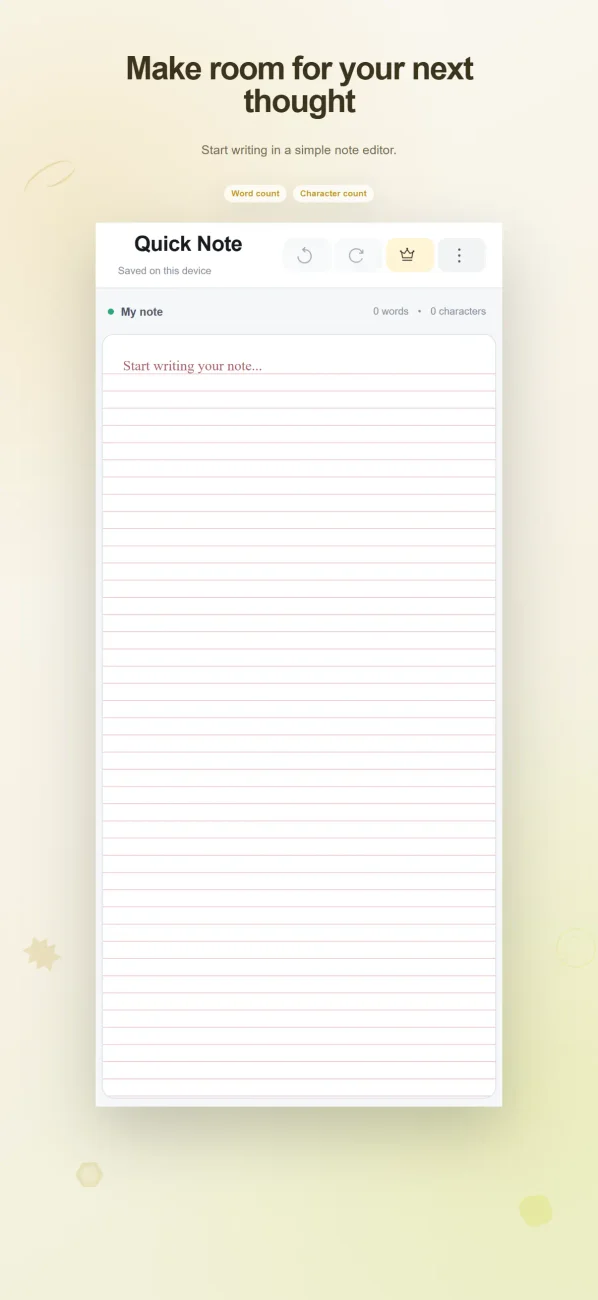
Quick Note gives you one page for writing memos, drafting messages and capturing ideas. Your current text saves locally after a pause in typing, ready for you to continue later.
From thought to draft
Jot down a point for a conversation or prepare a message before sending it. Undo and redo help you revise recent edits. Check word and character counts while writing, or open Info for additional text statistics.
Make the page comfortable
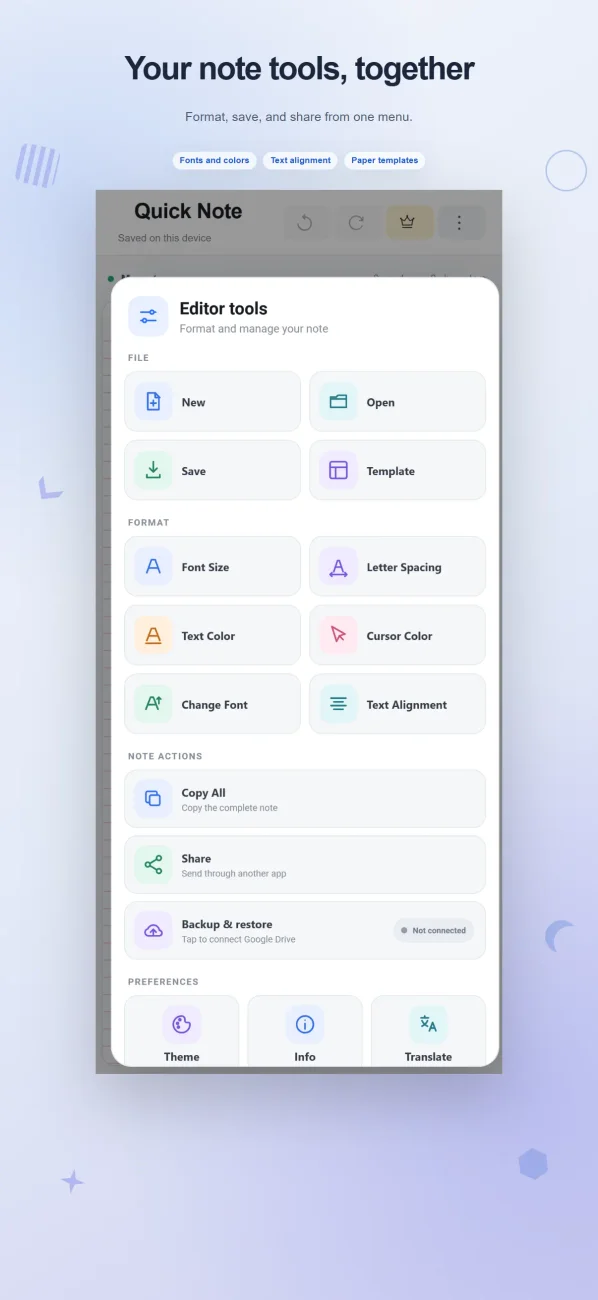
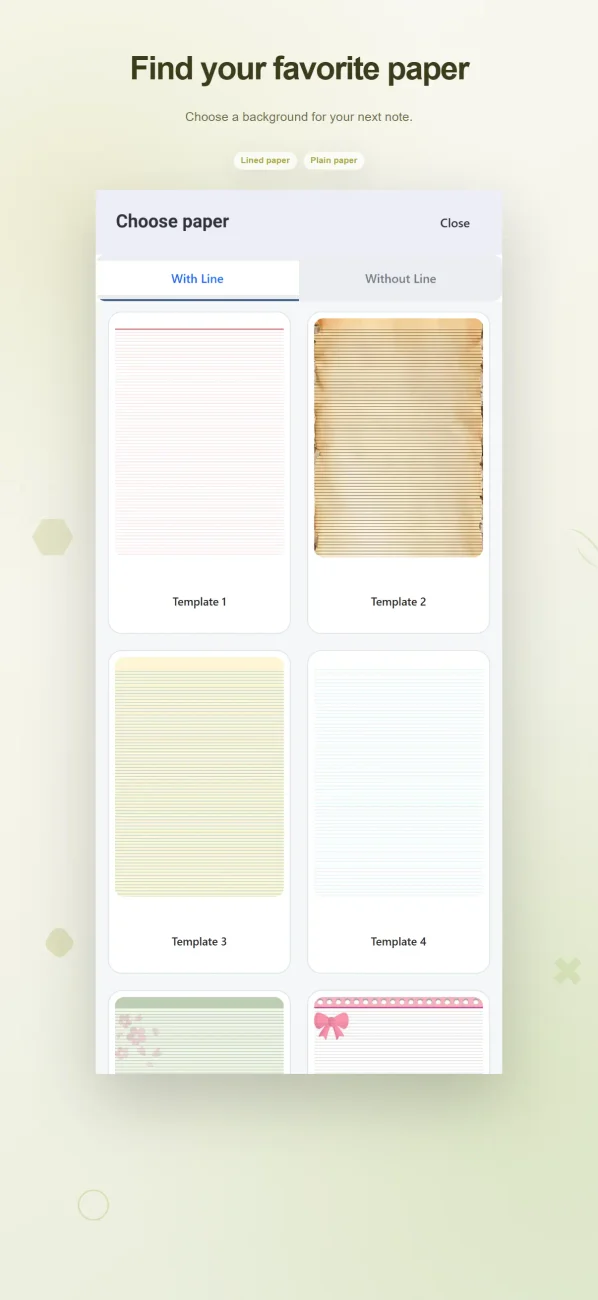
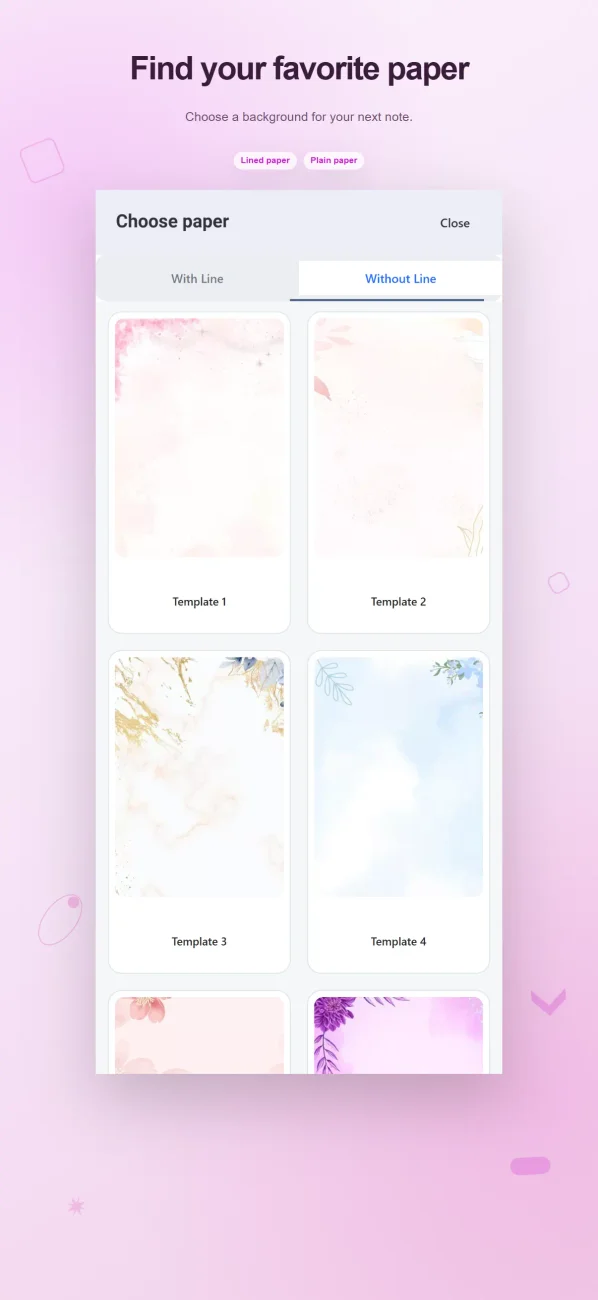
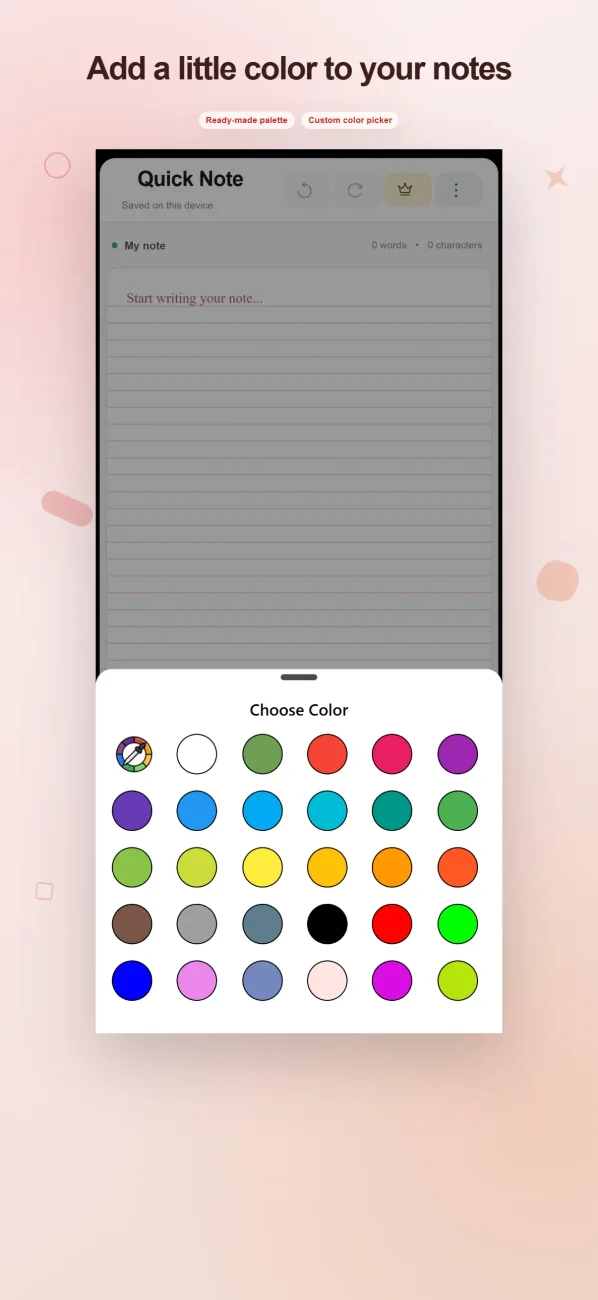
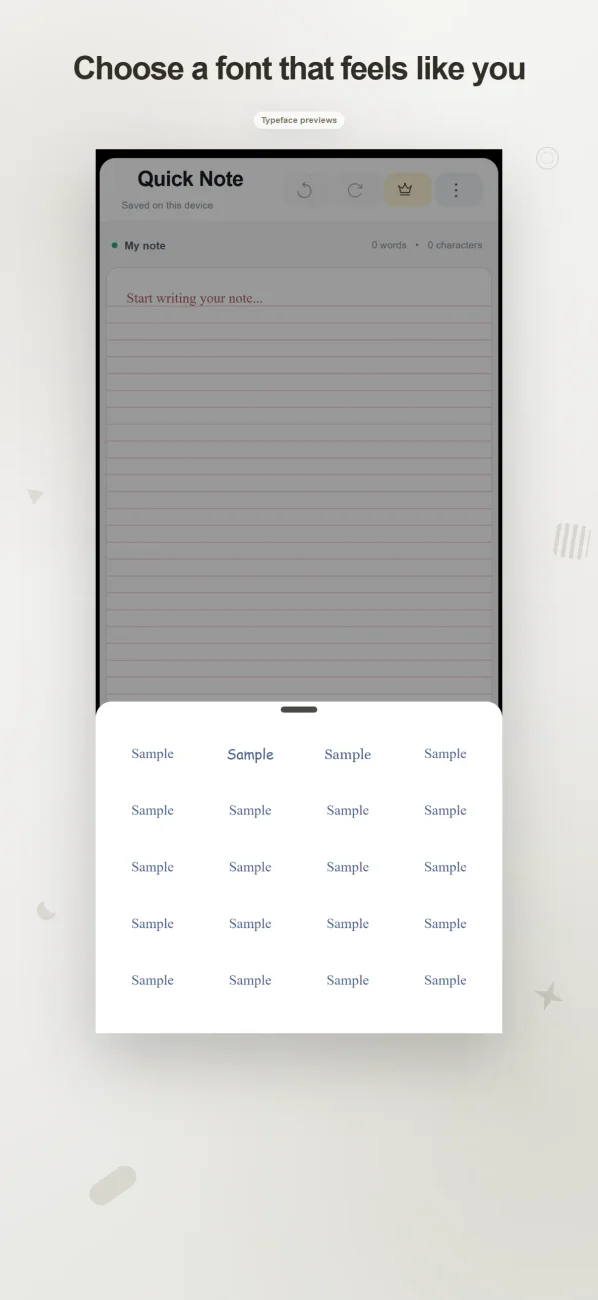
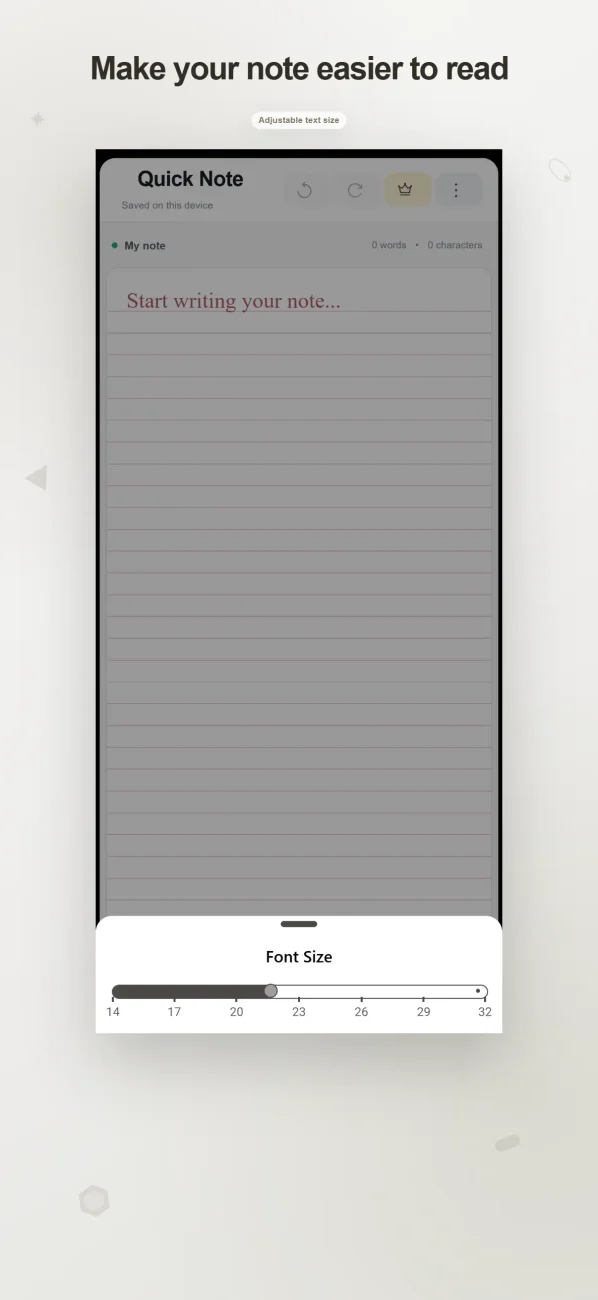
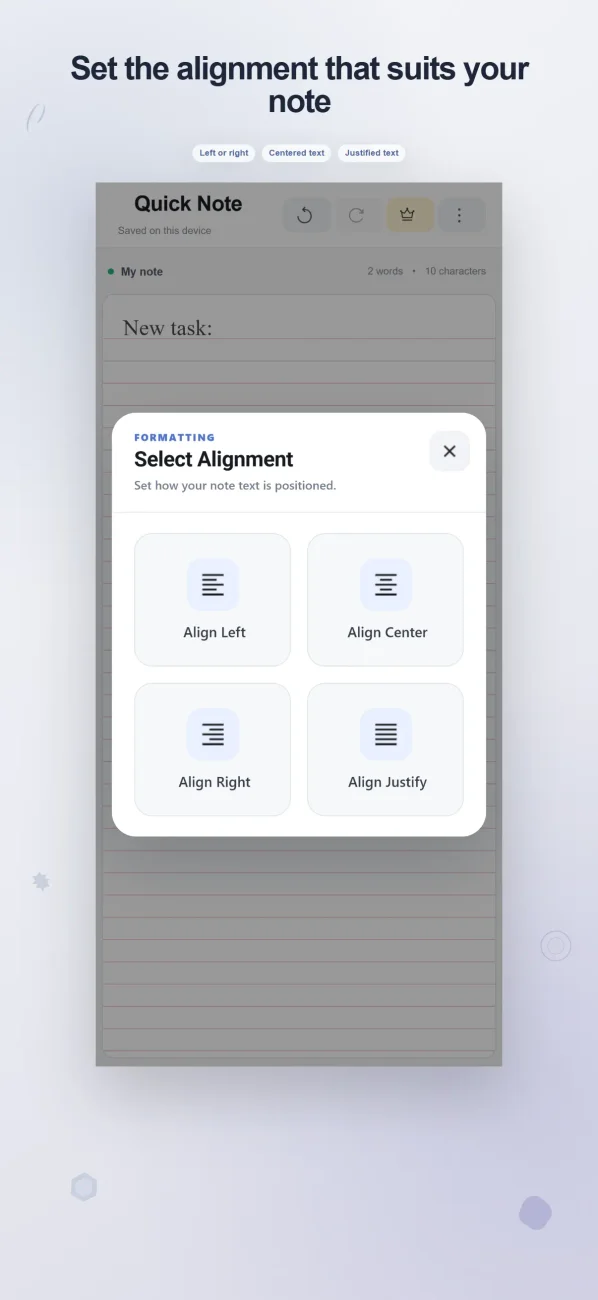
Choose lined or plain paper, then set your preferred font family and size. Change letter spacing, text color, cursor color and alignment. Light, dark and system theme choices are available for the interface.
Take the writing elsewhere
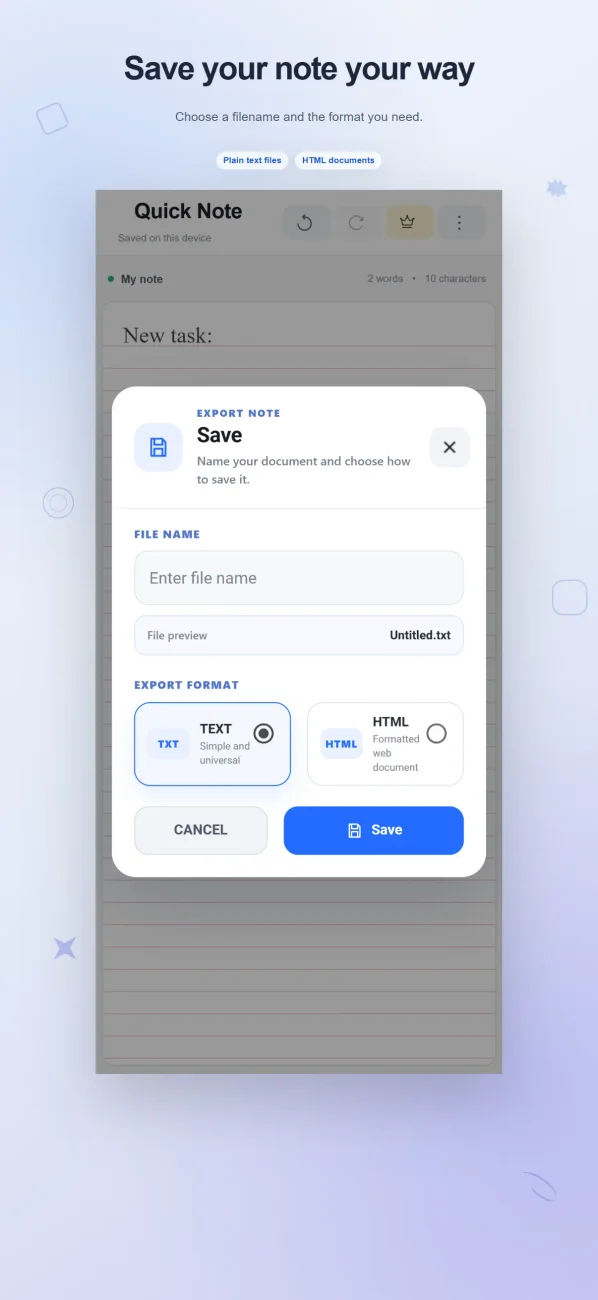
Copy the complete note to the clipboard or share its text through another installed app. To keep a named document, export your writing as TXT or HTML. Exporting a document and autosaving the working page are separate actions.
Backup when you choose to connect
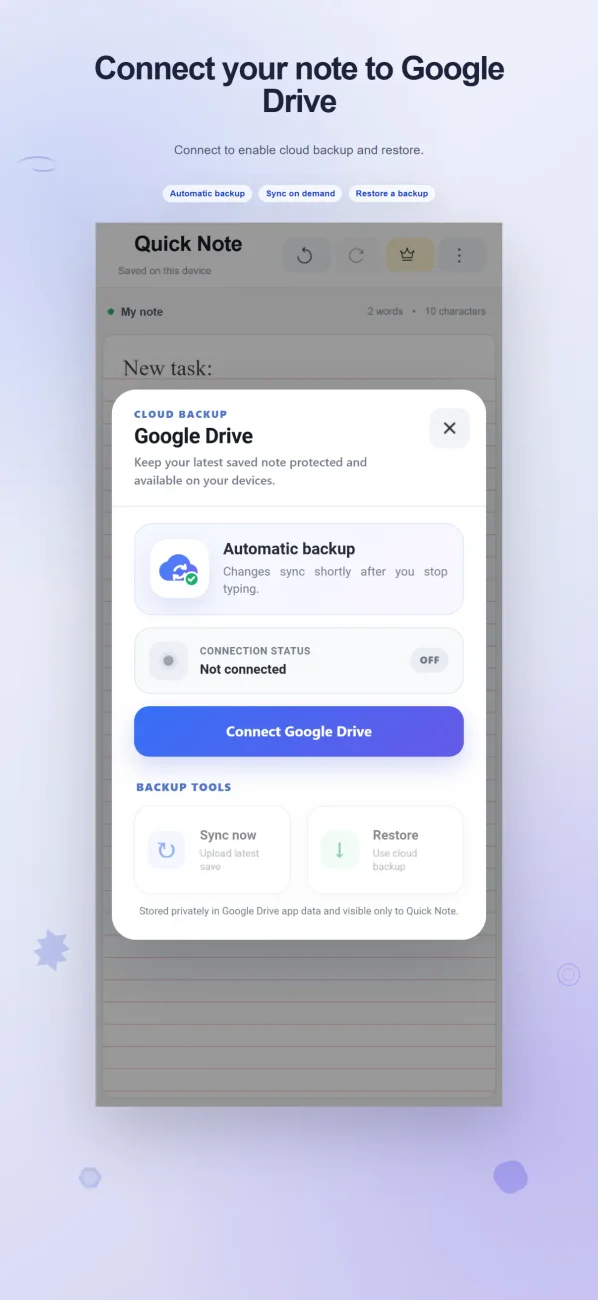
Authorize a Google account to queue updates of the latest working note for Google Drive backup. You can also request an upload or manually restore an available backup. Restore requires confirmation before replacing the current note. This is not live collaborative editing or automatic merging across devices.
Local writing and autosave do not need a Google account. Drive features require internet access and Google authorization, and may require reconnection. Advertising is included. Optional purchases provide ad-free access; available purchase details are shown in the app.
Terms of Use
https://www.apple.com/legal/internet-services/itunes/dev/stdeula/
Yang baru
Versi 2.5 · 4/11/2026
Many new features added
bug fixes
Privasi aplikasi
Yang dinyatakan Merbin Joe di App Store tentang cara aplikasi ini menangani data.
-
Data yang digunakan untuk melacak Anda
Dapat digunakan untuk melacak Anda di aplikasi dan situs web milik perusahaan lain.
- Data penggunaan
-
Data yang tidak ditautkan dengan Anda
Dapat dikumpulkan, tetapi tidak ditautkan dengan identitas Anda.
- Data penggunaan
Praktik privasi dapat bervariasi, misalnya berdasarkan fitur yang Anda gunakan atau usia Anda.
Informasi
- Penjual
- Merbin Joe
- Kategori
- Kegunaan
- Versi
- 2.5
- Diperbarui
- 4/11/2026
- Dirilis
- 12/4/2023
- Ukuran
- 38,3 MB
- Memerlukan
- iOS 15.0 atau yang lebih baru
- Batasan usia
- 4+
- Harga
- Gratis
- Pembelian dalam aplikasi
- Ya
- Bahasa
- Inggris
- Hak cipta
- © Codeplay
Mungkin Anda juga suka
-
 EasyNote - Plain Text NotesKegunaan
-
 MyStickyNotes - ProKegunaan
-
 Sticky notes + To do listKegunaan
-
 EZ NotepadKegunaan
-
 Tiny NotesKegunaan
-
 Catatan berwarna Sederhanapengingat dan daftar periksa
-
 Catatan: Buku Catatan & AgendaCatatan Suara & Daftar Tugas
-
 Safe Notes: Notebook, NotepadKegunaan
-
 Color NotesKegunaan
-
 Buku catatan - notepad - tugasBuku catatan - notepad - tugas