Quick note - One page note
Write, Save and Share Text
Designed for iPhone, iPad, iPod touch
Free · In-app purchases
- Age rating4+
- CategoryUtilities
- DeveloperMerbin Joe
- LanguagesEnglish
- Size38.3 MB
Links to the official App Store page
Download.org hosts no file of Quick note - One page note. The button opens its official App Store page, published by Merbin Joe. Listing last checked on Nov 16, 2026.
Screenshots


About
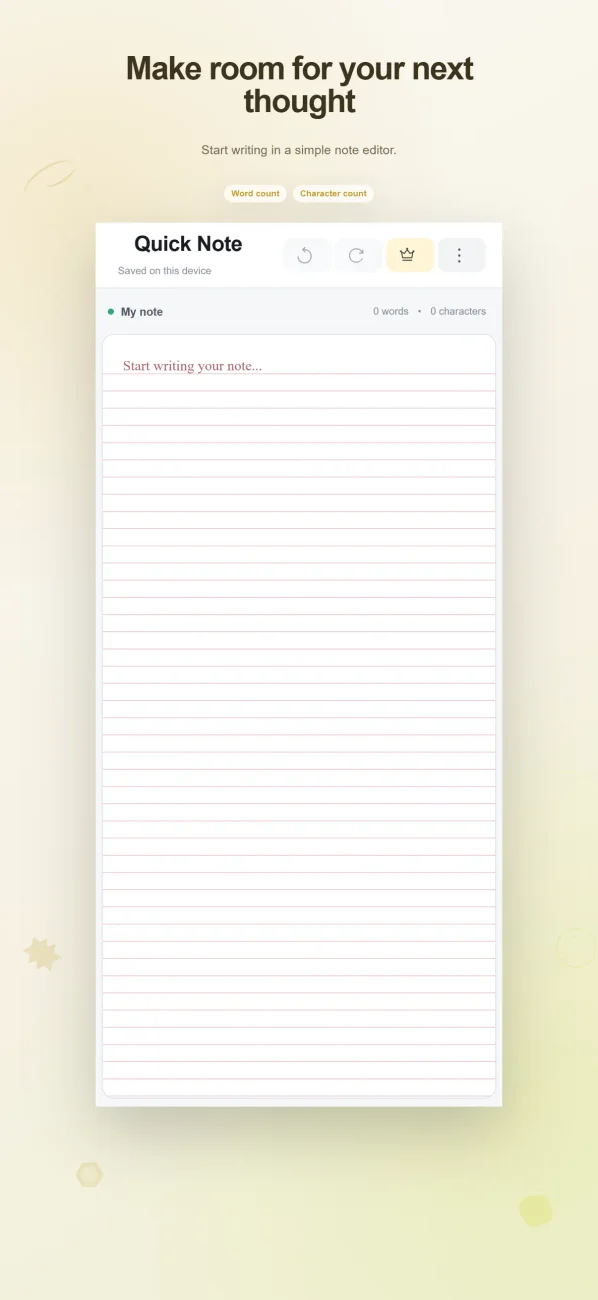
Quick Note gives you one page for writing memos, drafting messages and capturing ideas. Your current text saves locally after a pause in typing, ready for you to continue later.
From thought to draft
Jot down a point for a conversation or prepare a message before sending it. Undo and redo help you revise recent edits. Check word and character counts while writing, or open Info for additional text statistics.
Make the page comfortable
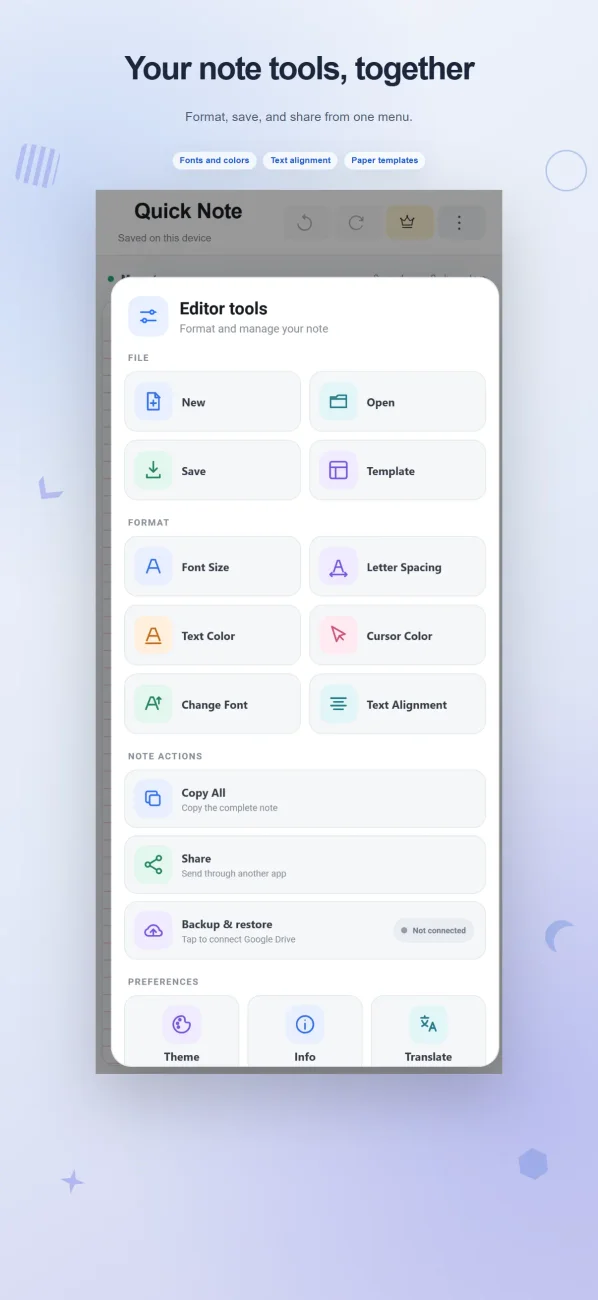
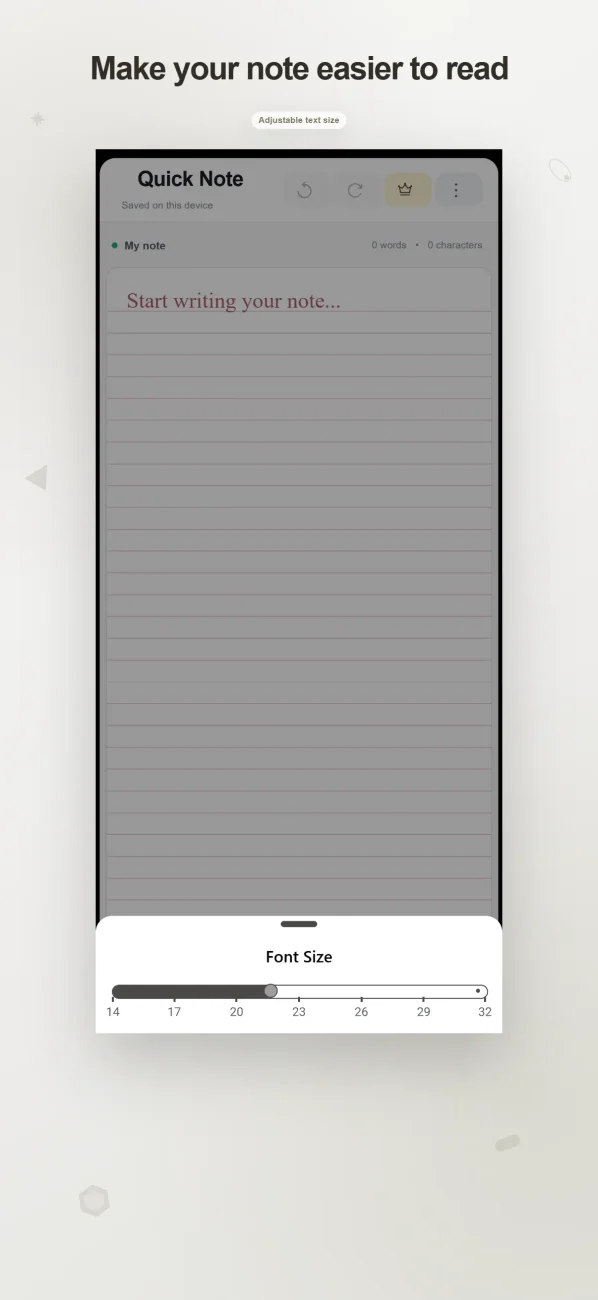
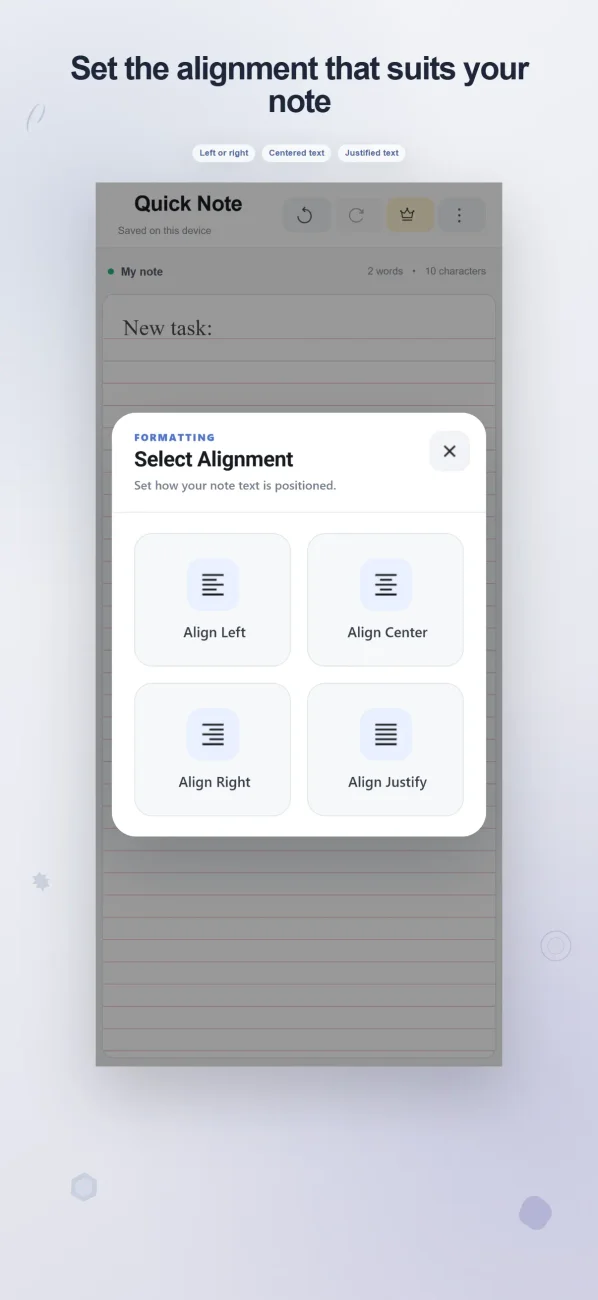
Choose lined or plain paper, then set your preferred font family and size. Change letter spacing, text color, cursor color and alignment. Light, dark and system theme choices are available for the interface.
Take the writing elsewhere
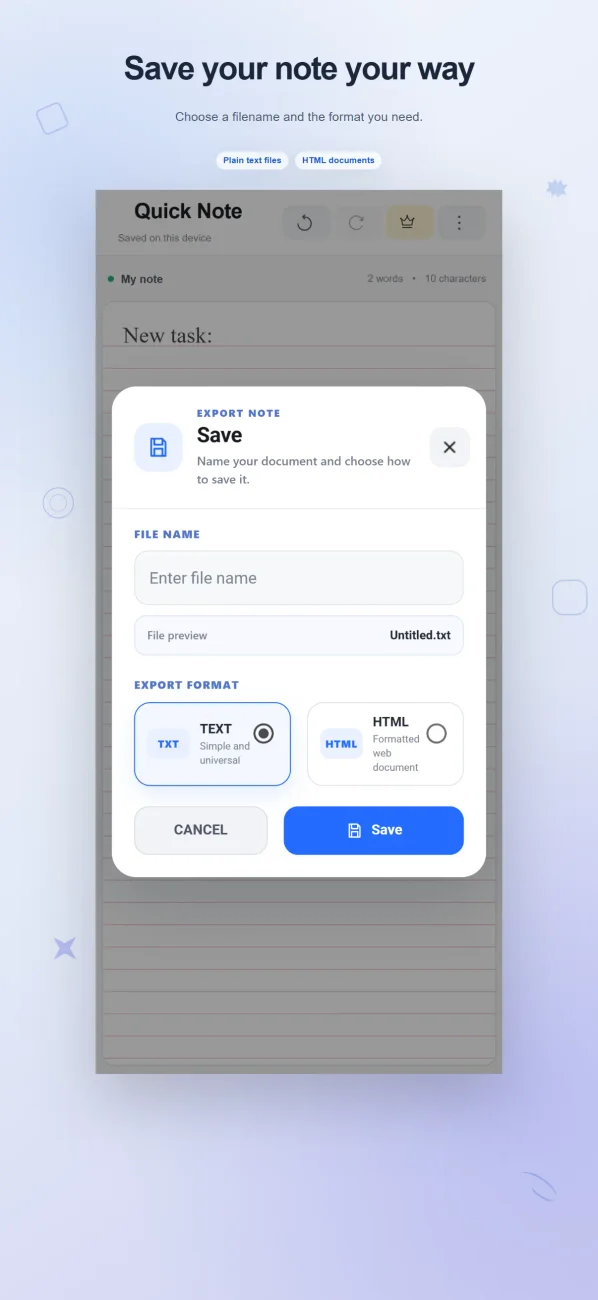
Copy the complete note to the clipboard or share its text through another installed app. To keep a named document, export your writing as TXT or HTML. Exporting a document and autosaving the working page are separate actions.
Backup when you choose to connect
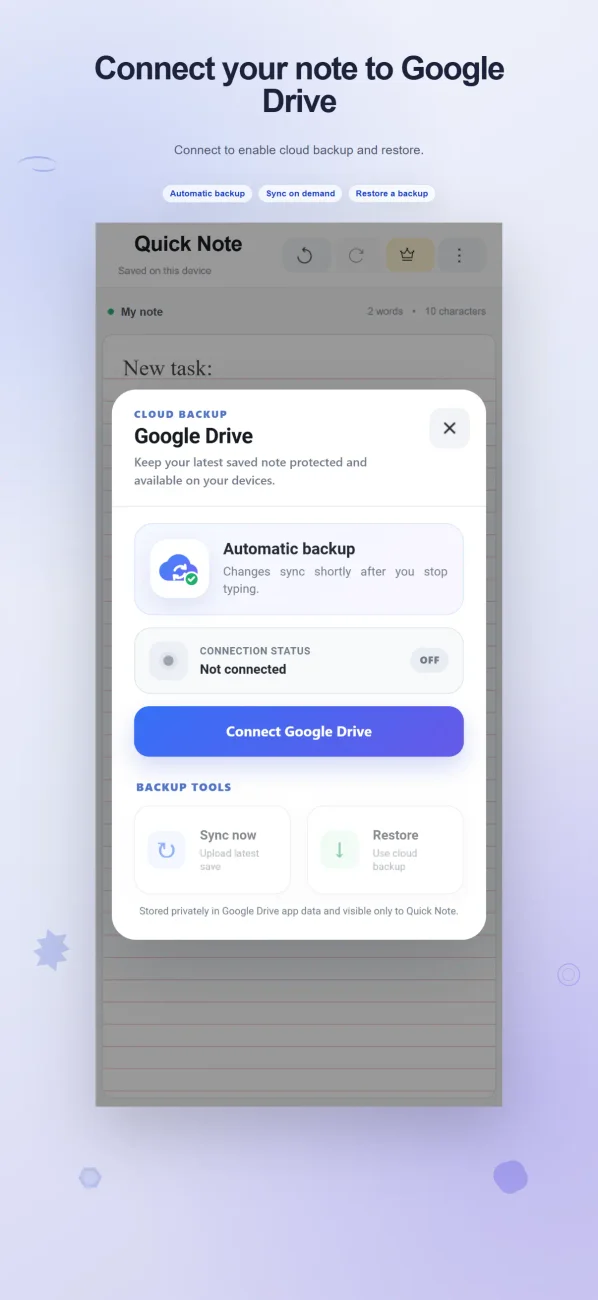
Authorize a Google account to queue updates of the latest working note for Google Drive backup. You can also request an upload or manually restore an available backup. Restore requires confirmation before replacing the current note. This is not live collaborative editing or automatic merging across devices.
Local writing and autosave do not need a Google account. Drive features require internet access and Google authorization, and may require reconnection. Advertising is included. Optional purchases provide ad-free access; available purchase details are shown in the app.
Terms of Use
https://www.apple.com/legal/internet-services/itunes/dev/stdeula/
What’s new
Version 2.5 · Nov 4, 2026
Many new features added
bug fixes
App privacy
What Merbin Joe declares on the App Store about how this app handles data.
-
Data used to track you
May be used to track you across apps and websites owned by other companies.
- Usage data
-
Data not linked to you
May be collected but is not linked to your identity.
- Usage data
Privacy practices may vary, for example with the features you use or your age.
Information
- Seller
- Merbin Joe
- Category
- Utilities
- Version
- 2.5
- Updated
- Nov 4, 2026
- Released
- Apr 12, 2023
- Size
- 38.3 MB
- Requires
- iOS 15.0 or later
- Age rating
- 4+
- Price
- Free
- In-app purchases
- Yes
- Languages
- English
- Copyright
- © Codeplay
You might also like
-
 EasyNote - Plain Text NotesLocal or cloud, always synced
-
 MyStickyNotes - ProSticky notes anytime anywhere
-
 Sticky notes + To do listNotepad, Planner & Voice Memos
-
 EZ NotepadUtilities
-
 Tiny NotesPrivate Notes & Password Vault
-
 Colored Notes Simple - takingmemo, checklist and reminders
-
 Notebook : Notes & To Do ListVoice Notes, Memo & Notepad
-
 Safe Notes: Notebook, NotepadNote taking, note everything
-
 Color NotesColor Notes - Notebook - To Do
-
 Notes, notepad, notebookNotes, notepad, notebook