Quick note - One page note
Write, Save and Share Text
iPhone, iPad, iPod touch向けに設計
無料 · アプリ内課金
- 対象年齢4+
- カテゴリユーティリティ
- 開発元Merbin Joe
- 言語英語
- サイズ38.3 MB
App Storeの公式ページにリンクしています
Download.orgはQuick note - One page noteのファイルを一切ホストしていません。ボタンを押すと、Merbin Joeが公開しているApp Storeのアプリページが開きます。ページの最終確認:2026/11/16。
スクリーンショット
概要
開発元はこのテキストをお使いの言語で提供していません。
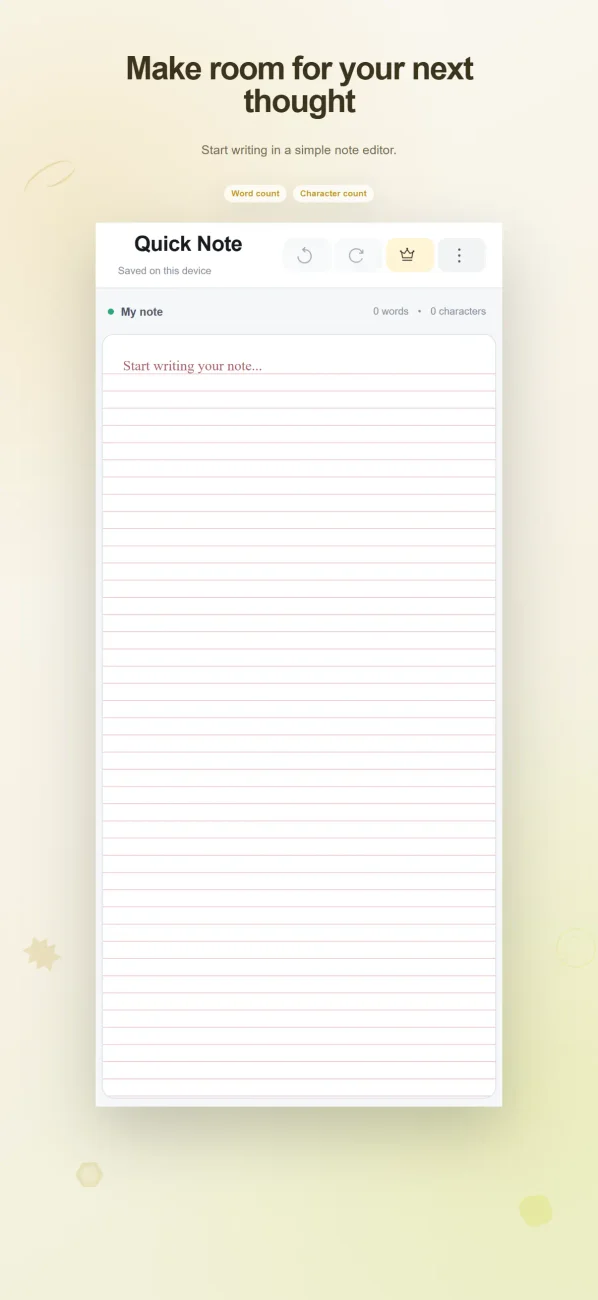
Quick Note gives you one page for writing memos, drafting messages and capturing ideas. Your current text saves locally after a pause in typing, ready for you to continue later.
From thought to draft
Jot down a point for a conversation or prepare a message before sending it. Undo and redo help you revise recent edits. Check word and character counts while writing, or open Info for additional text statistics.
Make the page comfortable
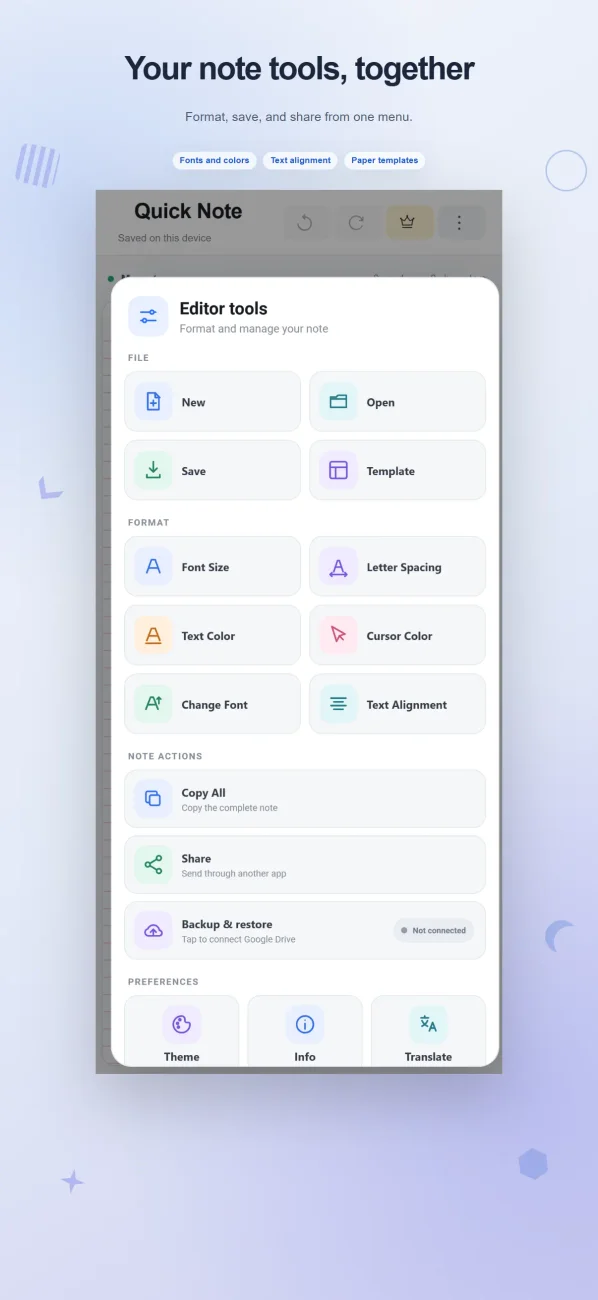
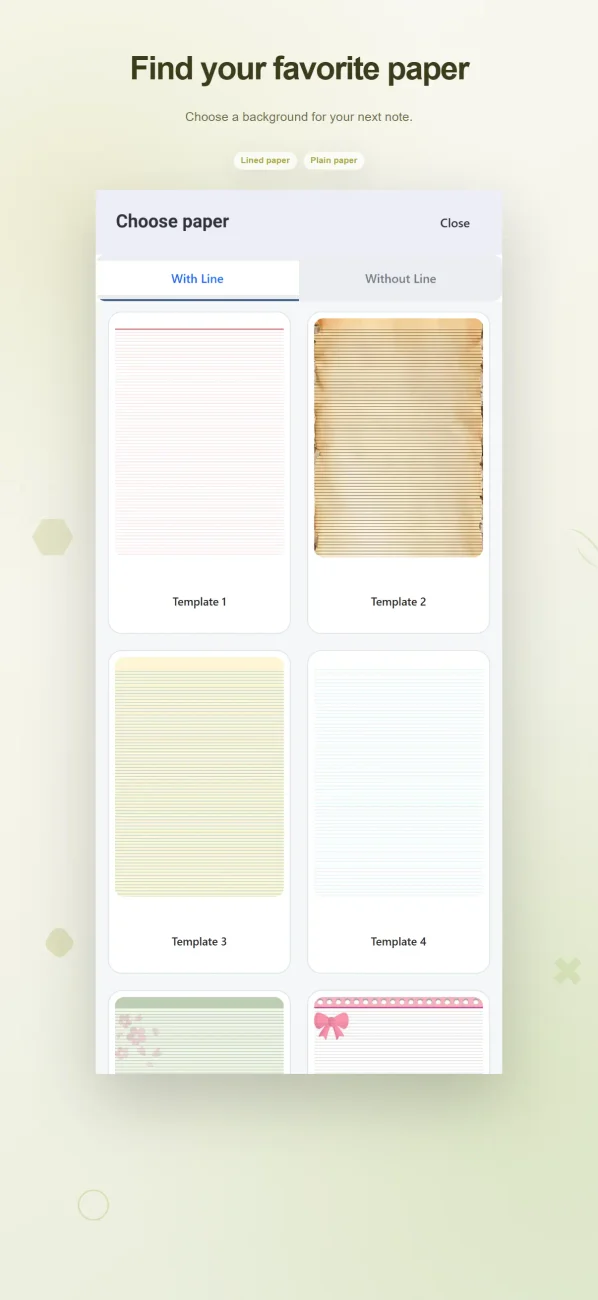
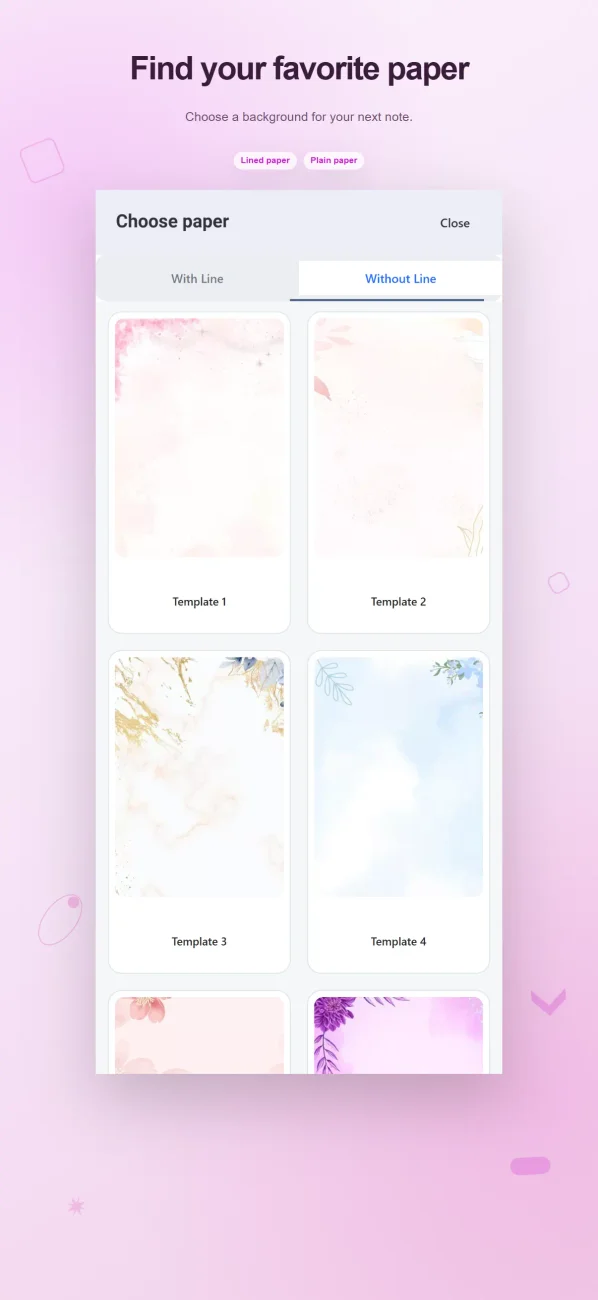
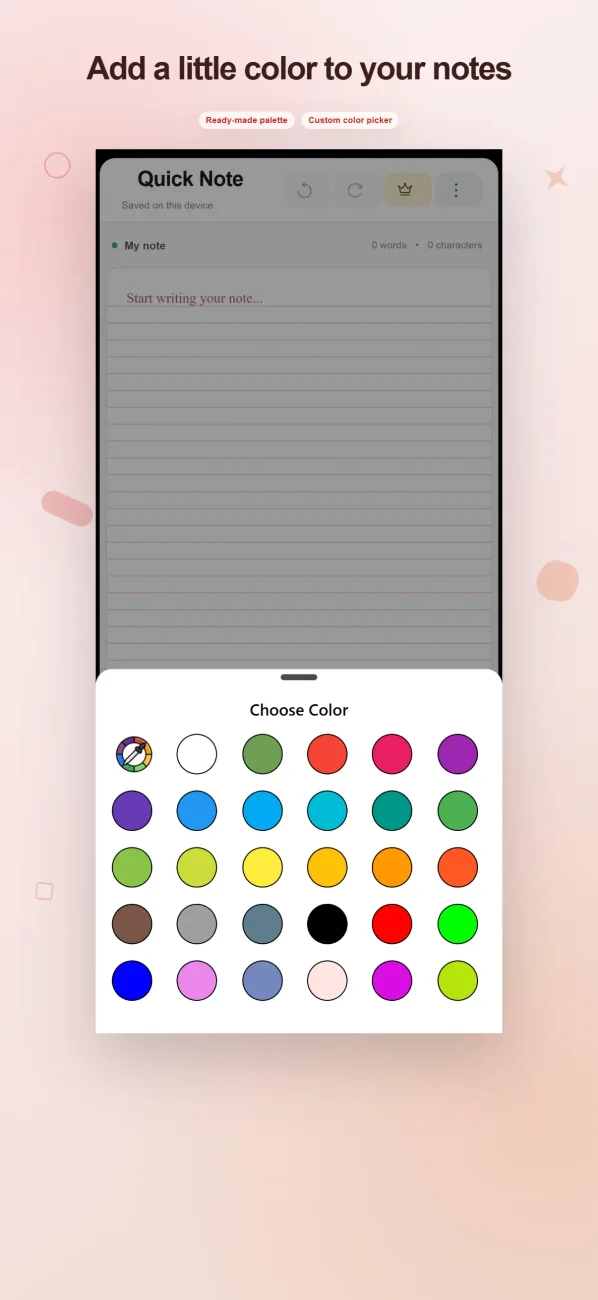
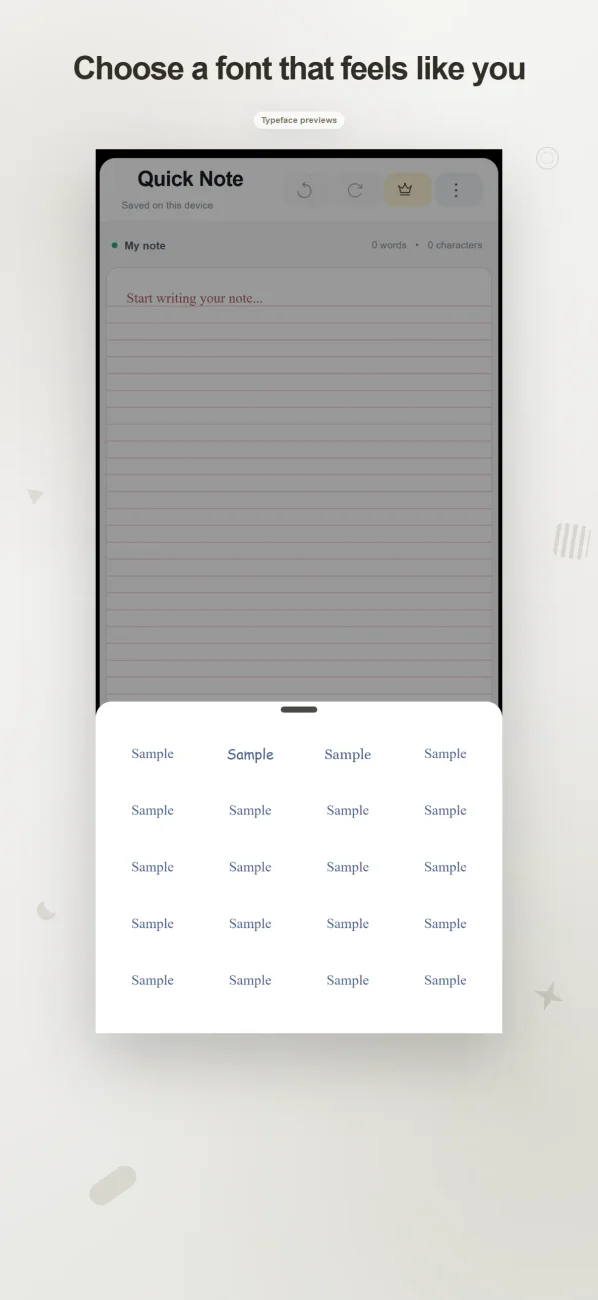
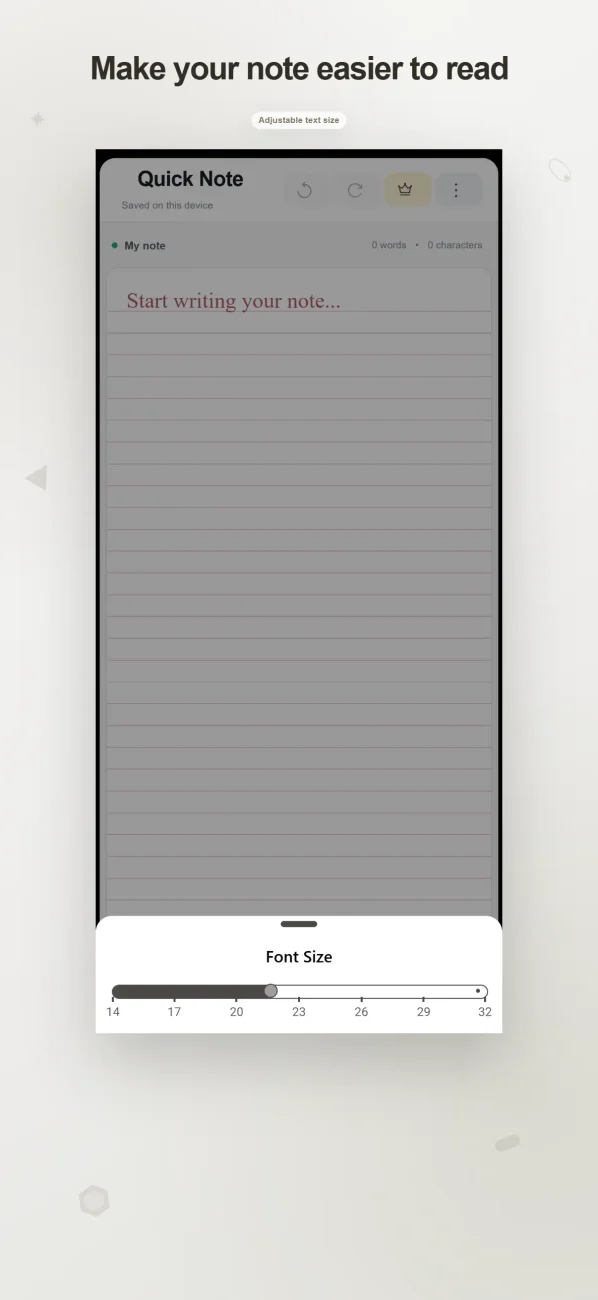
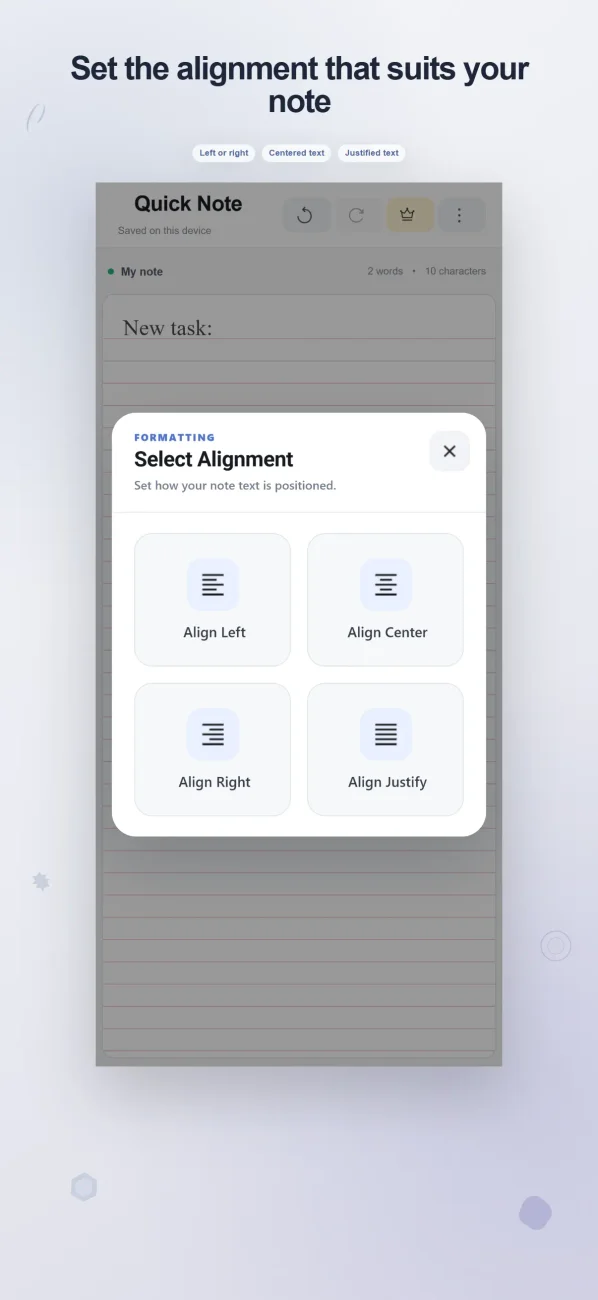
Choose lined or plain paper, then set your preferred font family and size. Change letter spacing, text color, cursor color and alignment. Light, dark and system theme choices are available for the interface.
Take the writing elsewhere
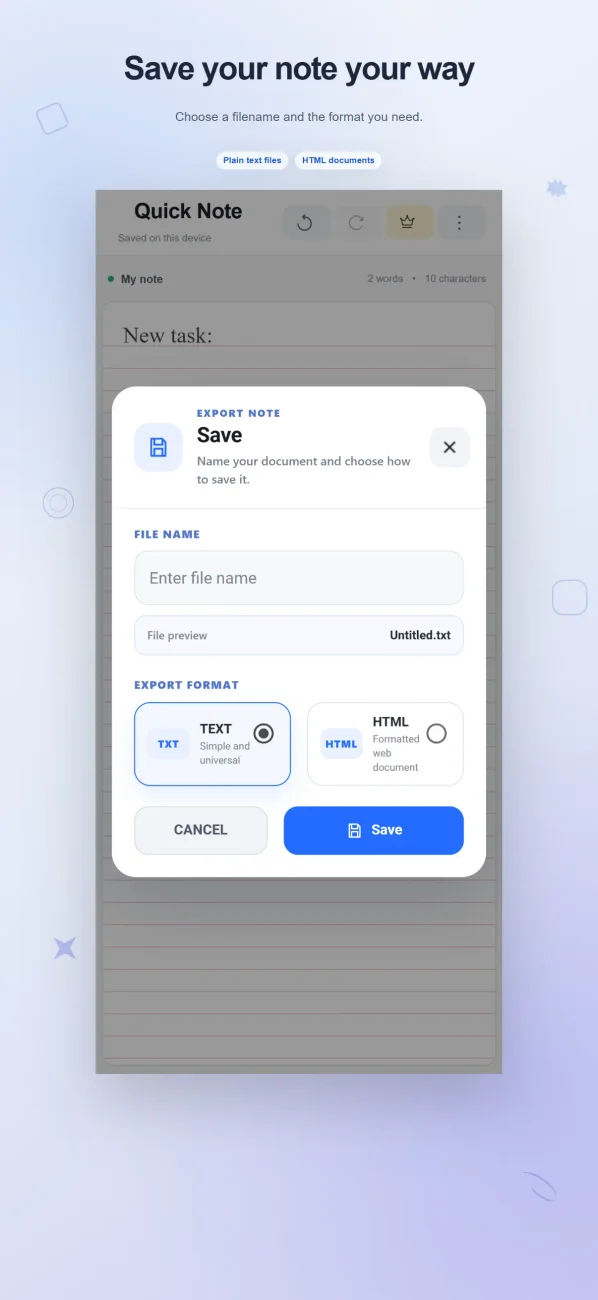
Copy the complete note to the clipboard or share its text through another installed app. To keep a named document, export your writing as TXT or HTML. Exporting a document and autosaving the working page are separate actions.
Backup when you choose to connect
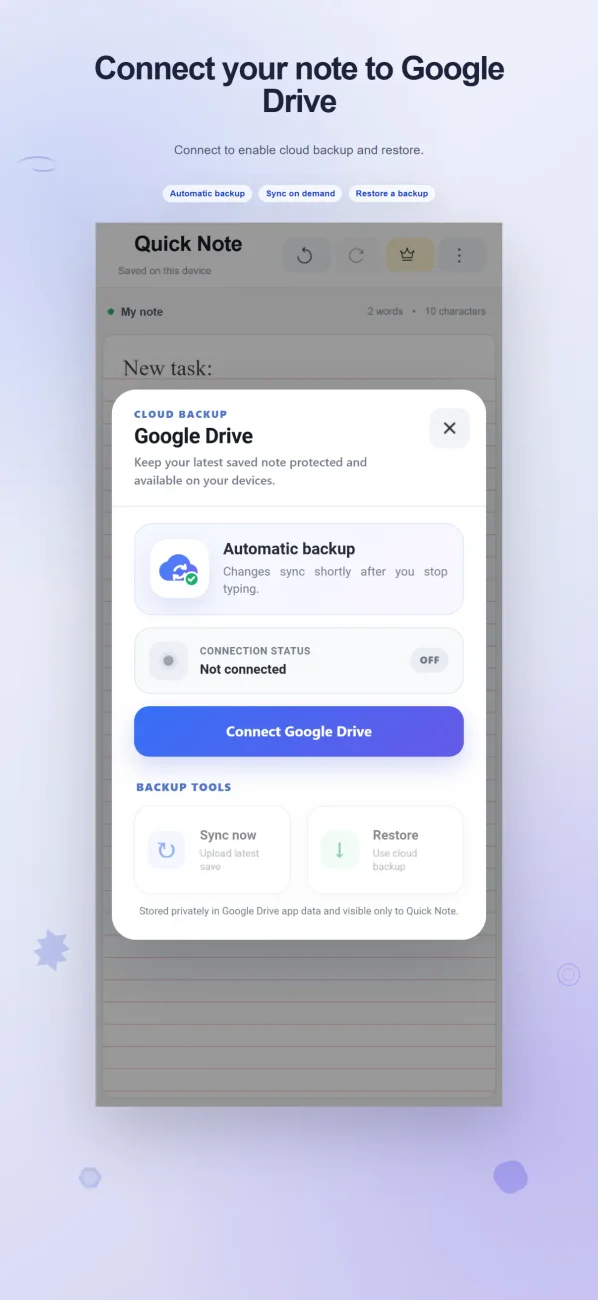
Authorize a Google account to queue updates of the latest working note for Google Drive backup. You can also request an upload or manually restore an available backup. Restore requires confirmation before replacing the current note. This is not live collaborative editing or automatic merging across devices.
Local writing and autosave do not need a Google account. Drive features require internet access and Google authorization, and may require reconnection. Advertising is included. Optional purchases provide ad-free access; available purchase details are shown in the app.
Terms of Use
https://www.apple.com/legal/internet-services/itunes/dev/stdeula/
新機能
バージョン 2.5 · 2026/11/4
Many new features added
bug fixes
アプリのプライバシー
このアプリのデータの取り扱いについて、Merbin JoeがApp Storeで申告している内容です。
-
ユーザーのトラッキングに使用されるデータ
他社のアプリやウェブサイトを横断してユーザーをトラッキングする目的で使用される場合があります。
- 使用状況データ
-
ユーザーに関連付けられないデータ
収集される場合がありますが、ユーザーの識別情報には関連付けられません。
- 使用状況データ
プライバシーの取り扱いは、ご利用の機能やお客様の年齢などに応じて異なる場合があります。
情報
- 販売元
- Merbin Joe
- カテゴリ
- ユーティリティ
- バージョン
- 2.5
- 更新日
- 2026/11/4
- リリース
- 2023/4/12
- サイズ
- 38.3 MB
- 必要条件
- iOS 15.0以降
- 対象年齢
- 4+
- 価格
- 無料
- アプリ内課金
- あり
- 言語
- 英語
- 著作権
- © Codeplay
こちらもおすすめ
-
 EasyNote - Plain Text Notesユーティリティ
-
 MyStickyNotes - Proユーティリティ
-
 Sticky notes + To do listユーティリティ
-
 EZ Notepadユーティリティ
-
 Tiny Notesユーティリティ
-
 色付きのメモ 単純 - キープメモ - キープメモメモ , リマインダー , チェックリスト
-
 ノート・メモ帳:音声メモ&ToDoリスト文字起こし・やることリスト・メモ・タスク管理
-
 Safe Notes: Notebook, Notepadユーティリティ
-
 Color Notesユーティリティ
-
 メモ帳-ノートブック-ノートメモ帳-ノートブック-ノート