
Quick note - One page note
Write, Save and Share Text
Được thiết kế cho iPhone, iPad, iPod touch
Miễn phí · Mua hàng trong ứng dụng
- Độ tuổi4+
- Danh mụcTiện Ích
- Nhà phát triểnMerbin Joe
- Ngôn ngữTiếng Anh
- Kích thước38,3 MB
Liên kết đến trang App Store chính thức
Download.org không lưu trữ tệp nào của Quick note - One page note. Nút này mở trang ứng dụng trên App Store, nơi Merbin Joe phát hành ứng dụng. Trang được kiểm tra lần cuối: 16/11/2026.
Ảnh chụp màn hình
Giới thiệu
Nhà phát triển chưa cung cấp nội dung này bằng ngôn ngữ của bạn.
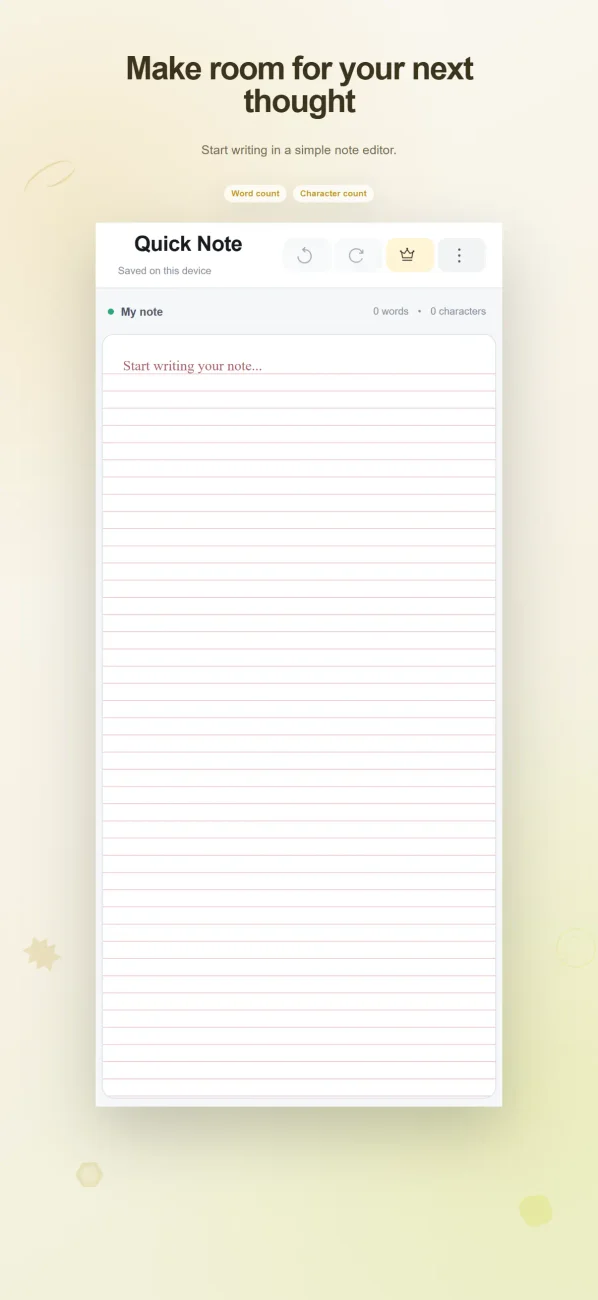
Quick Note gives you one page for writing memos, drafting messages and capturing ideas. Your current text saves locally after a pause in typing, ready for you to continue later.
From thought to draft
Jot down a point for a conversation or prepare a message before sending it. Undo and redo help you revise recent edits. Check word and character counts while writing, or open Info for additional text statistics.
Make the page comfortable
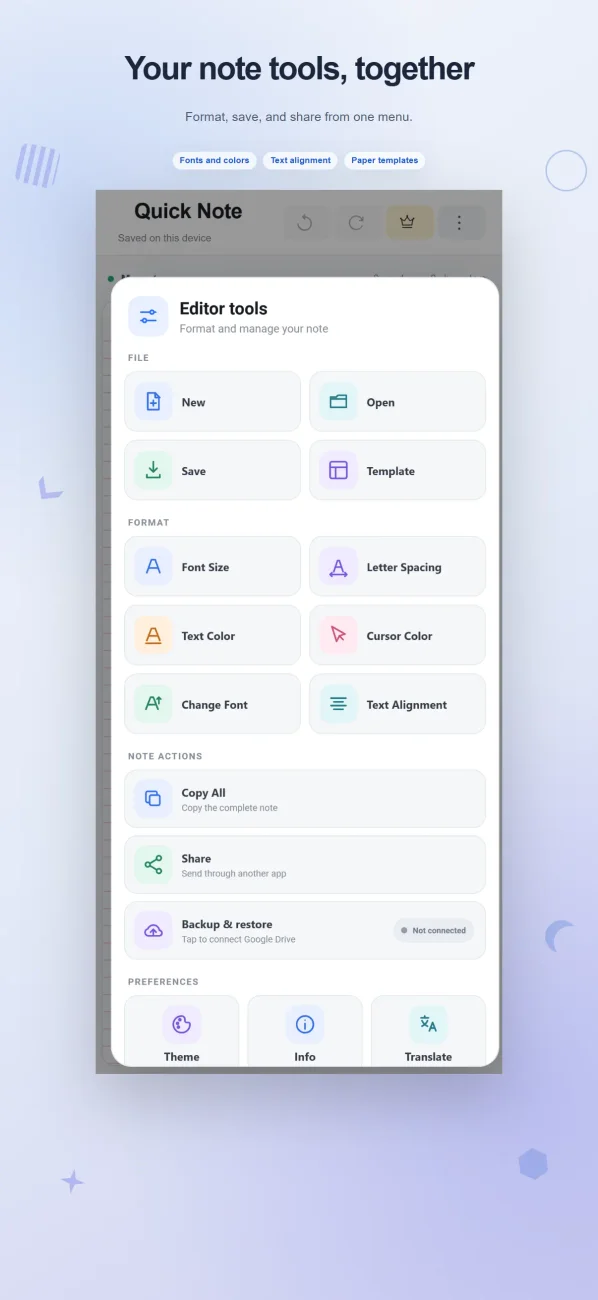
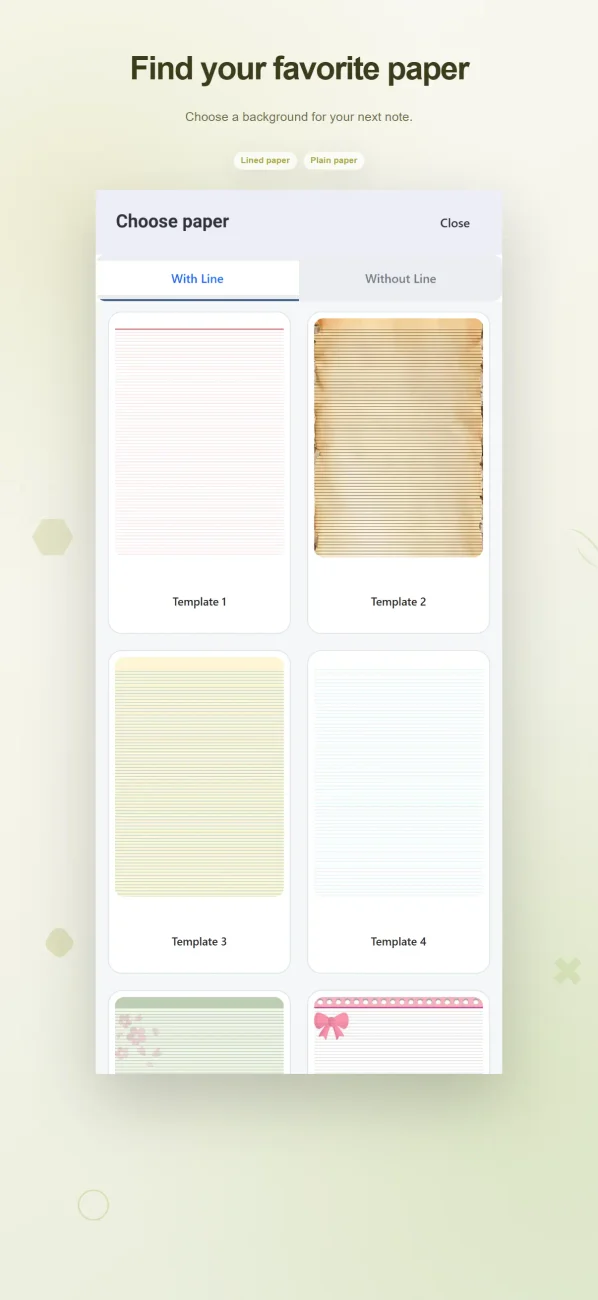
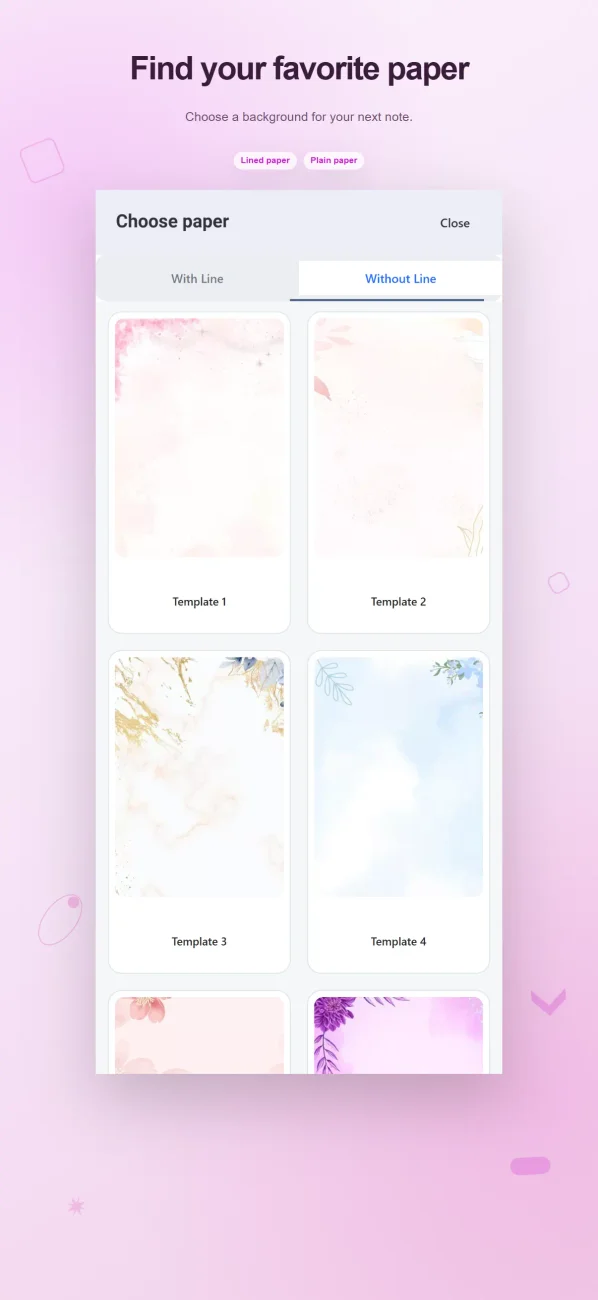
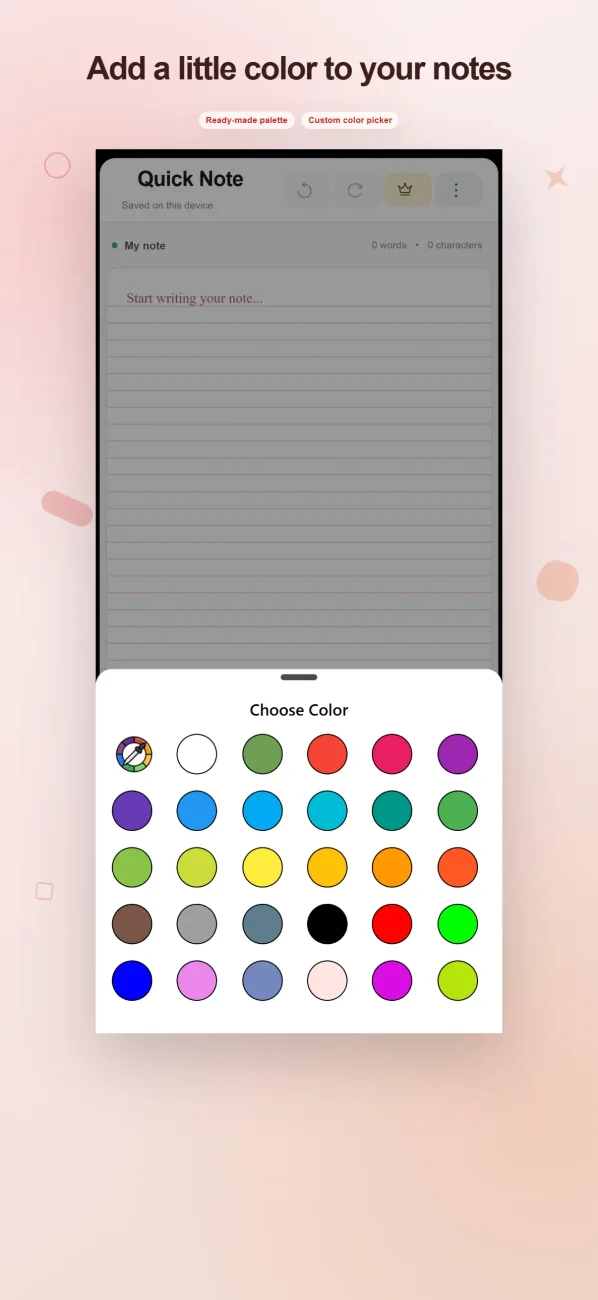
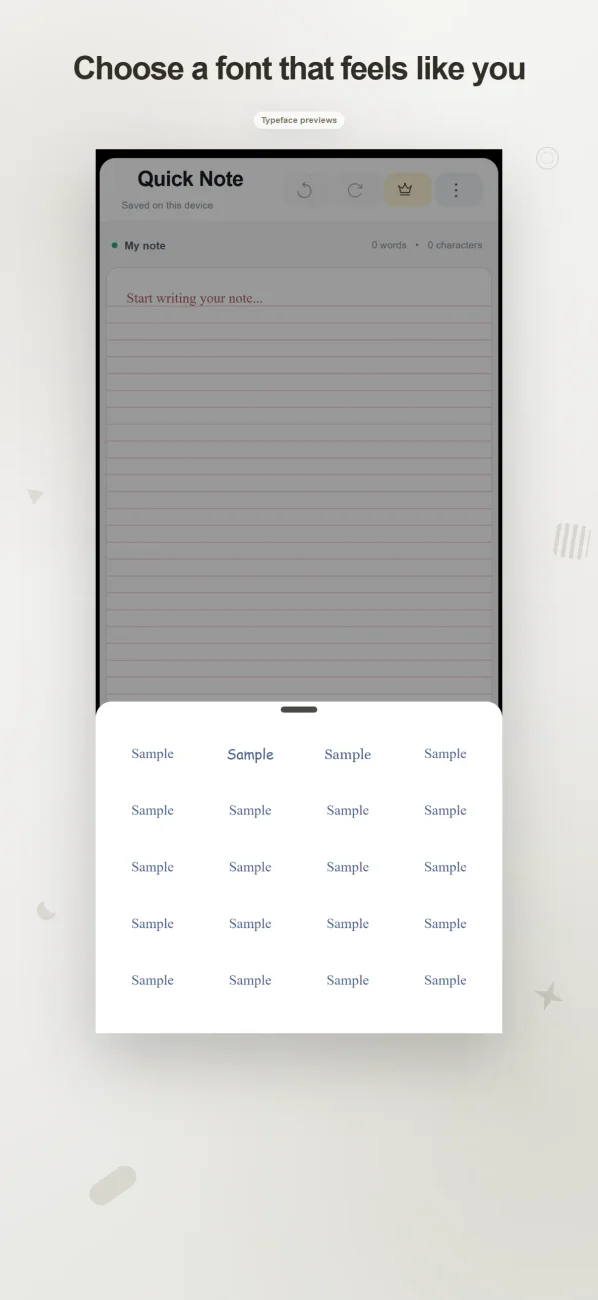
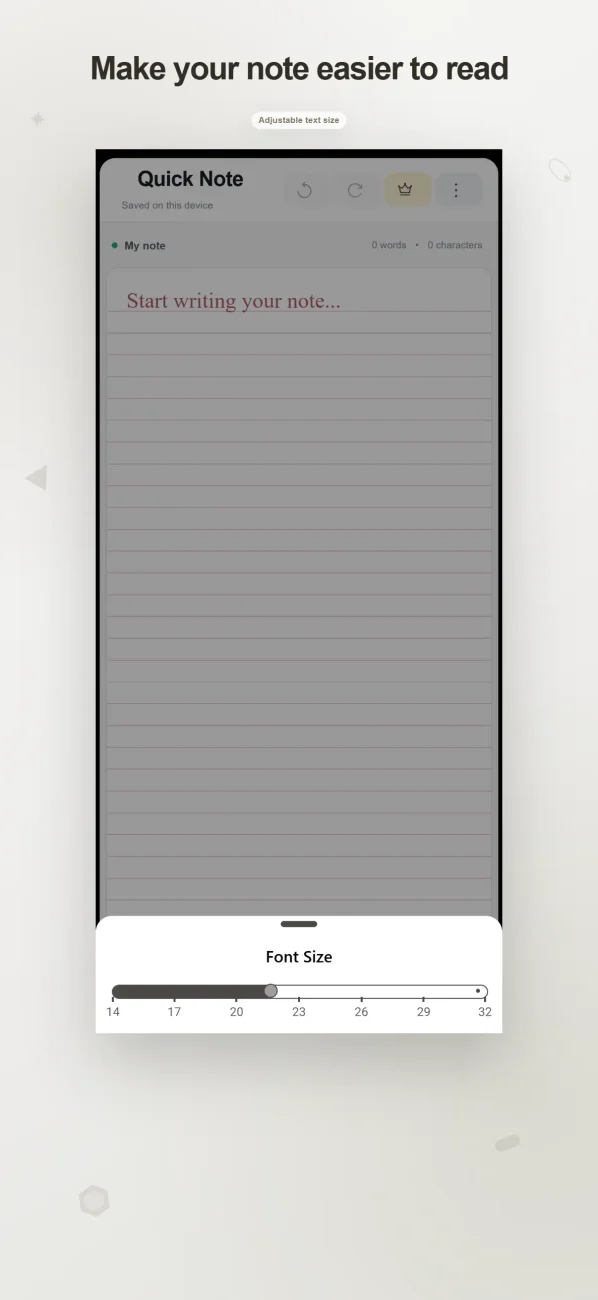
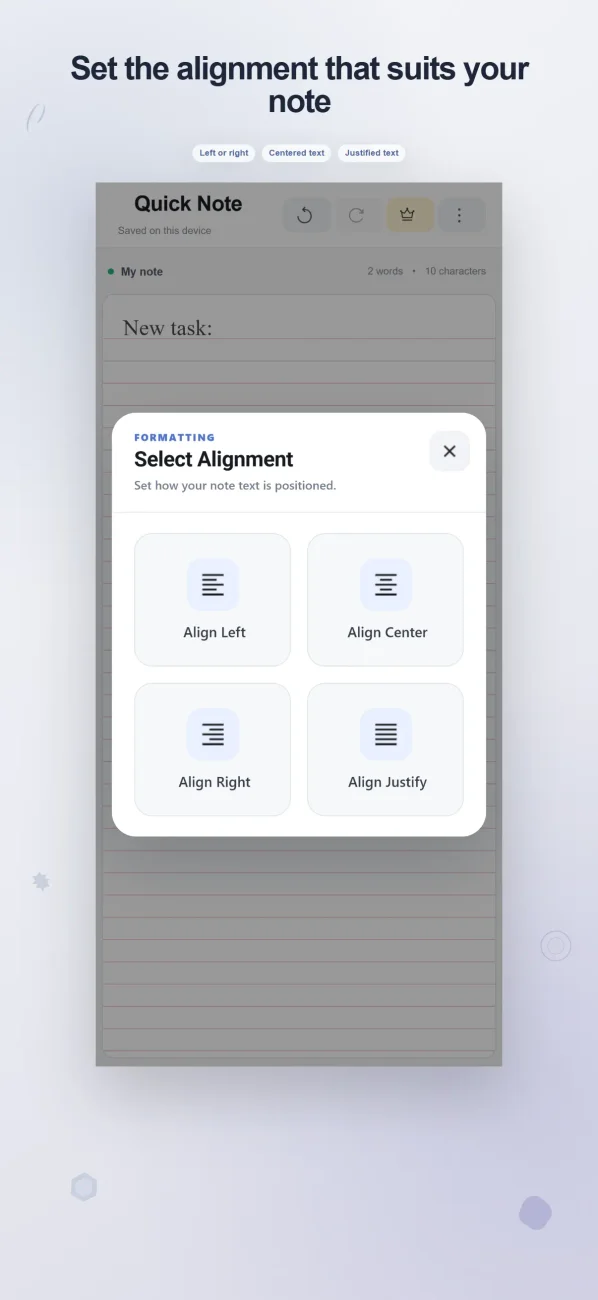
Choose lined or plain paper, then set your preferred font family and size. Change letter spacing, text color, cursor color and alignment. Light, dark and system theme choices are available for the interface.
Take the writing elsewhere
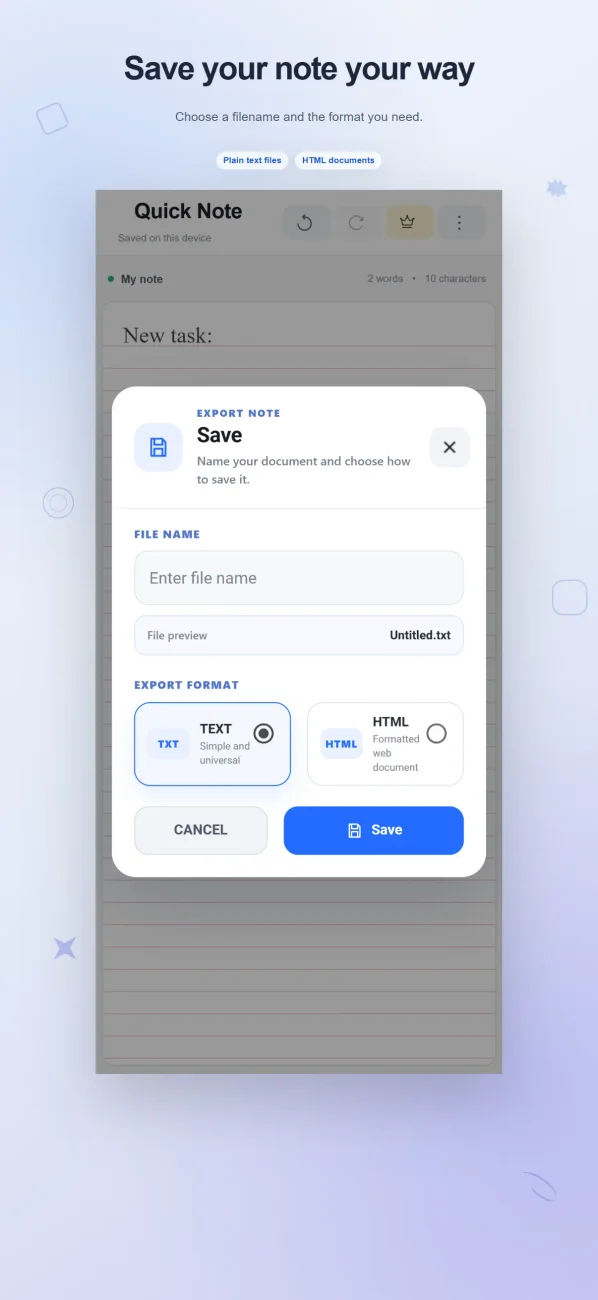
Copy the complete note to the clipboard or share its text through another installed app. To keep a named document, export your writing as TXT or HTML. Exporting a document and autosaving the working page are separate actions.
Backup when you choose to connect
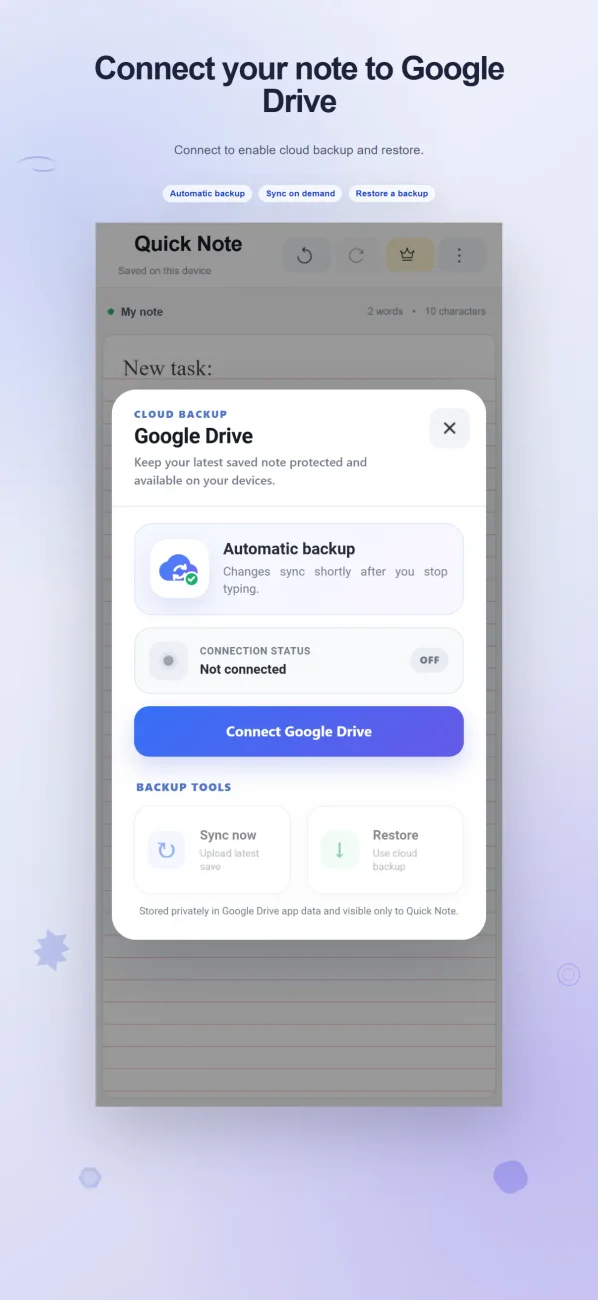
Authorize a Google account to queue updates of the latest working note for Google Drive backup. You can also request an upload or manually restore an available backup. Restore requires confirmation before replacing the current note. This is not live collaborative editing or automatic merging across devices.
Local writing and autosave do not need a Google account. Drive features require internet access and Google authorization, and may require reconnection. Advertising is included. Optional purchases provide ad-free access; available purchase details are shown in the app.
Terms of Use
https://www.apple.com/legal/internet-services/itunes/dev/stdeula/
Có gì mới
Phiên bản 2.5 · 04/11/2026
Many new features added
bug fixes
Quyền riêng tư của ứng dụng
Những gì Merbin Joe khai báo trên App Store về cách ứng dụng này xử lý dữ liệu.
-
Dữ liệu được sử dụng để theo dõi bạn
Có thể được sử dụng để theo dõi bạn trên các ứng dụng và trang web do công ty khác sở hữu.
- Dữ liệu sử dụng
-
Dữ liệu không liên kết với bạn
Có thể được thu thập nhưng không liên kết với danh tính của bạn.
- Dữ liệu sử dụng
Phương thức đảm bảo quyền riêng tư có thể khác nhau, chẳng hạn như tuỳ theo các tính năng bạn sử dụng hoặc độ tuổi của bạn.
Thông tin
- Người bán
- Merbin Joe
- Danh mục
- Tiện Ích
- Phiên bản
- 2.5
- Cập nhật
- 04/11/2026
- Phát hành
- 12/04/2023
- Kích thước
- 38,3 MB
- Yêu cầu
- iOS 15.0 trở lên
- Độ tuổi
- 4+
- Giá
- Miễn phí
- Mua hàng trong ứng dụng
- Có
- Ngôn ngữ
- Tiếng Anh
- Bản quyền
- © Codeplay
Có thể bạn cũng thích
-
 EasyNote - Plain Text NotesTiện Ích
-
 MyStickyNotes - ProTiện Ích
-
 Sticky notes + To do listTiện Ích
-
 EZ NotepadTiện Ích
-
 Tiny NotesTiện Ích
-
 Colored notes Simpleto-do list task manager
-
 Ghi Chú & Sổ Tay: Việc Cần LàmGhi chú giọng nói, nhắc việc
-
 Safe Notes: Notebook, NotepadTiện Ích
-
 Color NotesTiện Ích
-
 Sổ tay - danh sách và nhiệm vụSổ tay - danh sách và nhiệm vụ