
Resize Image - Batch Resizer
Instantly resize your photos
Dirancang untuk iPhone, iPad, iPod touch
Gratis
- Batasan usia4+
- KategoriFoto & Video
- PengembangChun Yu Leung
- BahasaInggris
- Ukuran25,8 MB
Tertaut ke halaman resmi App Store
Download.org tidak menyimpan file Resize Image - Batch Resizer apa pun. Tombol ini membuka halaman aplikasi di App Store, tempat Chun Yu Leung menerbitkannya. Halaman terakhir diperiksa pada 27/11/2026.
Tangkapan layar
Tentang
Pengembang belum menyediakan teks ini dalam bahasa Anda.
Resize Image - Batch Resizer makes it quick and simple to resize one photo or multiple images at once. Choose exact pixel dimensions or resize by percentage, preview the results, then save or share your resized images in just a few taps.
Whether you need smaller photos for websites, social media, email, online forms, storage, or everyday sharing, this easy-to-use image resizer helps you get the dimensions you need without a complicated photo editor.
KEY FEATURES
• Batch image resizing
Select multiple photos and resize them together using the same settings. Save time when processing an entire group of images.
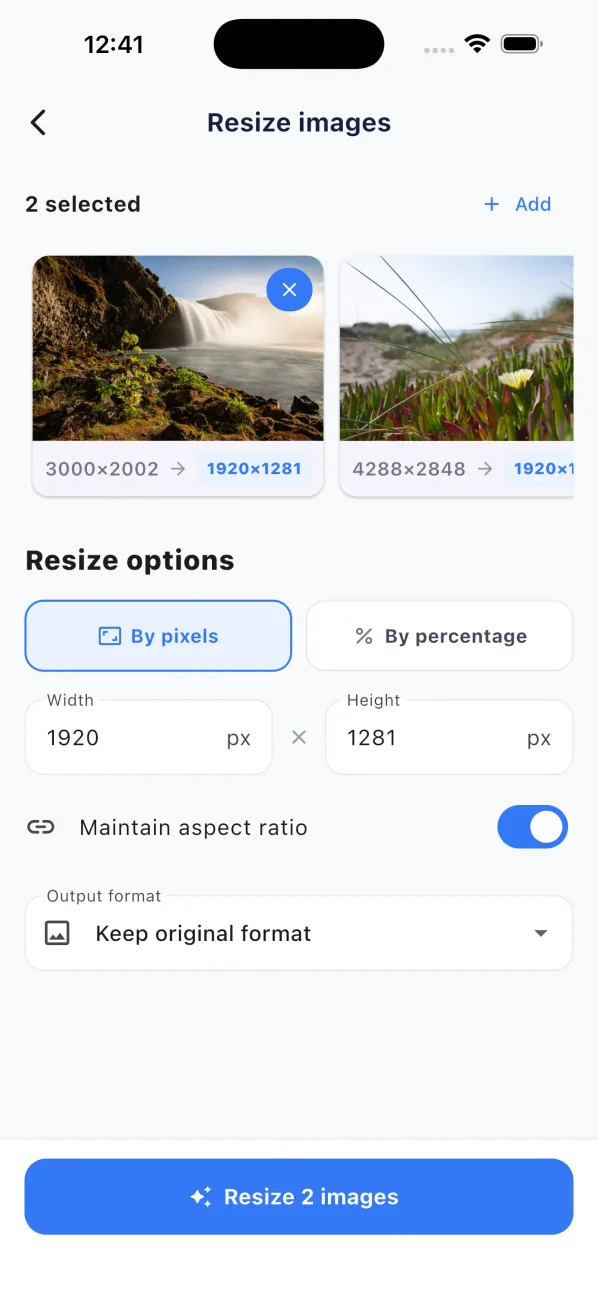
• Resize by pixels
Enter your preferred width and height for precise image dimensions.
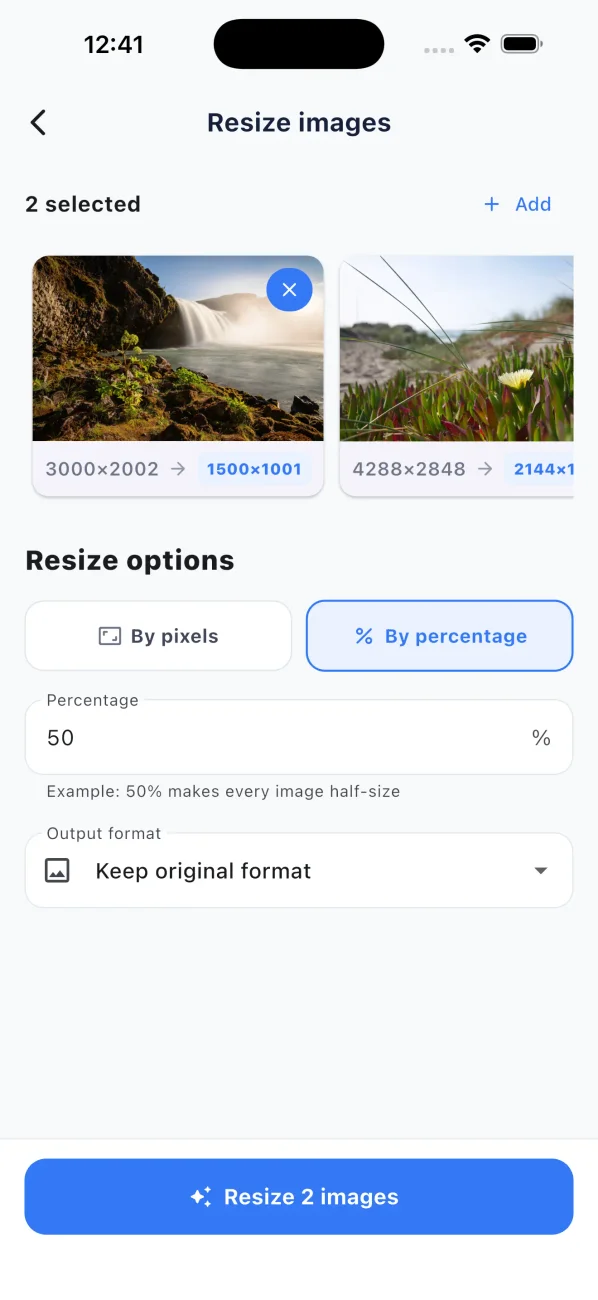
• Resize by percentage
Quickly scale photos from 1% to 400%. For example, choose 50% to make each image half its original width and height.
• Maintain aspect ratio
Keep photos proportional while resizing to help prevent unwanted stretching or distortion.
• Choose your output format
Keep the original image format or convert resized photos to JPG or PNG.
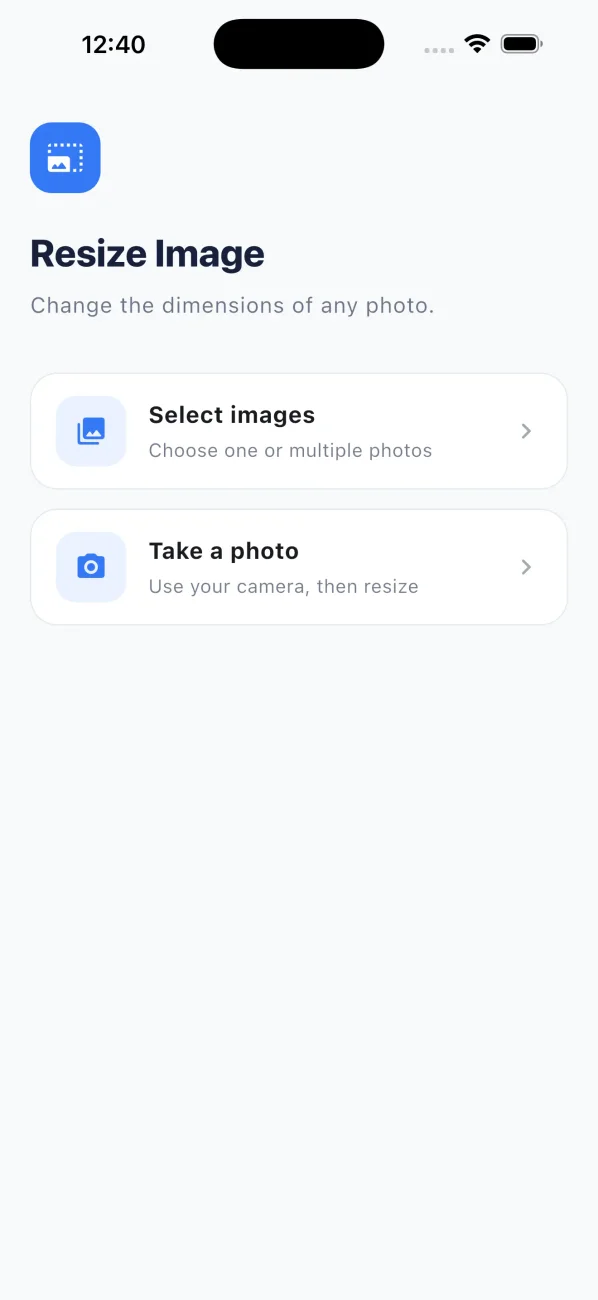
• Select photos or use the camera
Choose one or multiple images from your device, or take a new photo and resize it immediately.
• Preview dimensions before resizing
See the original and target dimensions for each selected image before processing.
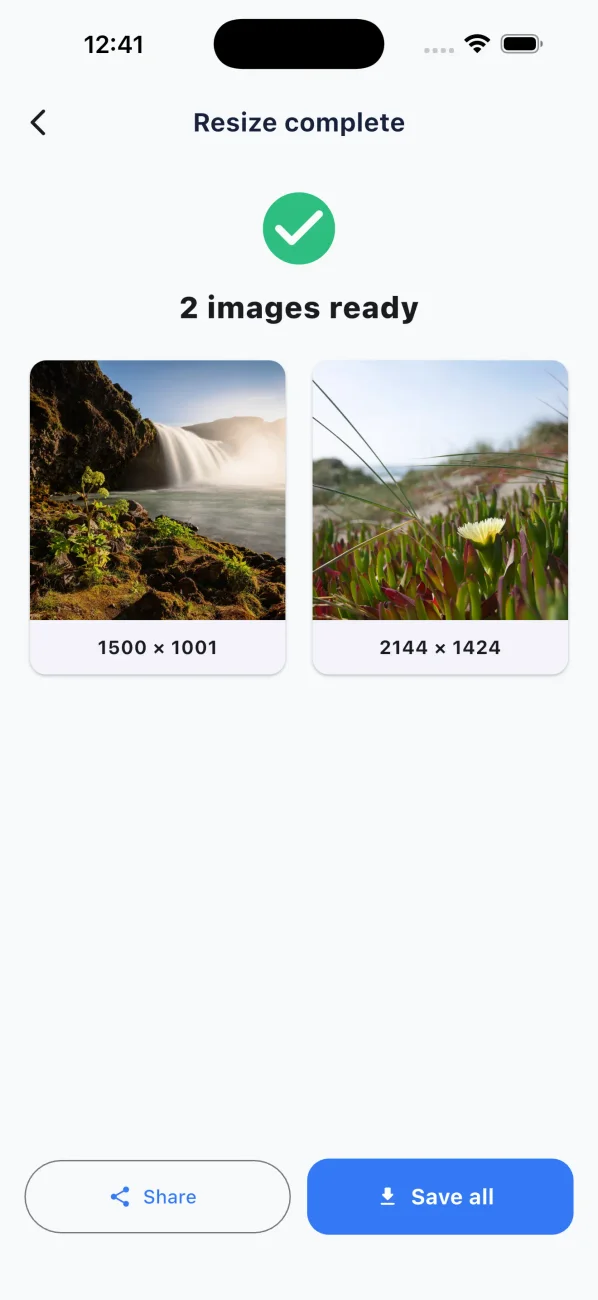
• Review your results
View all resized photos and their final dimensions before saving or sharing.
• Save all images at once
Save the complete batch directly to your photo gallery.
• Easy sharing
Share your resized images with other apps, contacts, or services from the results screen.
FAST AND SIMPLE WORKFLOW
1. Select one or multiple photos, or take a new picture.
2. Choose resizing by pixels or percentage.
3. Select JPG, PNG, or the original format.
4. Resize your images.
5. Save all results or share them instantly.
USE RESIZE IMAGE FOR
• Resizing photos for websites and blogs
• Preparing images for social media
• Reducing photo dimensions for email and messaging
• Creating images with specific pixel dimensions
• Batch resizing multiple pictures
• Converting photos to JPG or PNG
• Making images easier to store and share
Resize Image - Batch Resizer focuses on the tools you need without a complicated editing process. Photo resizing is performed on your device, and your original images remain unchanged.
Resize photos quickly, accurately, and effortlessly. Download Resize Image - Batch Resizer and simplify your image resizing workflow today.
Yang baru
Versi 1.5 · 10/8/2026
Added in-app review
Privasi aplikasi
Yang dinyatakan Chun Yu Leung di App Store tentang cara aplikasi ini menangani data.
-
Data yang digunakan untuk melacak Anda
Dapat digunakan untuk melacak Anda di aplikasi dan situs web milik perusahaan lain.
- Lokasi
- Pengenal
- Data penggunaan
- Diagnostik
-
Data yang ditautkan dengan Anda
Dapat dikumpulkan dan ditautkan dengan identitas Anda.
- Lokasi
- Pengenal
- Data penggunaan
- Diagnostik
-
Data yang tidak ditautkan dengan Anda
Dapat dikumpulkan, tetapi tidak ditautkan dengan identitas Anda.
- Diagnostik
Praktik privasi dapat bervariasi, misalnya berdasarkan fitur yang Anda gunakan atau usia Anda.
Informasi
- Penjual
- Chun Yu Leung
- Kategori
- Foto & Video
- Versi
- 1.5
- Diperbarui
- 10/8/2026
- Dirilis
- 5/8/2026
- Ukuran
- 25,8 MB
- Memerlukan
- iOS 13.0 atau yang lebih baru
- Batasan usia
- 4+
- Harga
- Gratis
- Bahasa
- Inggris
- Hak cipta
- © 2026 lcyu
Mungkin Anda juga suka
-
 Video Compress: Crop & ResizeFoto & Video
-
 PanimeFoto & Video
-
 Time Warp Scan: Live CameraFoto & Video
-
 Blur Faces: Photo & VideoFoto & Video
-
 Downsizer: Photo & VideoFoto & Video
-
 Stitch - ScreenShot StitcherFoto & Video
-
 Swish: Swipe to Clean PhotosTidy your camera roll fast
-
 Photo Editor Pro-Collage MakerRetus, filter & kolase foto
-
 Teleprompter Video Maker: CueFoto & Video
-
 DuoShot: Dual Camera RecorderFoto & Video