
Resize Image - Batch Resizer
Instantly resize your photos
iPhone, iPad, iPod touch向けに設計
無料
- 対象年齢4+
- カテゴリ写真/ビデオ
- 開発元Chun Yu Leung
- 言語英語
- サイズ25.8 MB
App Storeの公式ページにリンクしています
Download.orgはResize Image - Batch Resizerのファイルを一切ホストしていません。ボタンを押すと、Chun Yu Leungが公開しているApp Storeのアプリページが開きます。ページの最終確認:2026/11/27。
スクリーンショット
概要
開発元はこのテキストをお使いの言語で提供していません。
Resize Image - Batch Resizer makes it quick and simple to resize one photo or multiple images at once. Choose exact pixel dimensions or resize by percentage, preview the results, then save or share your resized images in just a few taps.
Whether you need smaller photos for websites, social media, email, online forms, storage, or everyday sharing, this easy-to-use image resizer helps you get the dimensions you need without a complicated photo editor.
KEY FEATURES
• Batch image resizing
Select multiple photos and resize them together using the same settings. Save time when processing an entire group of images.
• Resize by pixels
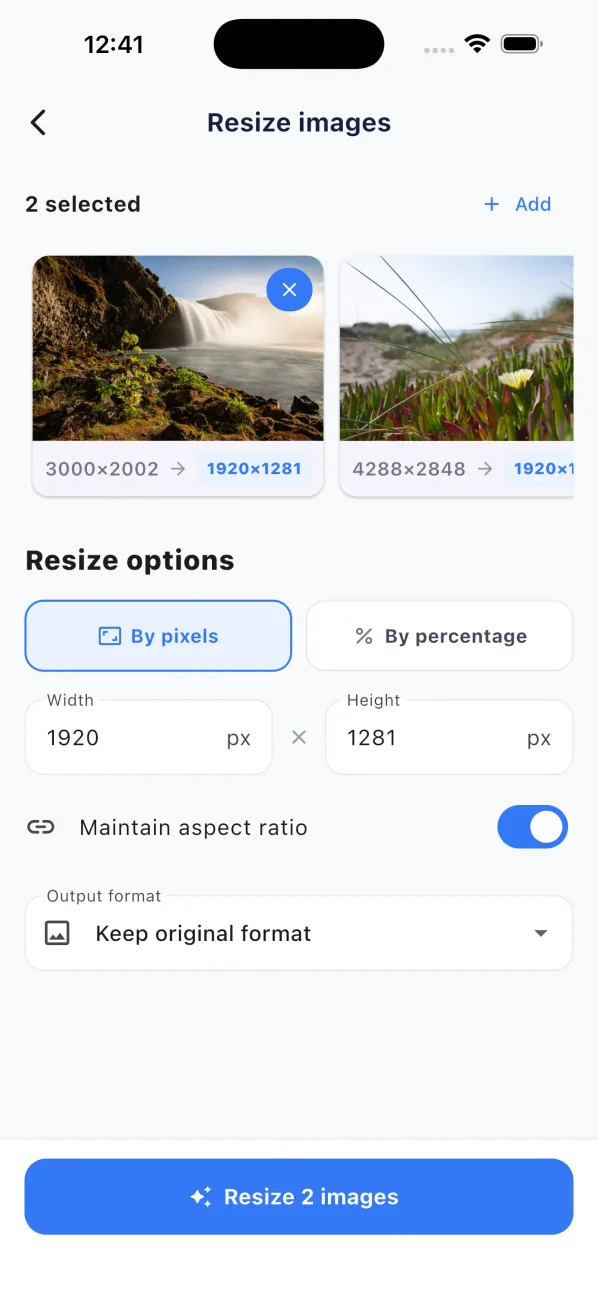
Enter your preferred width and height for precise image dimensions.
• Resize by percentage
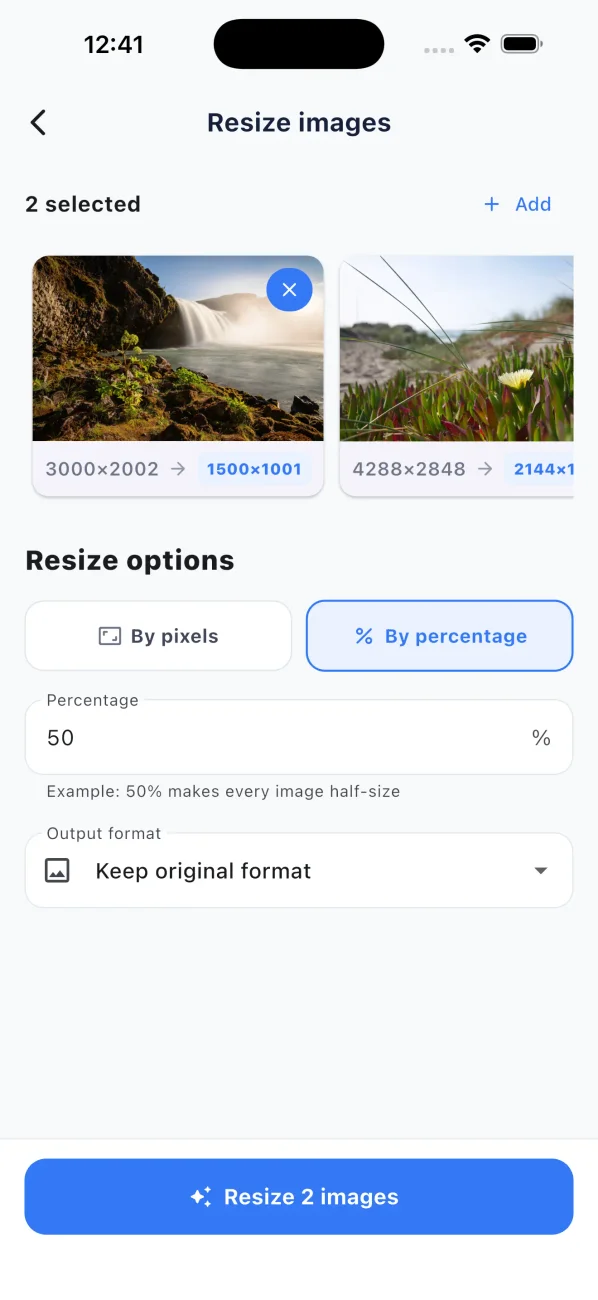
Quickly scale photos from 1% to 400%. For example, choose 50% to make each image half its original width and height.
• Maintain aspect ratio
Keep photos proportional while resizing to help prevent unwanted stretching or distortion.
• Choose your output format
Keep the original image format or convert resized photos to JPG or PNG.
• Select photos or use the camera
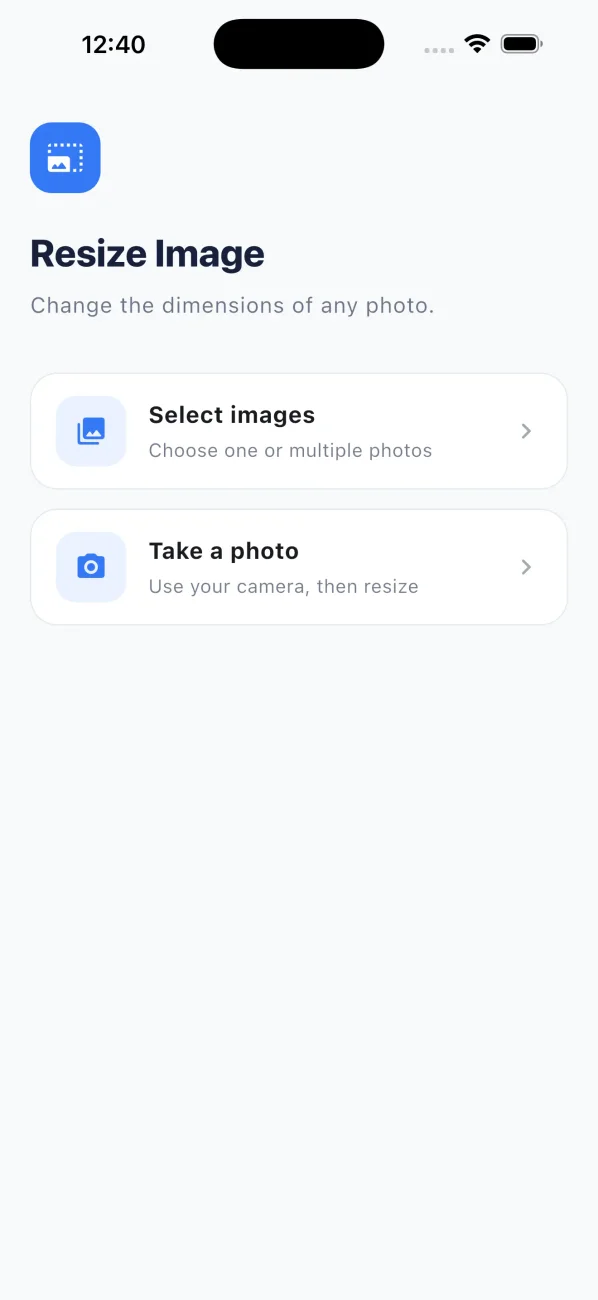
Choose one or multiple images from your device, or take a new photo and resize it immediately.
• Preview dimensions before resizing
See the original and target dimensions for each selected image before processing.
• Review your results
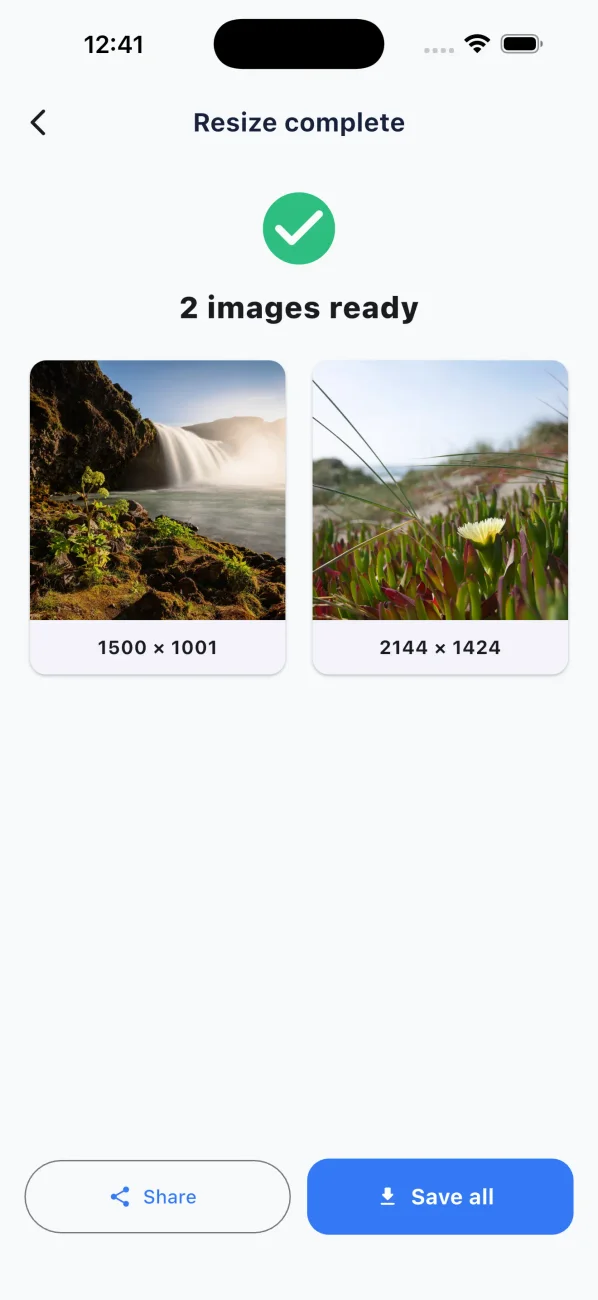
View all resized photos and their final dimensions before saving or sharing.
• Save all images at once
Save the complete batch directly to your photo gallery.
• Easy sharing
Share your resized images with other apps, contacts, or services from the results screen.
FAST AND SIMPLE WORKFLOW
1. Select one or multiple photos, or take a new picture.
2. Choose resizing by pixels or percentage.
3. Select JPG, PNG, or the original format.
4. Resize your images.
5. Save all results or share them instantly.
USE RESIZE IMAGE FOR
• Resizing photos for websites and blogs
• Preparing images for social media
• Reducing photo dimensions for email and messaging
• Creating images with specific pixel dimensions
• Batch resizing multiple pictures
• Converting photos to JPG or PNG
• Making images easier to store and share
Resize Image - Batch Resizer focuses on the tools you need without a complicated editing process. Photo resizing is performed on your device, and your original images remain unchanged.
Resize photos quickly, accurately, and effortlessly. Download Resize Image - Batch Resizer and simplify your image resizing workflow today.
新機能
バージョン 1.5 · 2026/8/10
Added in-app review
アプリのプライバシー
このアプリのデータの取り扱いについて、Chun Yu LeungがApp Storeで申告している内容です。
-
ユーザーのトラッキングに使用されるデータ
他社のアプリやウェブサイトを横断してユーザーをトラッキングする目的で使用される場合があります。
- 位置情報
- ID
- 使用状況データ
- 診断
-
ユーザーに関連付けられたデータ
収集され、ユーザーの識別情報に関連付けられる場合があります。
- 位置情報
- ID
- 使用状況データ
- 診断
-
ユーザーに関連付けられないデータ
収集される場合がありますが、ユーザーの識別情報には関連付けられません。
- 診断
プライバシーの取り扱いは、ご利用の機能やお客様の年齢などに応じて異なる場合があります。
情報
- 販売元
- Chun Yu Leung
- カテゴリ
- 写真/ビデオ
- バージョン
- 1.5
- 更新日
- 2026/8/10
- リリース
- 2026/8/5
- サイズ
- 25.8 MB
- 必要条件
- iOS 13.0以降
- 対象年齢
- 4+
- 価格
- 無料
- 言語
- 英語
- 著作権
- © 2026 lcyu
こちらもおすすめ
-
 動画圧縮・リサイズ・切り抜き Video Compressトリミング, 変換, 高画質, 編集, 倍速
-
 Panime写真/ビデオ
-
 Time Warp Scan: Live Camera写真/ビデオ
-
 Blur Faces: Photo & Video写真/ビデオ
-
 Downsizer: Photo & Video写真/ビデオ
-
 Stitch - ScreenShot Stitcher写真/ビデオ
-
 Swish: Swipe to Clean PhotosTidy your camera roll fast
-
 フォトエディターPro-写真編集・加工・コラージュ・文字入れ写真加工・文字入れ・コラージュ
-
 テレプロンプター: Cueカンペを見ながら動画を撮影
-
 DuoShot: Dual Camera Recorder写真/ビデオ