
Screen Mirroring: LetsView
Cast Screen & Stream Audio
Dirancang untuk iPhone, iPad, Mac, iPod touch
Gratis · Pembelian dalam aplikasi
- Batasan usia4+
- KategoriKegunaan
- PengembangWangxu Technology Co., Ltd
- BahasaInggris+ 7 lainnya
- Ukuran118,9 MB
Tertaut ke halaman resmi App Store
Download.org tidak menyimpan file Screen Mirroring: LetsView apa pun. Tombol ini membuka halaman aplikasi di App Store, tempat Wangxu Technology Co., Ltd menerbitkannya. Halaman terakhir diperiksa pada 23/11/2026.
Tangkapan layar
Tentang
Pengembang belum menyediakan teks ini dalam bahasa Anda.
Looking for high-quality and free screen mirroring app? Look no further than LetsView! Easily mirror or cast your phone, tablet, or computer screen to your TV, PC, or Mac. With LetsView, you'll have endless possibilities for communication and entertainment in your daily life.
Key Features:
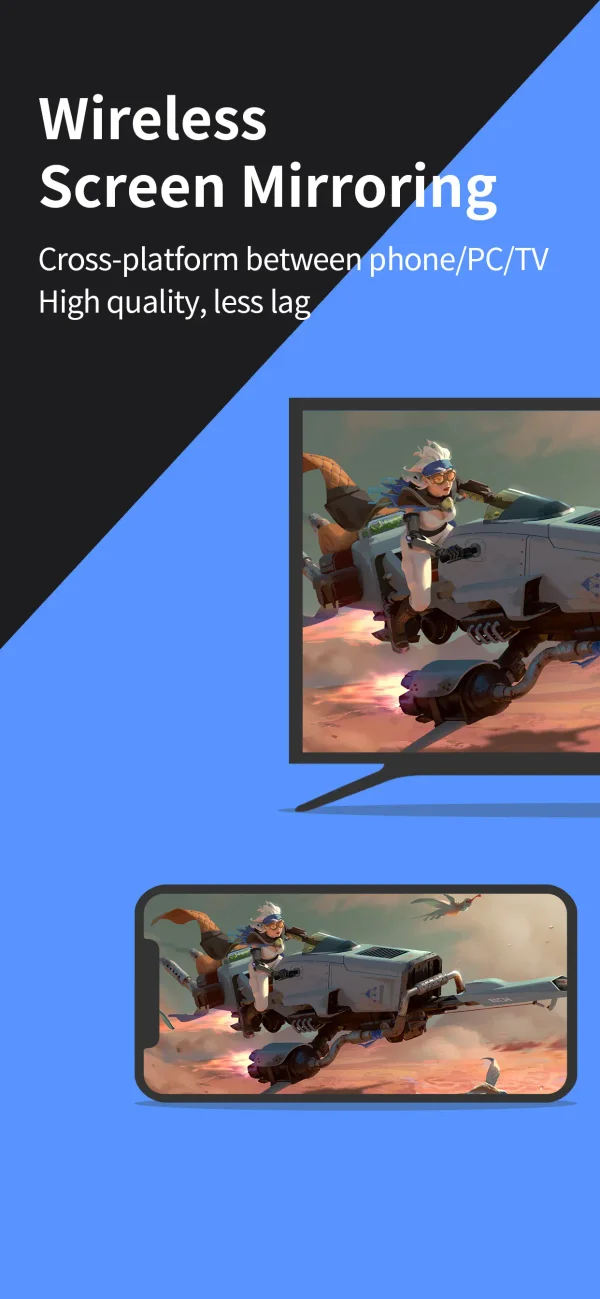
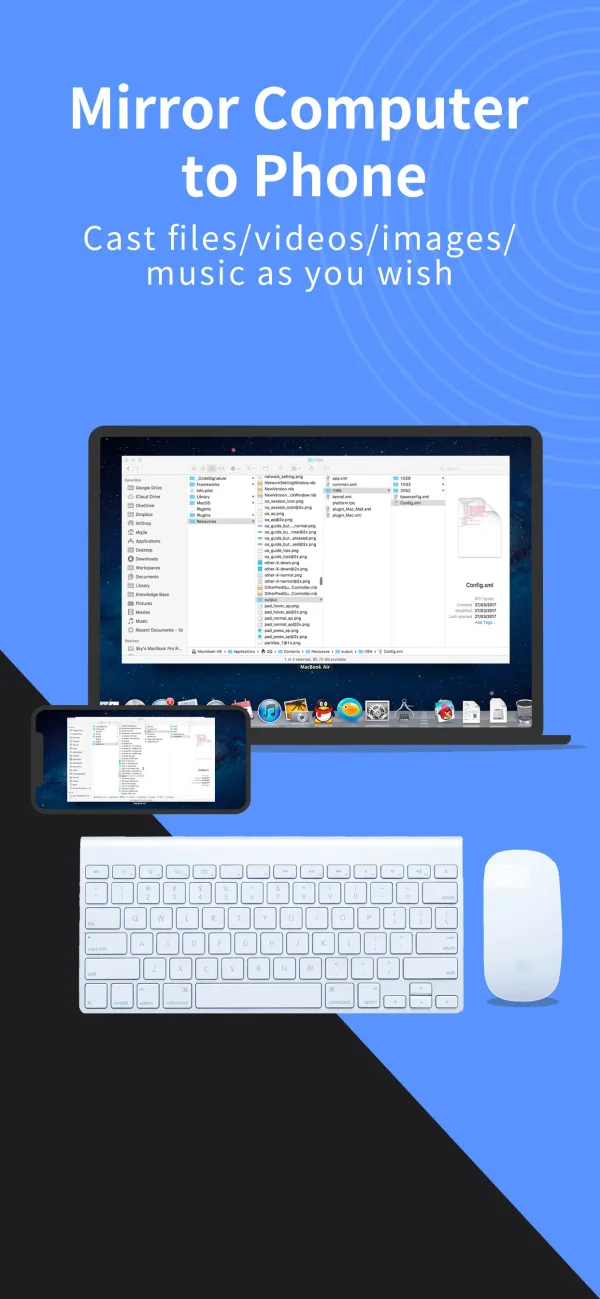
*Screen mirroring between mobile phones and PCs
Mirror your phone screen to your Mac or Windows computer, enhance your favorite live stream viewing experience, or present content on a bigger screen without any limitations of your phone's screen size. You can even cast your phone screen to multiple devices.
*Control PC from a phone
Once your computer and smartphone are connected, the smartphone can act as a makeshift keyboard or mouse, allowing you full control over your computer screen with just your fingertips.
*Screen mirroring between mobile phone and TV
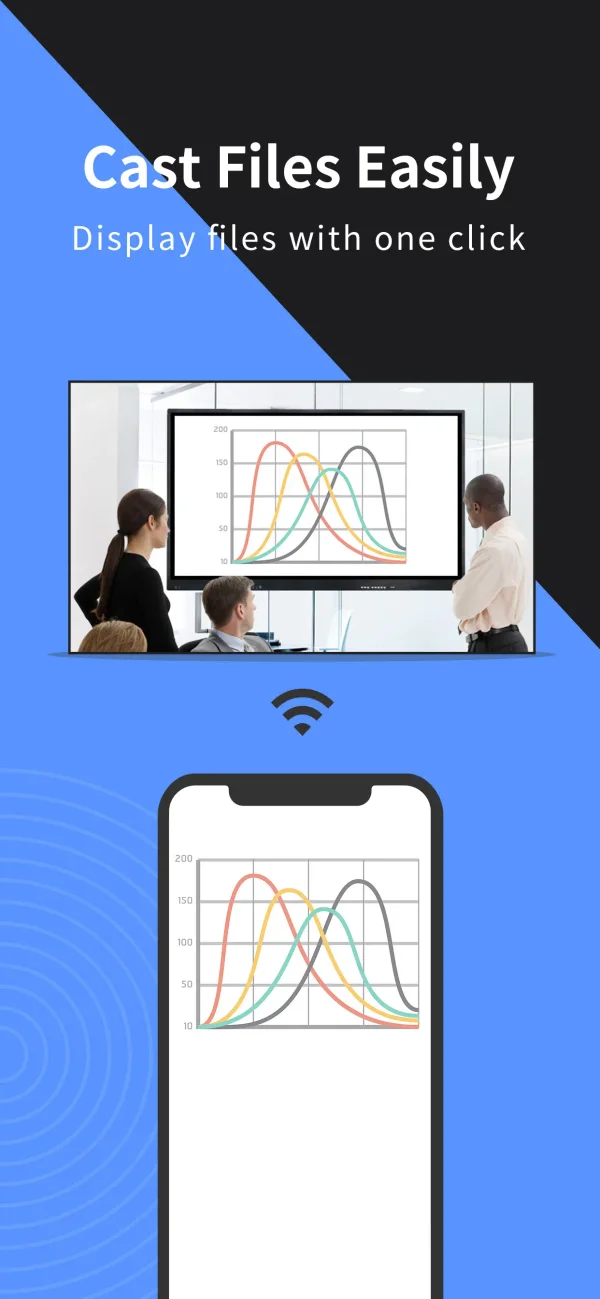
Whether you're watching a movie, watching a sporting event with the family, or giving a business presentation on TV, mirroring your phone's screen to a larger display has never been easier with LetsView. LetsView perfectly fit most of the TVs on the market.
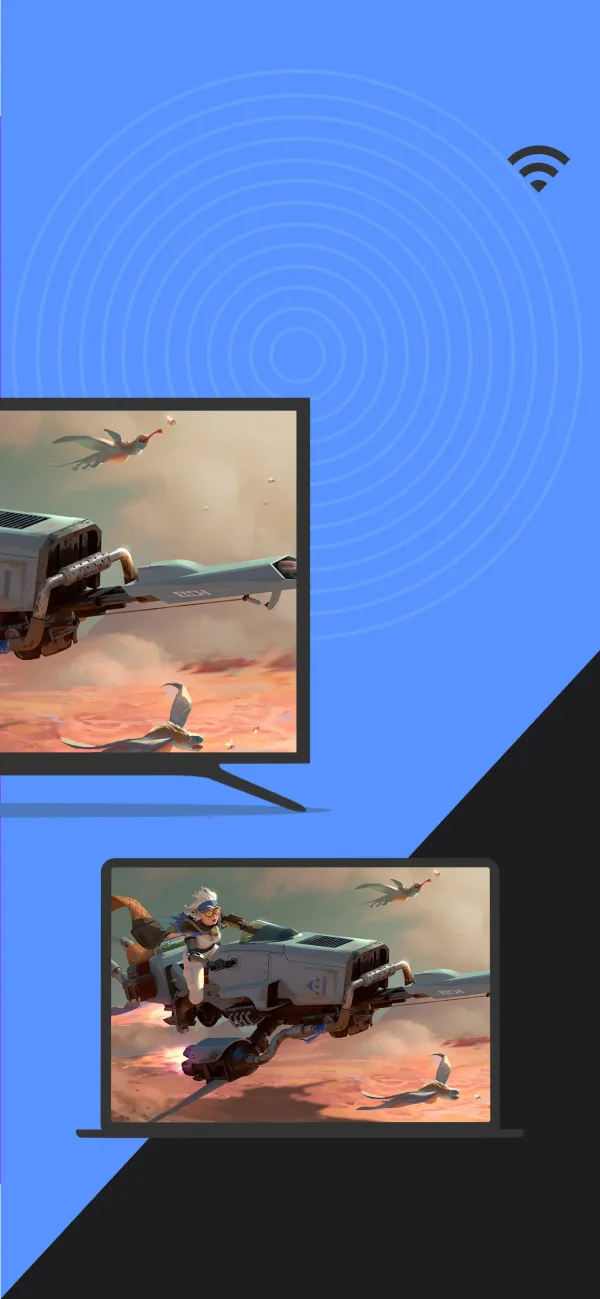
*Screen mirroring between PC/tablet and TV
In addition to the mobile version, LetsView covers various platforms. Our desktop version also enables mirroring between PC to PC, and PC to TV.
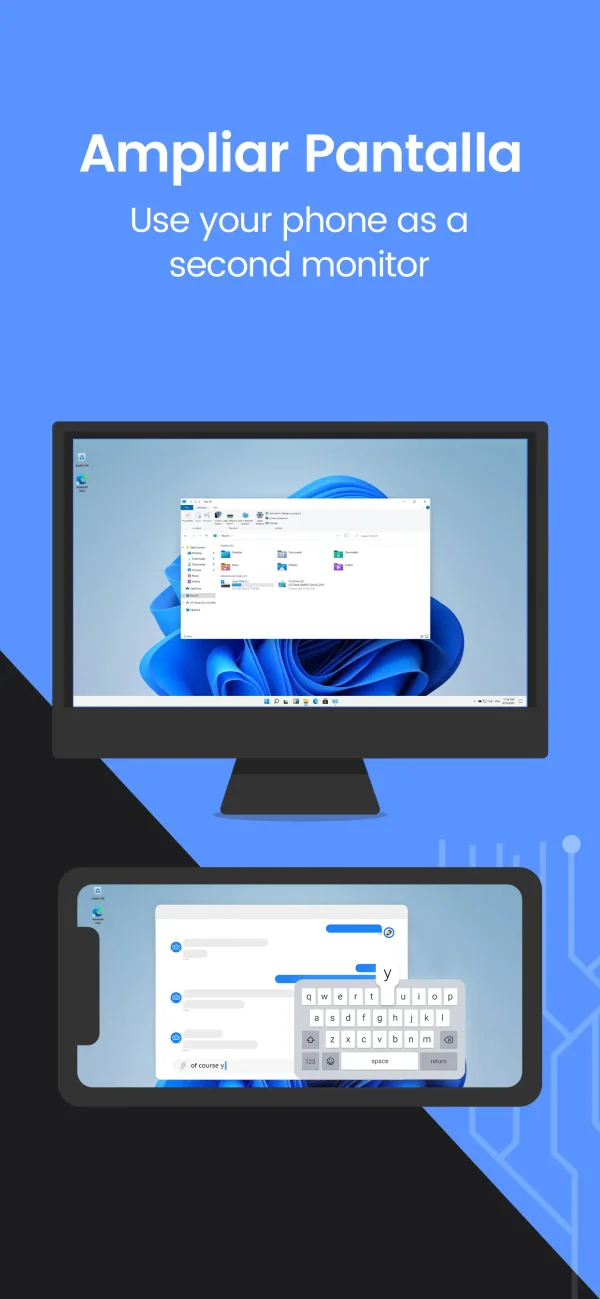
*Extend screen
Turn your phone into a secondary monitor for your computer, allowing you to focus on main tasks on the primary screen while simultaneously handling auxiliary activities on your phone's screen, thus significantly boosting your productivity.
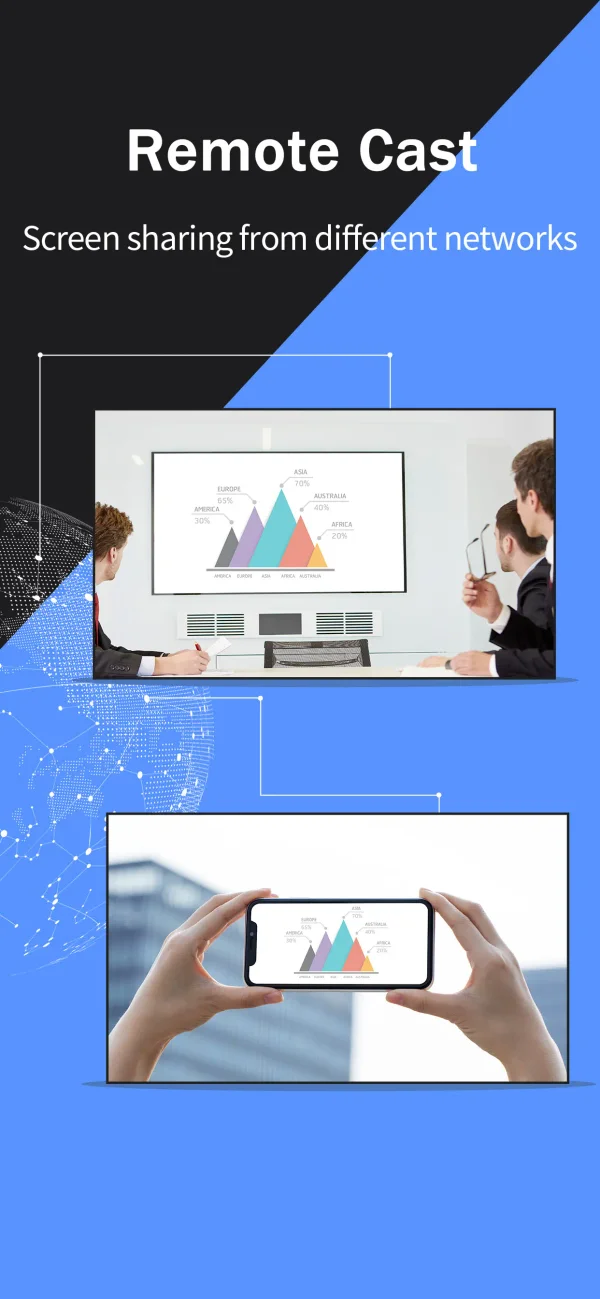
*Remote screen mirroring
Screen mirroring is also possible when you are on a different network. The remote screen mirroring feature will help you cross the network, just enter the remote cast code, and the two devices will share the screen over a distance.
*Additional features
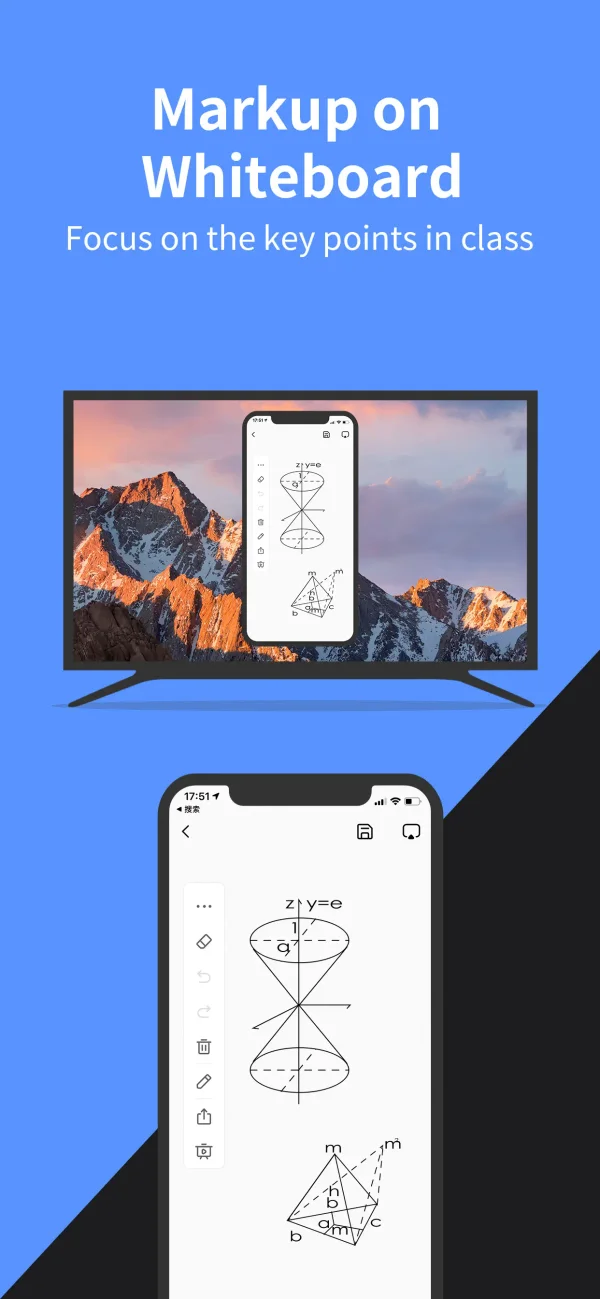
Drawing, whiteboard, document presentation, screen capture, and screen recording of a mobile phone screen are also available.
*Why LetsView?
● Ad-free.
● Uninterrupted and unlimited usage.
● HD screen mirroring.
● HD screen recording.
*Primary use cases:
1. Family Entertainment
Mirroring movies, games, photos, and more onto a larger screen for a better visual experience.
2. Business Presentations
Share your PC or mobile phone screen content onto a large screen for presentations or meetings, demonstrate your product to potential customers remotely.
3. Online teaching
Share the teacher's device screen and combine it with the whiteboard, enhancing the visual experience of your online classes.
4. Live stream gameplay
Broadcast gaming content on a big screen, share gameplay with followers, and keep wonderful moments.
*Easy to Connect:
Connecting your devices is easy with 3 available methods: direct connection, QR code connection, or passkey connection.
Ensure that all your devices are connected to the same Wi-Fi network, and your device will be automatically detected for easy connection. If your device isn't detected, simply scan the QR code or enter the passkey to establish the connection.
*Contact:
We appreciate all your feedback! Contact us at support@letsview.com or send feedback from Me > Feedback on the LetsView app for suggestions, comments, questions, or concerns.
Yang baru
Versi 1.5.7 · 15/10/2026
1. Improved compatibility with iOS 27.
2. Refined the user experience for smoother, more intuitive use.
Privasi aplikasi
Yang dinyatakan Wangxu Technology Co., Ltd di App Store tentang cara aplikasi ini menangani data.
-
Data yang digunakan untuk melacak Anda
Dapat digunakan untuk melacak Anda di aplikasi dan situs web milik perusahaan lain.
- Pengenal
-
Data yang tidak ditautkan dengan Anda
Dapat dikumpulkan, tetapi tidak ditautkan dengan identitas Anda.
- Pembelian
- Lokasi
- Konten pengguna
- Pengenal
Praktik privasi dapat bervariasi, misalnya berdasarkan fitur yang Anda gunakan atau usia Anda.
Informasi
- Penjual
- Wangxu Technology Co., Ltd
- Kategori
- Kegunaan
- Versi
- 1.5.7
- Diperbarui
- 15/10/2026
- Dirilis
- 15/10/2019
- Ukuran
- 118,9 MB
- Memerlukan
- iOS 15.0 atau yang lebih baru
- Batasan usia
- 4+
- Harga
- Gratis
- Pembelian dalam aplikasi
- Ya
- Bahasa
- Inggris, Prancis, Jerman, Jepang, Portugis, Tionghoa Sederhana, Spanyol, Tionghoa Tradisional
- Hak cipta
- Copyright © 2026 Wangxu Technology Co. Ltd. All Rights Reserved.
Mungkin Anda juga suka
-
 ApowerMirror- Screen MirroringKegunaan
-
 AirDroid Cast-screen mirroringKegunaan
-
 DoCast: Screen Mirroring to TVKegunaan
-
 Pencerminan Layar - 1001 TVsTV Cast & Mirror for Smart TV
-
 iVCam WebcamKegunaan
-
 DroidCam Webcam & OBS CameraPonsel Anda adalah webcam!
-
 Miracast: Screen Mirroring TVKegunaan
-
 Pencerminan Layar:PigeonCastTransmisikan ponsel, PC ke TV
-
 Replica:Video Screen Mirror TVCermin Layar Smart Chromecast
-
 Screen Mirroring - TV CastKegunaan