
Screen Mirroring: LetsView
Cast Screen & Stream Audio
Designed for iPhone, iPad, Mac, iPod touch
Free · In-app purchases
- Age rating4+
- CategoryUtilities
- DeveloperWangxu Technology Co., Ltd
- LanguagesEnglish+ 7 more
- Size118.9 MB
Links to the official App Store page
Download.org hosts no file of Screen Mirroring: LetsView. The button opens its official App Store page, published by Wangxu Technology Co., Ltd. Listing last checked on Nov 23, 2026.
Screenshots


About
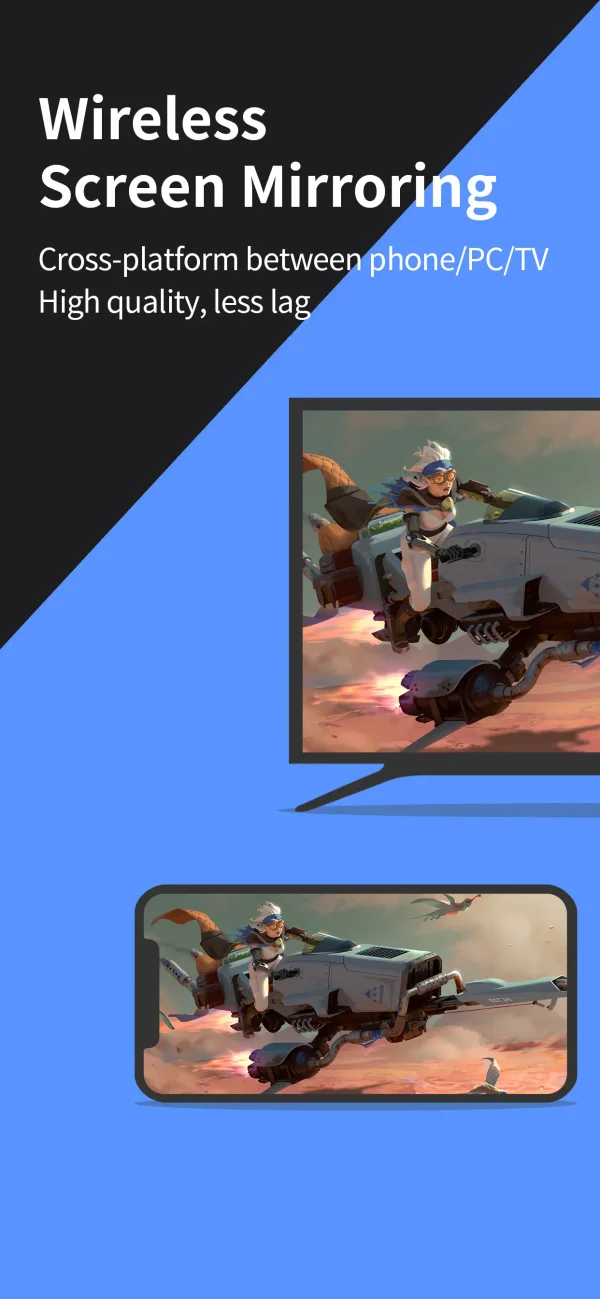
Looking for high-quality and free screen mirroring app? Look no further than LetsView! Easily mirror or cast your phone, tablet, or computer screen to your TV, PC, or Mac. With LetsView, you'll have endless possibilities for communication and entertainment in your daily life.
Key Features:
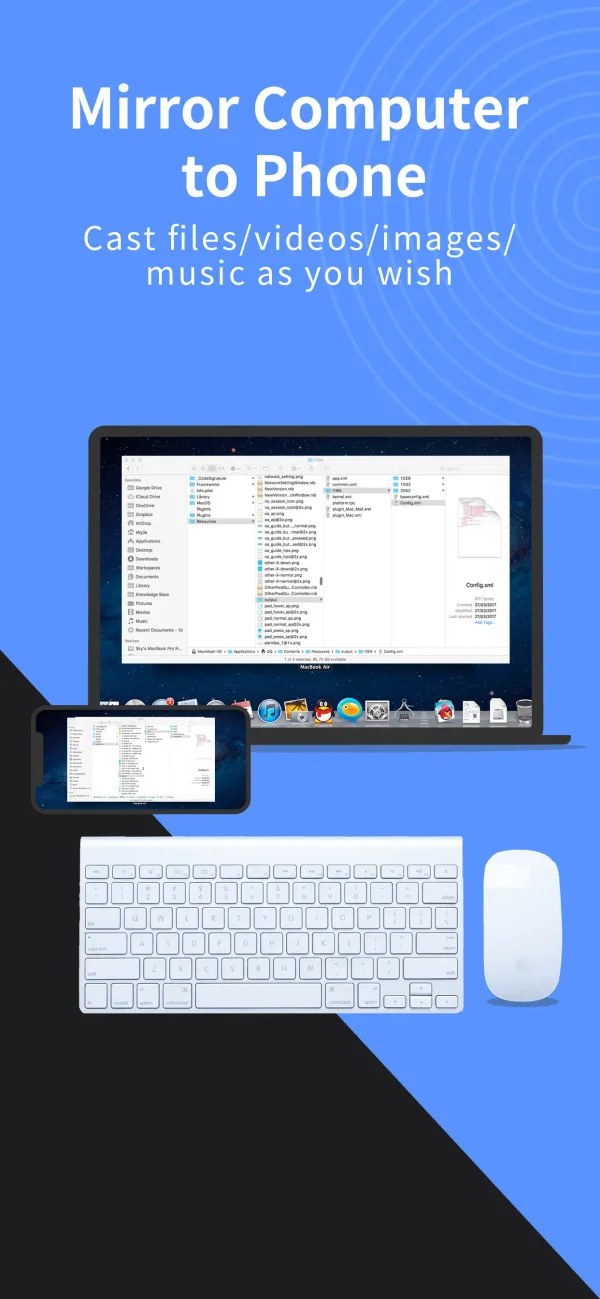
*Screen mirroring between mobile phones and PCs
Mirror your phone screen to your Mac or Windows computer, enhance your favorite live stream viewing experience, or present content on a bigger screen without any limitations of your phone's screen size. You can even cast your phone screen to multiple devices.
*Control PC from a phone
Once your computer and smartphone are connected, the smartphone can act as a makeshift keyboard or mouse, allowing you full control over your computer screen with just your fingertips.
*Screen mirroring between mobile phone and TV
Whether you're watching a movie, watching a sporting event with the family, or giving a business presentation on TV, mirroring your phone's screen to a larger display has never been easier with LetsView. LetsView perfectly fit most of the TVs on the market.
*Screen mirroring between PC/tablet and TV
In addition to the mobile version, LetsView covers various platforms. Our desktop version also enables mirroring between PC to PC, and PC to TV.
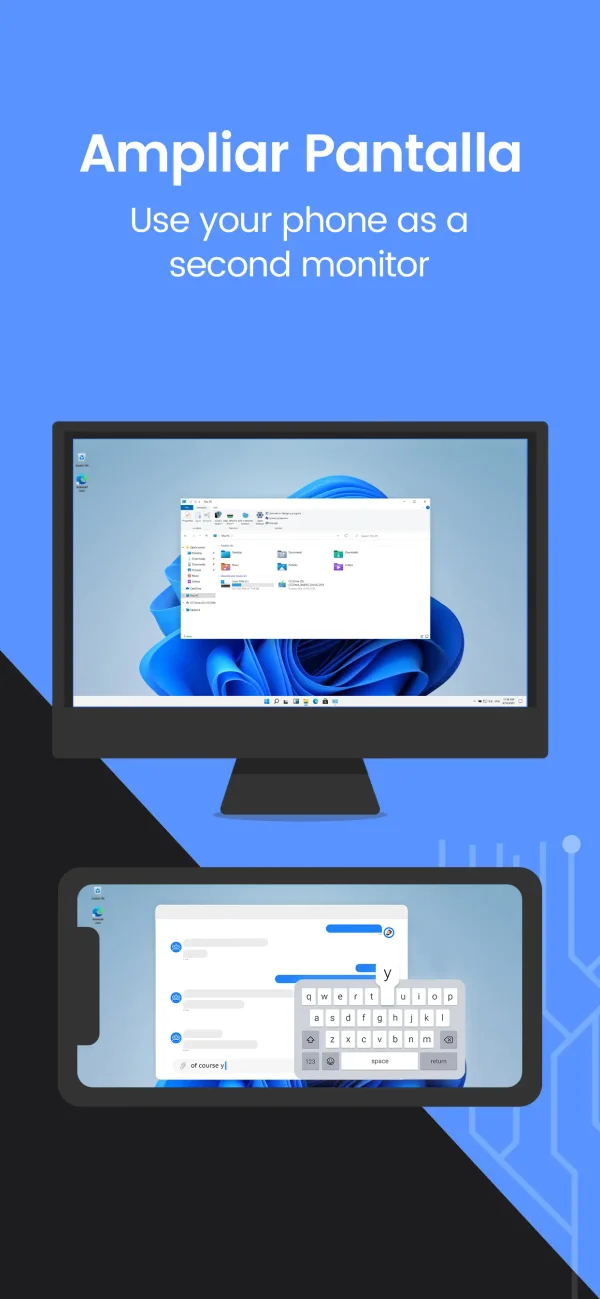
*Extend screen
Turn your phone into a secondary monitor for your computer, allowing you to focus on main tasks on the primary screen while simultaneously handling auxiliary activities on your phone's screen, thus significantly boosting your productivity.
*Remote screen mirroring
Screen mirroring is also possible when you are on a different network. The remote screen mirroring feature will help you cross the network, just enter the remote cast code, and the two devices will share the screen over a distance.
*Additional features
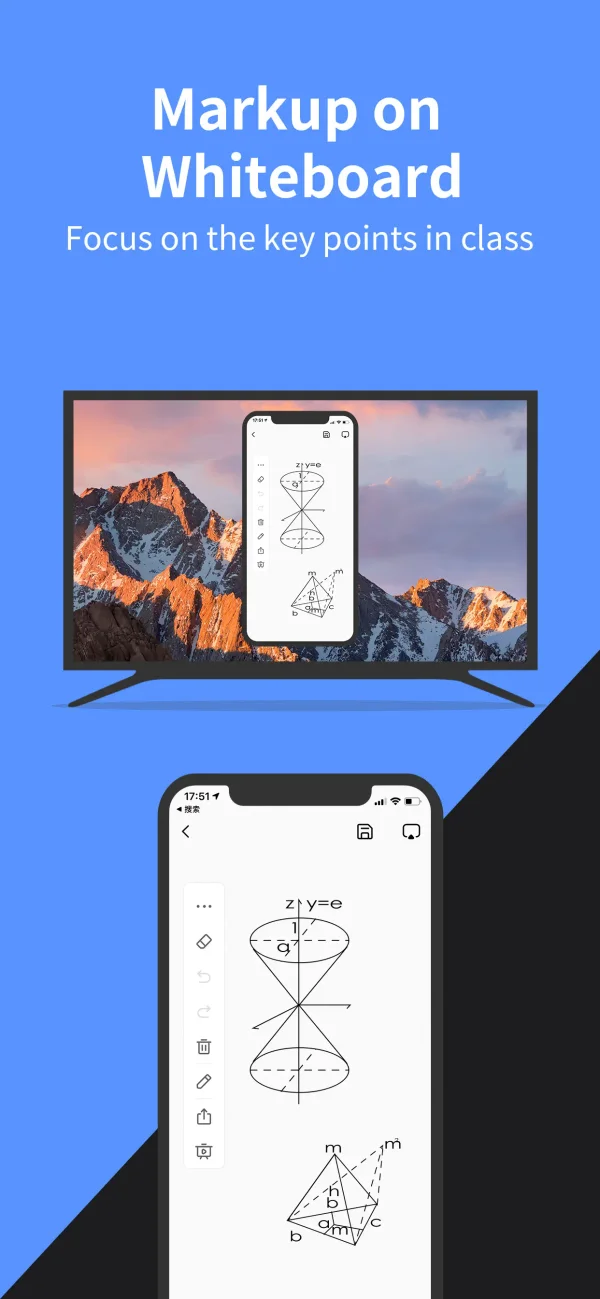
Drawing, whiteboard, document presentation, screen capture, and screen recording of a mobile phone screen are also available.
*Why LetsView?
● Ad-free.
● Uninterrupted and unlimited usage.
● HD screen mirroring.
● HD screen recording.
*Primary use cases:
1. Family Entertainment
Mirroring movies, games, photos, and more onto a larger screen for a better visual experience.
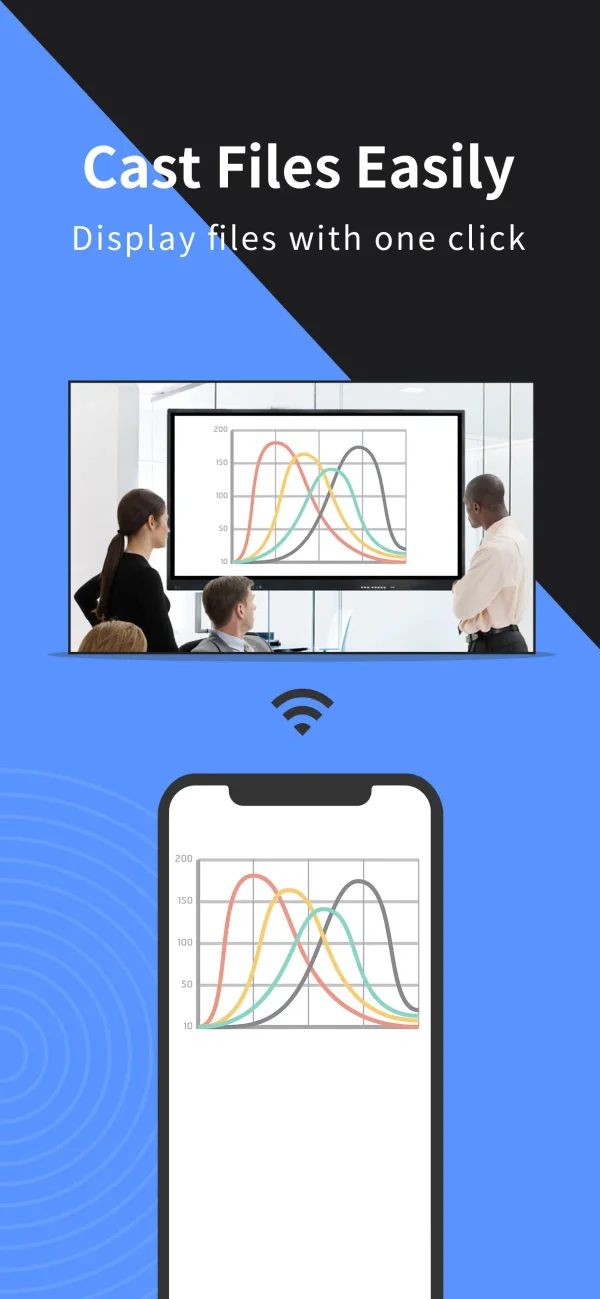
2. Business Presentations
Share your PC or mobile phone screen content onto a large screen for presentations or meetings, demonstrate your product to potential customers remotely.
3. Online teaching
Share the teacher's device screen and combine it with the whiteboard, enhancing the visual experience of your online classes.
4. Live stream gameplay
Broadcast gaming content on a big screen, share gameplay with followers, and keep wonderful moments.
*Easy to Connect:
Connecting your devices is easy with 3 available methods: direct connection, QR code connection, or passkey connection.
Ensure that all your devices are connected to the same Wi-Fi network, and your device will be automatically detected for easy connection. If your device isn't detected, simply scan the QR code or enter the passkey to establish the connection.
*Contact:
We appreciate all your feedback! Contact us at support@letsview.com or send feedback from Me > Feedback on the LetsView app for suggestions, comments, questions, or concerns.
What’s new
Version 1.5.7 · Oct 15, 2026
1. Improved compatibility with iOS 27.
2. Refined the user experience for smoother, more intuitive use.
App privacy
What Wangxu Technology Co., Ltd declares on the App Store about how this app handles data.
-
Data used to track you
May be used to track you across apps and websites owned by other companies.
- Identifiers
-
Data not linked to you
May be collected but is not linked to your identity.
- Purchases
- Location
- User content
- Identifiers
Privacy practices may vary, for example with the features you use or your age.
Information
- Seller
- Wangxu Technology Co., Ltd
- Category
- Utilities
- Version
- 1.5.7
- Updated
- Oct 15, 2026
- Released
- Oct 15, 2019
- Size
- 118.9 MB
- Requires
- iOS 15.0 or later
- Age rating
- 4+
- Price
- Free
- In-app purchases
- Yes
- Languages
- English, French, German, Japanese, Portuguese, Simplified Chinese, Spanish, Traditional Chinese
- Copyright
- Copyright © 2026 Wangxu Technology Co. Ltd. All Rights Reserved.
You might also like
-
 ApowerMirror- Screen MirroringCast Phone to PC&TV
-
 AirDroid Cast-screen mirroringCross-network mirror to pc
-
 DoCast: Screen Mirroring to TVCast,Stream,Share to Smart TV
-
 Screen Mirroring - 1001 TVsScreen Share & Cast to TV
-
 iVCam WebcamUse your phone as a PC webcam
-
 DroidCam Webcam & OBS CameraUse your phone as a PC Webcam.
-
 Miracast: Screen Mirroring TVCast photo/video/IPTV & mirror
-
 Screen Mirroring: PigeonCastCast Phone & PC to TV
-
 Replica・Screen Mirroring・CastMirror Share Smart TV & Phone
-
 Screen Mirroring - TV CastAirplay, SmartView, Mirror App