
Screen Mirroring: LetsView
Cast Screen & Stream Audio
Được thiết kế cho iPhone, iPad, Mac, iPod touch
Miễn phí · Mua hàng trong ứng dụng
- Độ tuổi4+
- Danh mụcTiện Ích
- Nhà phát triểnWangxu Technology Co., Ltd
- Ngôn ngữTiếng Anh+ 7 ngôn ngữ khác
- Kích thước118,9 MB
Liên kết đến trang App Store chính thức
Download.org không lưu trữ tệp nào của Screen Mirroring: LetsView. Nút này mở trang ứng dụng trên App Store, nơi Wangxu Technology Co., Ltd phát hành ứng dụng. Trang được kiểm tra lần cuối: 23/11/2026.
Ảnh chụp màn hình
Giới thiệu
Nhà phát triển chưa cung cấp nội dung này bằng ngôn ngữ của bạn.
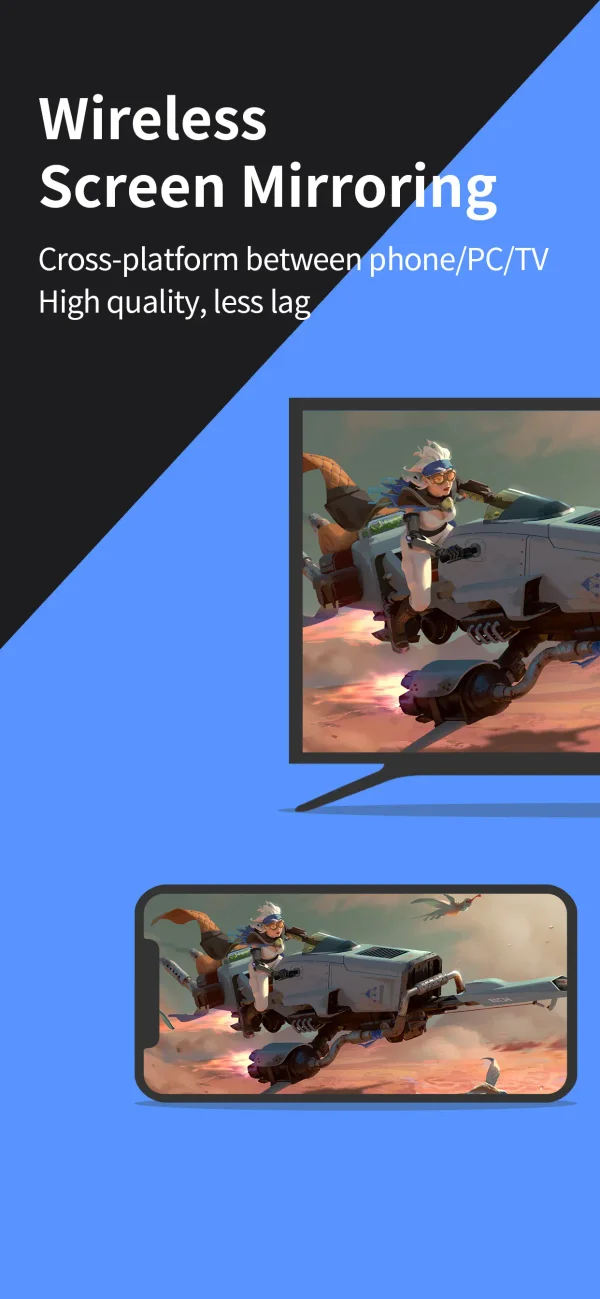
Looking for high-quality and free screen mirroring app? Look no further than LetsView! Easily mirror or cast your phone, tablet, or computer screen to your TV, PC, or Mac. With LetsView, you'll have endless possibilities for communication and entertainment in your daily life.
Key Features:
*Screen mirroring between mobile phones and PCs
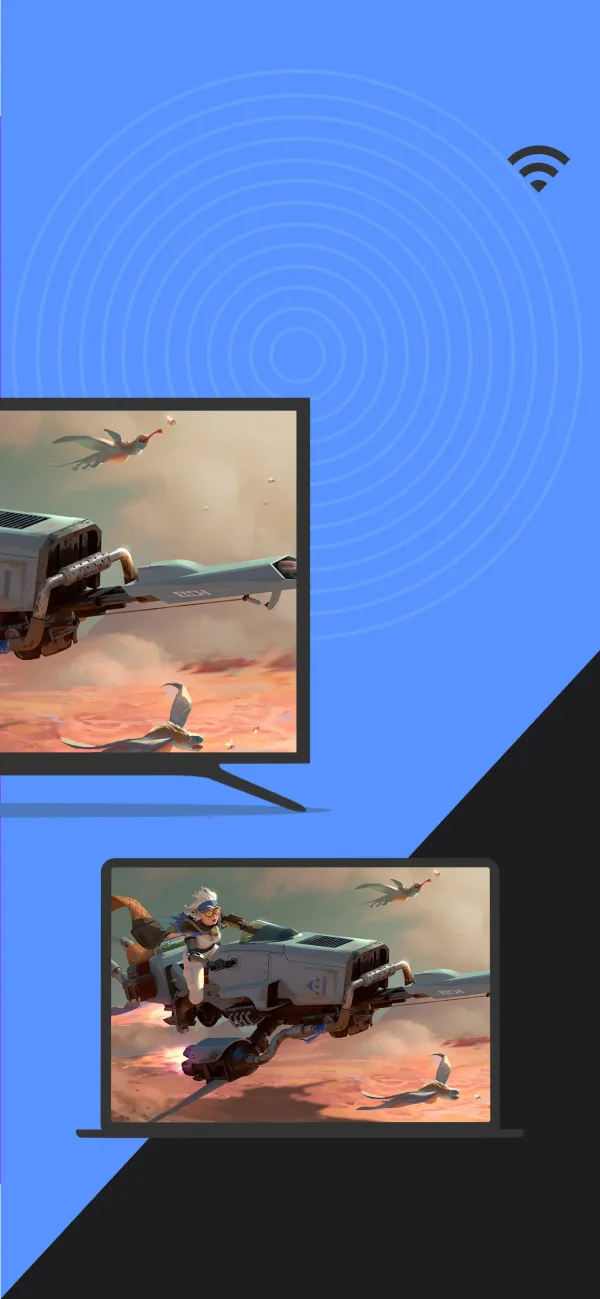
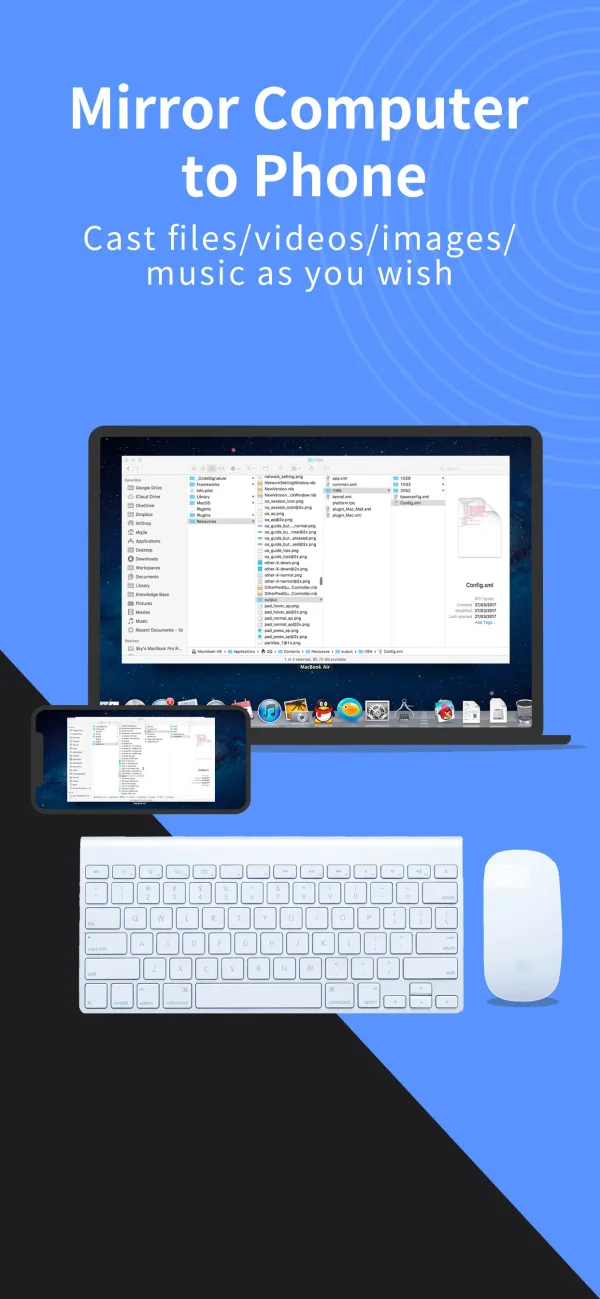
Mirror your phone screen to your Mac or Windows computer, enhance your favorite live stream viewing experience, or present content on a bigger screen without any limitations of your phone's screen size. You can even cast your phone screen to multiple devices.
*Control PC from a phone
Once your computer and smartphone are connected, the smartphone can act as a makeshift keyboard or mouse, allowing you full control over your computer screen with just your fingertips.
*Screen mirroring between mobile phone and TV
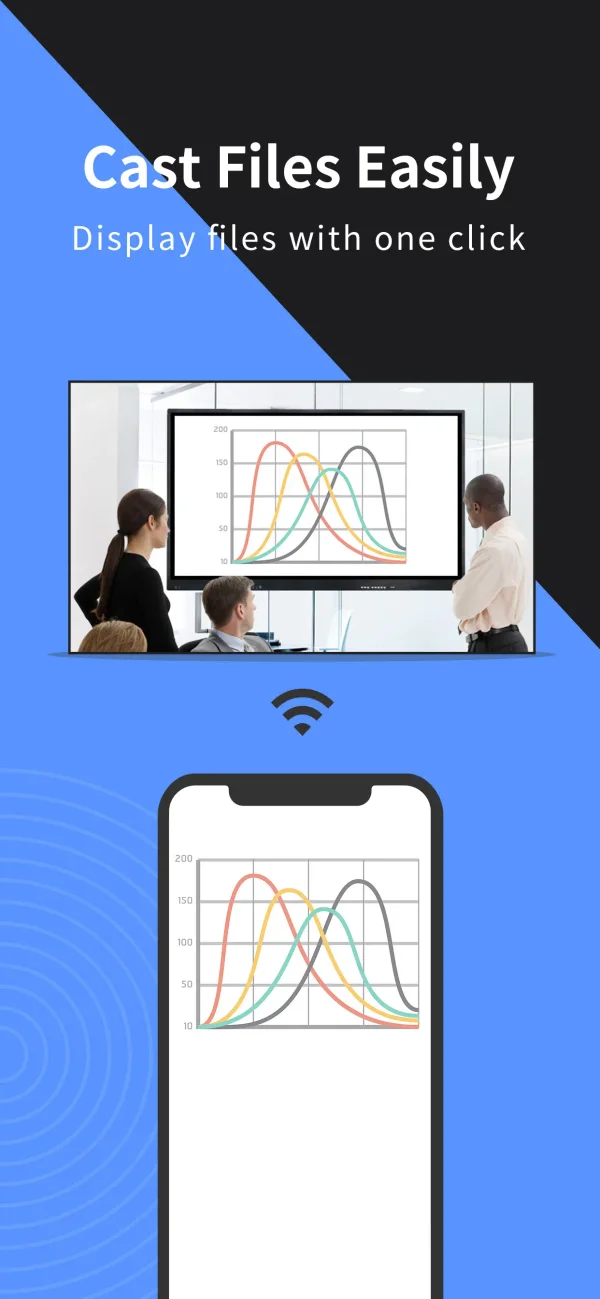
Whether you're watching a movie, watching a sporting event with the family, or giving a business presentation on TV, mirroring your phone's screen to a larger display has never been easier with LetsView. LetsView perfectly fit most of the TVs on the market.
*Screen mirroring between PC/tablet and TV
In addition to the mobile version, LetsView covers various platforms. Our desktop version also enables mirroring between PC to PC, and PC to TV.
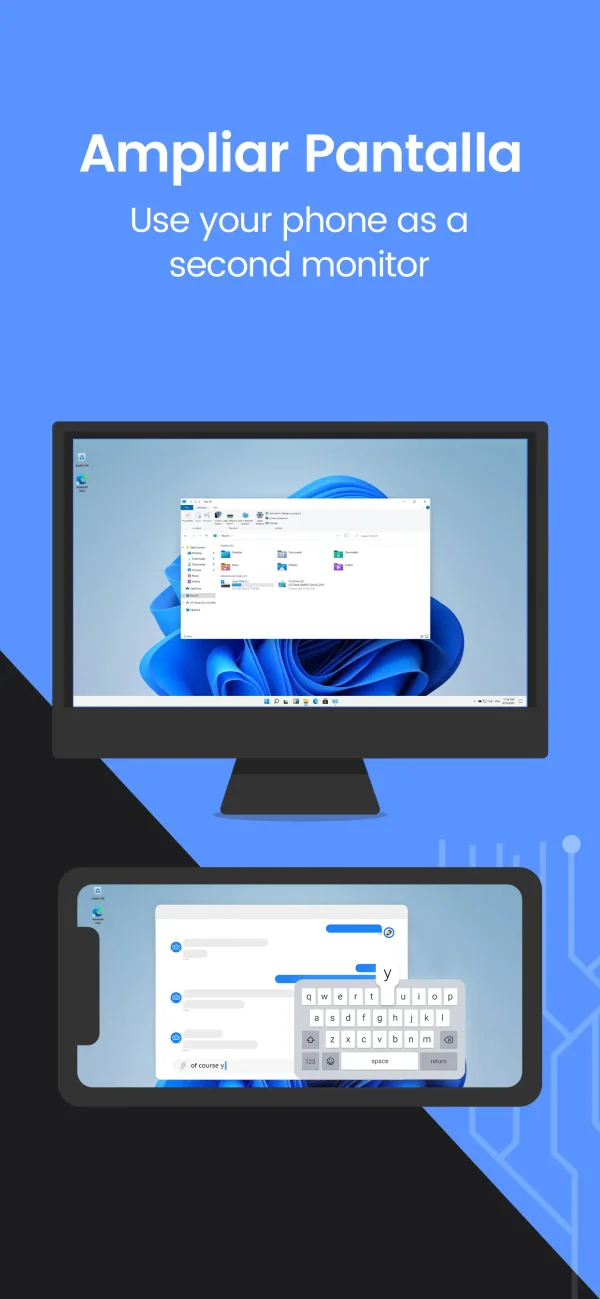
*Extend screen
Turn your phone into a secondary monitor for your computer, allowing you to focus on main tasks on the primary screen while simultaneously handling auxiliary activities on your phone's screen, thus significantly boosting your productivity.
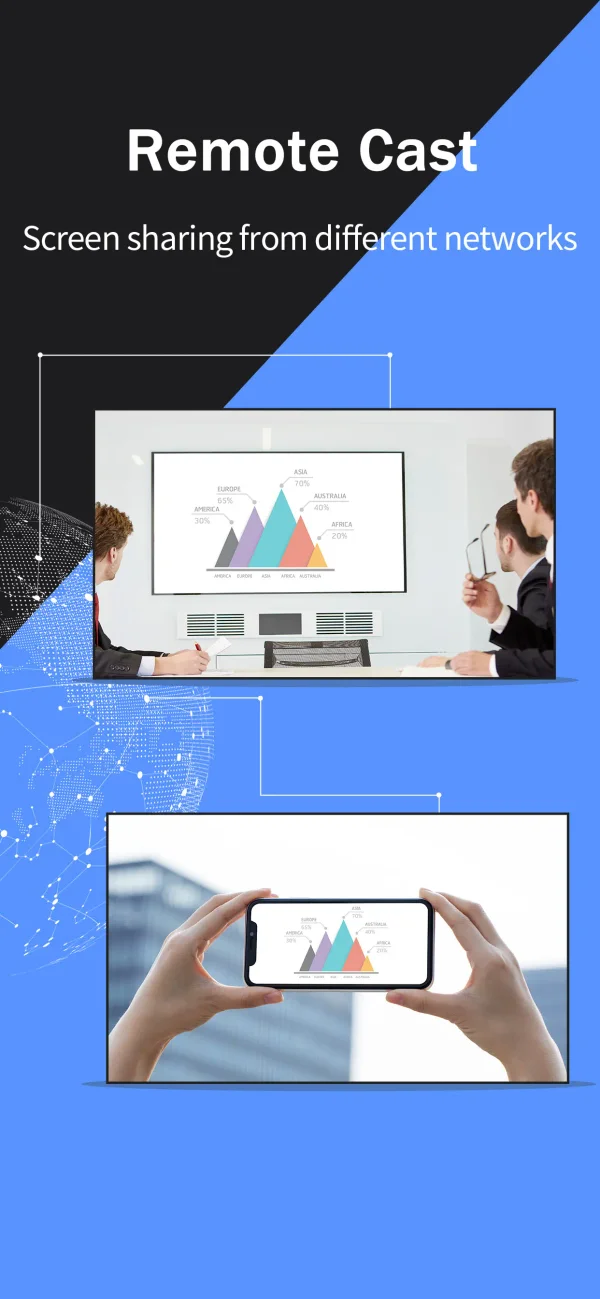
*Remote screen mirroring
Screen mirroring is also possible when you are on a different network. The remote screen mirroring feature will help you cross the network, just enter the remote cast code, and the two devices will share the screen over a distance.
*Additional features
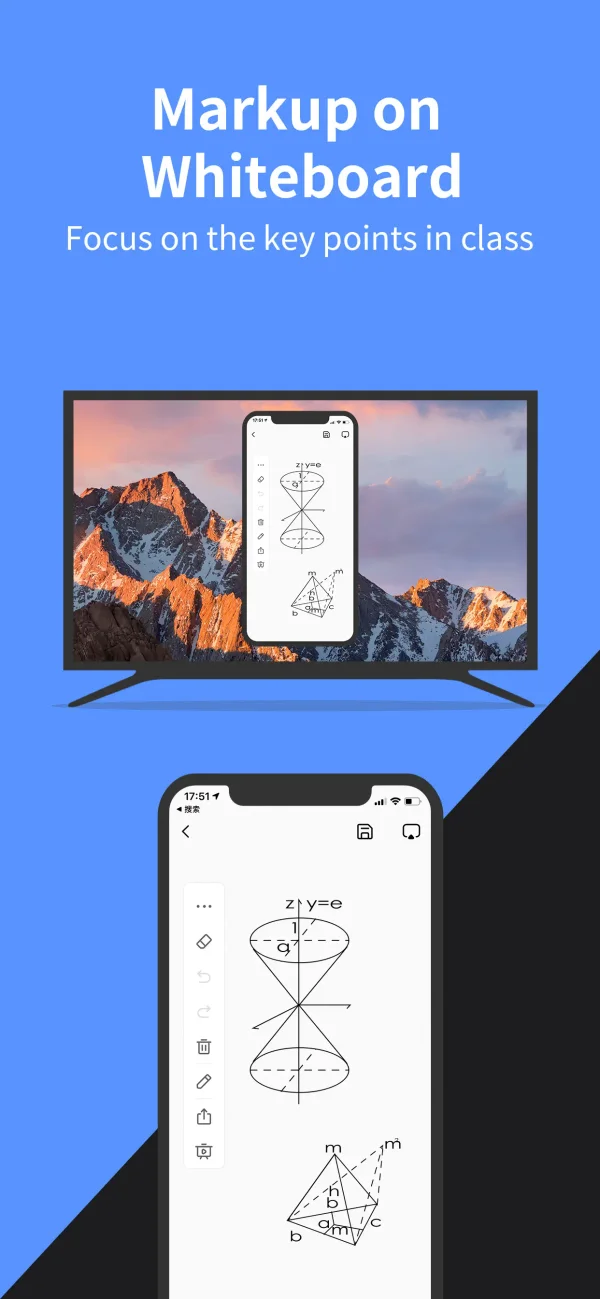
Drawing, whiteboard, document presentation, screen capture, and screen recording of a mobile phone screen are also available.
*Why LetsView?
● Ad-free.
● Uninterrupted and unlimited usage.
● HD screen mirroring.
● HD screen recording.
*Primary use cases:
1. Family Entertainment
Mirroring movies, games, photos, and more onto a larger screen for a better visual experience.
2. Business Presentations
Share your PC or mobile phone screen content onto a large screen for presentations or meetings, demonstrate your product to potential customers remotely.
3. Online teaching
Share the teacher's device screen and combine it with the whiteboard, enhancing the visual experience of your online classes.
4. Live stream gameplay
Broadcast gaming content on a big screen, share gameplay with followers, and keep wonderful moments.
*Easy to Connect:
Connecting your devices is easy with 3 available methods: direct connection, QR code connection, or passkey connection.
Ensure that all your devices are connected to the same Wi-Fi network, and your device will be automatically detected for easy connection. If your device isn't detected, simply scan the QR code or enter the passkey to establish the connection.
*Contact:
We appreciate all your feedback! Contact us at support@letsview.com or send feedback from Me > Feedback on the LetsView app for suggestions, comments, questions, or concerns.
Có gì mới
Phiên bản 1.5.7 · 15/10/2026
1. Improved compatibility with iOS 27.
2. Refined the user experience for smoother, more intuitive use.
Quyền riêng tư của ứng dụng
Những gì Wangxu Technology Co., Ltd khai báo trên App Store về cách ứng dụng này xử lý dữ liệu.
-
Dữ liệu được sử dụng để theo dõi bạn
Có thể được sử dụng để theo dõi bạn trên các ứng dụng và trang web do công ty khác sở hữu.
- Mã định danh
-
Dữ liệu không liên kết với bạn
Có thể được thu thập nhưng không liên kết với danh tính của bạn.
- Mục mua
- Vị trí
- Nội dung của người dùng
- Mã định danh
Phương thức đảm bảo quyền riêng tư có thể khác nhau, chẳng hạn như tuỳ theo các tính năng bạn sử dụng hoặc độ tuổi của bạn.
Thông tin
- Người bán
- Wangxu Technology Co., Ltd
- Danh mục
- Tiện Ích
- Phiên bản
- 1.5.7
- Cập nhật
- 15/10/2026
- Phát hành
- 15/10/2019
- Kích thước
- 118,9 MB
- Yêu cầu
- iOS 15.0 trở lên
- Độ tuổi
- 4+
- Giá
- Miễn phí
- Mua hàng trong ứng dụng
- Có
- Ngôn ngữ
- Tiếng Anh, Tiếng Pháp, Tiếng Đức, Tiếng Nhật, Tiếng Bồ Đào Nha, Tiếng Trung Giản thể, Tiếng Tây Ban Nha, Tiếng Trung Phồn thể
- Bản quyền
- Copyright © 2026 Wangxu Technology Co. Ltd. All Rights Reserved.
Có thể bạn cũng thích
-
 ApowerMirror- Screen MirroringTiện Ích
-
 AirDroid Cast-screen mirroringTiện Ích
-
 DoCast: Screen Mirroring to TVTiện Ích
-
 Chia sẻ màn hình - 1001 TVsChiếu màn hình lên tivi
-
 iVCam WebcamTiện Ích
-
 DroidCam Webcam & OBS CameraTiện Ích
-
 Chia sẻ màn hình: MiracastTruyền ảnh/video/IPTV và gương
-
 Chia sẻ màn hình:PigeonCastPhát màn hình lên tivi
-
 Screen Mirror゜Replica・Chromecast Mirroring
-
 Screen Mirroring - TV CastTiện Ích