
- Batasan usia4+
- KategoriGrafik & Desain
- Pengembang256 Arts
- BahasaInggris+ 6 lainnya
- Ukuran11,9 MB
Tertaut ke halaman resmi App Store
Download.org tidak menyimpan file Sprite Pencil apa pun. Tombol ini membuka halaman aplikasi di App Store, tempat 256 Arts menerbitkannya. Halaman terakhir diperiksa pada 23/11/2026.
Tangkapan layar

Tentang
Pengembang belum menyediakan teks ini dalam bahasa Anda.
Pixel art, made simple and made to feel great.
Sprite Pencil is a focused pixel-art editor for sprites, icons, and game assets. A small set of carefully chosen tools and a drawing engine built exclusively for Apple devices make every pixel land exactly where you meant it, whether you draw with a finger or with Apple Pencil.
Draw
• Pencil, eraser, and fill tools
• Highlight and shadow brushes that shade automatically
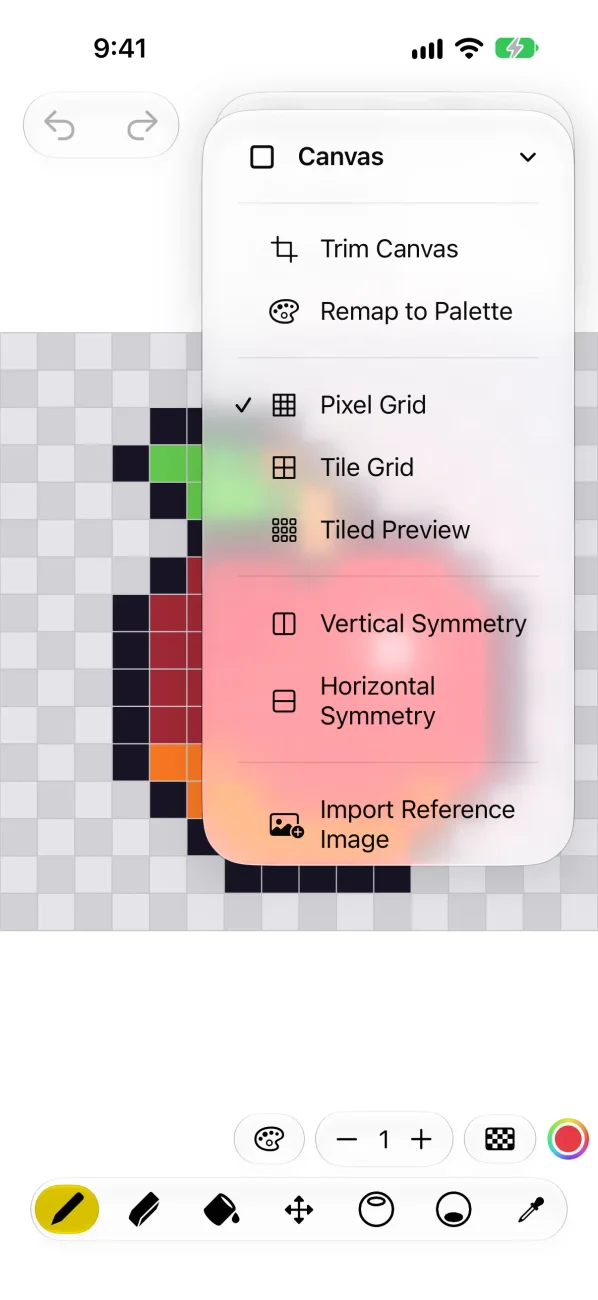
• Symmetry mode to mirror strokes as you draw
• Dithering for classic checkered patterns
• Flip, rotate, and outline a whole sprite in a tap
• Full undo and redo
Color
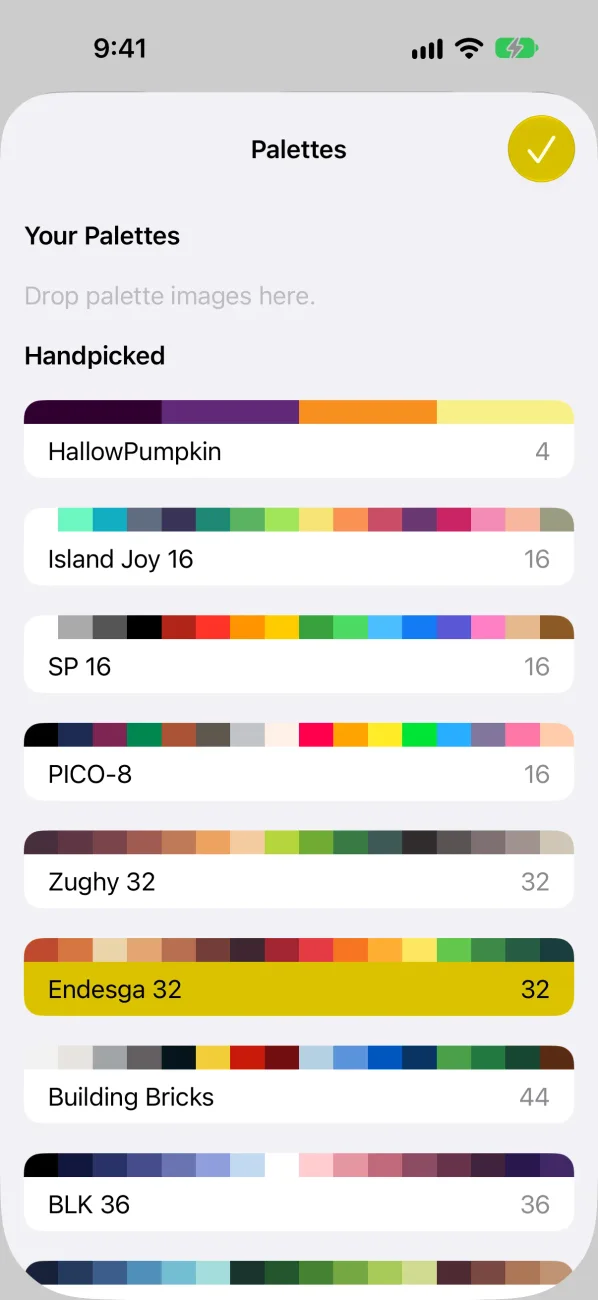
• Handpicked palettes, plus seasonal picks
• Building Bricks colors
• Import any palette from Lospec
Your Files, Your Way
• Sprites are plain PNG files, so any app can open them
• Edit images in place wherever they live, including iCloud Drive
• Share your art scaled up so it stays crisp
Show It Off
• Pin a favorite sprite to your Home Screen with a widget
• Draw and send pixel-art stickers right in Messages
Yang baru
Versi 5.0 · 28/10/2026
This update brings smarter tools and a more polished Mac experience.
• New: a bucket fill toggle to recolor every pixel of a tapped color at once, plus Remap to Palette to snap your whole image to your palette's nearest colors
• New: Tiled Preview shows your sprite repeated around the canvas, perfect for seamless tiles
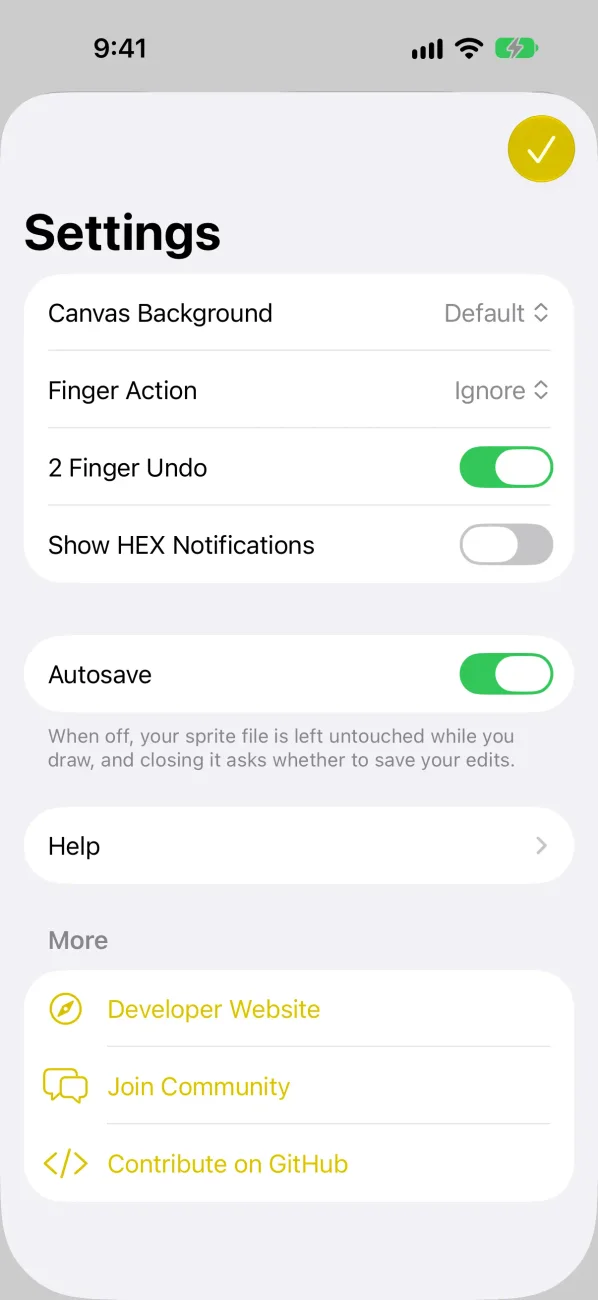
• New: import a reference image behind the canvas, and an Autosave setting for more control over when your work is saved
• Refined Mac and visionOS toolbars, plus new languages: Simplified Chinese, Japanese, German, French, and Spanish
• Bug fixes and improvements
Privasi aplikasi
Yang dinyatakan 256 Arts di App Store tentang cara aplikasi ini menangani data.
-
Data yang digunakan untuk melacak Anda
Dapat digunakan untuk melacak Anda di aplikasi dan situs web milik perusahaan lain.
- Pengenal
-
Data yang ditautkan dengan Anda
Dapat dikumpulkan dan ditautkan dengan identitas Anda.
- Lokasi
- Pengenal
- Data penggunaan
-
Data yang tidak ditautkan dengan Anda
Dapat dikumpulkan, tetapi tidak ditautkan dengan identitas Anda.
- Diagnostik
Praktik privasi dapat bervariasi, misalnya berdasarkan fitur yang Anda gunakan atau usia Anda.
Informasi
- Penjual
- 256 Arts Inc.
- Kategori
- Grafik & Desain
- Versi
- 5.0
- Diperbarui
- 28/10/2026
- Dirilis
- 14/10/2018
- Ukuran
- 11,9 MB
- Memerlukan
- iOS 27.0 atau yang lebih baru
- Batasan usia
- 4+
- Harga
- Gratis
- Bahasa
- Inggris, Prancis, Jerman, Jepang, Rusia, Tionghoa Sederhana, Spanyol
- Hak cipta
- © 256 Arts Inc.
Mungkin Anda juga suka
-
 Inktica - editor seni pixelEditor pixel art dan sprite
-
 DS Card - Markdown text cardGrafik & Desain
-
 Screenshot Editor - SnapItGrafik & Desain
-
 Pixen - pixel art editorGrafik & Desain
-
 Sprite Artisan Pixel ArtGrafik & Desain
-
 CoverpadGrafik & Desain
-
 Sprite TightGrafik & Desain
-
 Litur - Color LibraryGrafik & Desain
-
 Sprite CreatorGrafik & Desain
-
 Pixel Editor: Avatar GeneratorBuat seni 8-bit, maker studio