
Stop Scrolling
Break the scroll cycle
Dirancang untuk iPhone, iPad
Gratis · Pembelian dalam aplikasi
- Batasan usia4+
- KategoriProduktivitas
- PengembangGranular Development Limited
- BahasaInggris+ 3 lainnya
- Ukuran37,8 MB
Tertaut ke halaman resmi App Store
Download.org tidak menyimpan file Stop Scrolling apa pun. Tombol ini membuka halaman aplikasi di App Store, tempat Granular Development Limited menerbitkannya. Halaman terakhir diperiksa pada 18/11/2026.
Tangkapan layar
Tentang
Pengembang belum menyediakan teks ini dalam bahasa Anda.
Take back control of your screen time — and help your kids do the same.
Stop Scrolling puts real limits on the apps that eat your day. And now it goes
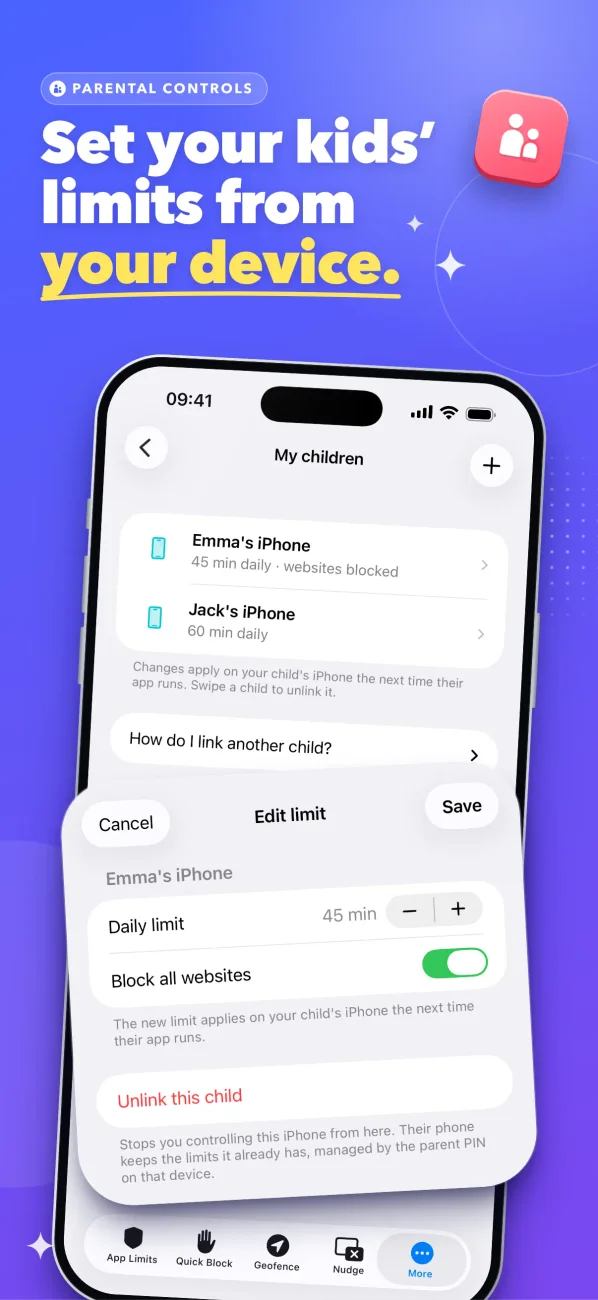
further: you can set your child's daily app limit from your own iPhone.
NEW — PARENTAL CONTROLS
Set up your child's iPhone once, then manage their limits from yours. No more
borrowing their phone every time you want to change something.
• Set your child's daily app limit from your own iPhone
• Turn website blocking on or off remotely
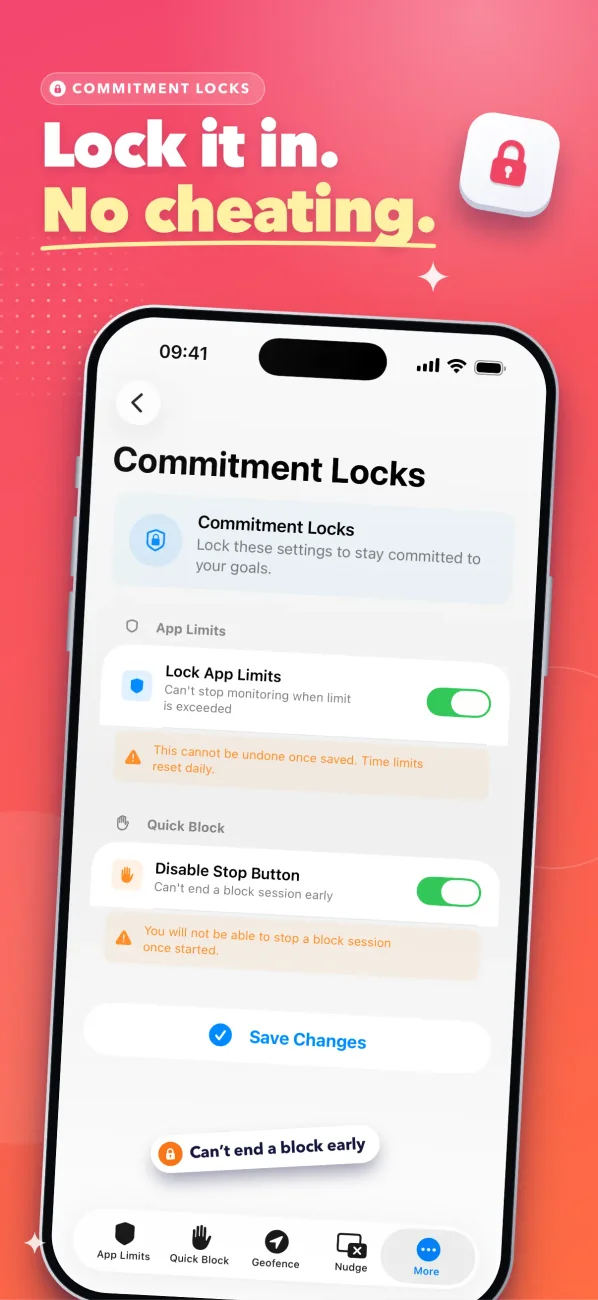
• Lock their settings behind a parent PIN only you know
• Link more than one child's phone
• Sign in with Apple — your children are still there on any iPhone you sign in
to, even after reinstalling
HOW IT WORKS
1. On your child's iPhone, install Stop Scrolling while it's signed in to their
Apple Account. Run the child setup: choose which apps to limit, set a daily
limit, and create a parent PIN.
2. Their phone shows a 6-digit code.
3. On your iPhone, open More → Parental controls → My children, sign in, and
enter that code.
From then on, you change their daily limit from your own phone.
FOR YOUR OWN SCREEN TIME
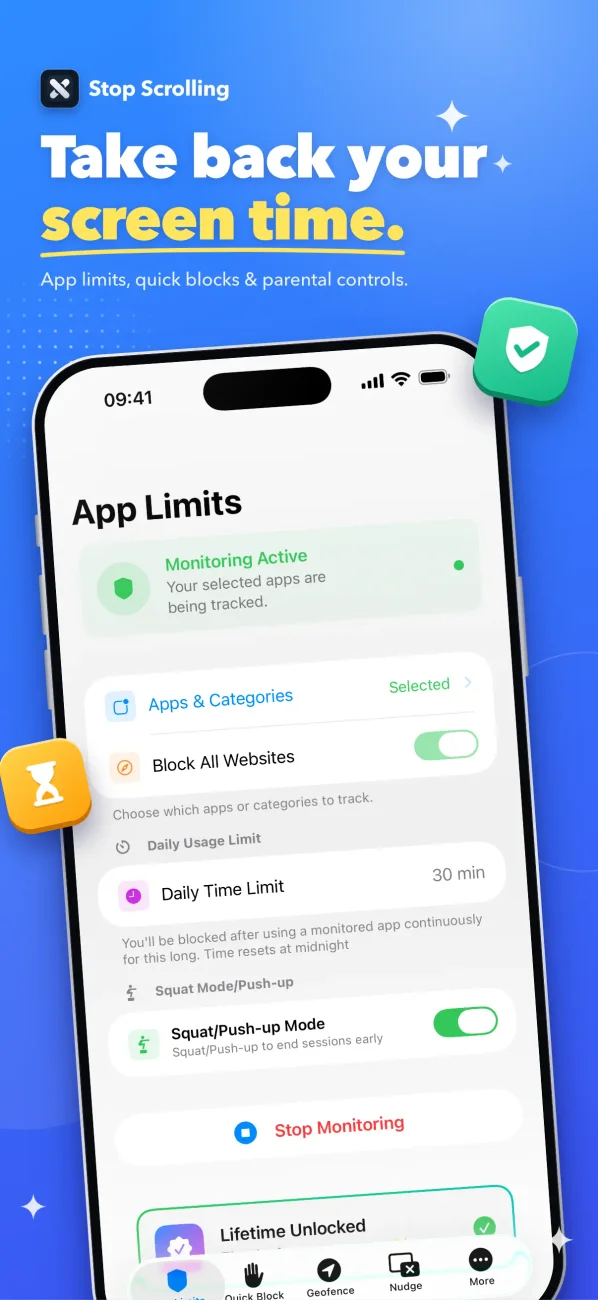
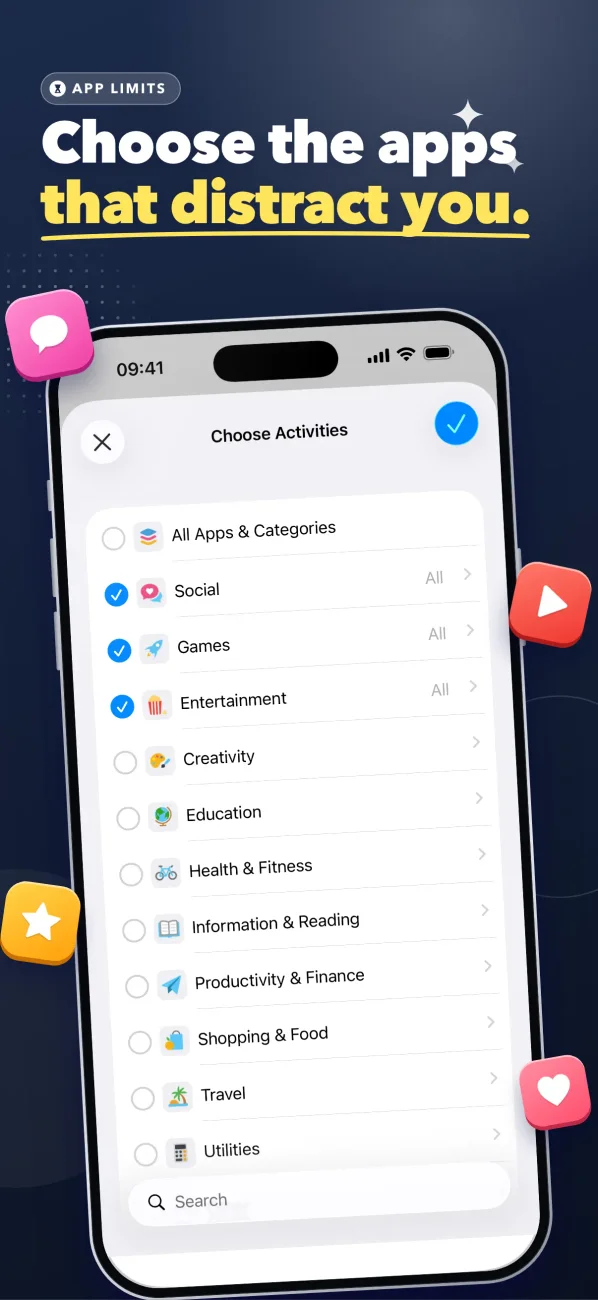
• App Limits — pick the apps that distract you and set a daily time limit
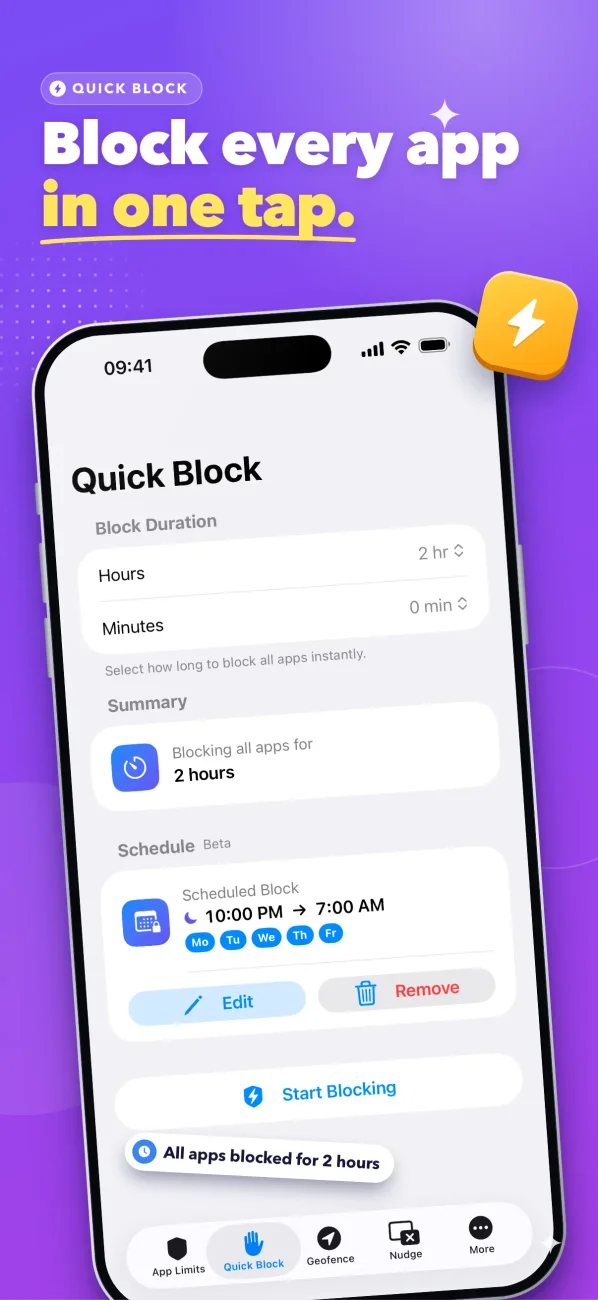
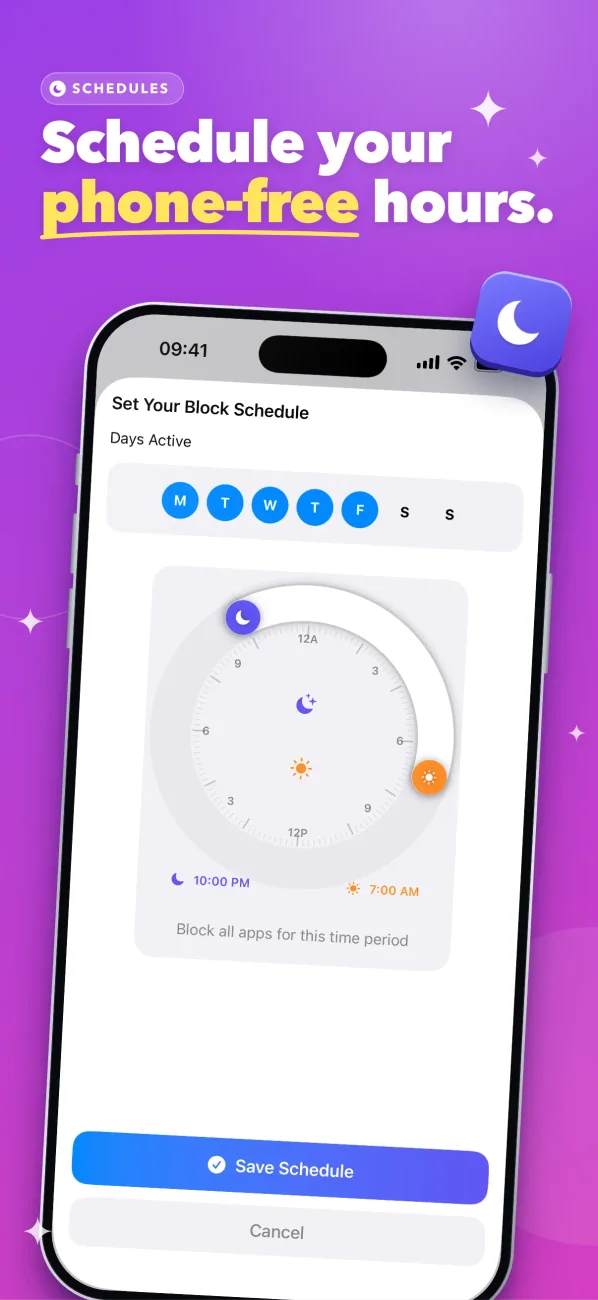
• Quick Block — block distracting apps right now, for as long as you choose
• Nudge — get intercepted before a distracting app opens
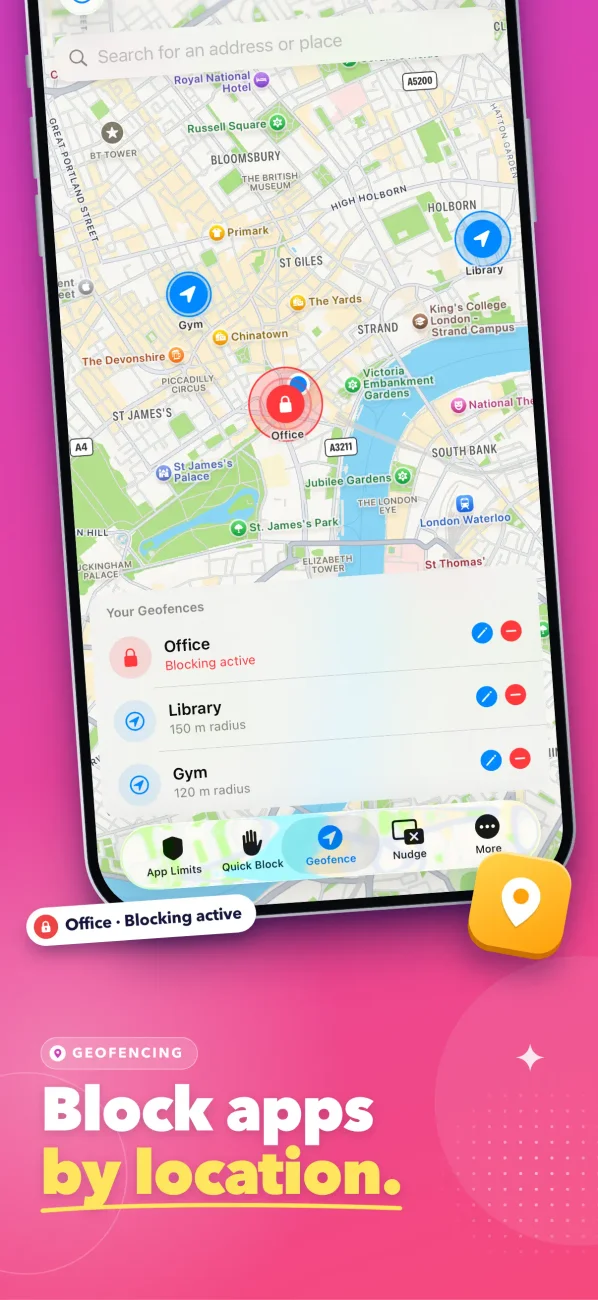
• Geofence — block apps automatically when you arrive somewhere
• Squat & Push-Up Mode — earn your way back in with real movement
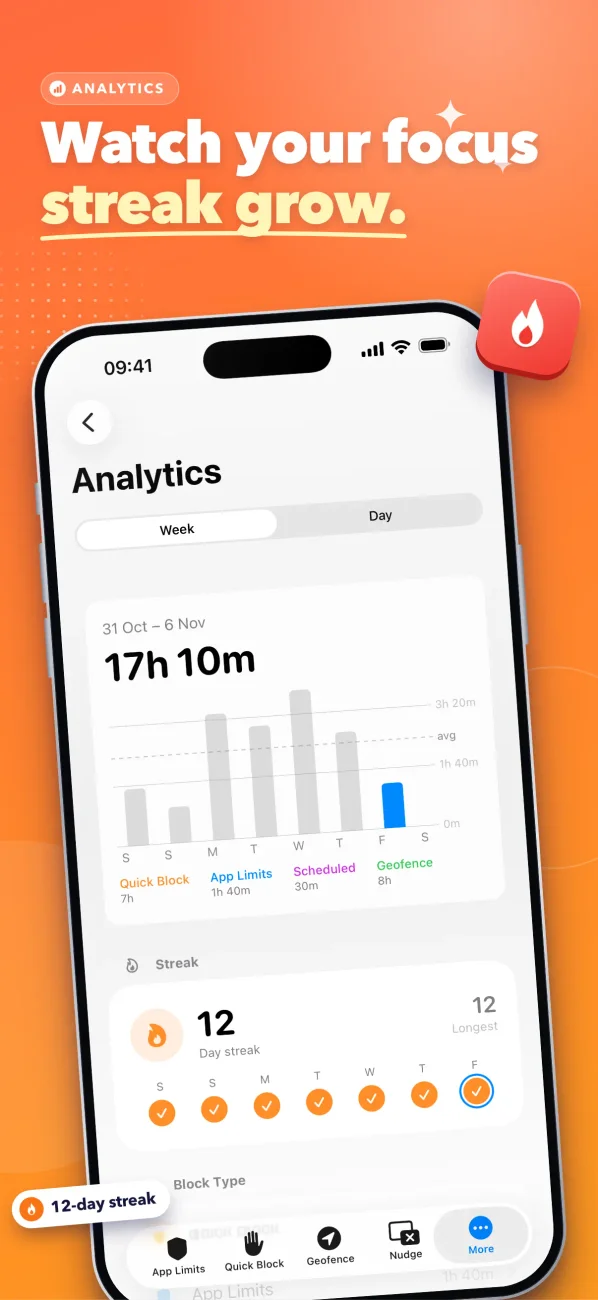
• Analytics — see your blocking history and focus streaks
PAY ONCE
Premium unlocks with a single one-time purchase. No subscription, ever.
PARENTAL CONTROLS — WHAT YOU NEED
• Your child's iPhone must be signed in to their own Apple Account, and that
account must be a child in your Family Sharing group.
• Setup runs on your child's phone and needs Screen Time permission.
• Limit changes you make apply on your child's iPhone the next time the app
runs there.
• Parental controls are part of the one-time Premium unlock.
Stop Scrolling uses Apple's Screen Time (Family Controls) to apply limits. It
never sees which apps your child uses or what they do on their phone.
Yang baru
Versi 1.12 · 7/11/2026
We've made improvements to make your experience even better.
Privasi aplikasi
Yang dinyatakan Granular Development Limited di App Store tentang cara aplikasi ini menangani data.
-
Data tidak dikumpulkan
Pengembang tidak mengumpulkan data apa pun dari aplikasi ini.
Praktik privasi dapat bervariasi, misalnya berdasarkan fitur yang Anda gunakan atau usia Anda.
Informasi
- Penjual
- GRANULAR DEVELOPMENT LIMITED
- Kategori
- Produktivitas
- Versi
- 1.12
- Diperbarui
- 7/11/2026
- Dirilis
- 16/4/2026
- Ukuran
- 37,8 MB
- Memerlukan
- iOS 26.0 atau yang lebih baru
- Batasan usia
- 4+
- Harga
- Gratis
- Pembelian dalam aplikasi
- Ya
- Bahasa
- Inggris, Prancis, Jerman, Spanyol
- Hak cipta
- © Granular Development
Mungkin Anda juga suka
-
 Stop Scrolling!Produktivitas
-
 Kelso: Minimalist Dumb PhoneProduktivitas
-
 Mutely — App BlockerProduktivitas
-
 Stop Scrolling - Refocus LifeProduktivitas
-
 DoomSafe: Stop ScrollingProduktivitas
-
 LightScroll: Limit Screen TimeProduktivitas
-
 Wasted - Aware Screen TimeProduktivitas
-
 Solys: Batasi Durasi LayarAlarm pagi yang blokir medsos
-
 PDFページ整理 - 分割・抽出Produktivitas