
Stop Scrolling
Break the scroll cycle
iPhone, iPad için tasarlandı
Ücretsiz · Uygulama içi satın alma
- Yaş sınırı4+
- KategoriÜretkenlik
- GeliştiriciGranular Development Limited
- Dillerİngilizce+ 3 dil daha
- Boyut37,8 MB
Resmi App Store sayfasına bağlanır
Download.org, Stop Scrolling için hiçbir dosya barındırmaz. Düğme, uygulamanın App Store üzerindeki sayfasını açar; uygulamayı orada Granular Development Limited yayınlar. Sayfanın son kontrolü: 18.11.2026.
Ekran görüntüleri
Hakkında
Geliştirici bu metni dilinizde sunmamış.
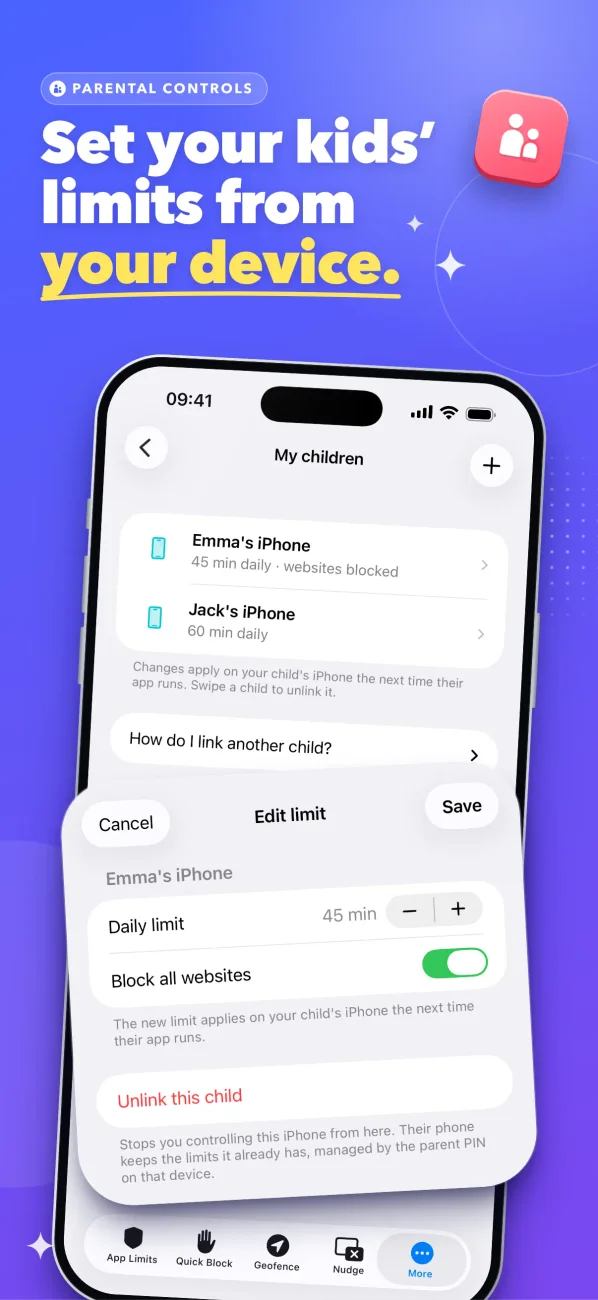
Take back control of your screen time — and help your kids do the same.
Stop Scrolling puts real limits on the apps that eat your day. And now it goes
further: you can set your child's daily app limit from your own iPhone.
NEW — PARENTAL CONTROLS
Set up your child's iPhone once, then manage their limits from yours. No more
borrowing their phone every time you want to change something.
• Set your child's daily app limit from your own iPhone
• Turn website blocking on or off remotely
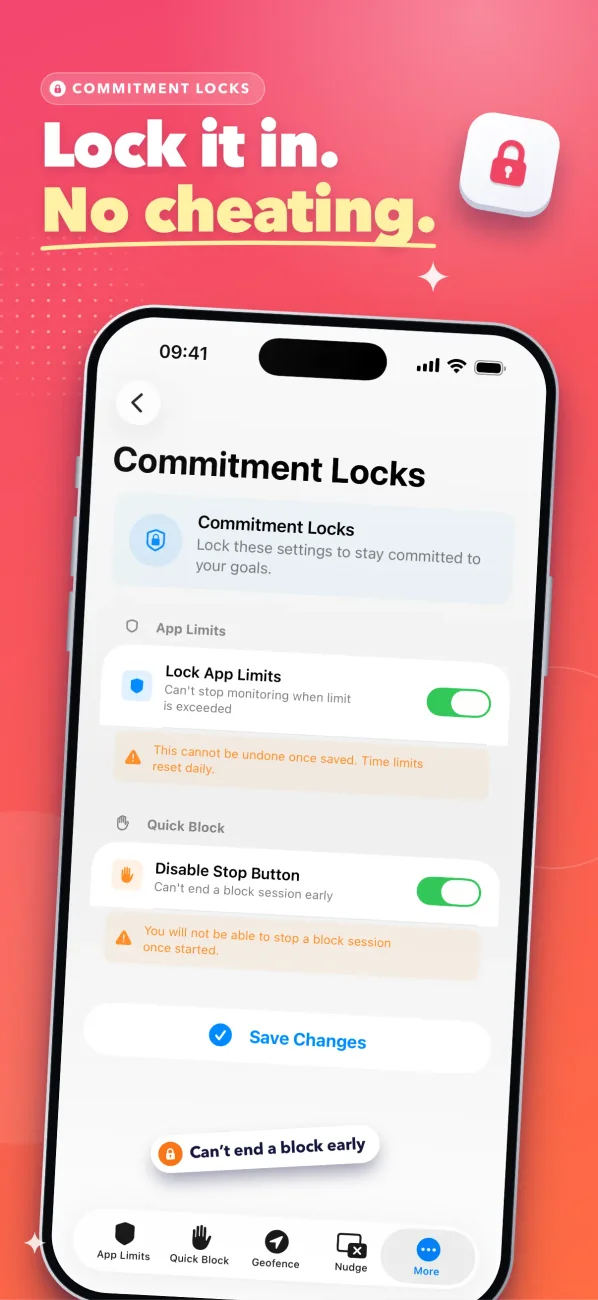
• Lock their settings behind a parent PIN only you know
• Link more than one child's phone
• Sign in with Apple — your children are still there on any iPhone you sign in
to, even after reinstalling
HOW IT WORKS
1. On your child's iPhone, install Stop Scrolling while it's signed in to their
Apple Account. Run the child setup: choose which apps to limit, set a daily
limit, and create a parent PIN.
2. Their phone shows a 6-digit code.
3. On your iPhone, open More → Parental controls → My children, sign in, and
enter that code.
From then on, you change their daily limit from your own phone.
FOR YOUR OWN SCREEN TIME
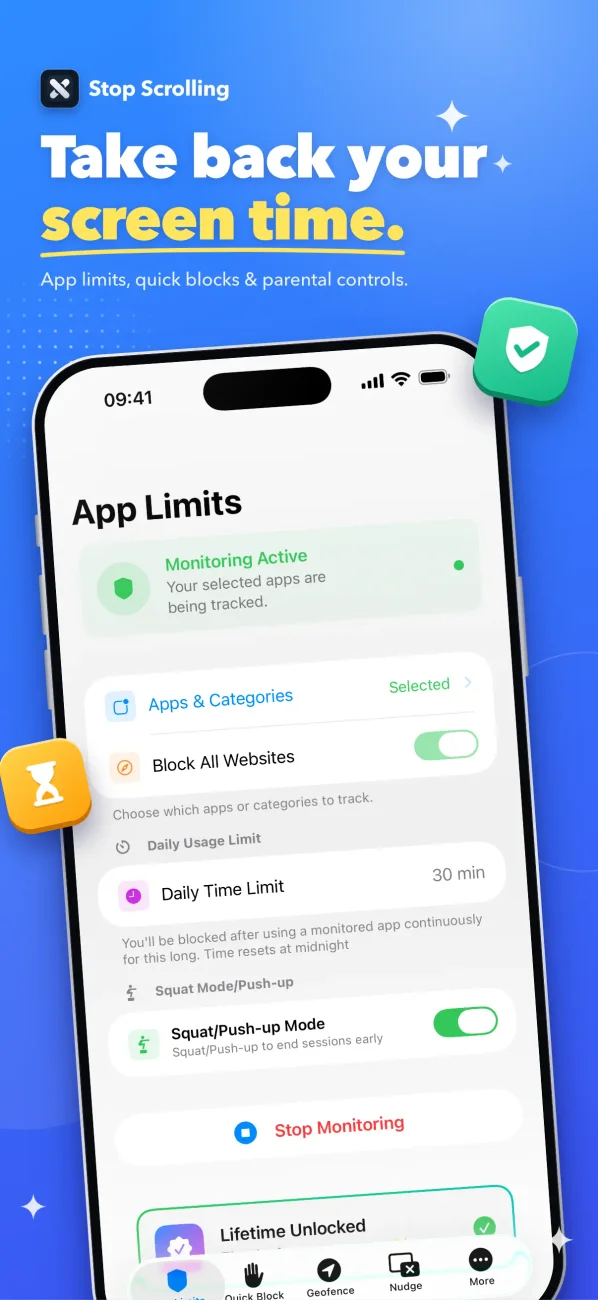
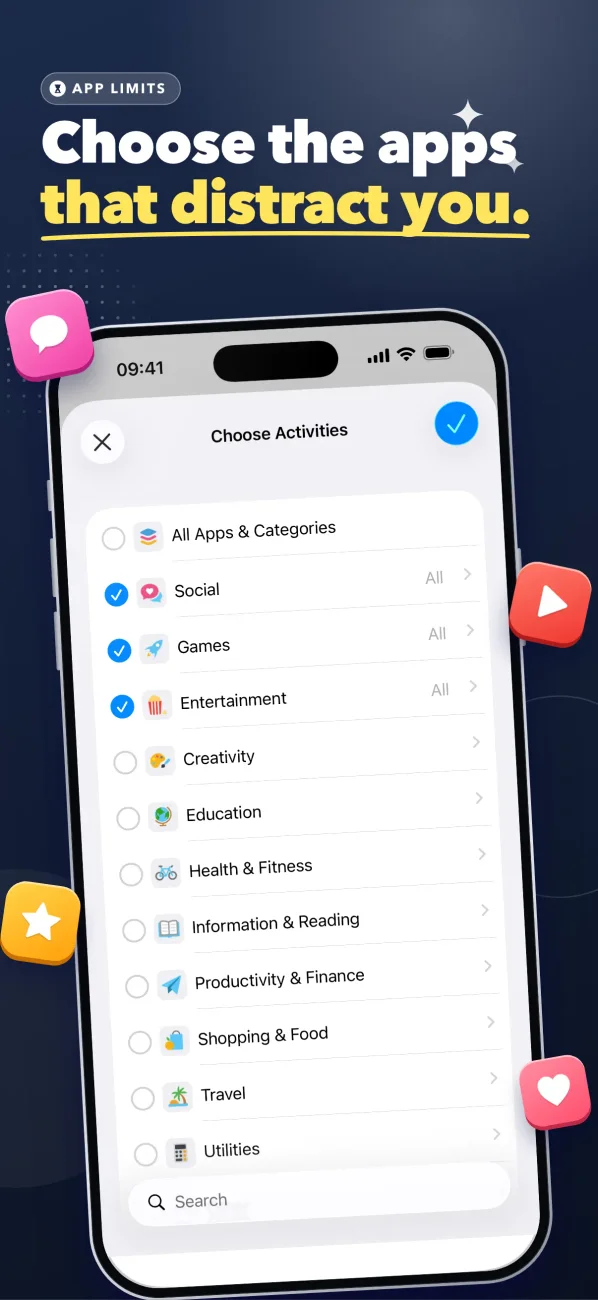
• App Limits — pick the apps that distract you and set a daily time limit
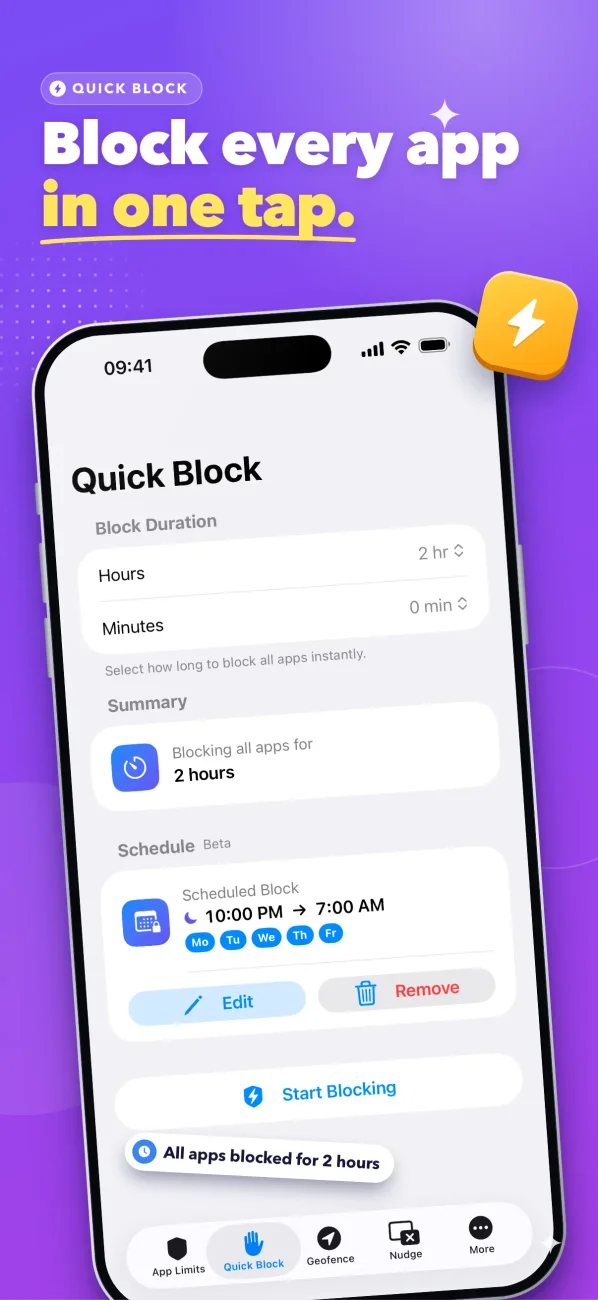
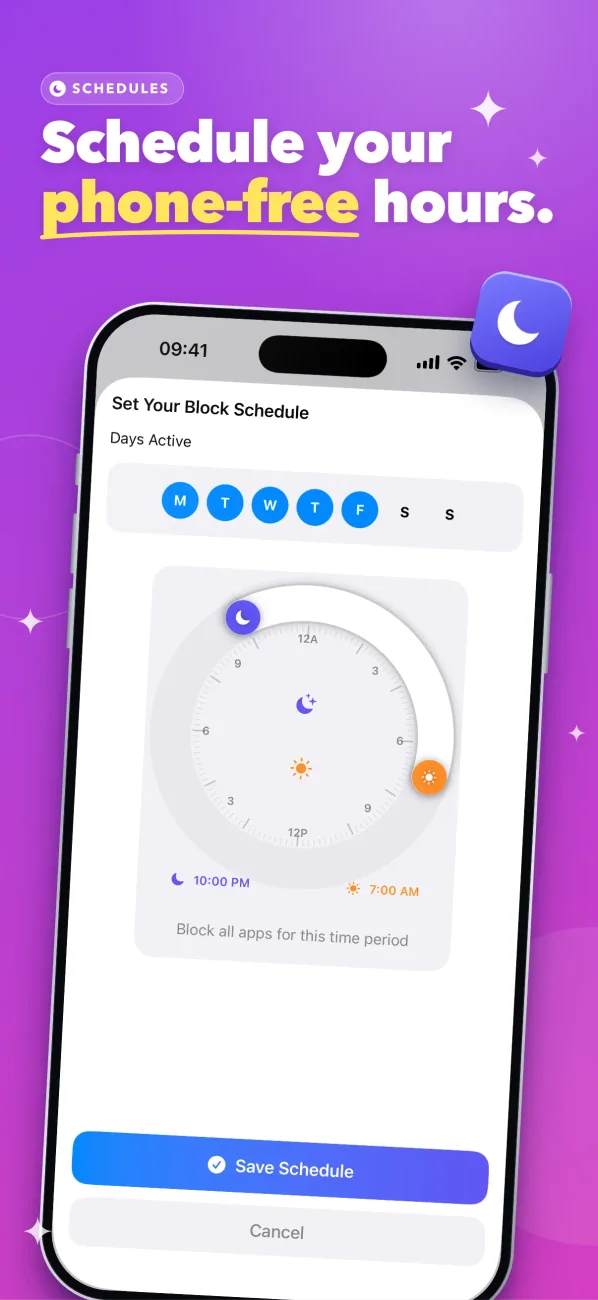
• Quick Block — block distracting apps right now, for as long as you choose
• Nudge — get intercepted before a distracting app opens
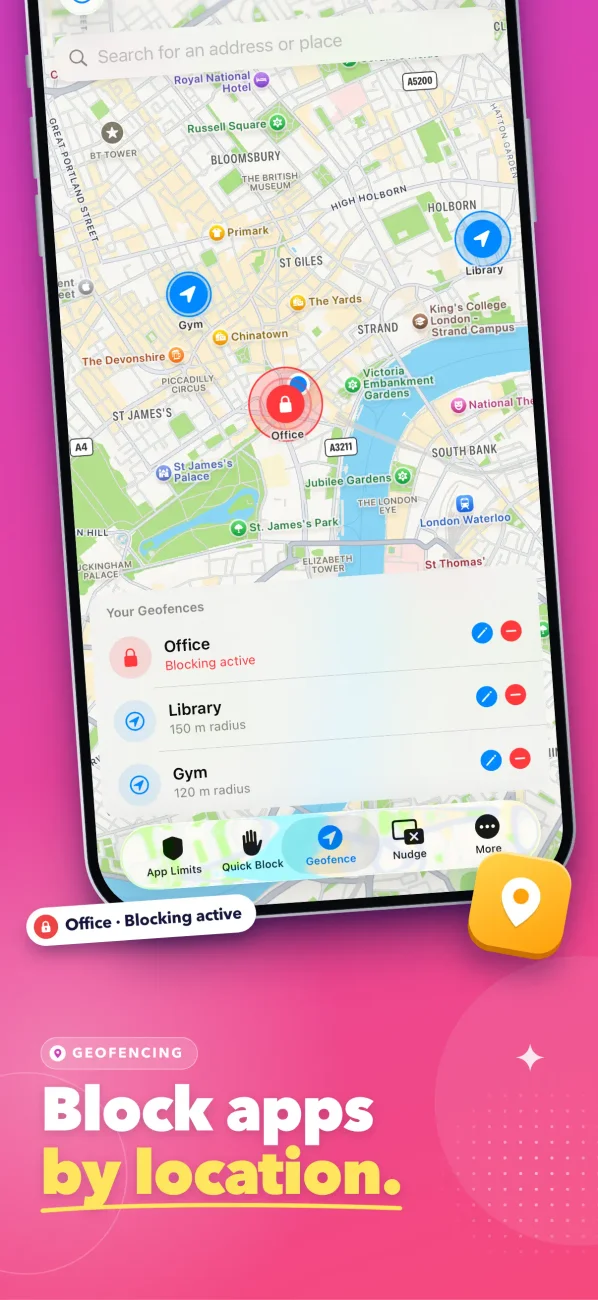
• Geofence — block apps automatically when you arrive somewhere
• Squat & Push-Up Mode — earn your way back in with real movement
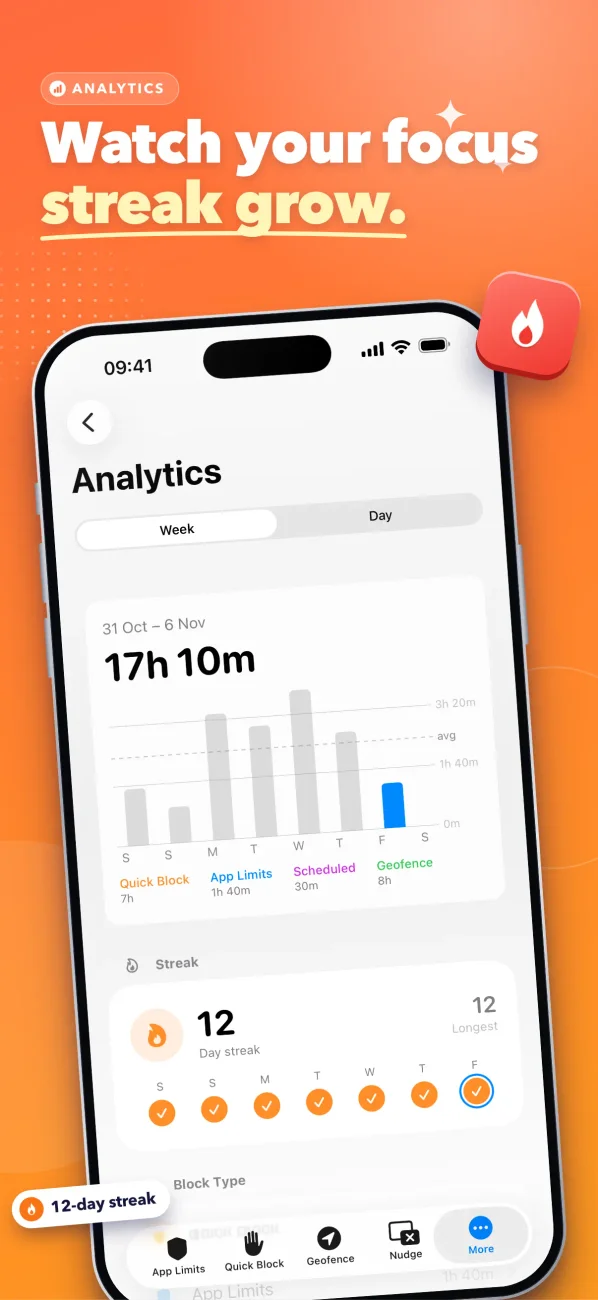
• Analytics — see your blocking history and focus streaks
PAY ONCE
Premium unlocks with a single one-time purchase. No subscription, ever.
PARENTAL CONTROLS — WHAT YOU NEED
• Your child's iPhone must be signed in to their own Apple Account, and that
account must be a child in your Family Sharing group.
• Setup runs on your child's phone and needs Screen Time permission.
• Limit changes you make apply on your child's iPhone the next time the app
runs there.
• Parental controls are part of the one-time Premium unlock.
Stop Scrolling uses Apple's Screen Time (Family Controls) to apply limits. It
never sees which apps your child uses or what they do on their phone.
Yenilikler
Sürüm 1.12 · 07.11.2026
We've made improvements to make your experience even better.
Uygulama gizliliği
Bu uygulamanın verileri nasıl işlediği hakkında Granular Development Limited tarafından App Store üzerinde yapılan beyan.
-
Veri toplanmıyor
Geliştirici bu uygulamadan hiçbir veri toplamıyor.
Gizlilik uygulamaları, örneğin kullandığınız özelliklere veya yaşınıza göre değişiklik gösterebilir.
Bilgiler
- Satıcı
- GRANULAR DEVELOPMENT LIMITED
- Kategori
- Üretkenlik
- Sürüm
- 1.12
- Güncellendi
- 07.11.2026
- Yayın tarihi
- 16.04.2026
- Boyut
- 37,8 MB
- Gereksinim
- iOS 26.0 veya sonrası
- Yaş sınırı
- 4+
- Fiyat
- Ücretsiz
- Uygulama içi satın alma
- Evet
- Diller
- İngilizce, Fransızca, Almanca, İspanyolca
- Telif hakkı
- © Granular Development
Bunları da beğenebilirsiniz
-
 Stop Scrolling!Üretkenlik
-
 Kelso: Minimalist Dumb PhoneÜretkenlik
-
 Mutely — App BlockerÜretkenlik
-
 Kaydırmayı DurdurEkran Süresi Kontrolü
-
 DoomSafe: Stop ScrollingÜretkenlik
-
 LightScroll: Limit Screen TimeÜretkenlik
-
 Wasted - Aware Screen TimeÜretkenlik
-
 Solys: Ekran KilitlemeTelefon bağımlılığı & detoks
-
 PDFページ整理 - 分割・抽出Üretkenlik