- 対象年齢4+
- カテゴリ仕事効率化
- 開発元Granular Development Limited
- 言語英語ほか3言語
- サイズ37.8 MB
App Storeの公式ページにリンクしています
Download.orgはStop Scrollingのファイルを一切ホストしていません。ボタンを押すと、Granular Development Limitedが公開しているApp Storeのアプリページが開きます。ページの最終確認:2026/11/18。
スクリーンショット
概要
開発元はこのテキストをお使いの言語で提供していません。
Take back control of your screen time — and help your kids do the same.
Stop Scrolling puts real limits on the apps that eat your day. And now it goes
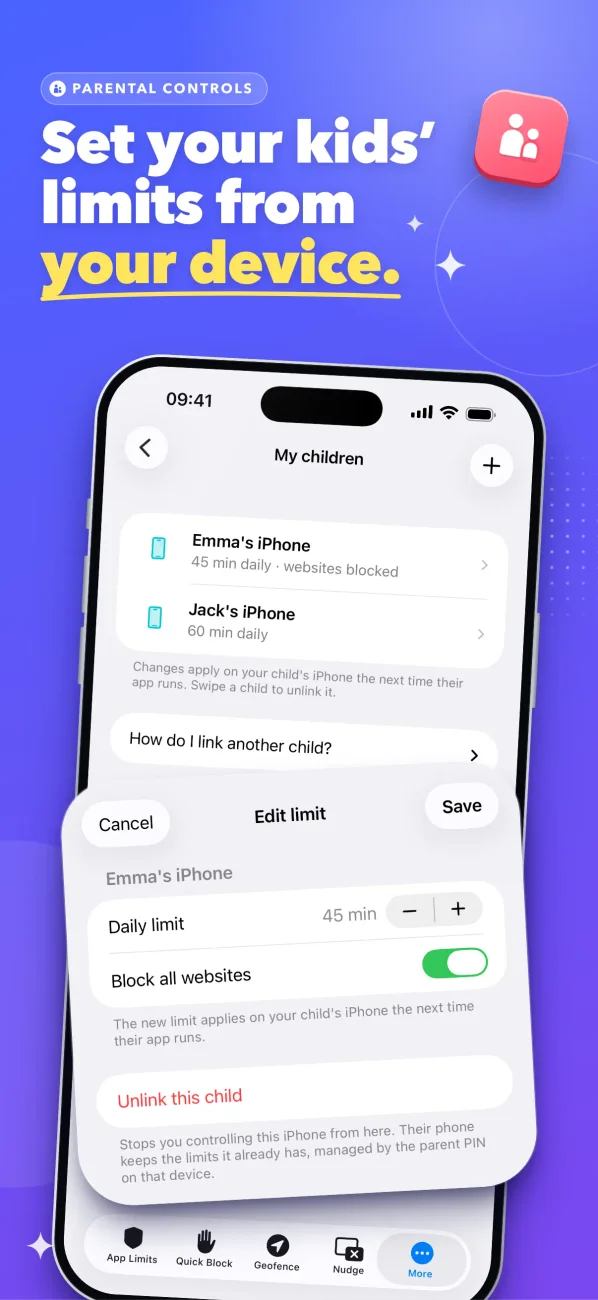
further: you can set your child's daily app limit from your own iPhone.
NEW — PARENTAL CONTROLS
Set up your child's iPhone once, then manage their limits from yours. No more
borrowing their phone every time you want to change something.
• Set your child's daily app limit from your own iPhone
• Turn website blocking on or off remotely
• Lock their settings behind a parent PIN only you know
• Link more than one child's phone
• Sign in with Apple — your children are still there on any iPhone you sign in
to, even after reinstalling
HOW IT WORKS
1. On your child's iPhone, install Stop Scrolling while it's signed in to their
Apple Account. Run the child setup: choose which apps to limit, set a daily
limit, and create a parent PIN.
2. Their phone shows a 6-digit code.
3. On your iPhone, open More → Parental controls → My children, sign in, and
enter that code.
From then on, you change their daily limit from your own phone.
FOR YOUR OWN SCREEN TIME
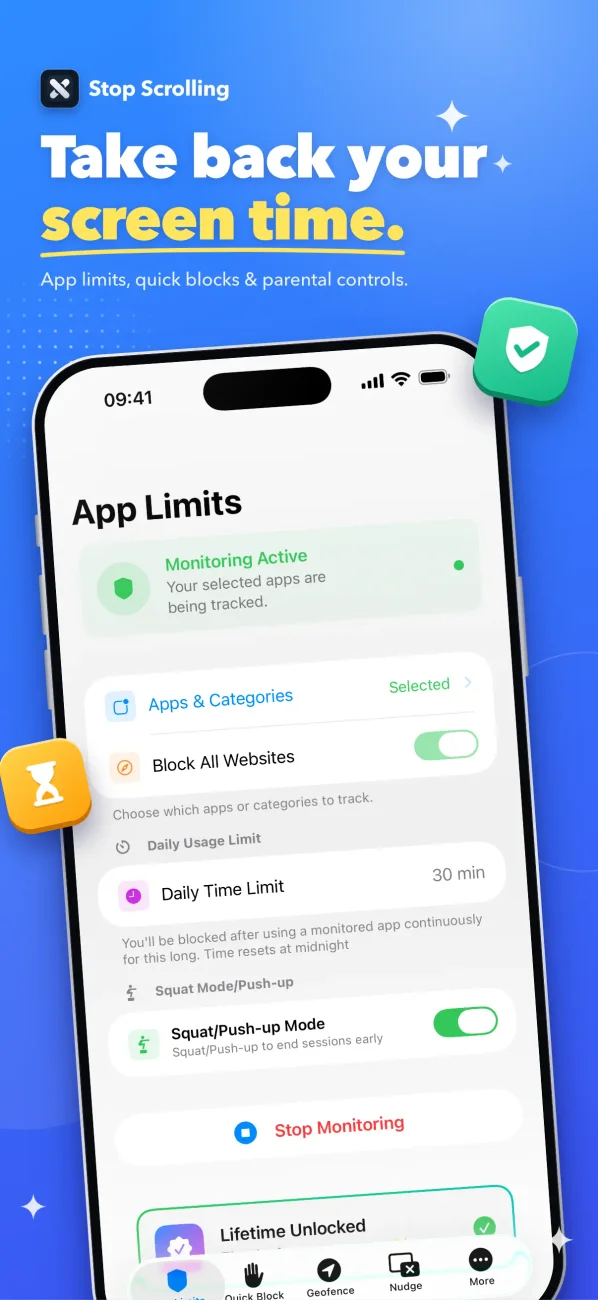
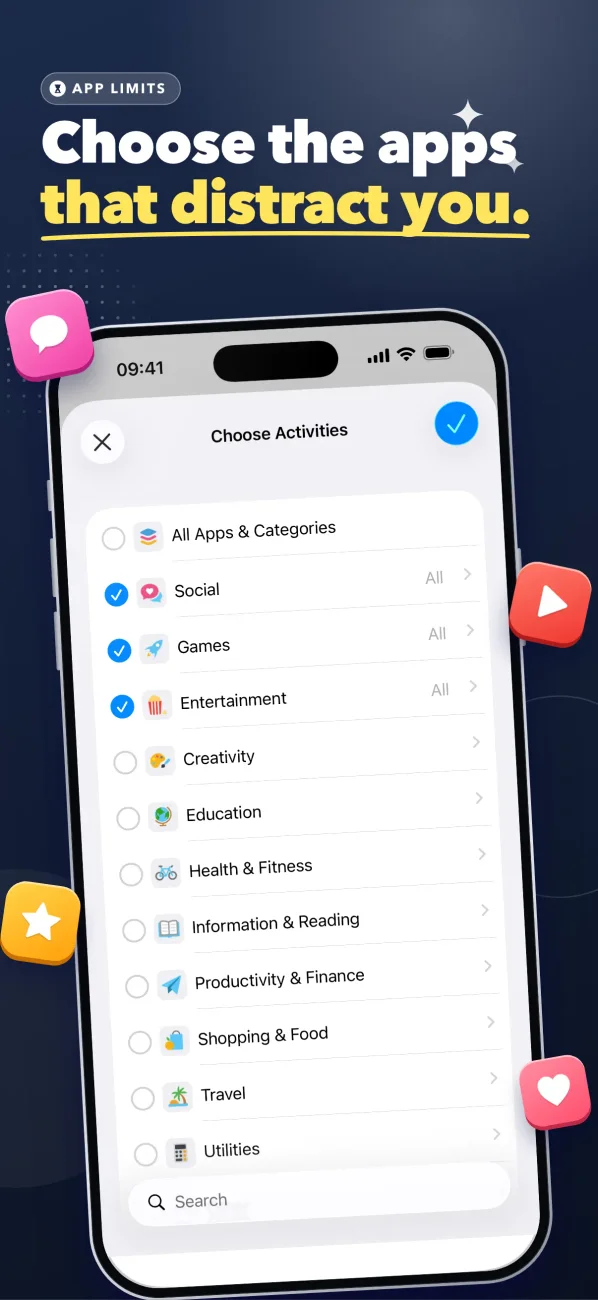
• App Limits — pick the apps that distract you and set a daily time limit
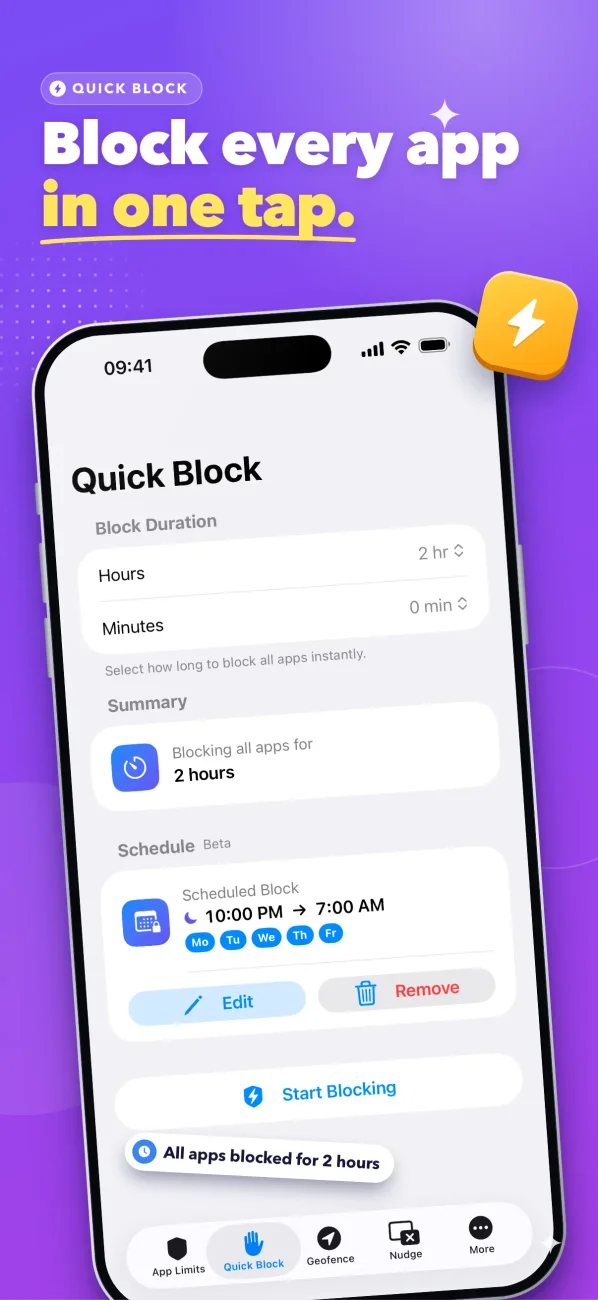
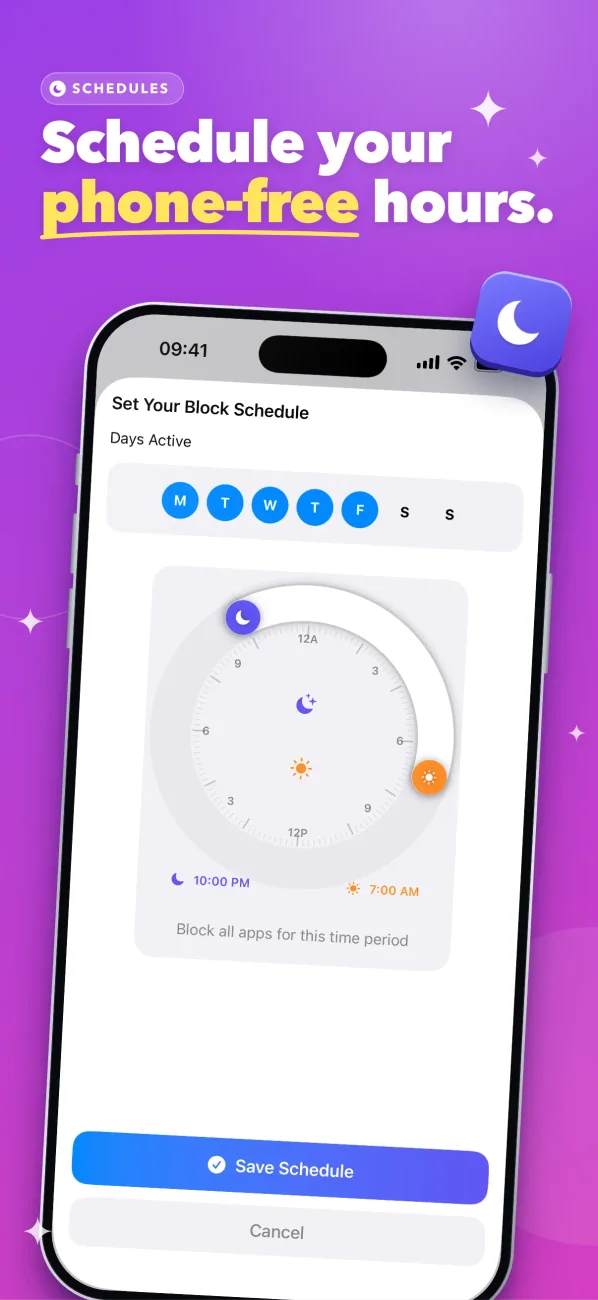
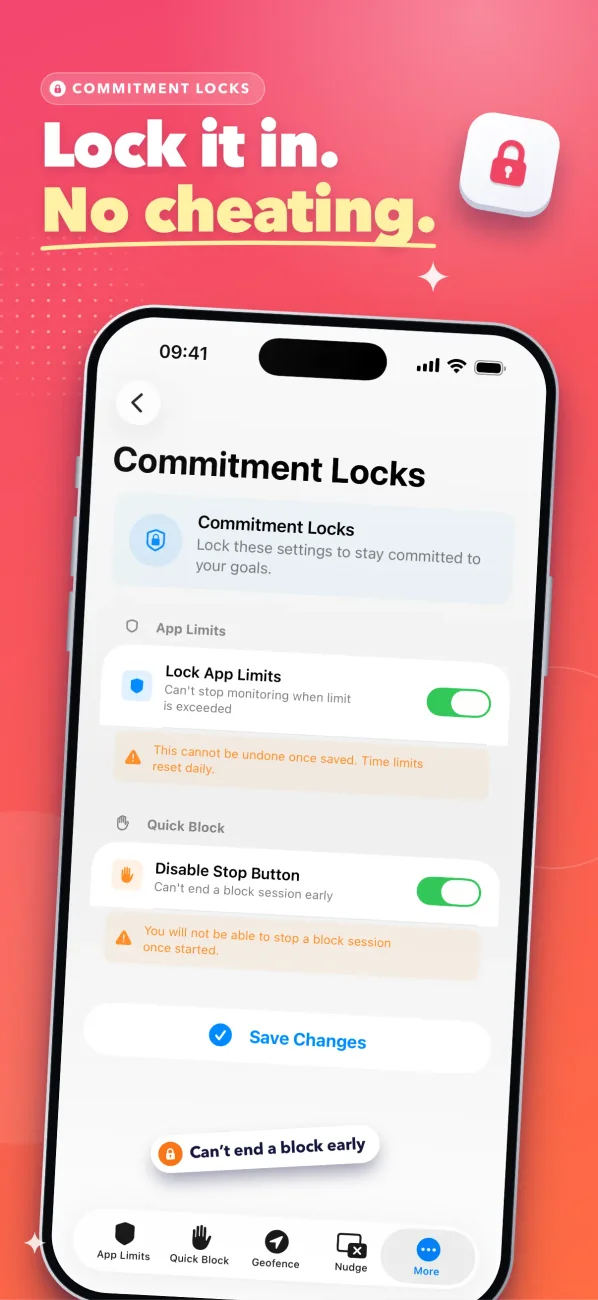
• Quick Block — block distracting apps right now, for as long as you choose
• Nudge — get intercepted before a distracting app opens
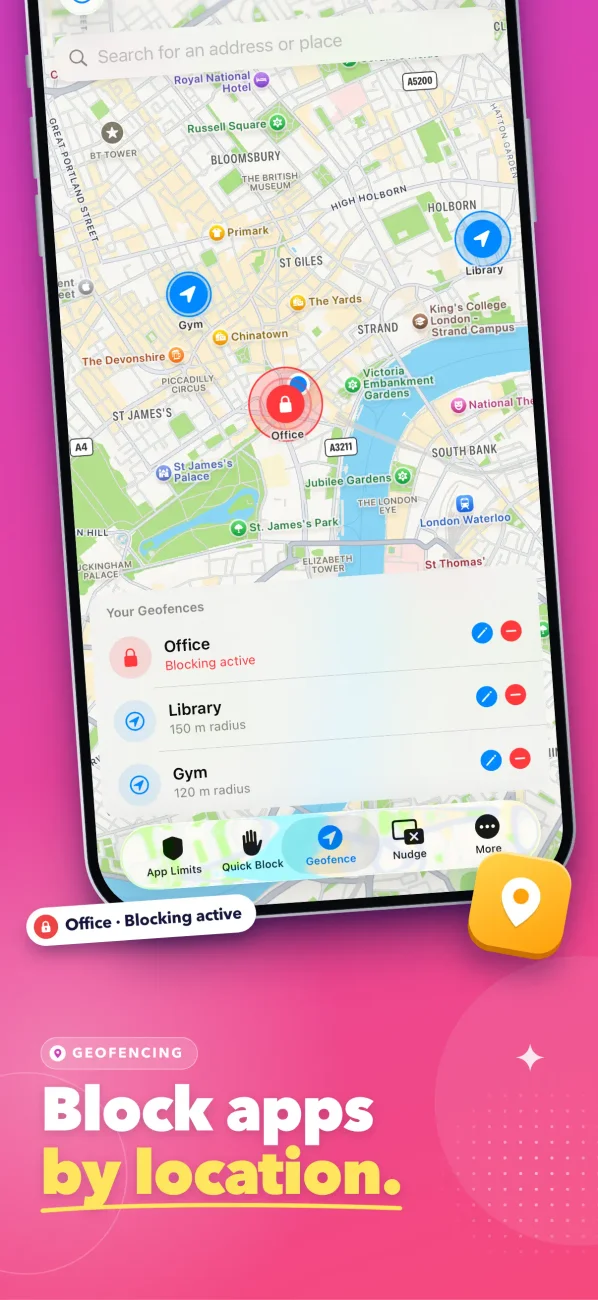
• Geofence — block apps automatically when you arrive somewhere
• Squat & Push-Up Mode — earn your way back in with real movement
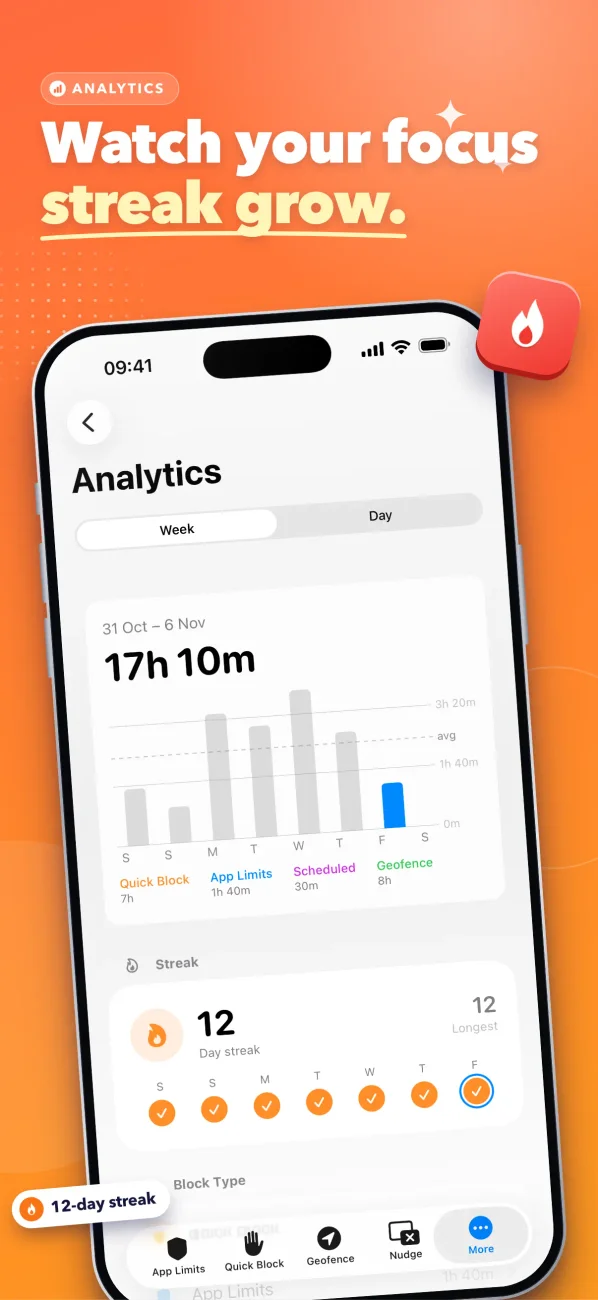
• Analytics — see your blocking history and focus streaks
PAY ONCE
Premium unlocks with a single one-time purchase. No subscription, ever.
PARENTAL CONTROLS — WHAT YOU NEED
• Your child's iPhone must be signed in to their own Apple Account, and that
account must be a child in your Family Sharing group.
• Setup runs on your child's phone and needs Screen Time permission.
• Limit changes you make apply on your child's iPhone the next time the app
runs there.
• Parental controls are part of the one-time Premium unlock.
Stop Scrolling uses Apple's Screen Time (Family Controls) to apply limits. It
never sees which apps your child uses or what they do on their phone.
新機能
バージョン 1.12 · 2026/11/7
We've made improvements to make your experience even better.
アプリのプライバシー
このアプリのデータの取り扱いについて、Granular Development LimitedがApp Storeで申告している内容です。
-
データの収集なし
開発元はこのアプリからデータを収集しません。
プライバシーの取り扱いは、ご利用の機能やお客様の年齢などに応じて異なる場合があります。
情報
- 販売元
- GRANULAR DEVELOPMENT LIMITED
- カテゴリ
- 仕事効率化
- バージョン
- 1.12
- 更新日
- 2026/11/7
- リリース
- 2026/4/16
- サイズ
- 37.8 MB
- 必要条件
- iOS 26.0以降
- 対象年齢
- 4+
- 価格
- 無料
- アプリ内課金
- あり
- 言語
- 英語, フランス語, ドイツ語, スペイン語
- 著作権
- © Granular Development