
Stop Scrolling
Break the scroll cycle
Được thiết kế cho iPhone, iPad
Miễn phí · Mua hàng trong ứng dụng
- Độ tuổi4+
- Danh mụcHiệu Suất
- Nhà phát triểnGranular Development Limited
- Ngôn ngữTiếng Anh+ 3 ngôn ngữ khác
- Kích thước37,8 MB
Liên kết đến trang App Store chính thức
Download.org không lưu trữ tệp nào của Stop Scrolling. Nút này mở trang ứng dụng trên App Store, nơi Granular Development Limited phát hành ứng dụng. Trang được kiểm tra lần cuối: 18/11/2026.
Ảnh chụp màn hình
Giới thiệu
Nhà phát triển chưa cung cấp nội dung này bằng ngôn ngữ của bạn.
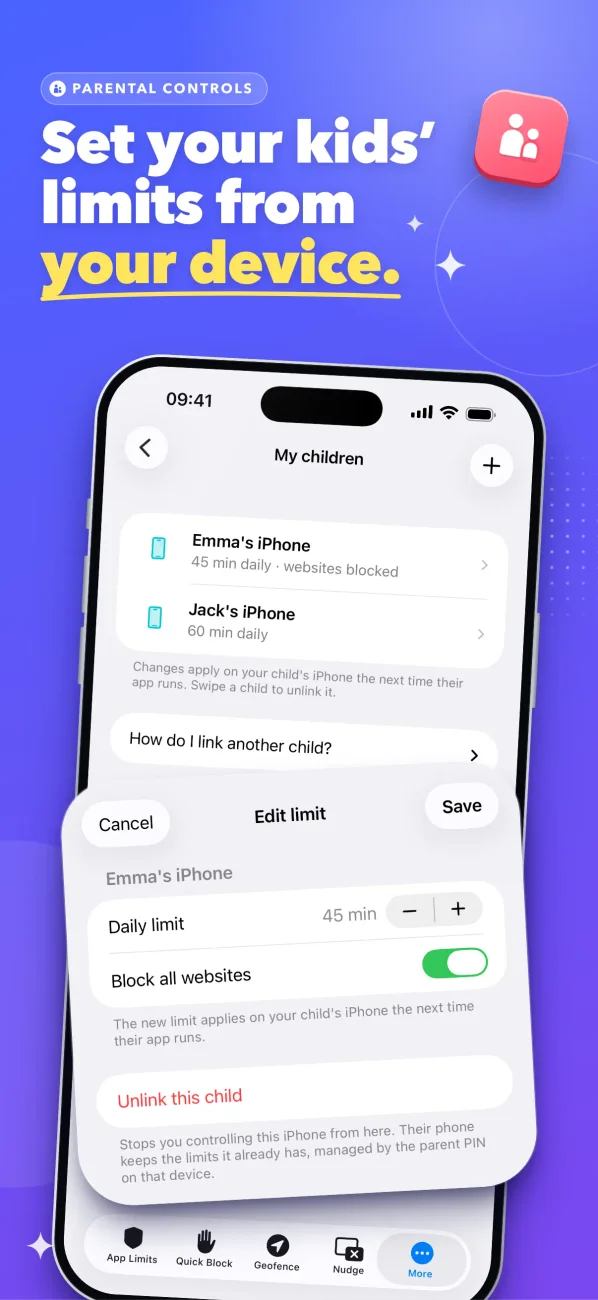
Take back control of your screen time — and help your kids do the same.
Stop Scrolling puts real limits on the apps that eat your day. And now it goes
further: you can set your child's daily app limit from your own iPhone.
NEW — PARENTAL CONTROLS
Set up your child's iPhone once, then manage their limits from yours. No more
borrowing their phone every time you want to change something.
• Set your child's daily app limit from your own iPhone
• Turn website blocking on or off remotely
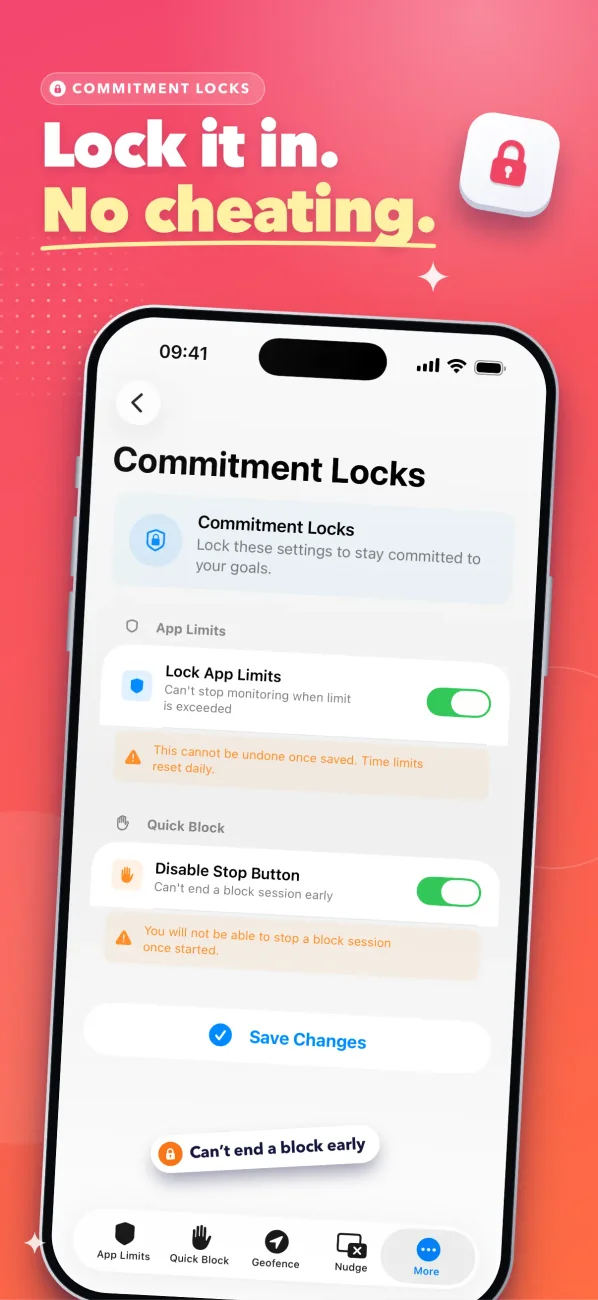
• Lock their settings behind a parent PIN only you know
• Link more than one child's phone
• Sign in with Apple — your children are still there on any iPhone you sign in
to, even after reinstalling
HOW IT WORKS
1. On your child's iPhone, install Stop Scrolling while it's signed in to their
Apple Account. Run the child setup: choose which apps to limit, set a daily
limit, and create a parent PIN.
2. Their phone shows a 6-digit code.
3. On your iPhone, open More → Parental controls → My children, sign in, and
enter that code.
From then on, you change their daily limit from your own phone.
FOR YOUR OWN SCREEN TIME
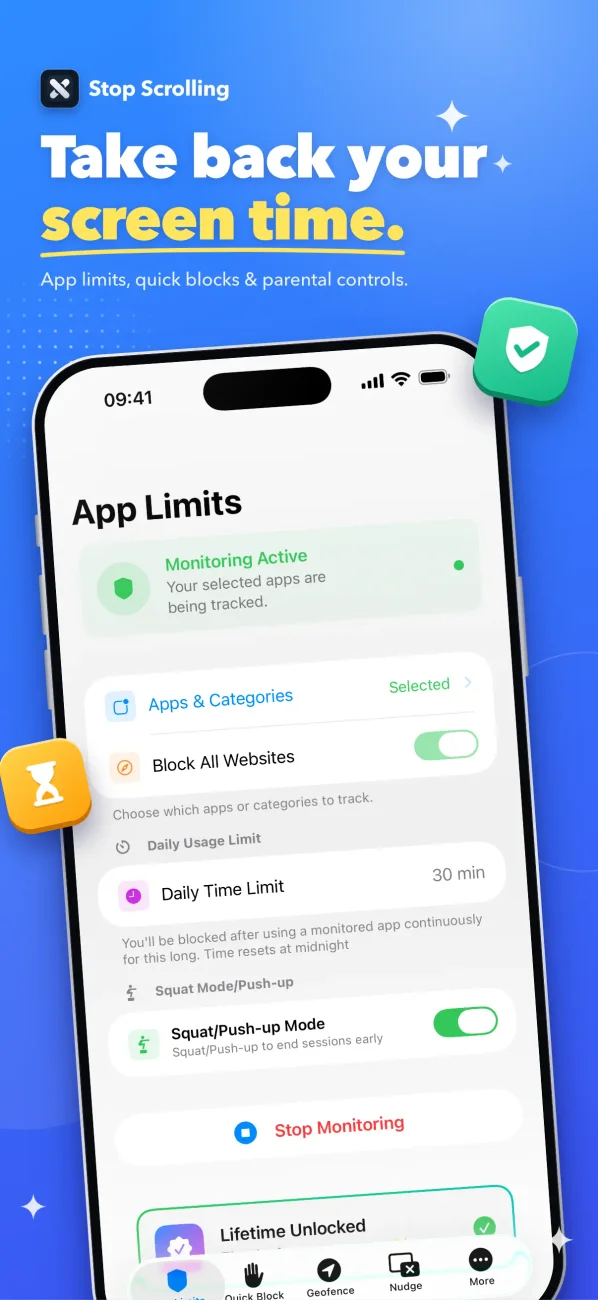
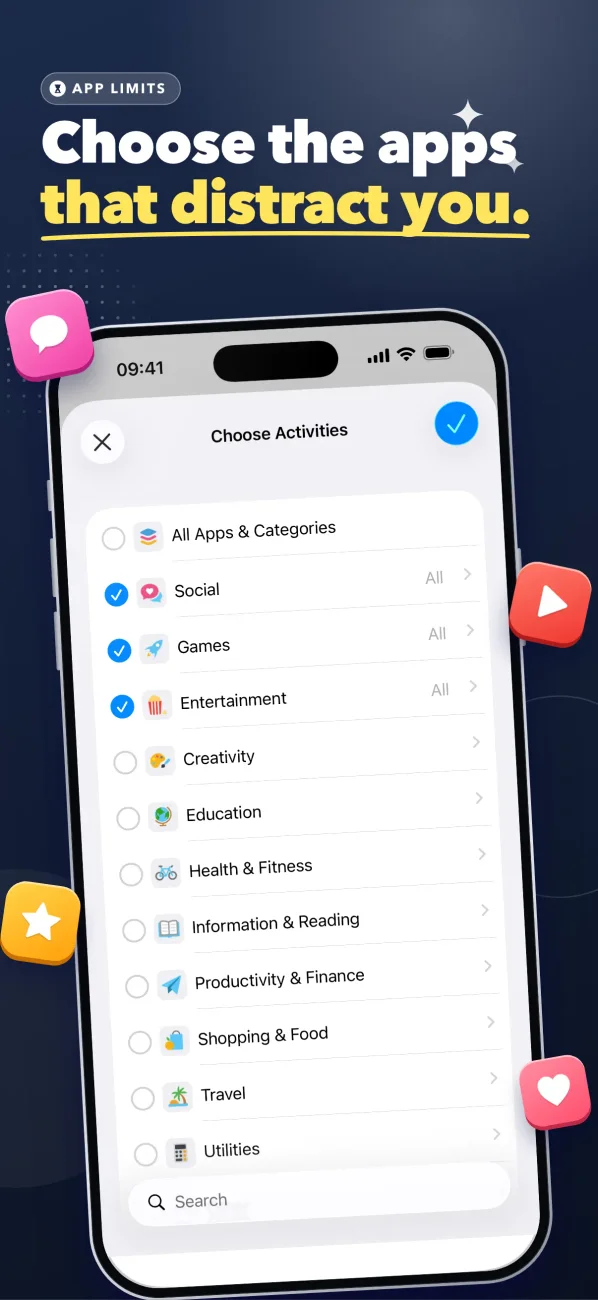
• App Limits — pick the apps that distract you and set a daily time limit
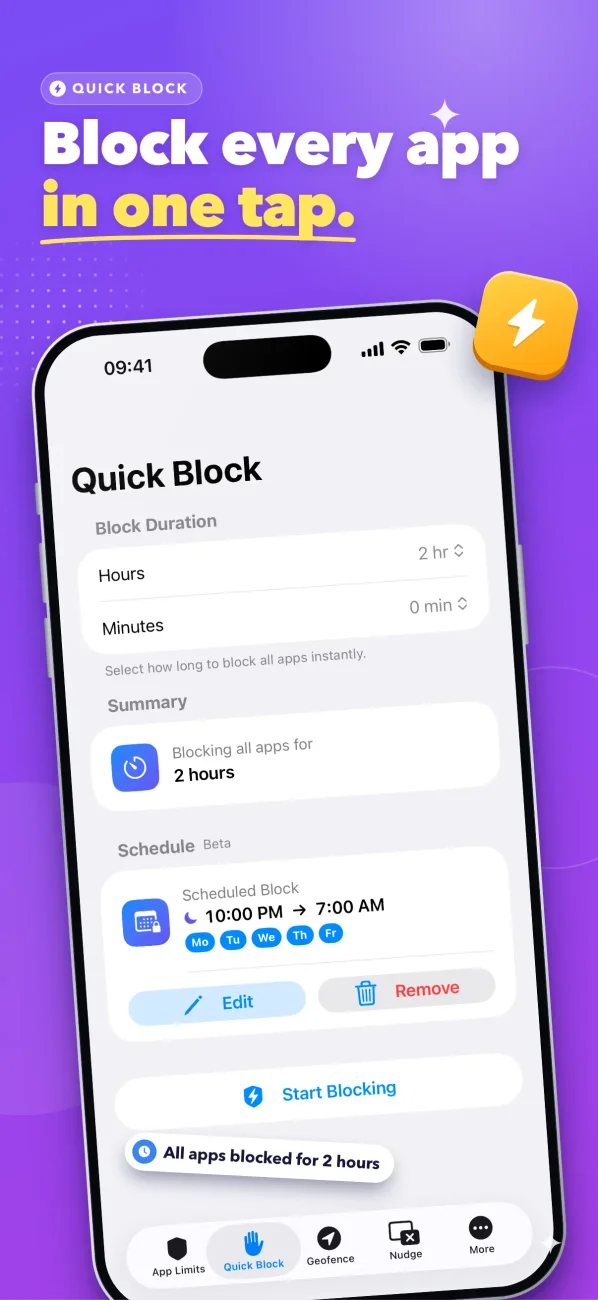
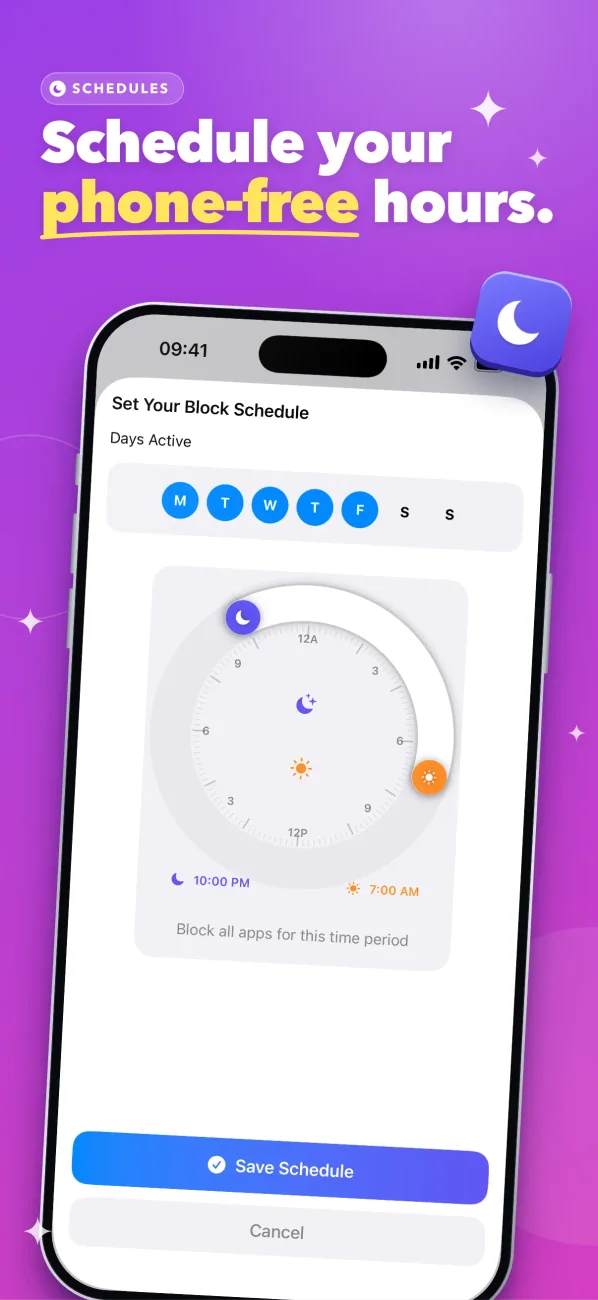
• Quick Block — block distracting apps right now, for as long as you choose
• Nudge — get intercepted before a distracting app opens
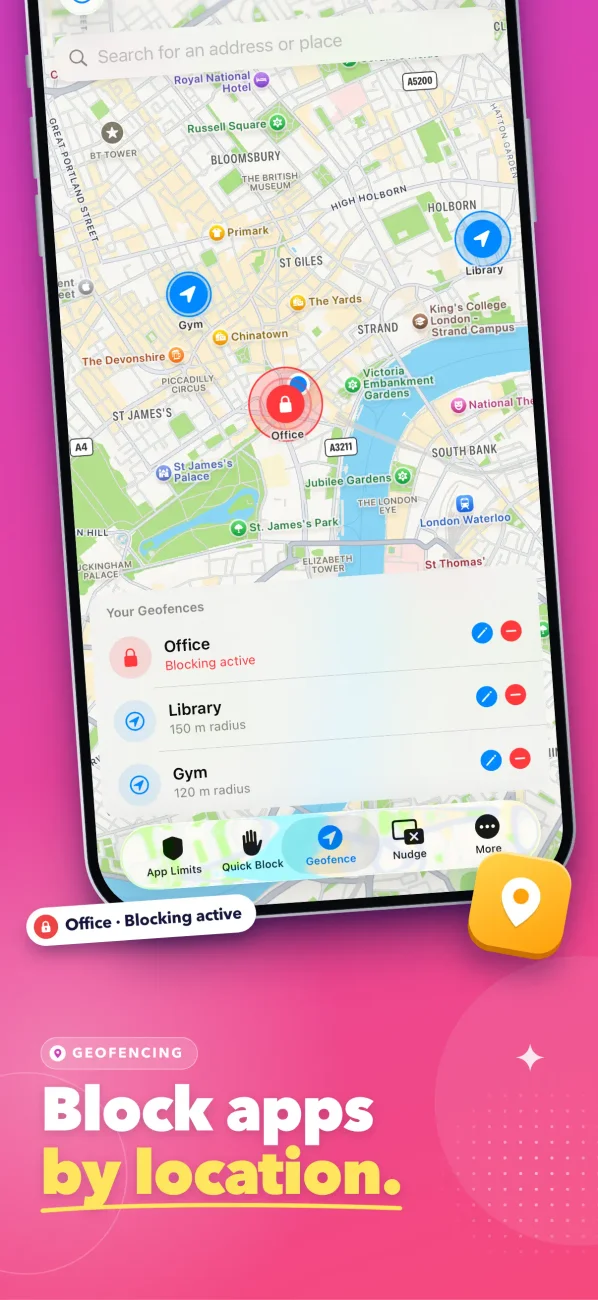
• Geofence — block apps automatically when you arrive somewhere
• Squat & Push-Up Mode — earn your way back in with real movement
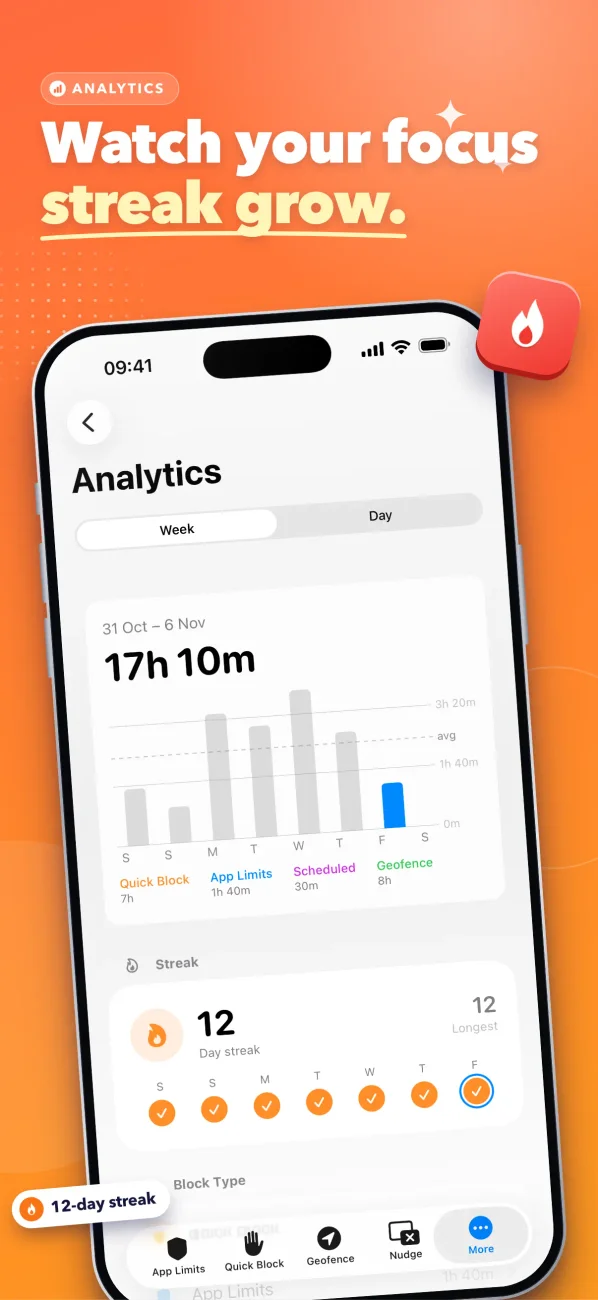
• Analytics — see your blocking history and focus streaks
PAY ONCE
Premium unlocks with a single one-time purchase. No subscription, ever.
PARENTAL CONTROLS — WHAT YOU NEED
• Your child's iPhone must be signed in to their own Apple Account, and that
account must be a child in your Family Sharing group.
• Setup runs on your child's phone and needs Screen Time permission.
• Limit changes you make apply on your child's iPhone the next time the app
runs there.
• Parental controls are part of the one-time Premium unlock.
Stop Scrolling uses Apple's Screen Time (Family Controls) to apply limits. It
never sees which apps your child uses or what they do on their phone.
Có gì mới
Phiên bản 1.12 · 07/11/2026
We've made improvements to make your experience even better.
Quyền riêng tư của ứng dụng
Những gì Granular Development Limited khai báo trên App Store về cách ứng dụng này xử lý dữ liệu.
-
Dữ liệu không được thu thập
Nhà phát triển không thu thập bất kỳ dữ liệu nào từ ứng dụng này.
Phương thức đảm bảo quyền riêng tư có thể khác nhau, chẳng hạn như tuỳ theo các tính năng bạn sử dụng hoặc độ tuổi của bạn.
Thông tin
- Người bán
- GRANULAR DEVELOPMENT LIMITED
- Danh mục
- Hiệu Suất
- Phiên bản
- 1.12
- Cập nhật
- 07/11/2026
- Phát hành
- 16/04/2026
- Kích thước
- 37,8 MB
- Yêu cầu
- iOS 26.0 trở lên
- Độ tuổi
- 4+
- Giá
- Miễn phí
- Mua hàng trong ứng dụng
- Có
- Ngôn ngữ
- Tiếng Anh, Tiếng Pháp, Tiếng Đức, Tiếng Tây Ban Nha
- Bản quyền
- © Granular Development
Có thể bạn cũng thích
-
 Stop Scrolling!Hiệu Suất
-
 Kelso: Minimalist Dumb PhoneHiệu Suất
-
 Mutely — App BlockerHiệu Suất
-
 Stop Scrolling - Refocus LifeHiệu Suất
-
 DoomSafe: Stop ScrollingHiệu Suất
-
 LightScroll: Limit Screen TimeHiệu Suất
-
 Wasted - Aware Screen TimeHiệu Suất
-
 Solys: Chặn ứng dụng & MXHGiới hạn thời gian sử dụng
-
 PDFページ整理 - 分割・抽出Hiệu Suất