
Structured Outliner
Dirancang untuk iPhone, iPad
Gratis · Pembelian dalam aplikasi
- Batasan usia4+
- KategoriProduktivitas
- PengembangFelipe Carraro
- BahasaInggris
- Ukuran5,5 MB
Tertaut ke halaman resmi App Store
Download.org tidak menyimpan file Structured Outliner apa pun. Tombol ini membuka halaman aplikasi di App Store, tempat Felipe Carraro menerbitkannya. Halaman terakhir diperiksa pada 16/11/2026.
Tangkapan layar

Tentang
Pengembang belum menyediakan teks ini dalam bahasa Anda.
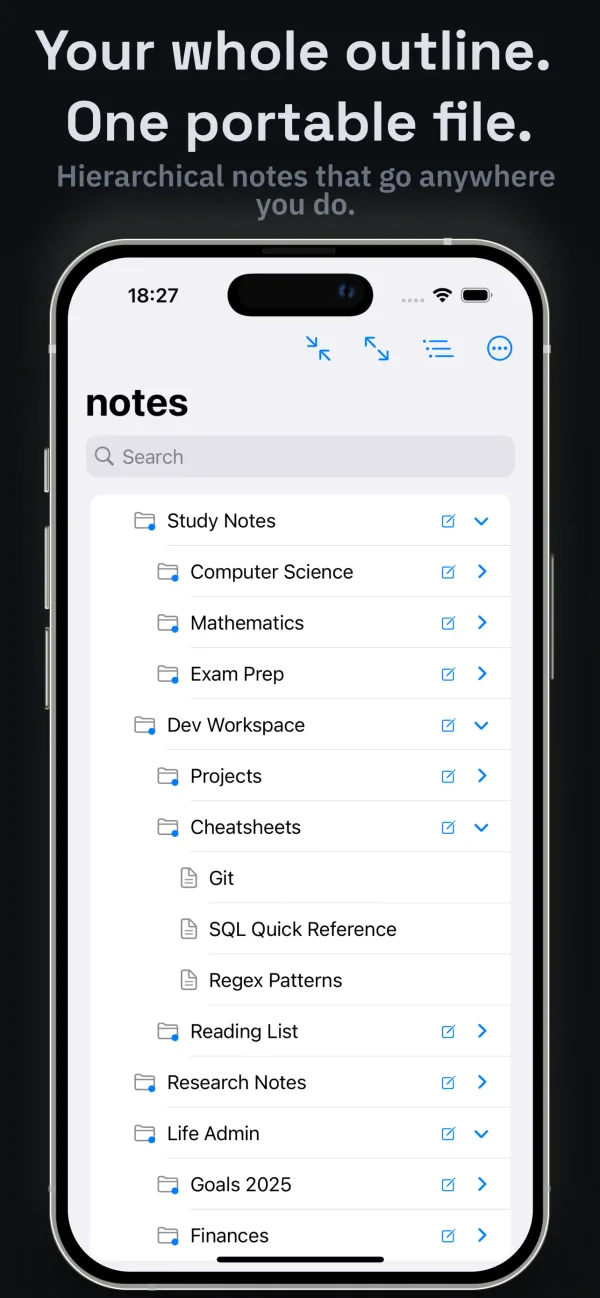
Keep your entire outline in a single portable file you control. No account, no server, no lock-in, future-proof.
ORGANIZE IN UNLIMITED DEPTH
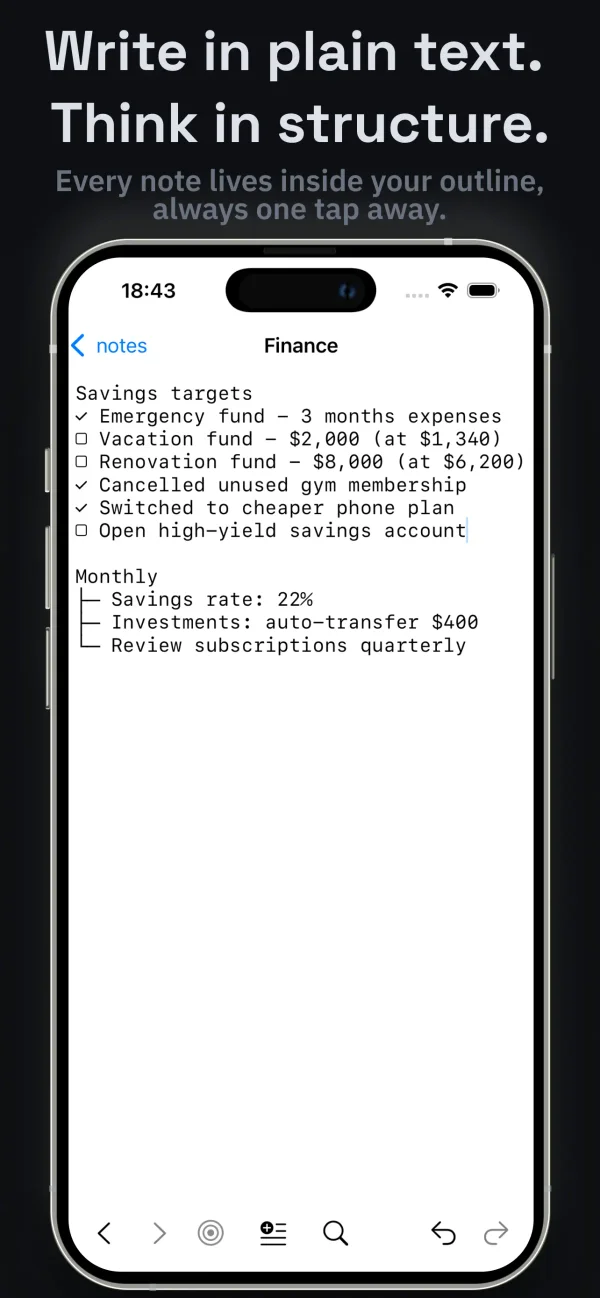
Build trees as deep as you need. Expand, collapse, and reorder topics with just a few taps. Every topic can have its own notes. Write as much or as little as you like.
SEARCH EVERYTHING
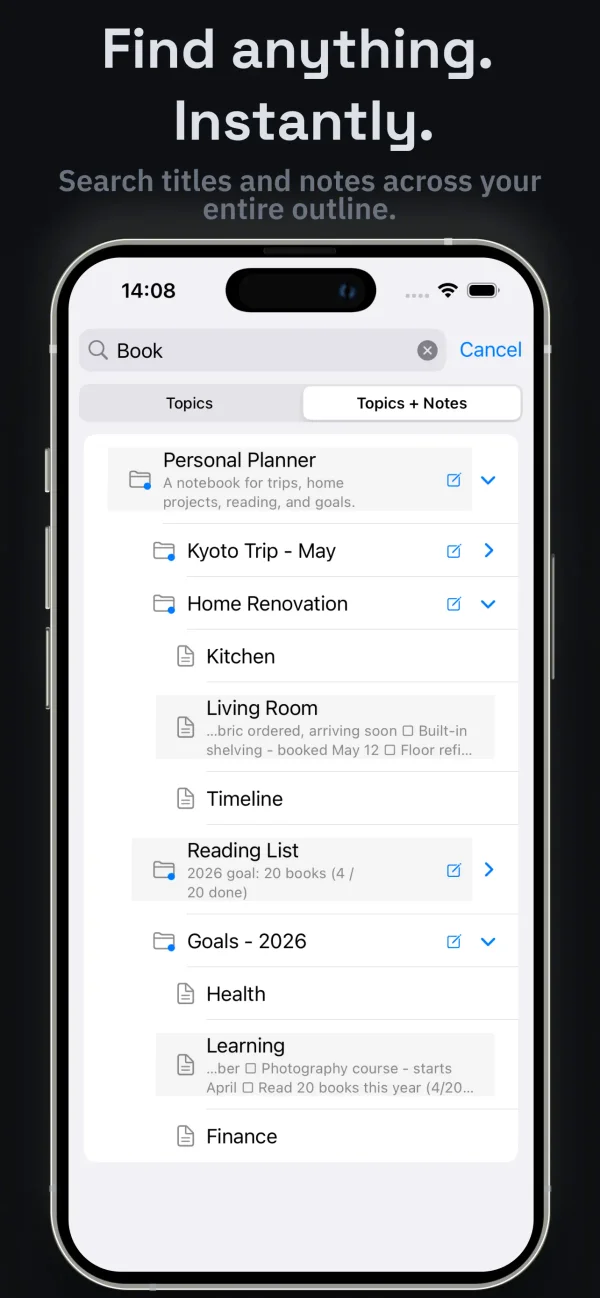
Search titles or note content at once. The tree expands automatically to show every match in context, so you always know where a result lives in your outline.
CROSS-LINK TOPICS
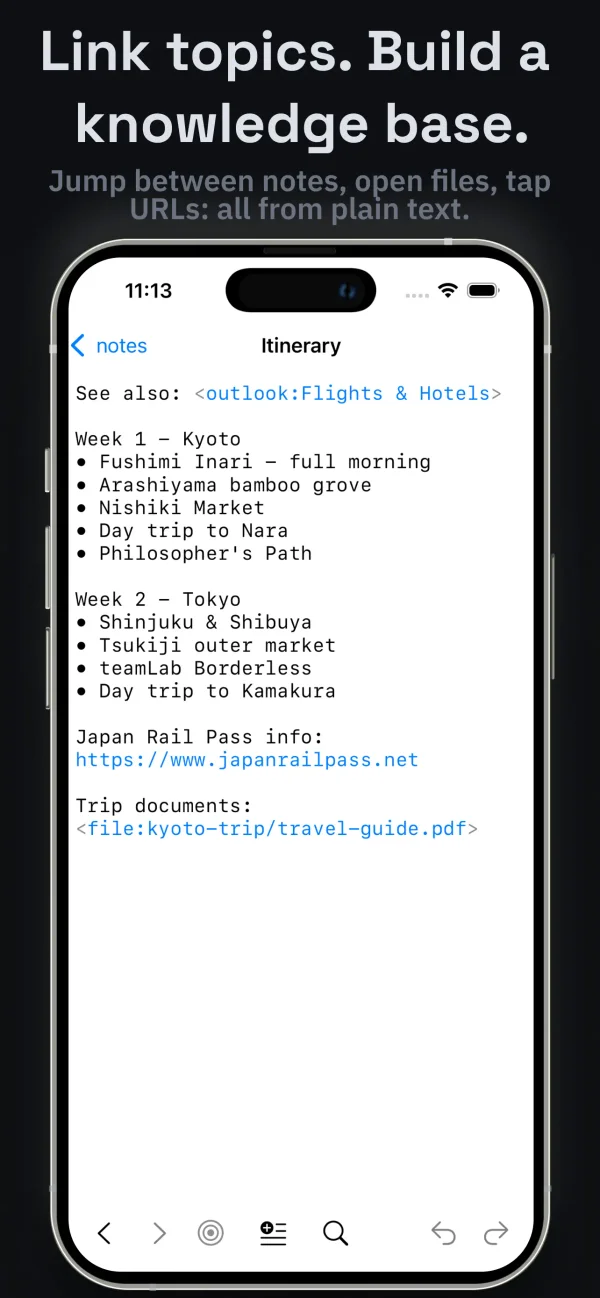
Link any note to another topic using the outlook: link format. Tap to jump directly there. Tap the back arrow to return where you came from.
OPEN FILES AND URLS
Tap any file path or URL inside a note to open it. Connect your outline to existing documents in the folder: PDFs, photos, or anything else you reference.
COLOR LABELS
Assign a background color to any topic: Red, Orange, Yellow, Green, Blue, or Purple. The color flows down to all child topics that don't have their own. Use it to visually separate sections at a glance.
AUTOMATIC BACKUPS
The app writes a .bak backup before every save. Restore at any time from the menu.
SYNC YOUR WAY
Store your file in iCloud, Dropbox, Google Drive, or any Files-compatible provider. Open it from there on each device. No special sync setup required.
MEMPAD COMPATIBLE
Structured Outliner uses the same .lst format as MemPad for Windows, a portable outliner that has been around since the early 2000s. Open existing MemPad files directly, no conversion needed.
FREE VERSION
Structured Outliner is free to use. Development is supported by a small banner ad shown at the bottom of the screen.
PRO VERSION
Upgrade to Pro to remove the banner ad, unlock Color Labels and Topic + Note Search and future planned features. One-time purchase. Restore on any device from the menu.
Yang baru
Versi 1.03 · 28/5/2026
- bugfix
Privasi aplikasi
Yang dinyatakan Felipe Carraro di App Store tentang cara aplikasi ini menangani data.
-
Data yang tidak ditautkan dengan Anda
Dapat dikumpulkan, tetapi tidak ditautkan dengan identitas Anda.
- Data penggunaan
Praktik privasi dapat bervariasi, misalnya berdasarkan fitur yang Anda gunakan atau usia Anda.
Informasi
- Penjual
- Felipe Carraro
- Kategori
- Produktivitas
- Versi
- 1.03
- Diperbarui
- 28/5/2026
- Dirilis
- 10/5/2026
- Ukuran
- 5,5 MB
- Memerlukan
- iOS 17.0 atau yang lebih baru
- Batasan usia
- 4+
- Harga
- Gratis
- Pembelian dalam aplikasi
- Ya
- Bahasa
- Inggris
- Hak cipta
- © 2026 Felipe Carraro
Mungkin Anda juga suka
-
 Aravel: Idea Notes & OrganizerProduktivitas
-
 Ideaboxd: Capture ideasProduktivitas
-
 CompaxiProduktivitas
-
 Omo: App Blocker & Focus TimerProduktivitas
-
 Aletheia: A Space for IdeasProduktivitas
-
 ADHD Task Outliner: FinishTraxProduktivitas
-
 Letterform: Markdown EditorProduktivitas
-
 Useful Lists - The List MarketProduktivitas
-
 Course Lab —AI Course CreatorProduktivitas
-
 TinyLists: To-Do List & TasksProduktivitas