
Structured Outliner
Được thiết kế cho iPhone, iPad
Miễn phí · Mua hàng trong ứng dụng
- Độ tuổi4+
- Danh mụcHiệu Suất
- Nhà phát triểnFelipe Carraro
- Ngôn ngữTiếng Anh
- Kích thước5,5 MB
Liên kết đến trang App Store chính thức
Download.org không lưu trữ tệp nào của Structured Outliner. Nút này mở trang ứng dụng trên App Store, nơi Felipe Carraro phát hành ứng dụng. Trang được kiểm tra lần cuối: 16/11/2026.
Ảnh chụp màn hình
Giới thiệu
Nhà phát triển chưa cung cấp nội dung này bằng ngôn ngữ của bạn.
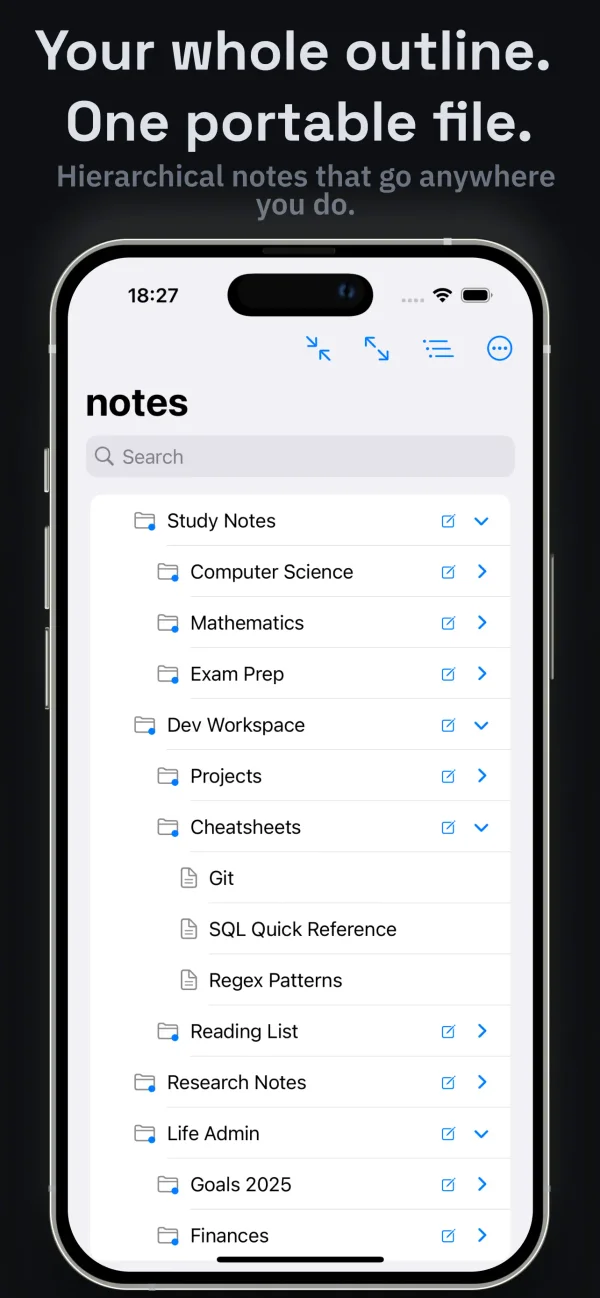
Keep your entire outline in a single portable file you control. No account, no server, no lock-in, future-proof.
ORGANIZE IN UNLIMITED DEPTH
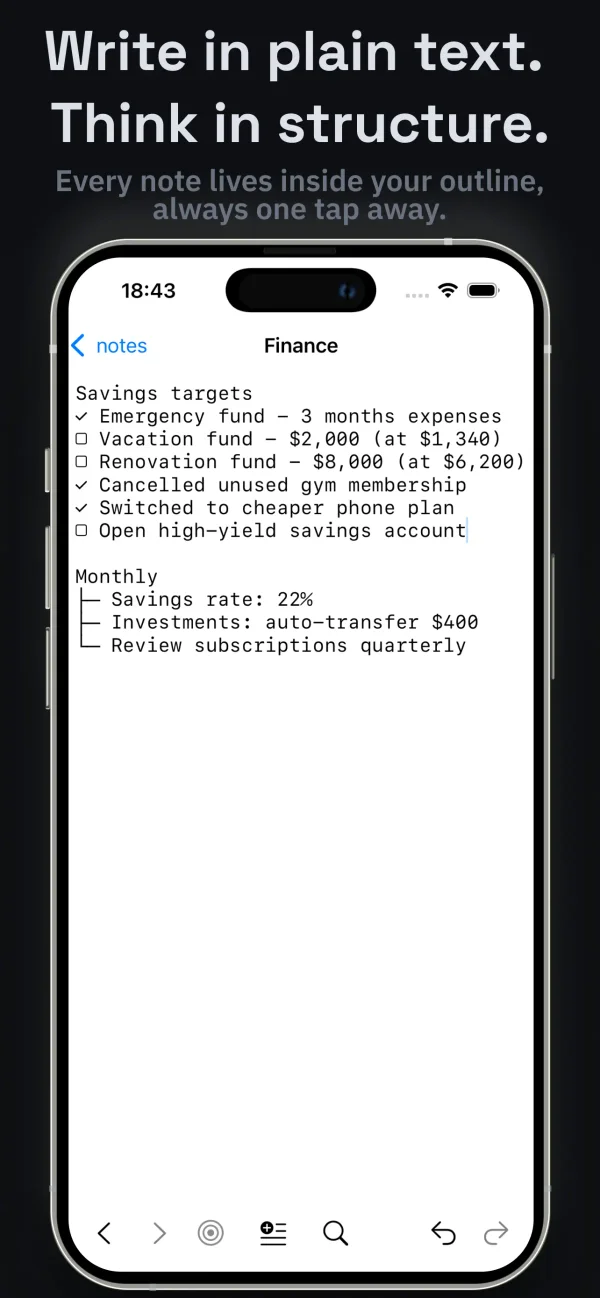
Build trees as deep as you need. Expand, collapse, and reorder topics with just a few taps. Every topic can have its own notes. Write as much or as little as you like.
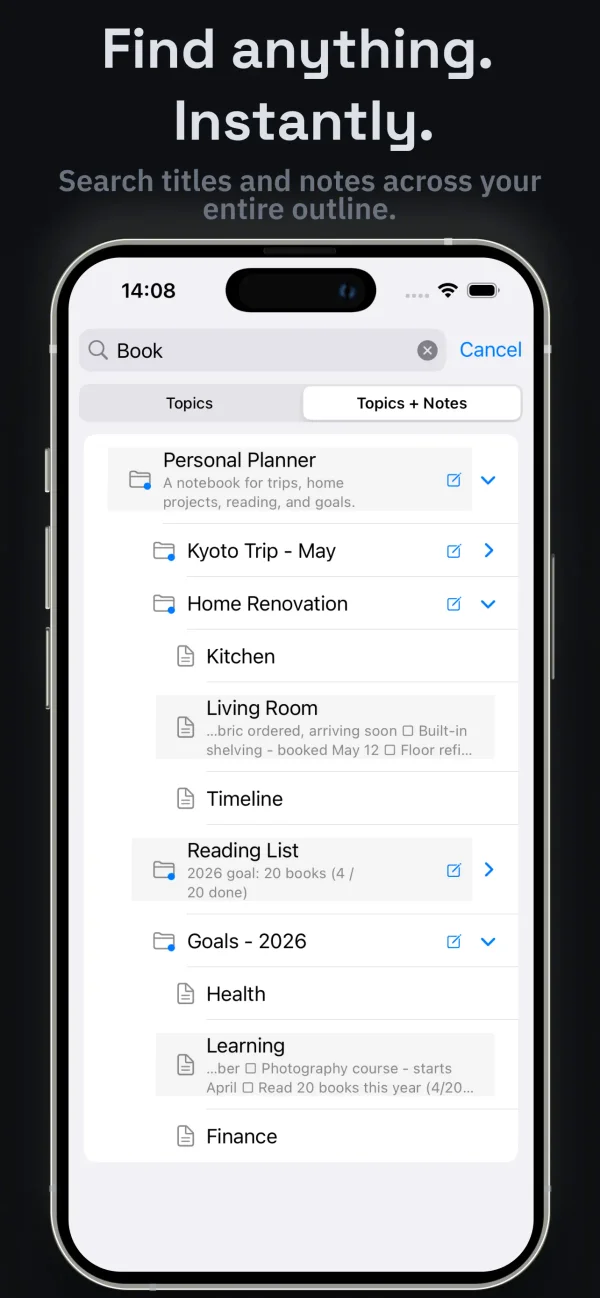
SEARCH EVERYTHING
Search titles or note content at once. The tree expands automatically to show every match in context, so you always know where a result lives in your outline.
CROSS-LINK TOPICS
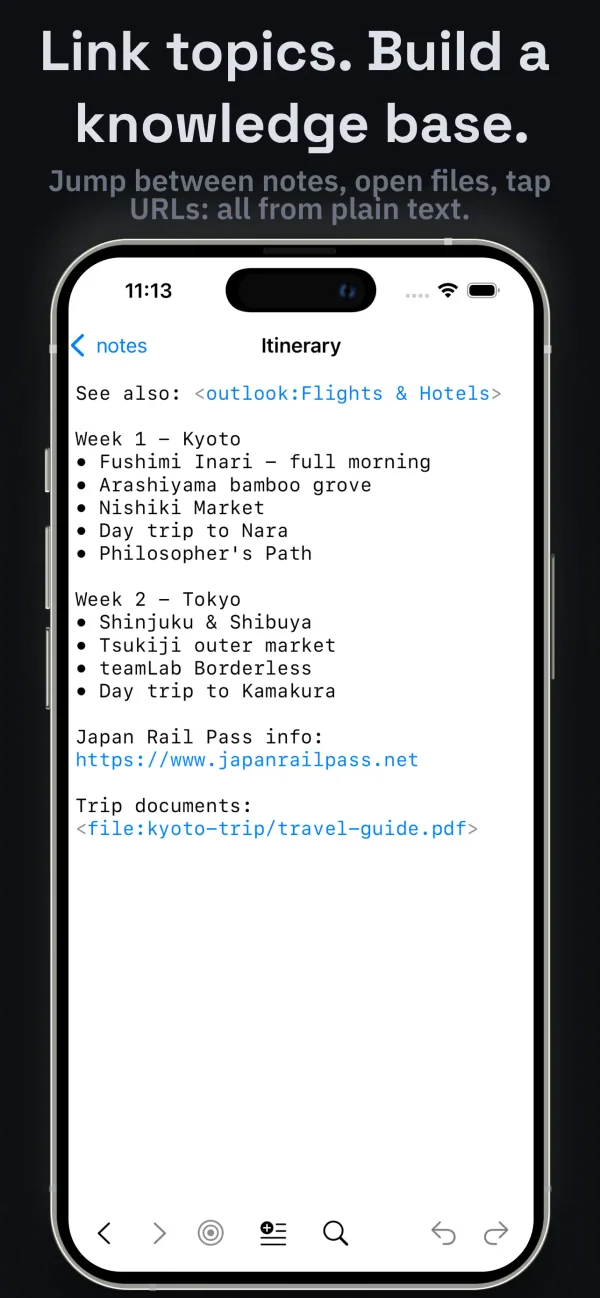
Link any note to another topic using the outlook: link format. Tap to jump directly there. Tap the back arrow to return where you came from.
OPEN FILES AND URLS
Tap any file path or URL inside a note to open it. Connect your outline to existing documents in the folder: PDFs, photos, or anything else you reference.
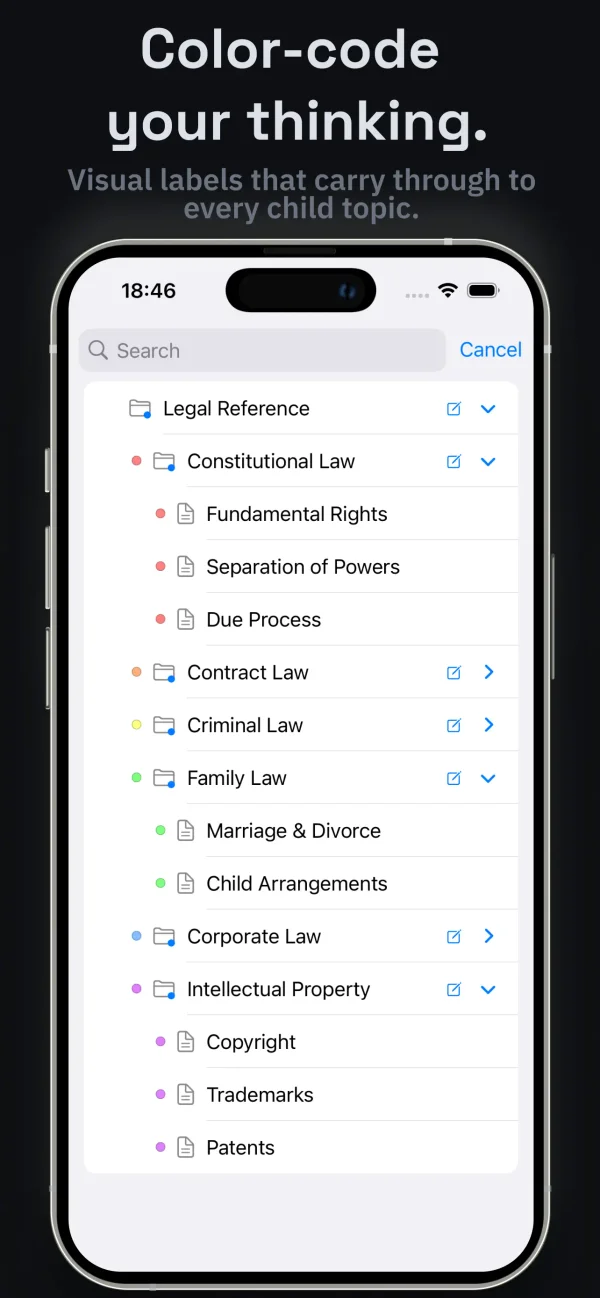
COLOR LABELS
Assign a background color to any topic: Red, Orange, Yellow, Green, Blue, or Purple. The color flows down to all child topics that don't have their own. Use it to visually separate sections at a glance.
AUTOMATIC BACKUPS
The app writes a .bak backup before every save. Restore at any time from the menu.
SYNC YOUR WAY
Store your file in iCloud, Dropbox, Google Drive, or any Files-compatible provider. Open it from there on each device. No special sync setup required.
MEMPAD COMPATIBLE
Structured Outliner uses the same .lst format as MemPad for Windows, a portable outliner that has been around since the early 2000s. Open existing MemPad files directly, no conversion needed.
FREE VERSION
Structured Outliner is free to use. Development is supported by a small banner ad shown at the bottom of the screen.
PRO VERSION
Upgrade to Pro to remove the banner ad, unlock Color Labels and Topic + Note Search and future planned features. One-time purchase. Restore on any device from the menu.
Có gì mới
Phiên bản 1.03 · 28/05/2026
- bugfix
Quyền riêng tư của ứng dụng
Những gì Felipe Carraro khai báo trên App Store về cách ứng dụng này xử lý dữ liệu.
-
Dữ liệu không liên kết với bạn
Có thể được thu thập nhưng không liên kết với danh tính của bạn.
- Dữ liệu sử dụng
Phương thức đảm bảo quyền riêng tư có thể khác nhau, chẳng hạn như tuỳ theo các tính năng bạn sử dụng hoặc độ tuổi của bạn.
Thông tin
- Người bán
- Felipe Carraro
- Danh mục
- Hiệu Suất
- Phiên bản
- 1.03
- Cập nhật
- 28/05/2026
- Phát hành
- 10/05/2026
- Kích thước
- 5,5 MB
- Yêu cầu
- iOS 17.0 trở lên
- Độ tuổi
- 4+
- Giá
- Miễn phí
- Mua hàng trong ứng dụng
- Có
- Ngôn ngữ
- Tiếng Anh
- Bản quyền
- © 2026 Felipe Carraro
Có thể bạn cũng thích
-
 Aravel: Idea Notes & OrganizerHiệu Suất
-
 Ideaboxd: Capture ideasHiệu Suất
-
 CompaxiHiệu Suất
-
 Omo: App Blocker & Focus TimerHiệu Suất
-
 Aletheia: A Space for IdeasHiệu Suất
-
 ADHD Task Outliner: FinishTraxHiệu Suất
-
 Letterform: Markdown EditorHiệu Suất
-
 Useful Lists - The List MarketHiệu Suất
-
 Course Lab —AI Course CreatorHiệu Suất
-
 TinyLists: To-Do List & TasksHiệu Suất