
- 対象年齢4+
- カテゴリ仕事効率化
- 開発元Felipe Carraro
- 言語英語
- サイズ5.5 MB
App Storeの公式ページにリンクしています
Download.orgはStructured Outlinerのファイルを一切ホストしていません。ボタンを押すと、Felipe Carraroが公開しているApp Storeのアプリページが開きます。ページの最終確認:2026/11/16。
スクリーンショット

概要
開発元はこのテキストをお使いの言語で提供していません。
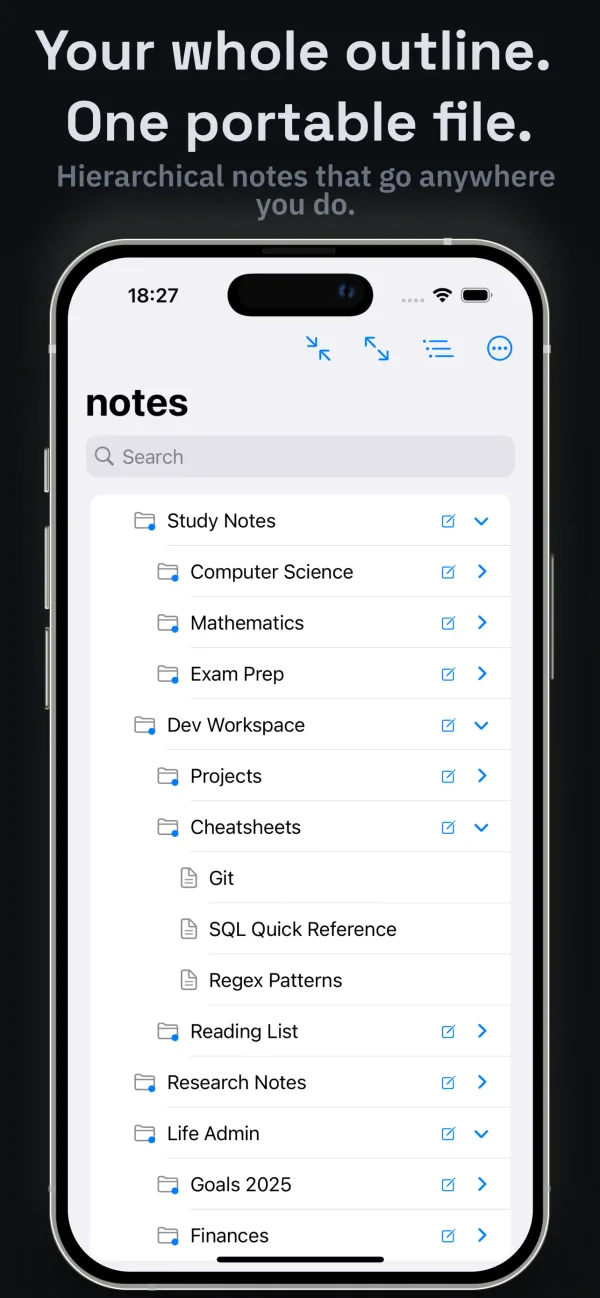
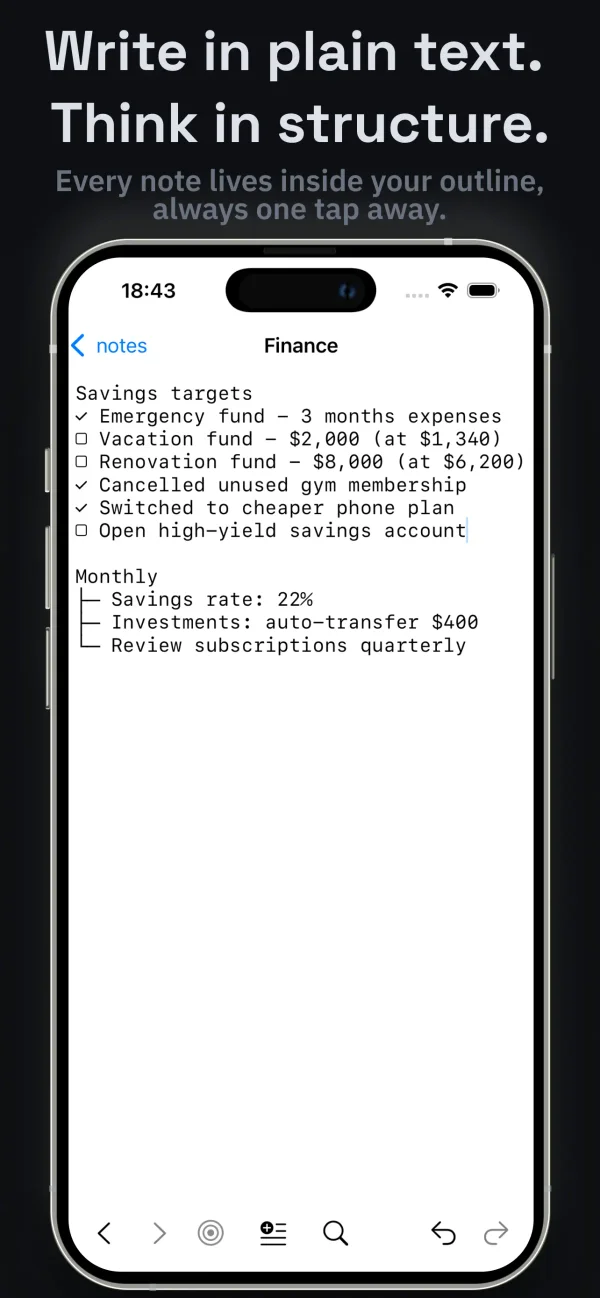
Keep your entire outline in a single portable file you control. No account, no server, no lock-in, future-proof.
ORGANIZE IN UNLIMITED DEPTH
Build trees as deep as you need. Expand, collapse, and reorder topics with just a few taps. Every topic can have its own notes. Write as much or as little as you like.
SEARCH EVERYTHING
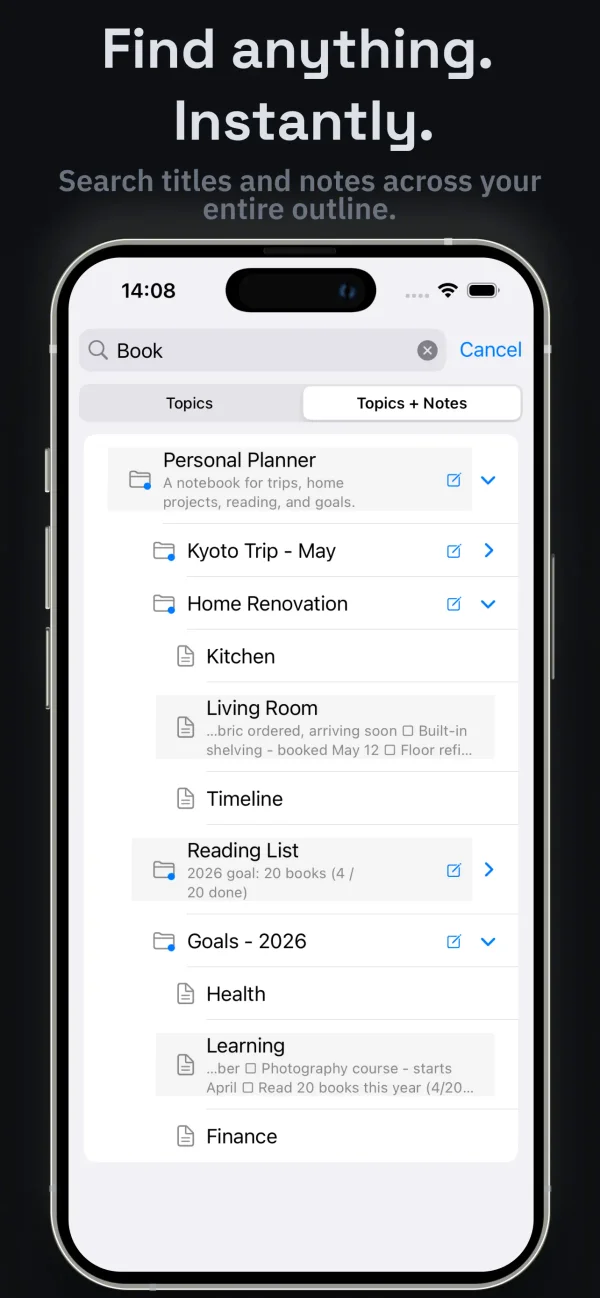
Search titles or note content at once. The tree expands automatically to show every match in context, so you always know where a result lives in your outline.
CROSS-LINK TOPICS
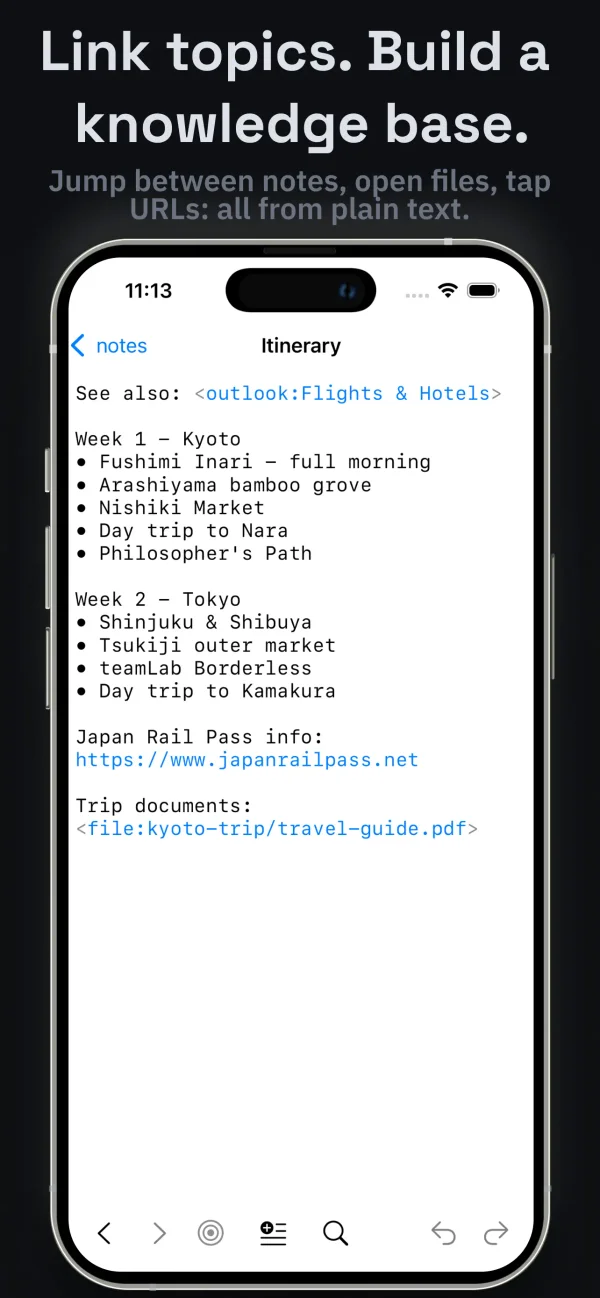
Link any note to another topic using the outlook: link format. Tap to jump directly there. Tap the back arrow to return where you came from.
OPEN FILES AND URLS
Tap any file path or URL inside a note to open it. Connect your outline to existing documents in the folder: PDFs, photos, or anything else you reference.
COLOR LABELS
Assign a background color to any topic: Red, Orange, Yellow, Green, Blue, or Purple. The color flows down to all child topics that don't have their own. Use it to visually separate sections at a glance.
AUTOMATIC BACKUPS
The app writes a .bak backup before every save. Restore at any time from the menu.
SYNC YOUR WAY
Store your file in iCloud, Dropbox, Google Drive, or any Files-compatible provider. Open it from there on each device. No special sync setup required.
MEMPAD COMPATIBLE
Structured Outliner uses the same .lst format as MemPad for Windows, a portable outliner that has been around since the early 2000s. Open existing MemPad files directly, no conversion needed.
FREE VERSION
Structured Outliner is free to use. Development is supported by a small banner ad shown at the bottom of the screen.
PRO VERSION
Upgrade to Pro to remove the banner ad, unlock Color Labels and Topic + Note Search and future planned features. One-time purchase. Restore on any device from the menu.
新機能
バージョン 1.03 · 2026/5/28
- bugfix
アプリのプライバシー
このアプリのデータの取り扱いについて、Felipe CarraroがApp Storeで申告している内容です。
-
ユーザーに関連付けられないデータ
収集される場合がありますが、ユーザーの識別情報には関連付けられません。
- 使用状況データ
プライバシーの取り扱いは、ご利用の機能やお客様の年齢などに応じて異なる場合があります。
情報
- 販売元
- Felipe Carraro
- カテゴリ
- 仕事効率化
- バージョン
- 1.03
- 更新日
- 2026/5/28
- リリース
- 2026/5/10
- サイズ
- 5.5 MB
- 必要条件
- iOS 17.0以降
- 対象年齢
- 4+
- 価格
- 無料
- アプリ内課金
- あり
- 言語
- 英語
- 著作権
- © 2026 Felipe Carraro
こちらもおすすめ
-
 Aravel アイデアメモ・整理ノートブレストと思考整理、関連図で次の一手
-
 Ideaboxd: Capture ideas仕事効率化
-
 Compaxi仕事効率化
-
 Omo: アプリ制限・集中タイマースマホ依存対策・スクリーンタイム管理
-
 Aletheia: A Space for Ideas仕事効率化
-
 ADHD Task Outliner: FinishTrax仕事効率化
-
 Letterform: Markdown Editor仕事効率化
-
 Useful Lists - The List Market仕事効率化
-
 Course Lab —AI Course Creator仕事効率化
-
 TinyLists: やることリスト & ToDoシンプルなチェックリストと予定