
AI Text Scanner: Copy Paste
Clipboard Helper, Scan Pages
Designed for iPhone, iPad
Free · In-app purchases
- Age rating4+
- CategoryUtilities
- DeveloperHasan Dag
- LanguagesEnglish+ 17 more
- Size71.8 MB
Links to the official App Store page
Download.org hosts no file of AI Text Scanner: Copy Paste. The button opens its official App Store page, published by Hasan Dag. Listing last checked on Nov 15, 2026.
Screenshots
About
Clipboard Helper:
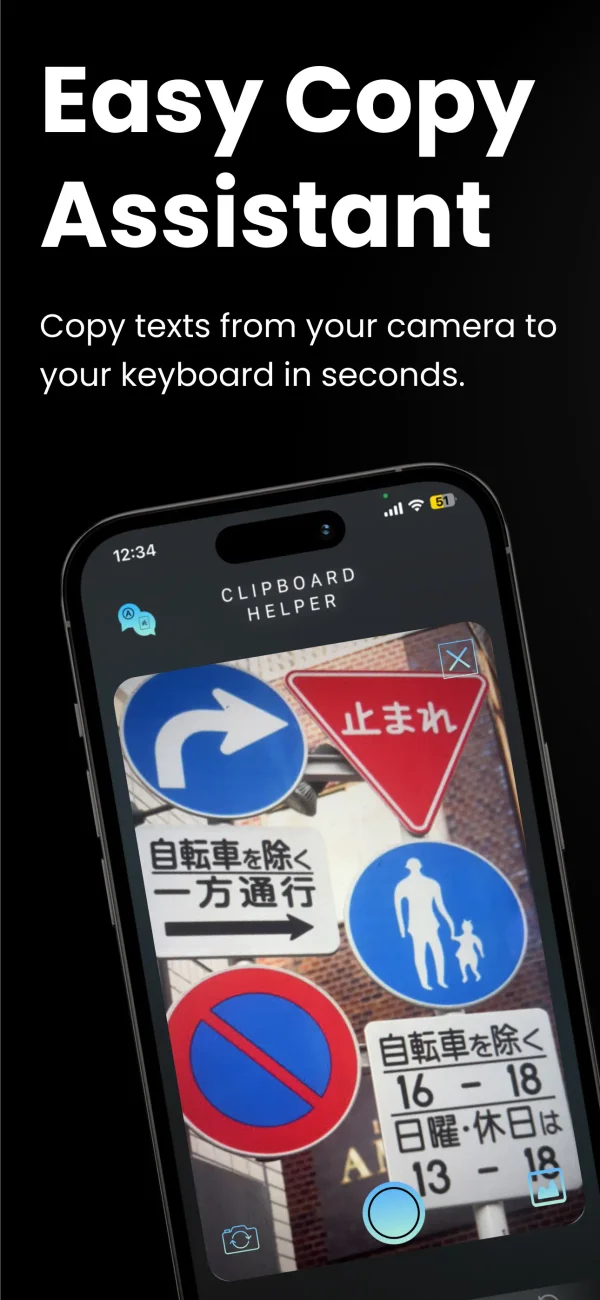
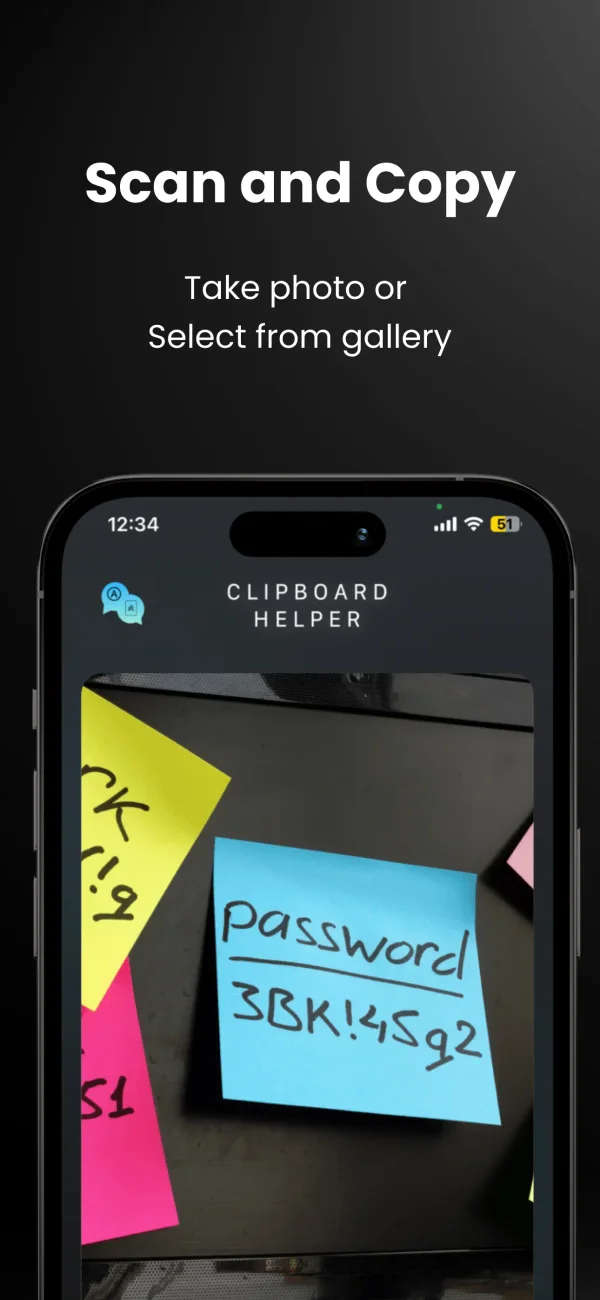
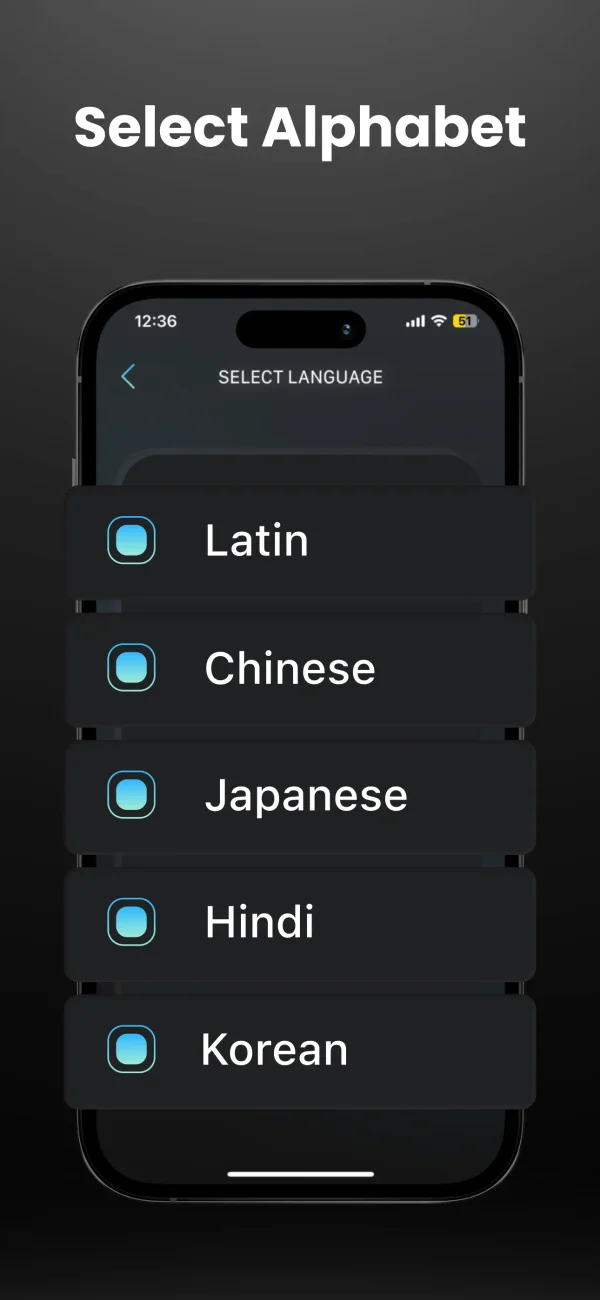
Detect and extract text from images in seconds — whether using your camera or gallery. Copy Assistant supports 5 major alphabets (Latin, Japanese, Korean, Devanagari, and Chinese), making it ideal for multilingual use.
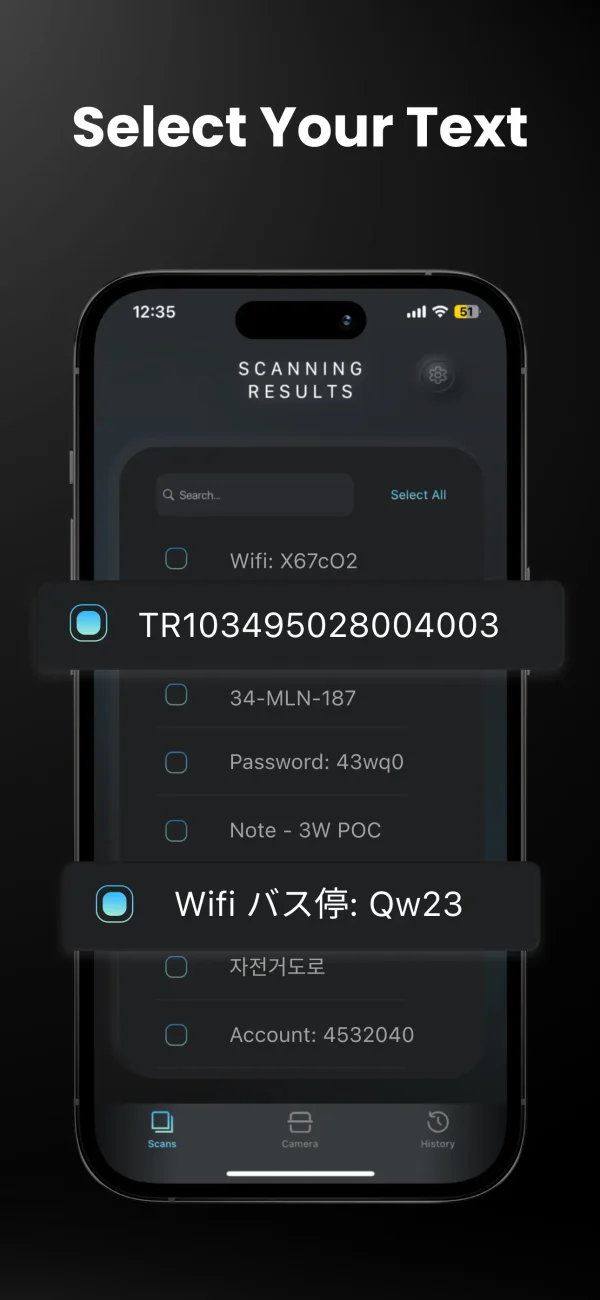
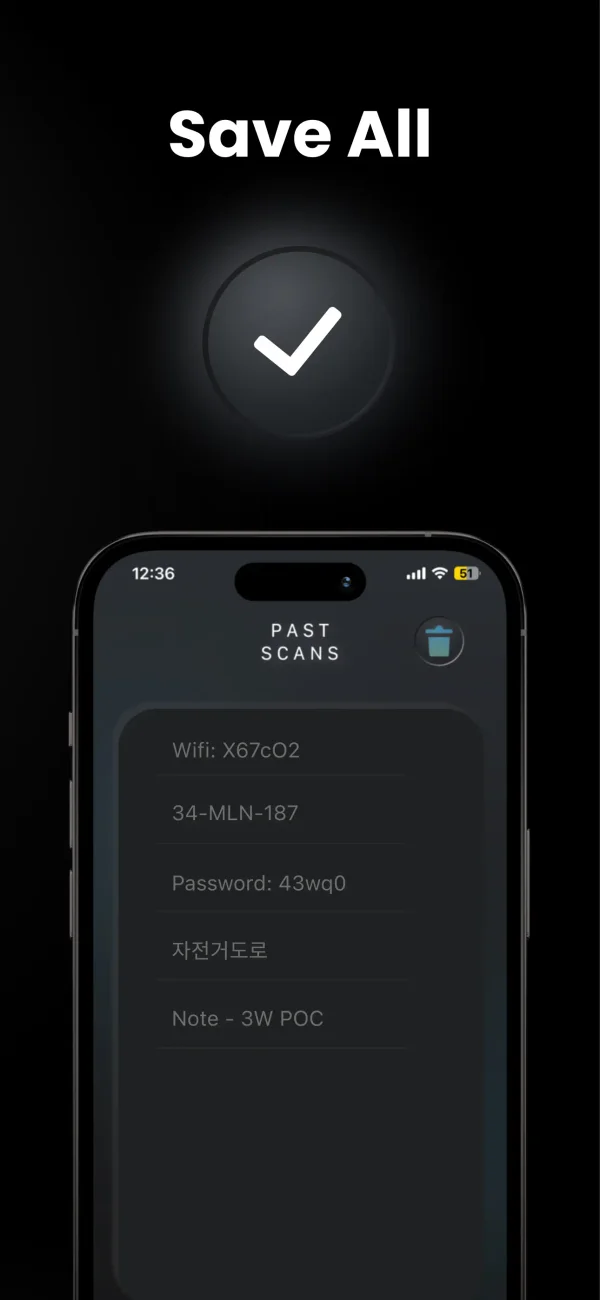
Seamlessly copy detected text to your phone’s clipboard with a single tap. All copied items are saved automatically and accessible from your text history, where you can:
* Easy to Copy Clipboards
* Edit and merge multiple copied texts
* Favorite important entries
* Instantly copy again when needed
Designed to be lightweight and powerful, Copy Assistant is your daily productivity companion for OCR and quick copy-paste workflows.
Key Features:
* Real-time text recognition via camera
* Image gallery OCR support
* Clipboard integration
* Multi-language alphabet detection (Latin, Japanese, Korean, etc.)
* Copy history with editing and favorites
* Merge and manage copied texts easily
Perfect for students, professionals, travelers, or anyone who deals with text on the go.
What’s new
Version 1.5.8 · Aug 18, 2026
Clipboard Helper – Your Smart OCR & Text Management Tool
Effortlessly capture and manage text from images using Clipboard Helper. Whether snapping a photo or importing from your gallery, the app quickly recognizes and extracts text in multiple scripts—including Latin, Japanese, Korean, Devanagari, and Chinese.
Save time with one-tap copy to clipboard and keep track of everything you’ve copied with an organized text history. You can favorite, edit, merge, and re-copy content in seconds—perfect for multitaskers and productivity enthusiasts.
App privacy
What Hasan Dag declares on the App Store about how this app handles data.
-
Data used to track you
May be used to track you across apps and websites owned by other companies.
- User content
- Identifiers
- Usage data
- Diagnostics
- Other data
-
Data linked to you
May be collected and linked to your identity.
- User content
-
Data not linked to you
May be collected but is not linked to your identity.
- Identifiers
- Usage data
- Diagnostics
- Other data
Privacy practices may vary, for example with the features you use or your age.
Information
- Seller
- Hasan Dag
- Category
- Utilities
- Version
- 1.5.8
- Updated
- Aug 18, 2026
- Released
- Jan 7, 2023
- Size
- 71.8 MB
- Requires
- iOS 16.0 or later
- Age rating
- 4+
- Price
- Free
- In-app purchases
- Yes
- Languages
- English, Arabic, Czech, Danish, Dutch, French, German, Hindi, Italian, Japanese, Korean, Polish + 6 more
- Copyright
- © 2023 Hasan Dağ
You might also like
-
 KibordClipboard History KeyBoard
-
 AutoPaste & Clipboard ManagerCopy Paste Keyboard & History
-
 Clipboard Viewer EditorCopy, Paste, Clear, Share
-
 Clipboard Manager - SingleTapFast Copy and Paste & Shortcut
-
 ClipboardClear - AutoDisplay and automatic deletion
-
 Erase CopyClipboard Check & 1-Tap Clear
-
 Copyboard-quickly enter toolMake your input more efficient
-
 Text Repeater: CopyEaseCopy & Repeat and Manage Texts
-
 Clipboard Paste: KeyboardText Snippets & Quick Reply
-
 Paste Keyboard : Text ShortcutAuto Copy Paste fast clipboard