
Copyboard-quickly enter tool
Make your input more efficient
Designed for iPhone
Free · In-app purchases
- Age rating4+
- CategoryUtilities
- DeveloperXiushan Fan
- LanguagesEnglish+ 8 more
- Size27.5 MB
Links to the official App Store page
Download.org hosts no file of Copyboard-quickly enter tool. The button opens its official App Store page, published by Xiushan Fan. Listing last checked on Nov 14, 2026.
Screenshots
About
Copyboard is a text snippet and clipboard utility for everyday typing. Save the words, templates, symbols, and formats you use often, then copy or insert them whenever you need them.
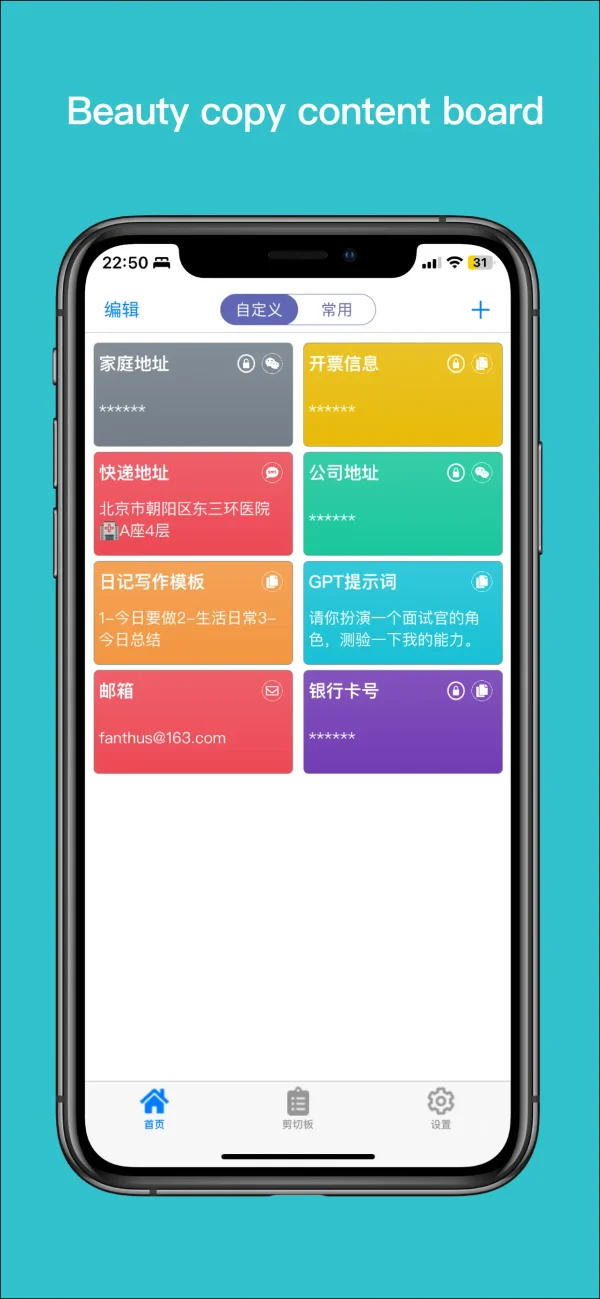
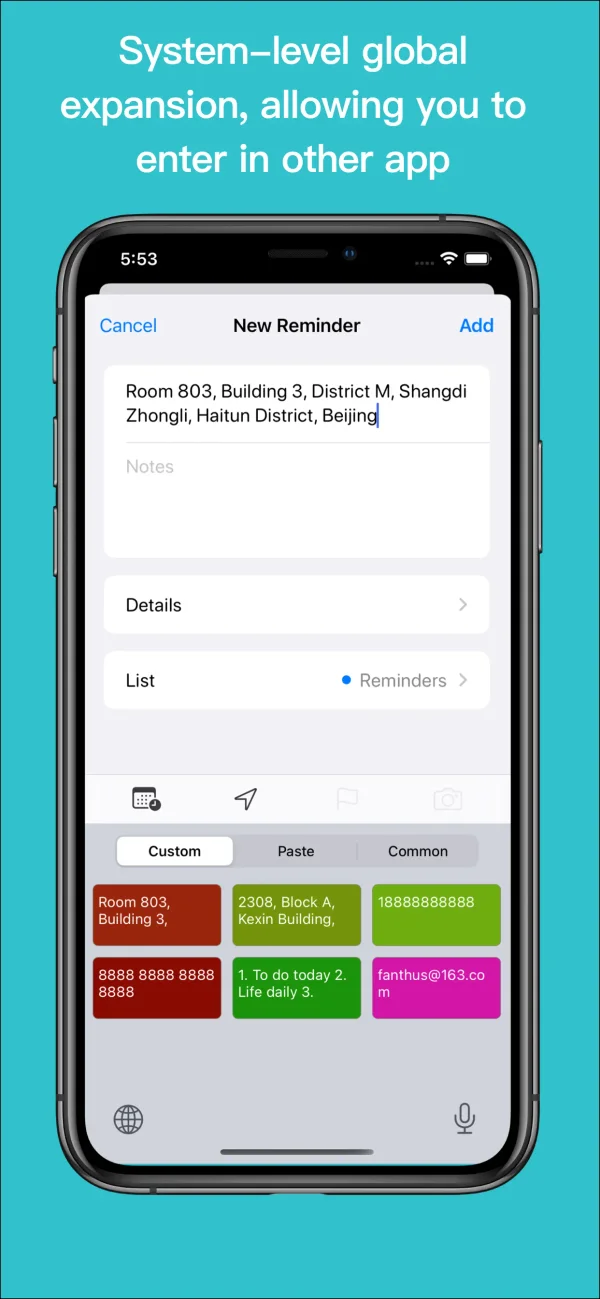
Use it for addresses, contact details, writing templates, repeated replies, order information, timestamps, or special characters that are inconvenient to type on a phone.
Key features:
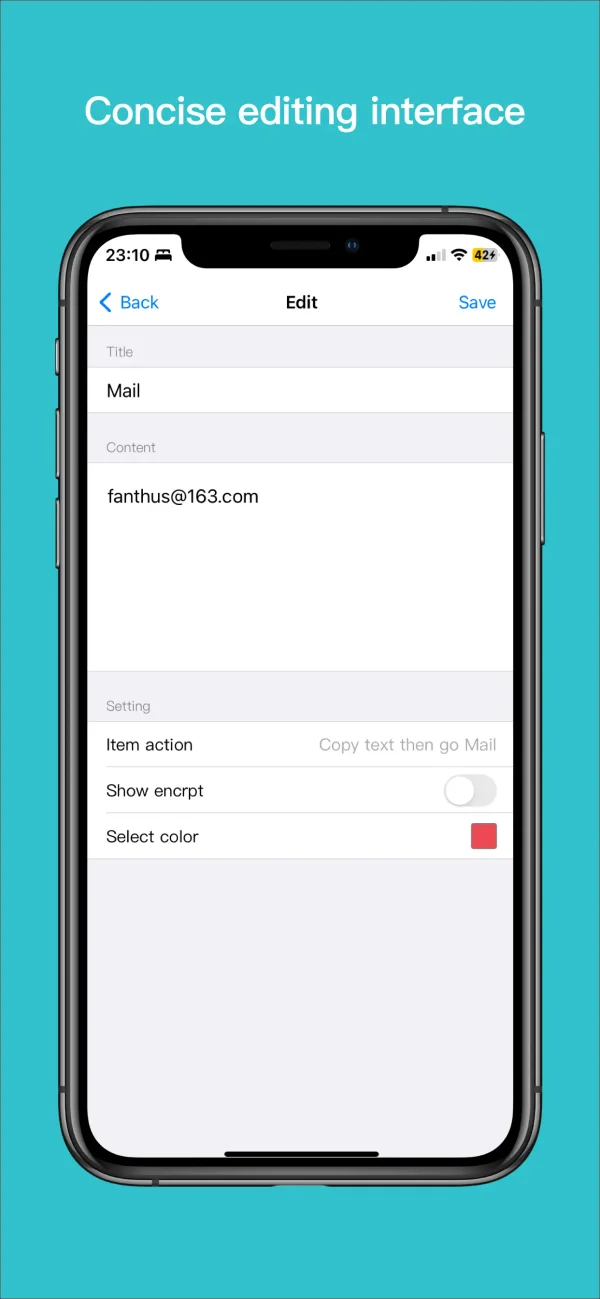
- Create your own reusable text snippets and copy them with a tap
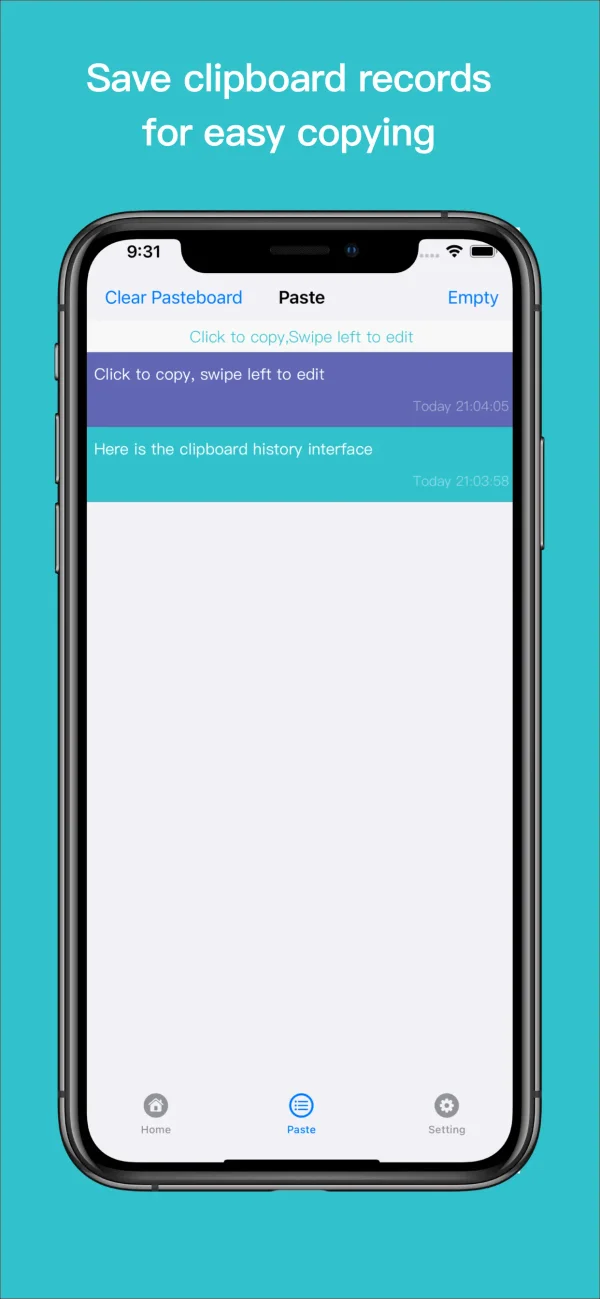
- Review clipboard history and reuse previously copied text
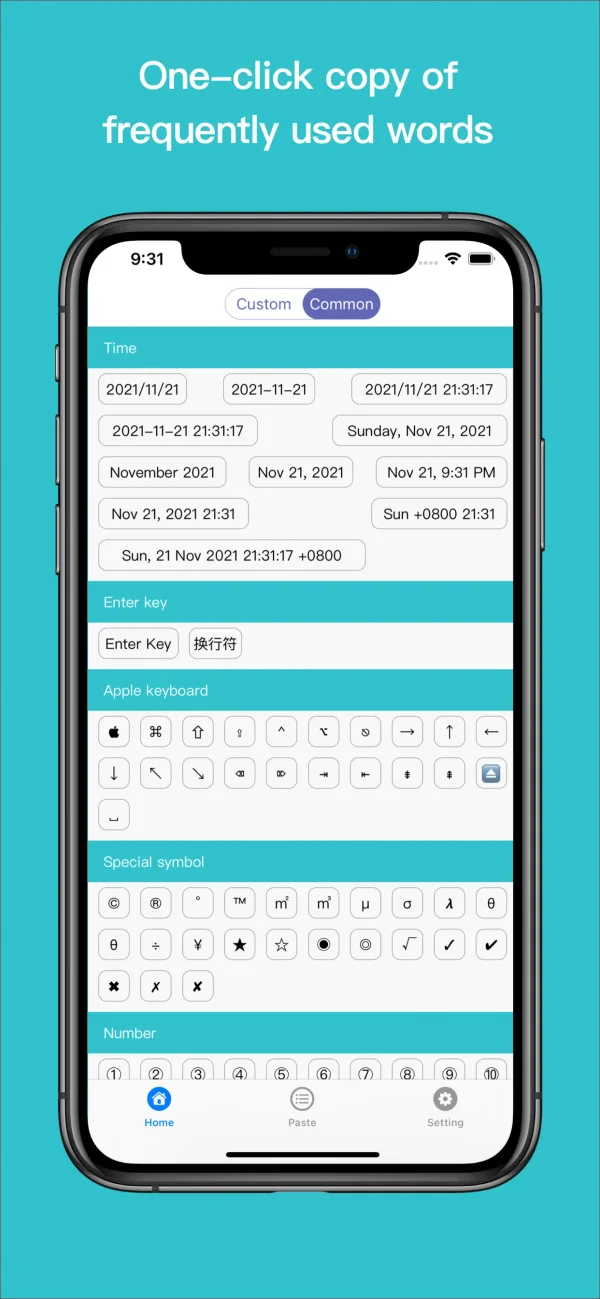
- Use built-in common phrases, special symbols, and date/time formats
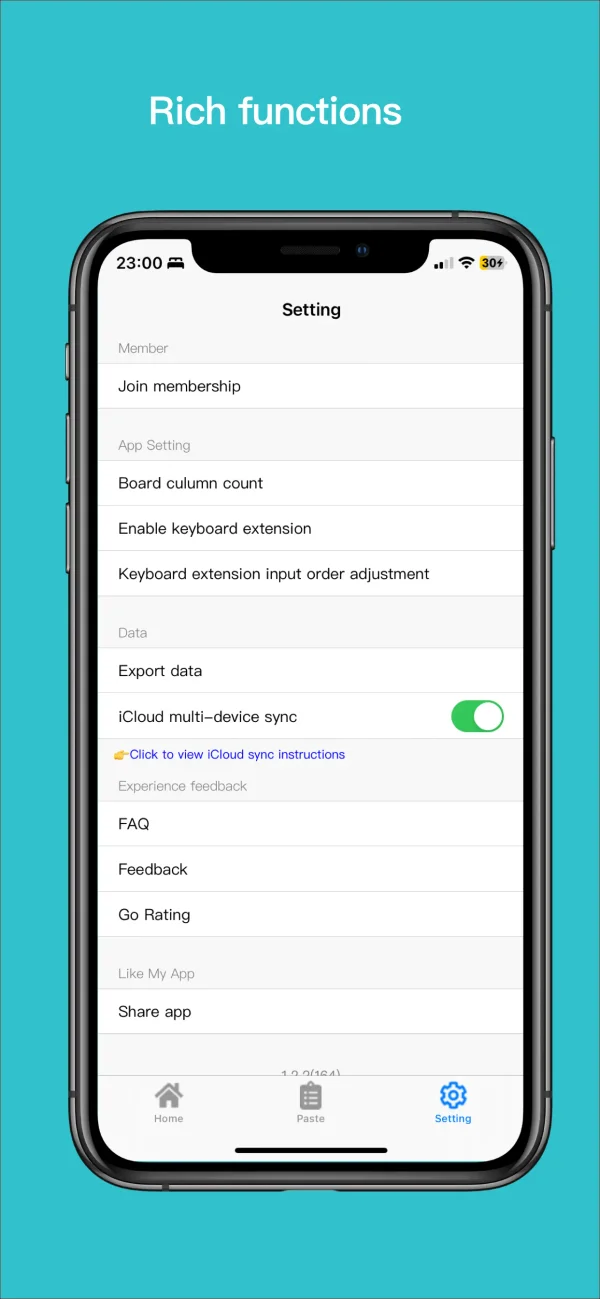
- Access Copyboard content from more places with the keyboard extension
- Customize keyboard extension display style and input order
- Sync custom items with iCloud when enabled for use across devices
Copyboard is designed for anyone who fills in forms, writes repeated content, manages common replies, or simply wants a cleaner way to handle text on iPhone and iPad.
The app is mainly designed for local use. When iCloud sync is enabled, custom items sync through your iCloud account; clipboard history is not included in iCloud sync. Network access may be used for basic usage statistics.
Questions or feedback are welcome at fanthus@163.com.
What’s new
Version 1.3.6 · Jul 30, 2026
- Added automatic clipboard history recording when you copy text
- Added background monitoring via Picture in Picture (VIP) while using other apps
- Added paste permission guidance and clipboard tips, plus a larger edit sheet for history items
- Clipboard history now supports long-press actions with improved preview and delete confirmation
- Fixed background monitoring failing on first launch, and made clipboard settings easier to find
App privacy
What Xiushan Fan declares on the App Store about how this app handles data.
-
Data used to track you
May be used to track you across apps and websites owned by other companies.
- Identifiers
-
Data not linked to you
May be collected but is not linked to your identity.
- Identifiers
Privacy practices may vary, for example with the features you use or your age.
Information
- Seller
- Xiushan Fan
- Category
- Utilities
- Version
- 1.3.6
- Updated
- Jul 30, 2026
- Released
- Nov 22, 2021
- Size
- 27.5 MB
- Requires
- iOS 16.0 or later
- Age rating
- 4+
- Price
- Free
- In-app purchases
- Yes
- Languages
- English, Arabic, French, German, Japanese, Korean, Russian, Simplified Chinese, Traditional Chinese
- Copyright
- © 2021 FanXiushan
You might also like
-
 ClipboardClear - AutoDisplay and automatic deletion
-
 Erase CopyClipboard Check & 1-Tap Clear
-
 AI Text Scanner: Copy PasteClipboard Helper, Scan Pages
-
 AutoPaste & Clipboard ManagerCopy Paste Keyboard & History
-
 CloudClipClipboard history and sync
-
 Paste Keyboard : Text ShortcutAuto Copy Paste fast clipboard
-
 LazyBoard: Text ExpanderQuick Reply & Paste Keyboard
-
 Copy And Paste Keyboard +Auto Pasting & Easy Clipboard
-
 Clipboard : Keyboard ManagerCopy, Paste & Organize Data
-
 Paste KeyboardSuper Easy Copy&Paste Keyboard