
Ai Web Browser
IDM | Download Video & Audio
Designed for iPhone, iPad, iPod touch
Free
- Age rating17+
- CategoryUtilities
- DeveloperMehmet Bayram
- LanguagesEnglish+ 32 more
- Size15.9 MB
Links to the official App Store page
Download.org hosts no file of Ai Web Browser. The button opens its official App Store page, published by Mehmet Bayram. Listing last checked on Nov 20, 2026.
Screenshots



About
One AI browser for every assistant, plus a video finder, audio conversion and full-page screenshots. Chat with ChatGPT, Gemini, Claude and more in one fast, full-screen app.
AI Web Browser is built for AI chat. Sign in to the accounts you already have and move between assistants in separate tabs, with no extra subscription through us.
WORKS WITH YOUR FAVORITE AI ASSISTANTS
• ChatGPT by OpenAI
• Google Gemini
• Claude by Anthropic
• Microsoft Copilot
• Perplexity
• DeepSeek
• Grok by xAI
• Mistral Le Chat
• Meta AI
• Poe, Pi, HuggingChat and any other web-based AI chatbot
POWERFUL TABS
• Open multiple tabs and keep each AI chat one tap away
• Choose how tabs look: stack, 3D deck or grid
• Closed a tab by mistake? Shake your device to bring it back
• Open links in a new tab, or close all tabs at once
FULL-SCREEN BROWSING
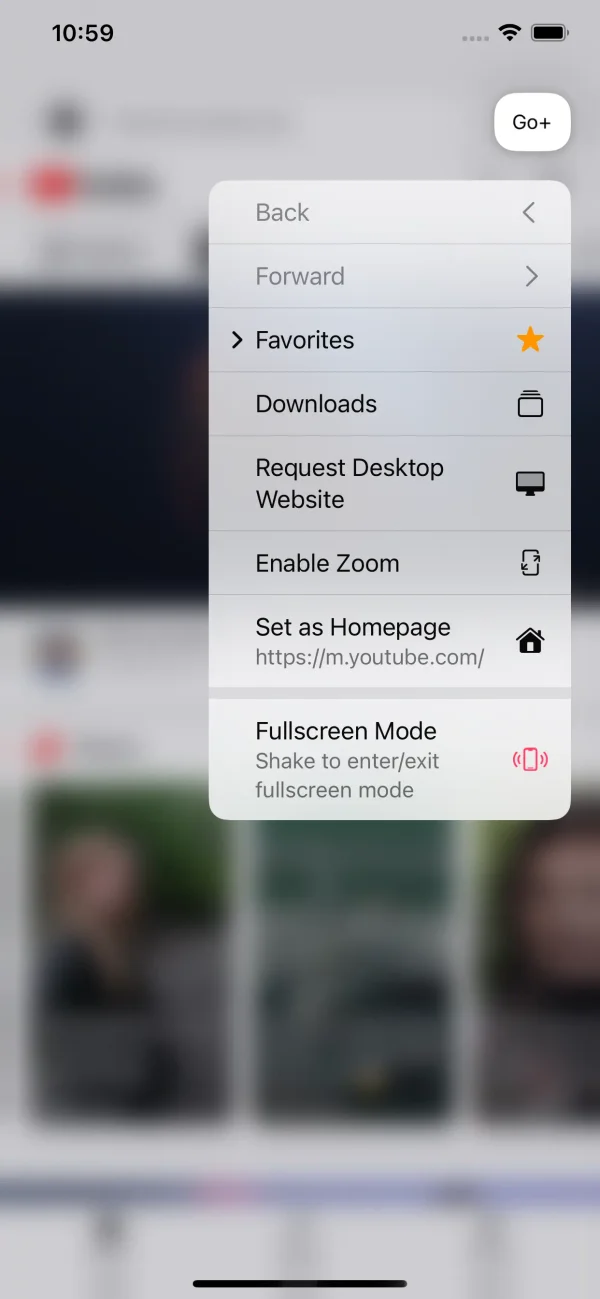
• True full-screen mode that also hides the status bar. Shake to turn it on or off
• Game Mode keeps edge swipes from interrupting web games and full-screen pages
• Switch between mobile and desktop websites
• Turn pinch to zoom on or off, and pick the keyboard type you prefer
• Set any page as your homepage
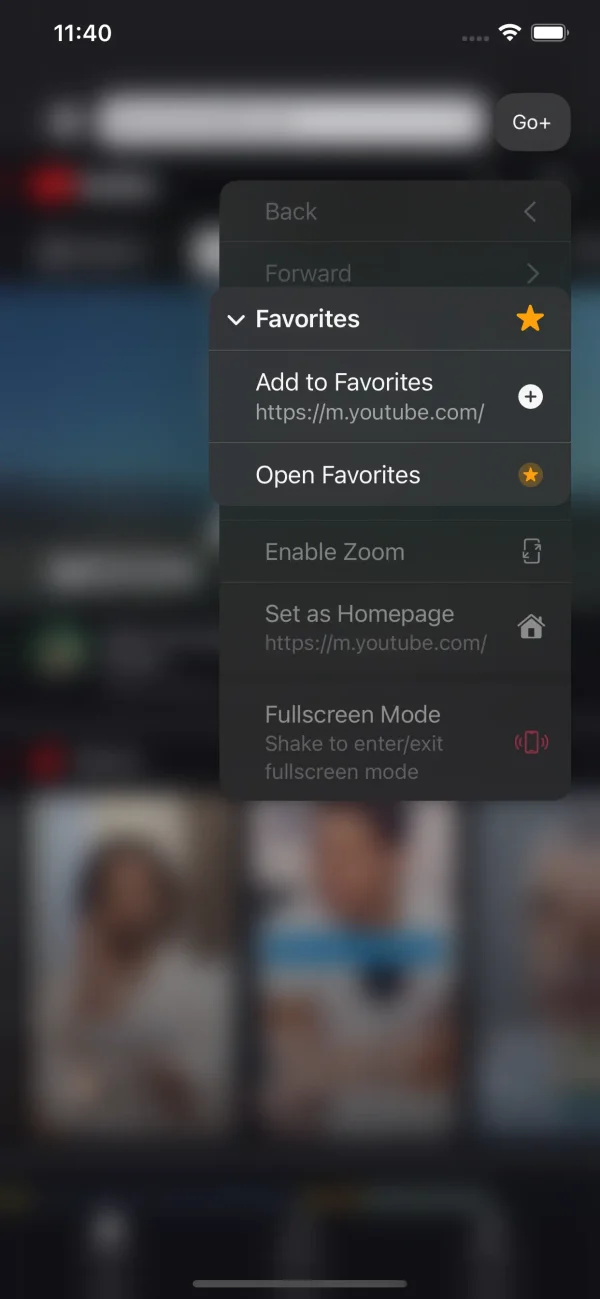
GO+ MENU: ALL YOUR TOOLS IN ONE BUTTON
• Reach every tool from a single button
• Create your own Quick Actions for the things you do most
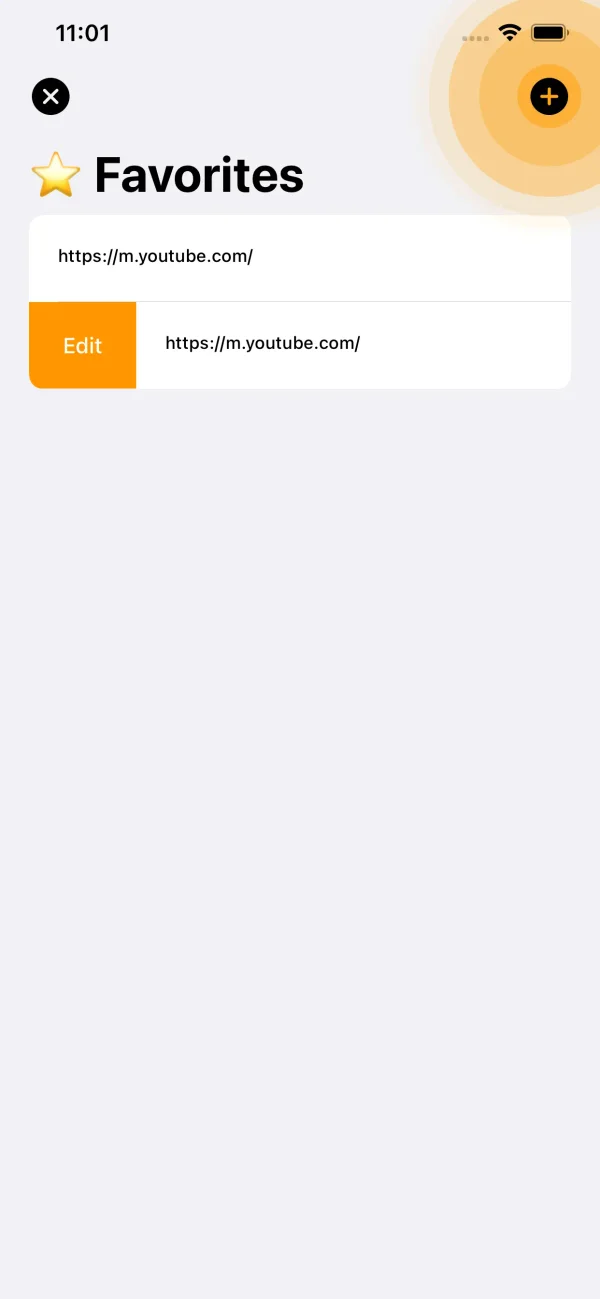
• Save pages to Favorites and search them
• Open links from other apps with the Share Extension
SCROLLING SCREENSHOTS
• Capture a whole web page or an entire AI conversation as one long image
• Save it or share it in seconds
VIDEO CATCHER
• Video Catcher finds the videos on the page you are viewing
• Turn on Auto mode to detect videos as you browse, or scan the page whenever you like
• Watch videos in Picture in Picture while using other apps
• Copy a video's link in one tap
MP3 AND M4A CONVERTER
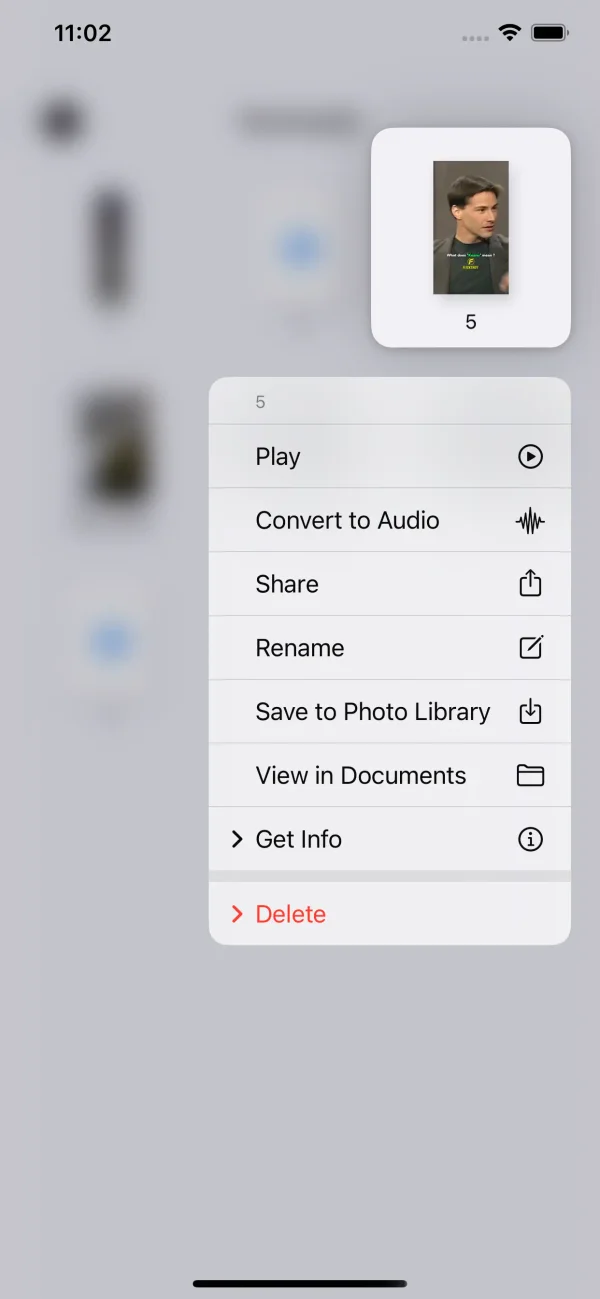
• Convert your videos to MP3 or M4A in a few taps
• Switch audio files between MP3 and M4A
• Start from Photos, Files or an MP4 link
• Keep only the audio and save storage
FILE AND VIDEO MANAGER
• Keep your files organized in folders
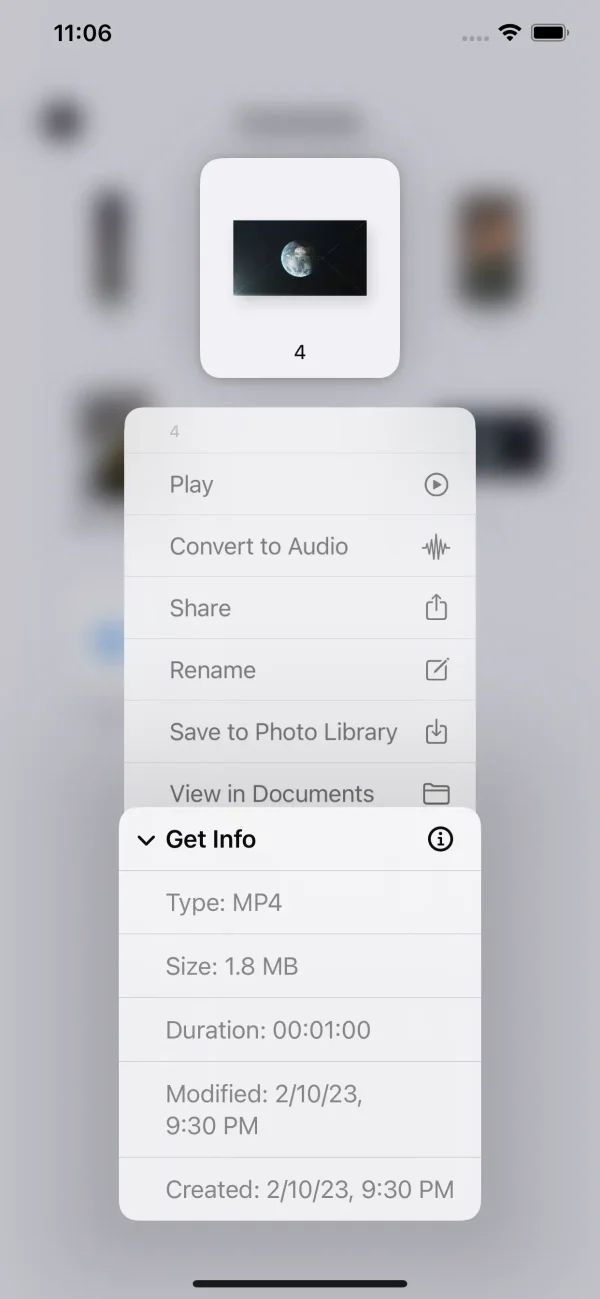
• Rename, delete, share and view file details
• Export videos to your Photo Library
PLAYER
• Picture in Picture lets you keep watching while using other apps
• Background and lock screen playback
CLEANER PAGES
• Hide Elements lets you select and hide distracting parts of a website
• Undo the last hide, or restore everything whenever you like
PRIVACY AND SECURITY
• Lock the app with a passcode
• Forgot it? Reset it with Face ID or your device passcode
• Clear all cookies and caches with one tap
ASK AI ANYTHING
• Write and edit emails, essays and social media captions
• Summarize articles and documents
• Translate text and learn languages
• Get coding help and debug faster
• Study, prepare for exams and brainstorm ideas
• Plan trips and explore new topics
Download AI Web Browser for free and bring all your AI assistants together in one place. The app is supported by ads. You can remove the banner ad by watching a rewarded video.
IMPORTANT
• AI Web Browser is an independent browser. It is not affiliated with, endorsed by or officially connected to OpenAI, Google, Anthropic, Microsoft, Perplexity AI, DeepSeek, xAI, Mistral AI, Inflection AI, Quora, Meta, Hugging Face or any other provider mentioned. All product names, logos and brands belong to their respective owners.
• AI responses come from third-party services. We do not control, moderate or guarantee their accuracy.
• Avoid sharing sensitive personal or financial information with AI assistants, and follow each platform's terms of service.
• Respect copyright and each website's terms when using content you find online.
What’s new
Version 2.3.0 · Nov 8, 2026
• Swipe to go back and forward between pages.
• Added MP3 support: convert MP4 to MP3, convert M4A and WAV to MP3, and convert between audio formats.
• Tab pages are now more customizable and fully support landscape mode.
• Added a progress bar for conversions on the Downloads screen.
• Fixed issues with the lock screen player.
• The in-app player now shows the video name.
• Characters that aren't allowed in file names are now blocked.
• Live streams can now be played in Picture in Picture and recorded.
• New Hide Elements feature.
• Your browser settings are now remembered.
• Refreshed menu layout.
• You can now choose your keyboard type.
• Quick Actions above the keyboard now show up to 3 items, and you can add or remove as many as you like.
• Added a Forgot Password option to the tab password.
• The page loading bar now sits below the address bar, just like in Safari.
• Added search and bulk delete to the Downloads screen. Tap an empty area to find them.
• Tap an empty area of the player to lock it while playing video or audio, so you don't leave the screen by accident.
• The Favorites screen now updates correctly when you rotate to landscape.
• Game Mode now applies to all screens based on your selection.
• Added an option to turn off Auto Video Catcher.
• Redesigned app icon with Liquid Glass.
• Improved Capture Web Page.
• Bug fixes and performance improvements.
App privacy
What Mehmet Bayram declares on the App Store about how this app handles data.
-
Data used to track you
May be used to track you across apps and websites owned by other companies.
- Identifiers
-
Data not linked to you
May be collected but is not linked to your identity.
- Identifiers
Privacy practices may vary, for example with the features you use or your age.
Information
- Seller
- Mehmet Bayram
- Category
- Utilities
- Version
- 2.3.0
- Updated
- Nov 8, 2026
- Released
- Dec 27, 2022
- Size
- 15.9 MB
- Requires
- iOS 15.0 or later
- Age rating
- 17+
- Price
- Free
- Languages
- English, Arabic, Catalan, Croatian, Czech, Danish, Dutch, Finnish, French, German, Greek, Hebrew + 21 more
- Copyright
- © 2022 - 2026 | Mehmet Bayram
You might also like
-
 eBrowser: Private Web & FilesFast, Private, Download Files
-
 Safe Page – Web BrowserFast & private web browser.
-
 MKV PiP PlayerMKV M3U Video PiP & TV Casting
-
 DefensX Web BrowserUtilities
-
 Lion Browser: Safe BrowsingParental Control & Web Filter
-
 Broearn Browser for Web3.0Secure & Multi-Chain Wallet
-
 Ohajiki Web BrowserNo more glaring web pages.
-
 Pure Browser - SearchingPrivate & Fast Browser
-
 Private Web Incognito BrowserSecret Browser and Adblock
-
 ORBITi BrowserAI-Driven Web 4.0 Browser