
Screen Recorder - RecordX
Recording App, Voice Recorder
Designed for iPhone, iPad, Mac, iPod touch
Free · In-app purchases
- Age rating4+
- CategoryUtilities
- Developer哲 魏
- LanguagesEnglish+ 32 more
- Size39.4 MB
Links to the official App Store page
Download.org hosts no file of Screen Recorder - RecordX. The button opens its official App Store page, published by 哲 魏. Listing last checked on Nov 24, 2026.
Screenshots
About
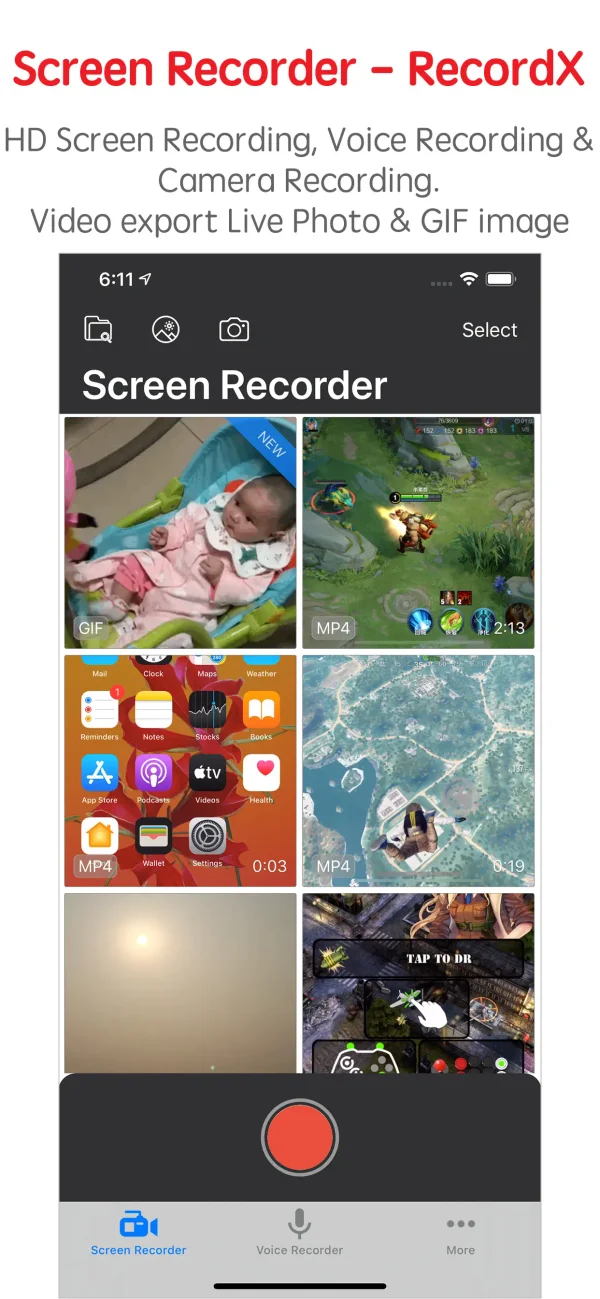
Screen Recorder - RecordX is a powerful professional recording application, including high-definition screen recording up to 4K resolution 60 frames, camera recording & voice recording. At the same time supports Voice Recognition as text, video export Live Photo or GIF images, extracting audio from video, picture-in-picture video playback on the home screen, video editing, and other practical functions.
With RecordX, You can easy to capture your favorite videos, music videos, games, apps for gameplay shows, app tutorials, game reviews, game walkthroughs, video chats, and other screen activities on your iPhone or iPad. Game players can share great moments or research game tactics.
Features:
- HIGH-QUALITY screen recording
1. Record Full-Screen videos without any limitations
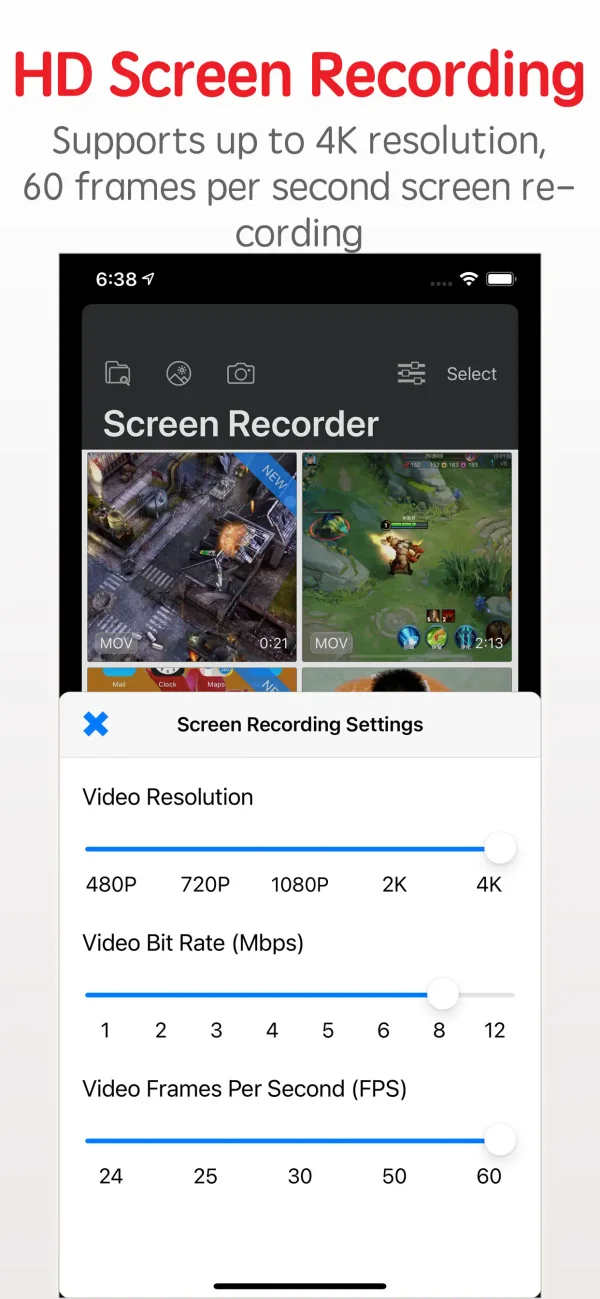
2. Support up to 4K resolution 60 frames screen recording
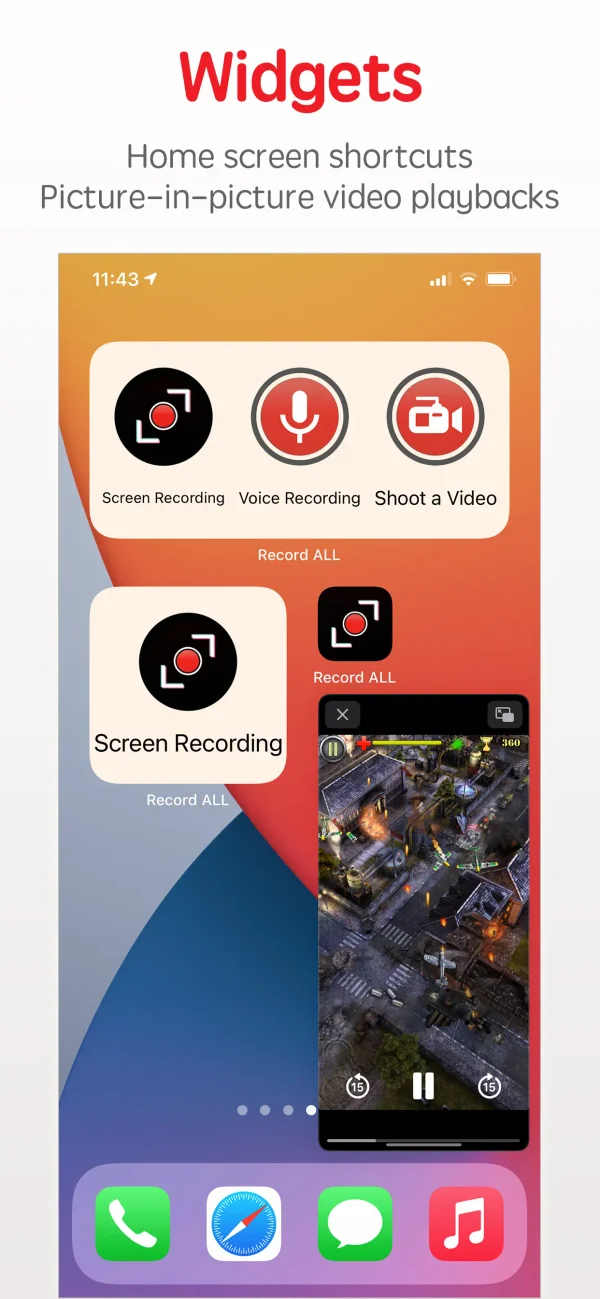
3. Quick one-touch screen recording and directly close the screen recording on the home screen.
4. Record screen in multiple display directions: You can set the display orientation of the recording screen, and the default landscape screen recording (the video direction of most games).
5. Record screen with all kinds of audio
6. Build-in video player
7. Extract audio from video
8. PIP: Recorded video can be picture-in-picture played on the home screen
- Export the video as a Live Photo or GIF image, which is convenient for you to share on social media
- Camera Recording, the recorded video is directly edited or exported as a Live Photo or GIF image
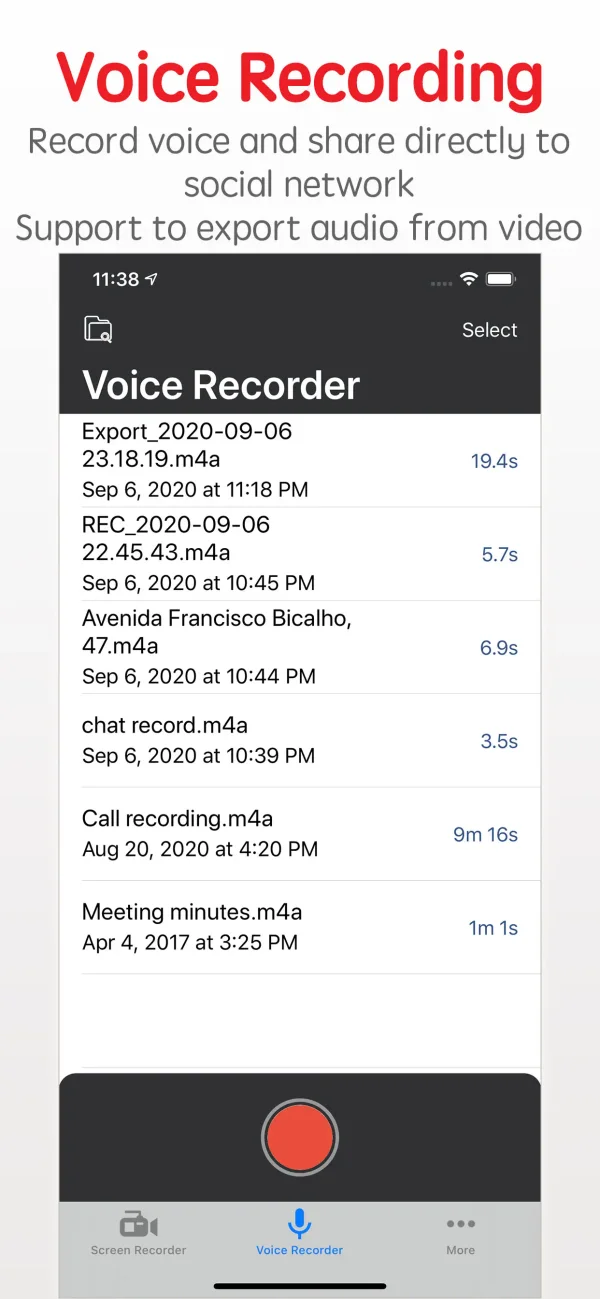
- Voice Recording
1. Record the voice of the microphone directly, and support background recording
2. Set the voice recording quality
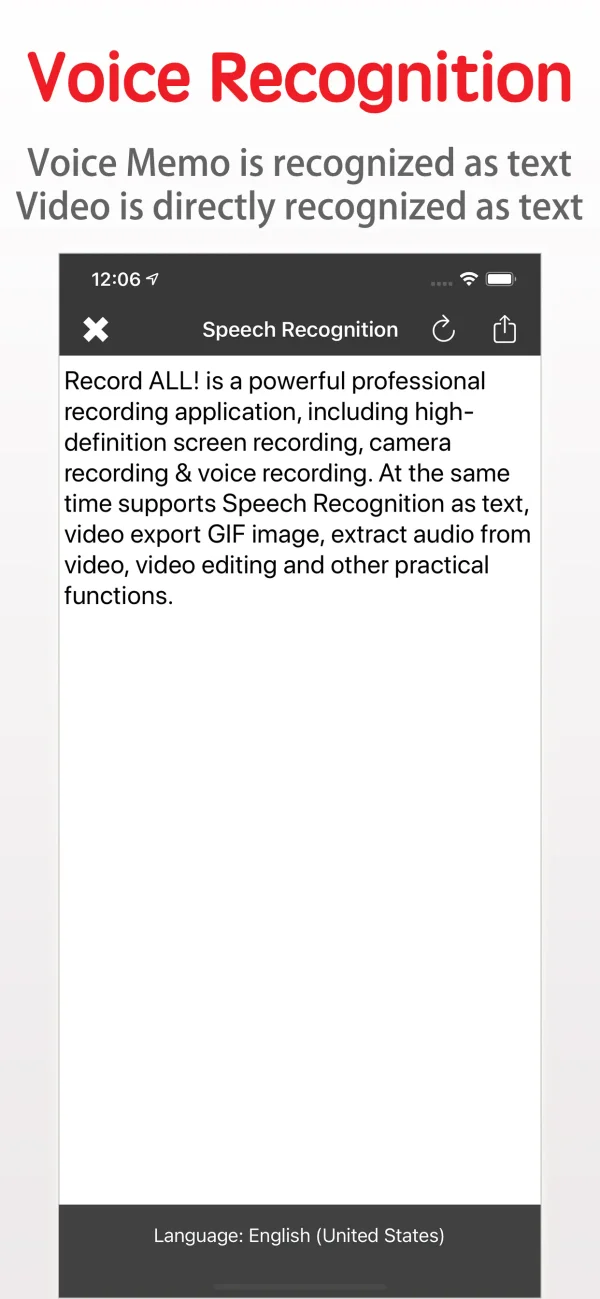
- Voice Recognition
1. Voice Memos are directly recognized as text
2. The audio in the video is directly recognized as text
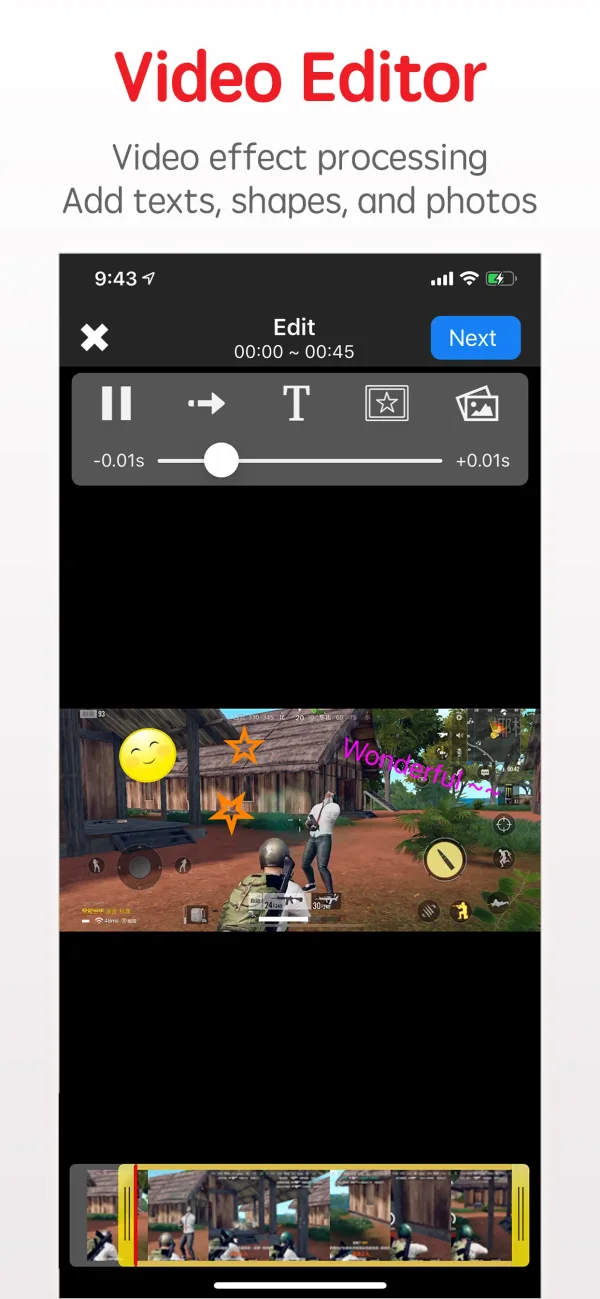
- Video Editor
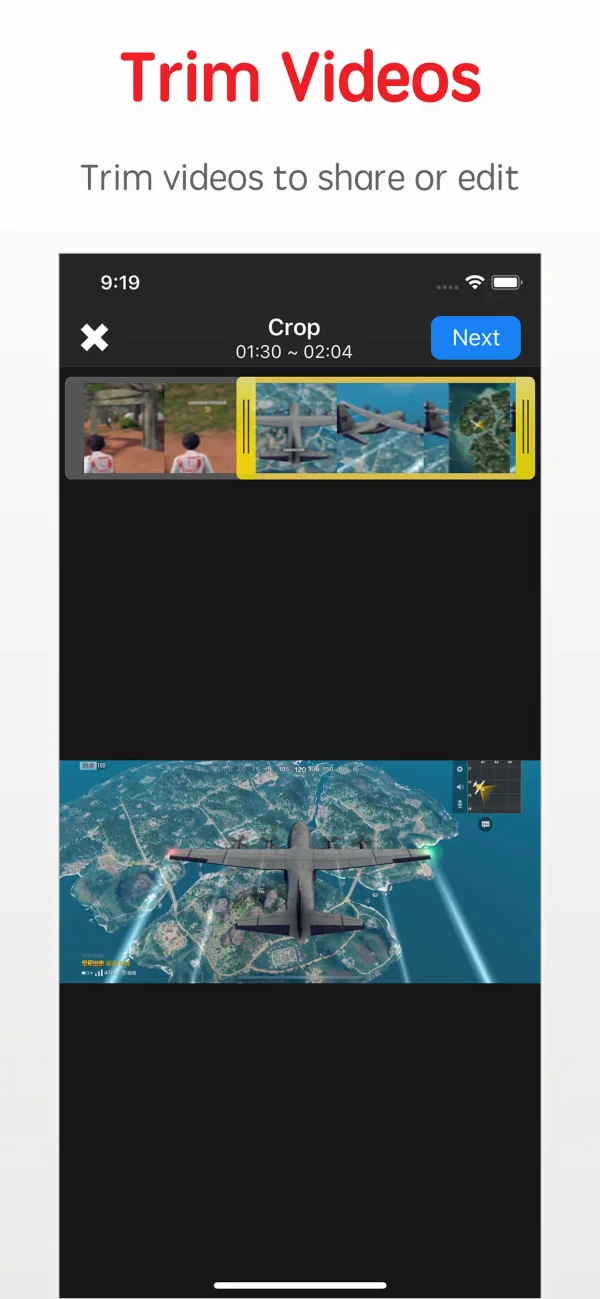
1. Trim or cut the length of the recorded video
2. Add rotation and mirror effects to your videos
3. Adjust the video playback speed
4. Adjust the video playback direction, play forward or backward
5. Add a text watermark to set the text size, color, font, etc.
6. Add a graphic watermark or photo watermark, can set display transparency
7. Import video and edit from system Photo Library
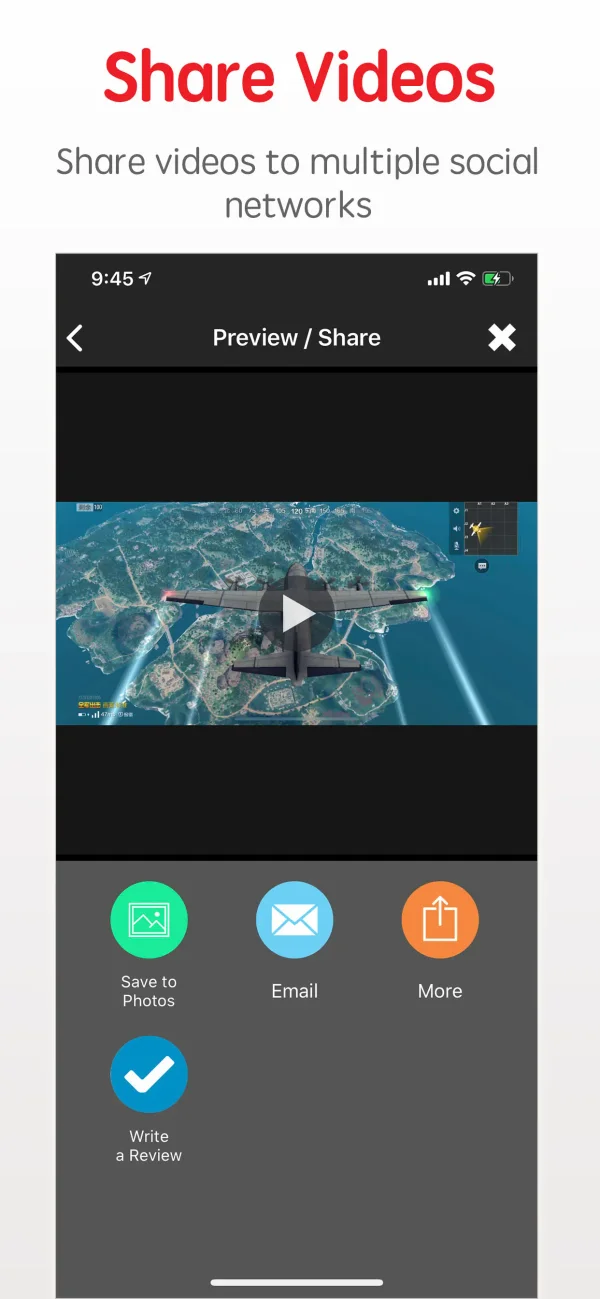
- Share videos & audio with your friends.
1. Share videos and voice recordings to social networks
2. The recorded videos can be saved directly to the system Photos app
3. WiFi file sharing to other mobile devices or computers
4. Import videos directly from the system Photos app
5. Import video and audio directly from iCloud Drive
- Privacy protection
1. App password login
2. Emergency switch to other application functions
- One-click control screen recording and voice recording on the desktop
- One-click control screen recording and voice recording on the lock screen
- Built-in video user guides
* * * * * * * * *
If you enjoy using RecordX, please give us a 5-star rating. Your 5-star rating for each version will keep the updates coming. Thanks in advance.
◆ Subscription Terms ◆
• You can subscribe for unlimited access to all features within RecordX
• Subscriptions are billed annually, monthly, or weekly at the rate selected depending on the subscription plan. Payment will be charged to App Store Account at confirmation of purchase
By using RecordX, you agree to our Privacy Policy and Terms of Use:
http://www.elinapp.com/privacy_policy_new.html
http://www.elinapp.com/terms.html
What’s new
Version 3.5 · Oct 19, 2024
bug fixes
App privacy
What 哲 魏 declares on the App Store about how this app handles data.
-
Data used to track you
May be used to track you across apps and websites owned by other companies.
- Identifiers
-
Data not linked to you
May be collected but is not linked to your identity.
- Identifiers
Privacy practices may vary, for example with the features you use or your age.
Information
- Seller
- 哲 魏
- Category
- Utilities
- Version
- 3.5
- Updated
- Oct 19, 2024
- Released
- Aug 16, 2018
- Size
- 39.4 MB
- Requires
- iOS 12.0 or later
- Age rating
- 4+
- Price
- Free
- In-app purchases
- Yes
- Languages
- English, Arabic, Catalan, Croatian, Czech, Danish, Dutch, Finnish, French, German, Greek, Hebrew + 21 more
- Copyright
- Copyright © 2025 Tiny1Cloud. All Rights Reserved.
You might also like
-
 Screen Recorder,Screen CaptureRecord Video, Audio & Gameplay
-
 Screen Recorder for iPhone HDFacecam, Record Video & Stream
-
 ApowerREC: Record ScreenScreen Recorder & Video Editor
-
 Screen Recorder Pro⋆Record Display & Reaction Cam
-
 Screen Recorder ‑ Record VideoFace Cam, Livestream Recording
-
 Awesome Screen RecorderRecord and share your screen
-
 Screen Recorder- Record GameMy phone display recorder app
-
 Screen Recorder - Go RecordScreen Recorder - Record It
-
 Live Recorder: Record ScreenGame Recorder & Live Streaming
-
 Screen Recorder ®Screen Record - Rec Reactions