
AppLimiter Screen Time Control
Block apps, beat phone habits
Designed for iPhone, iPad
Free
- Age rating4+
- CategoryProductivity
- DeveloperPawel Garbarz
- LanguagesEnglish
- Size6.5 MB
Links to the official App Store page
Download.org hosts no file of AppLimiter Screen Time Control. The button opens its official App Store page, published by Pawel Garbarz. Listing last checked on Nov 18, 2026.
Screenshots
About
AppLimiter helps you break automatic scrolling by limiting how often distracting apps can be opened - not just how long they can be used. Use it for yourself, or protect the settings with a PIN when setting limits for your child.
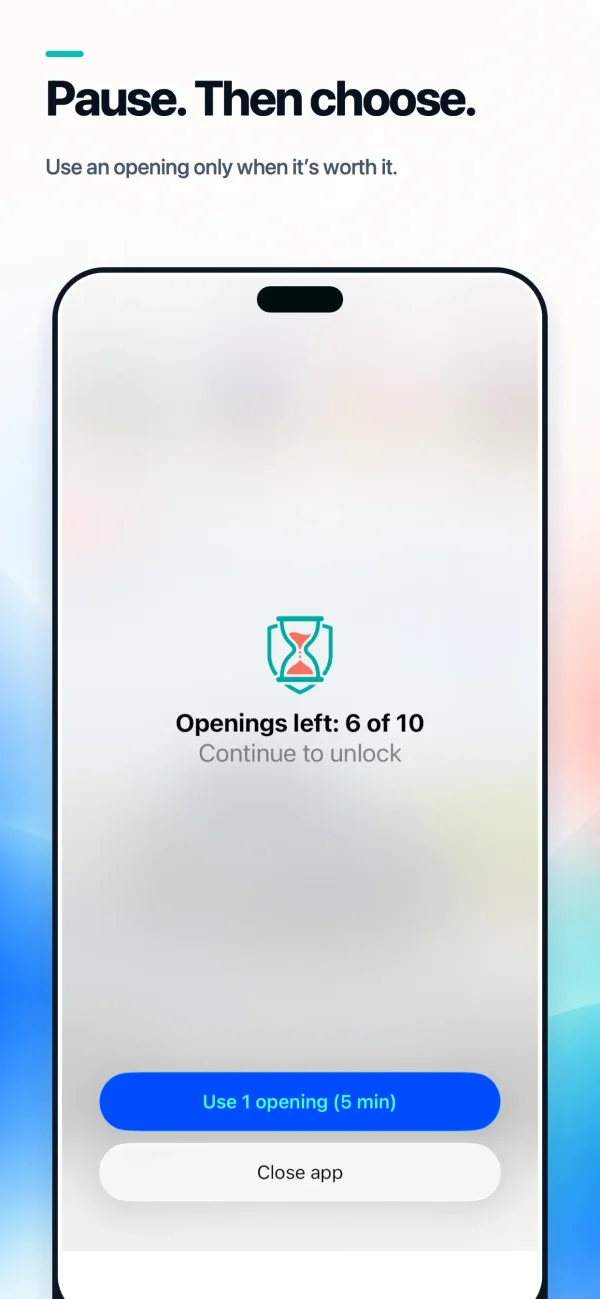
Traditional screen-time limits fade into the background. AppLimiter puts a deliberate pause at the door. Before access is granted, you see how many opens remain and decide whether the session is worth one.
HOW IT WORKS
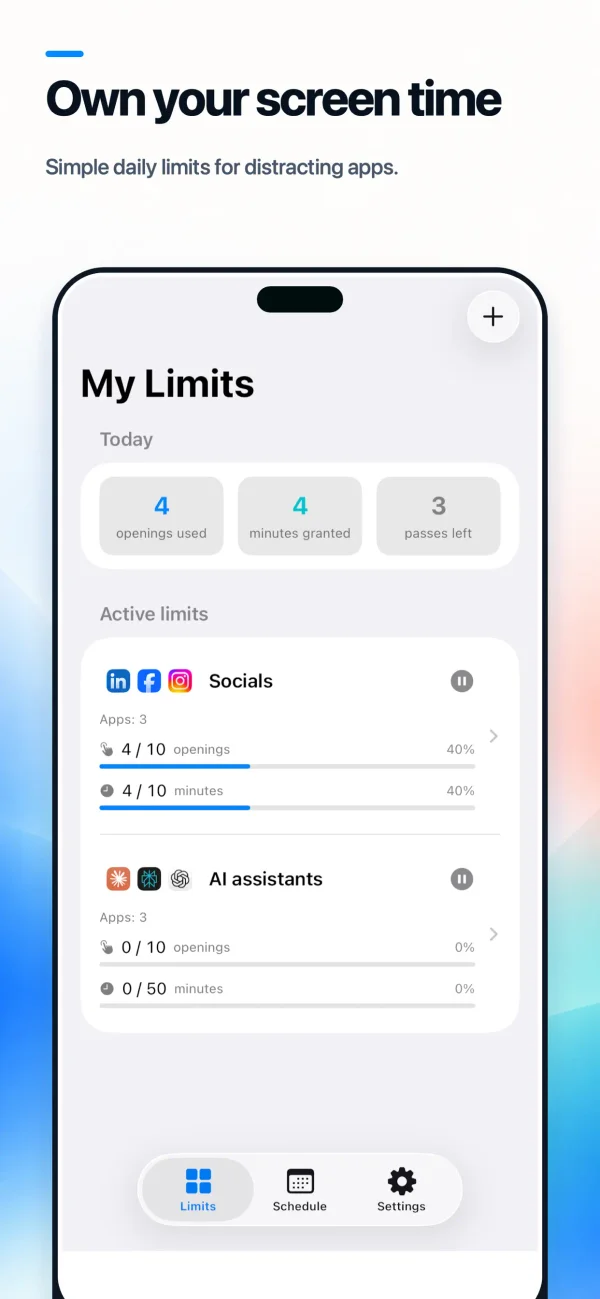
Choose apps or categories, set a daily number of opens, and decide how long each session lasts. When a session ends, close the app or spend another opening to continue. When the budget is empty, selected apps stay blocked until the next daily reset.
BUILD LIMITS THAT FIT YOUR LIFE
• Daily opening budgets for individual apps or entire categories
• Session lengths from 1 to 60 minutes
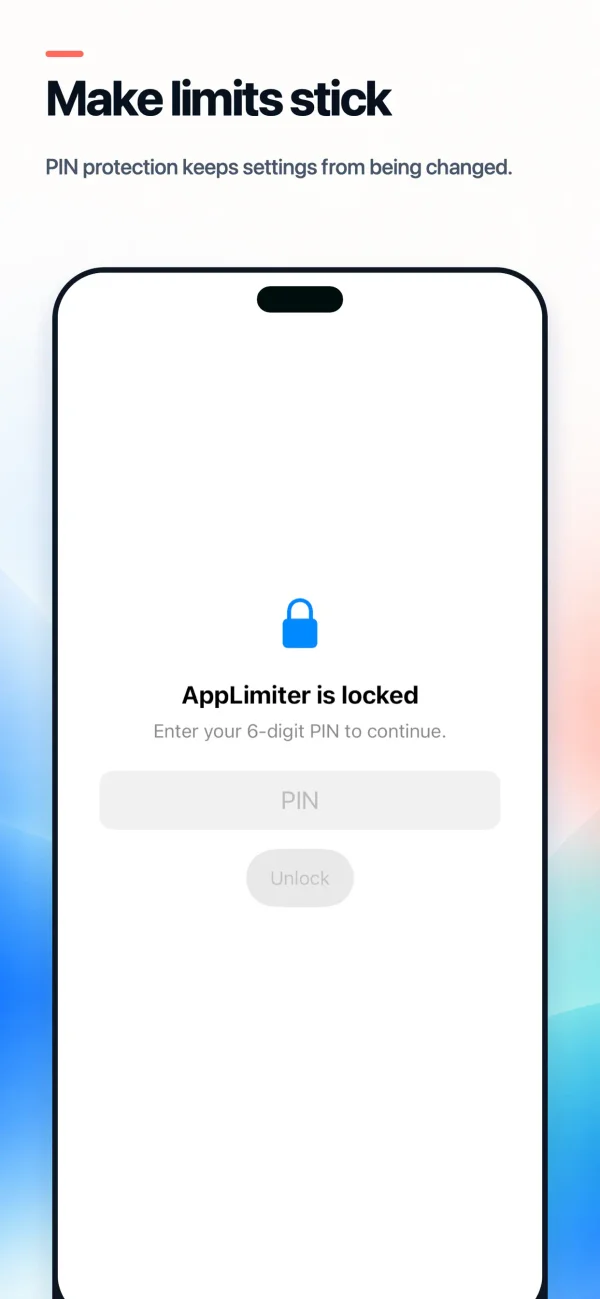
• PIN-protected settings for parent-managed limits
• Separate limits for weekdays, weekends or custom days
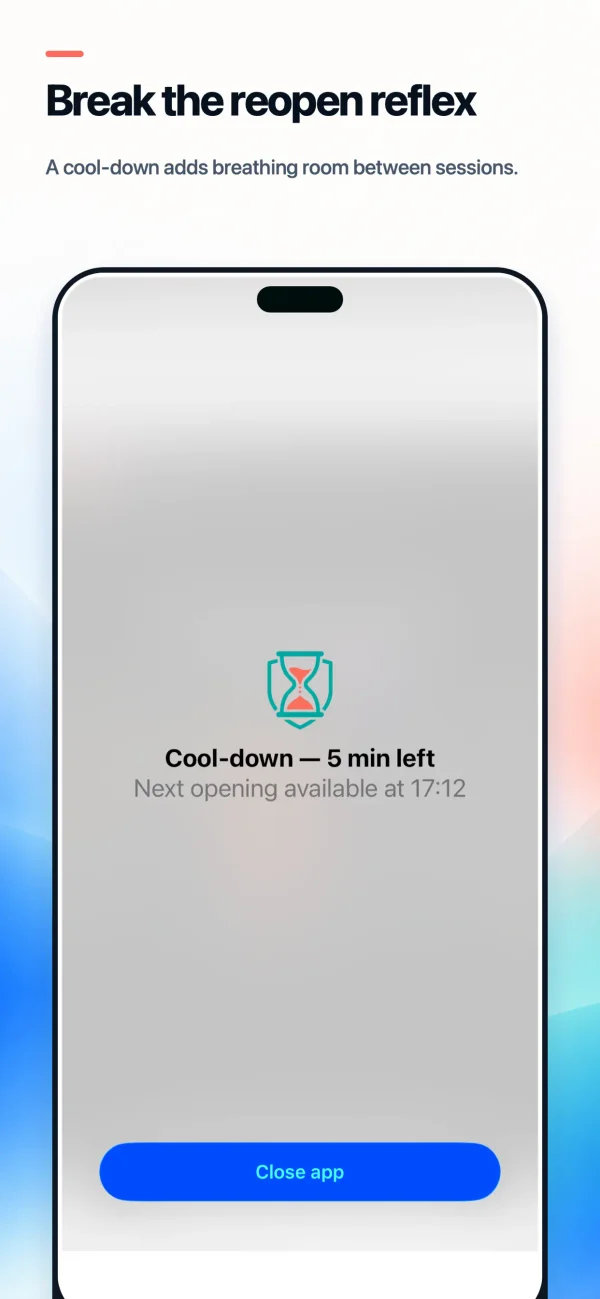
• Cooldowns to prevent immediately reopening an app
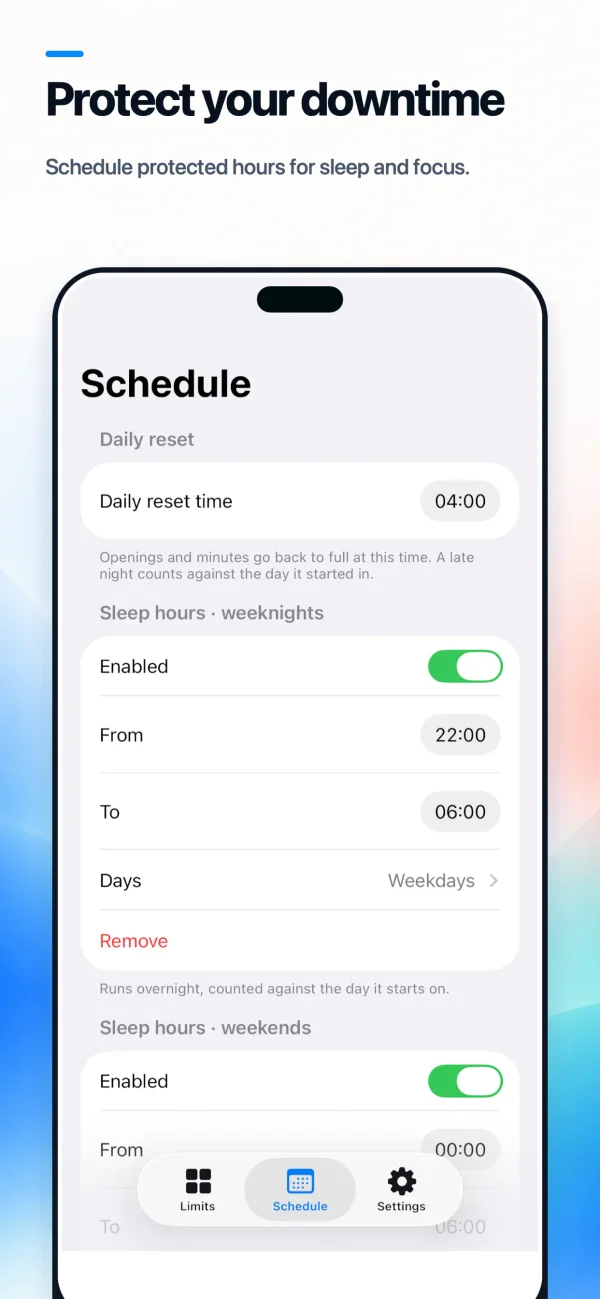
• Blocked hours for sleep, school, work, or focused time
• Friction mode adds a short delay before an opening is used
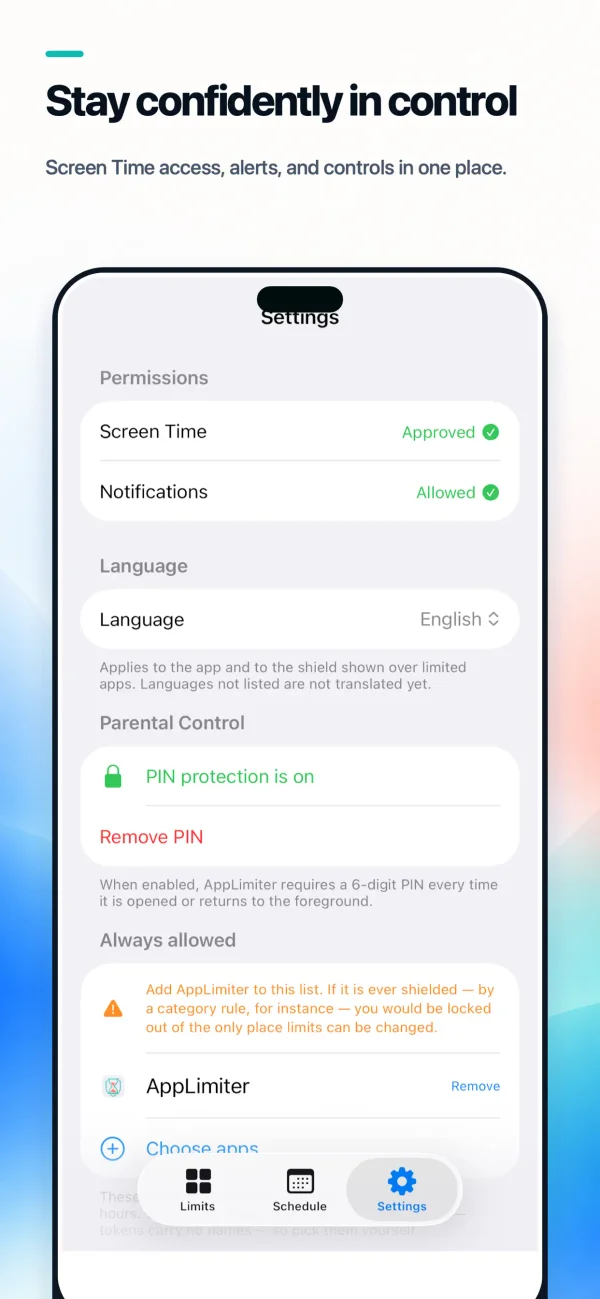
• Always Allowed list for essential apps
• Emergency passes for moments that genuinely need one
• Daily goals, streaks, and weekly progress reports
FOR YOURSELF OR YOUR CHILD
Use AppLimiter to build healthier habits on your own device, or enable PIN protection when setting limits for your child. Protected rules and settings cannot be changed inside AppLimiter without entering the PIN.
DESIGNED TO RESIST IMPULSE
AppLimiter uses Apple’s Screen Time technology to enforce limits, even when AppLimiter is not open. Self-managed limits require a deliberate typed confirmation to change, so one impulsive tap cannot undo your plan.
PRIVATE BY DESIGN
No account. No sign-up. No ads. No analytics. No backend servers. Your settings stay on the iPhone, and selected apps are handled through Apple’s privacy-preserving Screen Time framework.
REQUIREMENTS
AppLimiter requires Screen Time authorization to apply limits. You grant it once during setup and can revoke it at any time in Settings. Requires iOS 26 or later.
What’s new
Version 1.1 · Sep 23, 2026
AppLimiter 1.1 makes your limits easier to follow—and harder to bypass.
• Protect limits and settings with a secure 6-digit parental-control PIN.
• Set a custom cooldown for each limit to prevent immediate reopening after a session.
• Receive clearer notifications when sessions end or daily limits are reached.
• Set separate sleep hours for weekdays and weekends.
• Follow your iPhone’s language automatically, or choose a language manually.
• Enjoy more reliable blocking screens, timers, translations, and permission handling.
Thank you for using AppLimiter!
App privacy
What Pawel Garbarz declares on the App Store about how this app handles data.
-
Data not collected
The developer does not collect any data from this app.
Privacy practices may vary, for example with the features you use or your age.
Information
- Seller
- Pawel Garbarz
- Category
- Productivity
- Version
- 1.1
- Updated
- Sep 23, 2026
- Released
- Sep 17, 2026
- Size
- 6.5 MB
- Requires
- iOS 18.0 or later
- Age rating
- 4+
- Price
- Free
- Languages
- English
- Copyright
- © Paweł Garbarz
You might also like
-
 Allowance: Focus & App LimitsScreen time blocker, itemized
-
 Stop Watching - App LimitsDaily limits & focus hours
-
 Goal Lock: App Blocker & FocusGoal review before you scroll
-
 Reset Focus: Beat DistractionRefocus in 30 Seconds
-
 FocusLock - App Limits & VaultApp limits and private vault
-
 Screen Time Blocker - OtamaApp Blocker & ADHD Focus,Timer
-
 LimitSet: App Blocker & FocusScreen Time Control
-
 StoicLock: Focus & App BlockerADHD Screen Time & Control
-
 Merit: Screen Time BlockerFocus Timer, App Limit Control
-
 Pluto: Screen Time LockBlock apps until you prove it