Retouch Photo - Remove Objects
Background Editor
Designed for iPhone, iPad
Free · In-app purchases
- Age rating4+
- CategoryPhoto & Video
- DeveloperYalex FZC LLC
- LanguagesEnglish+ 3 more
- Size179.8 MB
Links to the official App Store page
Download.org hosts no file of Retouch Photo - Remove Objects. The button opens its official App Store page, published by Yalex FZC LLC. Listing last checked on Nov 18, 2026.
Screenshots

About
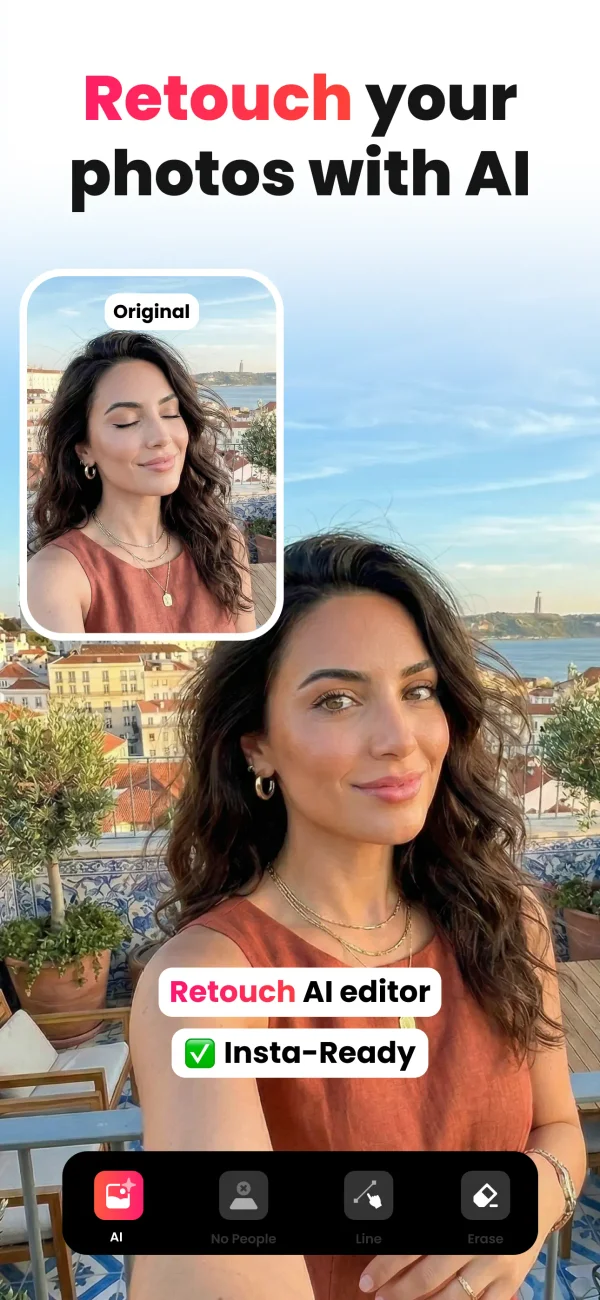
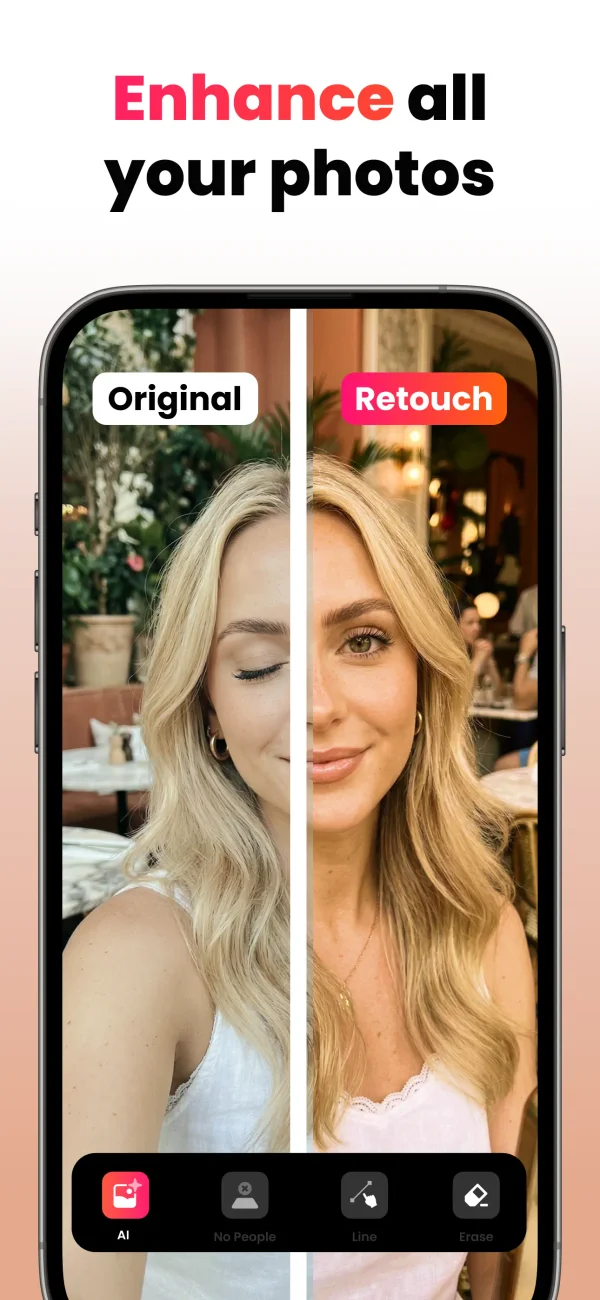
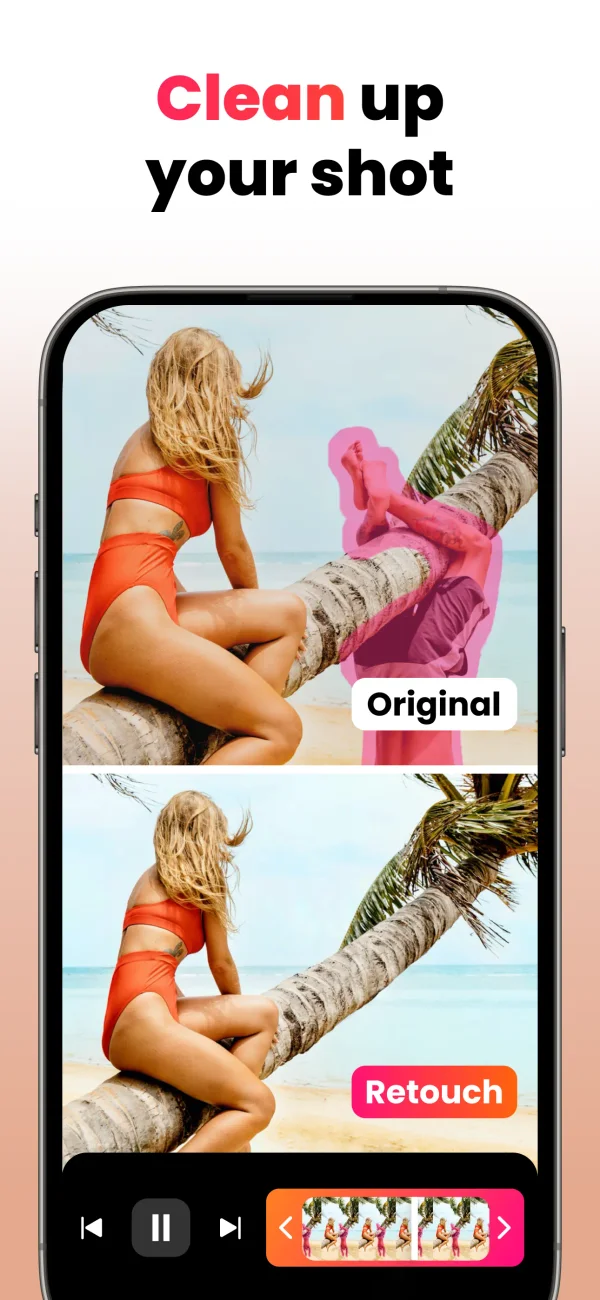
Tired of being photobombed? Thinking about getting rid of some imperfections in the background of the photo but don’t know how? Need to erase unwanted objects from your pictures to get them just right? All these annoying things shouldn’t be a problem anymore with our AI-driven photo editor. RetouchAI is that magic button that will help you easily transform poorly taken photos into the ones you actually deserve.
User-friendly interface, comprehensible functionality, the capability to remove imperfections in “one-click” are features that RetouchAI offers for you, specifically:
• People auto-detection
RetouchAI offers you highly convenient tools to identify strangers and crowd. The editor will precisely auto-detect the borders and highlight them for further auto removal. You just need to single them out in one tap
• Imperfections removal
• Lines removal
• Blemish removal
The app declutters photo imperfections and retouches them in an extremely simplified, yet smart way. The editor makes sure that the chosen area is erased without the photo distortion and is repaired appropriately.
• Multiple retouch algorithms
Once you select a particular area in your photo that needs to be restored, the app will offer you multiple variants. You may choose the one that looks the most natural and will be the best fit.
• Background edit
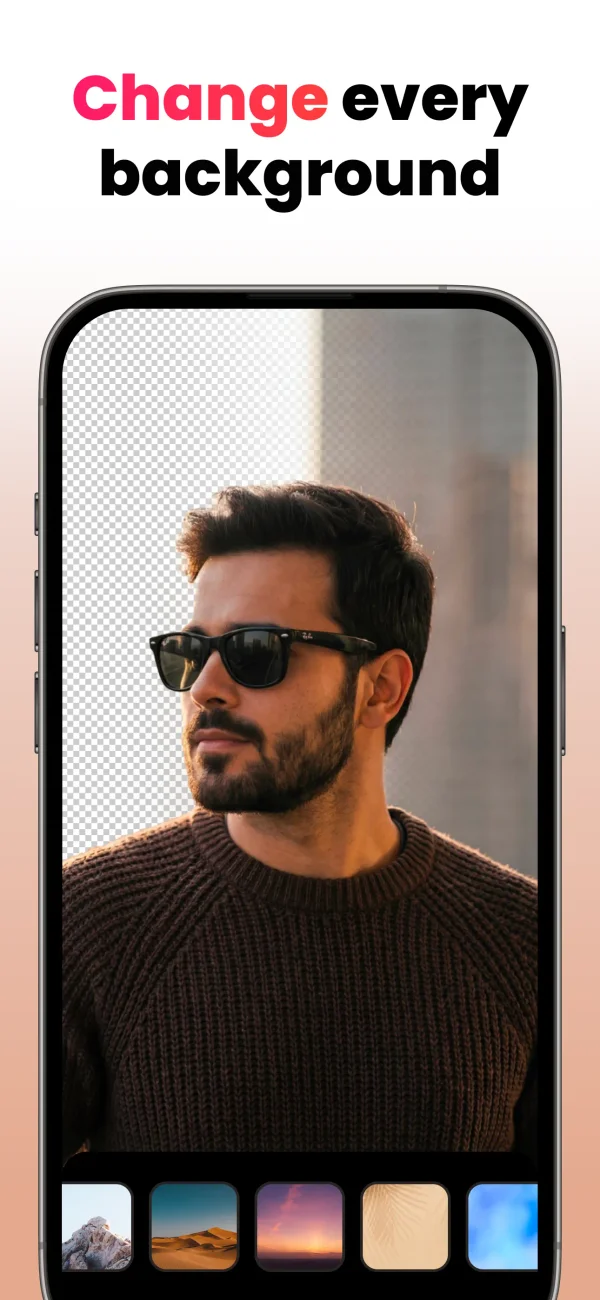
With the RetouchAI photo editor background replacement feature, you can cut out the existing background of your photo easily and replace it with one of the templates from the gallery. In case you don’t want to change the background, the app provides you with the convenient functionality to blur the background to the required extent.
• Efficient clone stamp tool
When you erase certain objects from the photo, the editor needs to restore the marked area with correctly chosen colors. This is done via the clone stamp tool that uses the surrounding area as a context to restore the photo precisely.
• Teeth whitening
The tool allows you to whiten your teeth and make your smile even more fabulous than it is now. Everything is simple: select the necessary area, adjust the intensity of the brush, and boom, everything is ready. Explore a natural teeth whitening feature now.
• Stretching
Allows you to modify the selected area both vertically and horizontally. It's no longer a problem to increase your height, enlarge your hips, or adjust anything else. You just need to choose the place you need to stretch and modify it to the extent you want.
• Helpful tooltips & friendly support
Despite being rather intuitively obvious, the app has numerous embedded tooltips that pop up once you start using the photo editor. All the tooltips were designed to make your photo editing process seamless and pleasant so that you say goodbye to sophisticated interfaces, confusing buttons, and annoying welcome tutorials.
Download RetouchAI and make your photos great again. Enjoy!
Don’t forget to check our privacy policy and terms of service:
http://retouch-ai.com/privacy-policy.html
http://retouch-ai.com/terms-of-service.html
SUBSCRIPTION INFO:
• Subscription for Retouch AI for full access to all features.
• Subscription length: one week, one month, 12 months and lifetime.
• Your payment will be charged to your iTunes Account as soon as you confirm your purchase.
• You can manage your subscriptions and turn off auto-renewal from your Account Settings after the purchase.
• Your subscription will renew automatically, unless you turn off auto-renew at least 24 hours before the end of the current period.
• The cost of renewal will be charged to your account in the 24 hours prior to the end of the current period.
• When canceling a subscription, your subscription will stay active until the end of the period. Auto-renewal will be disabled, but the current subscription will not be refunded.
• Any unused portion of a free trial period, if offered, will be forfeited when purchasing a subscription.
What’s new
Version 7.06 · Jul 25, 2026
- Bug Fixes and Performance Improvements.
App privacy
What Yalex FZC LLC declares on the App Store about how this app handles data.
-
Data used to track you
May be used to track you across apps and websites owned by other companies.
- Purchases
- Identifiers
-
Data not linked to you
May be collected but is not linked to your identity.
- Purchases
- Identifiers
- Usage data
- Diagnostics
Privacy practices may vary, for example with the features you use or your age.
Information
- Seller
- Yalex FZC LLC
- Category
- Photo & Video
- Version
- 7.06
- Updated
- Jul 25, 2026
- Released
- May 1, 2020
- Size
- 179.8 MB
- Requires
- iOS 16.6 or later
- Age rating
- 4+
- Price
- Free
- In-app purchases
- Yes
- Languages
- English, Japanese, Korean, Russian
- Copyright
- © YALEX FZC LLC
You might also like
-
 Retouch: AI Object RemoverFix Background Photo Eraser
-
 Photo Eraser - Remove ObjectsAI retouch & erase background
-
 EasyGlam: AI Photo EditorCamera & Picture Color Changer
-
 Selfie Editor - Face FiltersTeeth whitener, Acne remover
-
 Reel MakerAI Video Editor with Templates
-
 Unblur - AI Photo EnhancerEnhance Quality,Fix,HD Restore
-
 Watermark Maker・Eraser ObjectsPhoto & Video
-
 Background Eraser: AI RemoveSmart Cutout, Superimpose Tool
-
 Photo Retouch-Object RemovalPimple Eraser&Blemish Remover
-
 Video Eraser .AI Remove Objects