
Photo Eraser - Remove Objects
AI retouch & erase background
Designed for iPhone, iPad, iPod touch
Free · In-app purchases
- Age rating4+
- CategoryPhoto & Video
- DeveloperAI Photo Editor Lab SRL
- LanguagesEnglish+ 13 more
- Size155.7 MB
Links to the official App Store page
Download.org hosts no file of Photo Eraser - Remove Objects. The button opens its official App Store page, published by AI Photo Editor Lab SRL. Listing last checked on Nov 24, 2026.
Screenshots




About
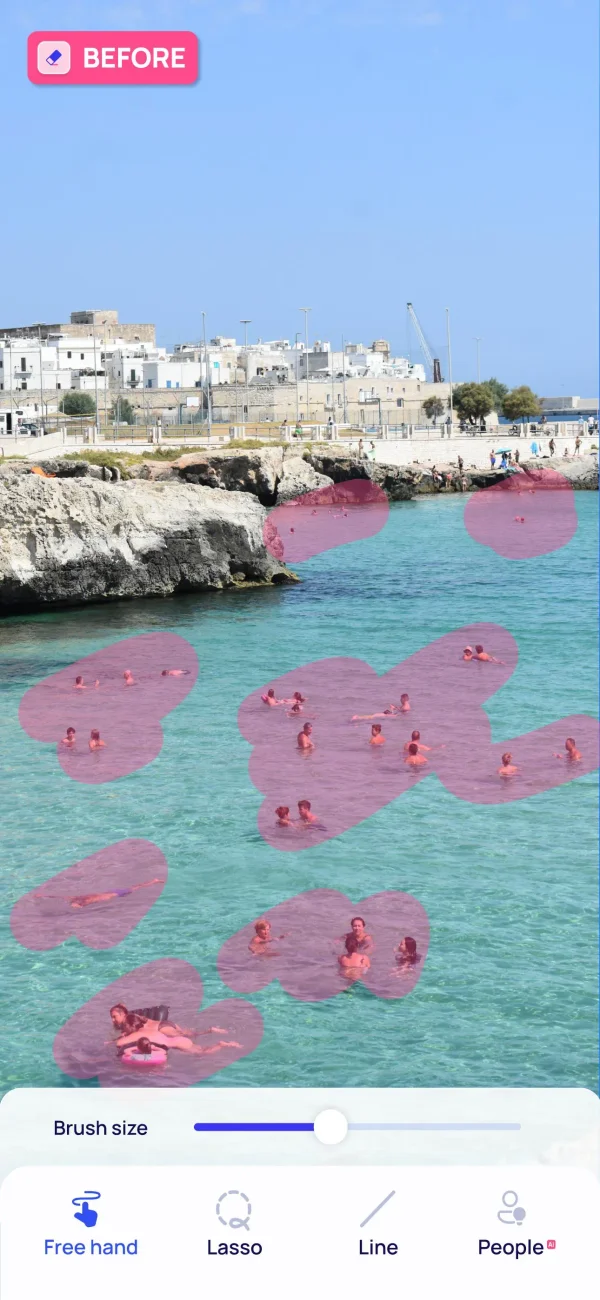
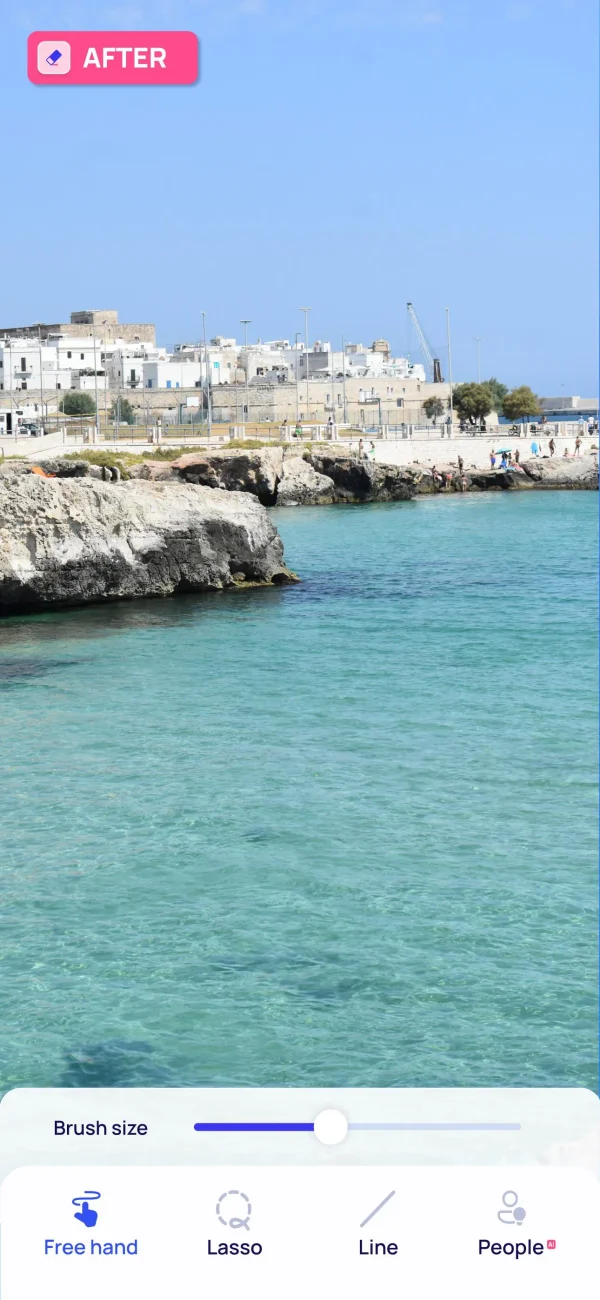
Powered by advanced AI technology, Photo Eraser not only removes unwanted objects from your pictures but also seamlessly reconstructs the background to give you that perfect shot you've always desired.
No more distractions in your photos! With Photo Eraser's cutting-edge erase elements function, you can effortlessly eliminate any unwanted object, person or background clutter from your images. The app's AI capabilities ensure that the area previously occupied by the removed item is filled in with an accurate and natural-looking background, making the edit invisible.
The Photo Eraser feature comes equipped with a range of intuitive tools designed to speed up the editing process, ensuring you achieve professional-quality results in just a few taps:
- AI Super Eraser: Leverage advanced Generative AI models to reconstruct intricate backgrounds seamlessly, removing unwanted elements while maintaining a natural and cohesive appearance.
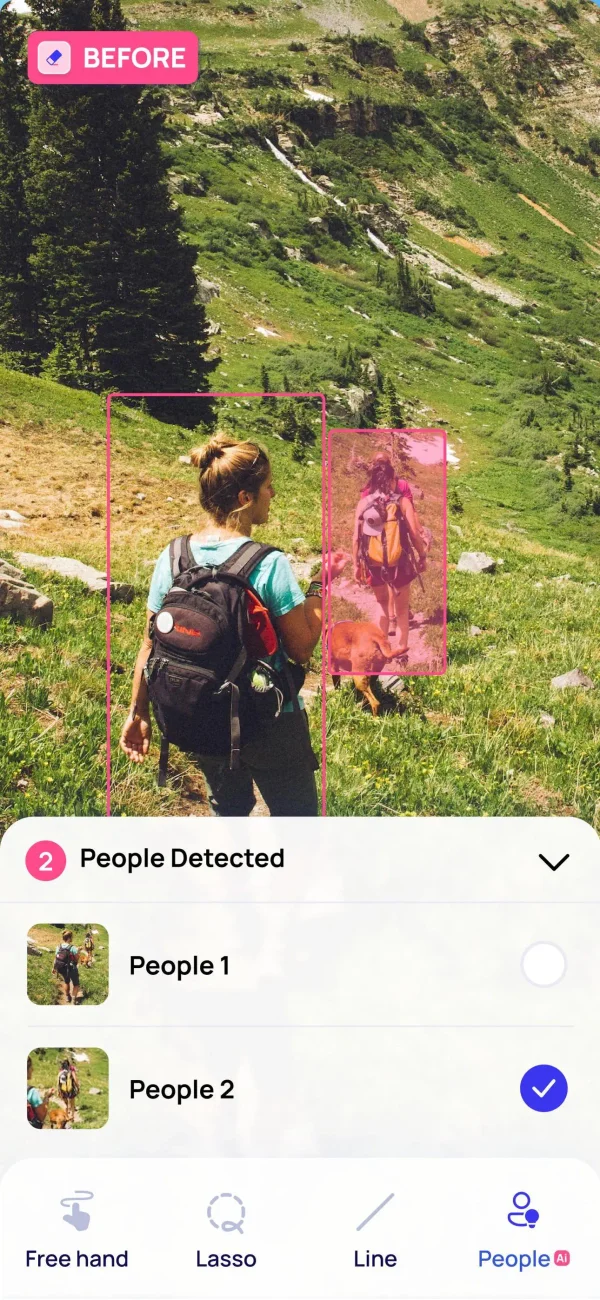
- AI Magic Object Detection: The AI detection feature automatically identifies objects and people that you may want to remove. This intelligent detection capability saves you time and effort.
- Lines Detection: Photo Eraser has a lines detection feature specifically designed to remove cables or power lines from your images.
- Free Hand and Lasso Tools: For more control over the editing process, the app also provides standard free hand and lasso tools, allowing you to precisely select and remove unwanted items from your pictures.
Photo Eraser also offers additional features:
- AI Expand: Extend the boundaries of your images with ease, using AI to fill the extra space with context-aware, visually harmonious elements for a natural-looking expansion.
- AI Transform: Leverage cutting-edge Generative AI to add, modify, or replace objects in your photos seamlessly, creating visually stunning and natural-looking edits. Transform: Leverage cutting-edge Generative AI to add, modify, or replace objects in your photos seamlessly, creating visually stunning and natural-looking edits.
- Remove Background: A highly precise tool for eliminating or personalising the background from your images.
- AI Filters: Apply unique filters such as CV Style for professional polish, Wedding Theme for a romantic touch, or Cartoon Effect for a fun and creative look.
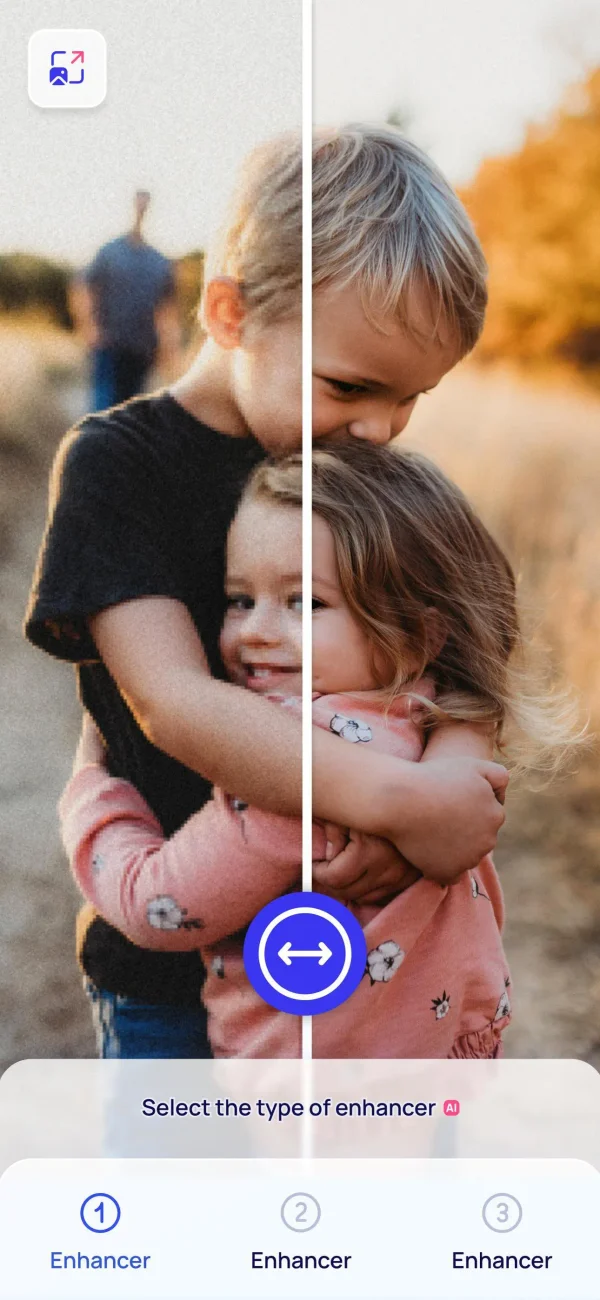
- Photo Enhancer: Improve and restore the quality of blurred images, turning less-than-perfect shots into clear, sharp, and high-quality photos.
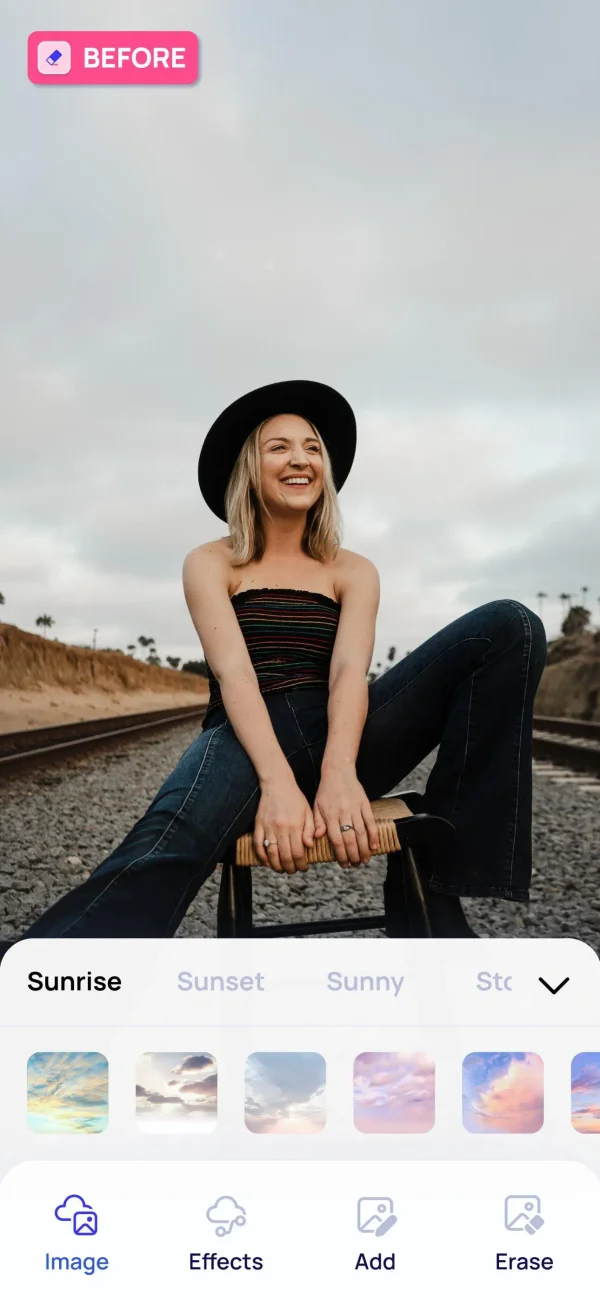
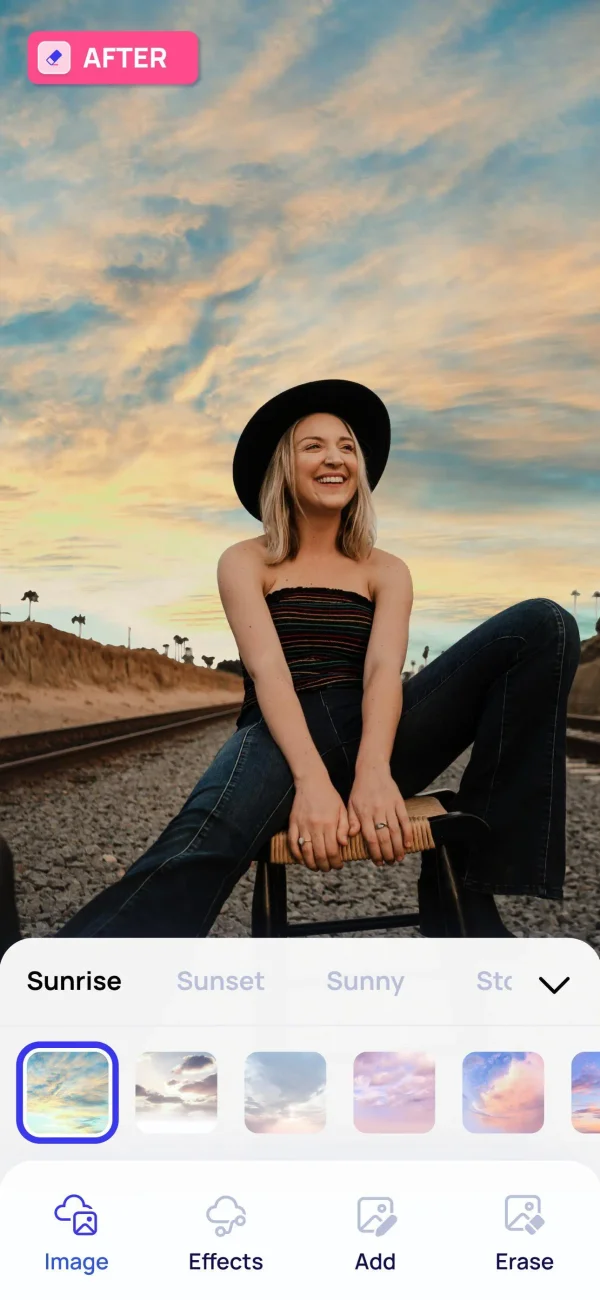
- Change the Sky: A feature that allows to transform the sky in your pictures, recreating the mood and aesthetic of your scenes with just a few taps.
- Retouch Feature: Blemishes and pimples can be quickly and easily removed, leaving your skin looking flawless.
- Advanced Cropping: It lets you effortlessly frame your shots in the most visually appealing way.
Experience the magic of AI-powered photo editing with Photo Eraser. Transform your pictures into professional-quality images. With Photo Eraser, you can create picture-perfect moments that truly stand out.
Subscribe to access to premium app features; subscription details are the following:
• Length: weekly
• Your payment will be charged to your iTunes Account as soon as you confirm your purchase
• You can manage your subscriptions and turn off auto-renewal from your Account Settings after the purchase
• Your subscription will renew automatically, unless you turn off auto-renew at least 24 hours before the end of the current period
• The cost of renewal will be charged to your account in the 24 hours prior to the end of the current period
• When canceling a subscription, your subscription will stay active until the end of the period. Auto-renewal will be disabled, but the current subscription will not be refunded
• Any unused portion of a free trial period, if offered, will be forfeited when purchasing a subscription
Terms of Use: https://www.apple.com/legal/internet-services/itunes/dev/stdeula/. If you have any questions please contact us: photoeraser.help@gmail.com
What’s new
Version 3.9 · Jul 21, 2026
Bug fixing and stability improvements
App privacy
What AI Photo Editor Lab SRL declares on the App Store about how this app handles data.
-
Data used to track you
May be used to track you across apps and websites owned by other companies.
- Location
- Identifiers
- Usage data
- Diagnostics
-
Data linked to you
May be collected and linked to your identity.
- Location
- Identifiers
- Usage data
- Diagnostics
-
Data not linked to you
May be collected but is not linked to your identity.
- Diagnostics
Privacy practices may vary, for example with the features you use or your age.
Information
- Seller
- AI Photo Editor Lab SRL
- Category
- Photo & Video
- Version
- 3.9
- Updated
- Jul 21, 2026
- Released
- Jun 14, 2019
- Size
- 155.7 MB
- Requires
- iOS 15.6 or later
- Age rating
- 4+
- Price
- Free
- In-app purchases
- Yes
- Languages
- English, Arabic, French, German, Indonesian, Italian, Japanese, Korean, Polish, Portuguese, Russian, Simplified Chinese + 2 more
- Copyright
- © 2024 AI Photo Editor Lab
You might also like
-
 Object Remover by Touch UpEdit out unwanted things
-
 Retouch Photo - Remove ObjectsBackground Editor
-
 Background Eraser: AI RemoveSmart Cutout, Superimpose Tool
-
 Retouch: AI Object RemoverFix Background Photo Eraser
-
 Photo Retouch-Object RemovalPimple Eraser&Blemish Remover
-
 SnapEdit: Photo Editor AIRemove Object & Enhance Photo
-
 Unblur - AI Photo EnhancerEnhance Quality,Fix,HD Restore
-
 Video Eraser .AI Remove Objects
-
 Bazaart AI Photo Editor DesignRemove background and objects