Binder: Document Organizer
Personal Document Organizer
Designed for iPhone, iPad
Free · In-app purchases
- Age rating4+
- CategoryProductivity
- DeveloperApp4Life Sweden AB
- LanguagesEnglish+ 21 more
- Size24.3 MB
Links to the official App Store page
Download.org hosts no file of Binder: Document Organizer. The button opens its official App Store page, published by App4Life Sweden AB. Listing last checked on Nov 24, 2026.
Screenshots
About
Everything in Binder is free. An optional purchase removes the ads.
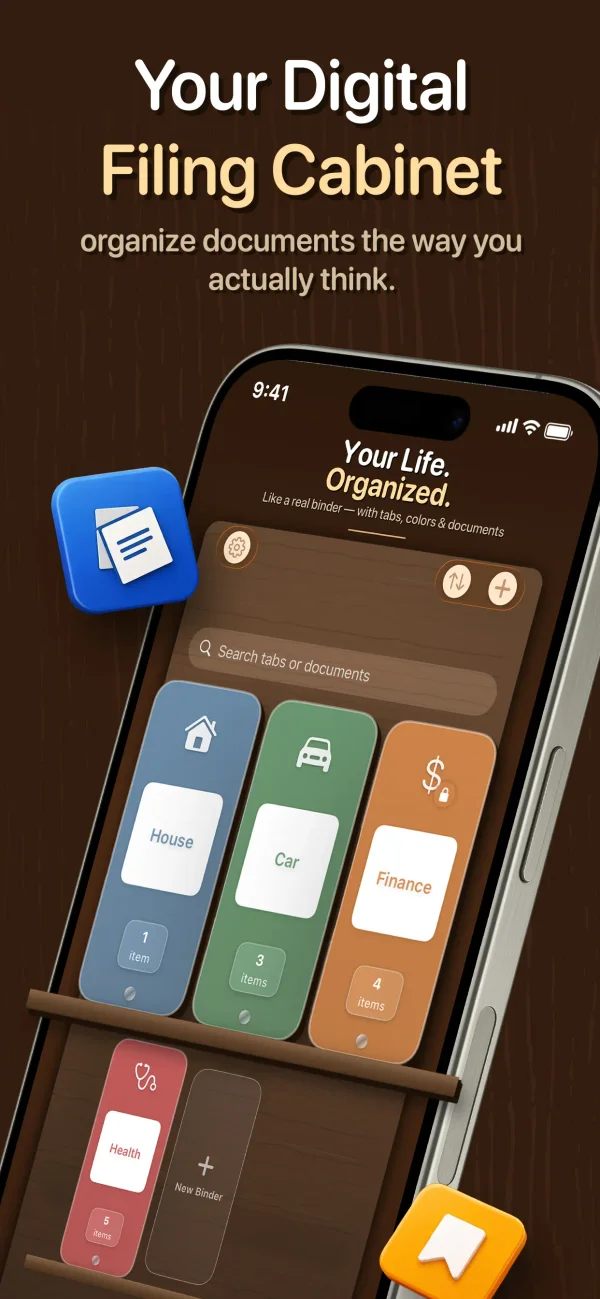
Keep all your important documents organized and searchable in one place. Binder lets you create colorful binders with customizable tabs – just like a real filing cabinet, but in your pocket.
**Scan & Search Everything**
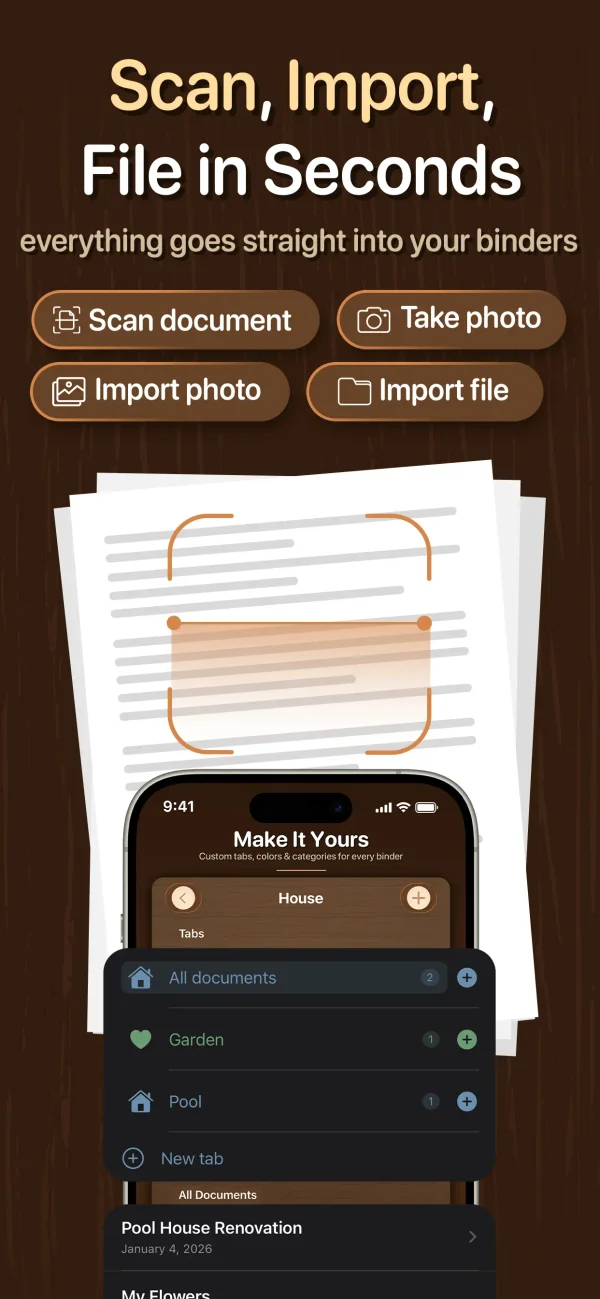
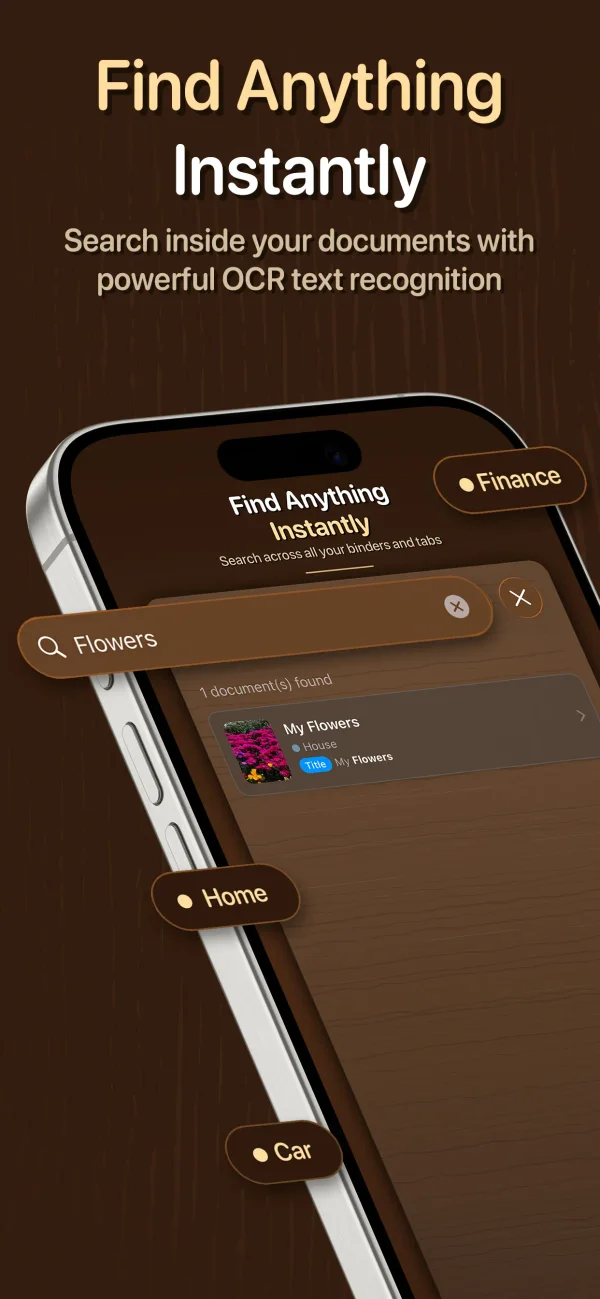
Scan documents with your camera or import from photos and files. Powerful OCR technology makes every document searchable – find any receipt, contract, or note instantly.
**Stay Organized**
Create binders for different categories – home, car, health, finances. Add tabs to organize further. Customize colors and icons to make them yours.
**Never Miss a Deadline**
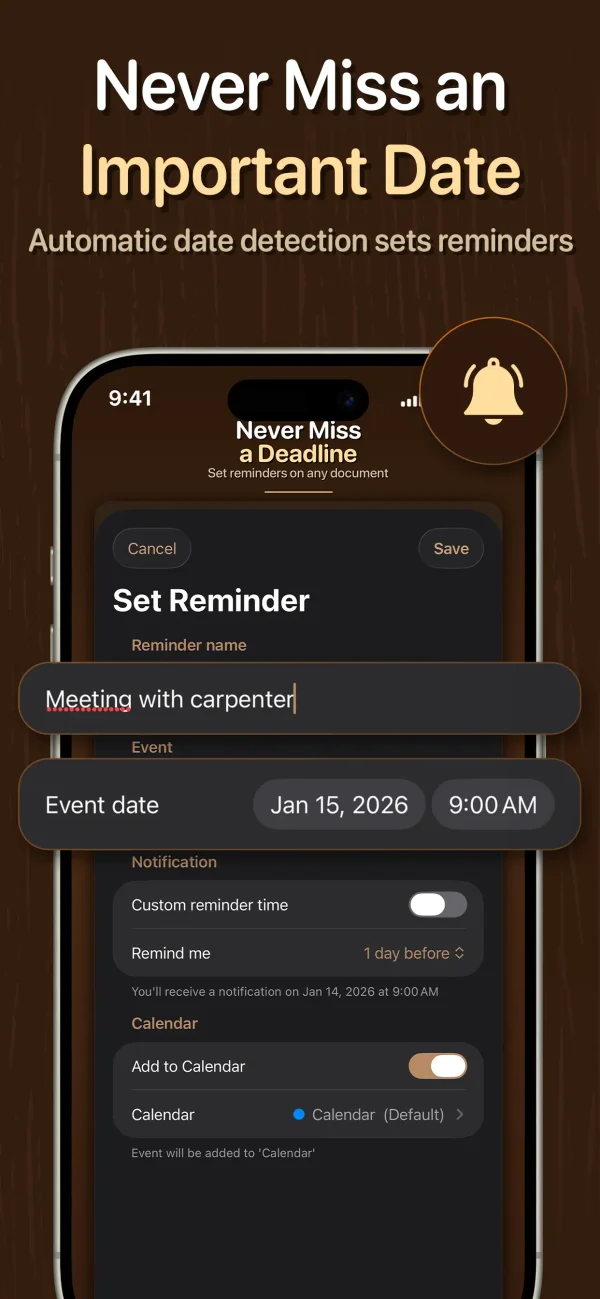
Set reminders for important dates found in your documents. Get notified and add events directly to your calendar.
**Private & Secure**
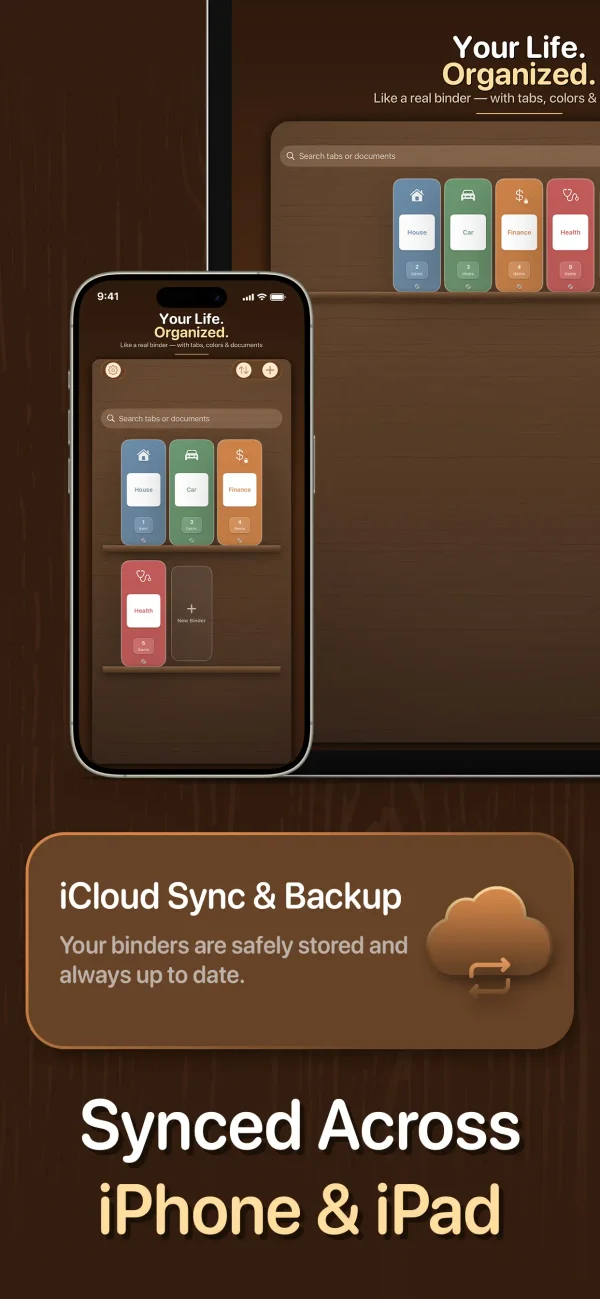
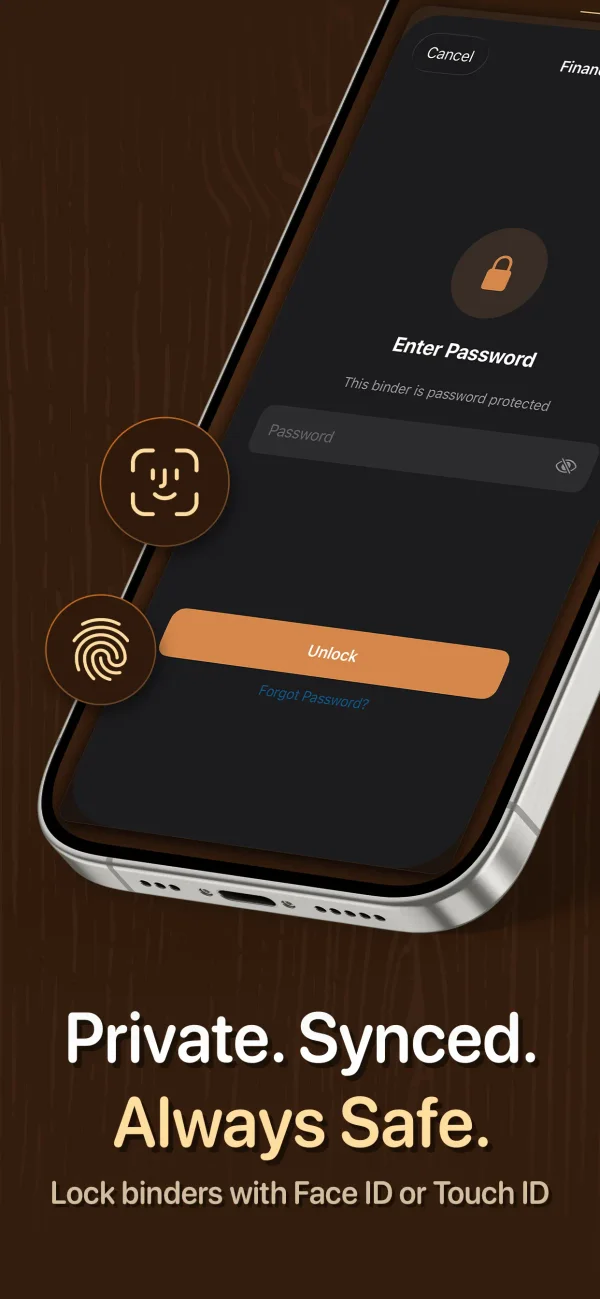
Protect sensitive binders with password protection. Your documents sync securely via iCloud across all your devices.
**Features:**
• Colorful binders with customizable tabs
• OCR-powered instant search
• Password protection
• Reminders & calendar integration
• iCloud sync
• Import from camera, photos, or files
What’s new
Version 4.0.2 · Nov 22, 2026
IMPORTANT UPDATE
Binder is back in the share menu of other apps, so you can once again save photos, PDFs and files straight into a binder. Sorry for the trouble in 4.0.1!
Share notes with others who use Binder.
* Choose “Share with Another Binder User” and the note lands among their notes, with its text and pictures. “Share as PDF or Text” works for anyone, as before.
* Hold down a note to share or delete it.
* Your own comment on a document now shows on the document and in the list. Add one with “Add comment” in the document’s menu.
* When a binder or note arrives in Messages or Mail, it is clearer how to keep it.
* The chapter buttons in Tips & Tricks work on iPad again.
New in 4.0, in case you have not updated yet:
* Binder works in landscape on iPad too.
* Hold down a binder and choose “Share with Another Binder User” to send it with AirDrop, Messages or Mail – even to someone with a different Apple Account. Handy when you get a new phone, or want to give a binder to someone in the family. To send just a few documents, select them inside a binder and tap Share.
* The person who gets it puts it on their shelf as it is, with its tabs, colour and icon, or adds the documents to a binder of their own. Messages and Mail show what is inside before it is opened.
* A locked binder asks for its password or Face ID before it can be shared.
* “Gather Binders Together” closes every gap on your shelf in one tap. A new binder goes to its place in A to Z order when your shelf is sorted that way.
* Tips & Tricks has a search field and an index, so you find what you are looking for straight away.
* A document with a reminder now shows the event time and the reminder time in the list, just like a note.
* The whole app follows the text size you have chosen in Settings.
App privacy
What App4Life Sweden AB declares on the App Store about how this app handles data.
-
Data used to track you
May be used to track you across apps and websites owned by other companies.
- Identifiers
- Usage data
-
Data not linked to you
May be collected but is not linked to your identity.
- Identifiers
- Usage data
Privacy practices may vary, for example with the features you use or your age.
Information
- Seller
- App4Life Sweden AB
- Category
- Productivity
- Version
- 4.0.2
- Updated
- Nov 22, 2026
- Released
- Jan 13, 2026
- Size
- 24.3 MB
- Requires
- iOS 18.6 or later
- Age rating
- 4+
- Price
- Free
- In-app purchases
- Yes
- Languages
- English, Arabic, Danish, Dutch, Finnish, French, German, Greek, Hebrew, Hindi, Italian, Japanese + 10 more
- Copyright
- © App4Life
You might also like
-
 Docs24 - Organize documentsAll documents in one place
-
 Digital Document OrganizerDocuments Manager, Docs
-
 BundleNote - Binder memo padSwipe to move and add pages
-
 Ulysses: Writing AppWrite a novel, story, book
-
 NoteCircle: To-Do ListWeekly Planner,Habit,Checklist
-
 RoutineFlow: Routine for ADHDFinally Stick To Routines
-
 Planmore: Schedule Planner AppDaily Calendar, Time Organizer
-
 Element Note: Digital NotebookHandwritten Notes & PDF Markup
-
 Notebook – Diary & Journal AppPrivate Diary, One Page a Day
-
 Notebook – AI Notes, NotepadVoice Memo, To-Do & Planner